

 FSX Civil Aircraft
Western Airlines Boeing 707-320C Special
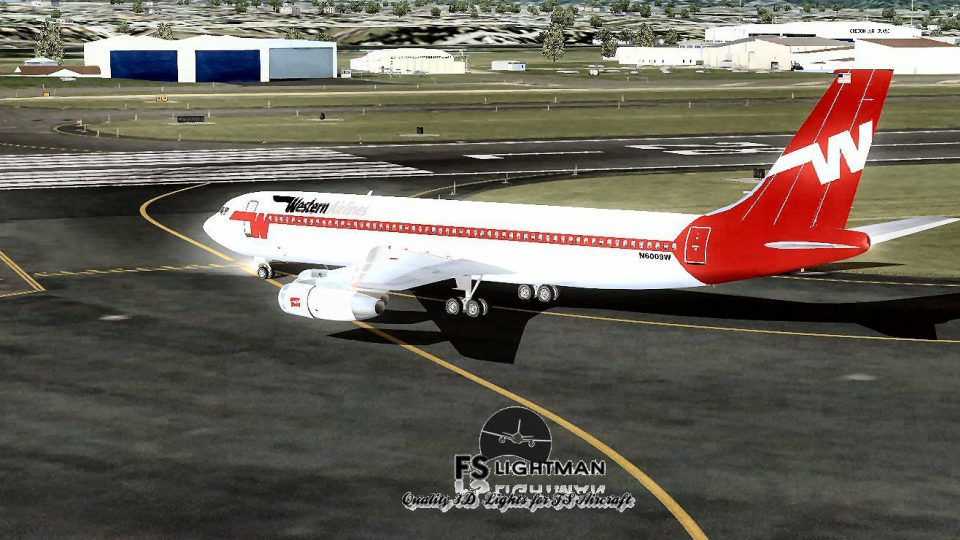
This freeware release showcases a distinguished Boeing 707-320C in Western Ai…
Western Airlines Boeing 707-320C 2014 brings a classic convertible jetliner to life with Vista Liners handling, authentic textures, and integrated A2A 3D lighting for richer night operations. Built for Microsoft Flight Simulator X, it includes a paint kit for custom liveries and requires DirectX 9c for reliable panel and visual behavior.
 Rate
Rate
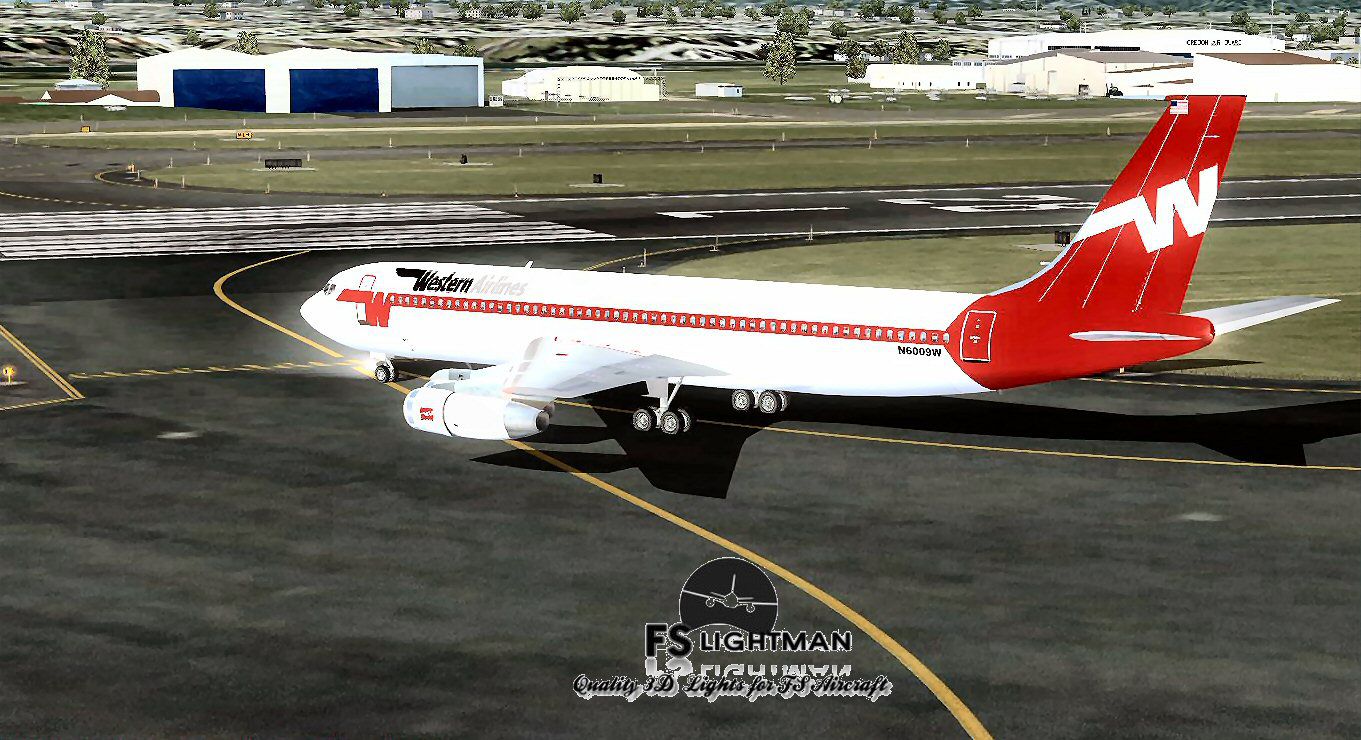
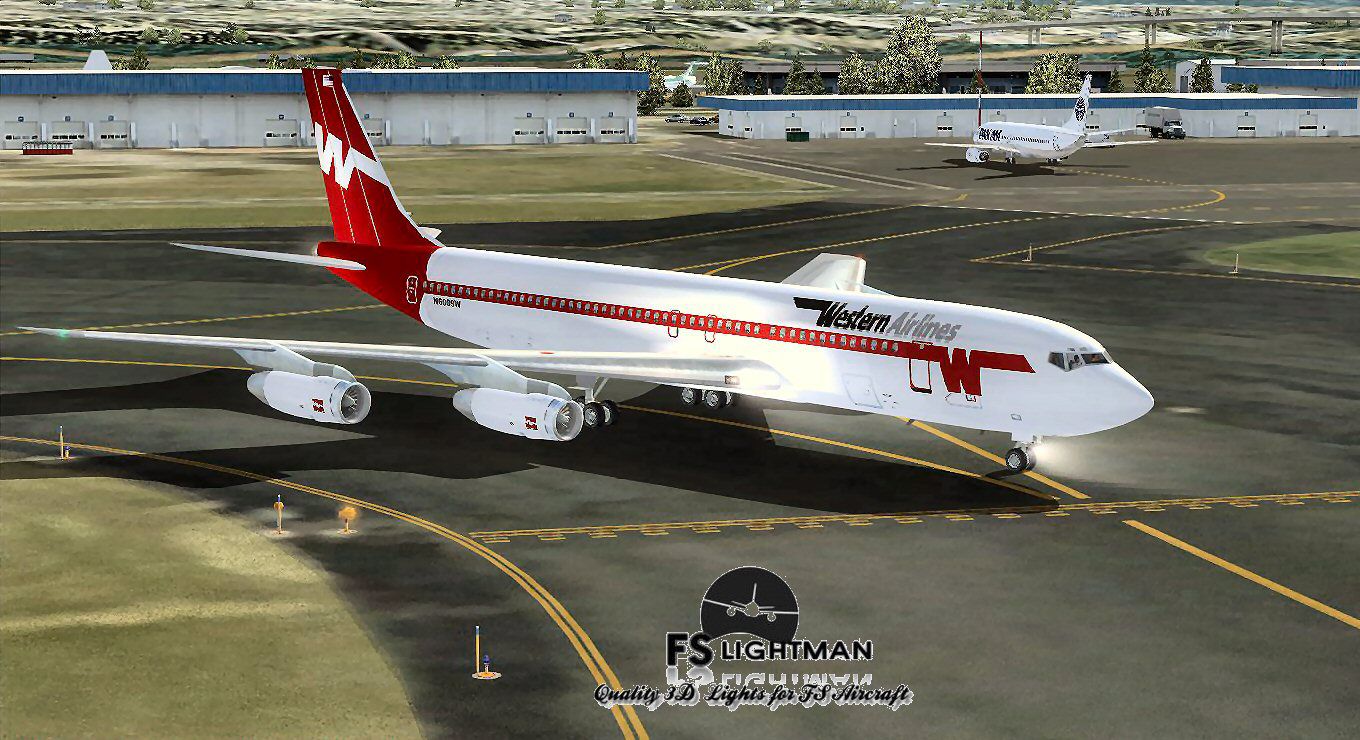

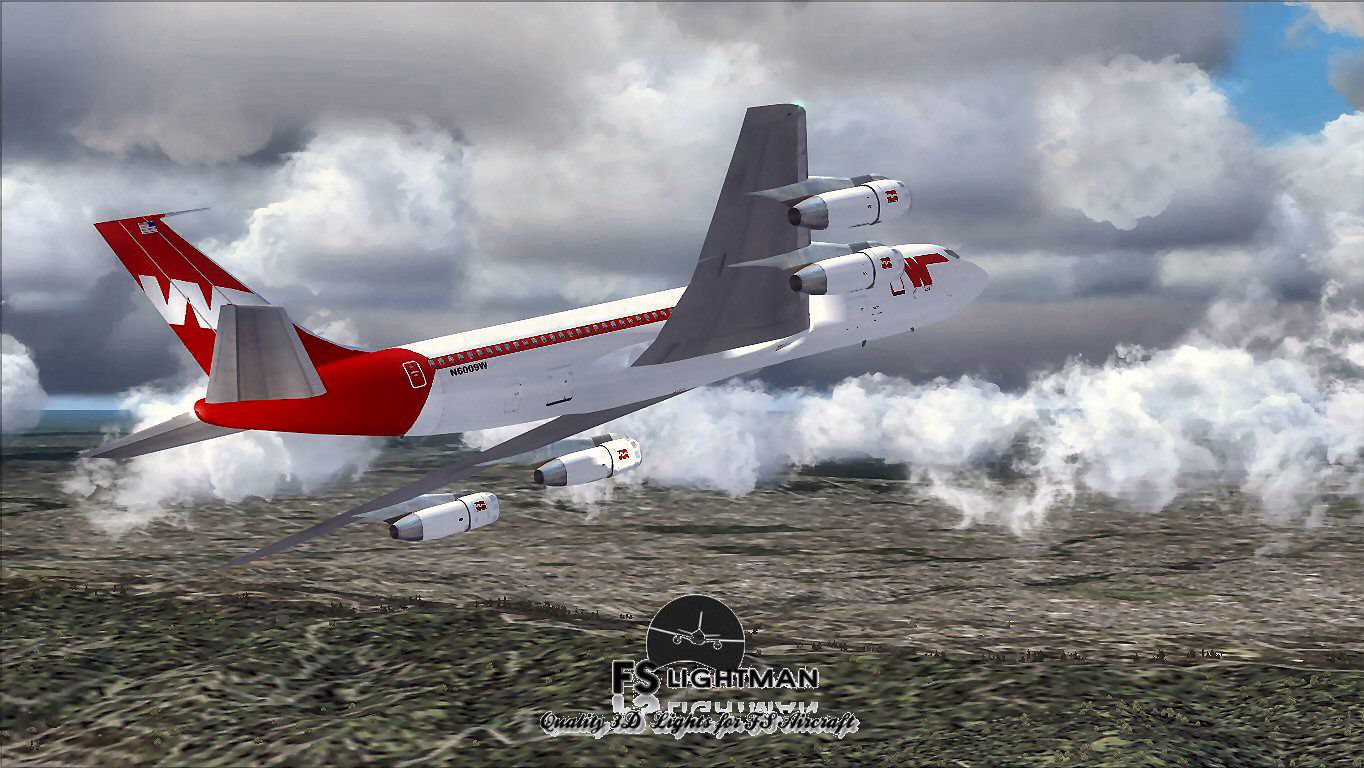
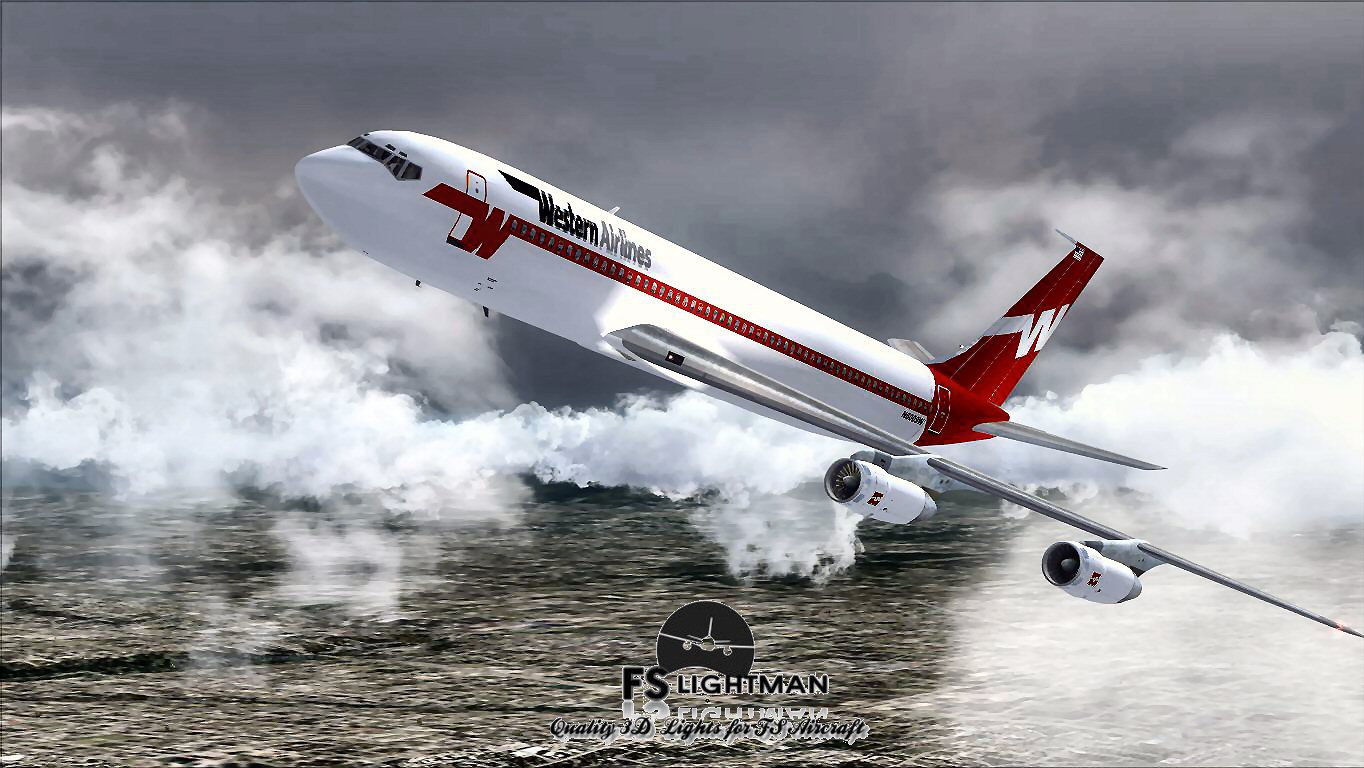
Immerse yourself in a nuanced rendition of the Western Airlines Boeing 707-320C, complete with the Vista Liners flight model and additional custom refinements by David Grindele and FS Lightman. This freeware package has been tailored for Microsoft Flight Simulator X and includes all necessary components for a smooth setup. Expect authentic textures, integrated A2A 3D lights, and a versatile paint kit that adds an extra layer of personalization.
The Boeing 707-320C represents a robust version of Boeing’s pioneering jetliner. Noted for its stretched fuselage and convertible cargo configuration, it was influential in shaping intercontinental travel. Western Airlines, active for decades in North America, embraced the 707 series for its extended range and reliability on diverse routes. Consequently, this repaint reflects both the heritage of Western Airlines and the specific technical traits of the 707-320C, such as higher-thrust engines and reinforced wings.
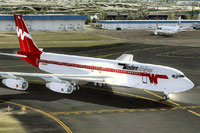
Screenshot of Western Airlines Boeing 707-320C 2014 taxiing to runway.
Vista Liners Flight Characteristics: The underlying flight model originates from Vista Liners and delivers carefully tuned aerodynamics, ensuring accurate handling typical of the 707’s era.
3D Lights & Extra Elements: A2A 3D Lights and Redux codes offer improved night-lighting effects, all integrated seamlessly by David Grindele and FS Lightman for better immersion.
Texture & Paint Kit: The included paint kit simplifies custom liveries, giving sim enthusiasts a platform to refine and expand the aircraft’s visual profiles.
The conversion from Microsoft Flight Simulator 2004 (FS9) to FSX means this aircraft must run under DirectX 9c at a 32-bit setting. Ensure that DirectX 10 is disabled in the simulator’s visual settings. Most converted aircraft, including this 707-320C, require a display resolution of 1024 x 768 to avoid panel glitches or blackouts.
As with any freeware modification, you bear responsibility for security and stability on your system. FS Lightman and associated contributors shall not be liable for unexpected technical faults or system failures. To remain on the safe side, always keep backups of crucial files prior to installation.
Free for all simmers · 32.95 MB · Scanned clean Oct 2026
Download speed: Free tier is capped at 0.5 Mbps (this file takes approximately 9 mins at the cap). PRO members download at full line speed.
FSX\SimObjects\Airplanes\. The folder must contain an aircraft.cfg file. Effects go into FSX\Effects\; gauges go into FSX\Gauges\.readme.txt or README file. It tells you exactly where files go, what dependencies are needed, and any quirks specific to this add-on.The archive wal7014x.zip has 19 files and directories contained within it.
This list displays the first 500 files in the package. If the package has more, you will need to download it to view them.
| Filename/Directory | File Date | File Size |
|---|---|---|
| A2A 3D Lights & Redux Installation.txt | 10.10.10 | 728 B |
| file_id.diz | 05.25.14 | 355 B |
| Legal Notice.doc | 08.31.11 | 30.50 kB |
| Read Very Important.txt | 02.26.12 | 1008 B |
| Readme.txt | 05.25.14 | 721 B |
| Thumbnail.jpg | 05.25.14 | 193.47 kB |
| Video Card & Monitor.txt | 02.26.12 | 284 B |
| Western 1.jpg | 05.25.14 | 230.59 kB |
| Western 2.jpg | 05.25.14 | 231.43 kB |
| Western 3.jpg | 05.25.14 | 182.39 kB |
| Western 4.jpg | 05.25.14 | 193.63 kB |
| Western 5.jpg | 05.25.14 | 193.47 kB |
| Western 6.bmp | 05.25.14 | 3.00 MB |
| Western 6.jpg | 05.25.14 | 193.47 kB |
| Western Airlines B707-320C 2014 X.exe | 05.25.14 | 30.13 MB |
| Western Airlines B707-320C 2014 X | 05.25.14 | 0 B |
| file_id.diz | 05.25.14 | 346 B |
| flyawaysimulation.txt | 10.29.13 | 959 B |
| Go to Fly Away Simulation.url | 01.22.16 | 52 B |
Only PRO members can place votes.
More FSX & P3D add-ons hand-picked based on this download.
FSX Civil Aircraft
This freeware release showcases a distinguished Boeing 707-320C in Western Ai…
 FSX Civil Aircraft
The Western Airlines rendition of the Boeing 707-320C featured here is a comp…
 FSX Civil Aircraft
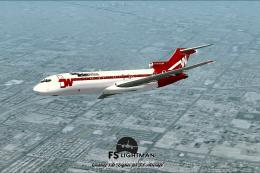
The Boeing 727 has a storied history among classic trijets, and this model ca…
 FSX Civil Aircraft
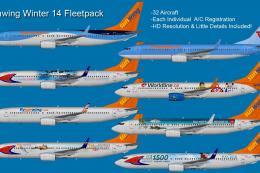
Includes repaints for all 32 aircraft operated by Sunwing in winter 2014. Mod…
 FSX Civil Aircraft
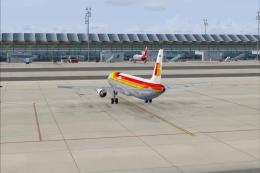
This immersive repaint package offers Iberia's Airbus A321 complete livery se…
 FSX Civil Aircraft
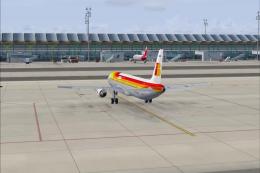
Immerse your AI traffic with a refined set of Iberia Airbus A320-family repai…
 FSX Civil Aircraft
This fully realized repaint pack covers Iberia’s entire Airbus A320 lineup du…
 FSX Civil Aircraft
The complete fleet for Iberia 2014. Textures only for the FAIB A319 model (FA…
Be the first to leave a comment on this download.
Be the first to share your thoughts on this download.