

 FSX Civil Aircraft
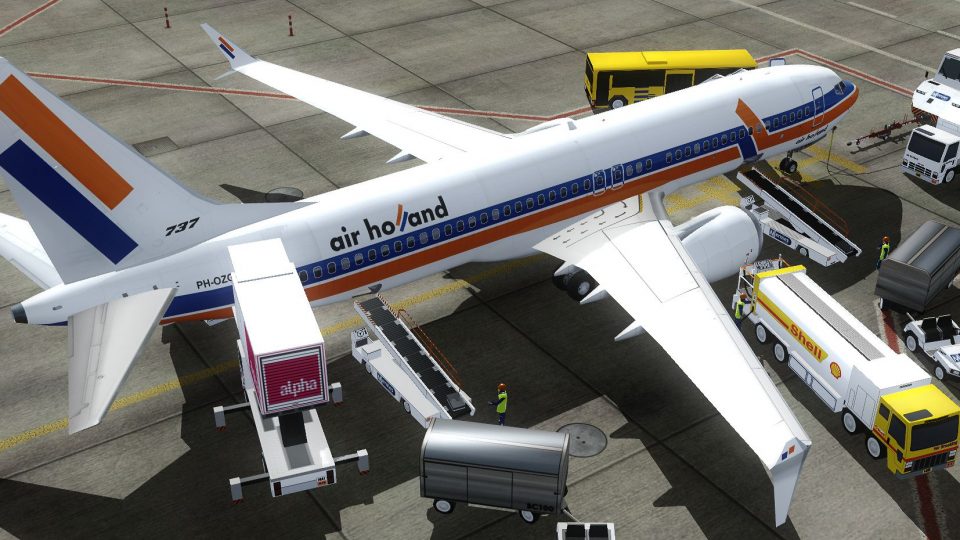
Air Holland Boeing 737-900ER PH-OZP
A fictional repaint of the now defunct Air Holland for the TDS Boeing 737-900…
Air Holland’s fictional PH-OZG livery brings a clean, believable look to the TDS Boeing 737 MAX 8 in FSX, paired with crisp 32-bit textures, dynamic shine and effects, and animated details like opening doors, flexing wings, trim, steering gear, and independent suspension. Requires the Tenkuu Developers Studio 737 MAX 8 base package.
 Rate
Rate
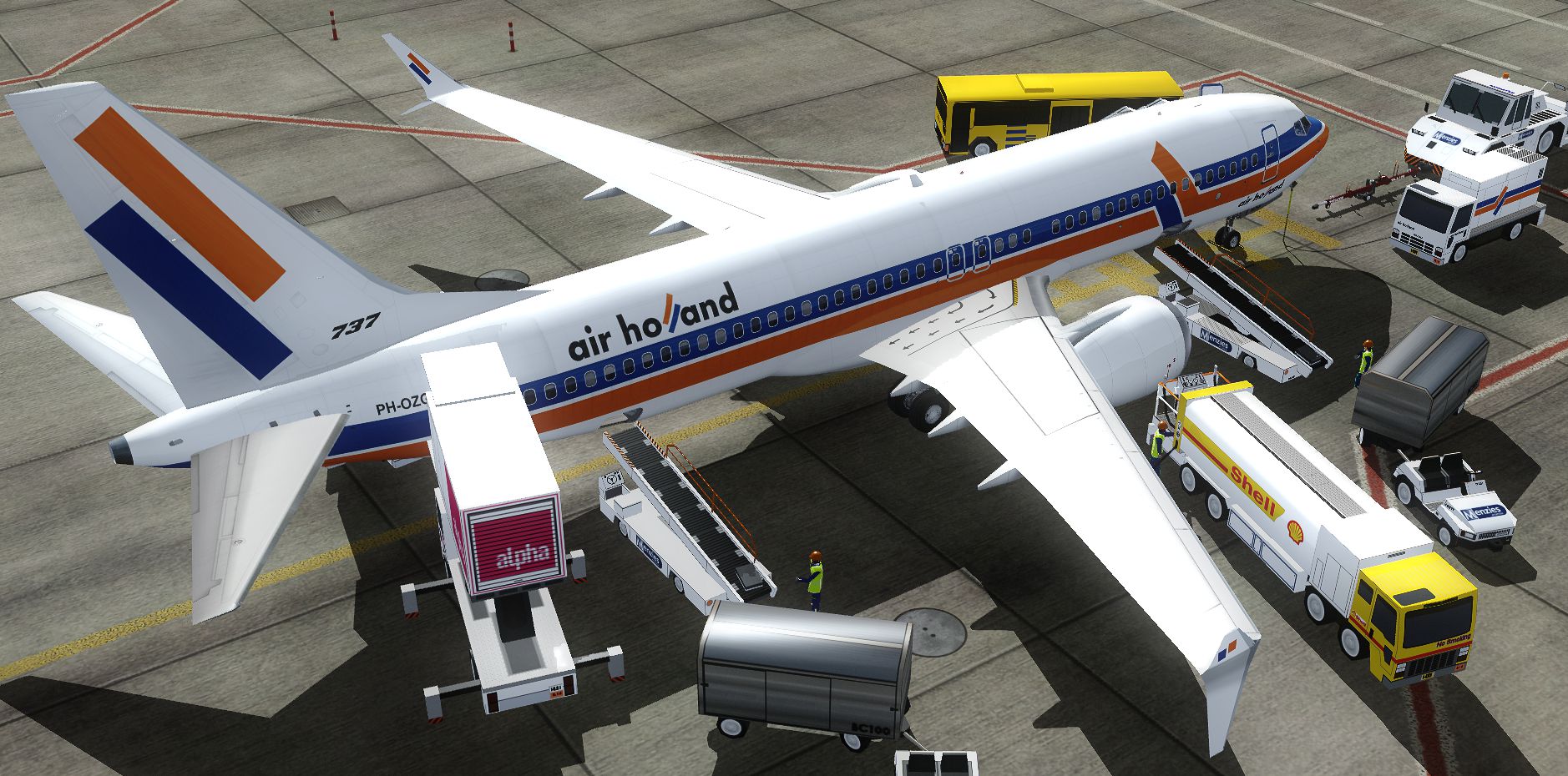

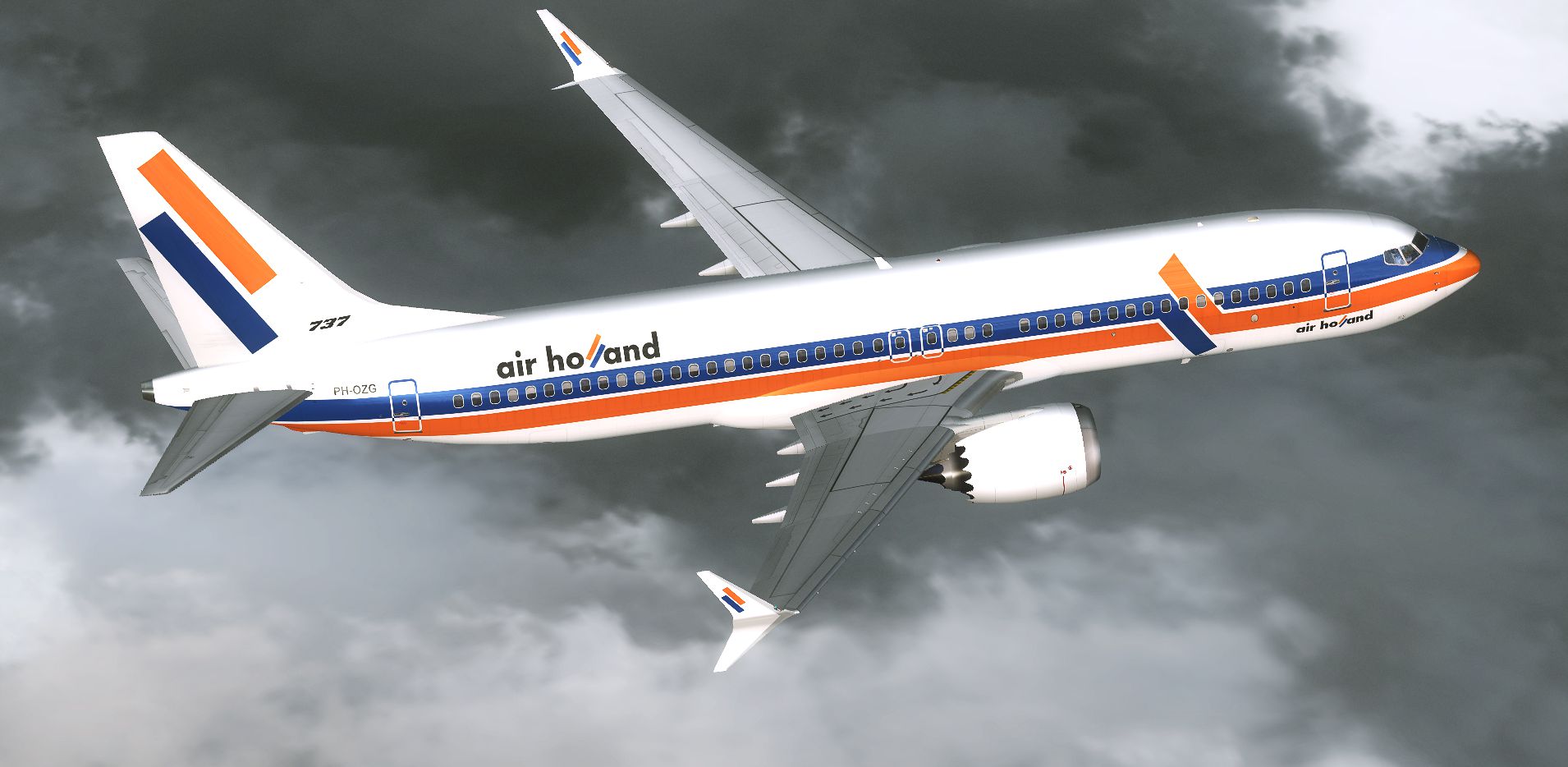
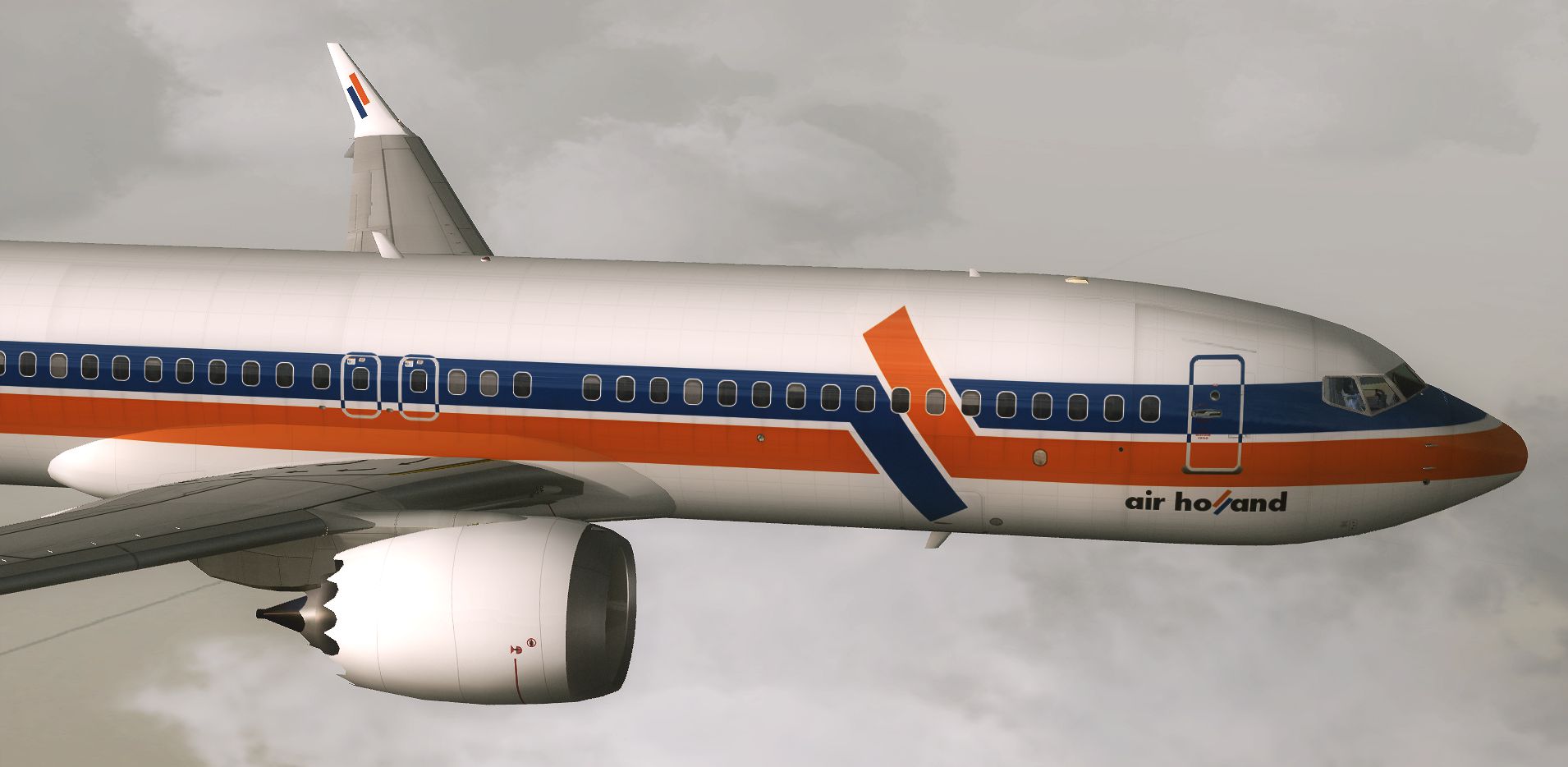
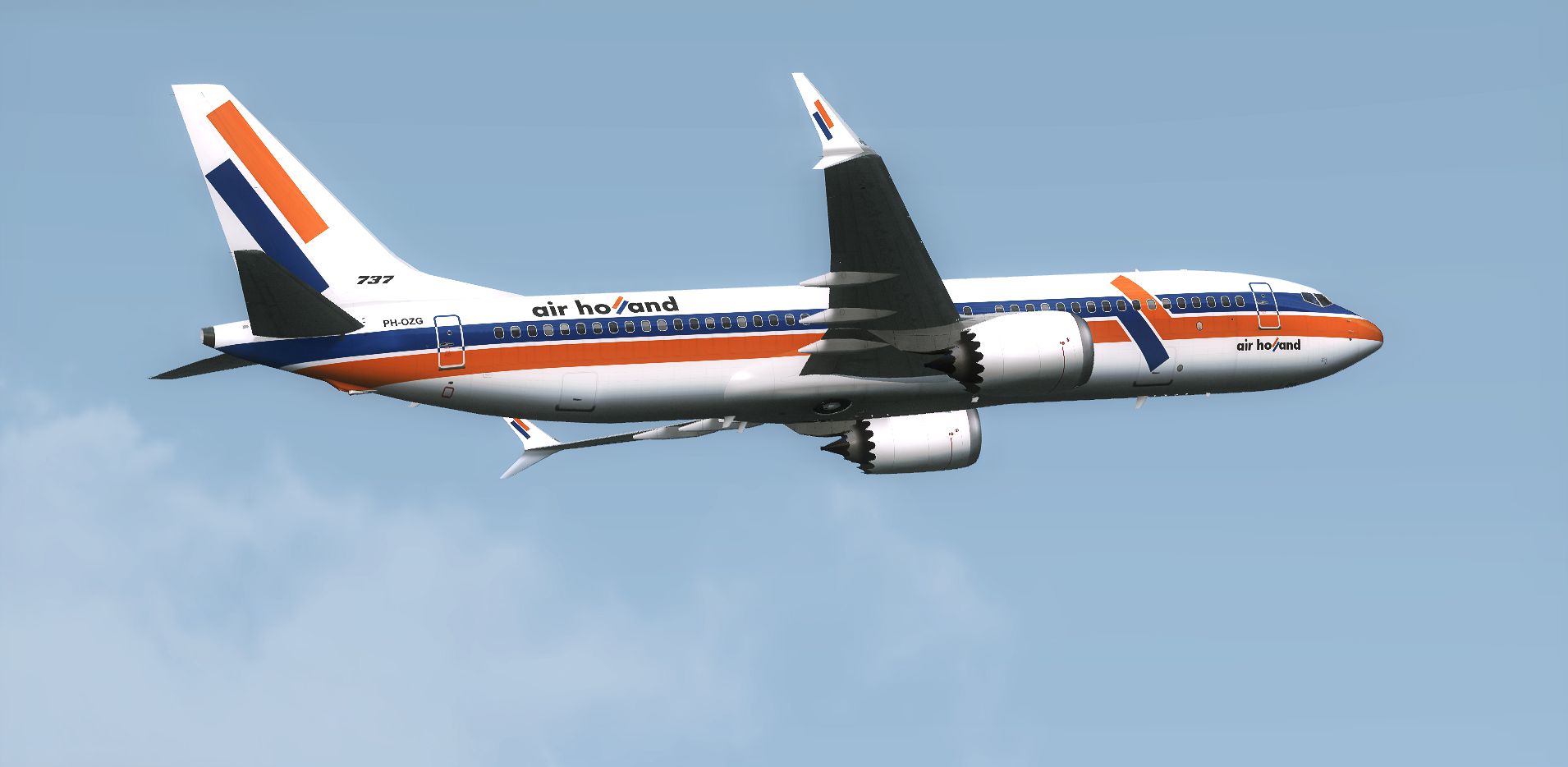
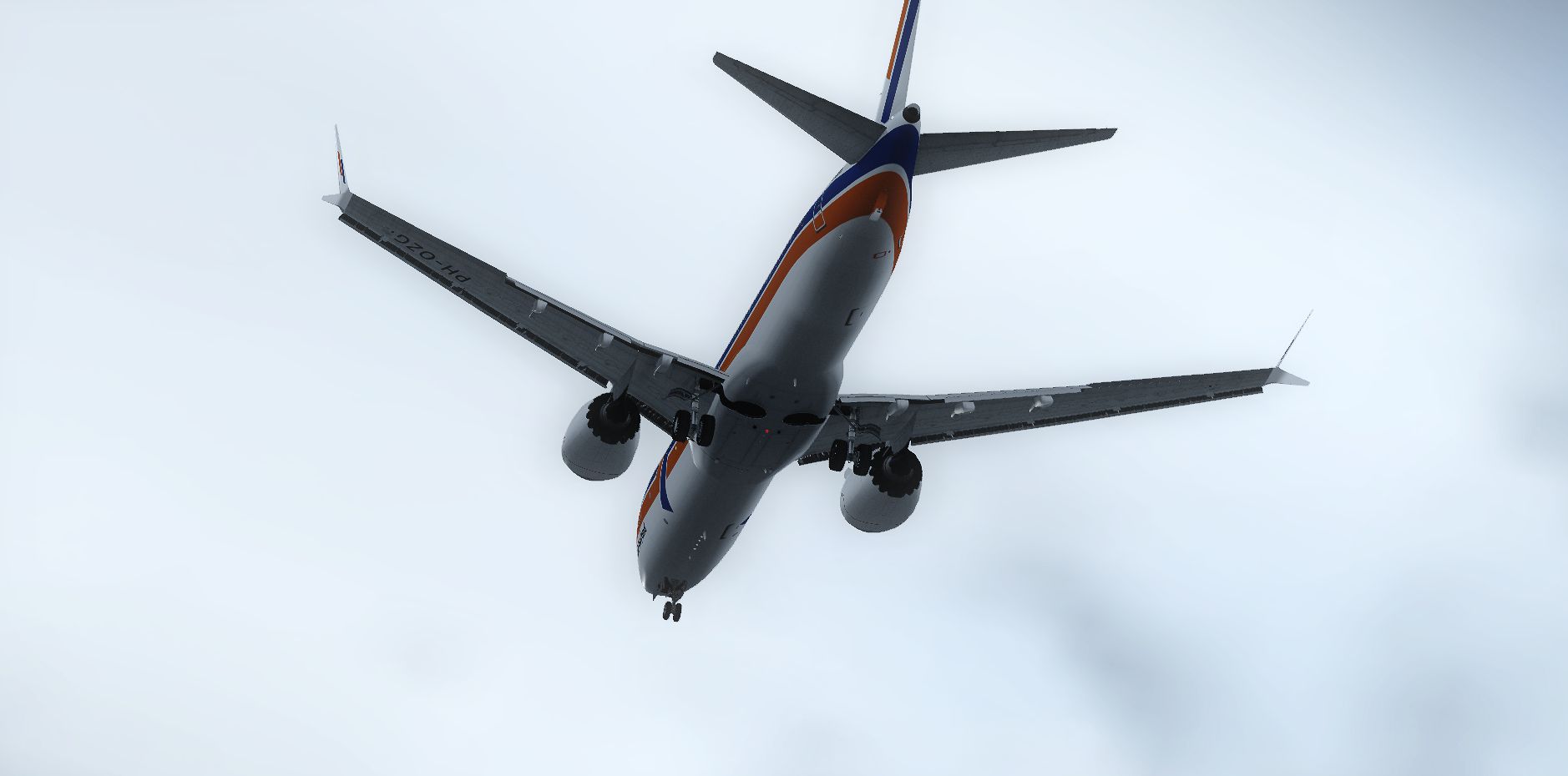

A fictional repaint of the now defunct Air Holland for the TDS Boeing 737 MAX 8. Features 32-bit textures, opening doors and cargo doors, dynamic shine and effects, dynamic flexing wings that respond to turbulence, fully independent suspension, trim animation, gear steering, accurate flight dynamics, and more. Requires the Tenkuu Developers Studio Boeing 737 MAX 8 (TDS_B737MAX8_BASE_PACKAGE.ZIP). Painted by Elmar Westra.

Screenshot of Air Holland Boeing 737 in flight.
To install the repaint you need the TDS Boeing 737 MAX 8 model. If you have my earlier version of this plane, you can just overwrite all the textures if you want.
Installation:
[fltsim.XX]

title=Air Holland PH-OZG 737 MAX 8

sim=TDSBoeing737-MAX8

model=

panel=

sound=

texture=HLN_PH-OZG

kb_checklists=Boeing737-800_check

kb_reference=Boeing737-800_ref

atc_id=PH-OZG

atc_airline=Orange

atc_flight_number=2O14

atc_heavy=0

atc_parking_types=GATE, RAMP

atc_parking_code=HLN

ui_manufacturer=Boeing

ui_type=737 MAX 8

ui_variation=Air Holland "PH-OZG"

visual_damage=1

description=The 737Max which Boeing has launched . The first release from us is 737Max8 which is the most popular model in this series. Basic info : 737Max is a re-engined and aerodynamically refined model of 737Next Generation series. Series is 737Max7 , Max8, Max9. New engine is Leap-X1B and for putting this huge engine , nose gear is extended. Also for making less drag , tail sections shape is changed . Wingtip design is also changed to Y shape to make less drag and also for having more lifts. \n\nTextures by Elmar Westra.

visual_damage=
Free for all simmers · 20.25 MB · Scanned clean Oct 2026
Download speed: Free tier is capped at 0.5 Mbps (this file takes approximately 6 mins at the cap). PRO members download at full line speed.
texture.{airline}) inside FSX\SimObjects\Airplanes\{base-aircraft}\.aircraft.cfg in Notepad. Add a new [fltsim.X] section per the readme.readme.txt or README file. It tells you exactly where files go, what dependencies are needed, and any quirks specific to this add-on.The archive air_holland_ph-ozg_tds737max8.zip has 73 files and directories contained within it.
This list displays the first 500 files in the package. If the package has more, you will need to download it to view them.
| Filename/Directory | File Date | File Size |
|---|---|---|
| 2014-12-2_21-17-28-784.png | 12.17.14 | 1.91 MB |
| 2014-12-2_21-17-28-786.png | 12.16.14 | 2.79 MB |
| 2014-12-2_21-17-28-788.png | 12.02.14 | 753.28 kB |
| 2014-12-2_21-17-28-805.png | 12.21.14 | 2.91 MB |
| 2014-12-2_21-17-28-806.png | 12.21.14 | 2.71 MB |
| 2014-12-2_21-17-28-900.png | 12.23.14 | 744.80 kB |
| Readme.txt | 12.23.14 | 2.63 kB |
| DECAL_TDS737_COCKPIT_BTMDECAL.bmp | 09.08.14 | 64.07 kB |
| DECAL_TDS737_COCKPIT_TOPDECAL.bmp | 09.08.14 | 64.07 kB |
| DECAL_TDS738_BOTTOM.bmp | 09.08.14 | 4.00 MB |
| TDS_WT250E2_T.BMP | 12.21.14 | 1.00 MB |
| TDS_WT250E2_T_L.bmp | 09.08.14 | 256.07 kB |
| TDS737_BBJANT.BMP | 09.08.14 | 256.07 kB |
| TDS737_ELEVL_L.BMP | 09.08.14 | 4.07 kB |
| TDS737_ELEVL_T.bmp | 09.08.14 | 1.00 MB |
| TDS737_ELEVR_L.BMP | 09.08.14 | 4.07 kB |
| TDS737_ELEVR_T.bmp | 09.08.14 | 1.00 MB |
| TDS737_ENGINE_L.BMP | 08.31.14 | 4.00 MB |
| TDS737_GSU_L.bmp | 09.08.14 | 256.07 kB |
| TDS737_GSU_T.bmp | 12.21.14 | 4.00 MB |
| TDS737_GSU2_L.bmp | 09.08.14 | 256.07 kB |
| TDS737_GSU2_T.bmp | 12.21.14 | 4.00 MB |
| TDS737_GSU3_L.bmp | 09.08.14 | 256.07 kB |
| TDS737_GSU3_T.bmp | 12.21.14 | 4.00 MB |
| TDS737_GSU4_L.bmp | 09.08.14 | 256.07 kB |
| TDS737_GSU4_T.bmp | 12.21.14 | 4.00 MB |
| Tds737_inside_L.bmp | 09.08.14 | 4.00 MB |
| Tds737_inside_t.bmp | 09.08.14 | 4.00 MB |
| TDS737_LEAPX_ENGINE_COVER_T.bmp | 12.02.14 | 4.00 MB |
| TDS737_LEAPX_ENGINEPYLON_L.BMP | 09.08.14 | 4.07 kB |
| TDS737_LEAPX_ENGINEPYLON_T.bmp | 09.08.14 | 4.00 MB |
| TDS737_LEAPX_FANBLADE.BMP | 09.08.14 | 1.00 MB |
| TDS737_PARTS_L.bmp | 09.08.14 | 256.07 kB |
| TDS737_PARTS_T.BMP | 09.08.14 | 4.00 MB |
| TDS737_PARTS2_L.bmp | 09.08.14 | 256.07 kB |
| TDS737_PARTS2_T.bmp | 09.08.14 | 4.00 MB |
| TDS737_PARTS3_L.bmp | 09.08.14 | 256.07 kB |
| TDS737_PARTS4.bmp | 09.08.14 | 256.07 kB |
| Tds737_spring.bmp | 09.08.14 | 16.07 kB |
| TDS737_TIRE.BMP | 09.08.14 | 1.00 MB |
| Tds737_TRANSPARENT.bmp | 09.08.14 | 256.07 kB |
| Tds737_Wire.bmp | 09.08.14 | 16.07 kB |
| TDS737MAX_PARTS3_L.bmp | 09.08.14 | 256.07 kB |
| TDS737MAX_PARTS3_T.bmp | 09.08.14 | 4.00 MB |
| TDS737MAX_PARTS5_L.bmp | 09.08.14 | 256.07 kB |
| TDS737MAX_PARTS5_T.bmp | 09.08.14 | 1.00 MB |
| TDS737MAX_WINGL_L.BMP | 09.08.14 | 4.07 kB |
| TDS737MAX_WINGL_T.bmp | 12.02.14 | 4.00 MB |
| TDS737MAX_WINGLET_L.BMP | 09.08.14 | 4.07 kB |
| TDS737MAX_WINGLET_T.bmp | 12.02.14 | 4.00 MB |
| TDS737MAX_WINGR_L.BMP | 09.08.14 | 4.07 kB |
| TDS737MAX_WINGR_T.bmp | 12.02.14 | 4.00 MB |
| TDS737ngstair_l.bmp | 09.08.14 | 256.07 kB |
| TDS737ngstair_t.bmp | 09.08.14 | 1.00 MB |
| TDS737Option.bmp | 09.08.14 | 64.07 kB |
| TDS737Option2.bmp | 09.08.14 | 64.07 kB |
| TDS737SHAFT_L.BMP | 09.08.14 | 256.07 kB |
| TDS737SHAFT_T.BMP | 09.08.14 | 16.07 kB |
| TDS738_FUSEL_LIGHTSPLASH.bmp | 12.23.14 | 4.00 MB |
| TDS738_FUSER_LIGHTSPLASH.bmp | 12.23.14 | 4.00 MB |
| TDS738_SELFILLUMINATION.bmp | 08.31.14 | 4.00 MB |
| TDS738MAX_FUSEL_FRONT_L.bmp | 09.08.14 | 4.07 kB |
| TDS738MAX_FUSEL_FRONT_T.bmp | 12.23.14 | 4.00 MB |
| TDS738MAX_FUSEL_REAR_L.bmp | 09.08.14 | 4.07 kB |
| TDS738MAX_FUSEL_REAR_T.bmp | 12.02.14 | 4.00 MB |
| TDS738MAX_FUSER_FRONT_L.bmp | 09.08.14 | 4.07 kB |
| TDS738MAX_FUSER_FRONT_T.bmp | 12.23.14 | 4.00 MB |
| TDS738MAX_FUSER_REAR_L.bmp | 09.08.14 | 4.07 kB |
| TDS738MAX_FUSER_REAR_T.bmp | 12.02.14 | 4.00 MB |
| thumbnail.jpg | 12.23.14 | 44.78 kB |
| Thumbs.db | 09.08.14 | 197.00 kB |
| flyawaysimulation.txt | 10.29.13 | 959 B |
| Go to Fly Away Simulation.url | 01.22.16 | 52 B |
Only PRO members can place votes.
More FSX & P3D add-ons hand-picked based on this download.
FSX Civil Aircraft
A fictional repaint of the now defunct Air Holland for the TDS Boeing 737-900…
 FSX Civil Aircraft
Air Holland Boeing 737-300, registration PH-OZC, applejack texture. By Carter…
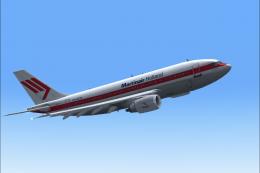 FSX Civil Aircraft
This release features custom exterior textures for the Commercial Level Simul…
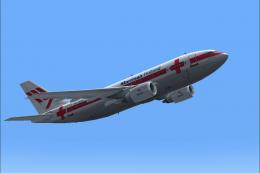 FSX Civil Aircraft
This repaint showcases Martinair Holland’s Airbus A310-203C (PH-MCB), known a…
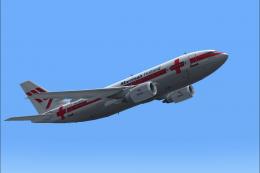 FSX Civil Aircraft
Experience a meticulously crafted “Prins Bernhard Red Cross” paint scheme cre…
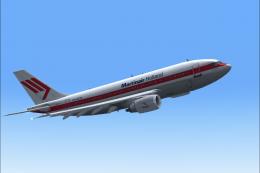 FSX Civil Aircraft
Experience a carefully crafted livery for the payware Commercial Level Simula…
 FSX Civil Aircraft
These textures are for the payware QualityWings 757. They depict Air Holland'…
 FSX Civil Aircraft
A repaint for the payware CLS B767-300 ER in Air Holland colors, registration…
Read what other simmers think, or add your own.
