

 FSX Civil Aircraft
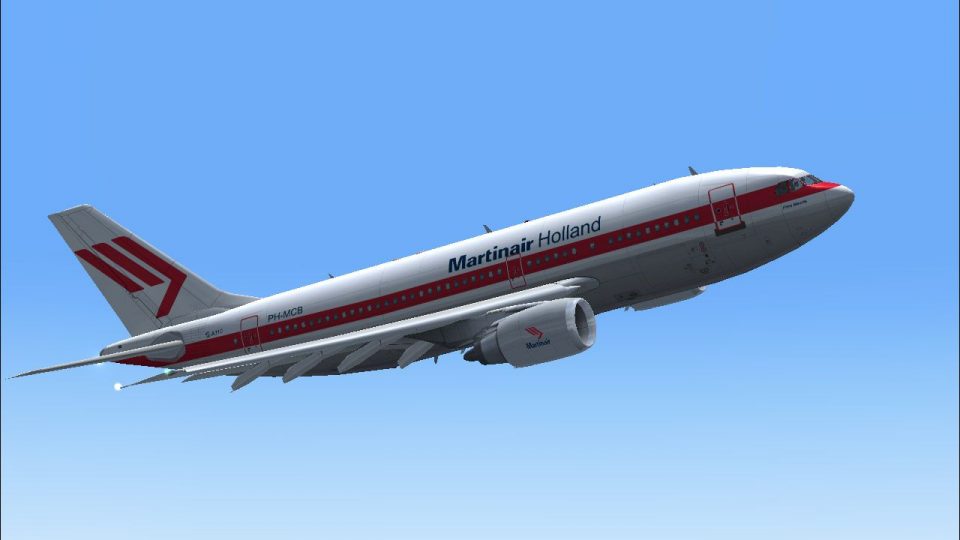
Martinair Holland Airbus A310-203C PH-MCB
This repaint showcases Martinair Holland’s Airbus A310-203C (PH-MCB), known a…
Martinair Holland’s Airbus A310-203C PH-MCB “Prins Maurits” comes to life with custom exterior textures for the CLS Airbus A310-200 in Microsoft Flight Simulator X, capturing the airline’s distinctive Dutch-era cargo-passenger convertible look. It requires the Commercial Level Simulations payware base model and includes matching registration and airline details for authentic ramp presence.
 Rate
Rate
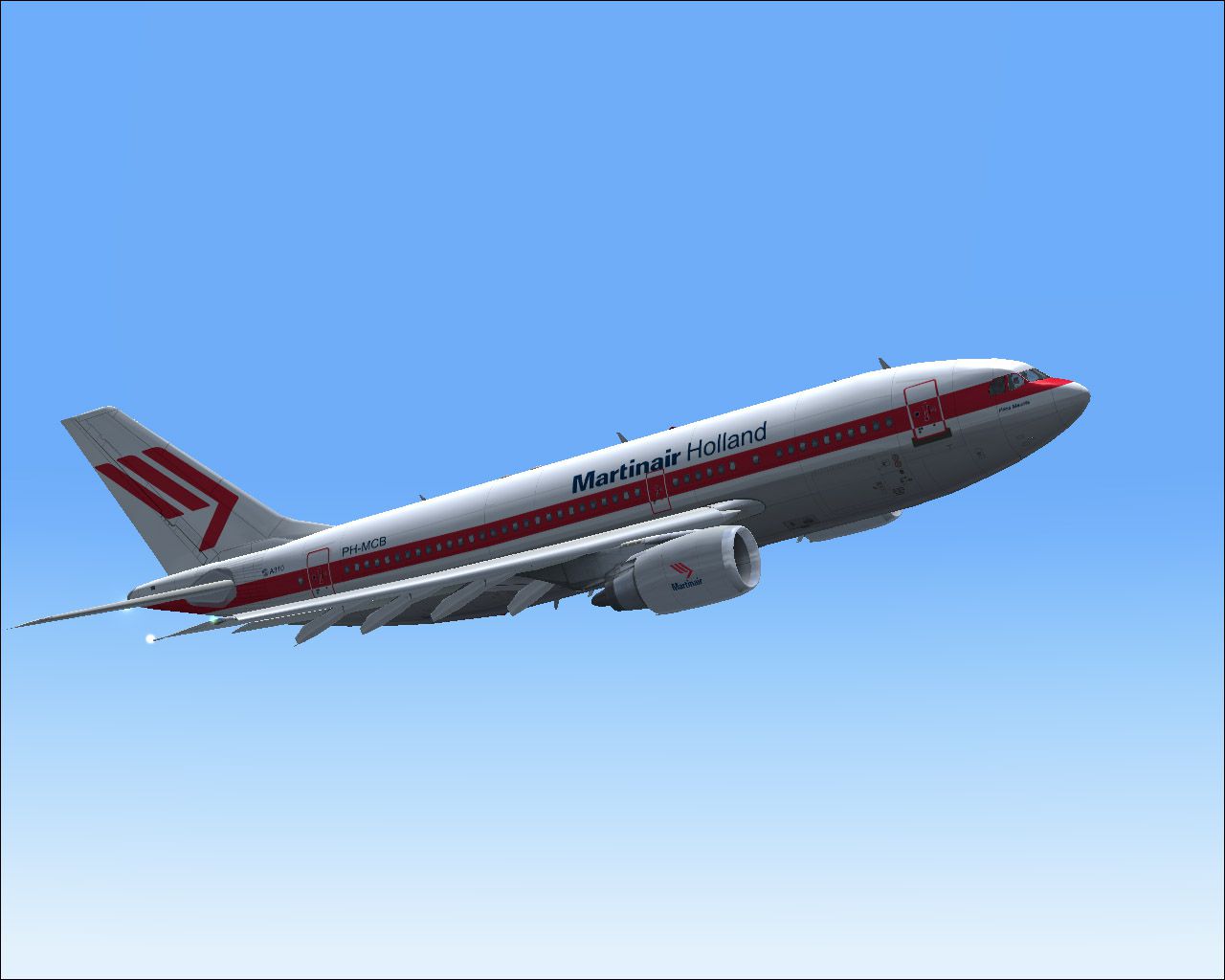
This release features custom exterior textures for the Commercial Level Simulations (CLS) Airbus A310-200 payware aircraft in Microsoft Flight Simulator X. Developed by the dedicated creator Bonnie Belle Windsor, it depicts Martinair Holland’s A310-203C registration PH-MCB, famously nicknamed “Prins Maurits.”
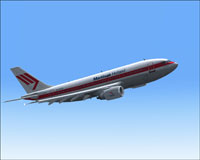
Above, the Martinair A310-203C PH-MCB “Prins Maurits” livery is showcased in cruise.
Martinair Holland, a long-standing carrier from the Netherlands, operated both passenger and cargo services across various global routes. Their Airbus A310-203 fleet served medium-range flights, combining efficient GE CF6 engines with a well-rounded airframe. This particular repaint highlights the cargo/passenger convertible (203C) variant once used by Martinair.
After acquiring the required CLS A310-200 payware model, place the FSX MPH PH-MCB MARTINAIR folder inside your Microsoft Flight Simulator X/SimObjects/Airplanes/CLS_A310_GE directory. Unpack all included files carefully. If prompted, avoid overwriting any existing components unless recommended by the developer.
Once textures are placed, open your aircraft.cfg file in the CLS_A310_GE folder. Insert the code snippet below, ensuring you replace [fltsim.xx] with the correct sequential number:
[fltsim.xx]

title = Commercial Level Simulations - Martinair Holland PH-MCB 'Prins Maurits'

sim = A310-200F-GE-CF6-80A3

model = GE

panel =

sound =

texture = FSX MPH PH-MCB MARTINAIR

checklists =

atc_airline = MARTINAIR

atc_id = PH-MCB

atc_flight_number = 310G

atc_heavy = 1

atc_parking_types = GATE, CARGO, RAMP

atc_parking_code = MPH

description = Commercial Level Simulations

 Airbus A310-200 Freighter

 Version - Version-2005.1.1

 FS2004 Only

 Engine Type: GE CF6-80C2

 For proper operation: See manual and performance documentation.

ui_createdby = "Commercial Level Simulations"

ui_manufacturer = Airbus

ui_type = A310-203C

ui_typerole = "Commercial Airliner"

ui_variation = Martinair Holland PH-MCB 'Prins Maurits'

visual_damage = 1

editable = 0
This repaint package was built exclusively by Bonnie Belle Windsor and requires the payware CLS A310-200 modellng platform. If you do not own the base CLS package, it can be purchased independently through various add-on distributors such as SimShack. Keep in mind that advanced manuals and performance guides from Commercial Level Simulations are essential for proper A310-200 operations once installed in the simulator.
Free for all simmers · 5.07 MB · Scanned clean Oct 2026
Download speed: Free tier is capped at 0.5 Mbps (this file takes approximately 1 min at the cap). PRO members download at full line speed.
texture.{airline}) inside FSX\SimObjects\Airplanes\{base-aircraft}\.aircraft.cfg in Notepad. Add a new [fltsim.X] section per the readme.readme.txt or README file. It tells you exactly where files go, what dependencies are needed, and any quirks specific to this add-on.The archive fx_phmcb.zip has 17 files and directories contained within it.
This list displays the first 500 files in the package. If the package has more, you will need to download it to view them.
| Filename/Directory | File Date | File Size |
|---|---|---|
| a310fuse_left_l.bmp | 07.15.07 | 1.00 MB |
| a310fuse_left_t.bmp | 07.15.07 | 4.00 MB |
| a310fuse_right_l.bmp | 07.15.07 | 1.00 MB |
| a310fuse_right_t.bmp | 07.15.07 | 4.00 MB |
| a310pw_l.bmp | 07.15.07 | 16.07 kB |
| a310pw_t.bmp | 07.15.07 | 4.00 MB |
| a310wingL_t.bmp | 07.15.07 | 4.00 MB |
| a310wingR_t.bmp | 07.15.07 | 4.00 MB |
| a3rcf68_t.bmp | 07.15.07 | 4.00 MB |
| MPH PH-MCB MARTINAIR.gif | 07.15.07 | 5.56 kB |
| MPH PH-MCB MARTINAIR.jpg | 07.15.07 | 131.60 kB |
| MPH PH-MCB MARTINAIR.txt | 07.15.07 | 409 B |
| Read me.txt | 07.15.07 | 1.71 kB |
| thumbnail.jpg | 07.15.07 | 27.32 kB |
| texture.FSX MPH PH-MCB MARTINAIR | 07.15.07 | 0 B |
| flyawaysimulation.txt | 10.29.13 | 959 B |
| Go to Fly Away Simulation.url | 01.22.16 | 52 B |
Only PRO members can place votes.
More FSX & P3D add-ons hand-picked based on this download.
FSX Civil Aircraft
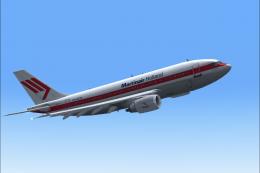
This repaint showcases Martinair Holland’s Airbus A310-203C (PH-MCB), known a…
 FSX Civil Aircraft
Experience a carefully crafted livery for the payware Commercial Level Simula…
 FSX Civil Aircraft
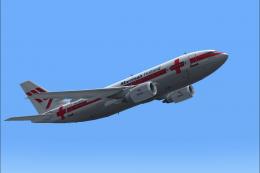
Experience a meticulously crafted “Prins Bernhard Red Cross” paint scheme cre…
 FSX Civil Aircraft
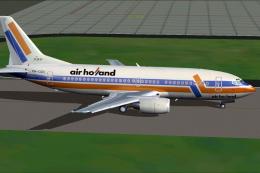
Air Holland Boeing 737-300, registration PH-OZC, applejack texture. By Carter…
 FSX Civil Aircraft
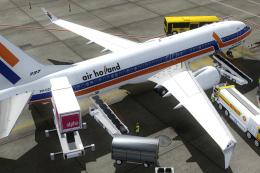
A fictional repaint of the now defunct Air Holland for the TDS Boeing 737 MAX…
 FSX Civil Aircraft
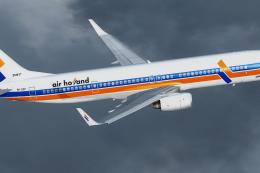
A fictional repaint of the now defunct Air Holland for the TDS Boeing 737-900…
 FSX Civil Aircraft
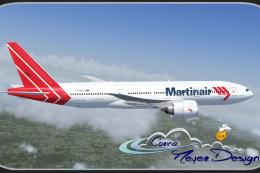
This fictional repaint package offers a customized Martinair-themed look for …
 FSX Civil Aircraft
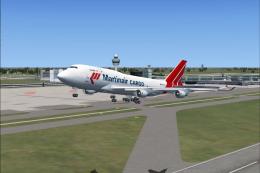
Martinair Cargo Boeing 747-400, registration PH-MPQ. Textures only for the iF…
Be the first to leave a comment on this download.
Be the first to share your thoughts on this download.