

 FSX Civil Aircraft
Martinair Holland Airbus A310-203 PH-MCA
Experience a meticulously crafted “Prins Bernhard Red Cross” paint scheme cre…
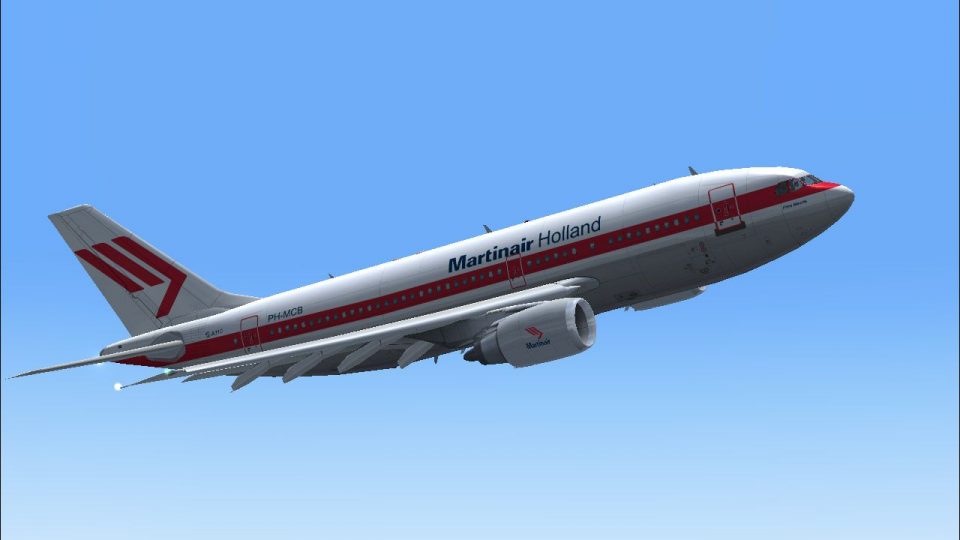
Martinair Holland’s Airbus A310-203 PH-MCA “Prins Bernhard” comes to life with a sharp, historically faithful repaint for the CLS A310-200, capturing classic Dutch carrier markings, refined fuselage lines, and matching GE CF6-80 series engine textures. Designed for Microsoft Flight Simulator X, it requires the payware CLS A310-200 GE model.
 Rate
Rate
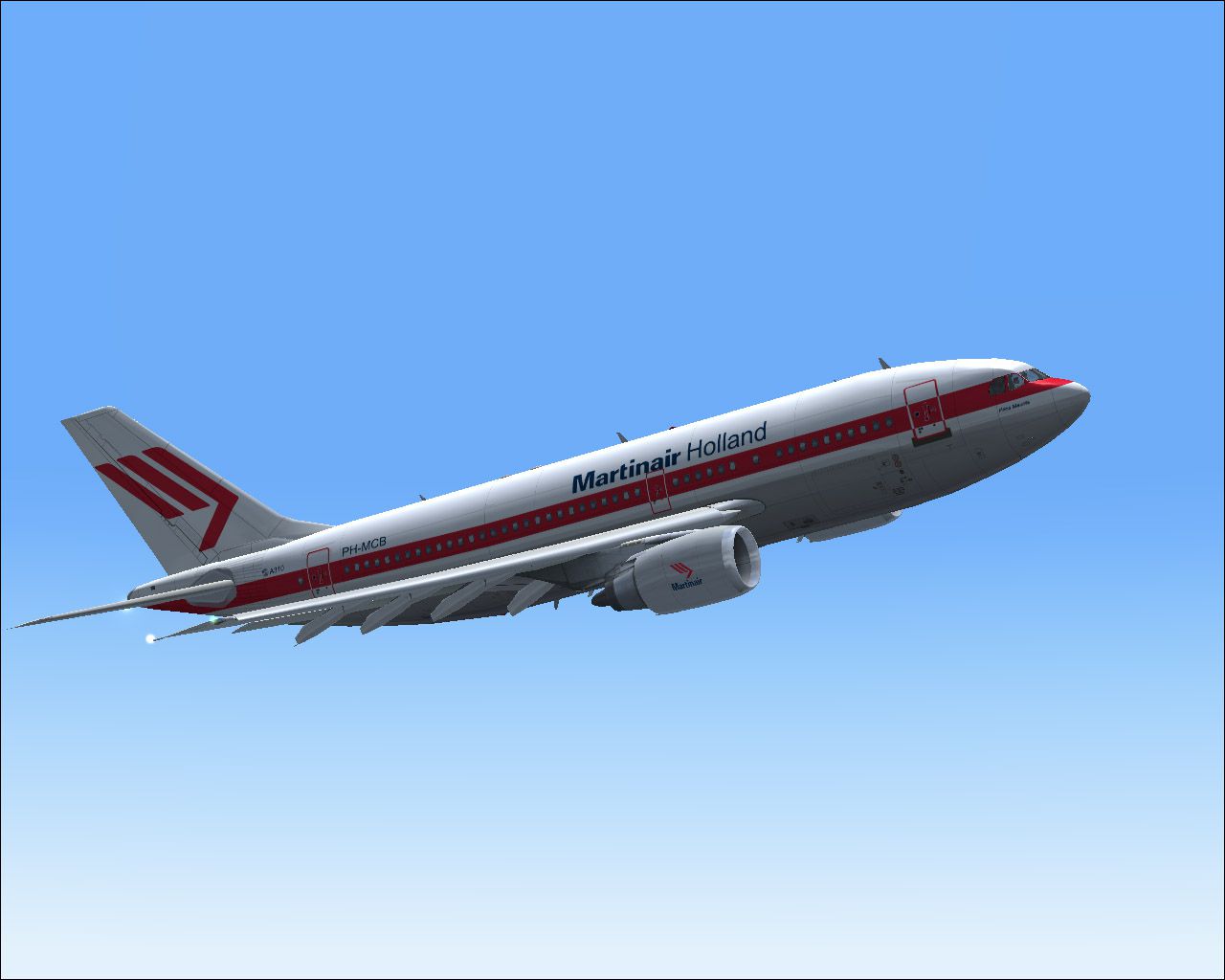
Experience a carefully crafted livery for the payware Commercial Level Simulations A310-200 within Microsoft Flight Simulator X. This repaint features Martinair Holland’s Airbus A310-203 bearing the registration PH-MCA, famously nicknamed “Prins Bernhard.” Crafted by Bonnie Belle Windsor, these textures exhibit precise detailing that complements the visual authenticity of the CLS model.
The Airbus A310, introduced by Airbus in the early 1980s, is recognized for its flexibility on various medium- to long-range routes. Martinair Holland, which operated for decades as a distinguished carrier from the Netherlands, placed emphasis on efficient passenger and cargo transport. The PH-MCA variant, celebrated for its “Prins Bernhard” moniker, pays tribute to a notable figure associated with Dutch aviation history. This repaint respectfully showcases sharp texturing that highlights the airline’s classic branding.
Textures only are included in this package. To utilize this repaint, you must already own the CLS A310-200 payware model (available through places such as SimShack), as these files supplement that product with the Martinair Holland PH-MCA paint scheme. Ensure you have the CLS A310-200 General Electric (GE) variant installed and properly configured before proceeding.
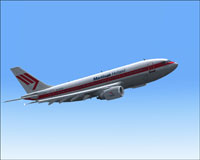
Screenshot of Martinair Holland Airbus A310-203 in flight.
[fltsim.xx]
title = Commercial Level Simulations - Martinair Holland PH-MCA 'Prins Bernhard'
sim = A310-200-GE-CF6-80A3
model = GE
panel =
sound =
texture = FSX MPH PH-MCA MARTINAIR
checklists =
atc_airline = MARTINAIR
atc_id = PH-MCA
atc_flight_number = 310G
atc_heavy = 1
atc_parking_types = GATE, RAMP
atc_parking_code = MPH
description = Commercial Level Simulations
Airbus A310-200
Version - Version-2005.1.1

FS2004 Only

Engine Type: GE CF6-80C2

For proper operation: See manual and performance documentation.
ui_createdby = "Commercial Level Simulations"
ui_manufacturer = Airbus
ui_type = A310-203
ui_typerole = "Commercial Airliner"
ui_variation = Martinair Holland PH-MCA 'Prins Bernhard'
visual_damage = 1
editable = 0
This complete repaint by Bonnie Belle Windsor offers an authentic extension to the CLS payware A310-200 model. By following the steps above, flight sim enthusiasts will have the opportunity to explore an iconic piece of Dutch aviation history in Microsoft Flight Simulator X.
Free for all simmers · 5.05 MB · Scanned clean Oct 2026
Download speed: Free tier is capped at 0.5 Mbps (this file takes approximately 1 min at the cap). PRO members download at full line speed.
texture.{airline}) inside FSX\SimObjects\Airplanes\{base-aircraft}\.aircraft.cfg in Notepad. Add a new [fltsim.X] section per the readme.readme.txt or README file. It tells you exactly where files go, what dependencies are needed, and any quirks specific to this add-on.The archive fx_phmca.zip has 16 files and directories contained within it.
This list displays the first 500 files in the package. If the package has more, you will need to download it to view them.
| Filename/Directory | File Date | File Size |
|---|---|---|
| a310fuse_left_l.bmp | 07.15.07 | 1.00 MB |
| a310fuse_left_t.bmp | 07.15.07 | 4.00 MB |
| a310fuse_right_l.bmp | 07.15.07 | 1.00 MB |
| a310fuse_right_t.bmp | 07.15.07 | 4.00 MB |
| a310pw_t.bmp | 07.15.07 | 4.00 MB |
| a310wingL_t.bmp | 07.15.07 | 4.00 MB |
| a310wingR_t.bmp | 07.15.07 | 4.00 MB |
| a3rcf68_t.bmp | 07.15.07 | 4.00 MB |
| FSX MPH PH-MCA MARTINAIR.txt | 07.15.07 | 409 B |
| MPH PH-MCB MARTINAIR.gif | 07.15.07 | 5.56 kB |
| MPH PH-MCB MARTINAIR.jpg | 07.15.07 | 131.60 kB |
| Read me.txt | 07.15.07 | 1.69 kB |
| thumbnail.jpg | 07.15.07 | 27.40 kB |
| texture.FSX MPH PH-MCA MARTINAIR | 07.15.07 | 0 B |
| flyawaysimulation.txt | 10.29.13 | 959 B |
| Go to Fly Away Simulation.url | 01.22.16 | 52 B |
Only PRO members can place votes.
More FSX & P3D add-ons hand-picked based on this download.
FSX Civil Aircraft
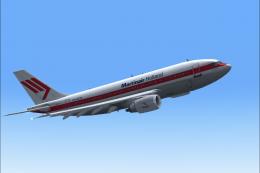
Experience a meticulously crafted “Prins Bernhard Red Cross” paint scheme cre…
 FSX Civil Aircraft
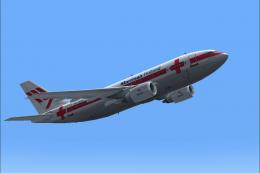
This release features custom exterior textures for the Commercial Level Simul…
 FSX Civil Aircraft
This repaint showcases Martinair Holland’s Airbus A310-203C (PH-MCB), known a…
 FSX Civil Aircraft
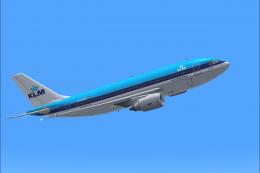
This freeware repaint showcases the beloved KLM Royal Dutch Airlines Airbus A…
 FSX Civil Aircraft
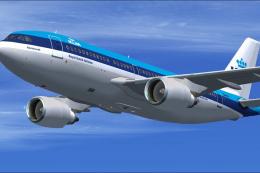
This repaint offers a faithful depiction of KLM Royal Dutch Airlines’ “Rembra…
 FSX Civil Aircraft
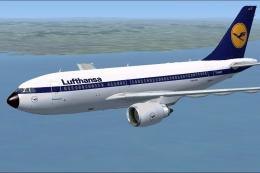
Lufthansa Airbus A310-203. Repaint of Tom Ruth's A310-100, representing Airbu…
 FSX Civil Aircraft
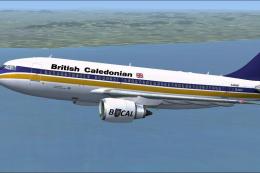
This add-on provides a high-fidelity repaint of Tom Ruth’s Airbus A310-100 mo…
 FSX Civil Aircraft
Features hand painted textures only for use with the payware Commercial Level…
Be the first to leave a comment on this download.
Be the first to share your thoughts on this download.