

 X-Plane Scenery Libraries
Large Passenger Terminal
This is a large 180 feet long passenger terminal suitable for any large scene…
Terminal 30 delivers a large, detailed terminal building that brings modern airport presence to custom scenery in X-Plane 11, with clean geometry suited for close-up viewing from the virtual cockpit and ramp. The package includes the original SketchUp source file, making it easy to adapt, integrate, and refine for personal scenery projects.
 Rate
Rate
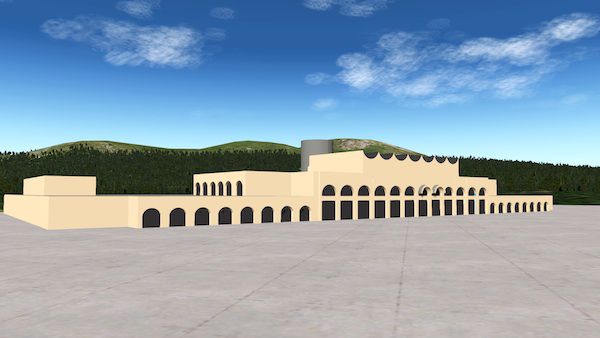
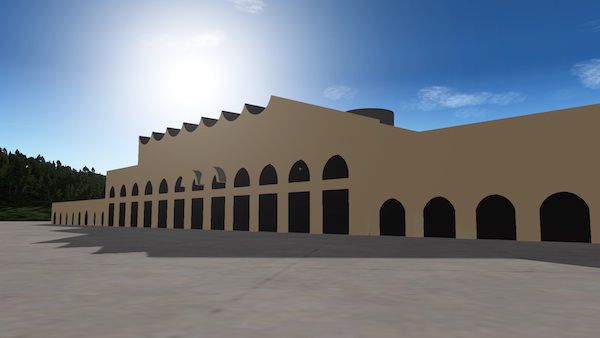
This is a large terminal building for use in your X-Plane scenery.
 The SketchUp file is included in the download. Feel free to use it in your own sceneries, but please credit the author.
By Fred Schutzman.
Free for all simmers · 548.82 KB · Scanned clean Oct 2026
Download speed: Free tier is capped at 0.5 Mbps. PRO members download at full line speed.
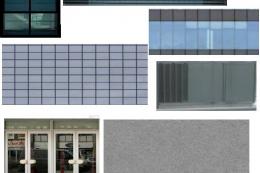
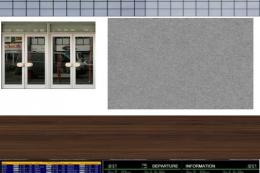
Aircraft/ (planes), Custom Scenery/ (airports, mesh), or Resources/plugins/ (plugins).readme.txt or README file. It tells you exactly where files go, what dependencies are needed, and any quirks specific to this add-on.The archive terminal_30.zip has 8 files and directories contained within it.
This list displays the first 500 files in the package. If the package has more, you will need to download it to view them.
| Filename/Directory | File Date | File Size |
|---|---|---|
| terminal 30 | 07.03.17 | 0 B |
| image1.jpg | 07.03.17 | 56.32 kB |
| image2.jpg | 07.03.17 | 38.96 kB |
| malta.obj | 07.01.17 | 780.26 kB |
| malta.skp | 07.01.17 | 996.58 kB |
| mlata_tex.png | 07.01.17 | 24.17 kB |
| flyawaysimulation.txt | 10.29.13 | 959 B |
| Go to Fly Away Simulation.url | 01.22.16 | 52 B |
Only PRO members can place votes.
More X-Plane add-ons hand-picked based on this download.
X-Plane Scenery Libraries
This is a large 180 feet long passenger terminal suitable for any large scene…
 X-Plane Scenery Libraries
This terminal is meant for medium to large airports. It features a complex ro…
 X-Plane Scenery Libraries
This is a small terminal featuring a transparent glass front and back. The Sk…
 X-Plane Scenery Libraries
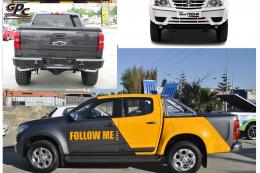
This is a highly detailed airport 'Follow Me Truck' for use in any scenery. T…
 X-Plane Scenery Libraries
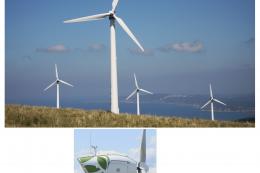
This is an animated wind turbine, suitable for both land and sea. Made in Ske…
 X-Plane Scenery Libraries
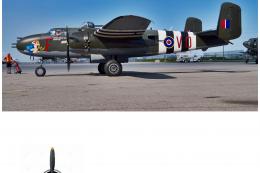
The North American B-25 Mitchell is an American twin-engine, medium bomber ma…
 X-Plane Scenery Libraries
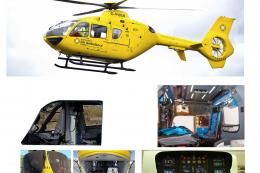
This is a highly detailed model of an NWAA EC-135 Eurocopter (N-NWEM). The an…
 X-Plane Scenery Libraries
This is a collection of six sets of animated flames with smoke. They are set …
Be the first to leave a comment on this download.
Be the first to share your thoughts on this download.