


 Norway
  MSFS Scenery
Grand Canyon National Park Airport (KGCN)
This mod developed by JustOkayPilot brings Grand Canyon National Park Airport…
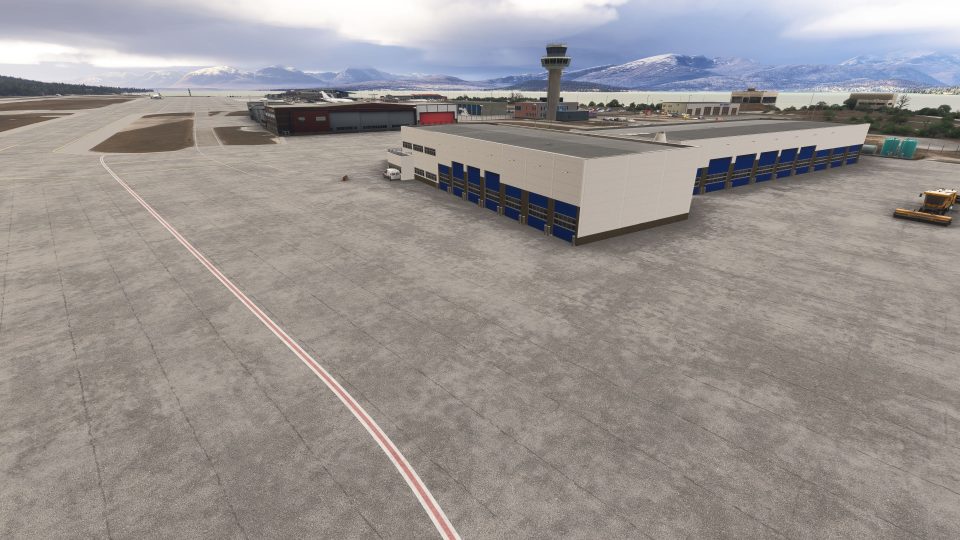
Tromsø Langnes Airport (ENTC) gets a crisp freeware makeover with custom terminals, refined exterior materials, and select interior detailing, plus terrain blending that keeps the airfield sitting naturally in northern Norway. In Microsoft Flight Simulator, it adds AIP-matched runway and taxiway lighting, winter snow coverage, animated jetways, updated parking stands, and nearby windfarm ambience.
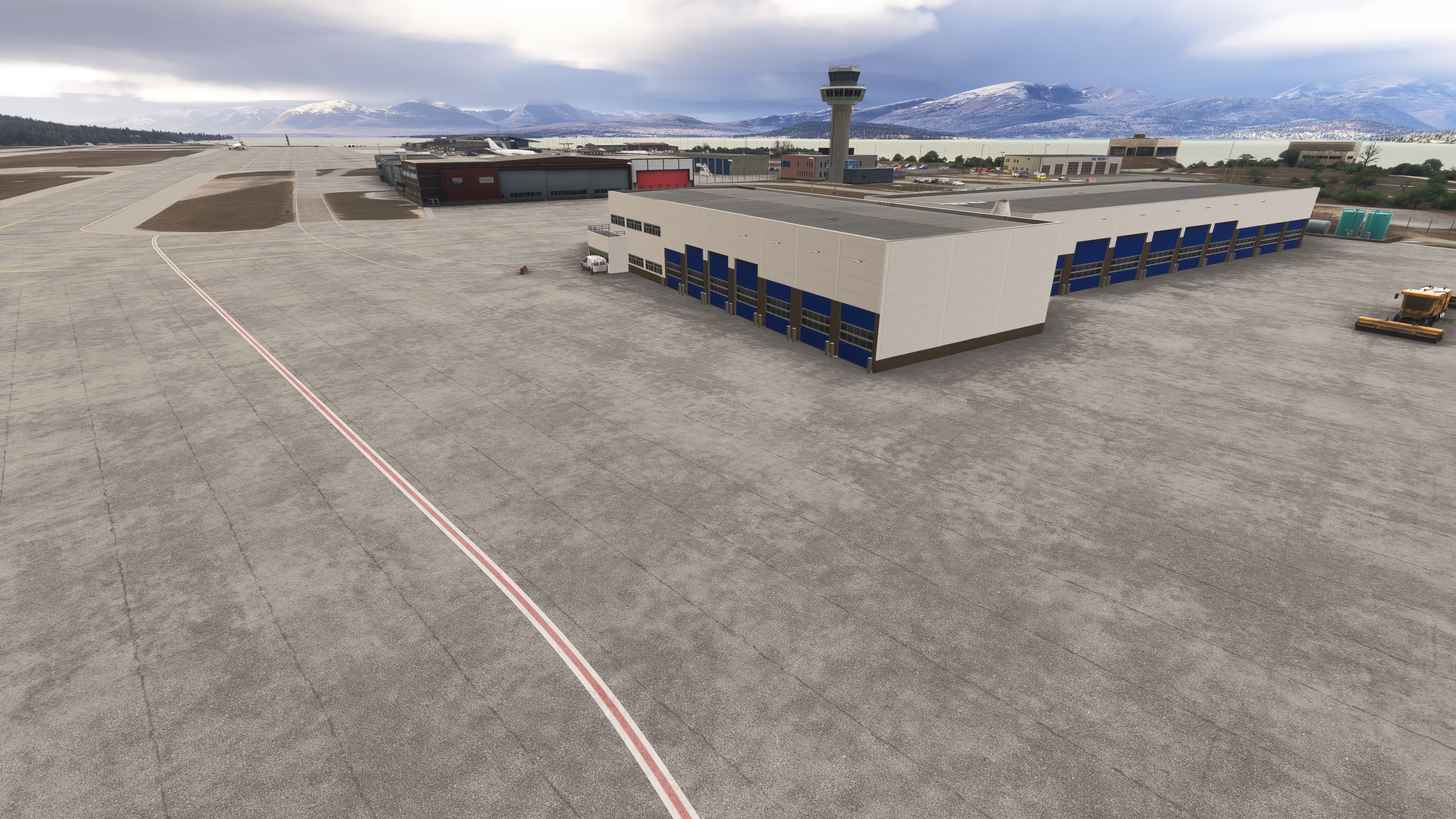
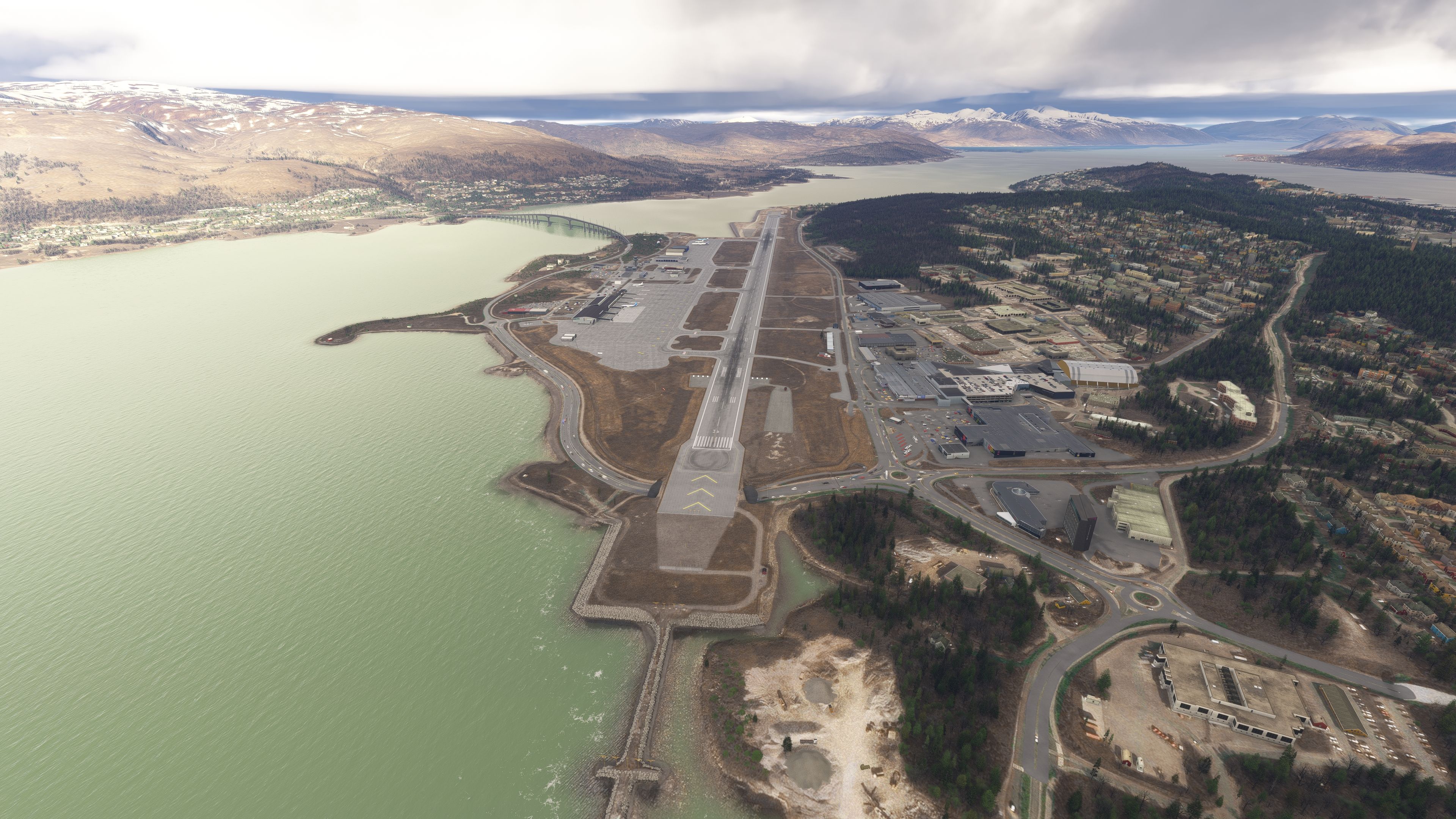
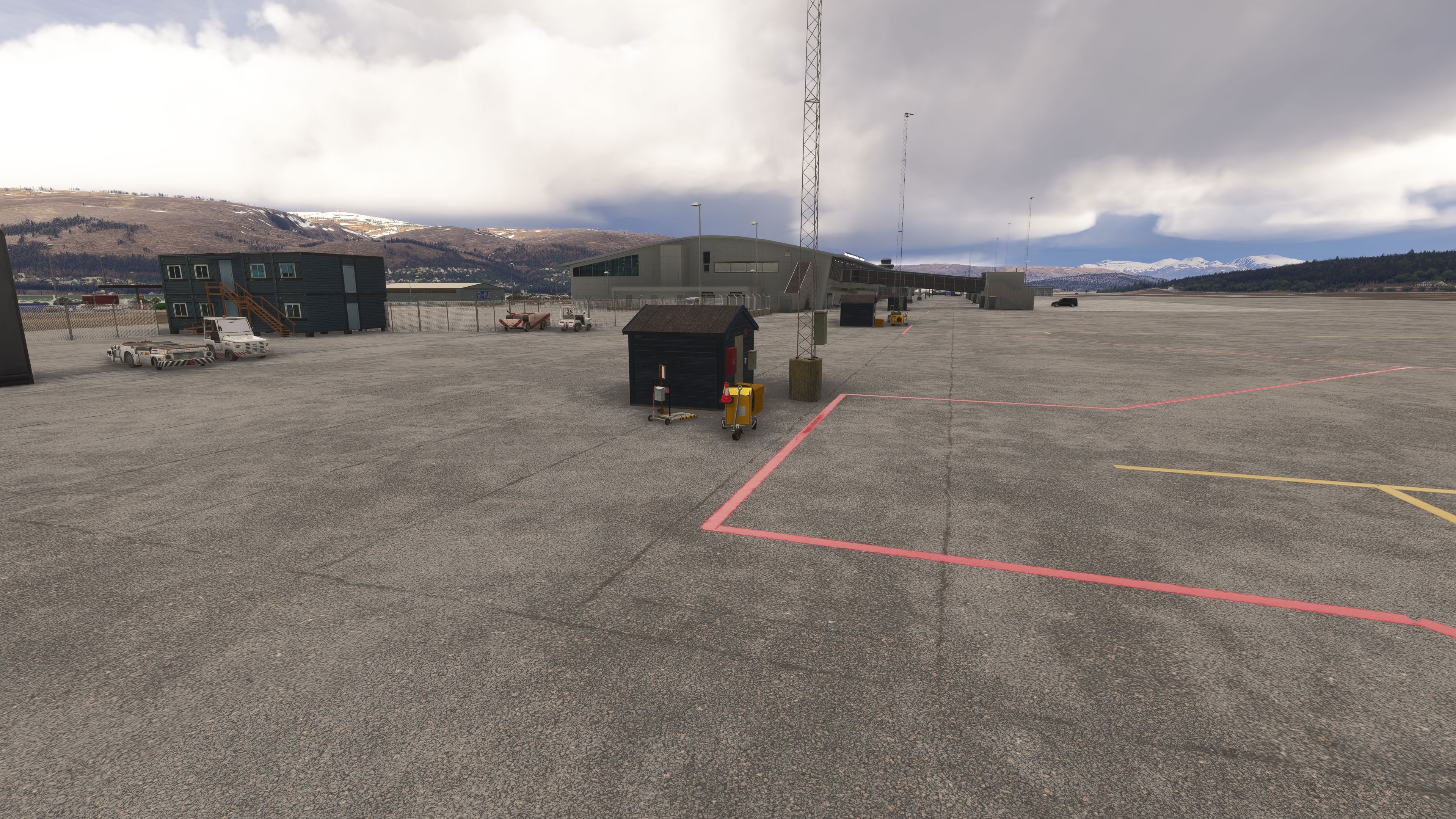
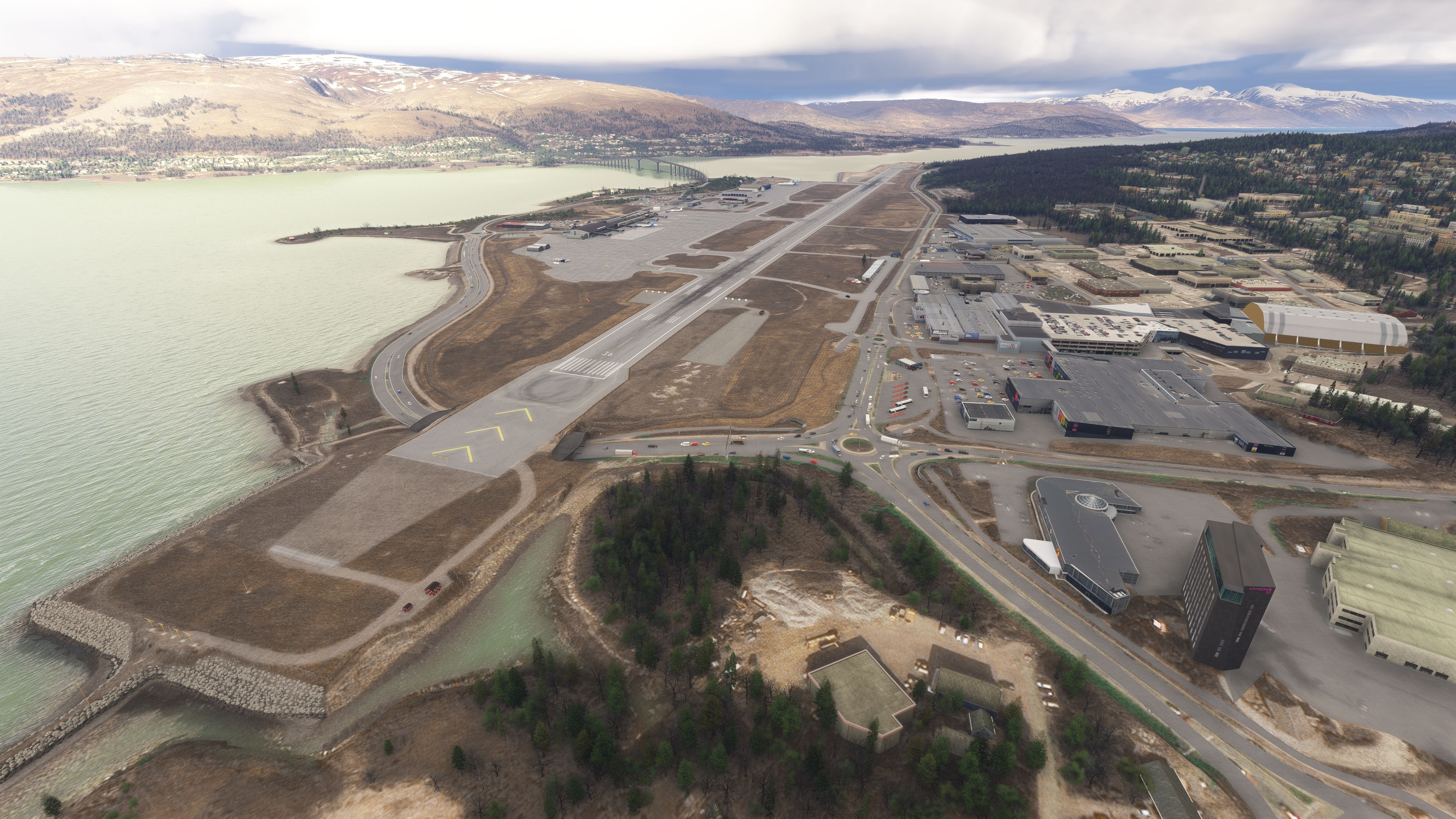
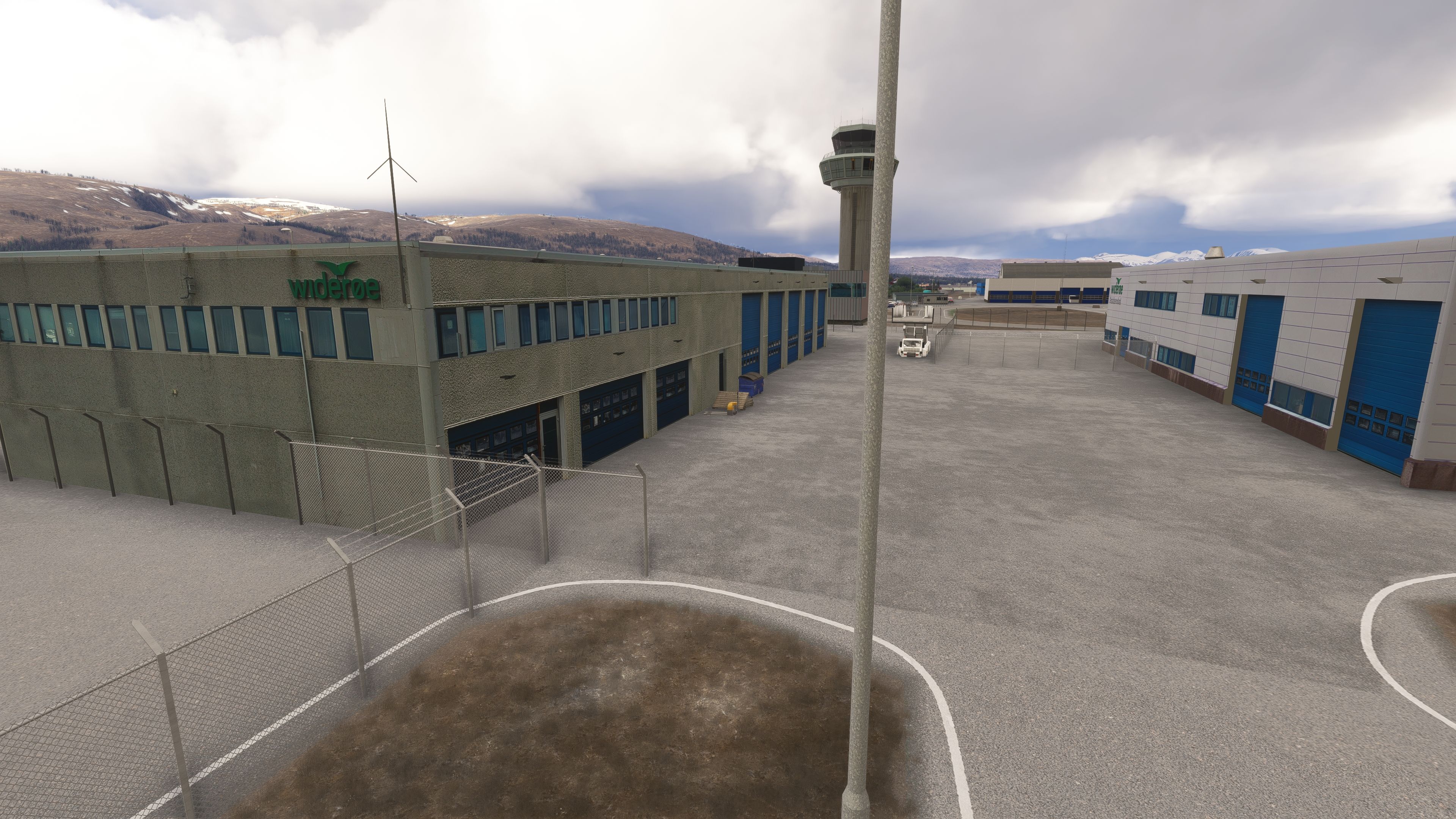
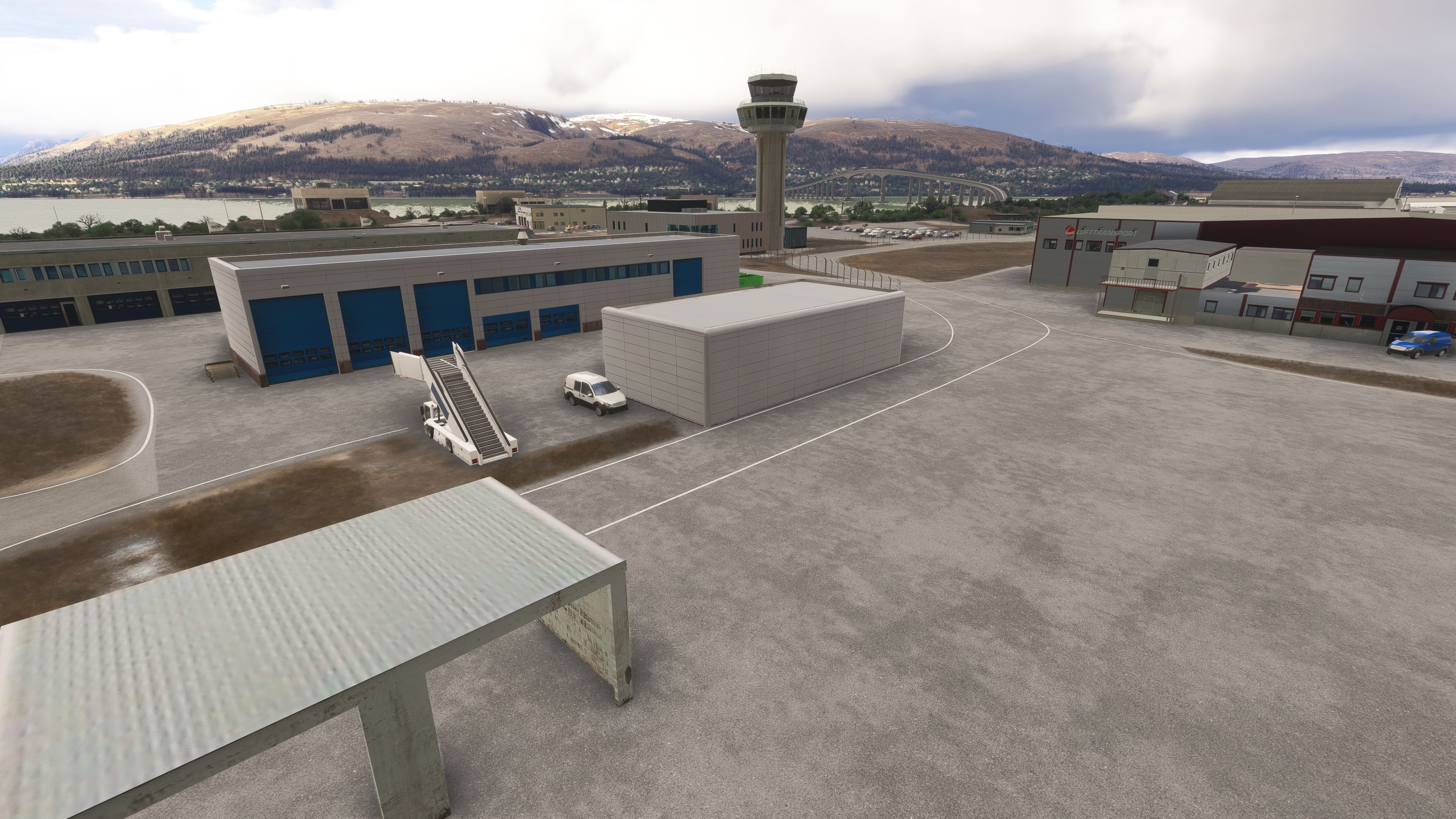
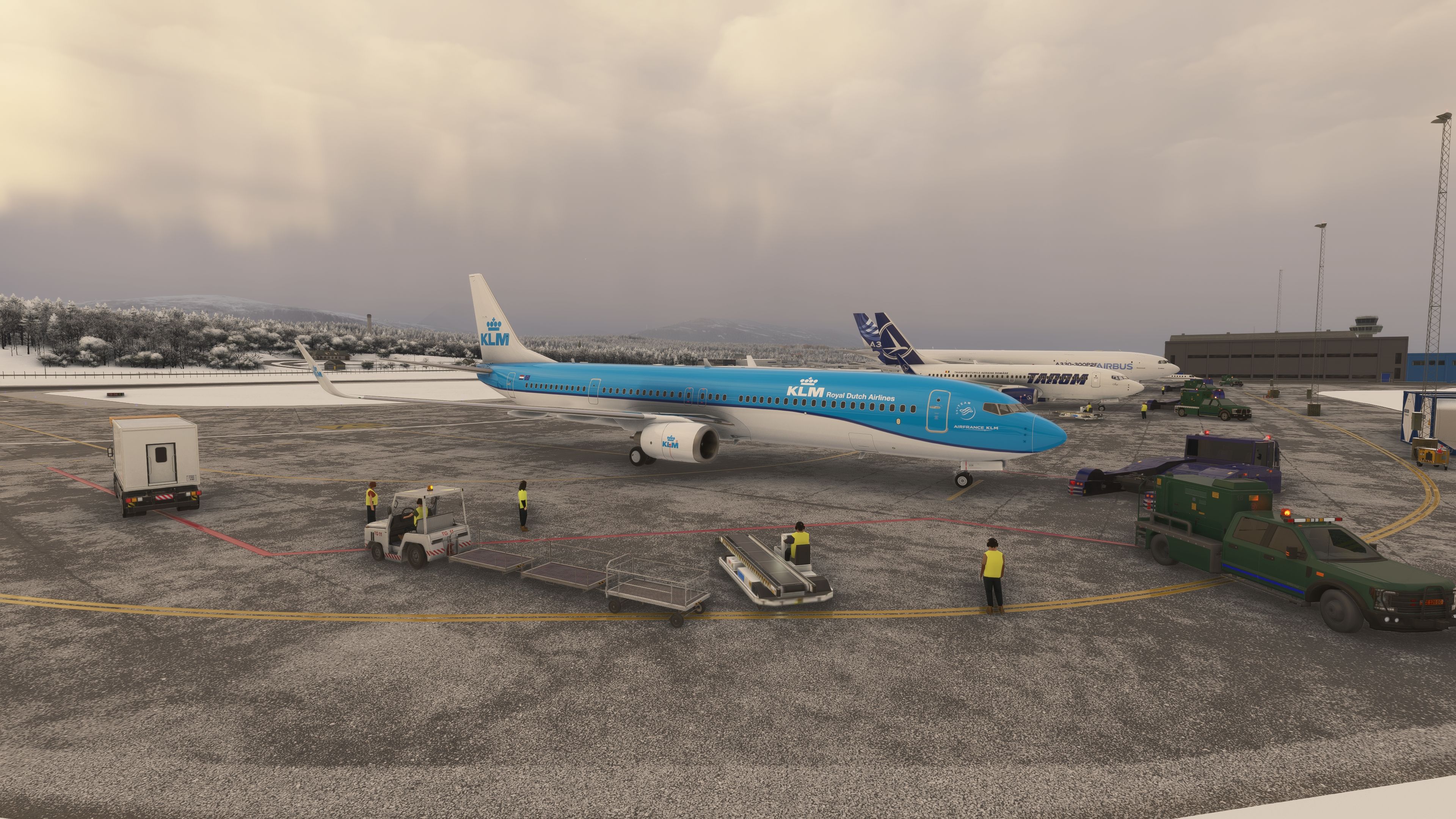
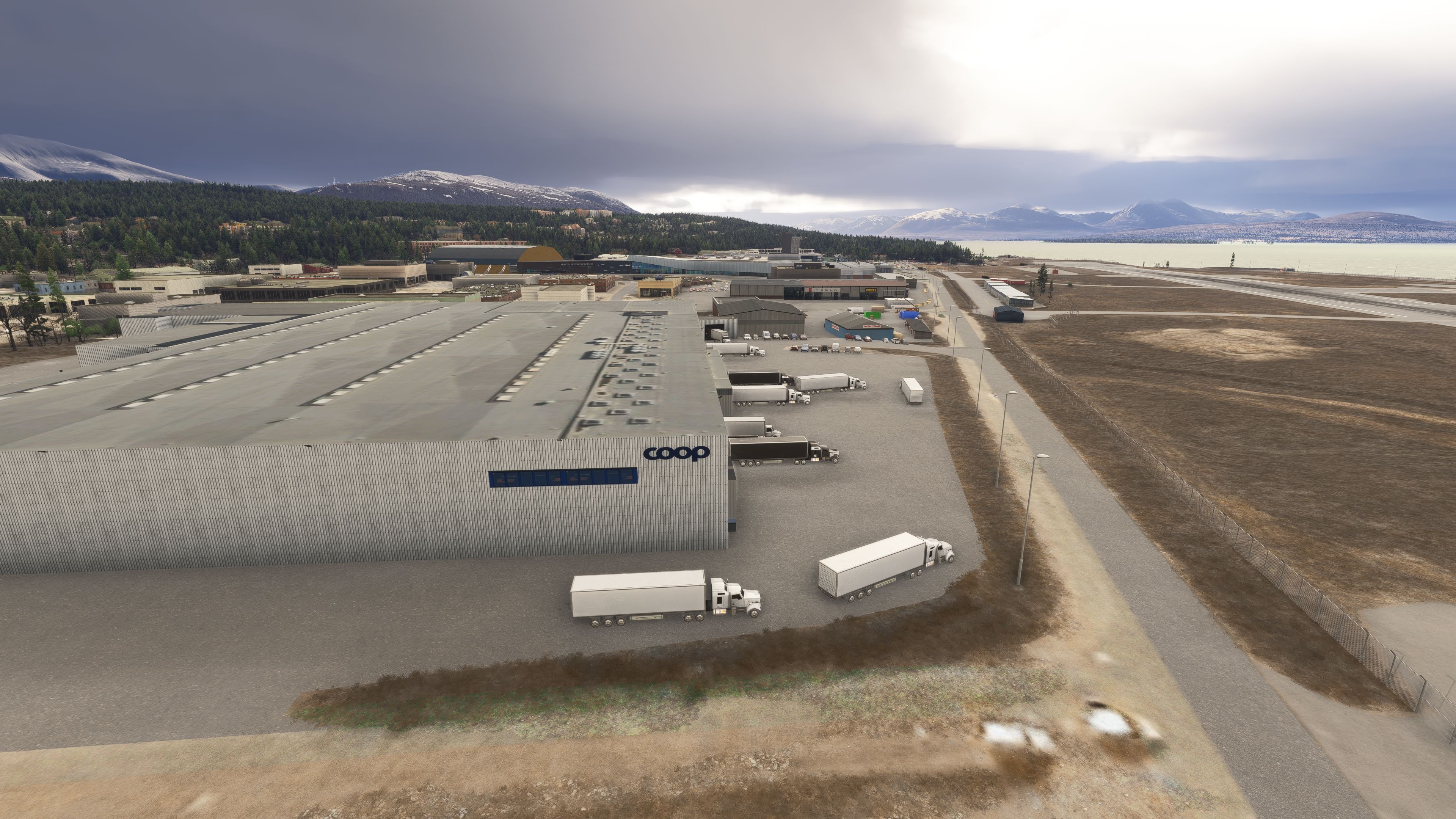
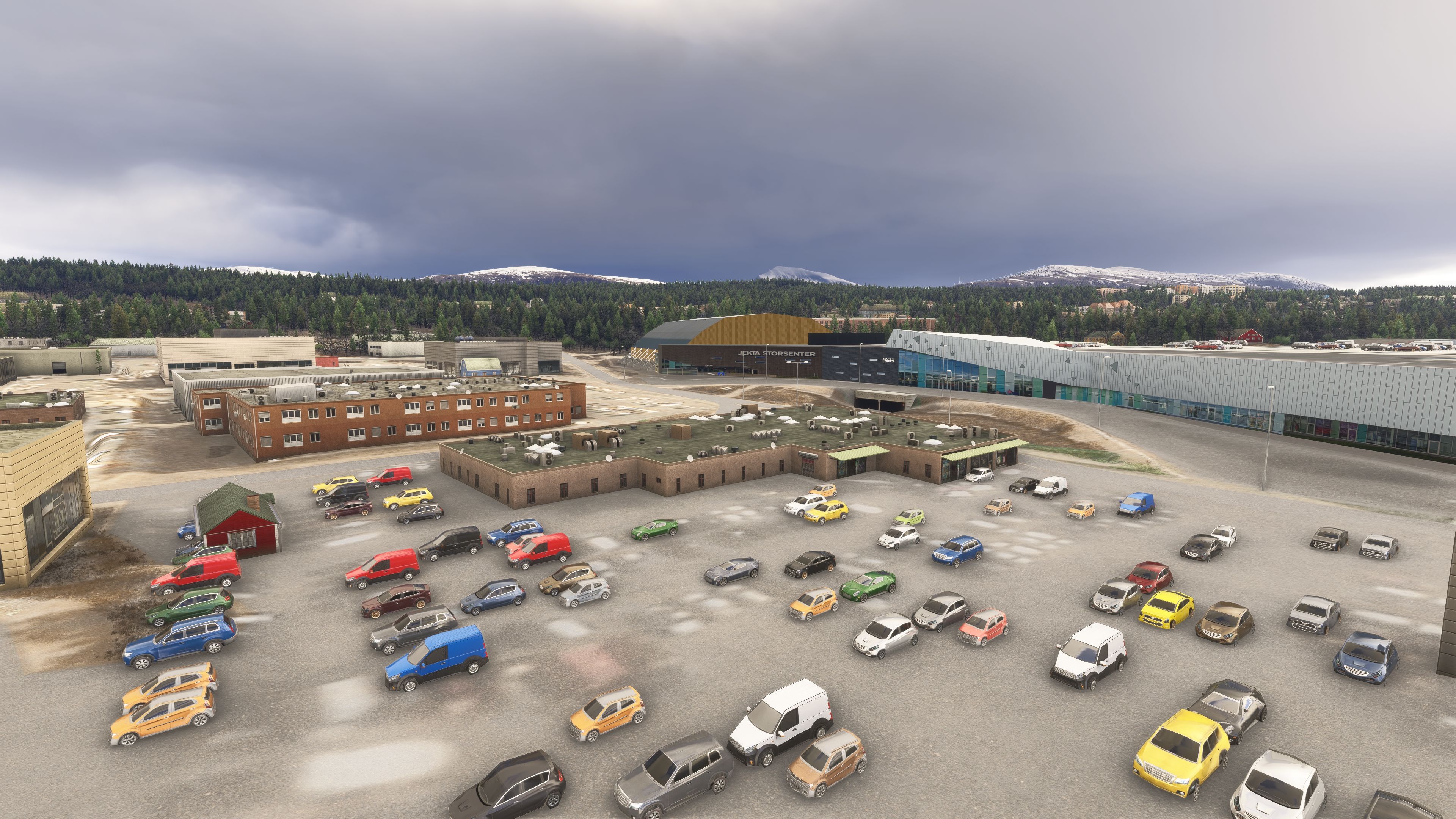
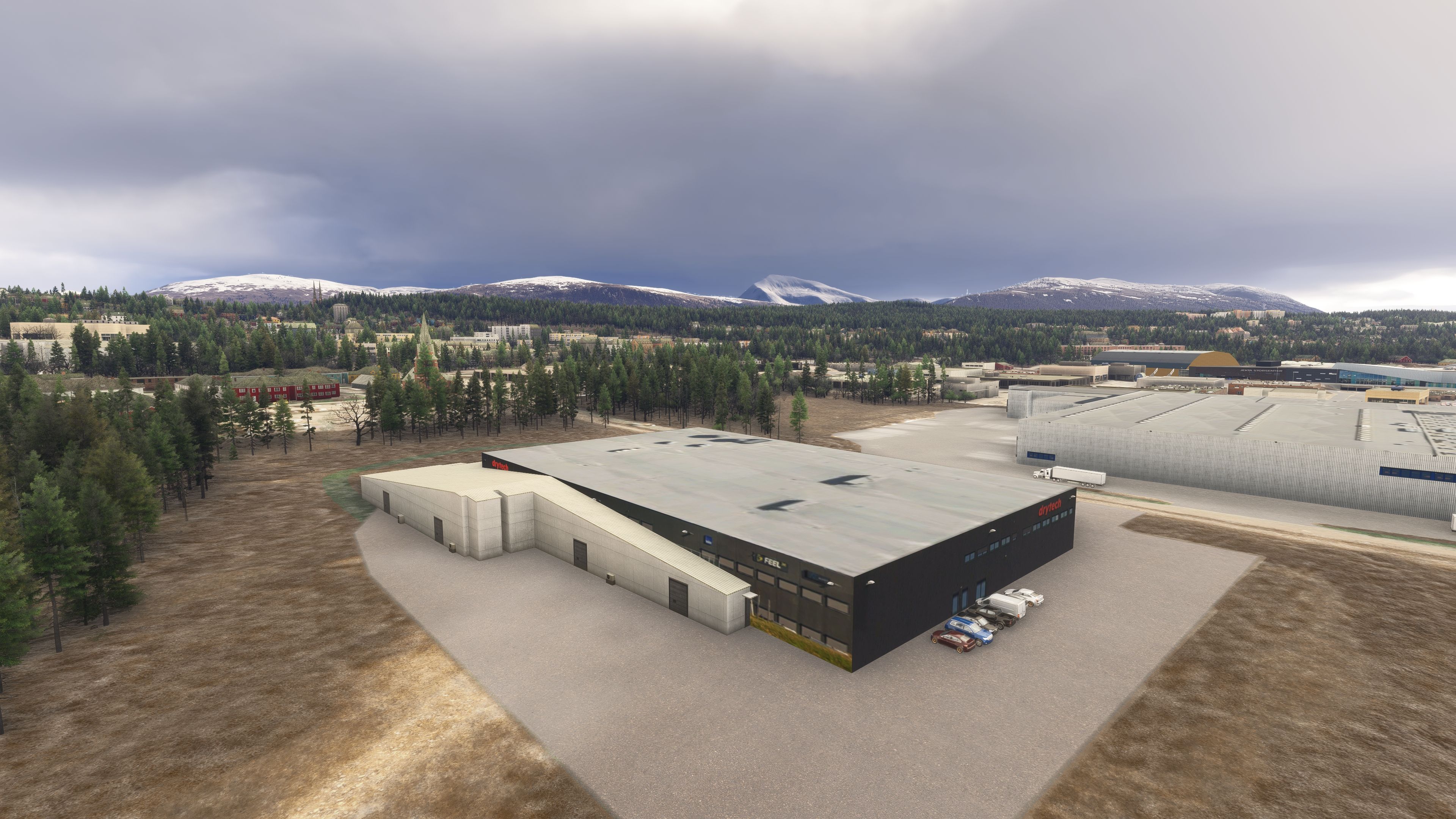
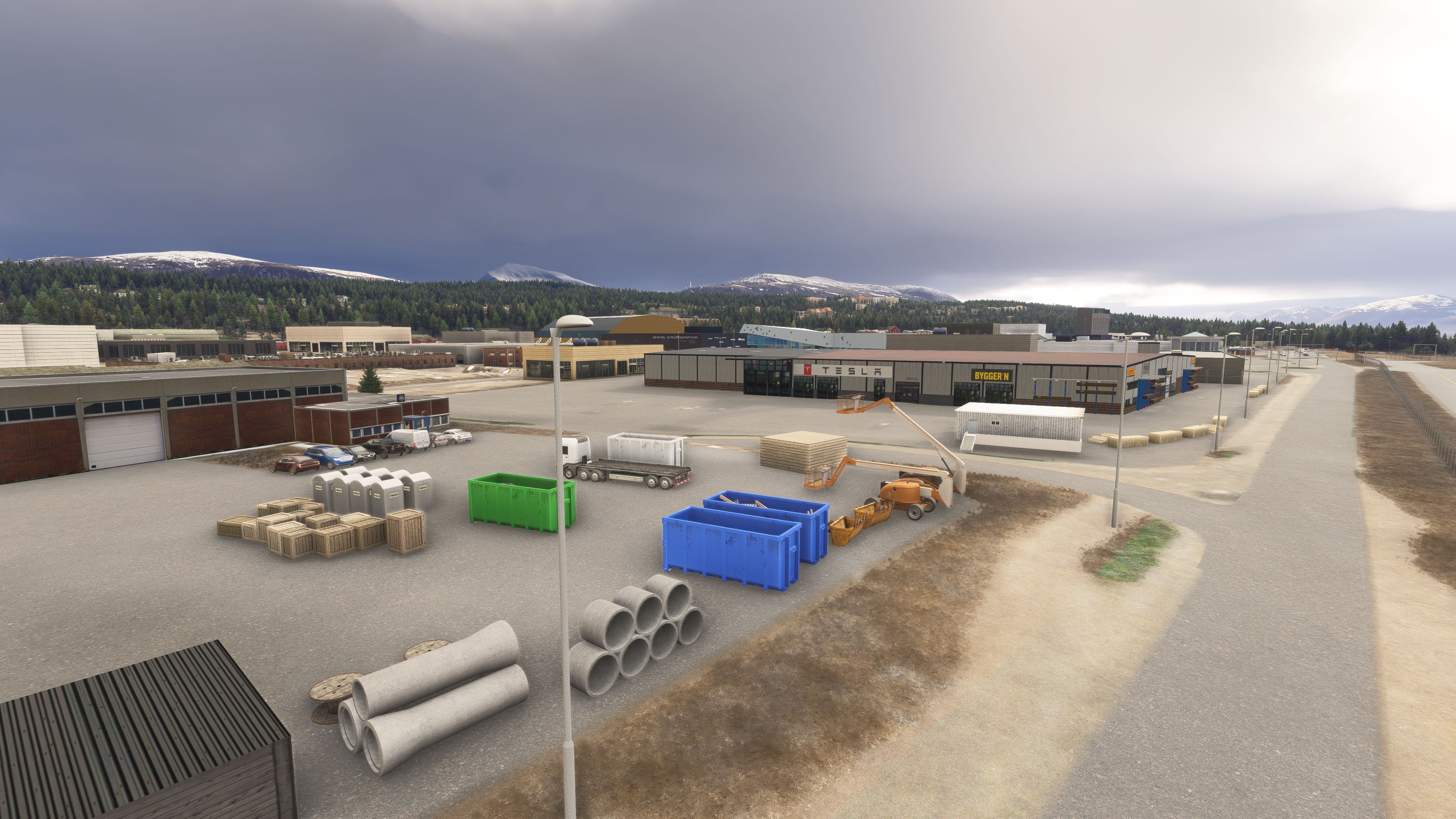
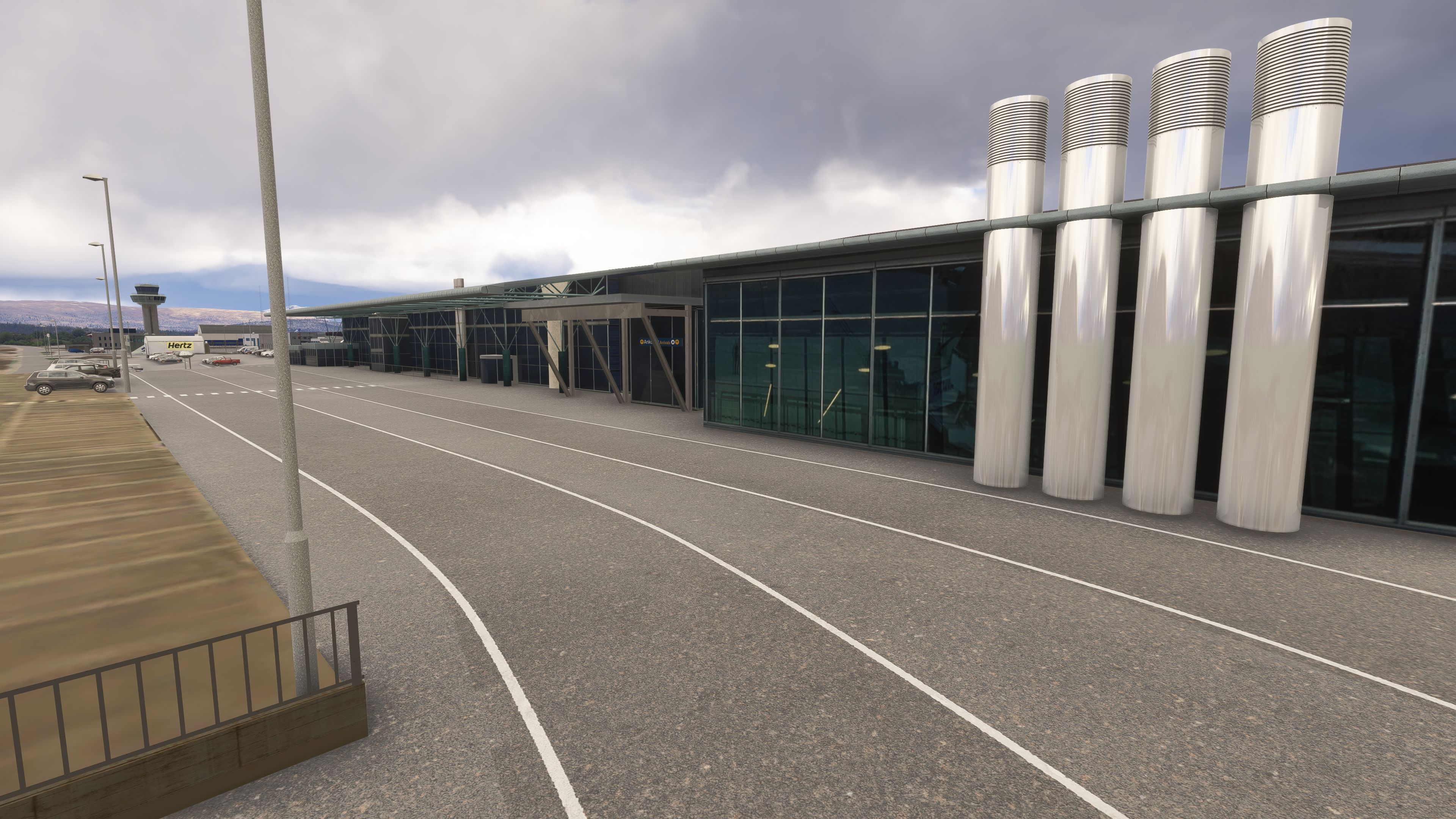
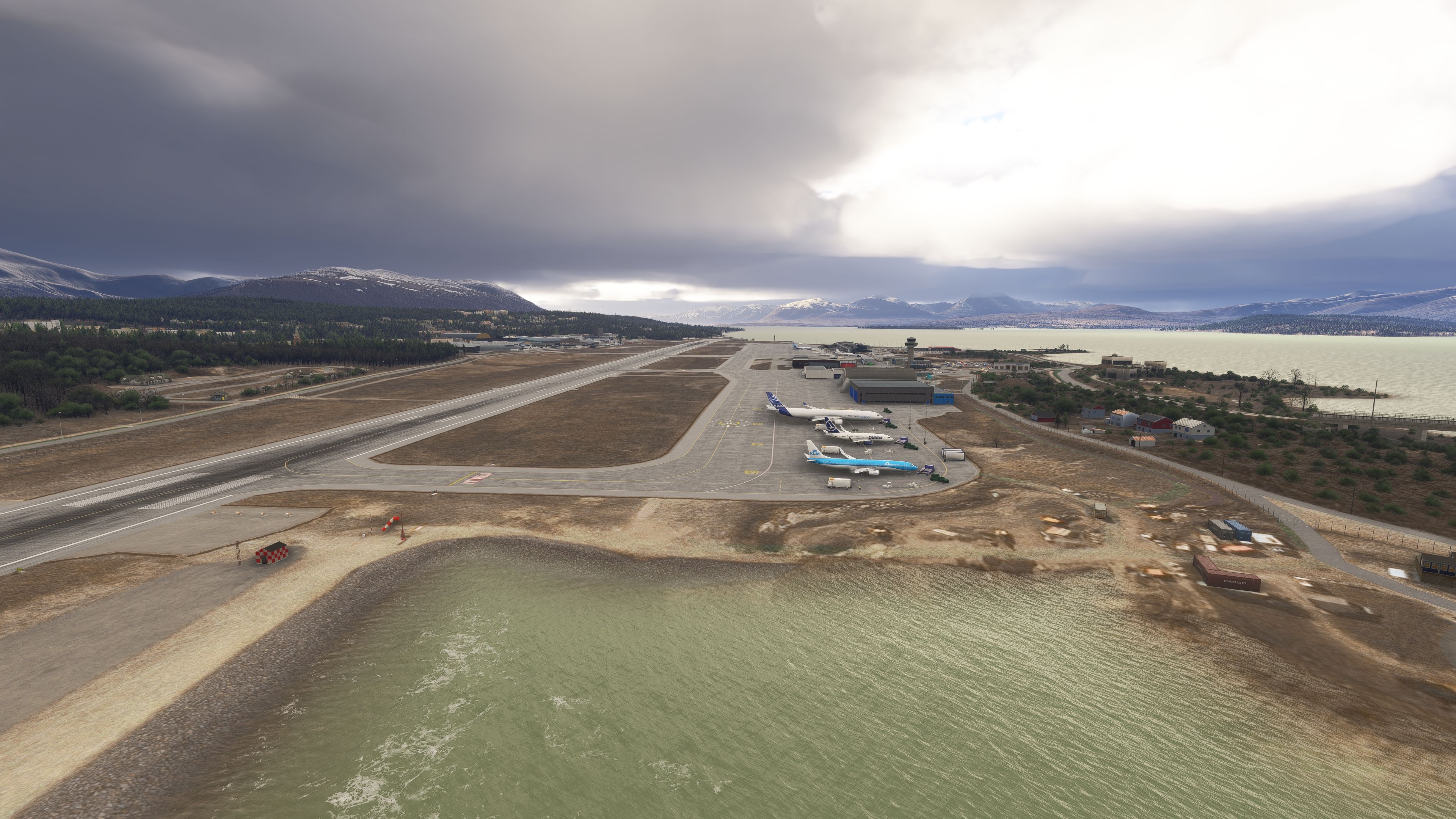
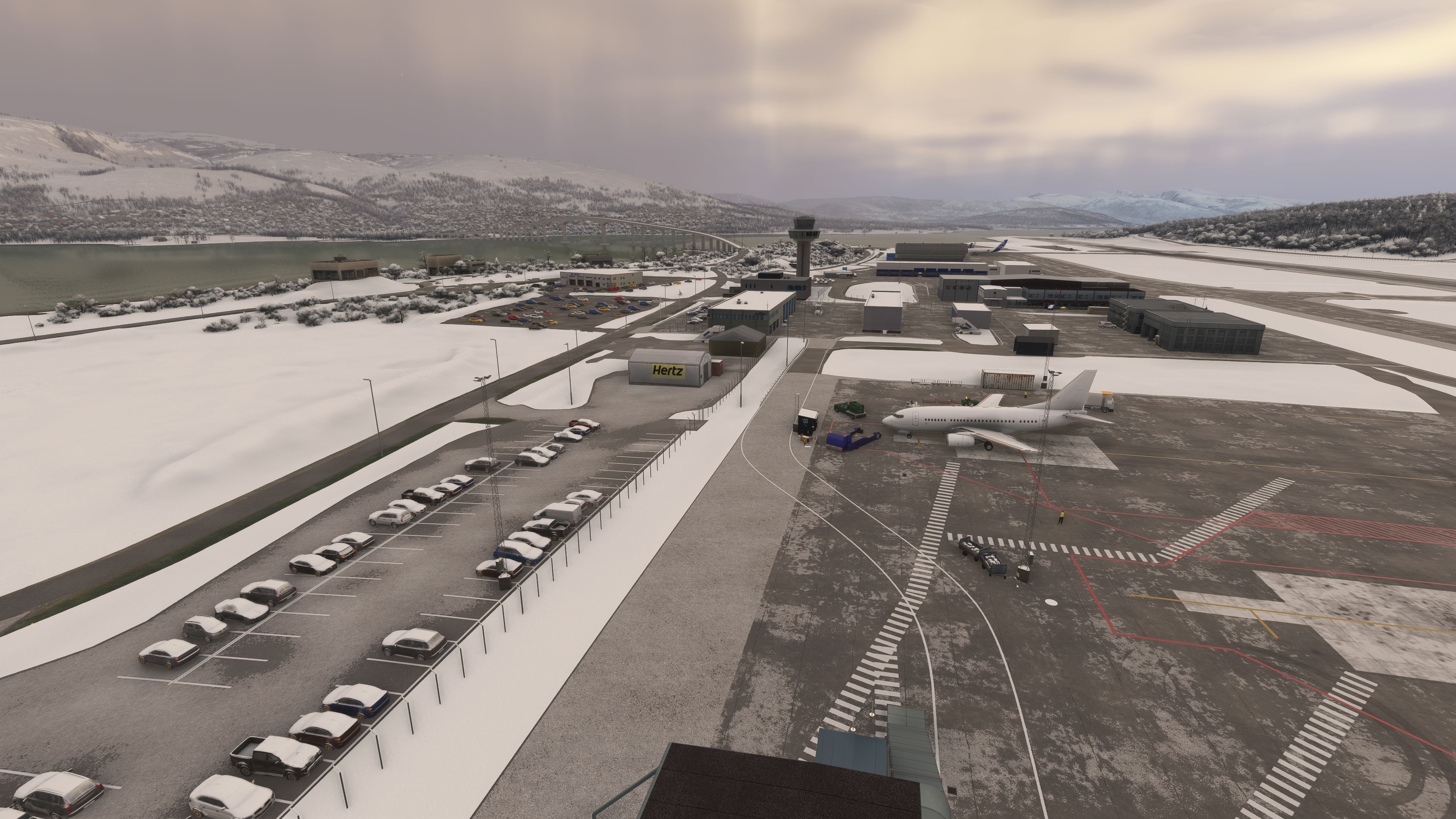
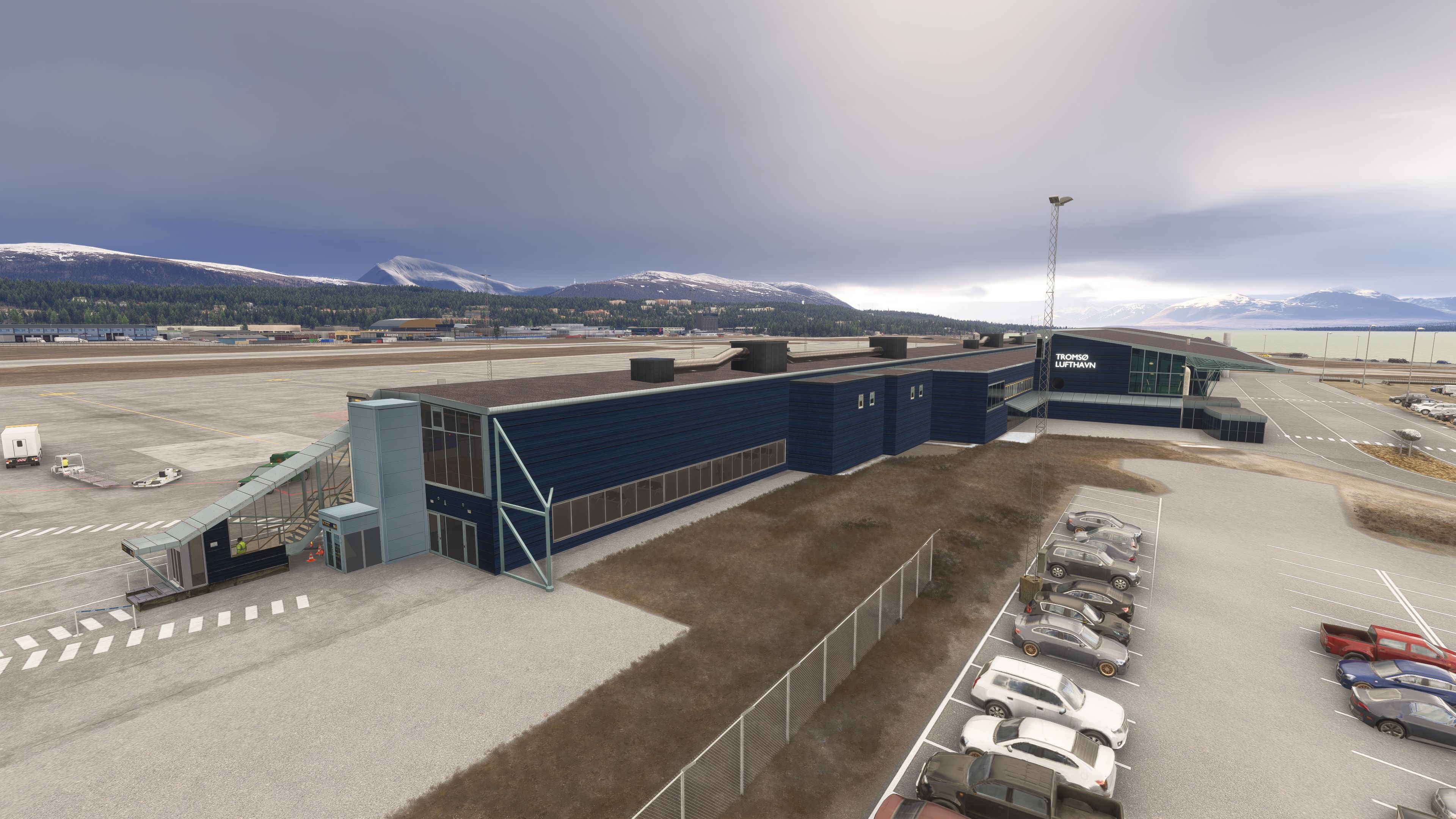
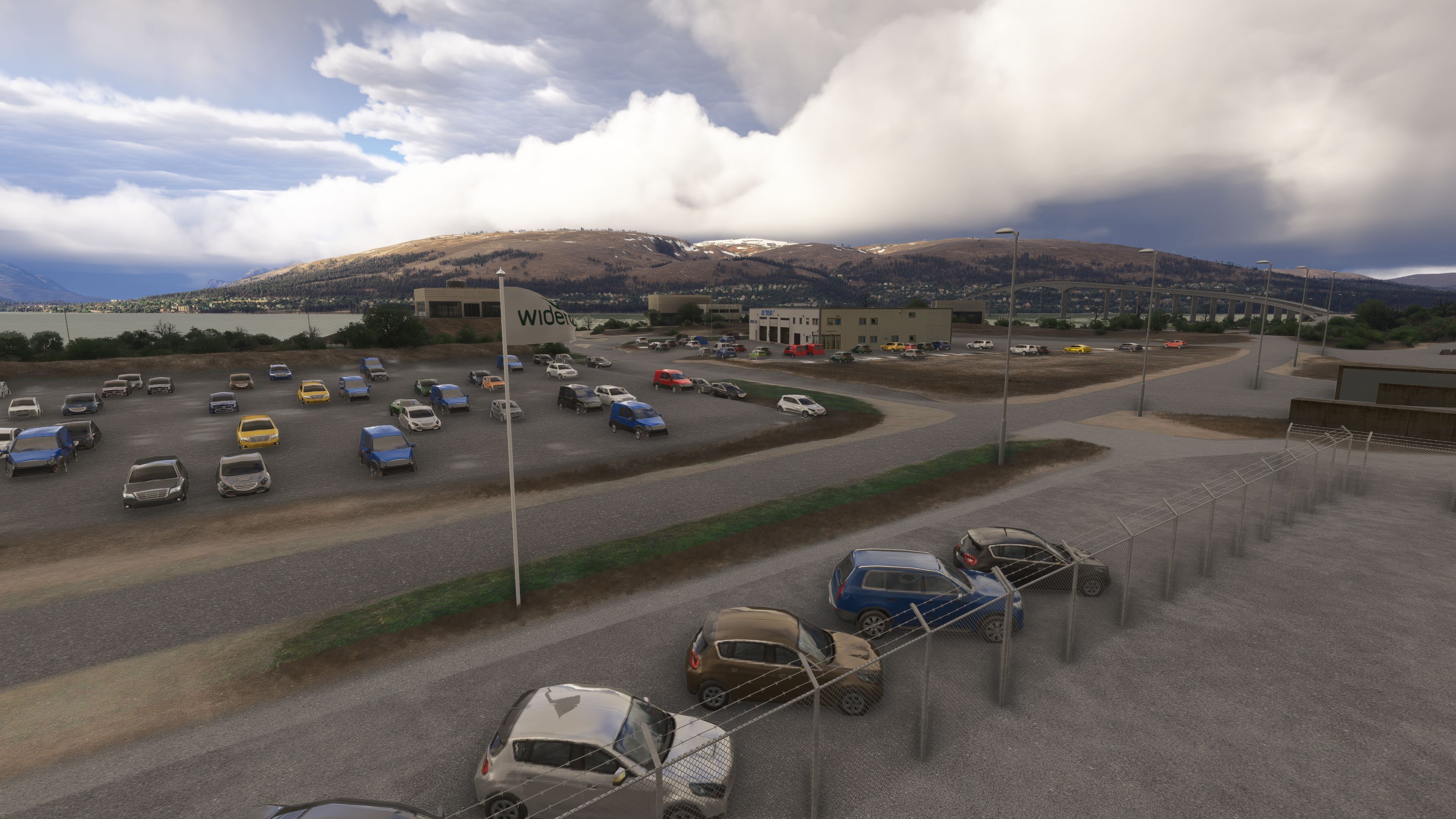
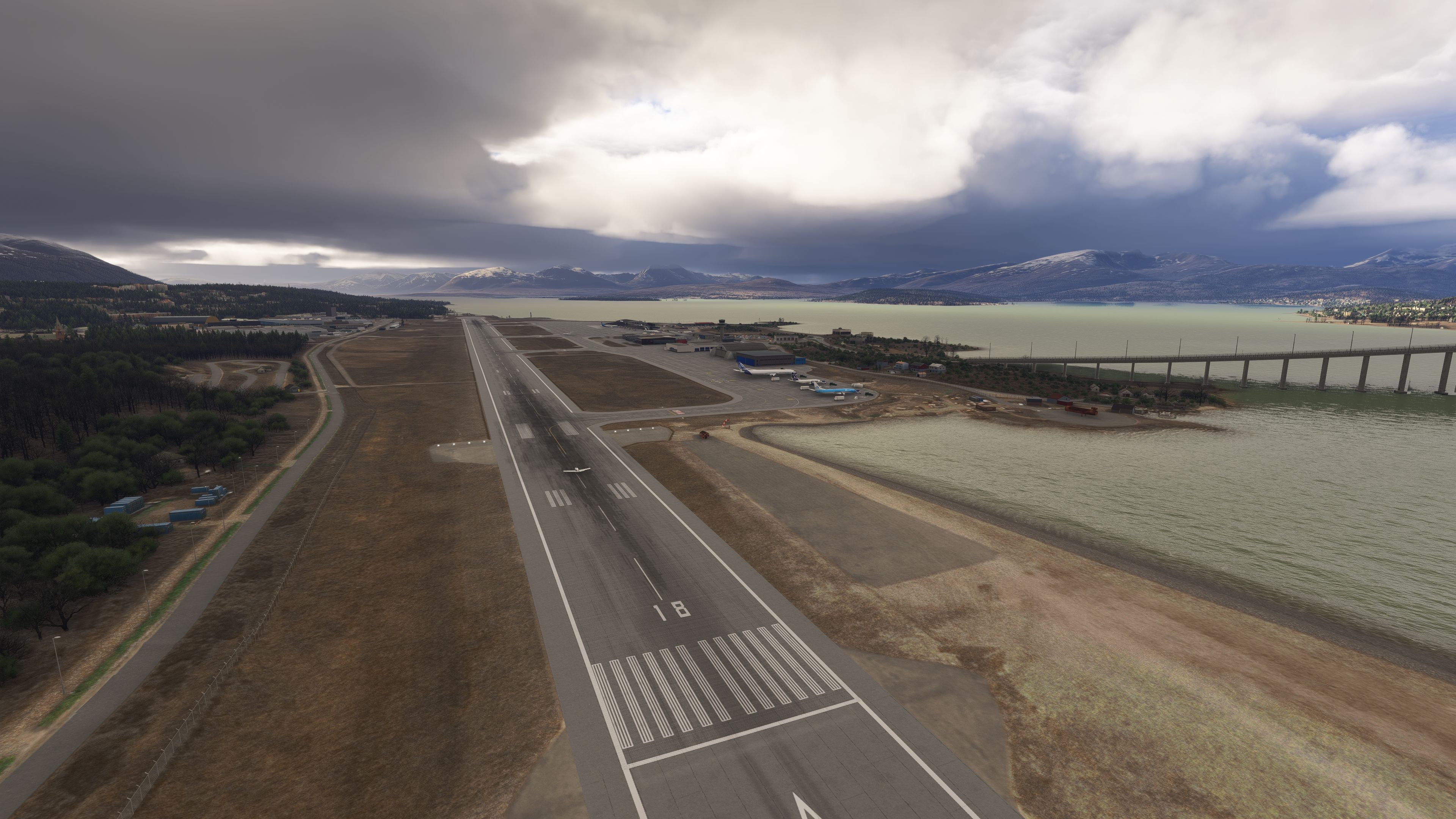
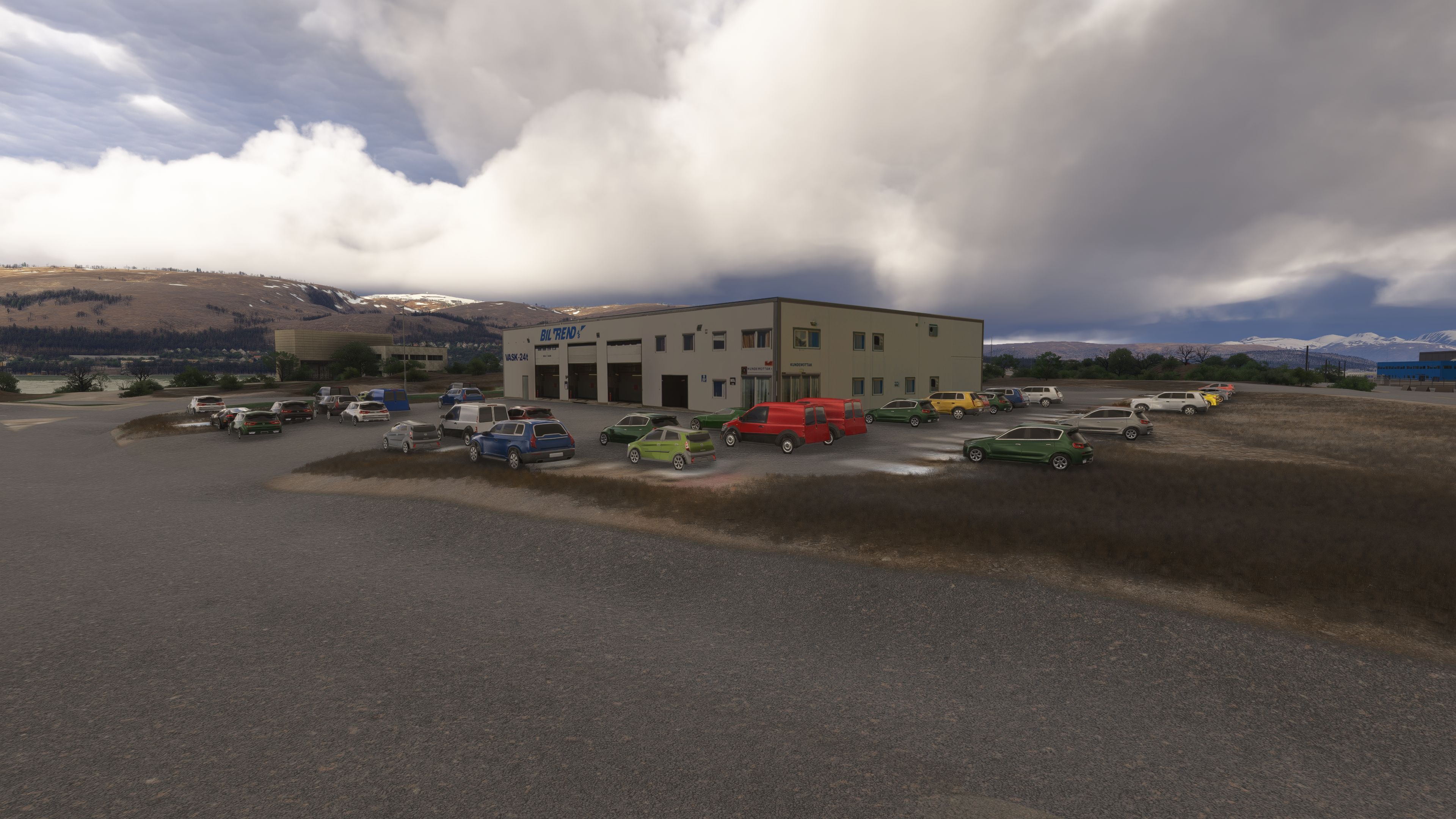
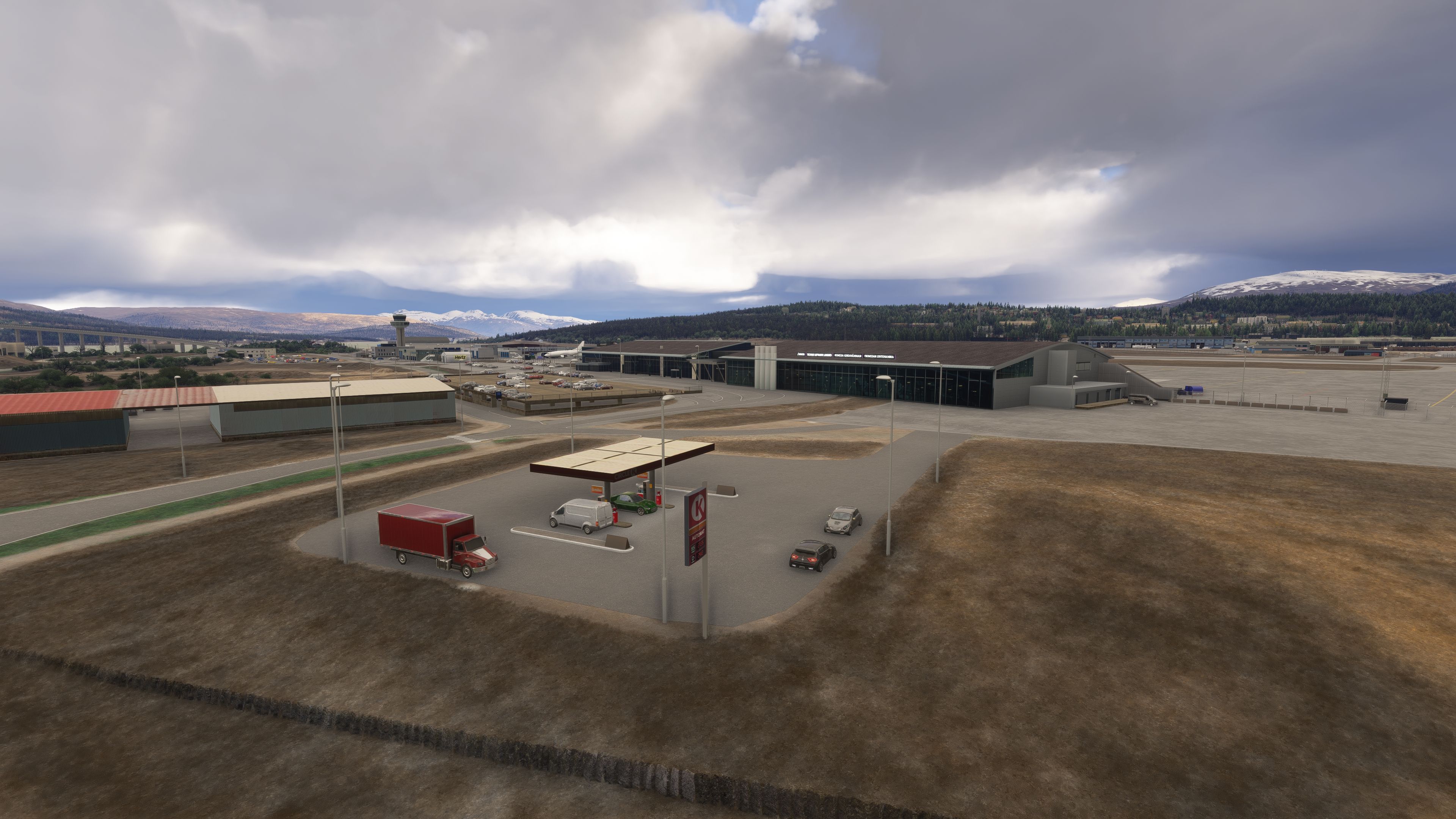
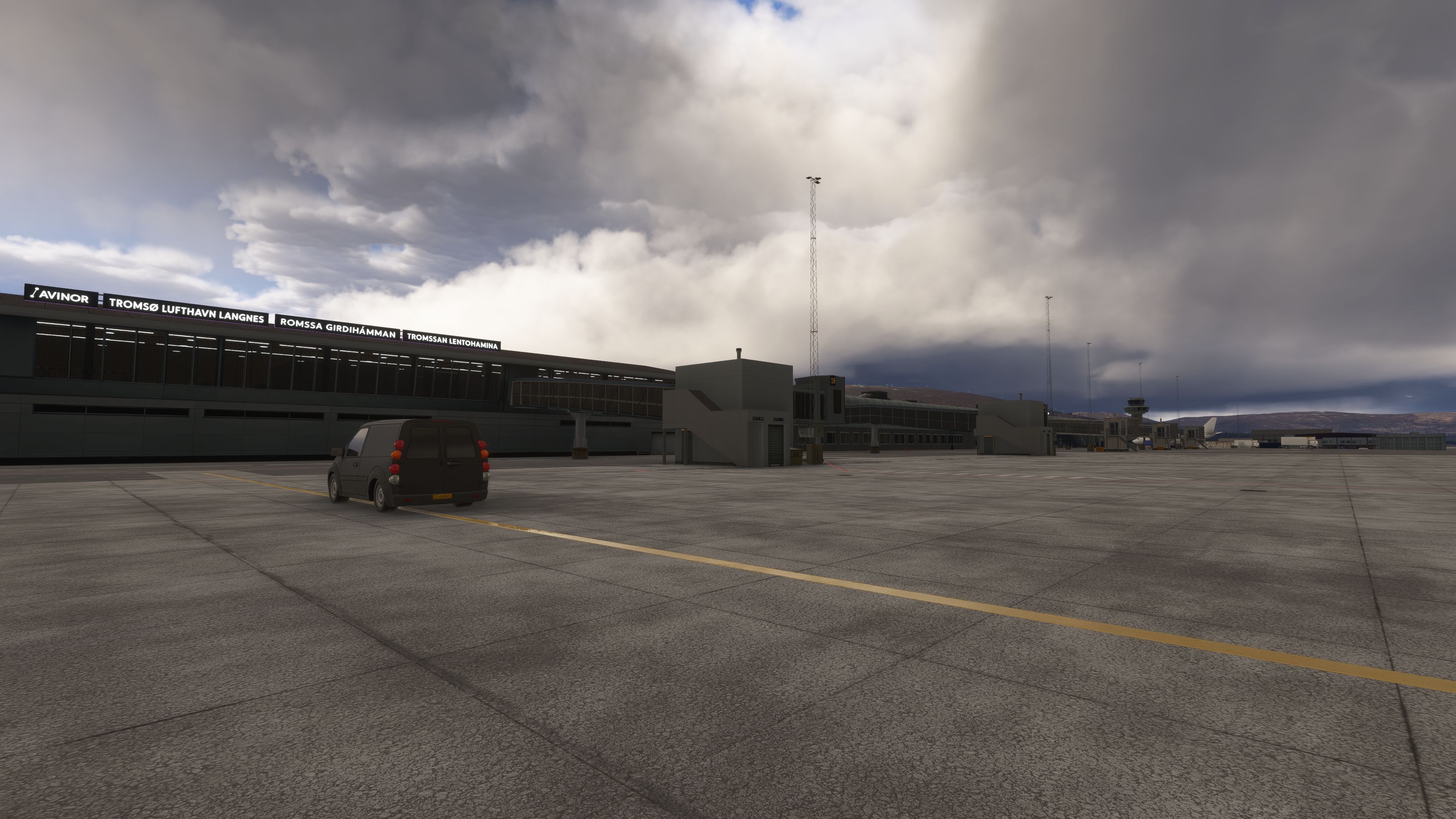
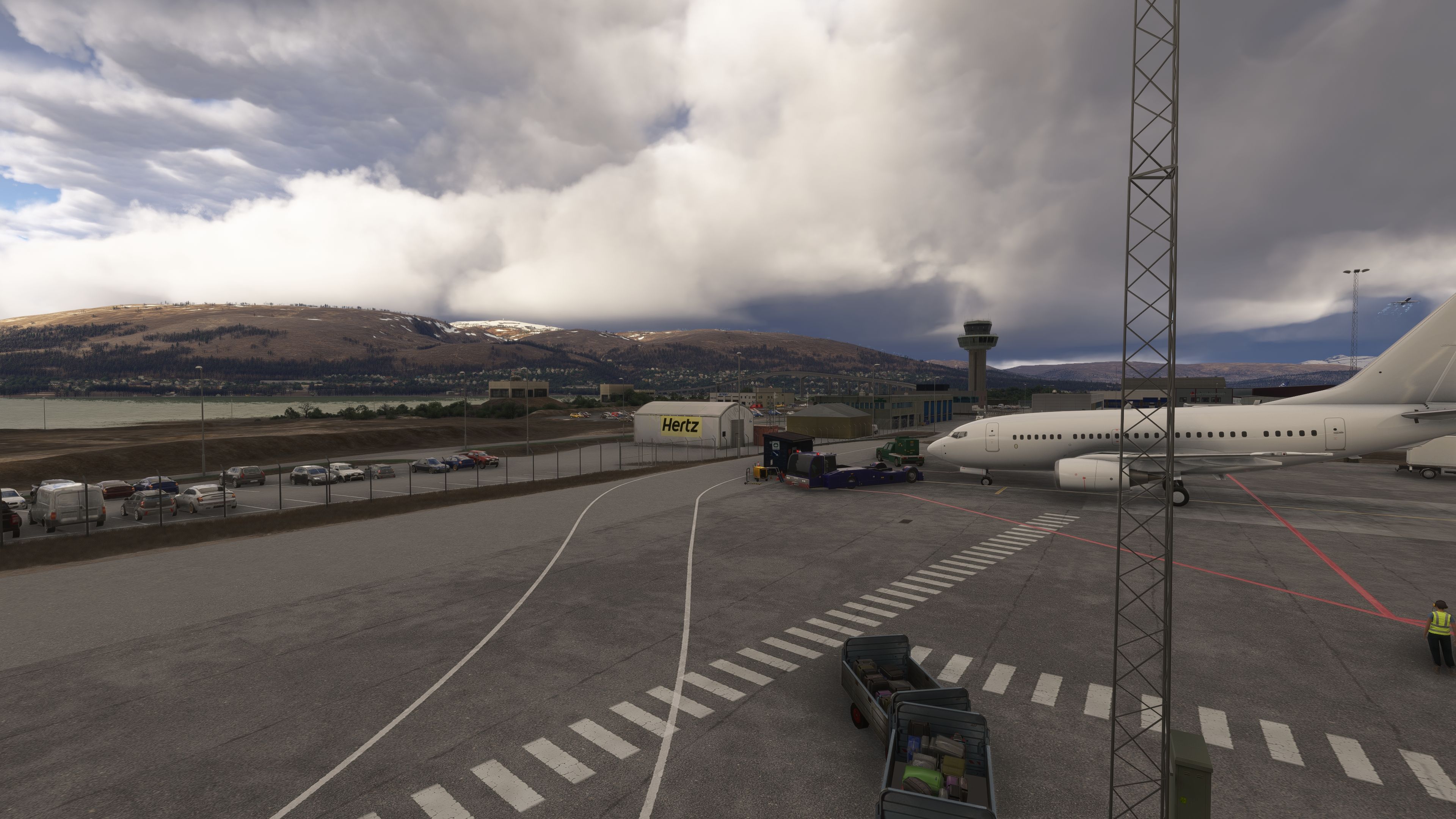
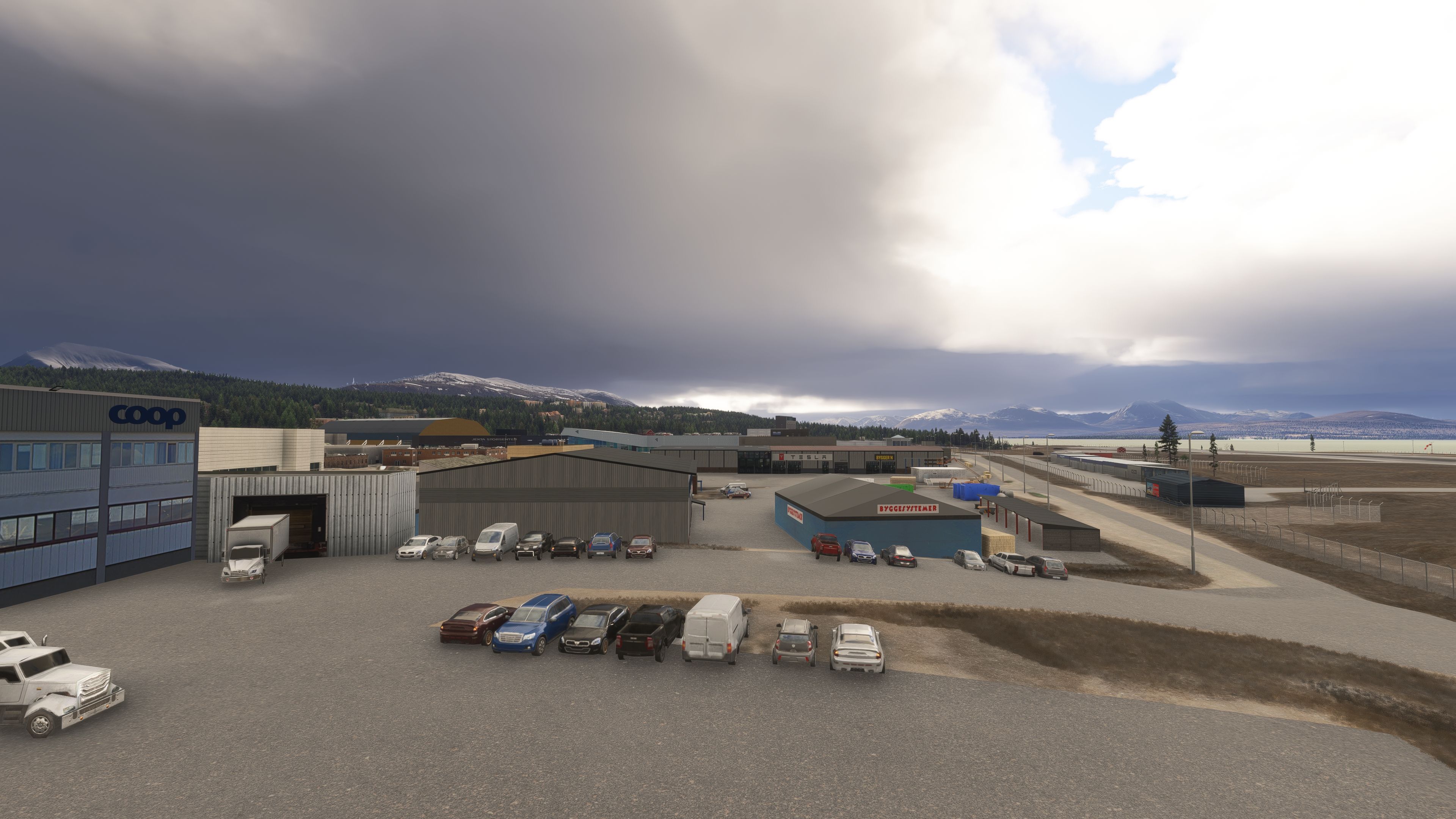
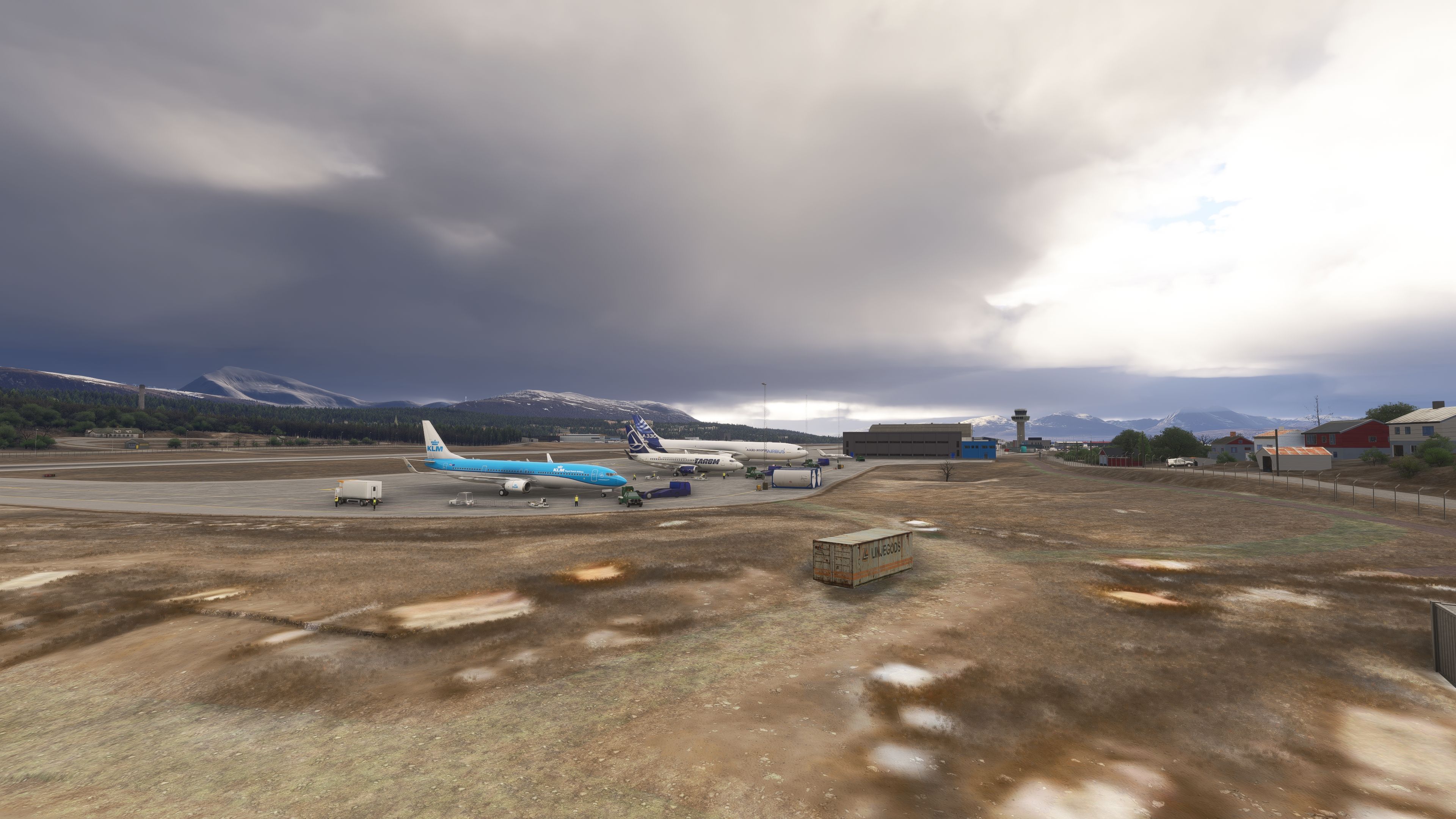
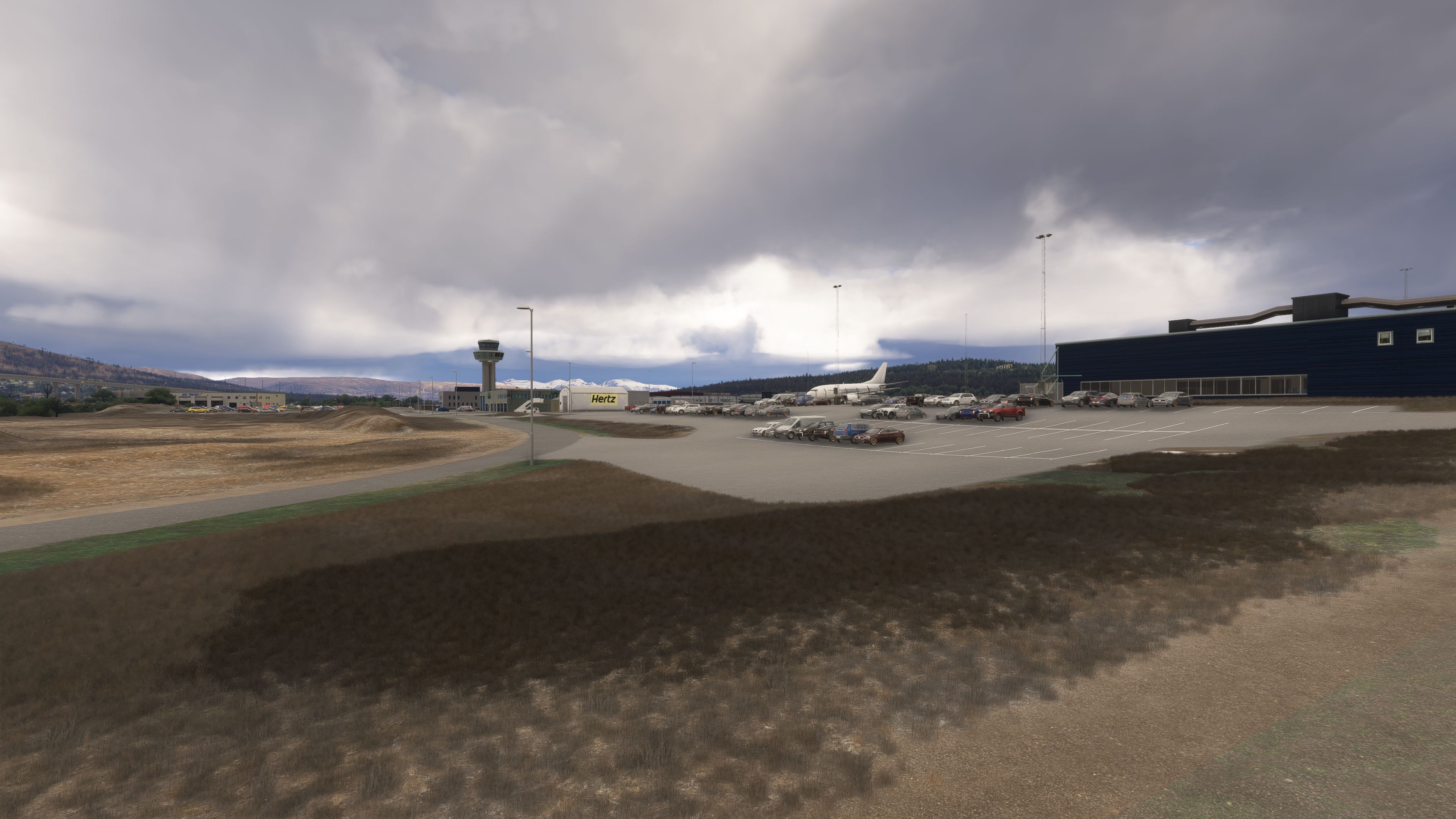
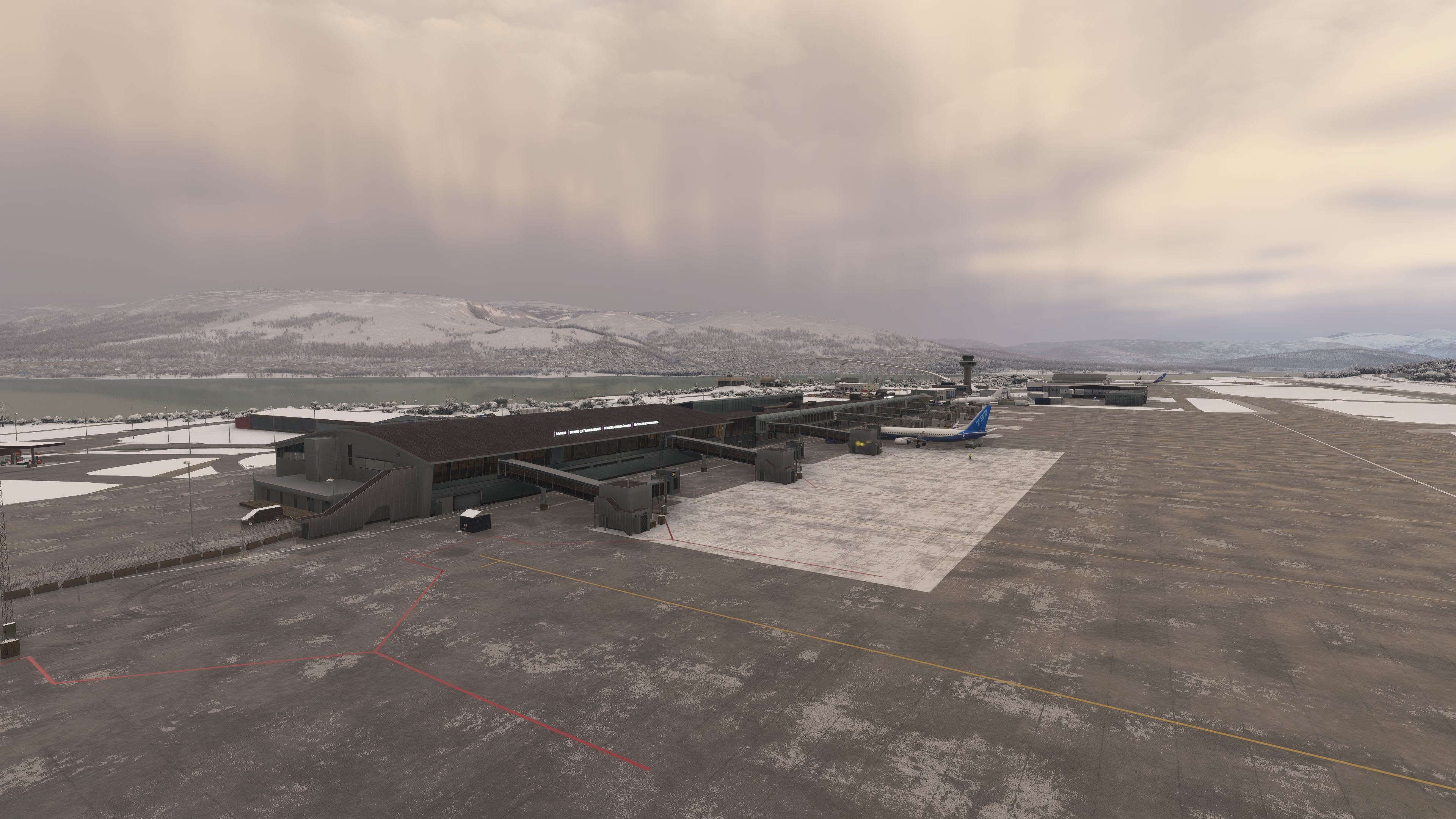
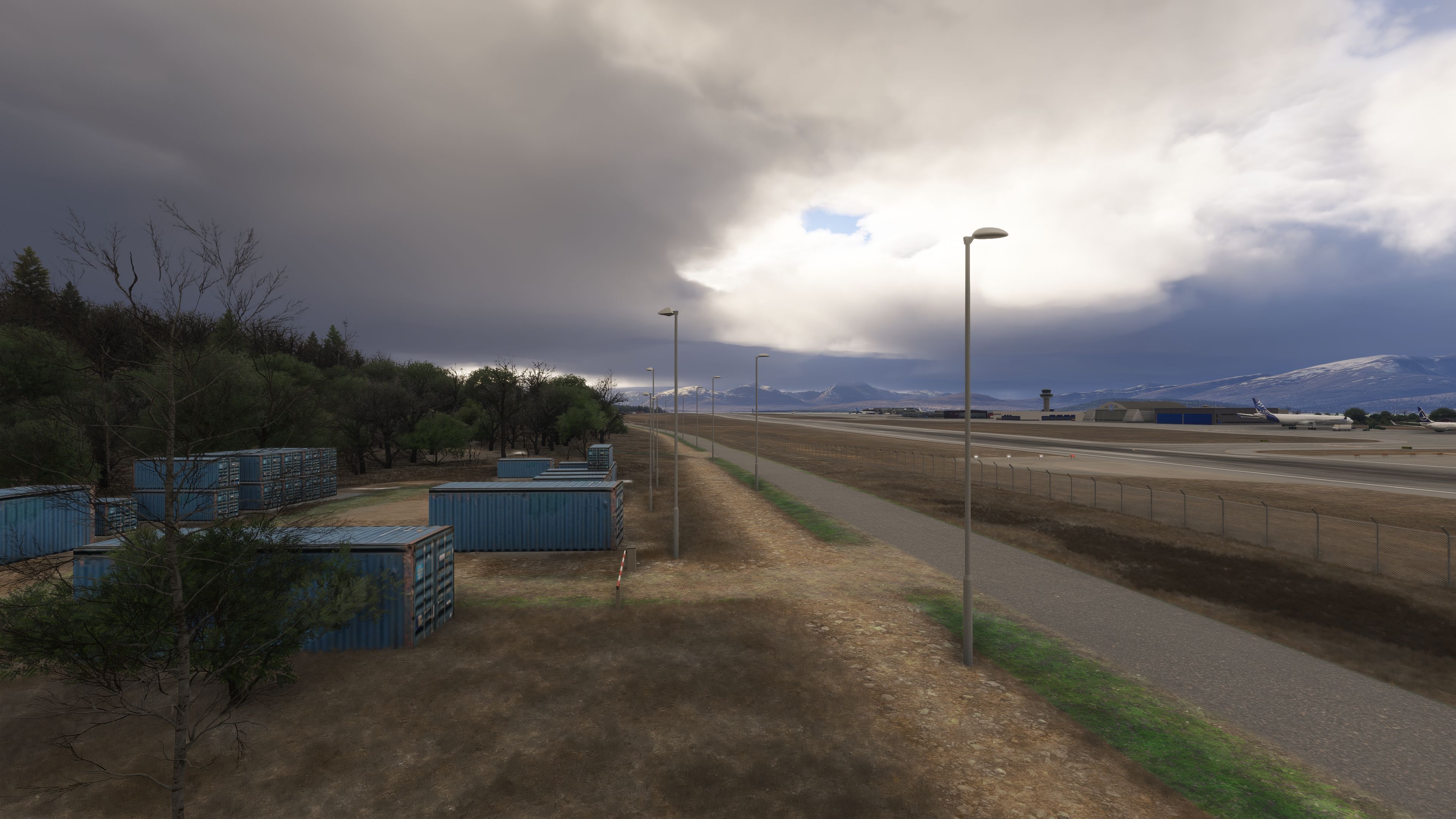
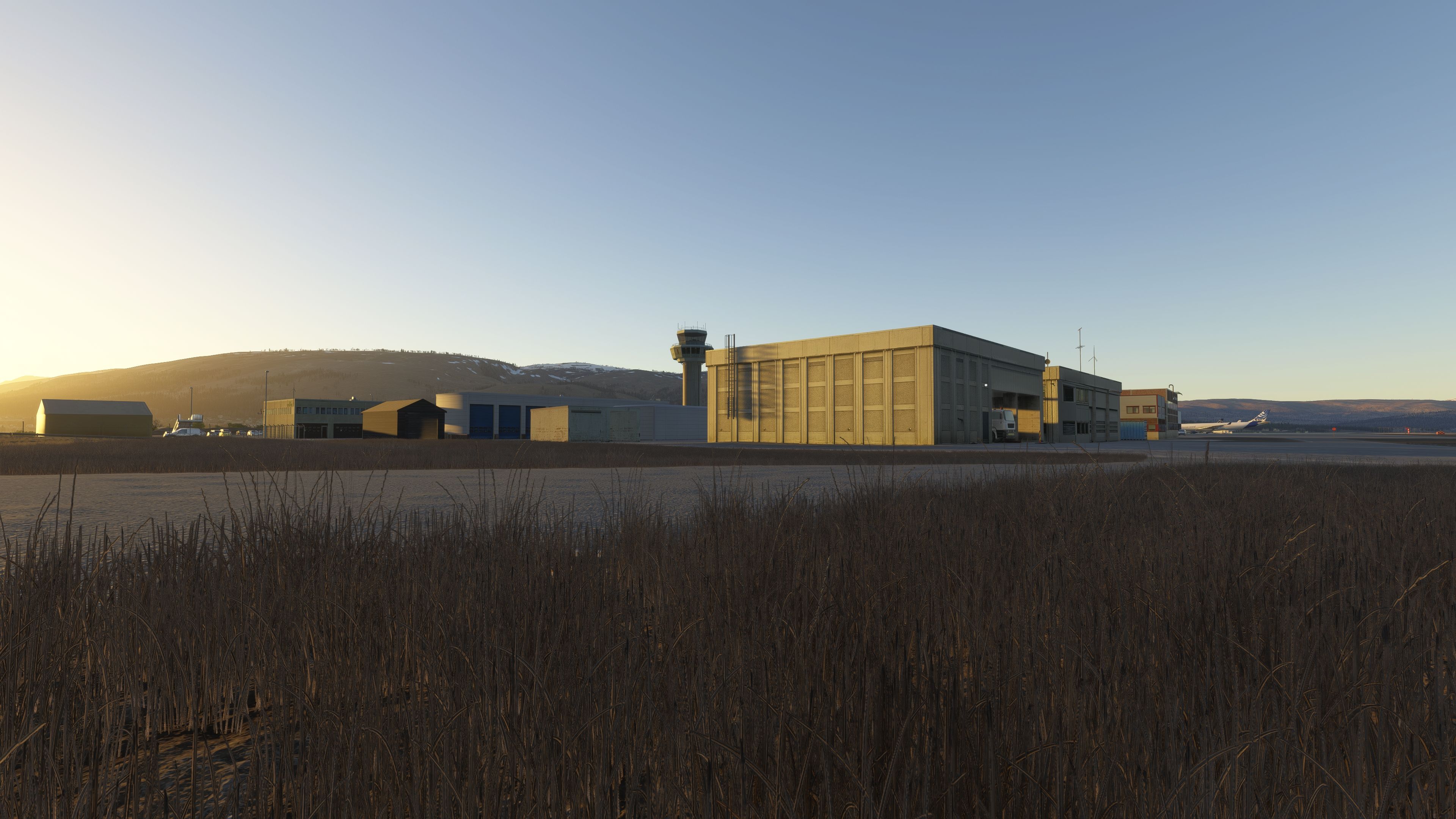
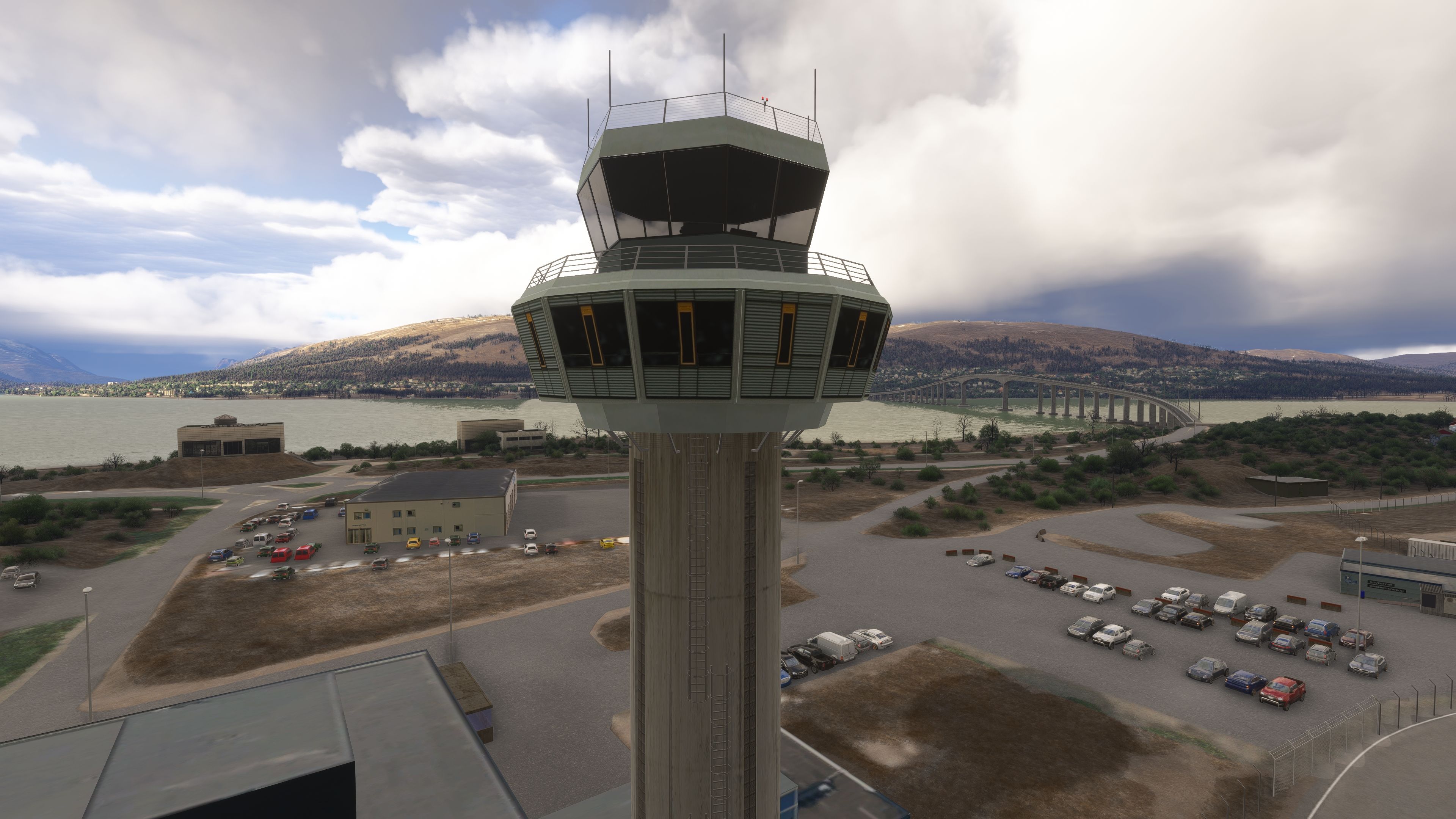
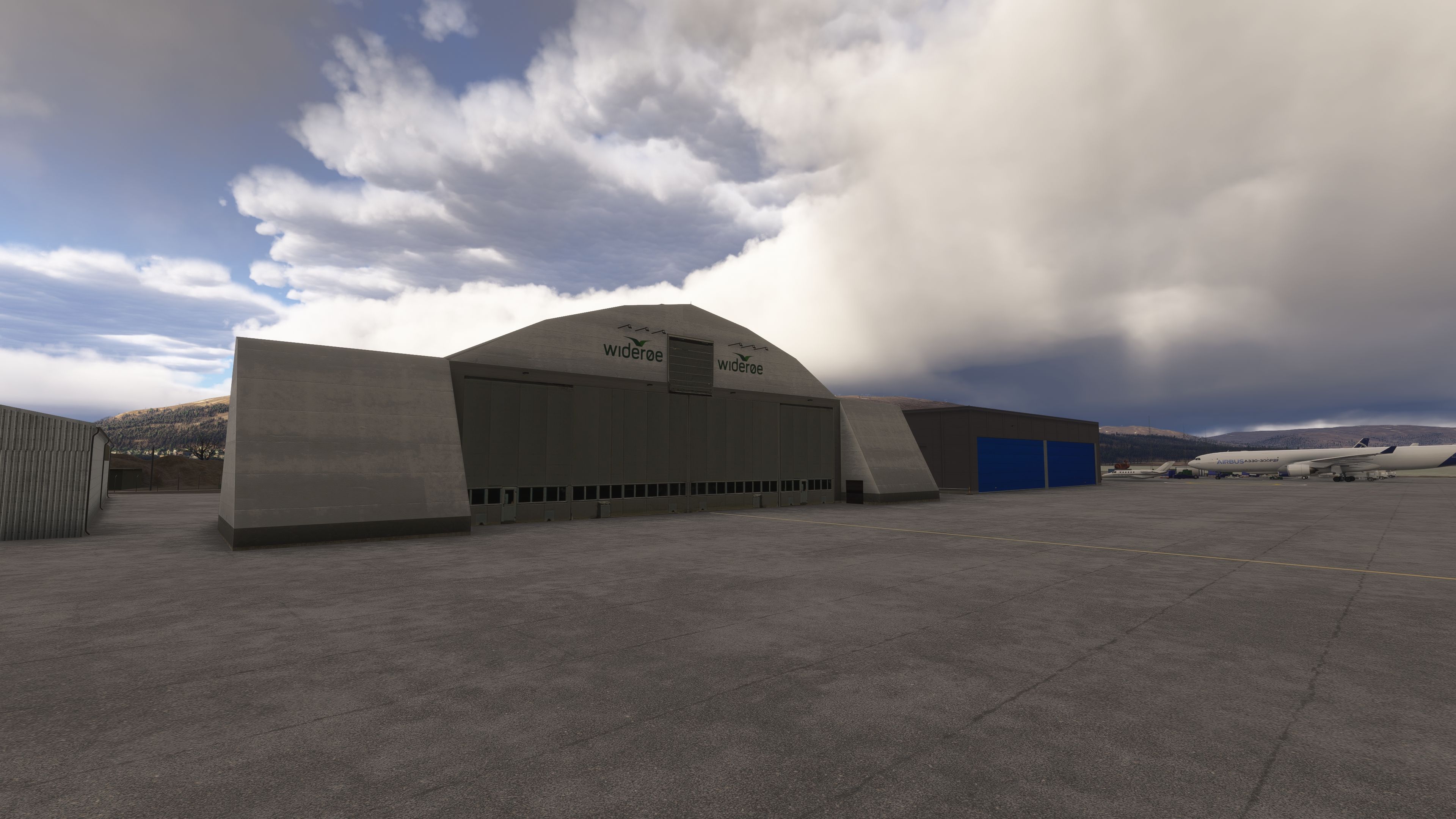
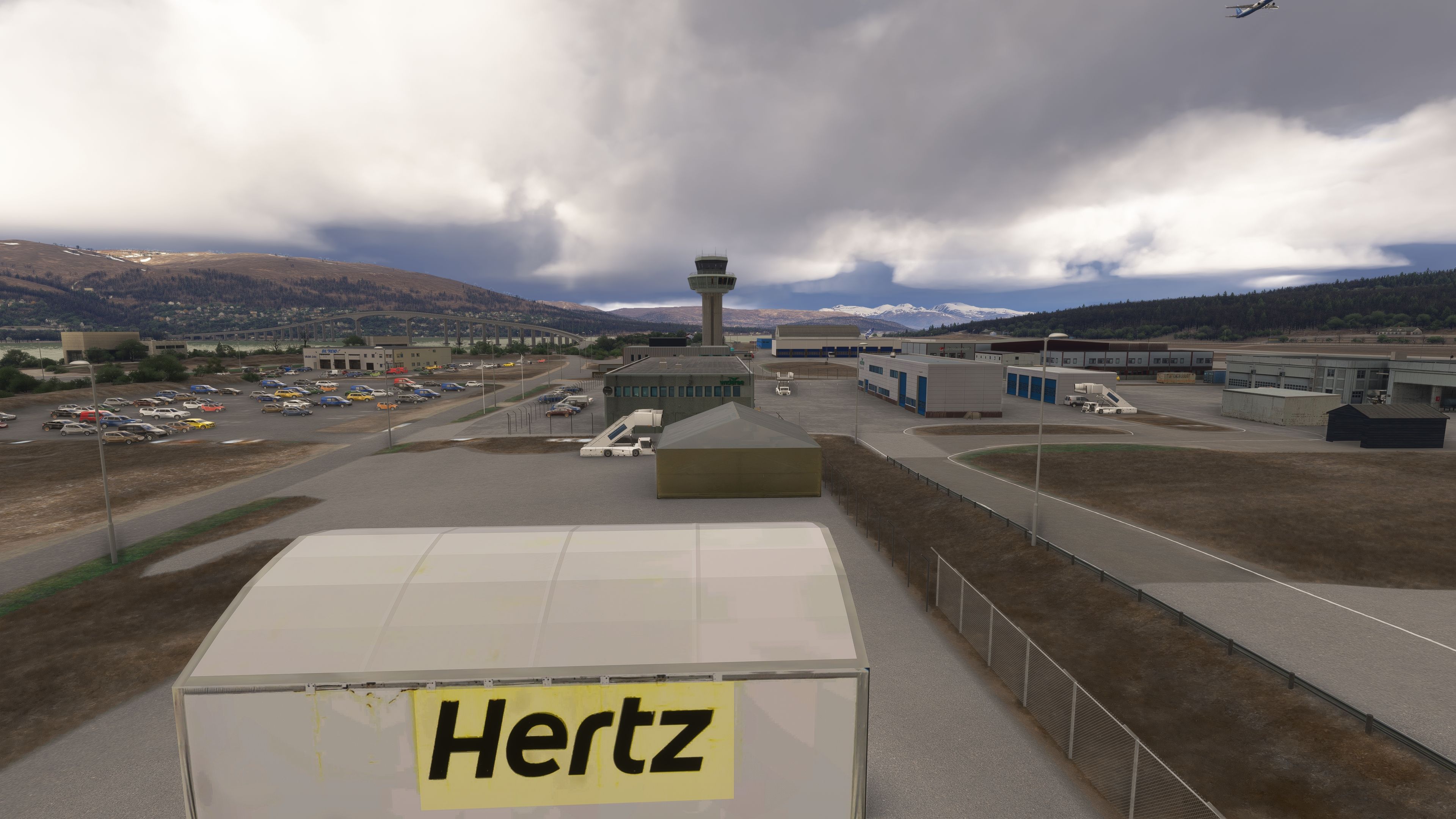
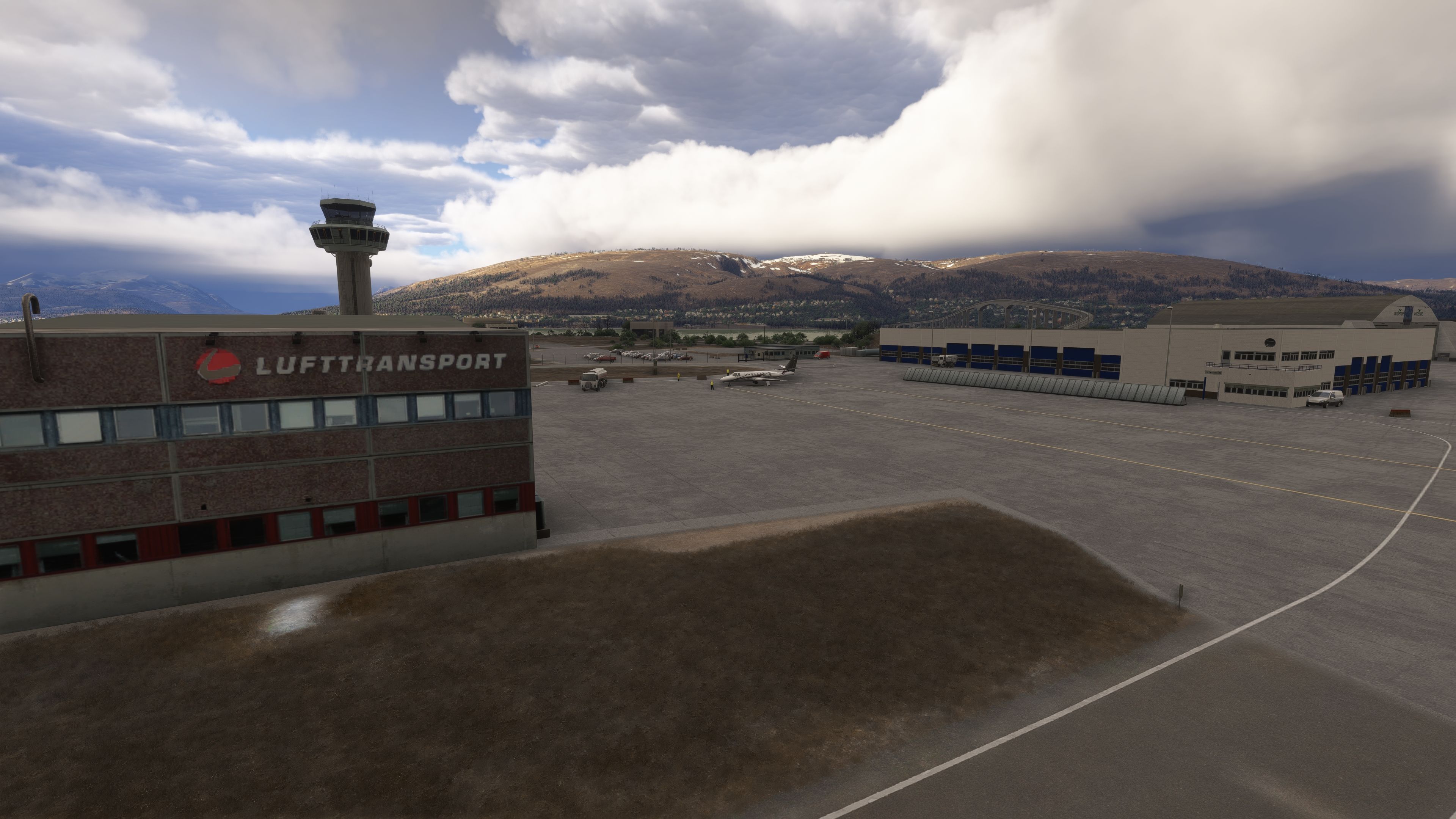
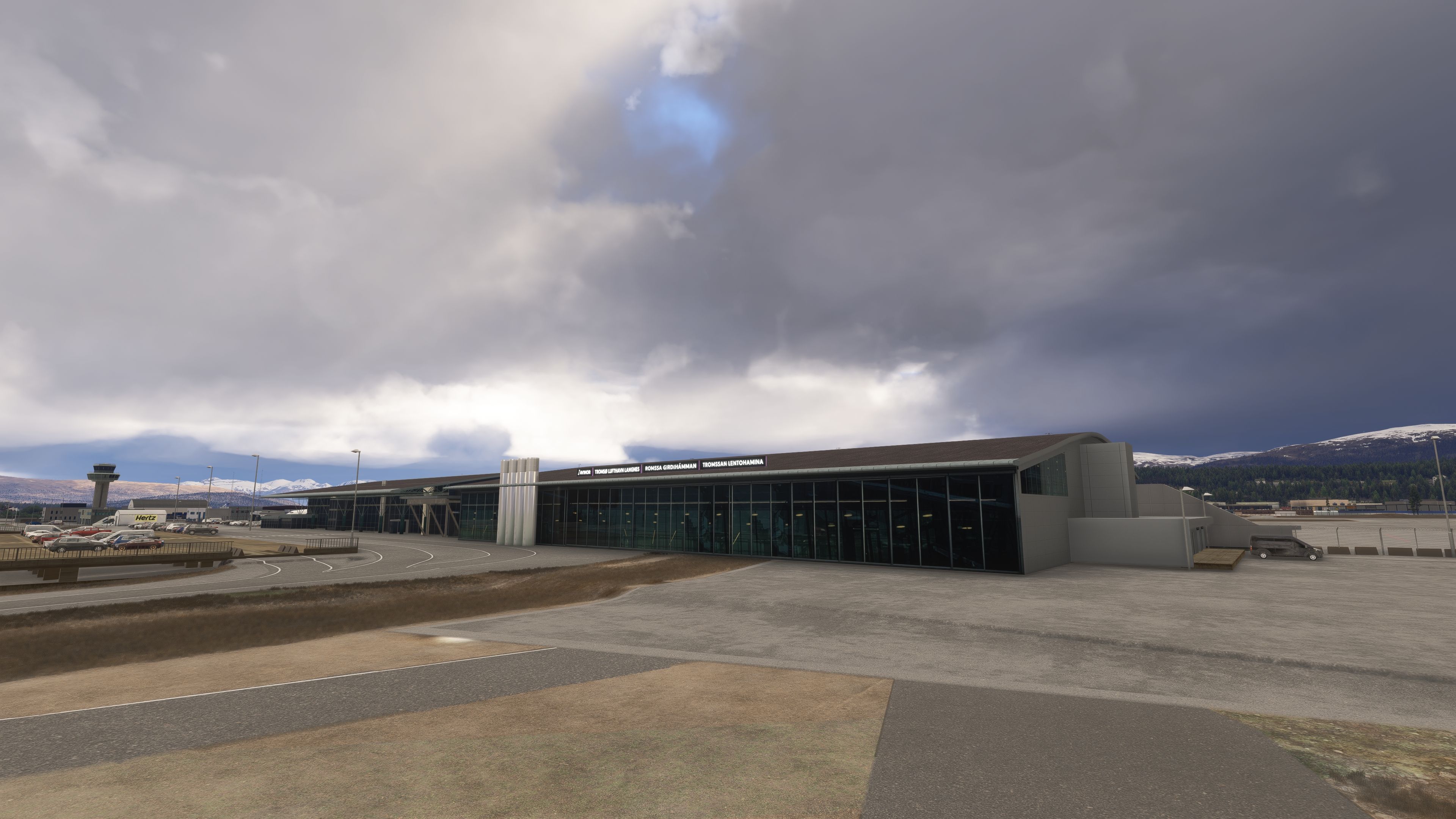
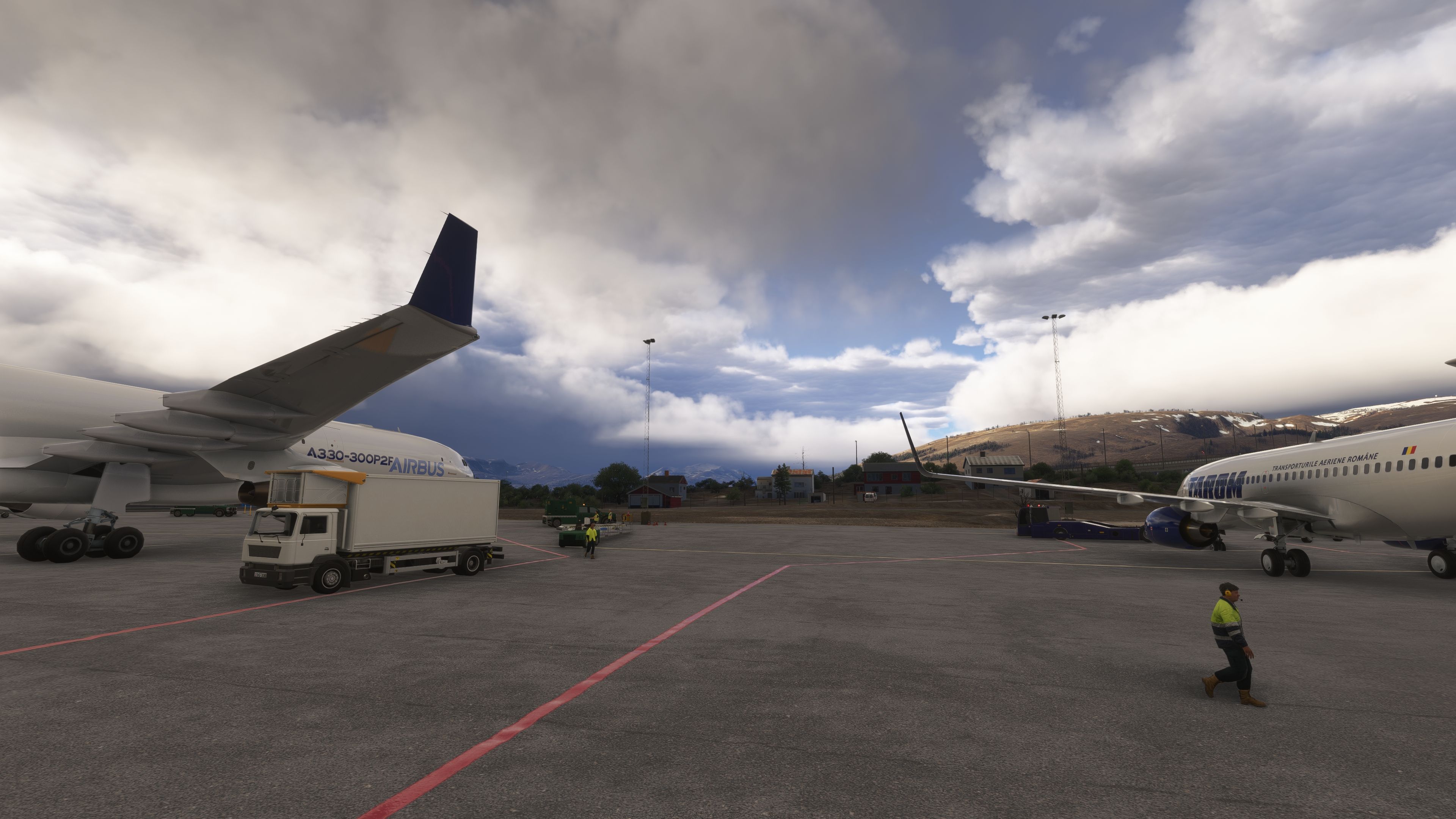
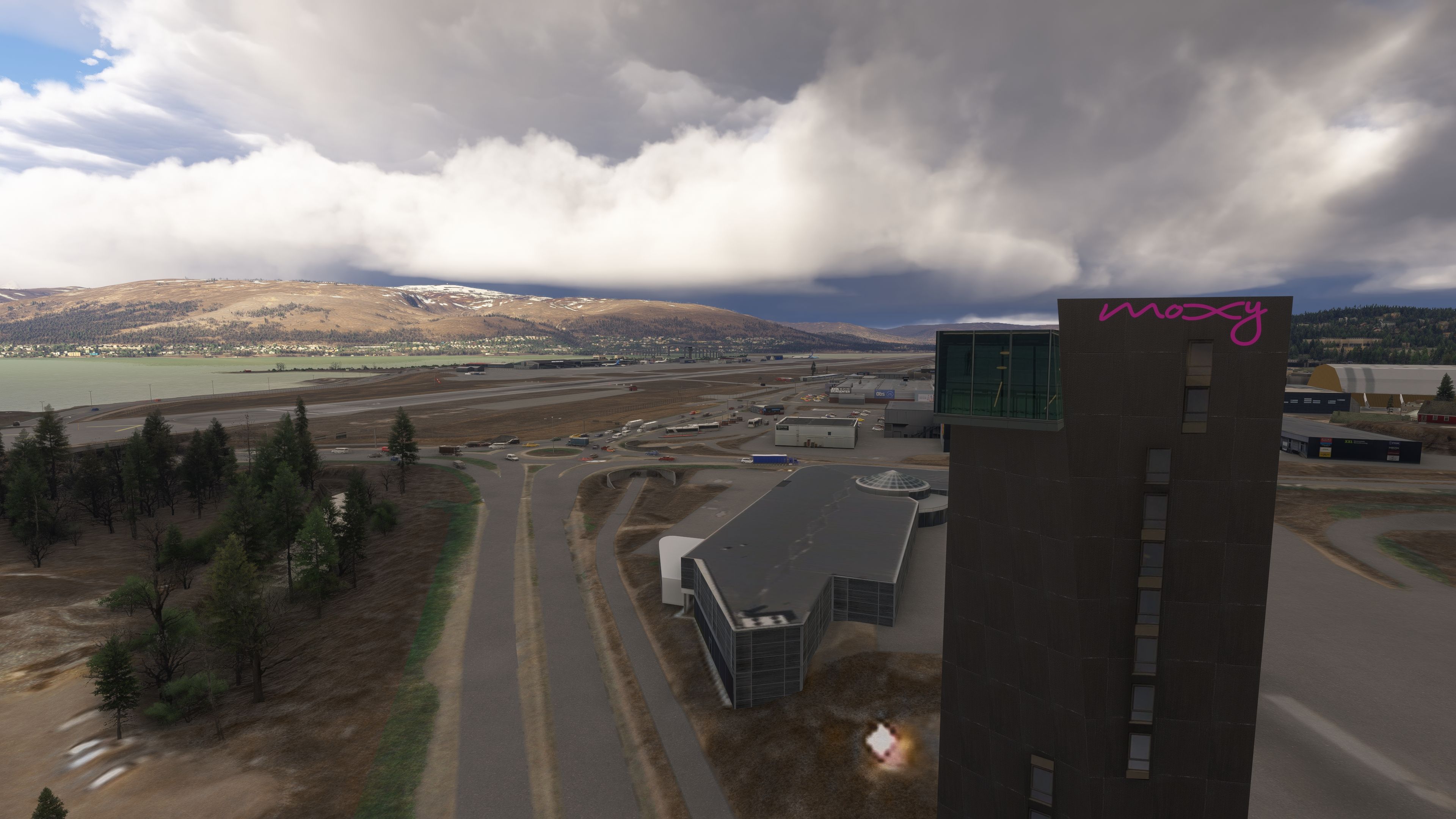
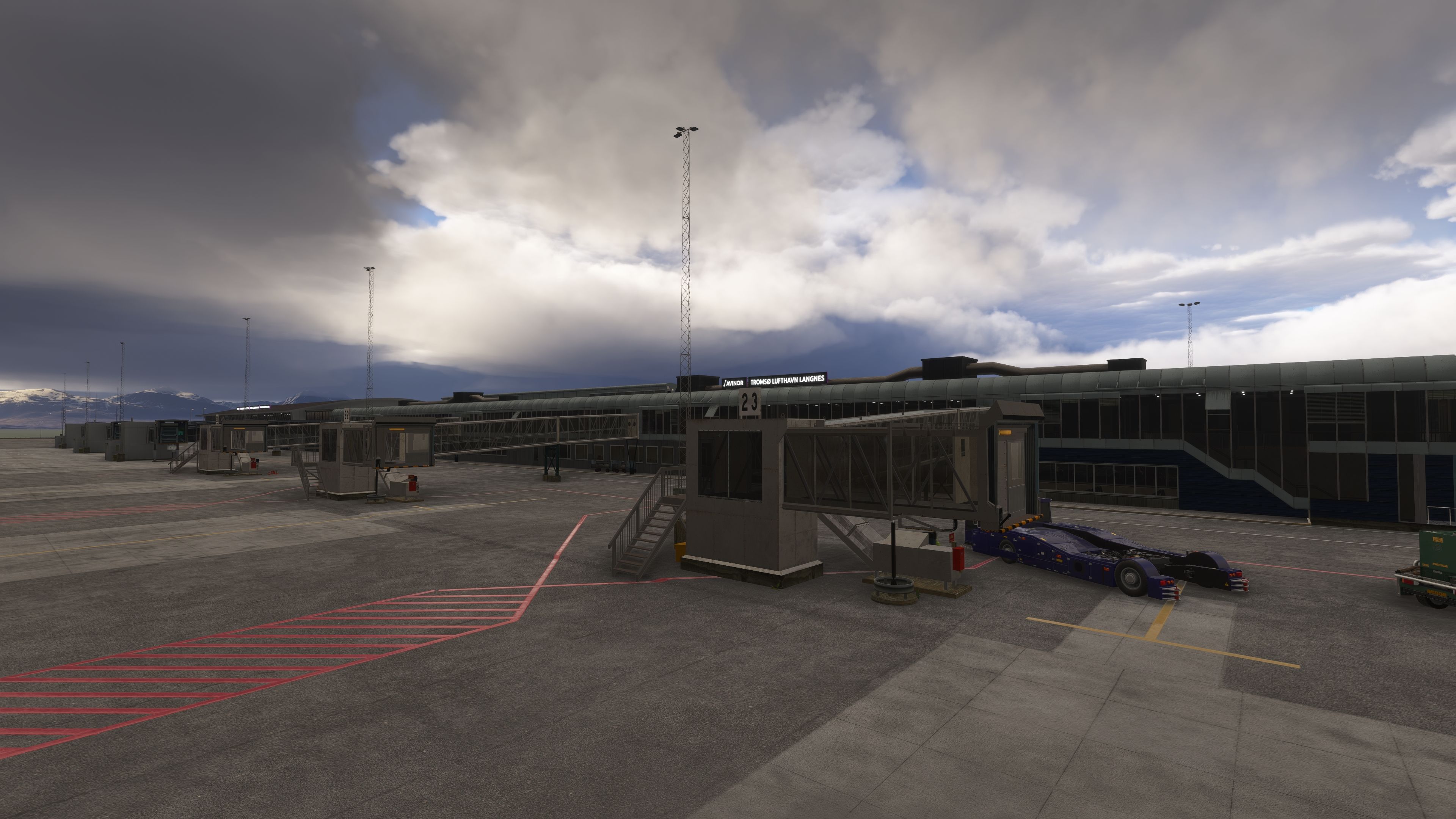
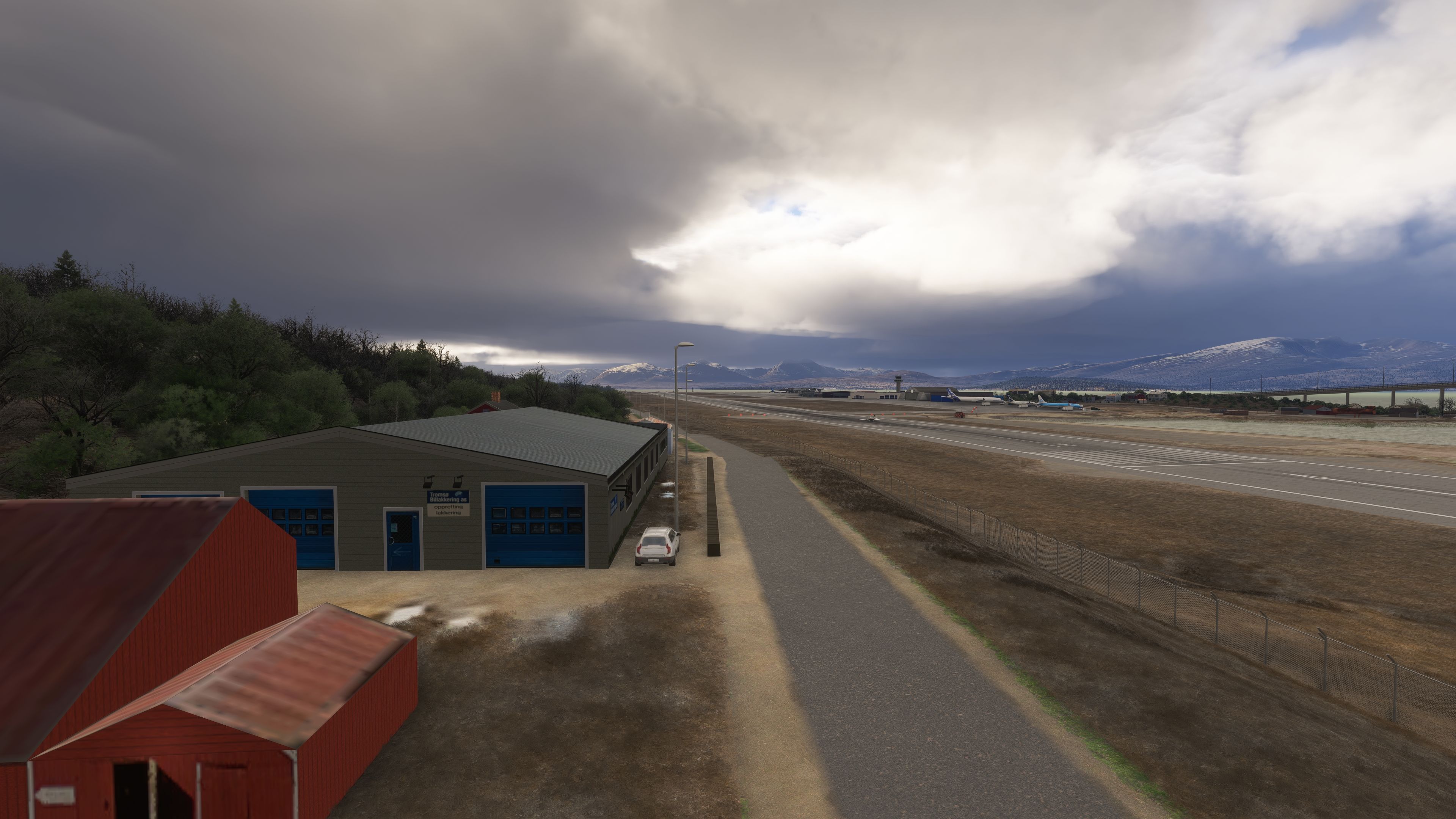
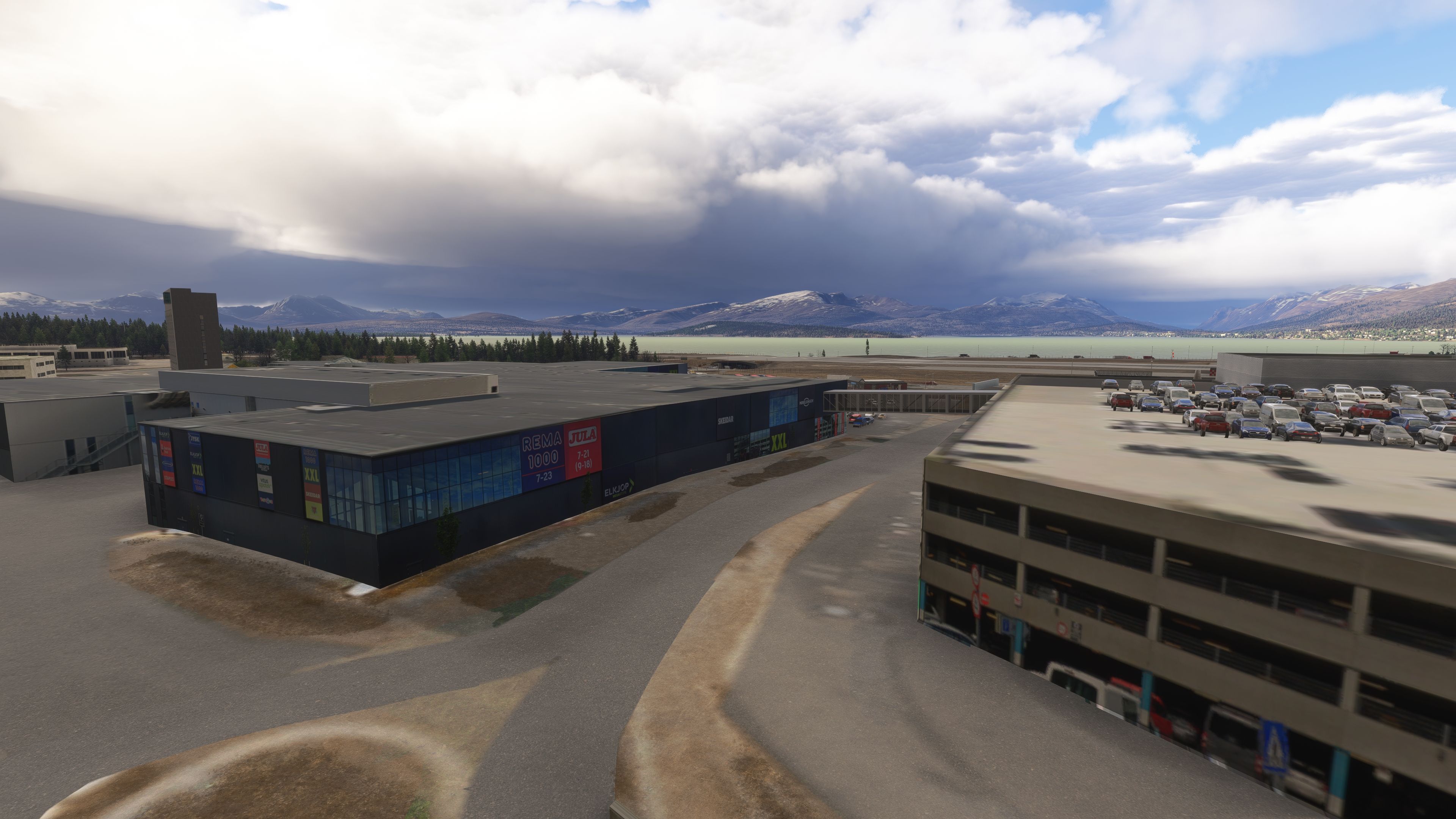
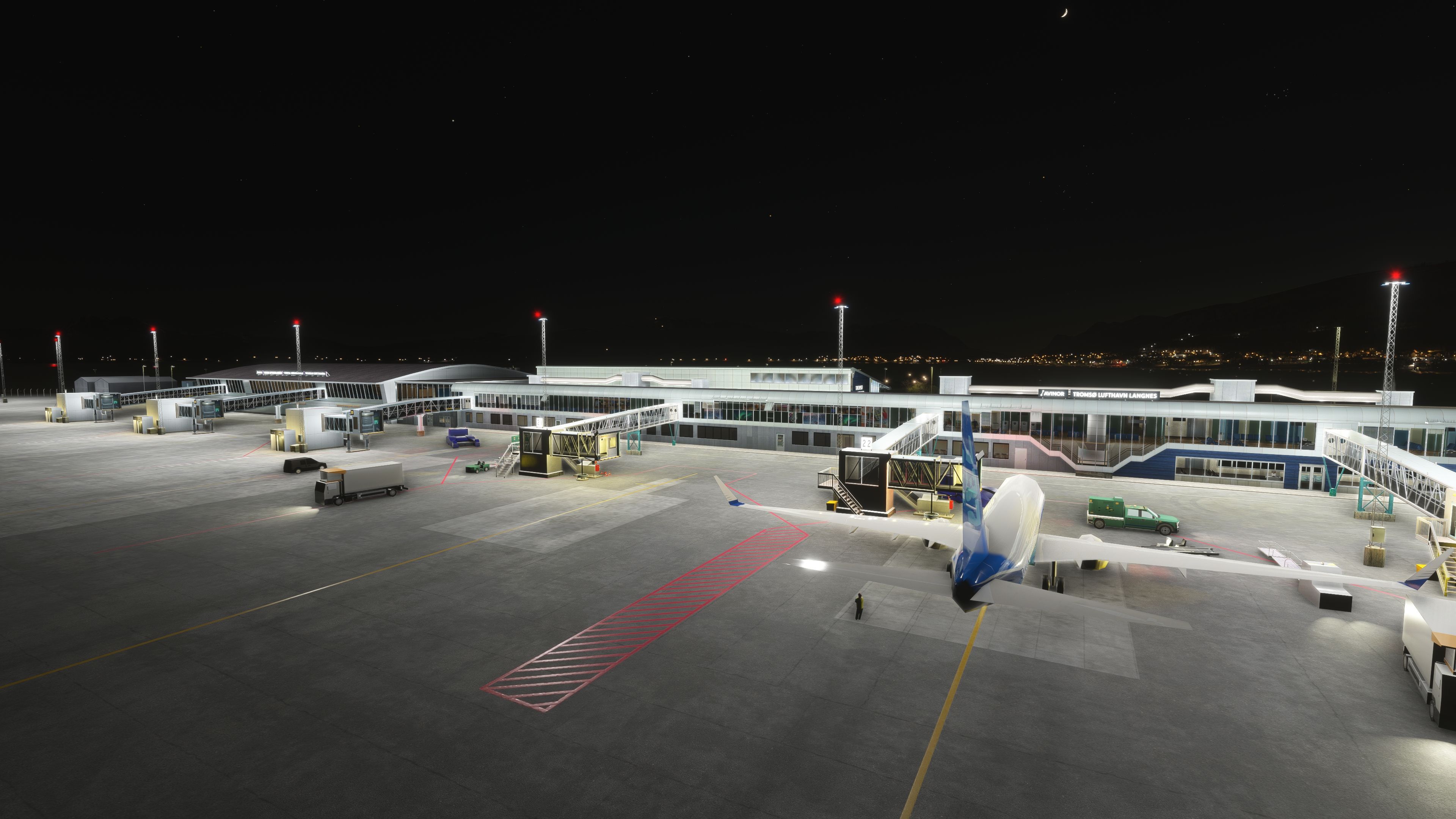
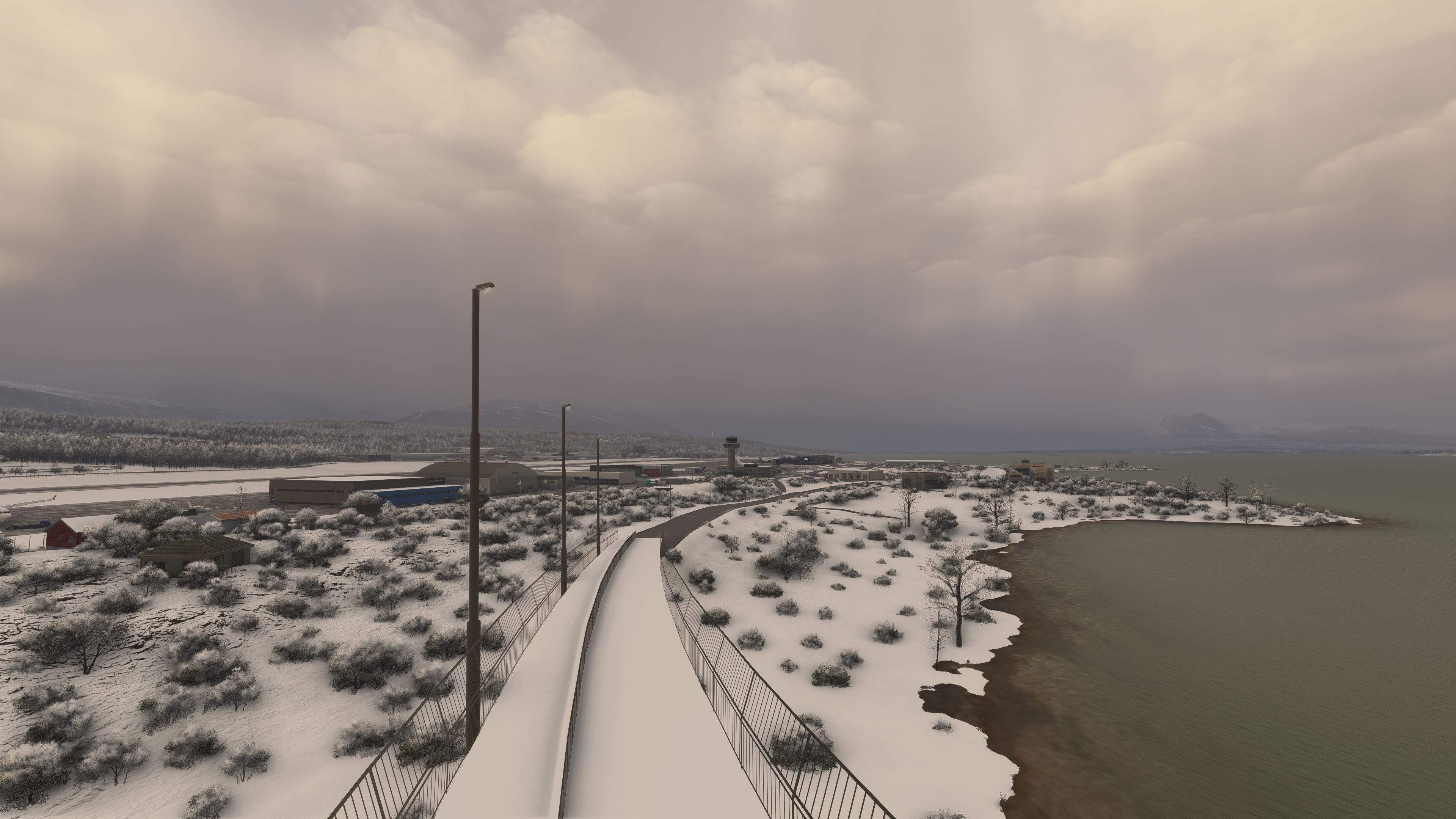
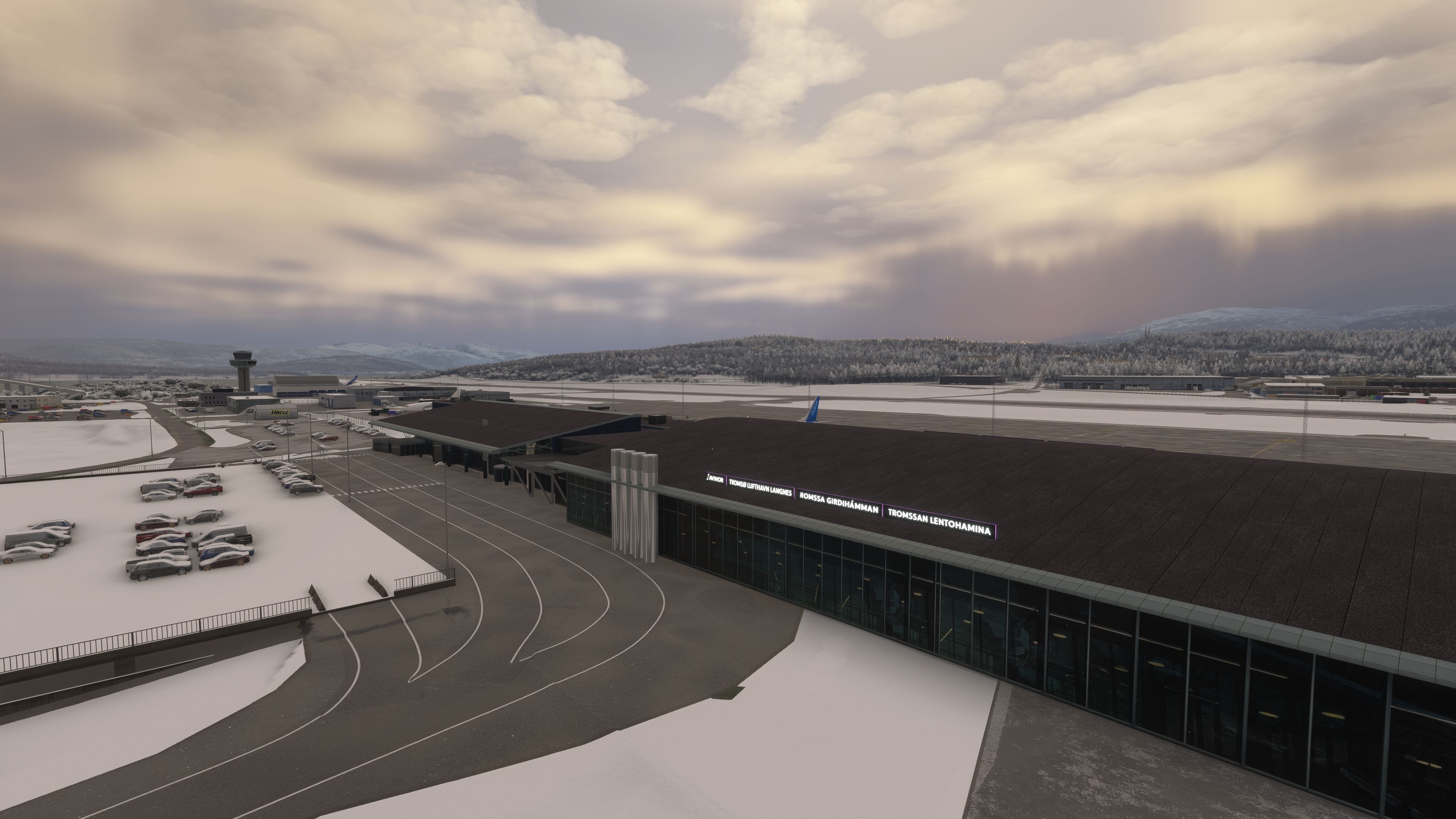
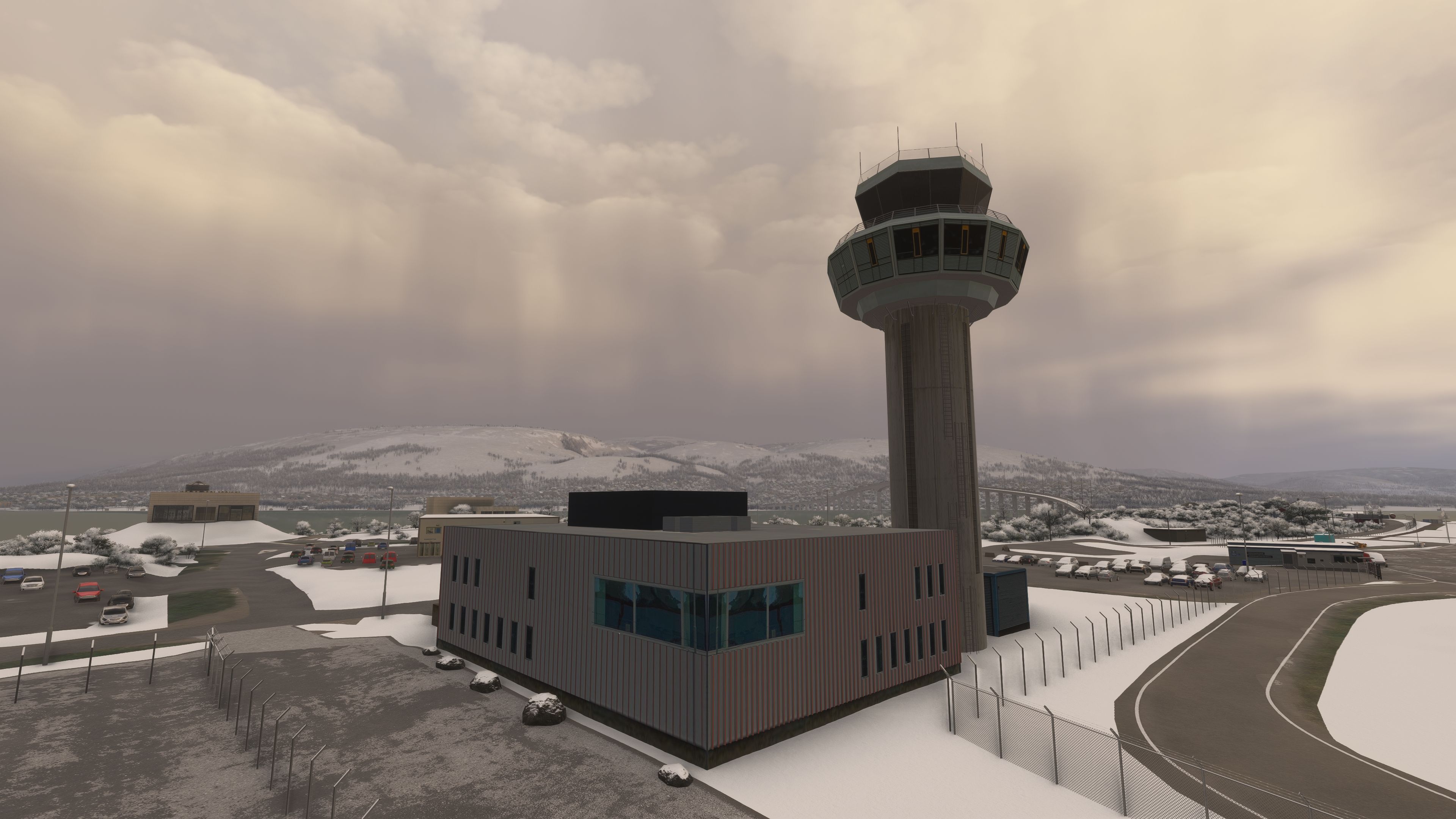
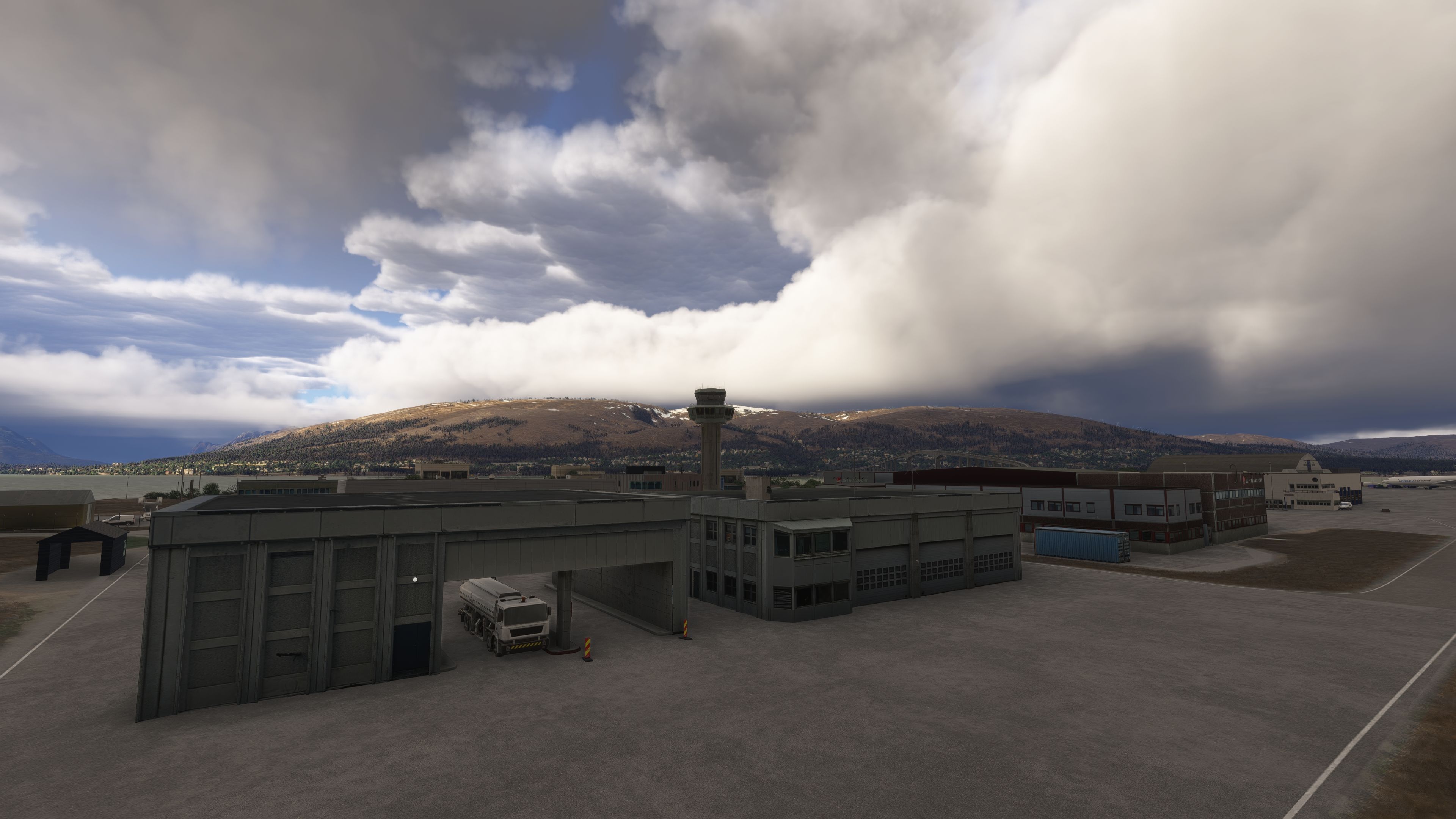
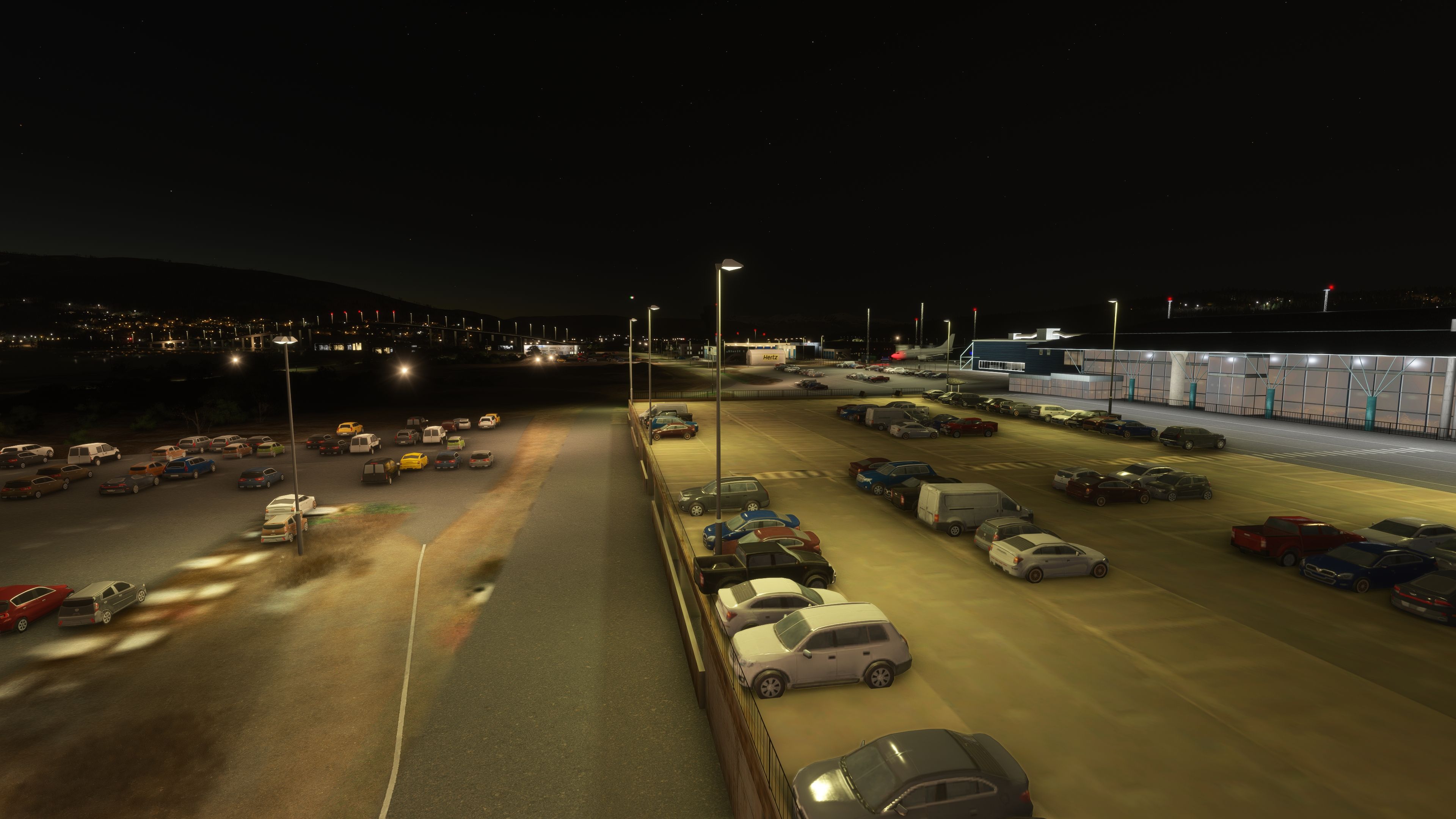
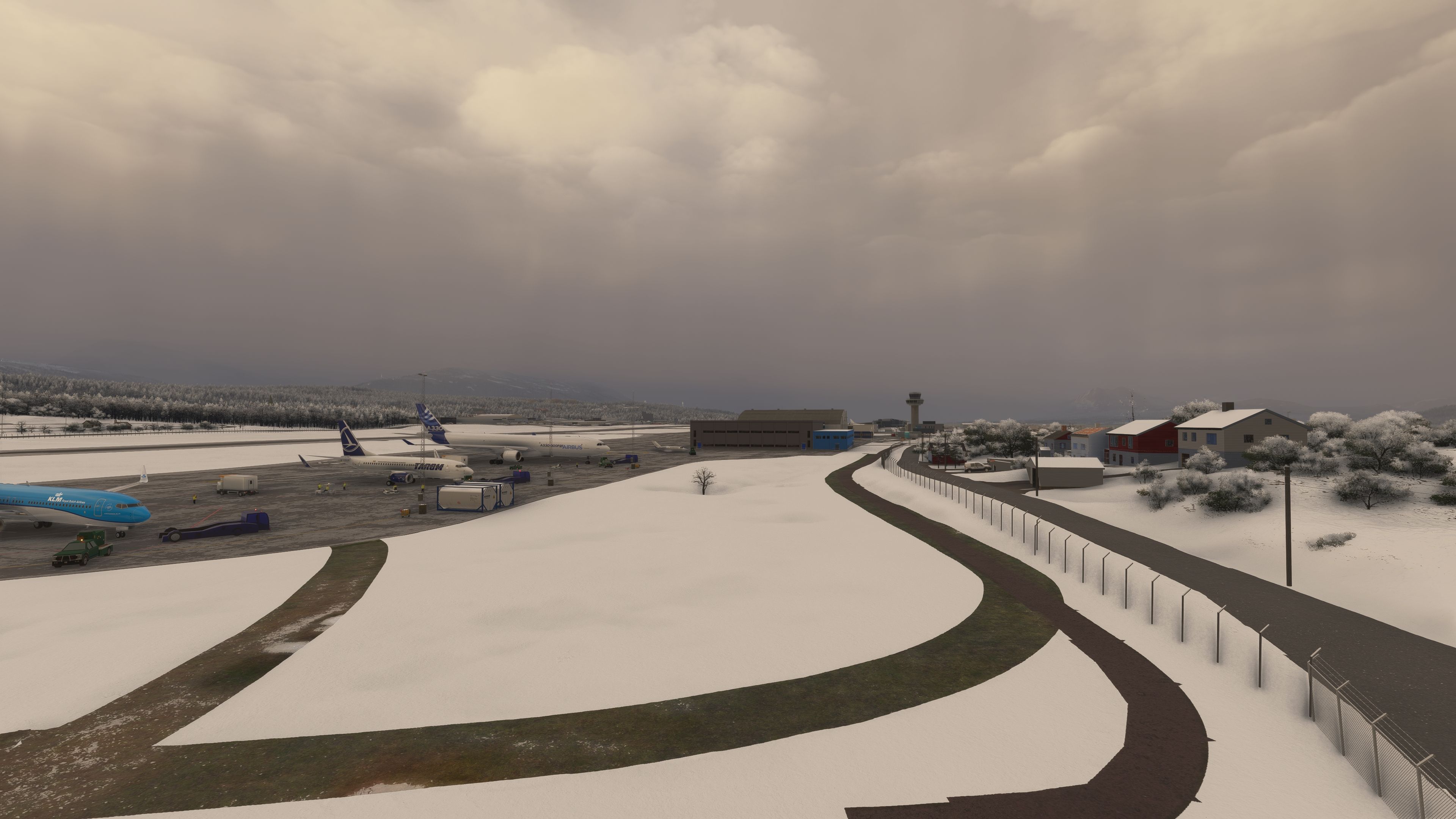
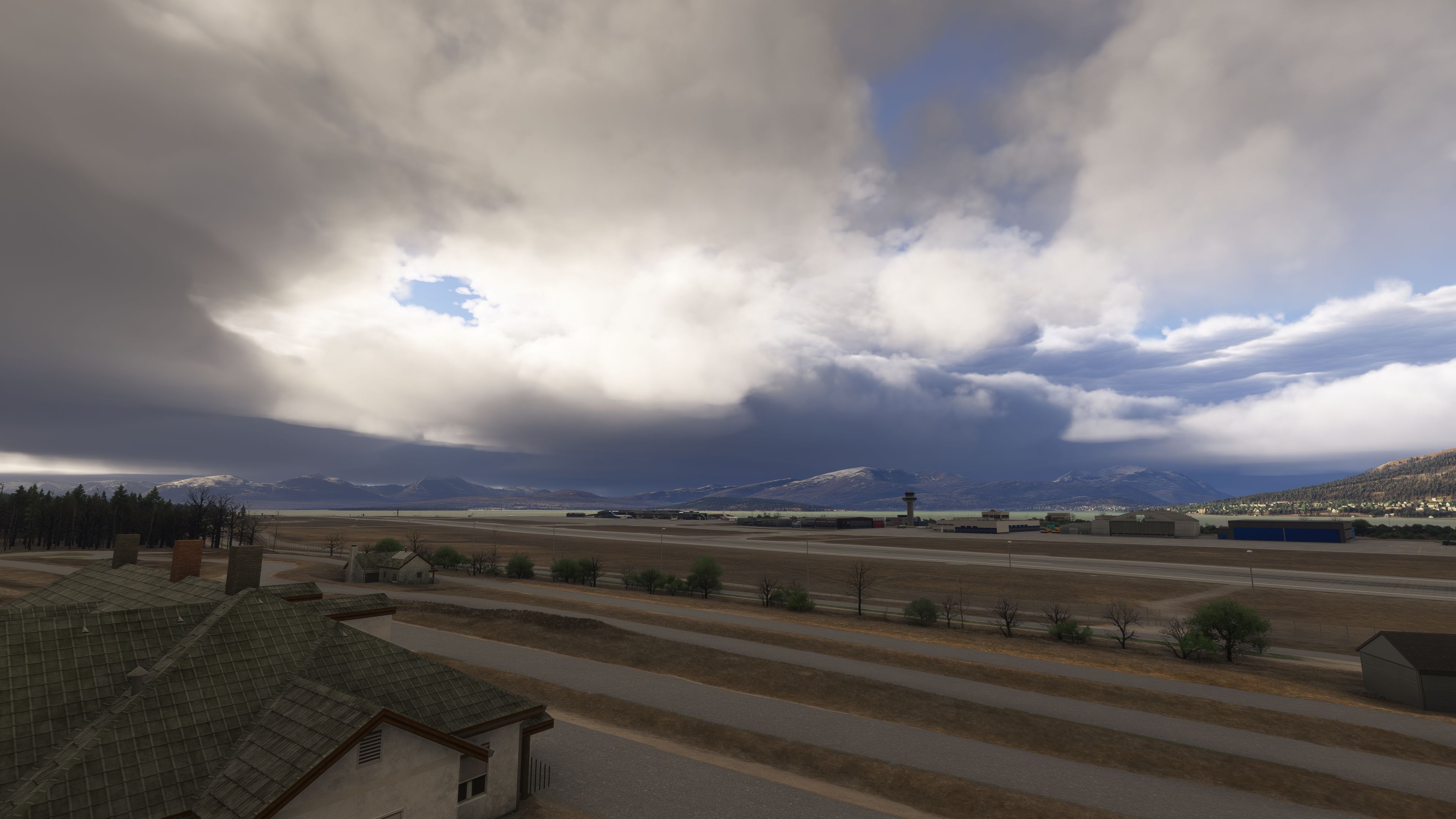
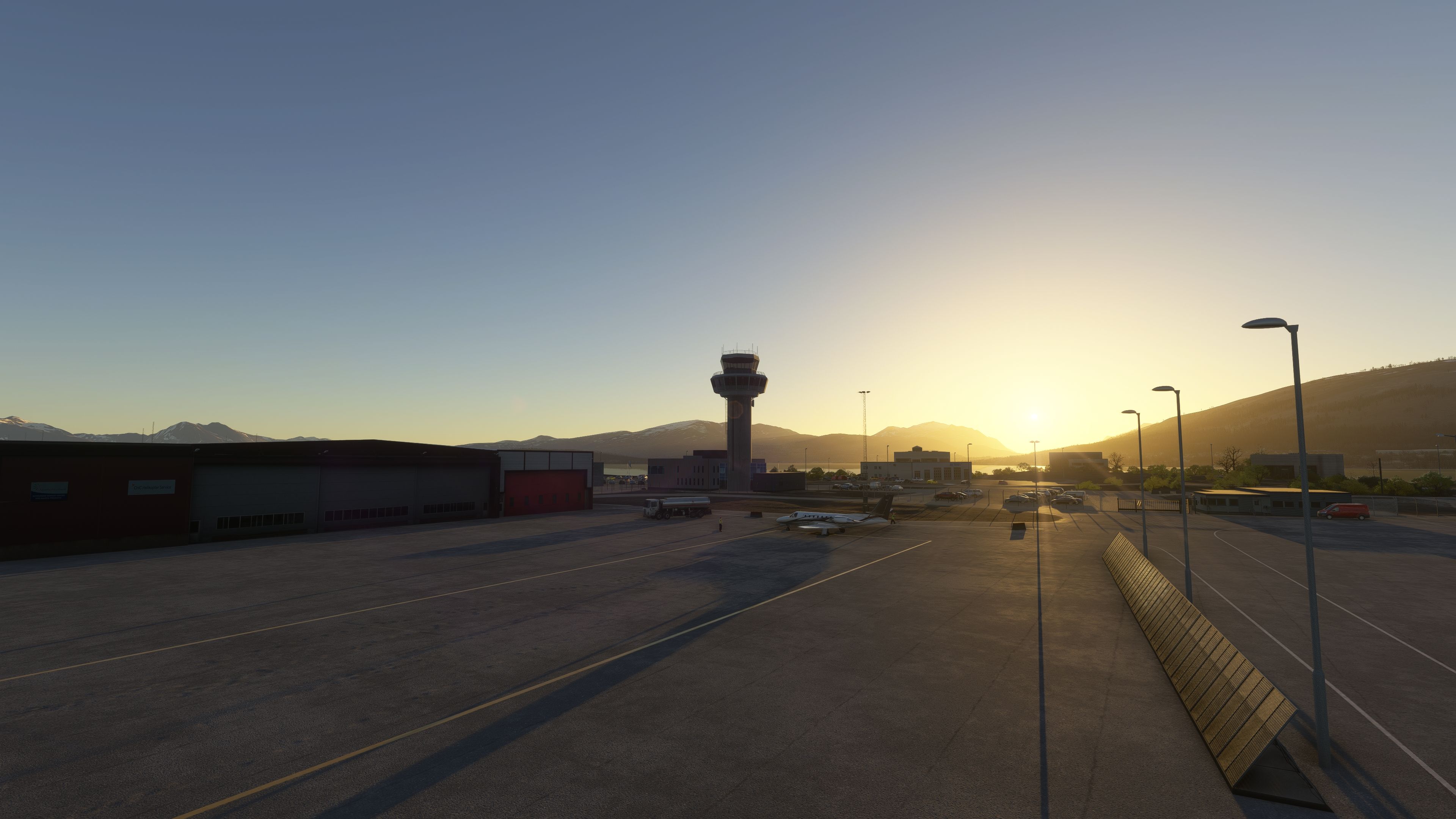
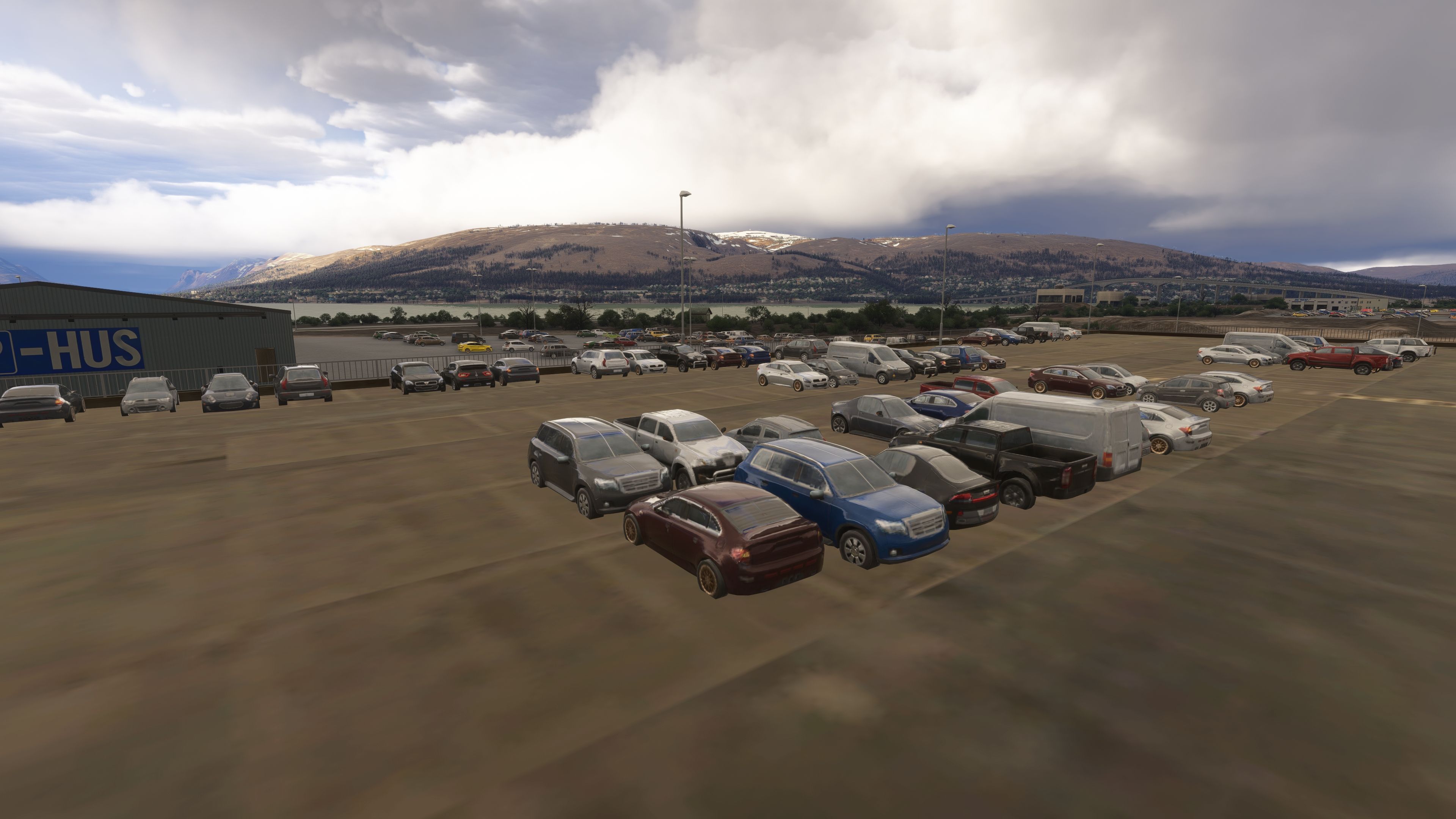
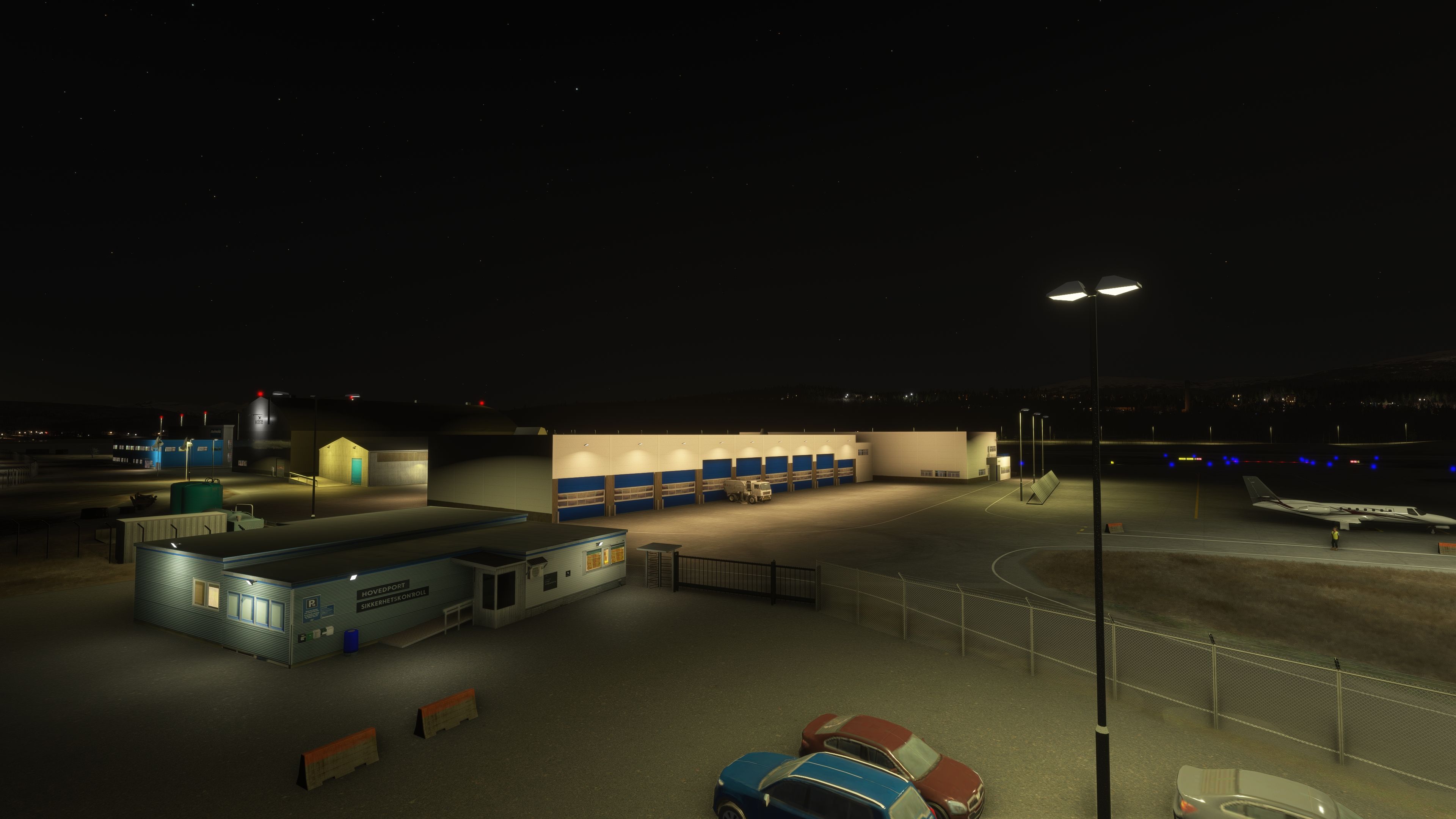
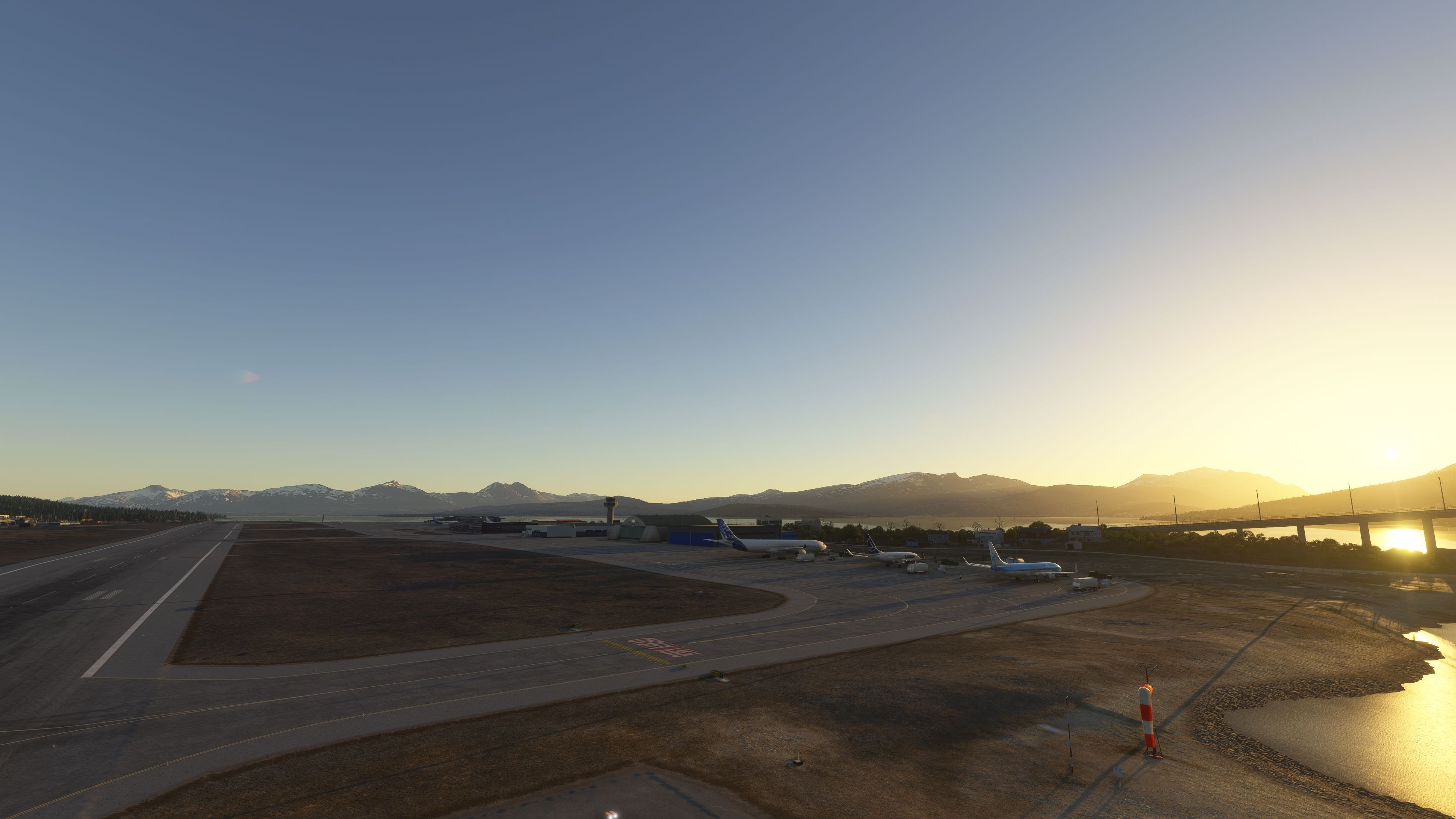
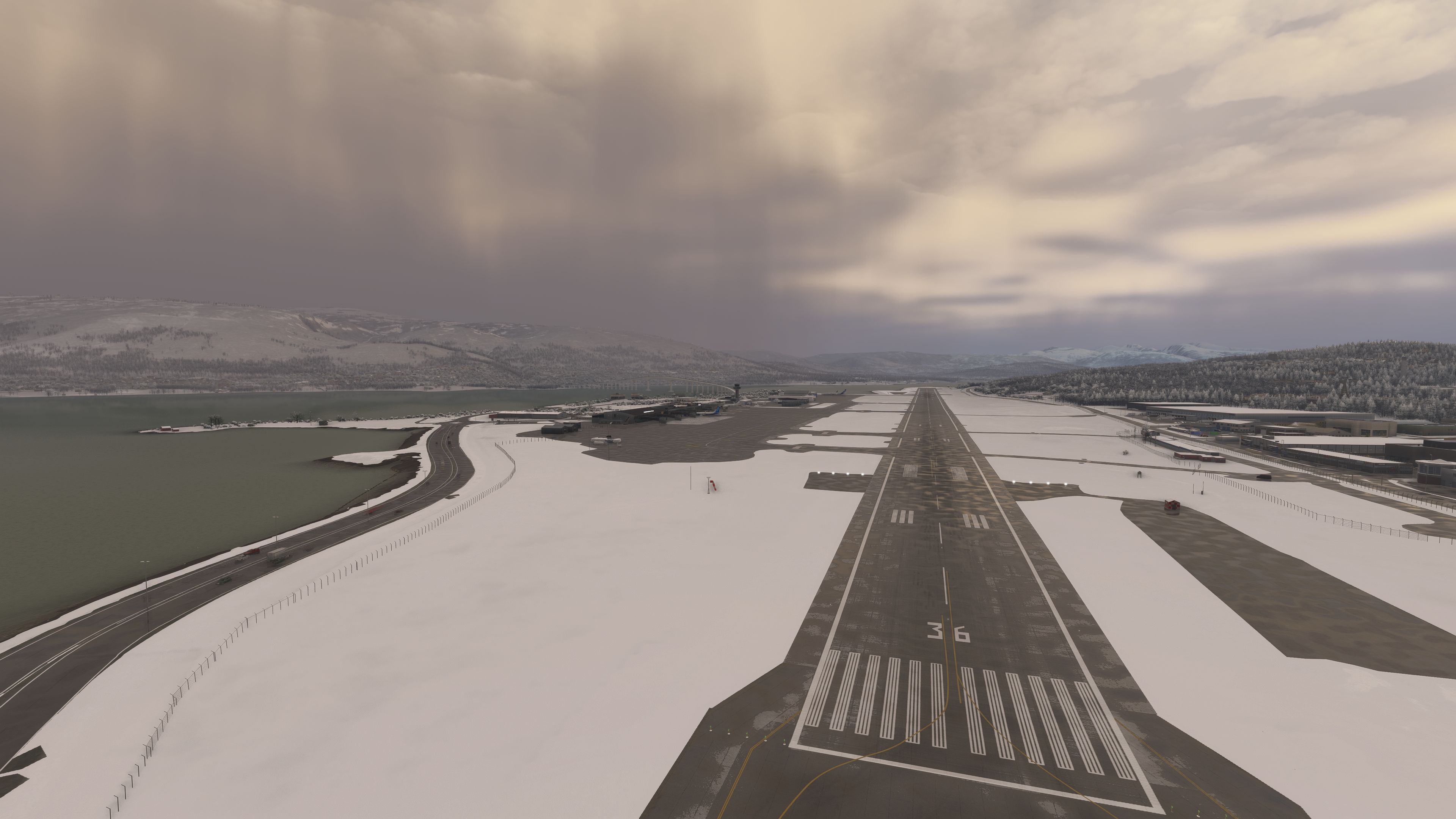
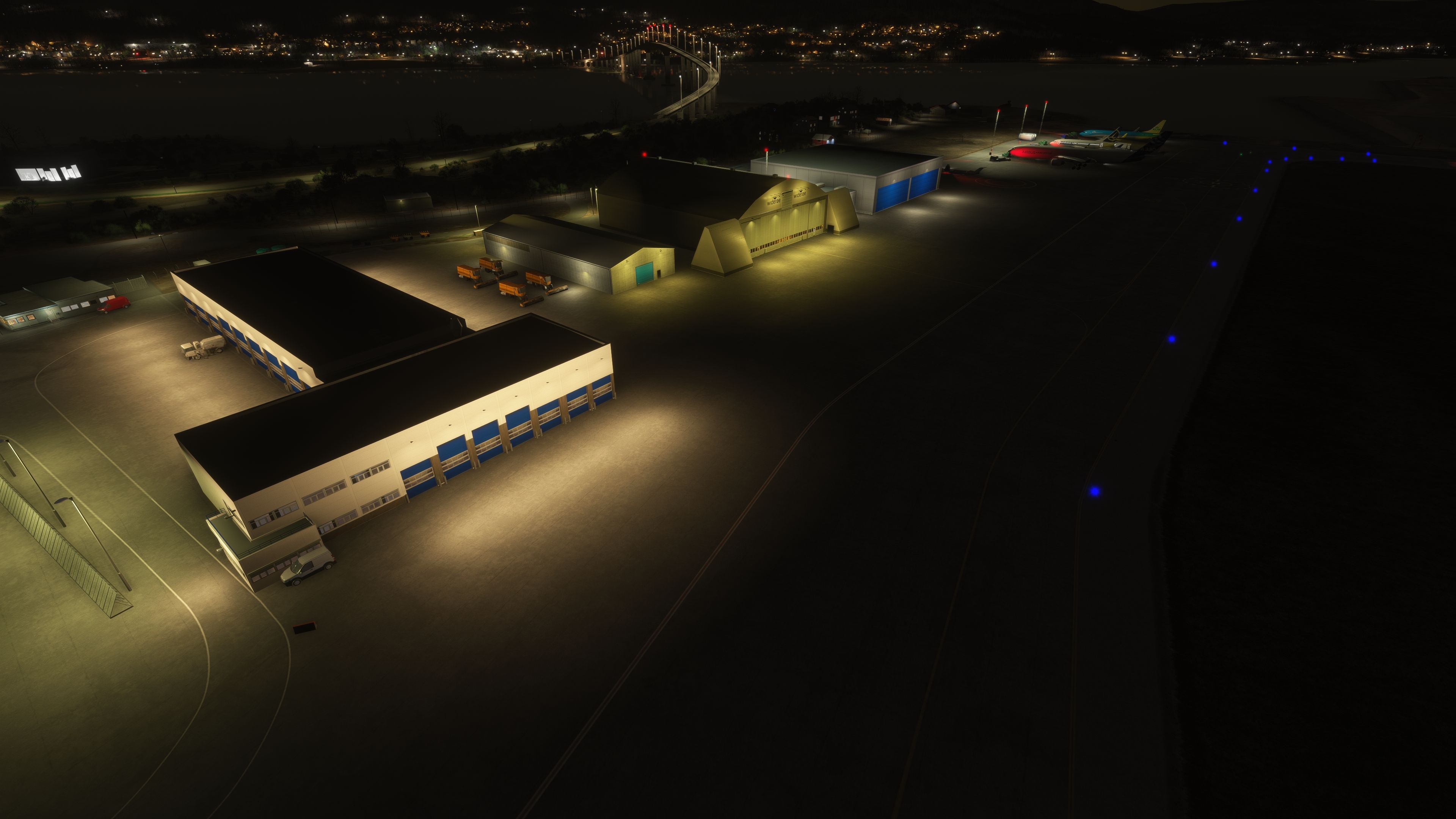
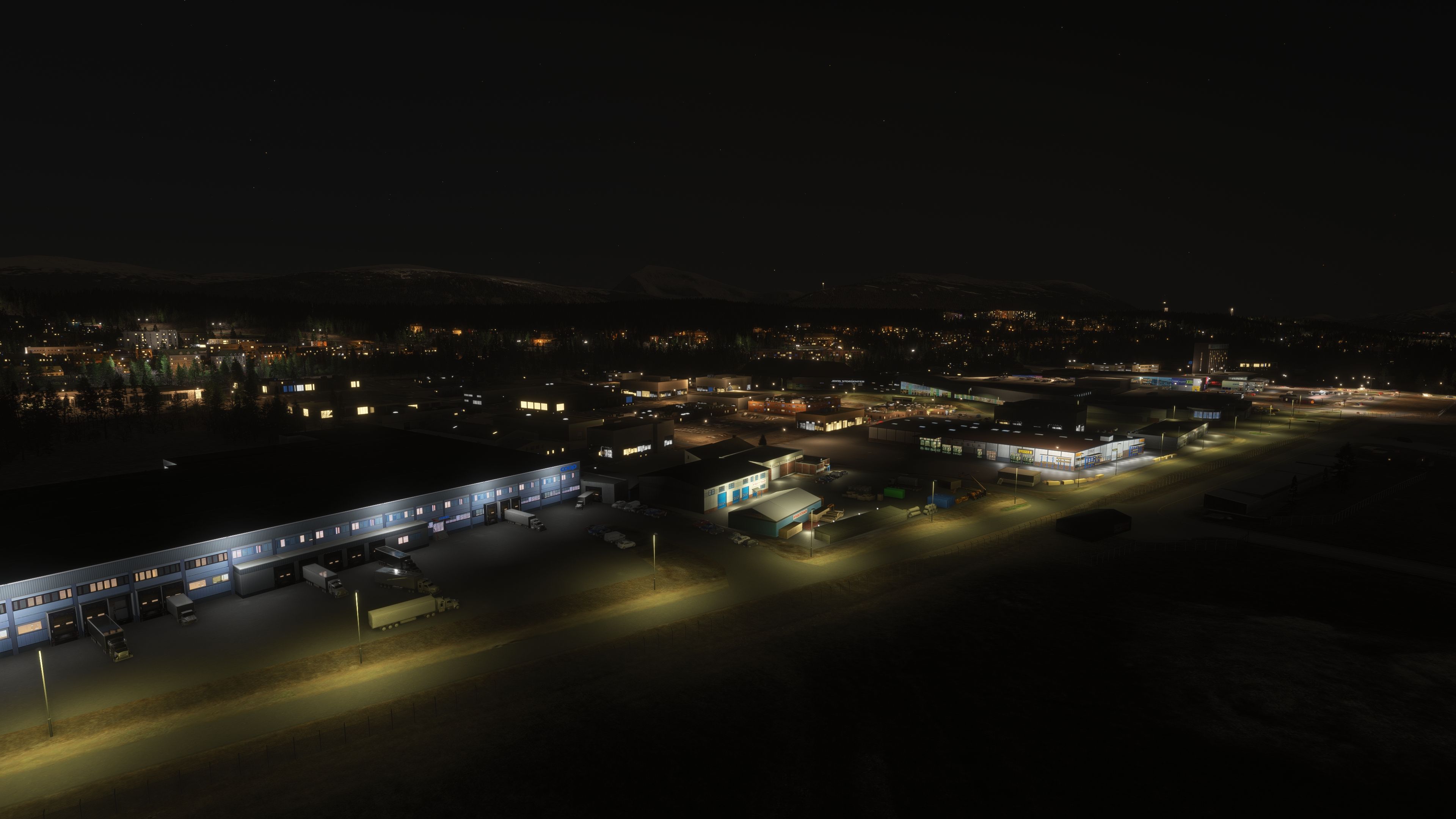
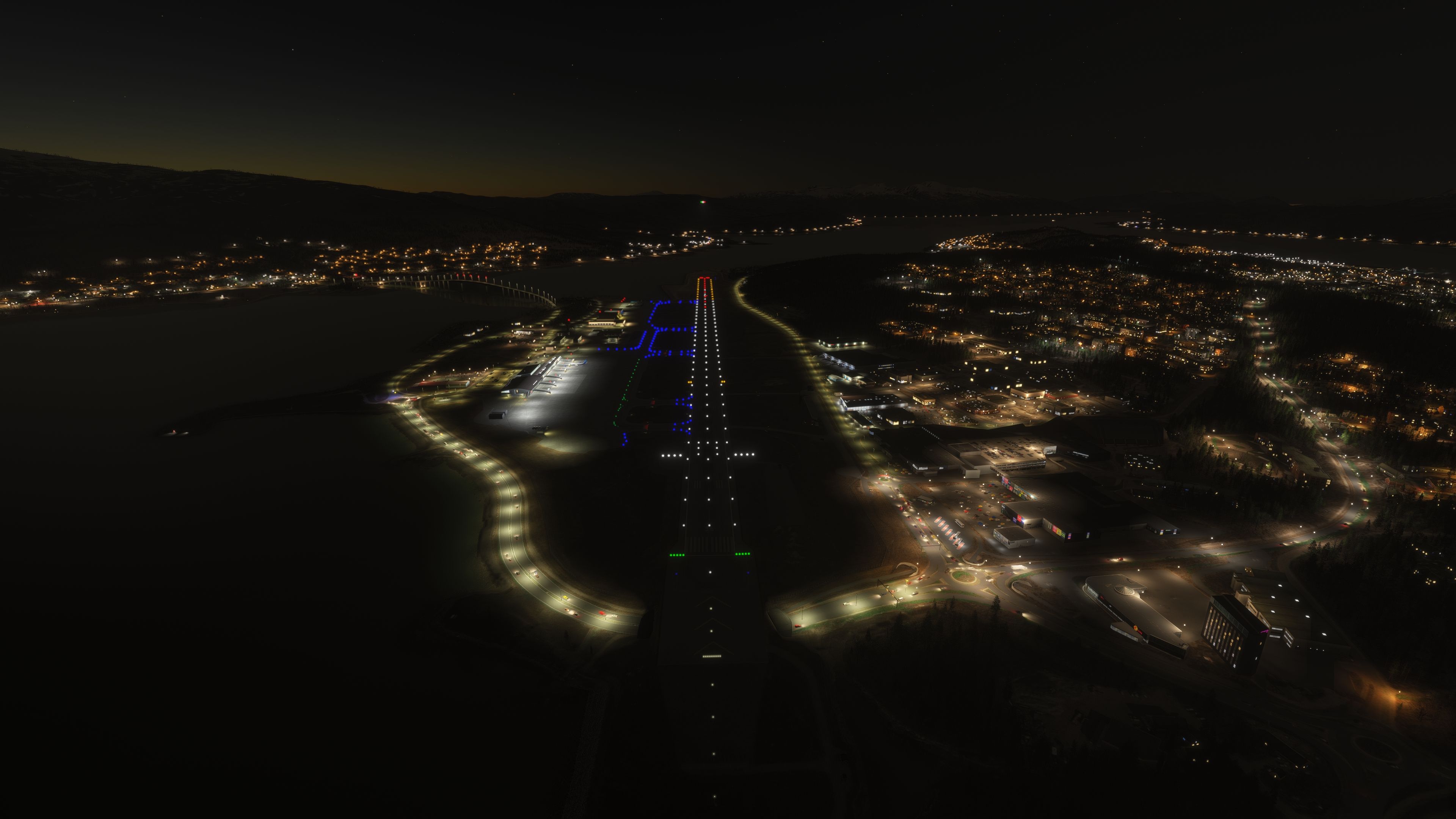
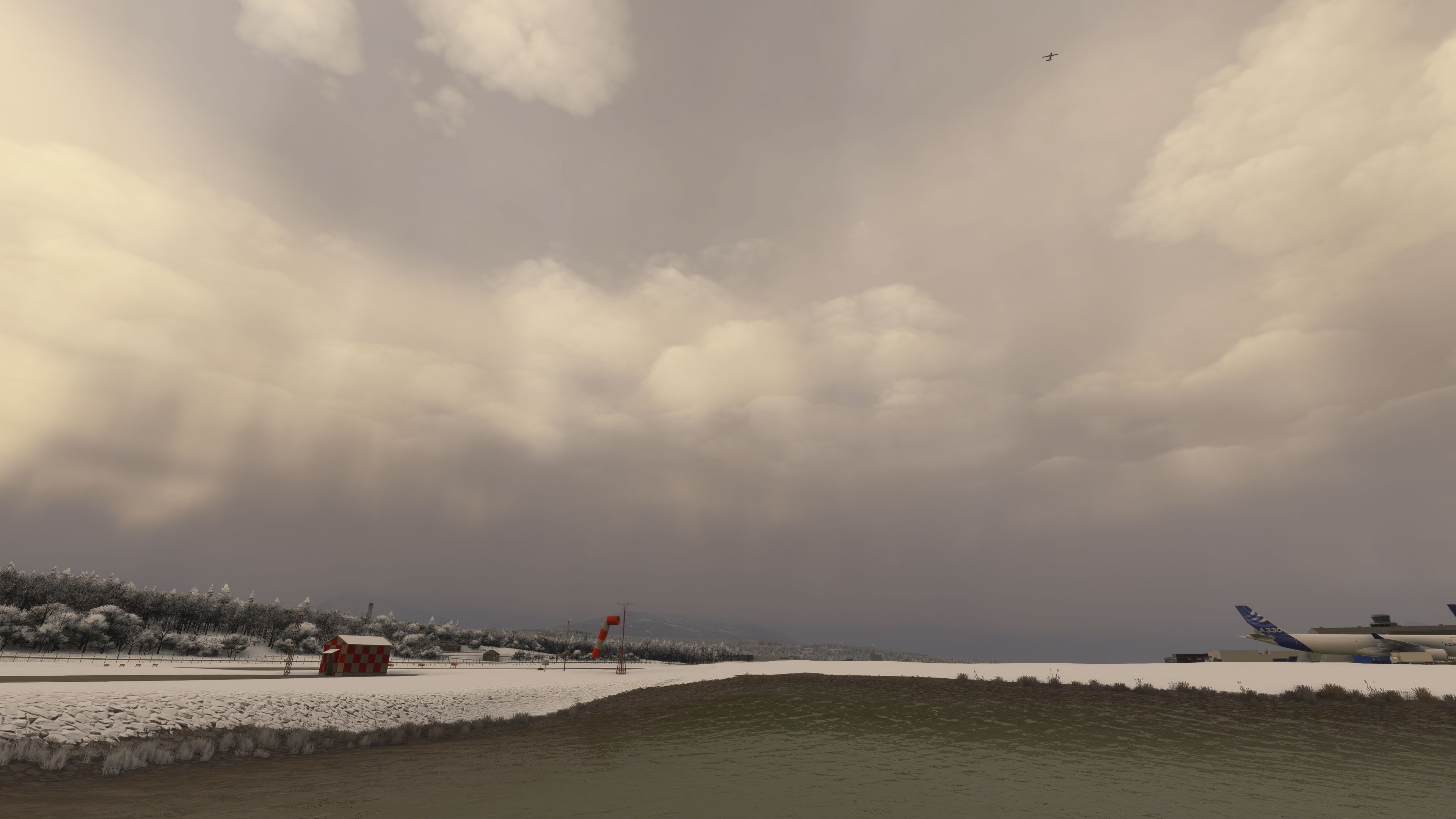
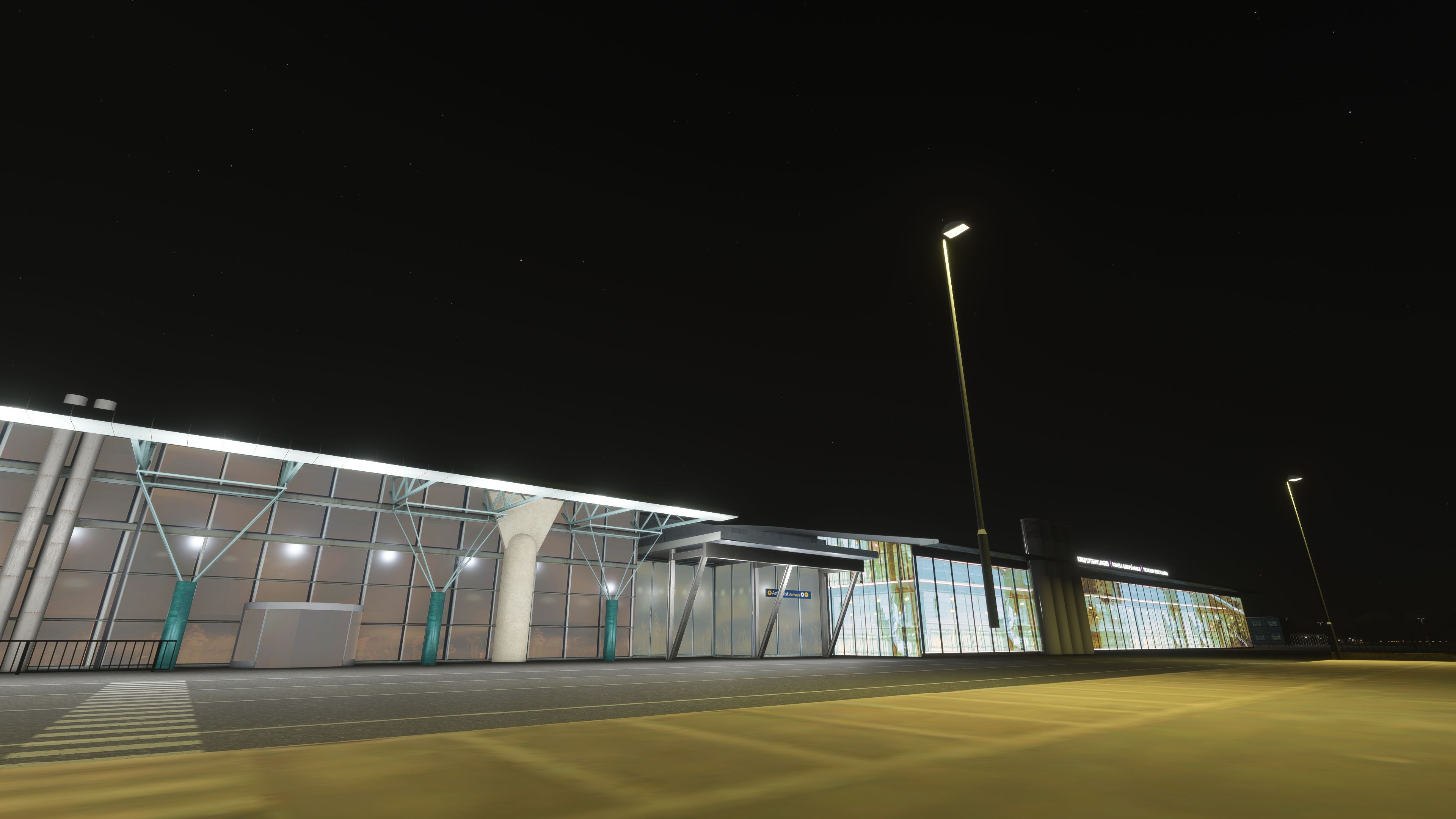
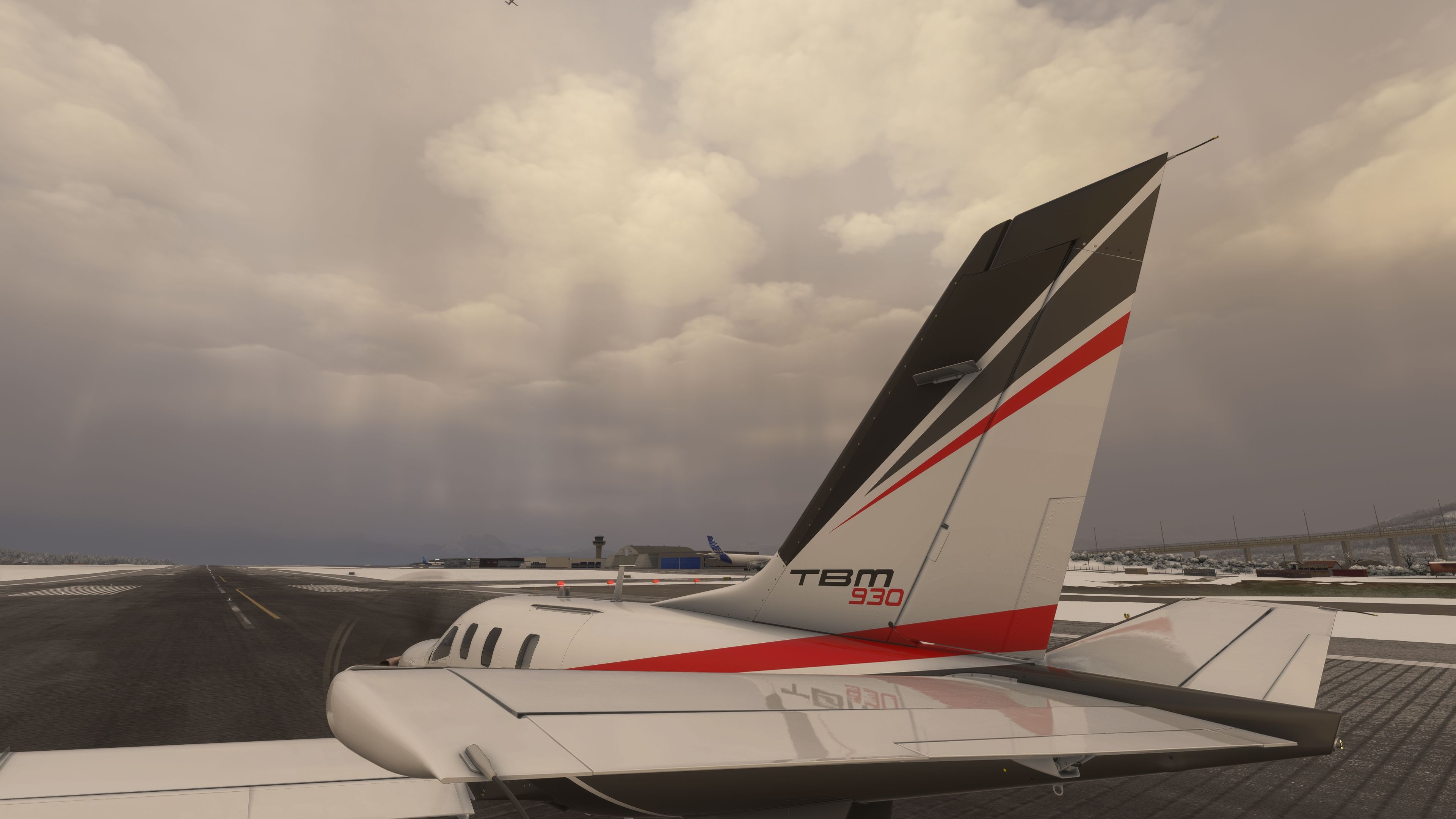
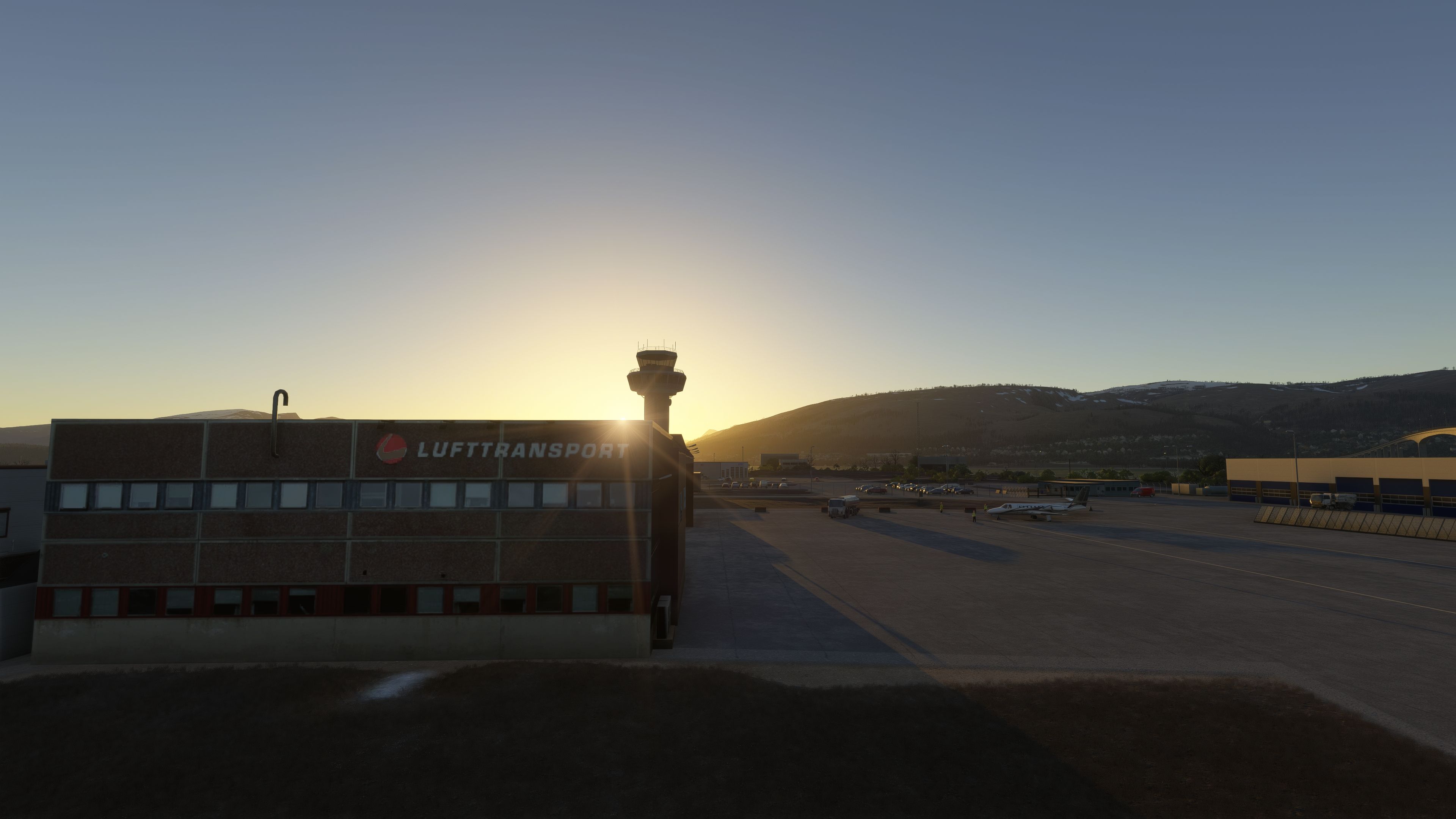
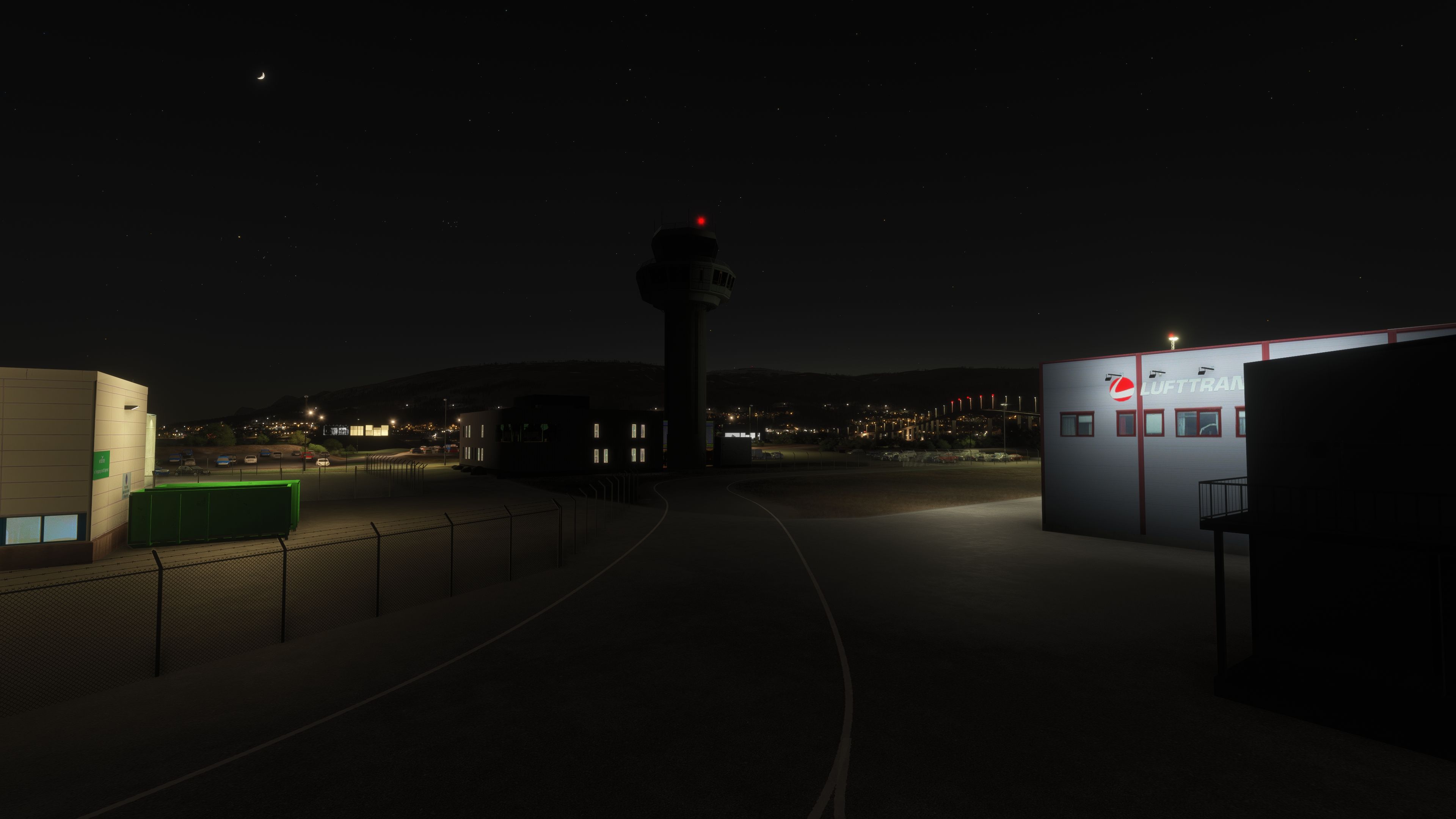
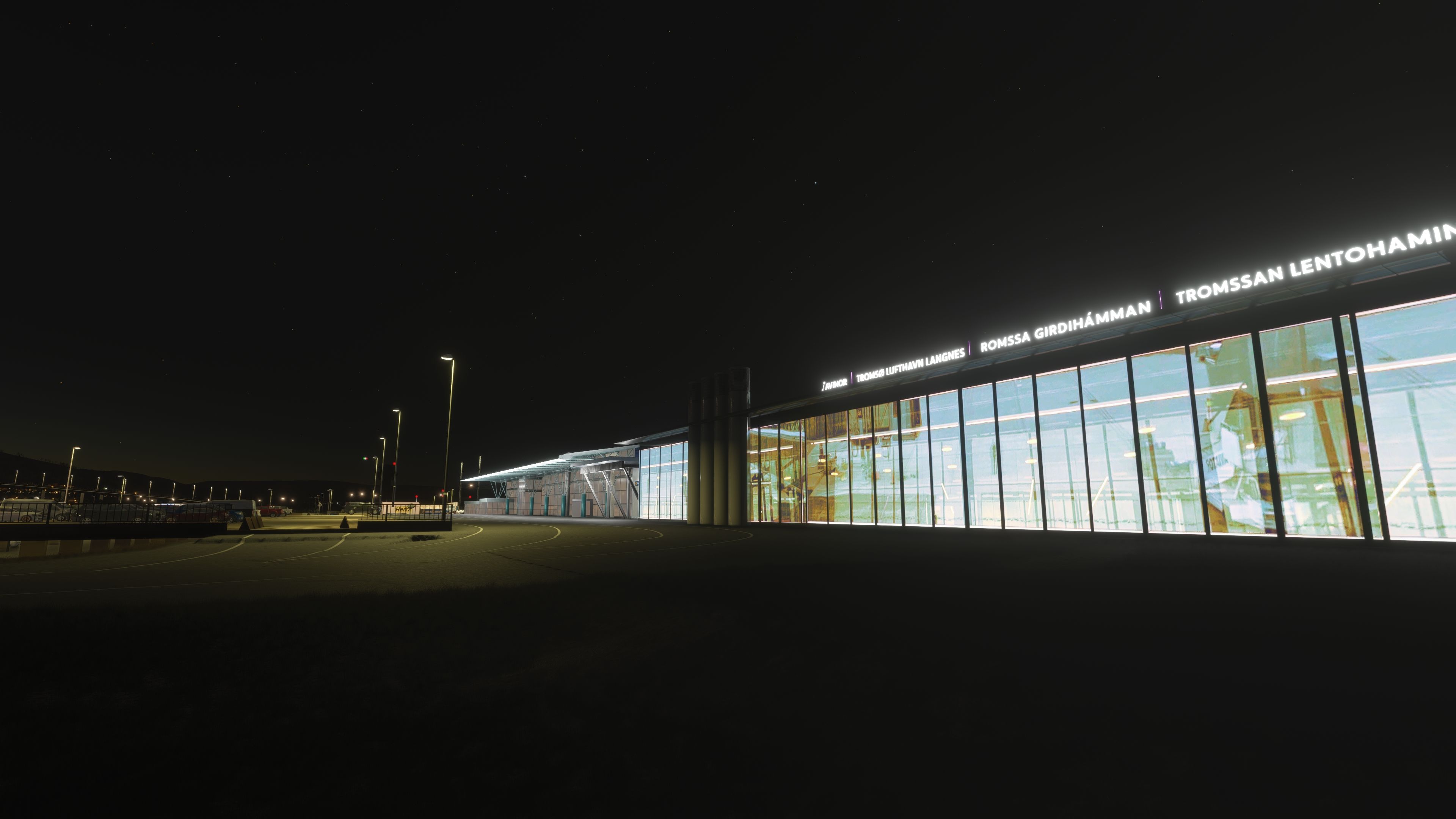
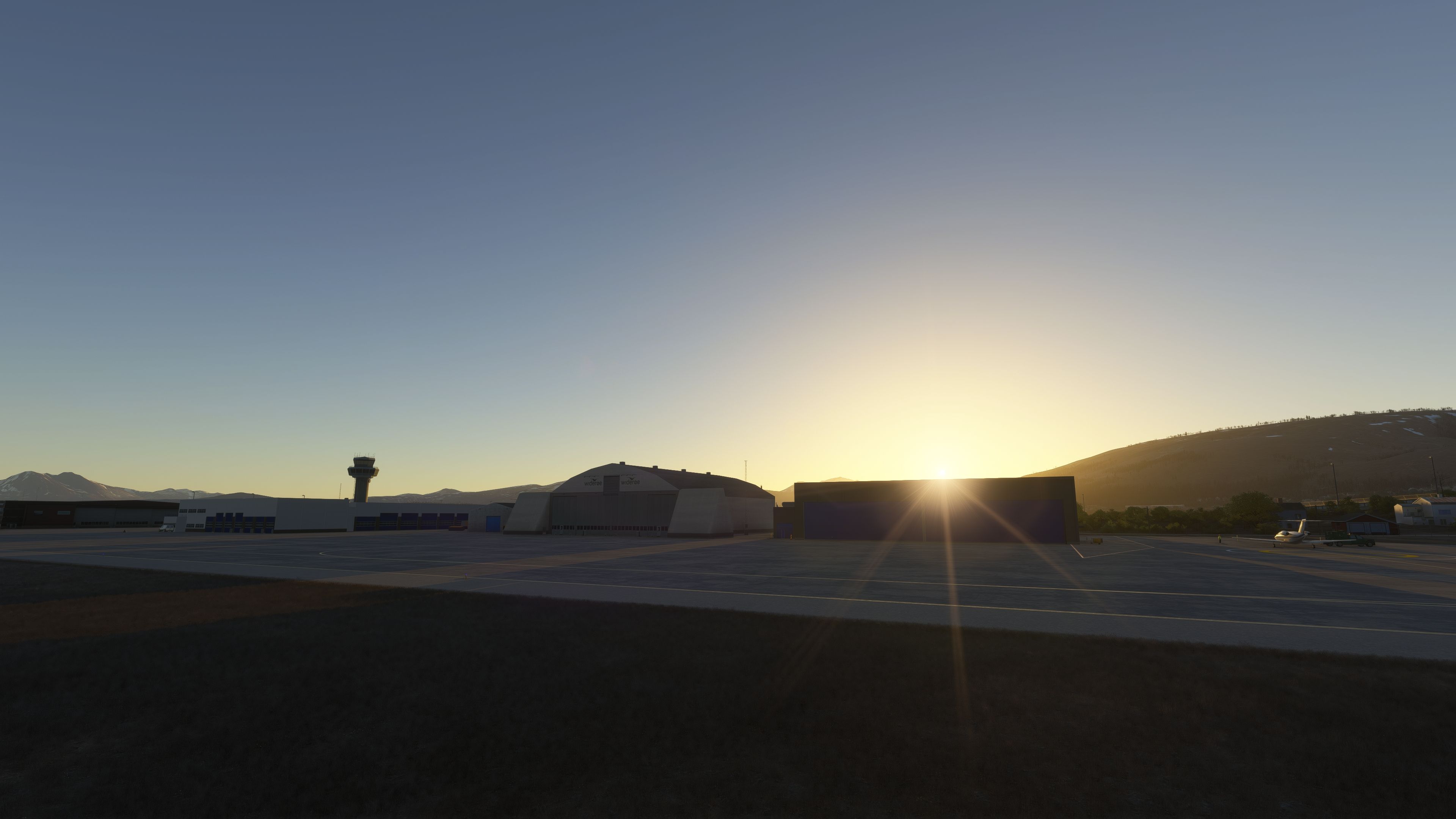

Tromsø Airport (ENTC) for Microsoft Flight Simulator brings a stunning slice of Arctic aviation to your desktop, featuring meticulously modeled terminals, ground markings, and PBR-textured structures. From its older terminal interior details to newly added garage tents, the scenery captures both the current and evolving look of Langnes Airport, reflecting real-world updates with accurate gate assignments, runway illumination, and carefully refined terrain for seamless performance on MSFS 2020 and 2024.
As someone who has tested and flown into this airport countless times, I can confirm the immersive atmosphere generated by winter snow textures, the Kvitfjell-Raudfjell Windfarm, and the authentic lighting effects around the runways and buildings. The mod offers smooth gate animations, resolution-boosted markings, and up-to-date parking positions, making it a premium freeware addition for any Nordic-focused virtual pilot looking to enhance their destinations around northern Norway. The developer’s ongoing plans for further improvements demonstrate a commitment to excellence, making this add-on a standout in any enthusiast’s collection.
Explore the breathtaking realm of Tromsø’s Langnes Airport (ENTC) in this freeware scenery built for the new Microsoft Flight Simulator, covering both the 2020 and 2024 releases. This add-on combines meticulous 3D modeling, specialized PBR surfaces, and immersive environmental details to bring northern Norway’s well-known aviation gateway to life.
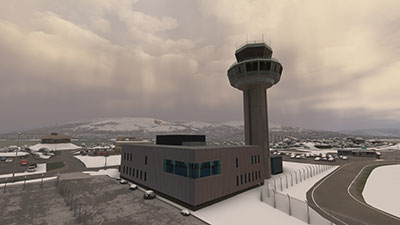 Tromsø Airport, often identified by its Langnes designation, is set just a few kilometers from the city center nestled deep within the Arctic. This scenery replicates significant terminal elements, including the older section’s interior—complete with accurately modeled fixtures—and introduces updated windows and materials on the exterior. Although certain existing buildings in the real-world complex are slated for removal, they have also been excluded here for a forward-looking representation. Furthermore, newly added garage tents reside along the southern apron, while additional custom structures appear close to Runway 18 to accurately match current charts.
The northern approach to ENTC sees frequent winter operations, and this project includes visible snow during the colder months. Runway and taxiway lighting correspond with the AIP guidance, offering illuminating elements for precise night and low-visibility arrivals. The developer, artogsta, has refined terrain transitions to ensure smooth performance in both Microsoft Flight Simulator 2020 and 2024. Moreover, the runway markings have received a resolution boost to maintain clarity, especially on the updated platform.
Multiple gates—such as 18, 19, and 20—feature animated jetways for seamless docking. Meanwhile, gates 21 through 23 temporarily operate as standard parking positions pending further refinement. Freshly introduced spots, including Parking 55, 56, and 57, comply with the most recent AIRAC data. These changes align with new amendments in airport charts, ensuring flight planners adhere to correct parking and gate assignments.
To capture the dramatic atmosphere of Norway’s Arctic region, the scenery integrates the Kvitfjell-Raudfjell Windfarm, plus carefully placed blooming light effects around terminal structures for accurate nighttime visuals. Snow textures adorn the runway and ramps during winter, reflecting the unique challenges of operating in sub-zero conditions. Among the peaks near Tromsø stands the Lyngen peninsula, reaching 1,833 meters in elevation—renowned for skiing and alpine tours.
togstad-airport-entc-tromso folder directly into your Community directory.Future refinements aim to add Tromsø’s hospital and further interior detailing of the newer terminal segments. Regular adjustments also address aprons, gate designations, and any additional real-world changes affecting Langnes Airport’s layout. Testing continues around gate definitions and improved window texturing.
If you enjoy this freeware airport enhancement, you may wish to explore the ENRM payware scenery available on simmarket. In addition, the developer, artogsta, welcomes any support or donations that aid continued improvements for this project.
This scenery pack was created entirely by artogsta and is published here with permission on Fly Away Simulation.
Free for all simmers · 554.74 MB · Scanned clean Oct 2026
Download speed: Free tier is capped at 2 Mbps (this file takes approximately 39 mins at the cap). PRO members download at full line speed.
%LOCALAPPDATA%\Packages\Microsoft.FlightSimulator_8wekyb3d8bbwe\LocalCache\Packages\Community\. Steam version: %APPDATA%\Microsoft Flight Simulator\Packages\Community\. Tip: enable Developer Mode in MSFS to see your exact Community folder path.readme.txt or README file. It tells you exactly where files go, what dependencies are needed, and any quirks specific to this add-on.Use these coordinates to fly directly to this location once the mod is installed.
69.68000000,18.92000000
Paste these coordinates into the Microsoft Flight Simulator search bar when planning a flight, or into the Developer Mode Teleport window, to fly directly to this location.
Only PRO members can place votes.
More MSFS add-ons hand-picked based on this download.
MSFS Scenery
This mod developed by JustOkayPilot brings Grand Canyon National Park Airport…
 MSFS Scenery
Sandane Airport (ENSD) is located on the beautiful west coast of Norway and i…
 MSFS Scenery
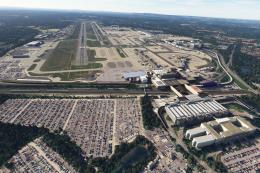
Enhance your flight simulation experience with this mod for Microsoft Flight …
 MSFS Scenery
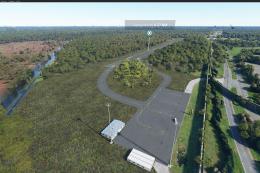
The Disney World airport/STOLport (also known as the Lake Buena Vista airport…
 MSFS Scenery
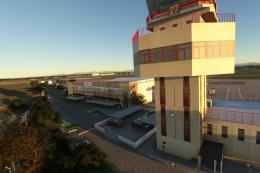
Enhance your flight simulation experience with a detailed rendition of Madrid…
 MSFS Scenery
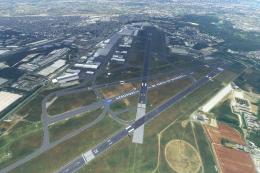
A complete and extensive replacement freeware scenery package for Paris–Le Bo…
 MSFS Scenery
A highly detailed rendition of Gainesville Regional Airport (KGNV), Florida (…
 MSFS Scenery
A rendition of George T. Lewis Airport for Microsoft Flight Simulator (MSFS) …
Read what other simmers think, or add your own.

