

 X-Plane Civil Heavy Aircraft
Gulfstream G280 1.0
X-Plane 11 Gulfstream G280 1.0. The Gulfstream G280 is a twin-engine business…
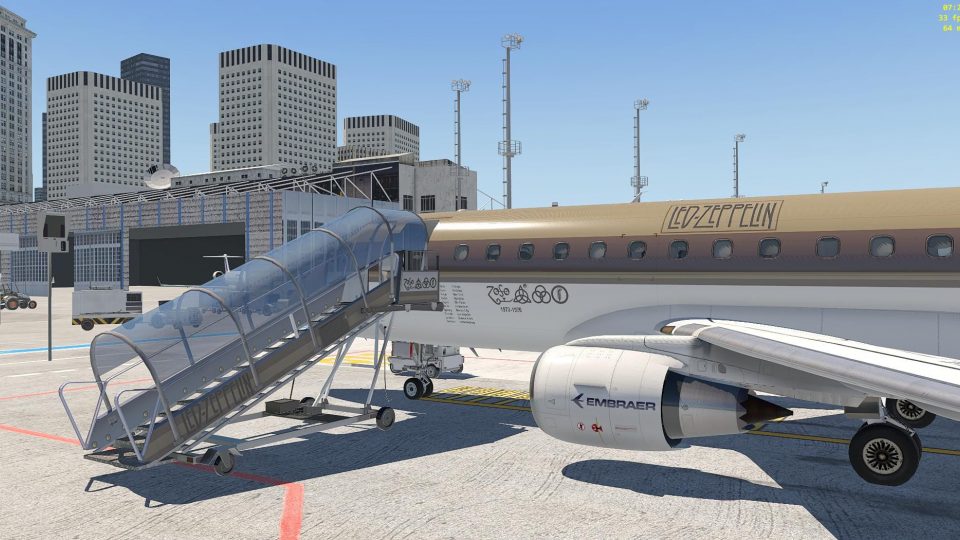
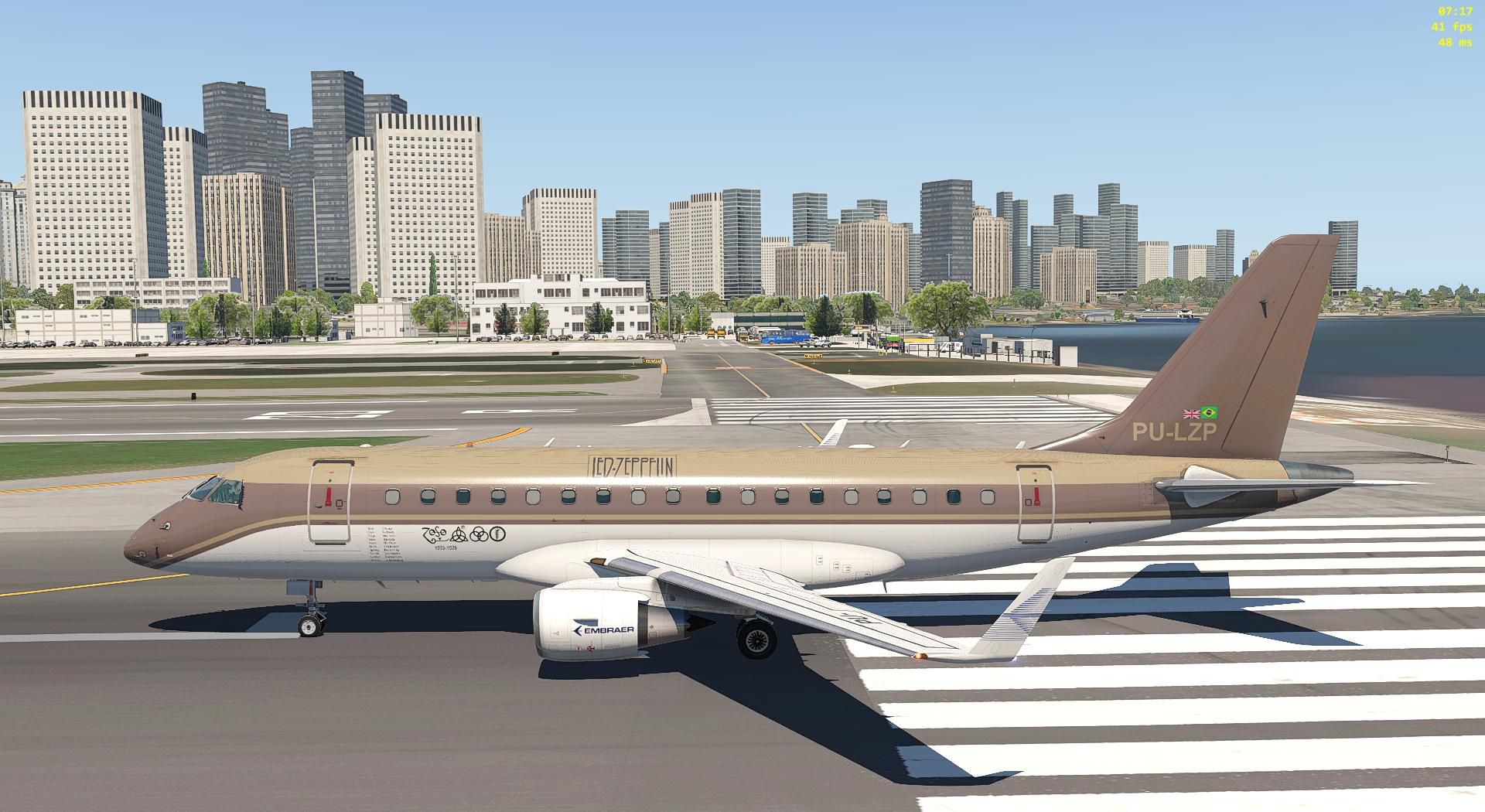
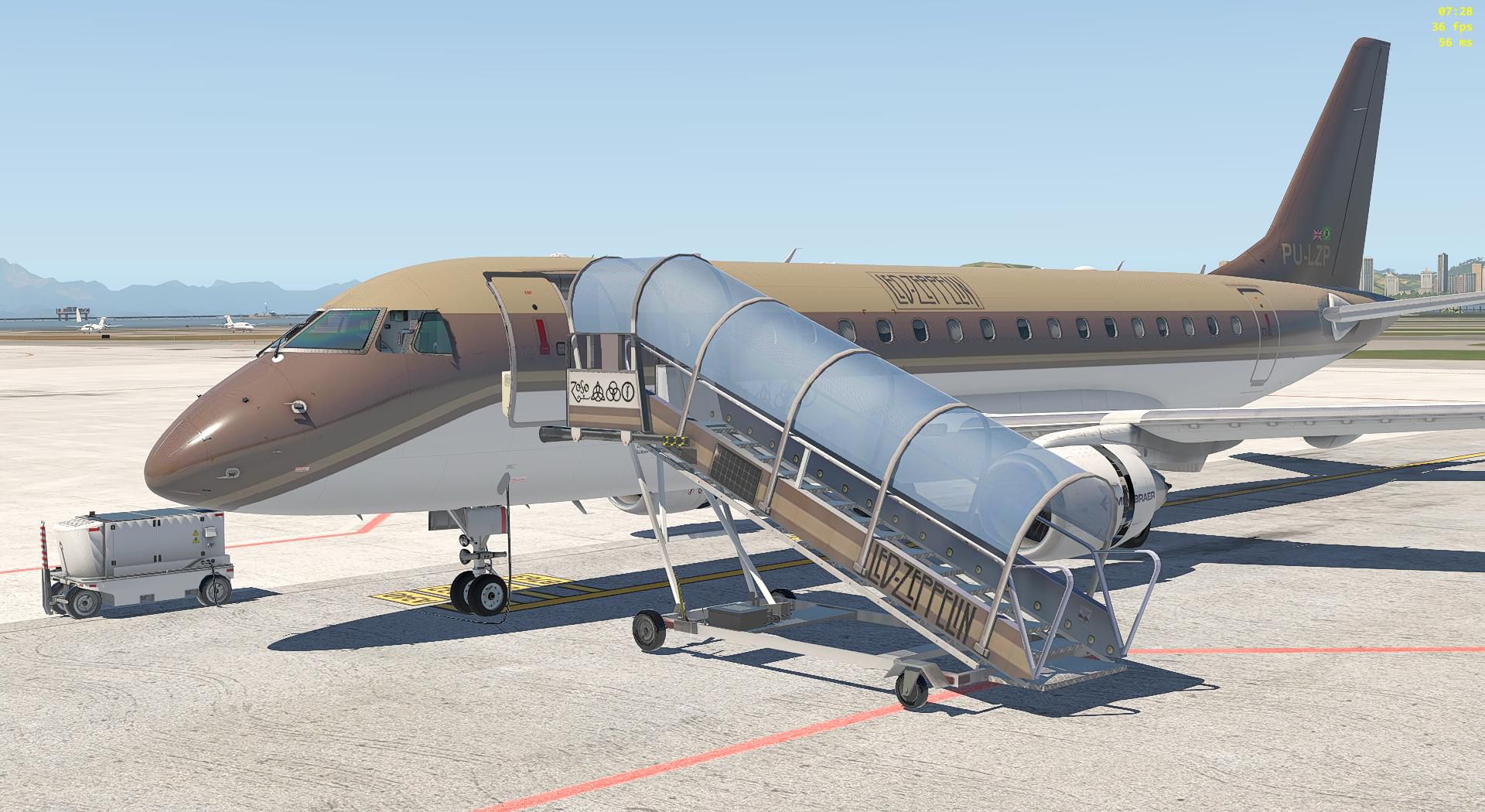
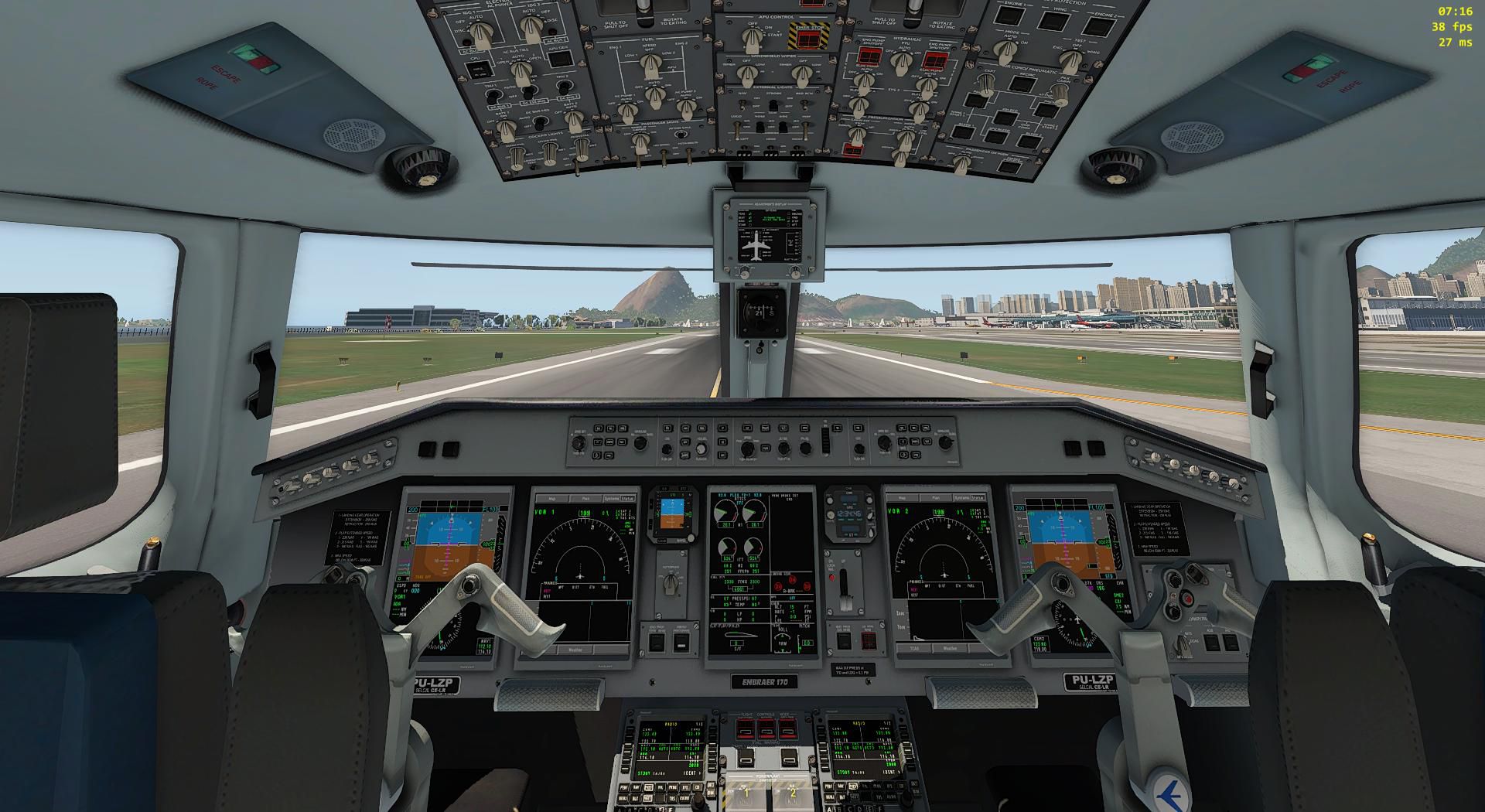
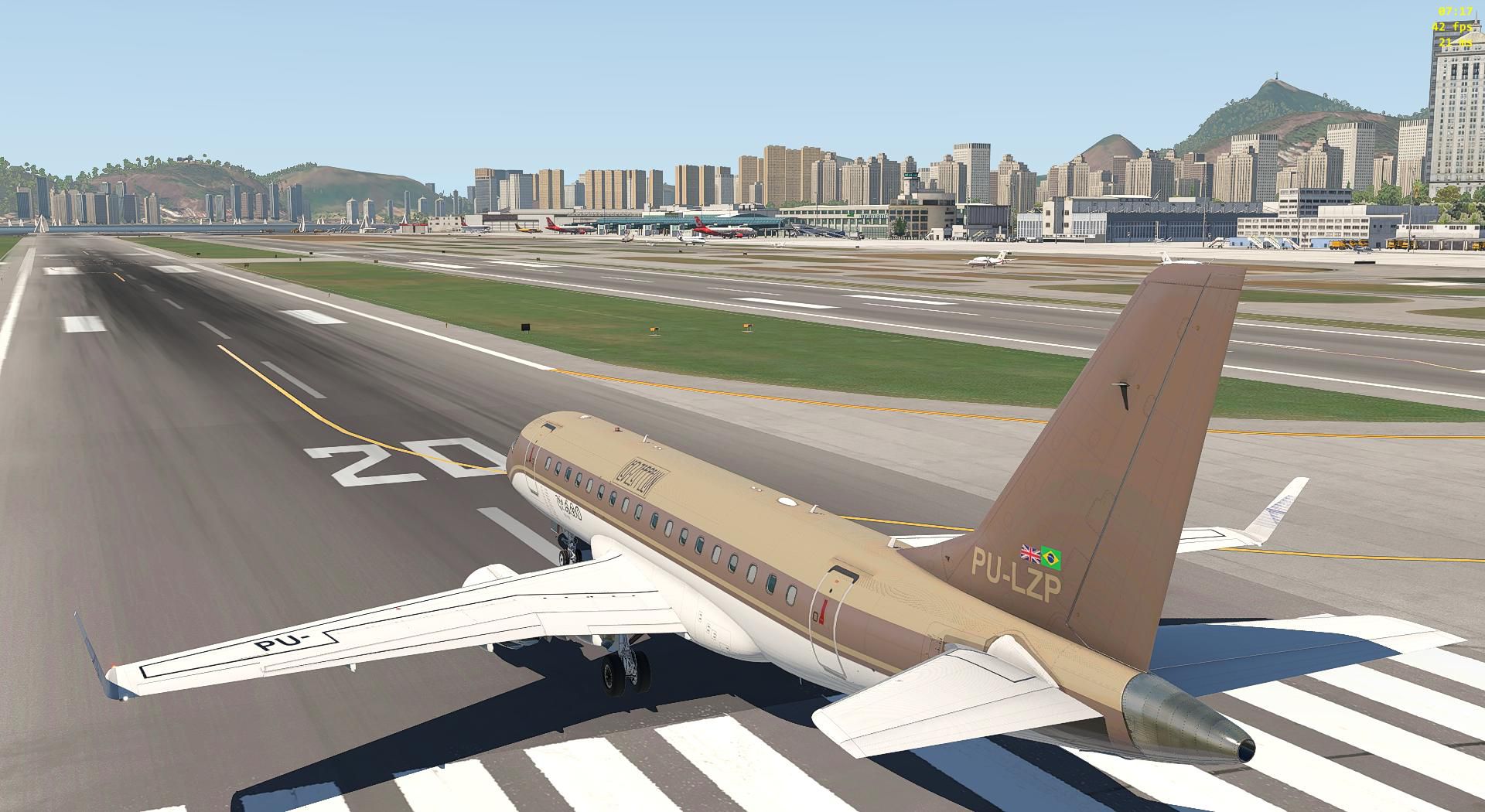
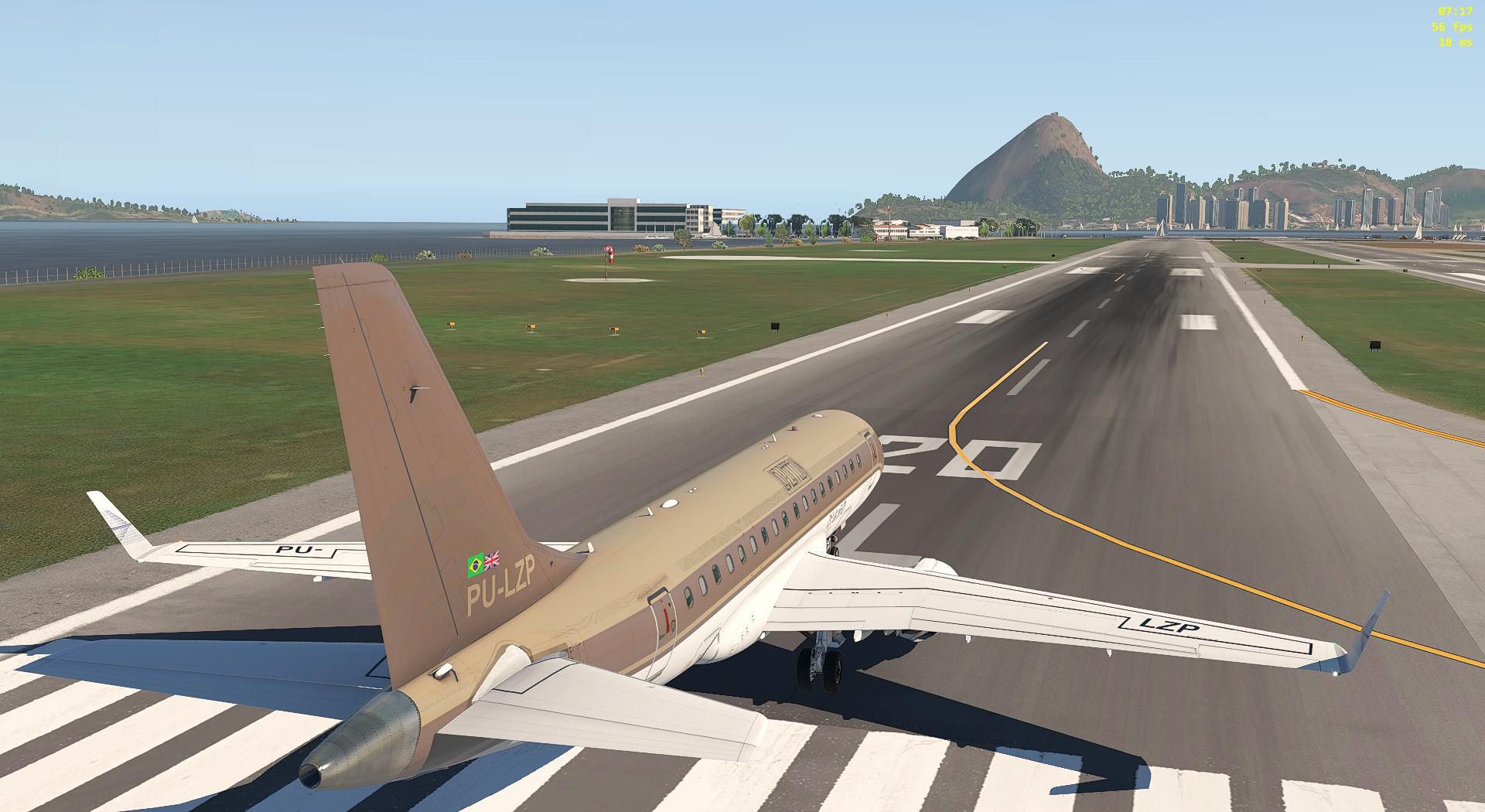
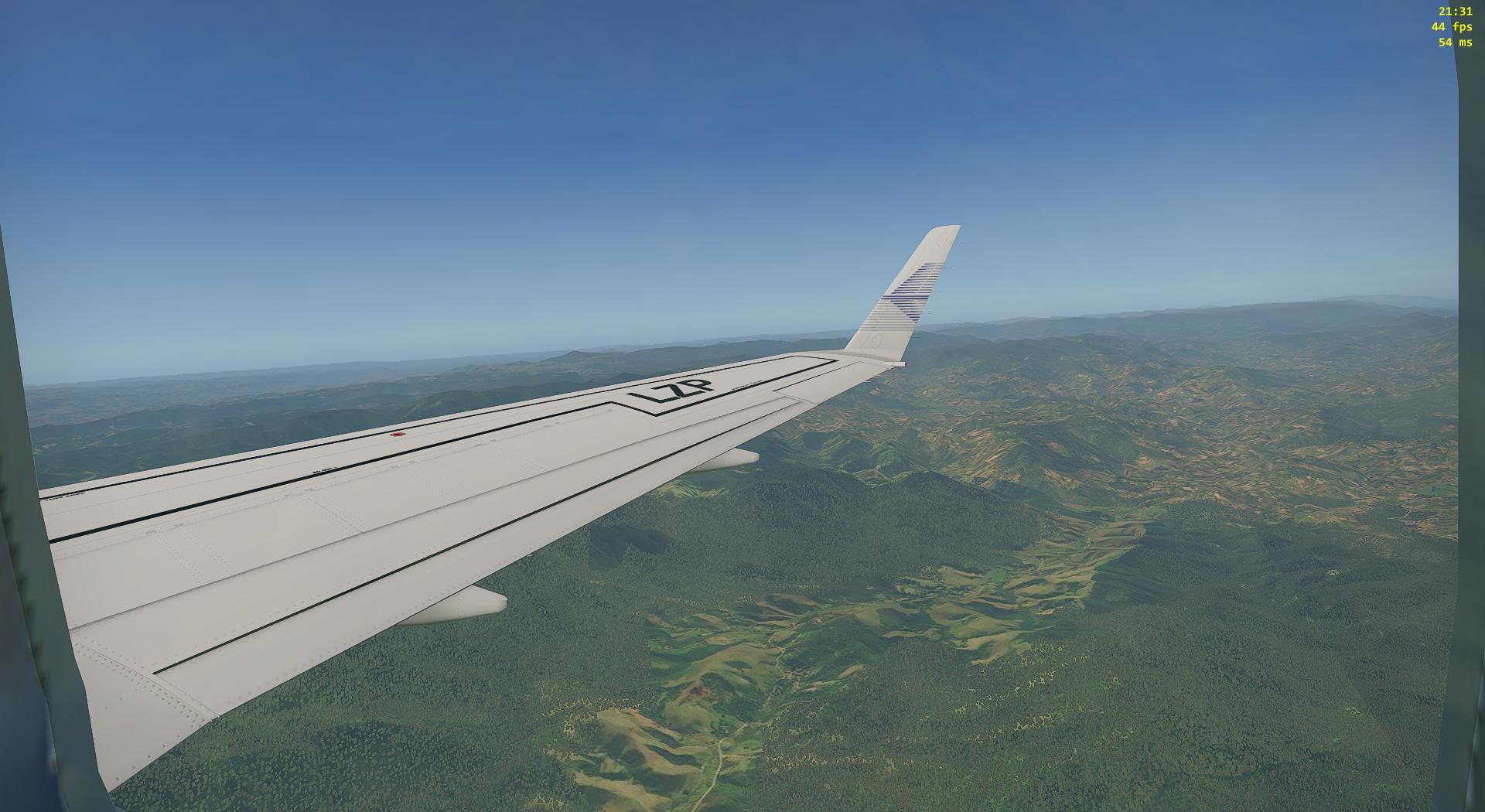
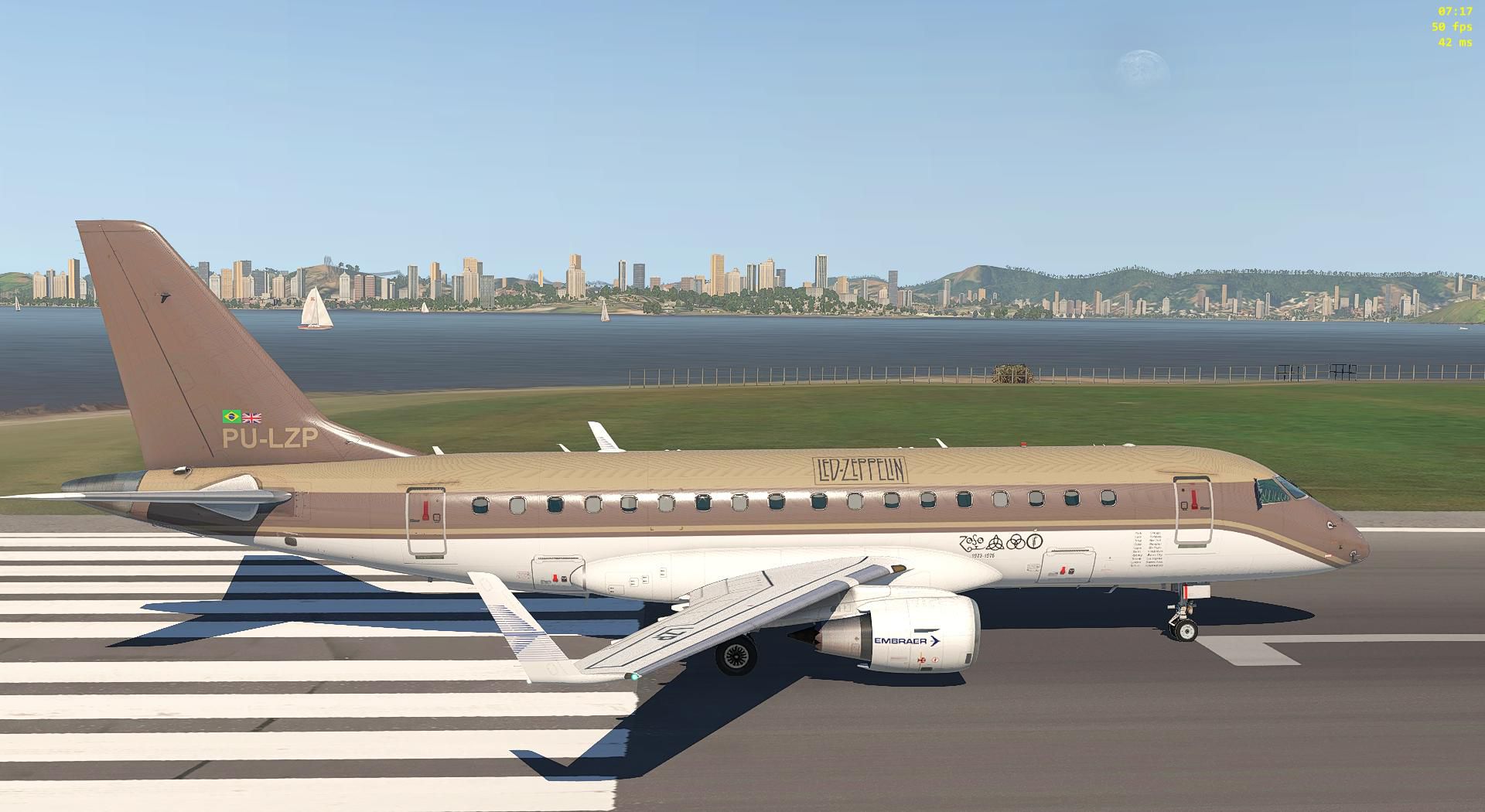
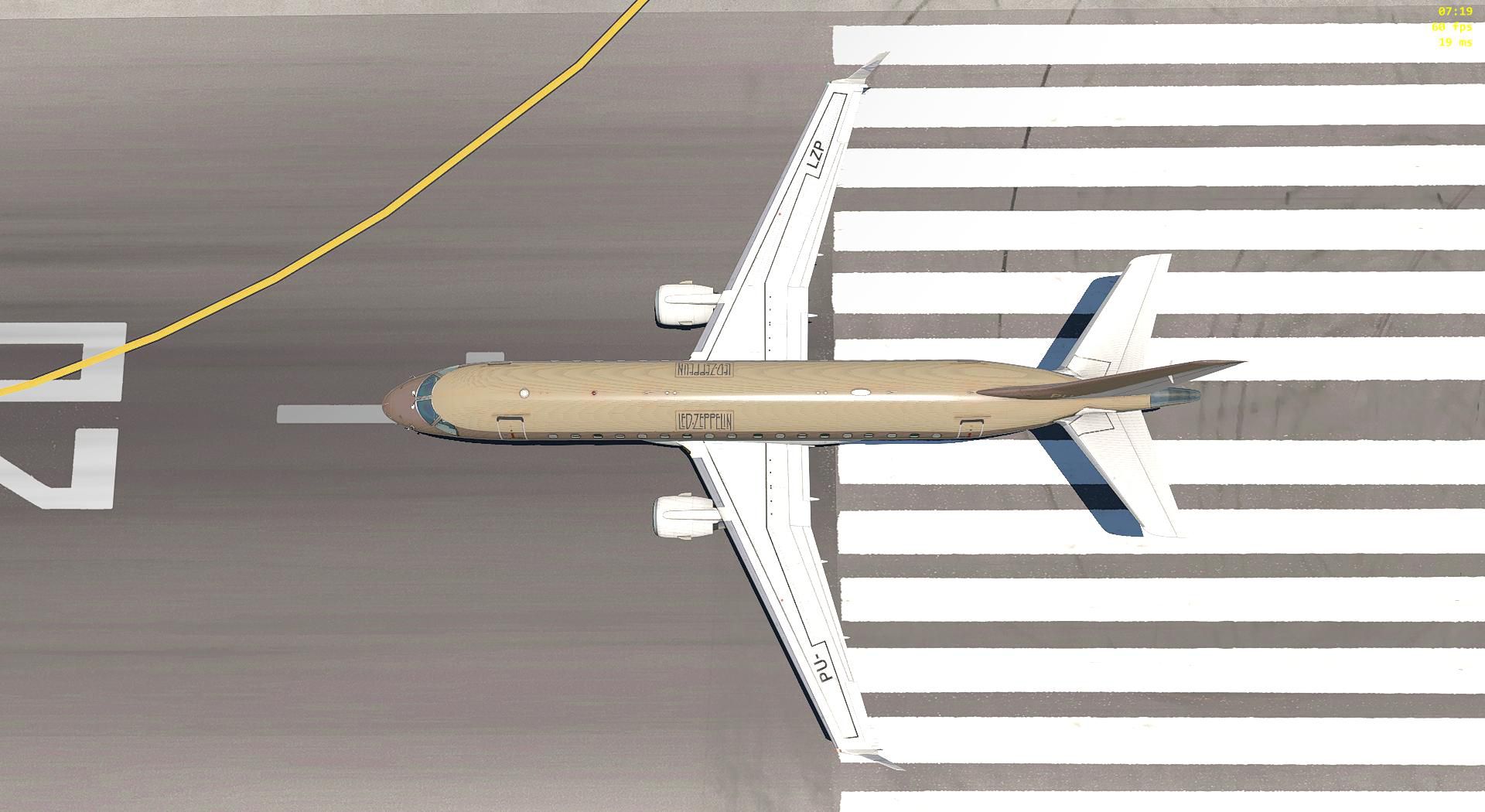
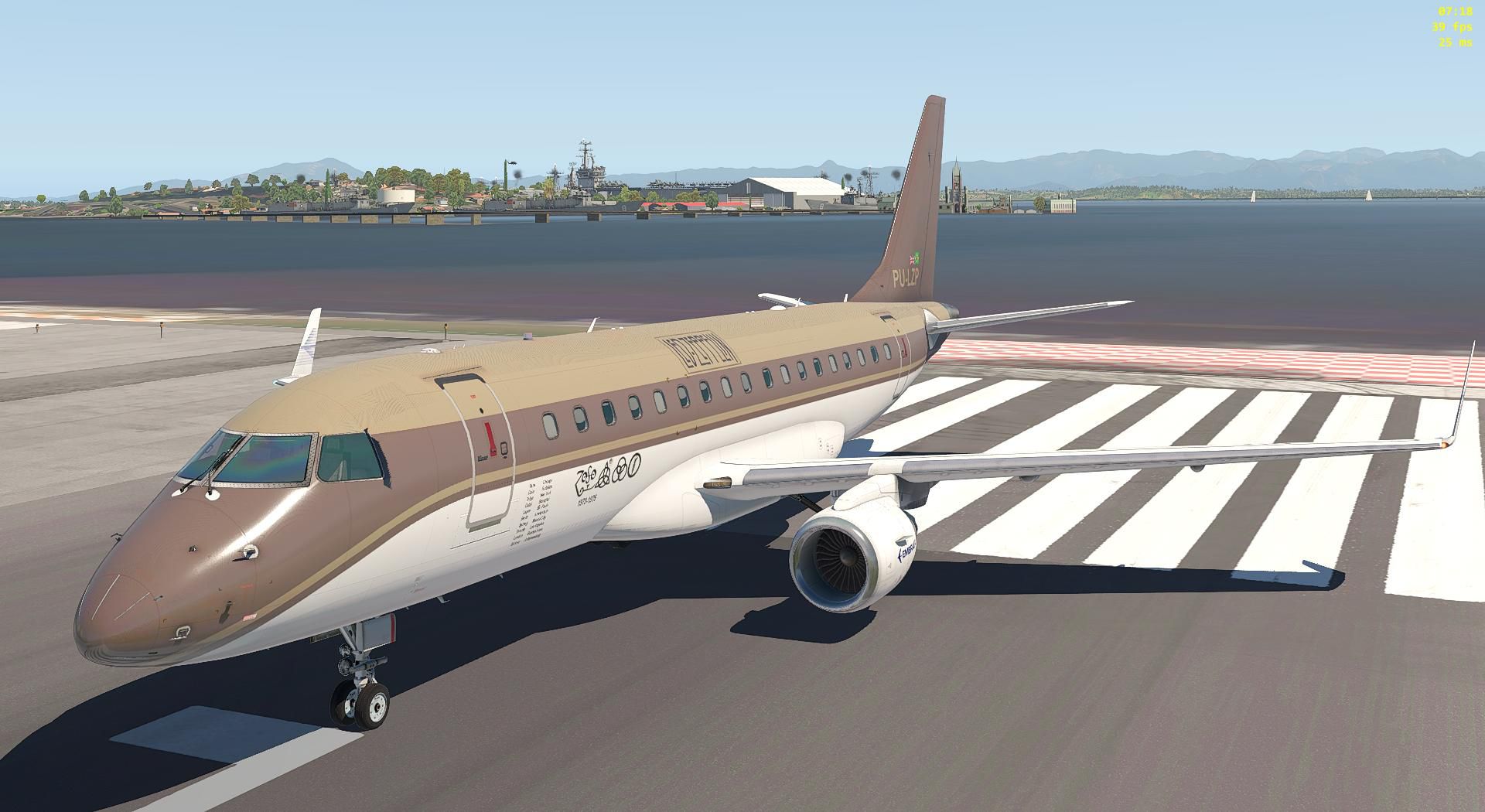
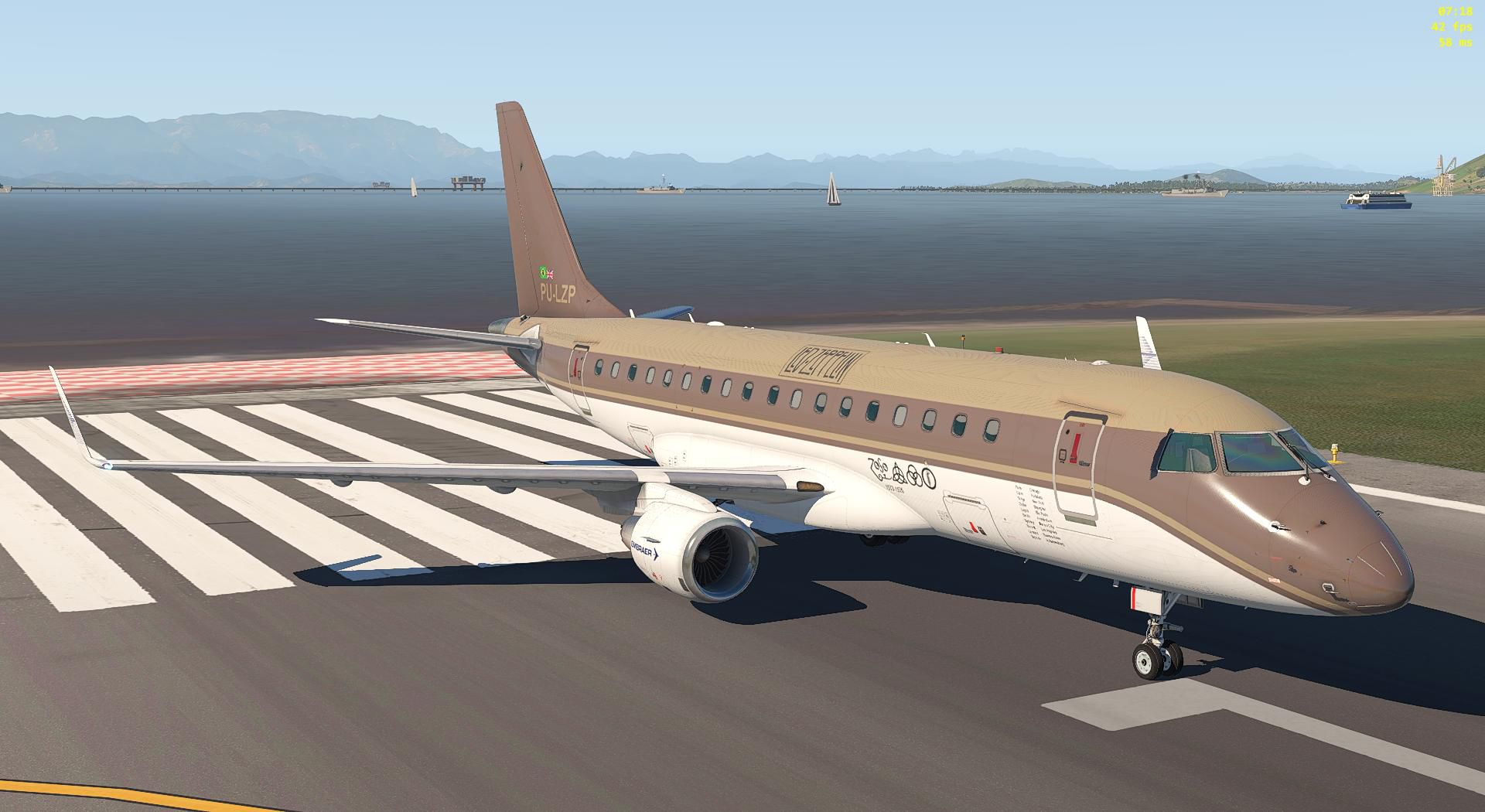
Led Zeppelin “Starship” livery brings a tour-era look to the SSG Embraer E170 Evolution in X-Plane 11, featuring the fictitious PU-LPZ registration inspired by the band’s famous leased jet. The repaint refreshes exterior textures for clean screenshots and immersive airline-style operations, and requires the SSG E170 Evolution.

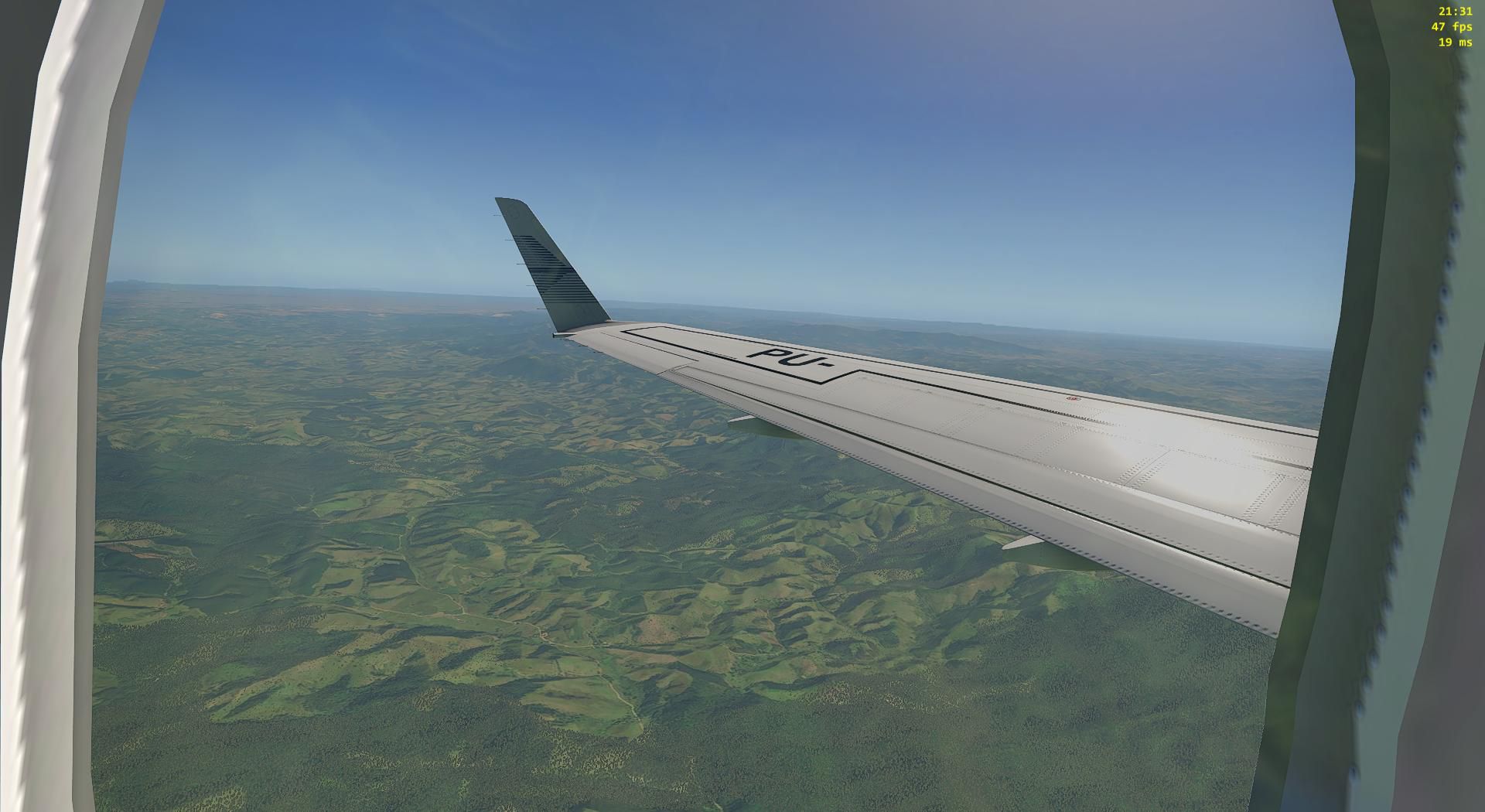

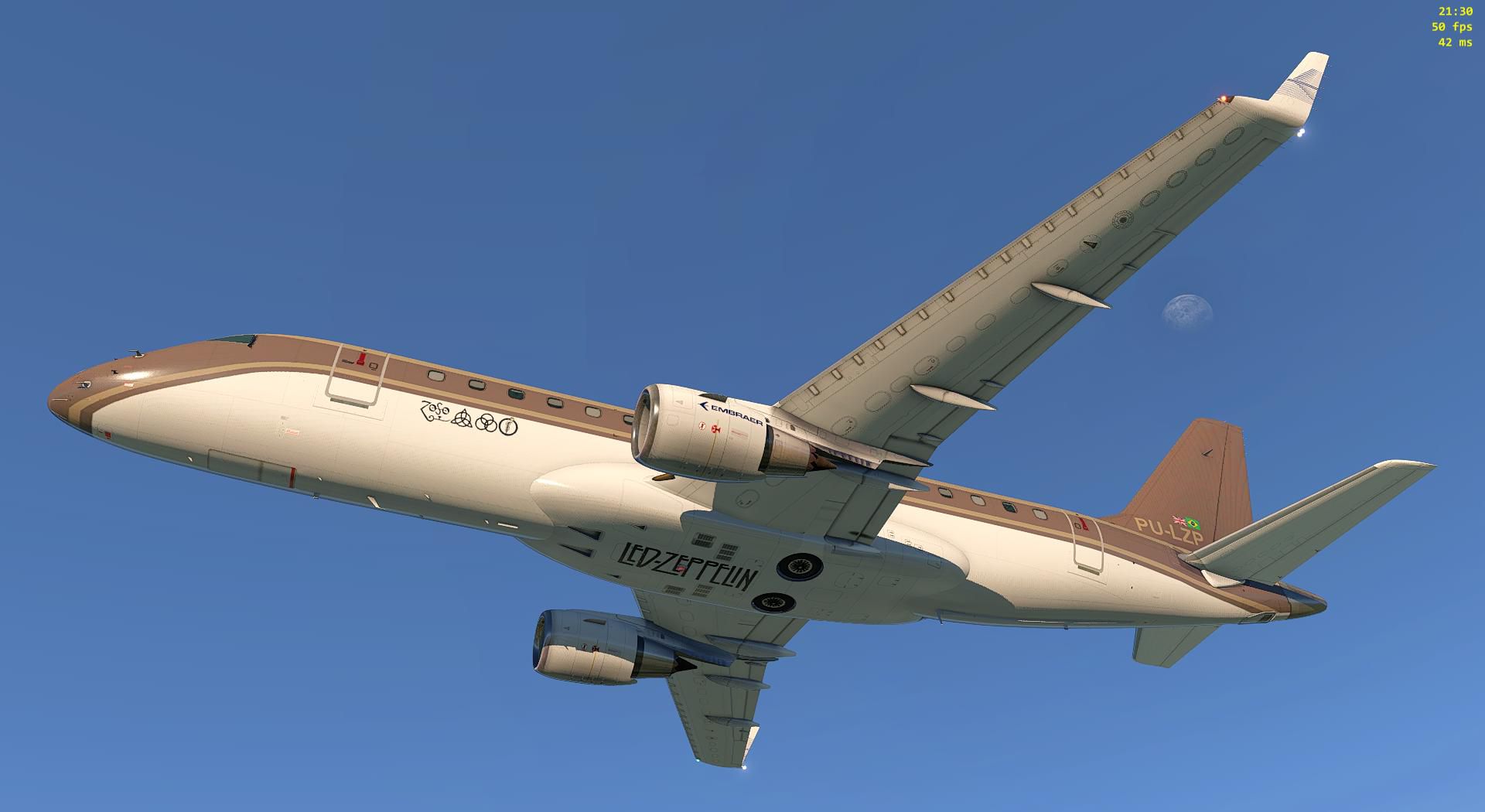

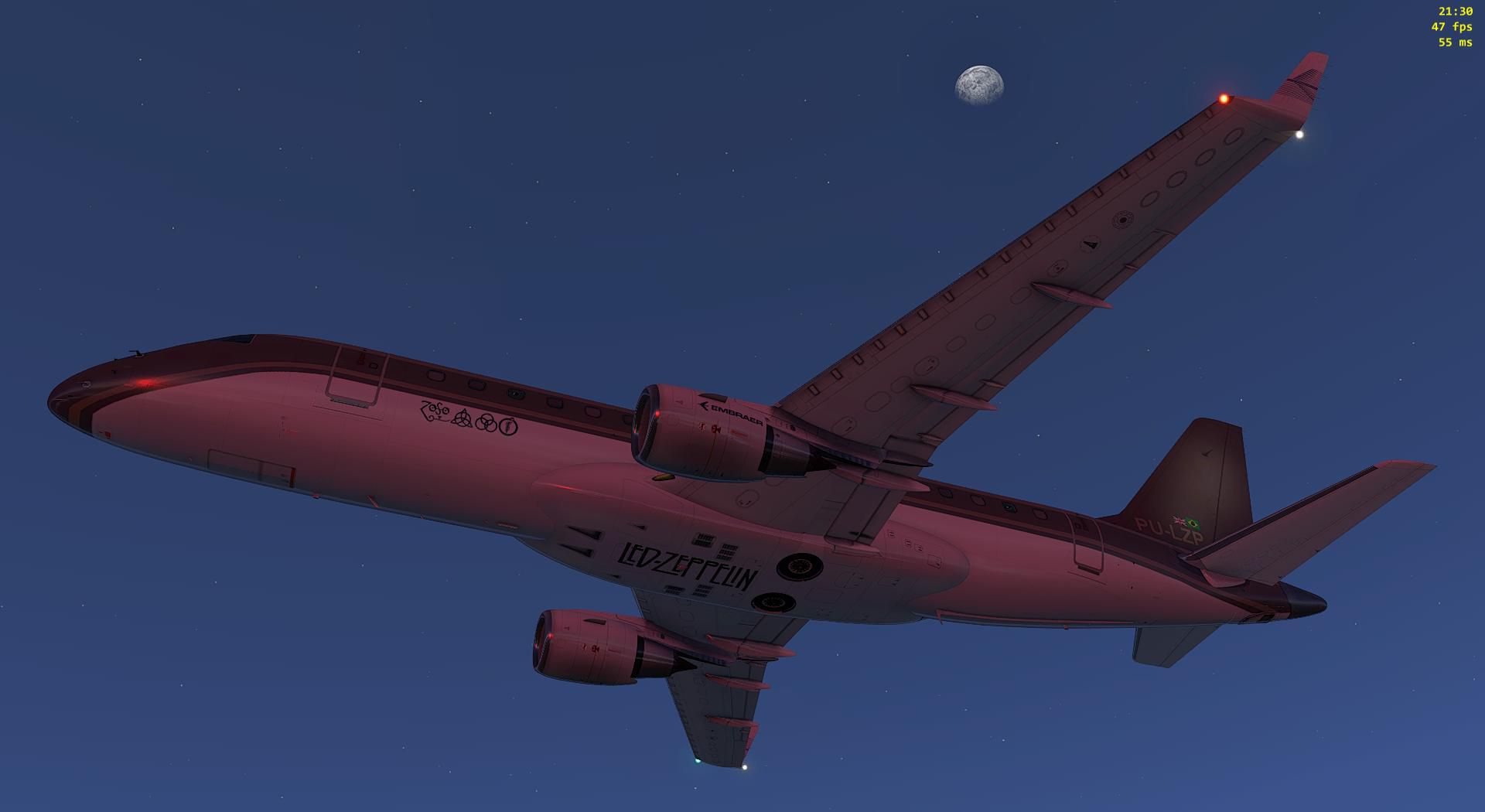
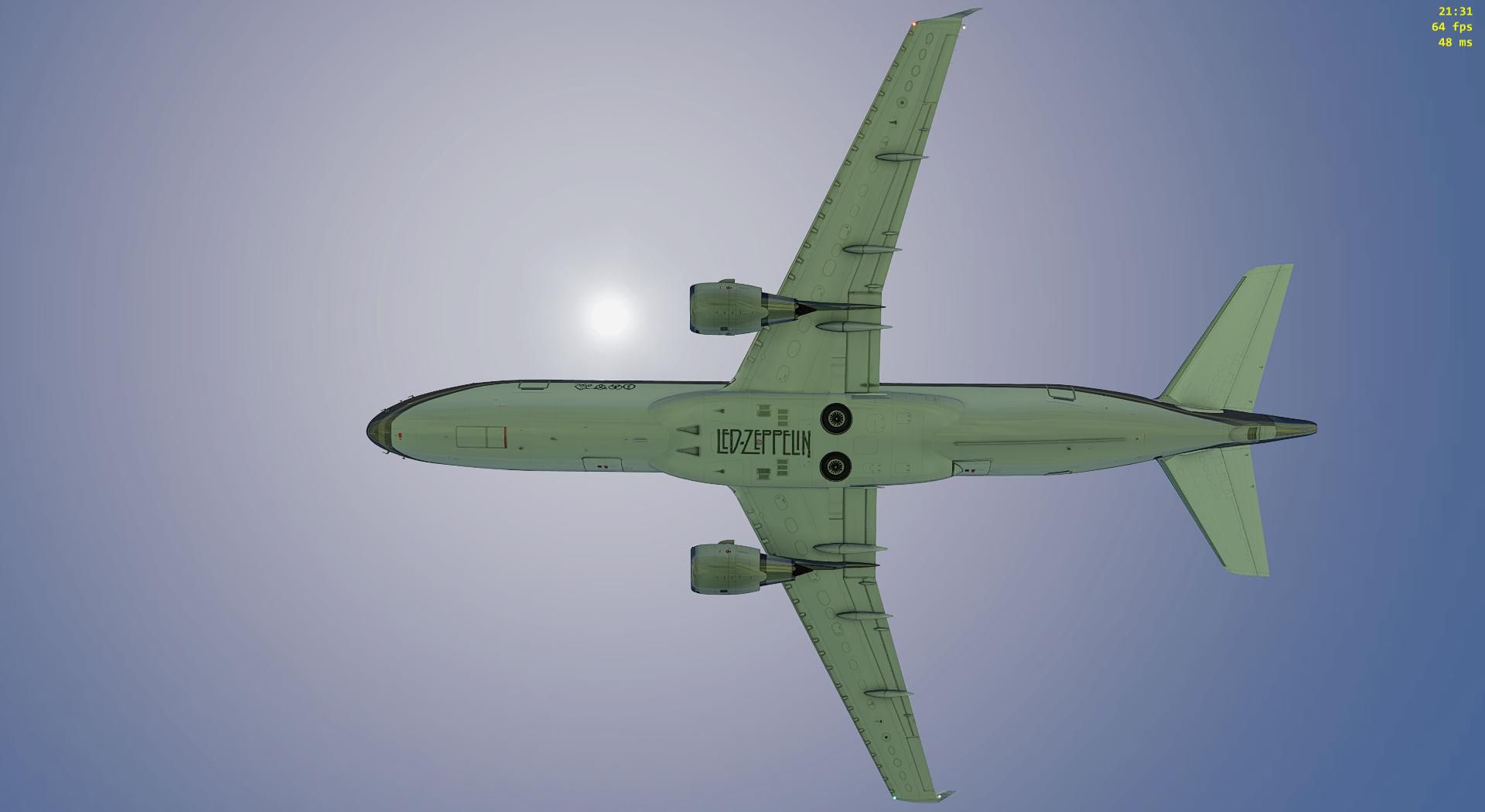
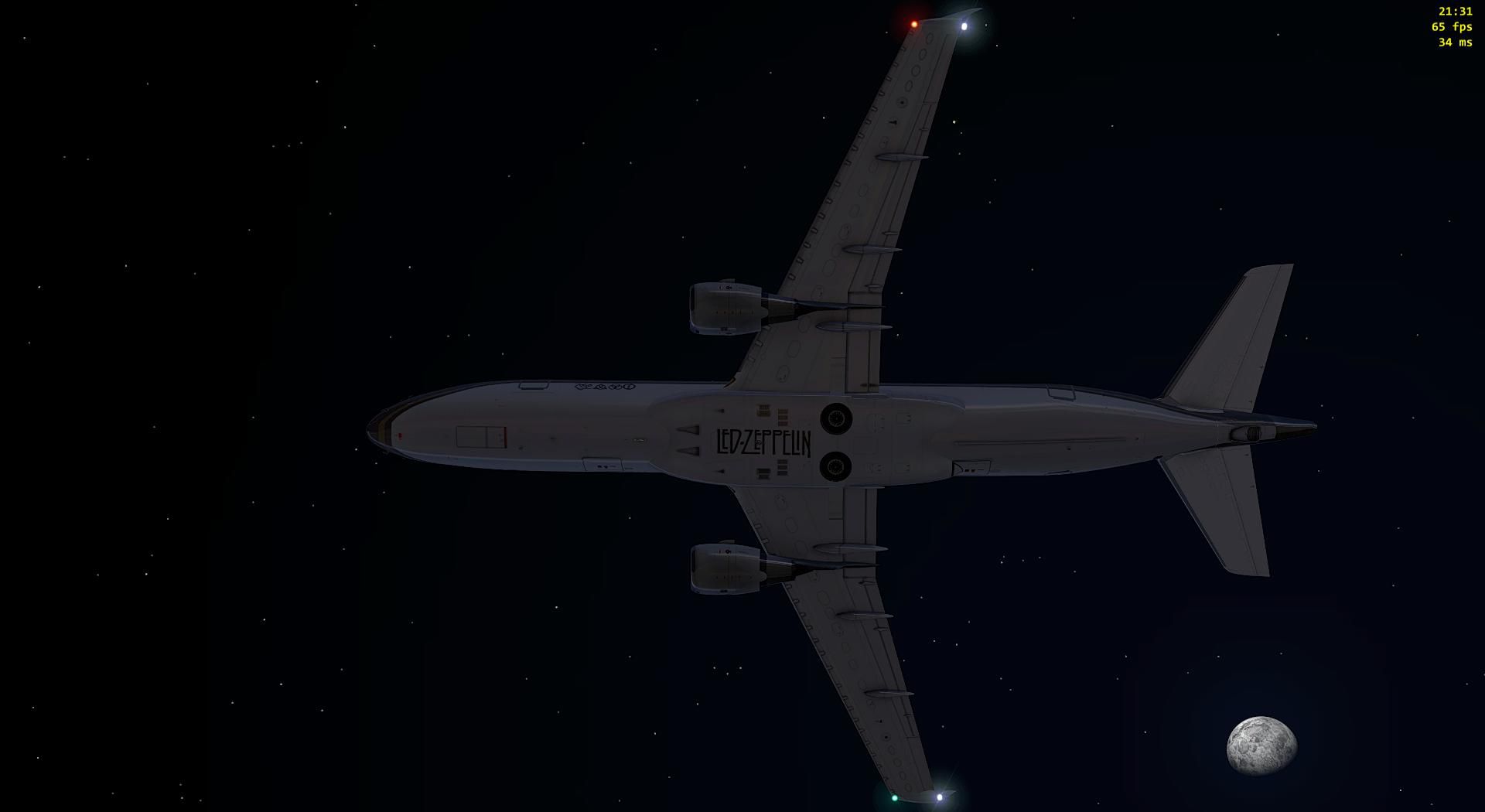
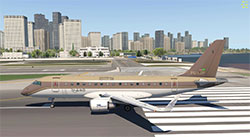 Led Zeppelin Starship Paint
This livery/skin repaint is for X-Plane 11 SSG Embraer E170 Evolution.
Led Zeppelin Starship Paint
The Starship was a former United Airlines Boeing 720 passenger jet, bought by Bobby Sherman and his manager, Ward Sylvester, and leased to touring musical artists in the mid-1970s. The English rock band Led Zeppelin used the aircraft for their 1973 and 1975 North American concert tours. Ref.: https://en.wikipedia.org/wiki/The_Starship
TO INSTALL:
Just copy and the texture folder "Starship PU-LPZ" aircraft "liveries" folder, as usual.
Enjoy!
Developer: Rui Mesquita (ruifo).
Free for all simmers · 31.74 MB · Scanned clean
Download speed: Free tier is capped at 0.5 Mbps (this file takes approximately 9 mins at the cap). PRO members download at full line speed.
Aircraft/ (planes), Custom Scenery/ (airports, mesh), or Resources/plugins/ (plugins).readme.txt or README file. It tells you exactly where files go, what dependencies are needed, and any quirks specific to this add-on.The archive ssg_e170evo_starship_pu-lpz.zip has 35 files and directories contained within it.
This list displays the first 500 files in the package. If the package has more, you will need to download it to view them.
| Filename/Directory | File Date | File Size |
|---|---|---|
| Objects | 09.17.18 | 0 B |
| decals.png | 09.03.18 | 246.25 kB |
| Fuselage170.png | 09.17.18 | 8.97 MB |
| Fuselage170_LIT.png | 09.17.18 | 9.48 MB |
| Ident.png | 09.16.18 | 11.25 kB |
| Ident_LIT.png | 09.16.18 | 7.73 kB |
| Stabs.png | 09.16.18 | 1.04 MB |
| stabs_LIT.png | 09.17.18 | 423.65 kB |
| stabsLogo_LIT.png | 09.17.18 | 787.33 kB |
| Stairs.png | 09.16.18 | 856.43 kB |
| Wings.png | 09.16.18 | 5.38 MB |
| Wings_LIT.png | 09.17.18 | 2.14 MB |
| SSGE-170LR_Evo_icon11.png | 09.17.18 | 164.13 kB |
| SSGE-170LR_Evo_icon11_thumb.png | 09.17.18 | 13.90 kB |
| readme_PU-LZP.txt | 09.17.18 | 831 B |
| Starship PU-LPZ a.jpg | 09.17.18 | 282.46 kB |
| Starship PU-LPZ b.jpg | 09.17.18 | 196.31 kB |
| Starship PU-LPZ c.jpg | 09.17.18 | 206.63 kB |
| Starship PU-LPZ d.jpg | 09.17.18 | 245.68 kB |
| Starship PU-LPZ e.jpg | 09.17.18 | 188.77 kB |
| Starship PU-LPZ f.jpg | 09.17.18 | 188.17 kB |
| Starship PU-LPZ g.jpg | 09.17.18 | 190.58 kB |
| Starship PU-LPZ h.jpg | 09.17.18 | 278.47 kB |
| Starship PU-LPZ i.jpg | 09.17.18 | 313.99 kB |
| Starship PU-LPZ j.jpg | 09.16.18 | 75.11 kB |
| Starship PU-LPZ k.jpg | 09.17.18 | 254.08 kB |
| Starship PU-LPZ l.jpg | 09.17.18 | 175.65 kB |
| Starship PU-LPZ m.jpg | 09.16.18 | 104.92 kB |
| Starship PU-LPZ n.jpg | 09.16.18 | 76.74 kB |
| Starship PU-LPZ o.jpg | 09.16.18 | 77.73 kB |
| Starship PU-LPZ p.jpg | 09.16.18 | 183.20 kB |
| Starship PU-LPZ q.jpg | 09.16.18 | 197.81 kB |
| Starship PU-LPZ r.jpg | 09.16.18 | 60.03 kB |
| flyawaysimulation.txt | 10.29.13 | 959 B |
| Go to Fly Away Simulation.url | 01.22.16 | 52 B |
More X-Plane add-ons hand-picked based on this download.
X-Plane Civil Heavy Aircraft
X-Plane 11 Gulfstream G280 1.0. The Gulfstream G280 is a twin-engine business…
 X-Plane Civil Heavy Aircraft
X-Plane 10 And 11 Learjet 23 3.0. The Lear 23 is an American six-to-eight-sea…
 X-Plane Civil Heavy Aircraft
X-Plane 11 Boeing 787 Dreamliner 1.0. This is Jacques Brault's X-Plane 8 and …
 X-Plane Civil Heavy Aircraft
Freeware repaint. This livery/skin repaint is for X-Plane 11. Default B737 Zi…
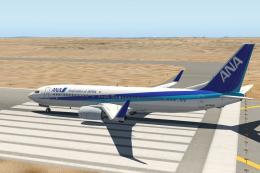 X-Plane Civil Heavy Aircraft
A repaint of the default Boeing 737-800 model in the colours of All Nippon Ai…
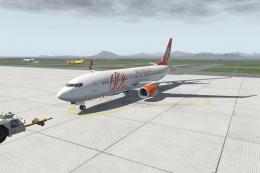 X-Plane Civil Heavy Aircraft
FOR X-PLANE 11 BOEING 737-800 DEFAULT. PAINT GOL PR-GTE INSTALL: COPY "GOL" T…
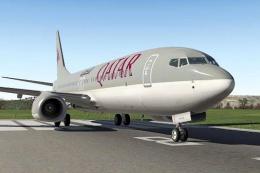 X-Plane Civil Heavy Aircraft
This is a repaint of the default Boeing 737-800 in X-Plane 11. The paint incl…
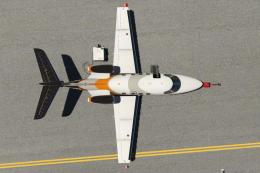 X-Plane Civil Heavy Aircraft
Livery Skin Repaint for X-Plane 11 and X-Plane 10. Requires the payware Caren…
Read what other simmers think, or add your own.


I tried multiple times to get this to work, and it just refuses to work. It does show up in the menu and acts like it will load, but it will not.
The only part of the paint scheme that shows up is on the tail, but nowhere else. Everything else shows a blue and white scheme with "Embraer" on the sides.
Is there a way to fix this? I have X-Plane 11, and the plane is from X-Plane 10, but it works in X-Plane 11. All other paint schemes that come with the plane work.
I looked in the object folder for this, and the PNG files are all there and all look fine. I have no idea why it will not work. I really would love this, as I am a huge Zeppelin fan!
I tried multiple times to get this to work, and it just refuses to work. It does show up in the menu and acts like it will load, but it will not. The only part that shows up is on the tail, but nowhere else. It shows a blue and white scheme with "Embraer" on the sides.
Is there a way to fix this? I have X-Plane 11, and the plane is from X-Plane 10, but works in X-Plane 11.
I tried multiple times to get this to work, and it just refuses to work. The only part that shows up is on the tail, but nowhere else. It shows a blue and white scheme with "Embraer" on the sides.
Is there a way to fix this? I have X-Plane 11, and the plane is from X-Plane 10, but works in X-Plane 11.
