



 United States of America



 MSFS Scenery
Stockholm, Sweden (Enhanced)
A stunning replacement scenery mod for Stockholm, Sweden overriding the defau…
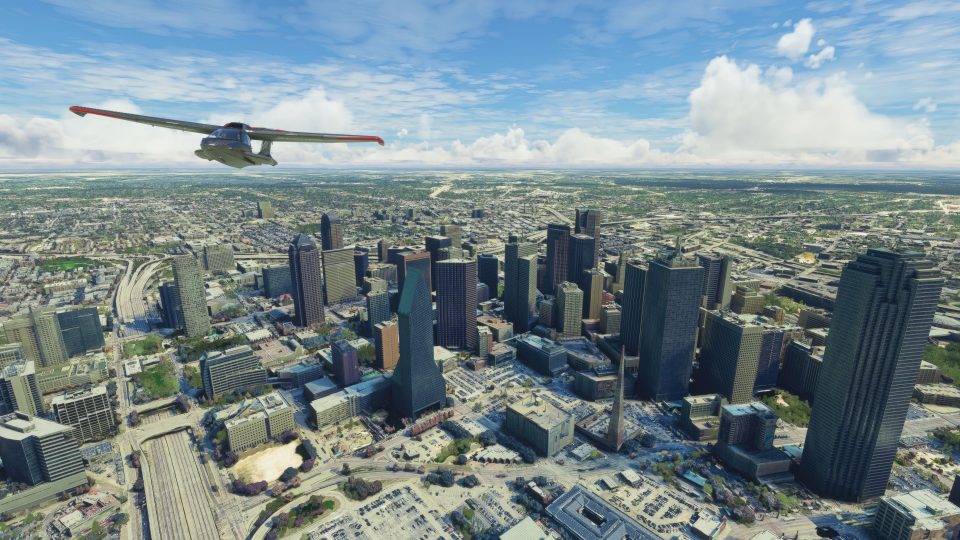
Dallas, Texas transforms into a sharper VFR playground with this enhanced citywide scenery for Microsoft Flight Simulator, replacing default ground imagery with updated satellite photoreal tiles, refined edge blending, and denser autogen guided by 5 m height maps. Upgraded 3D buildings and a Globe Life Field landmark bring the skyline to life.
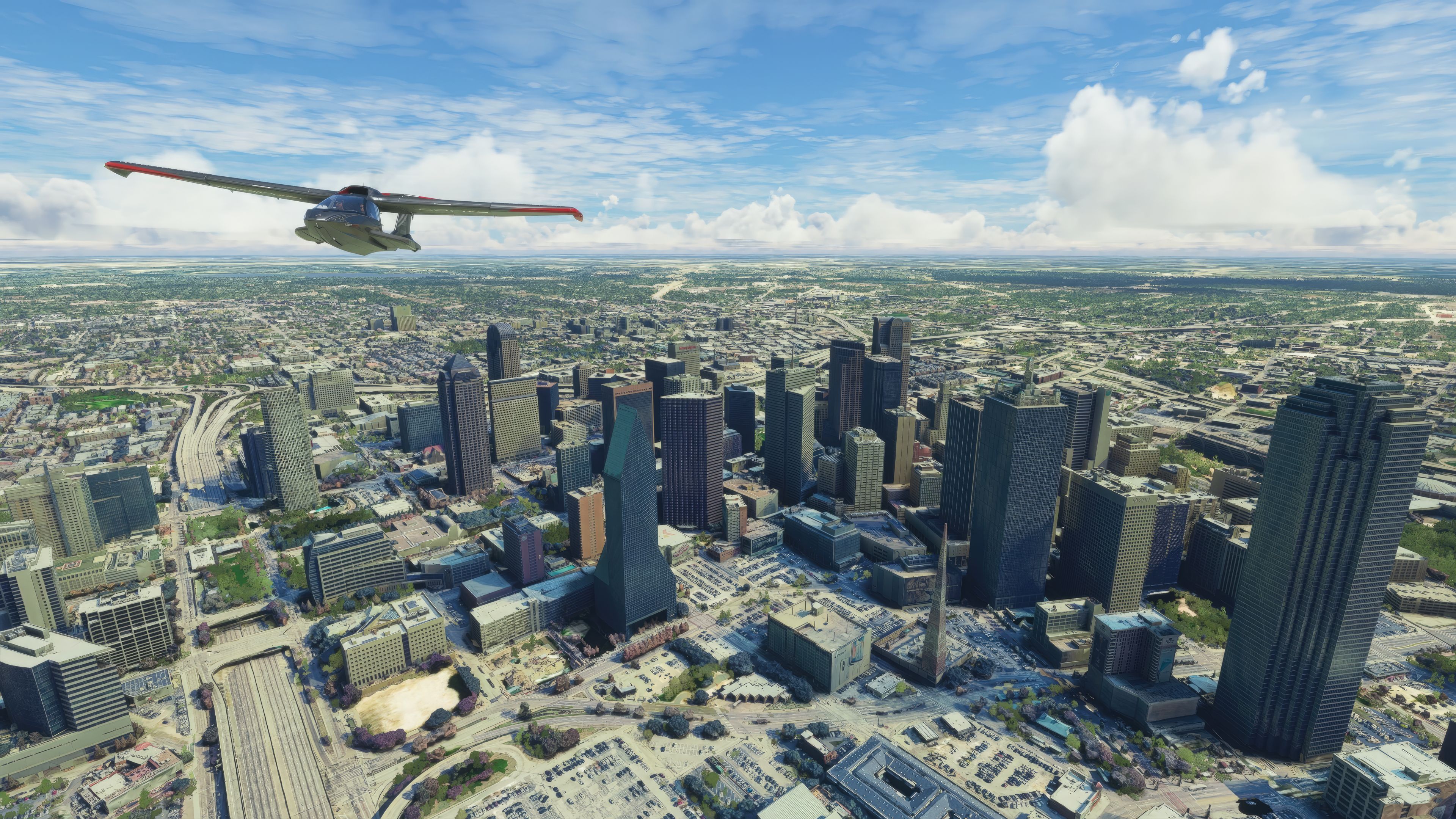
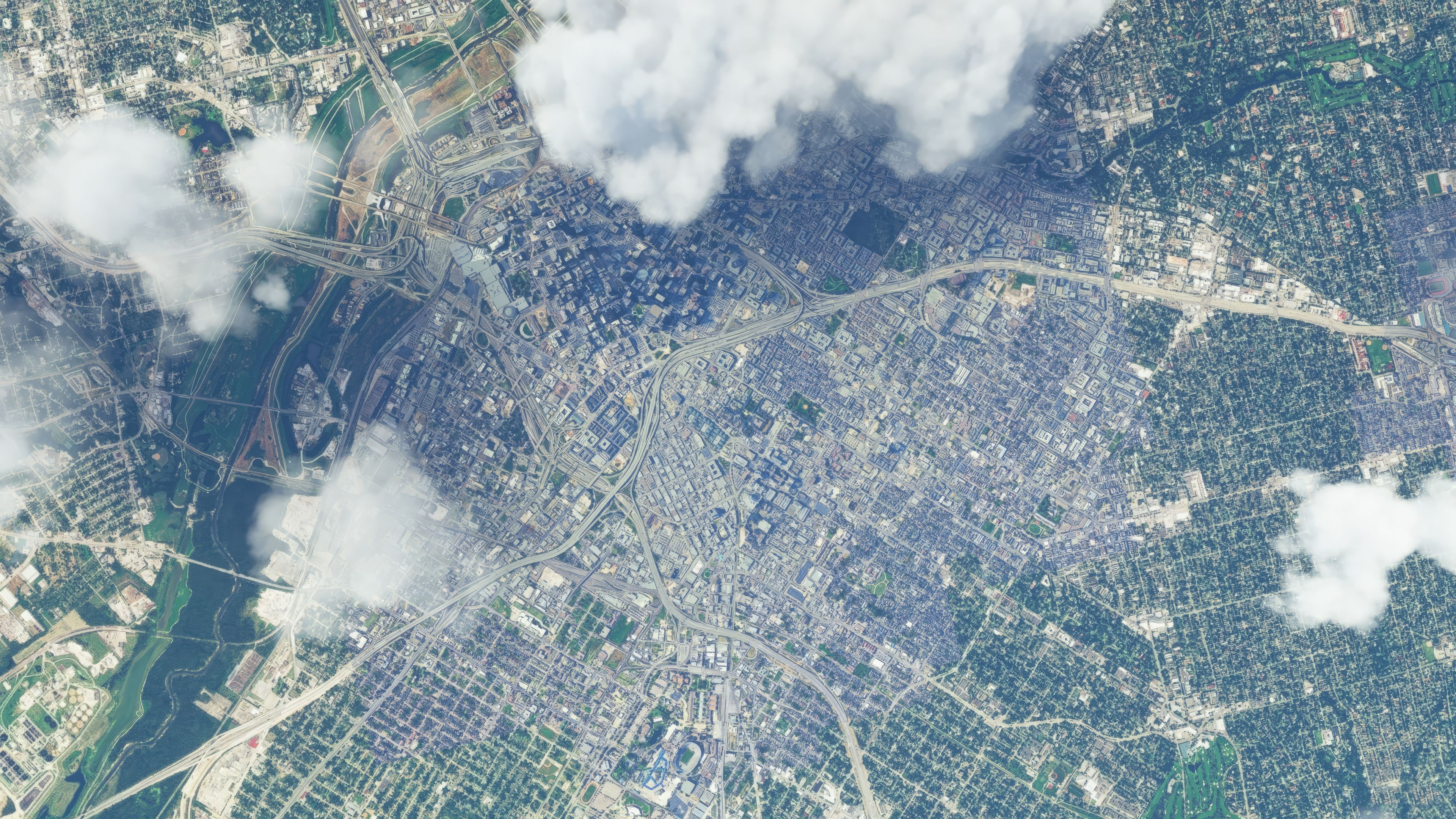
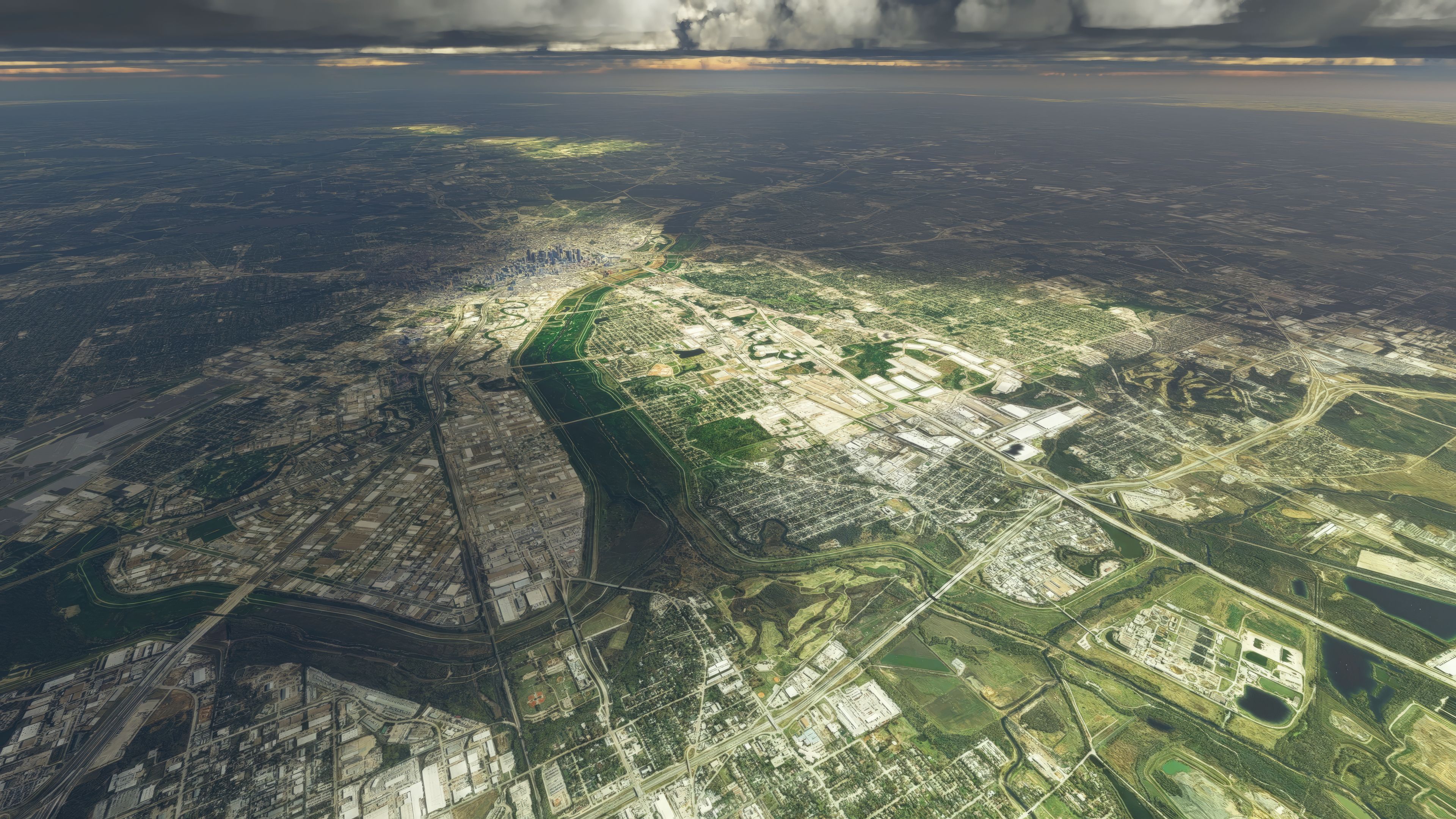

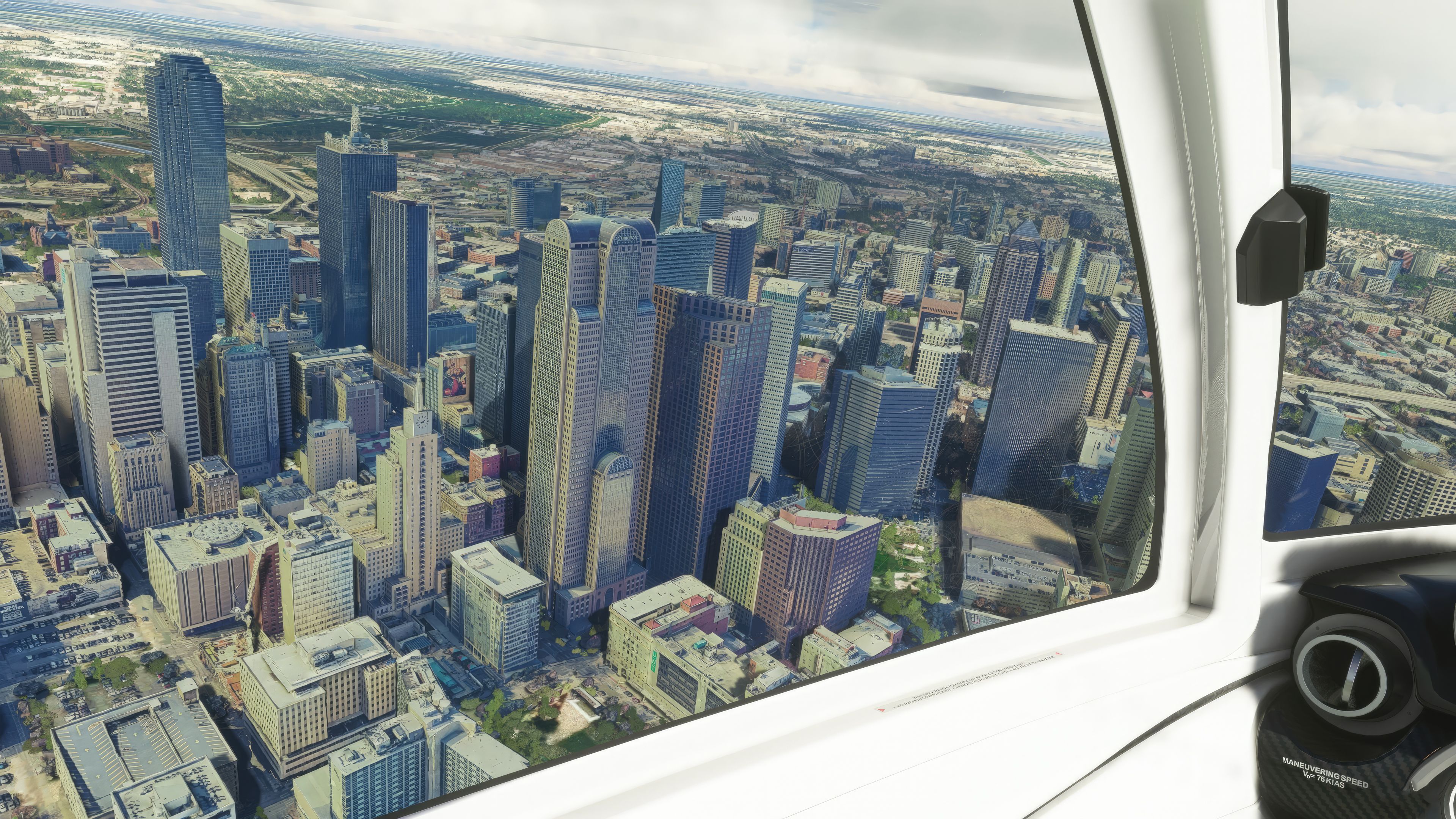
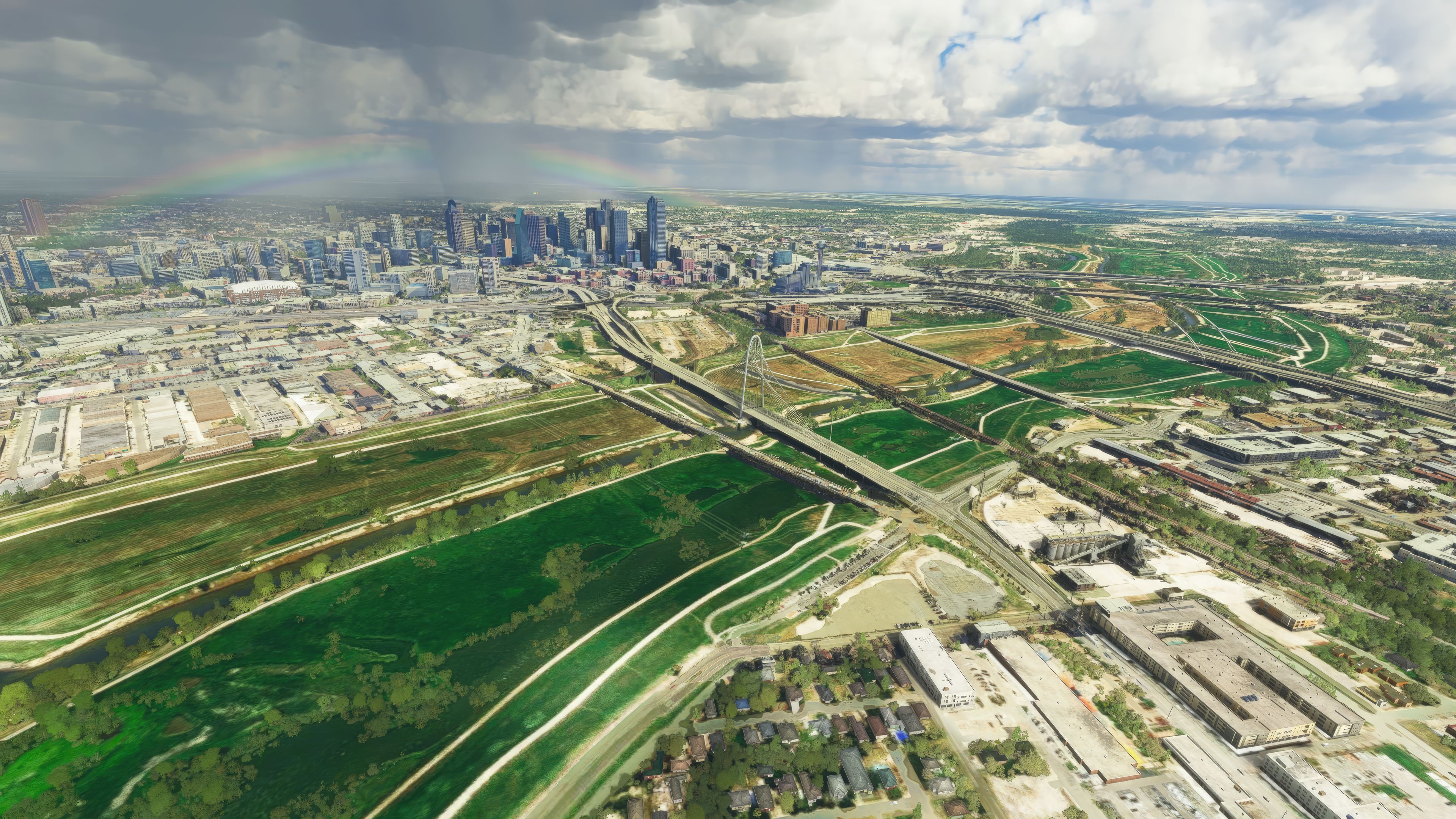
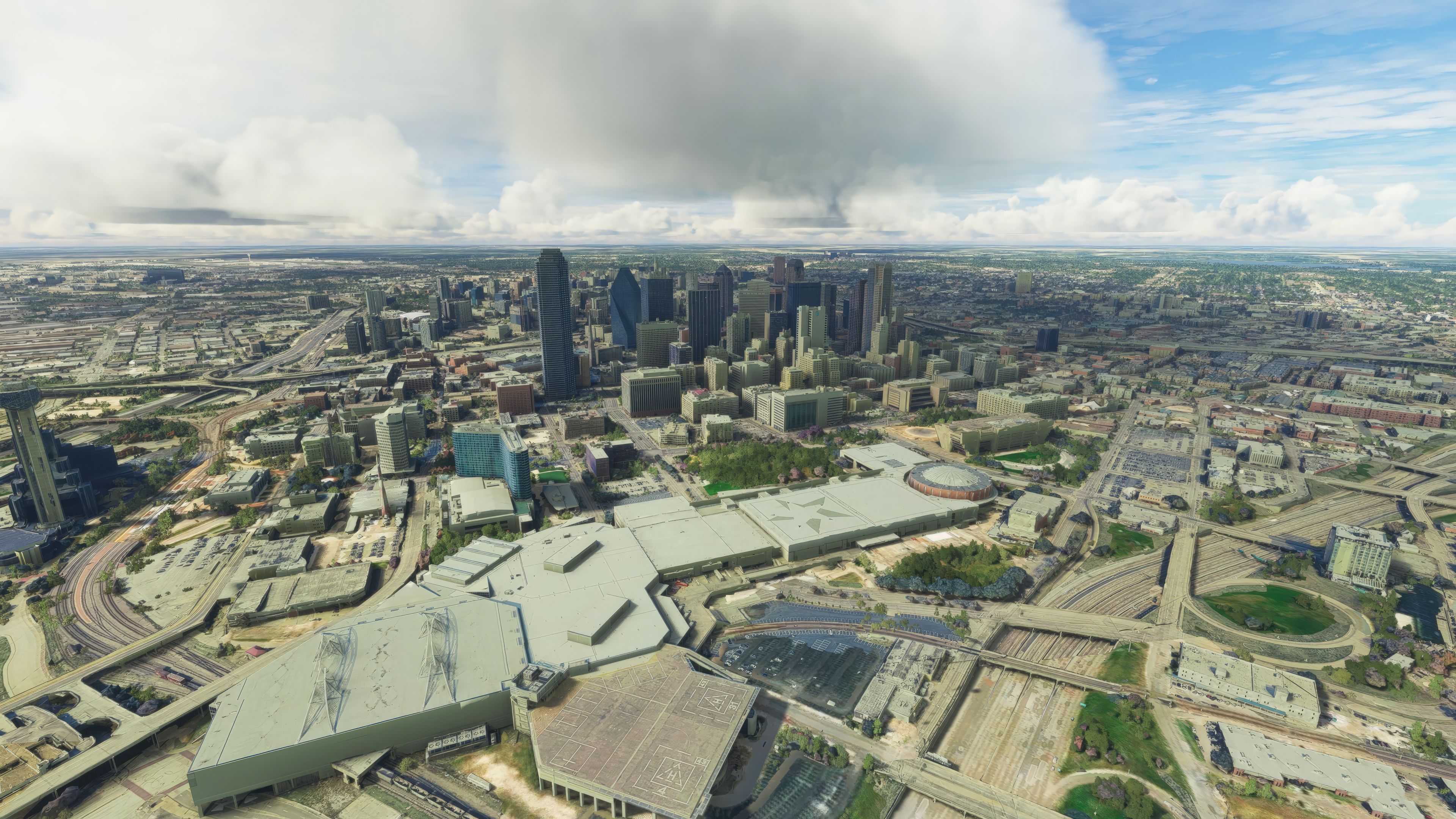
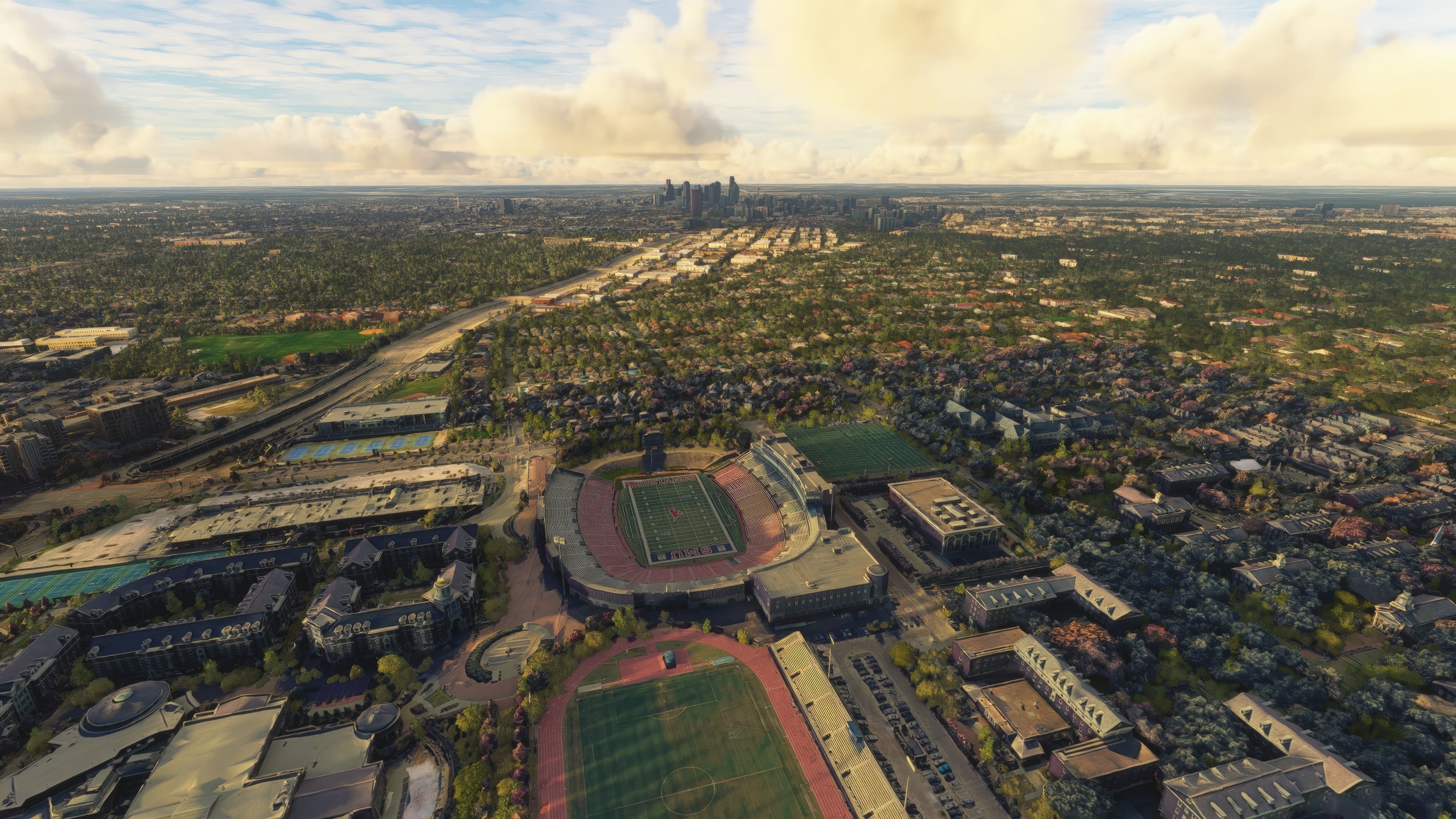

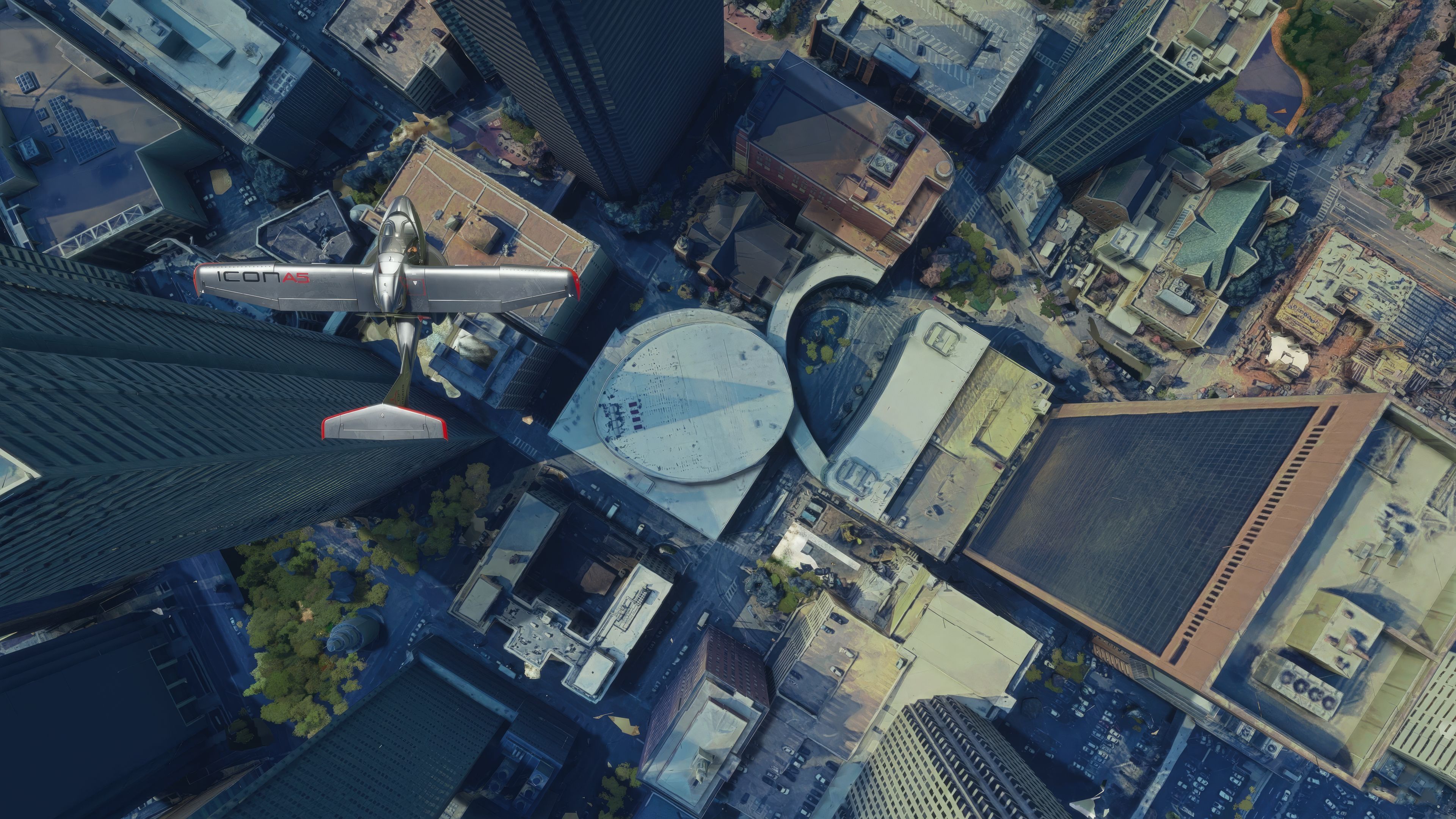
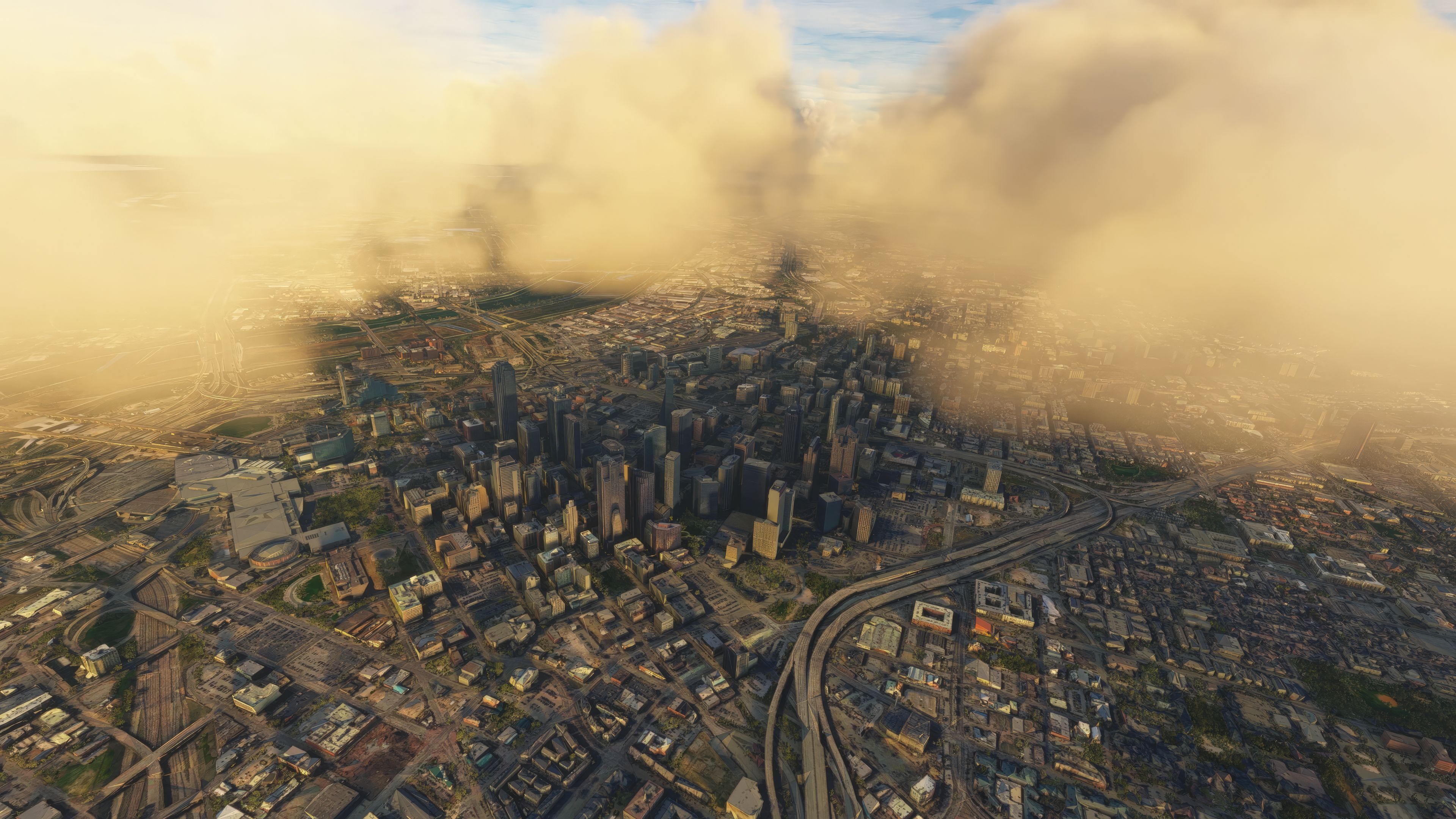
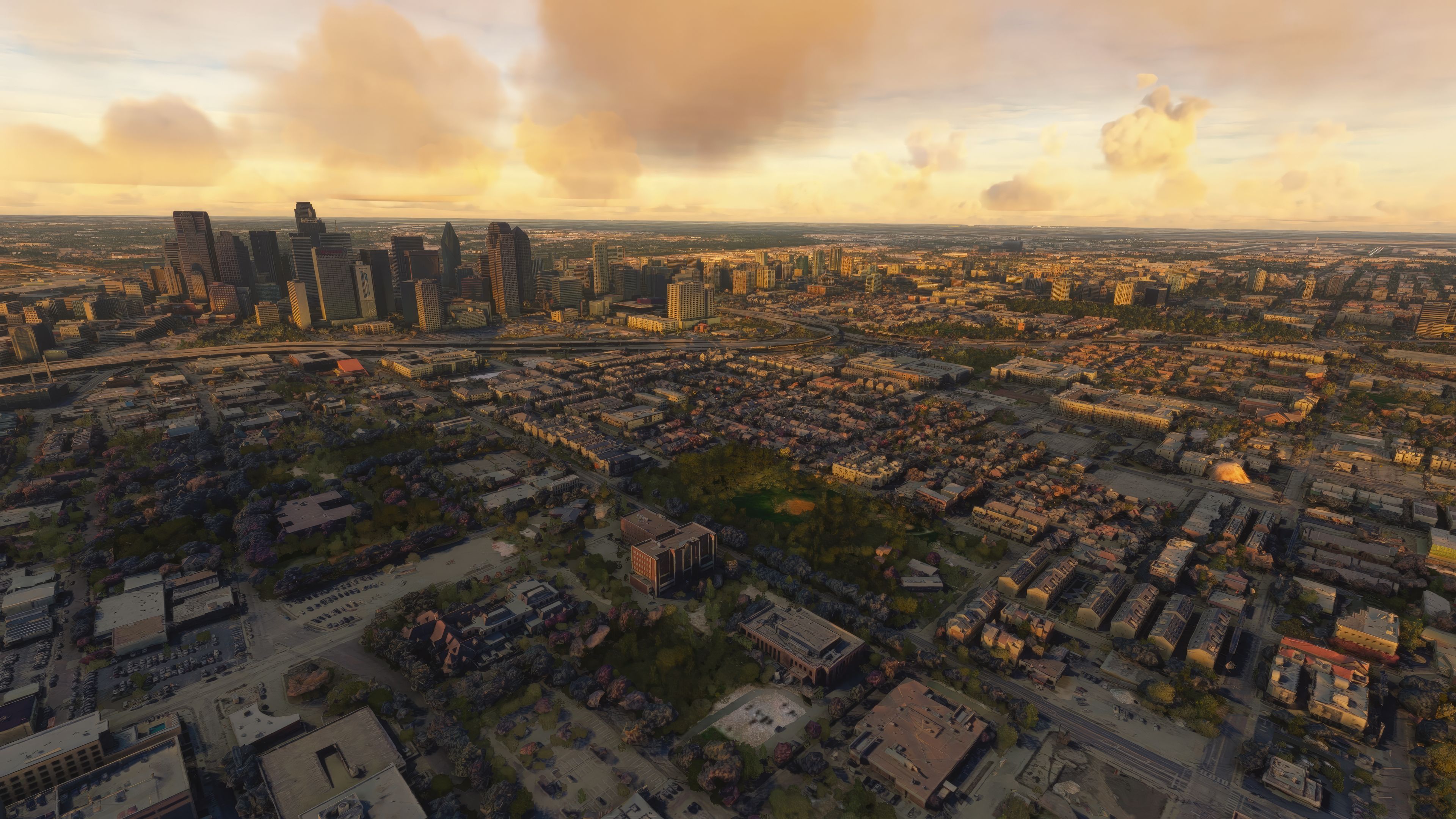
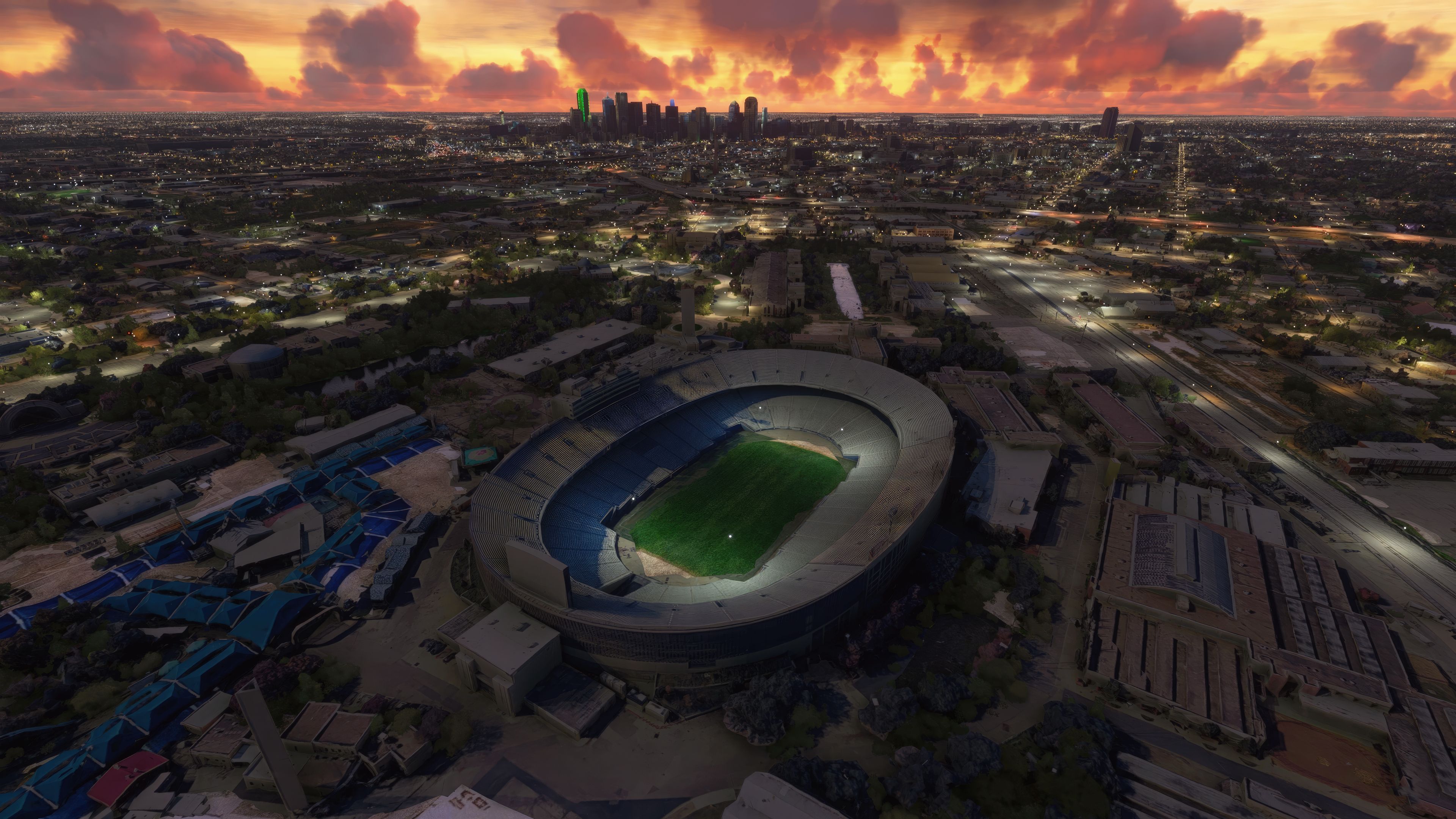
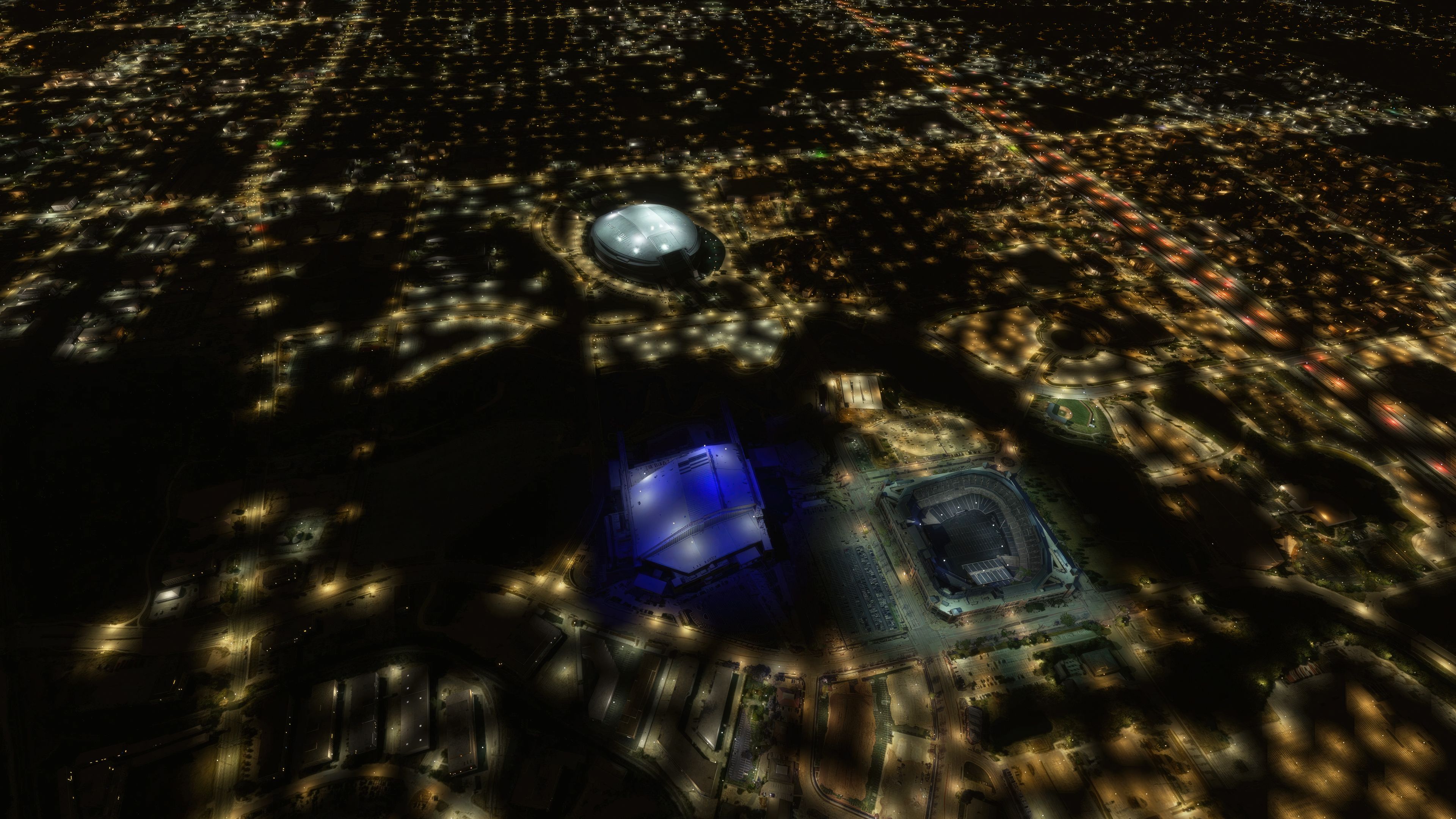
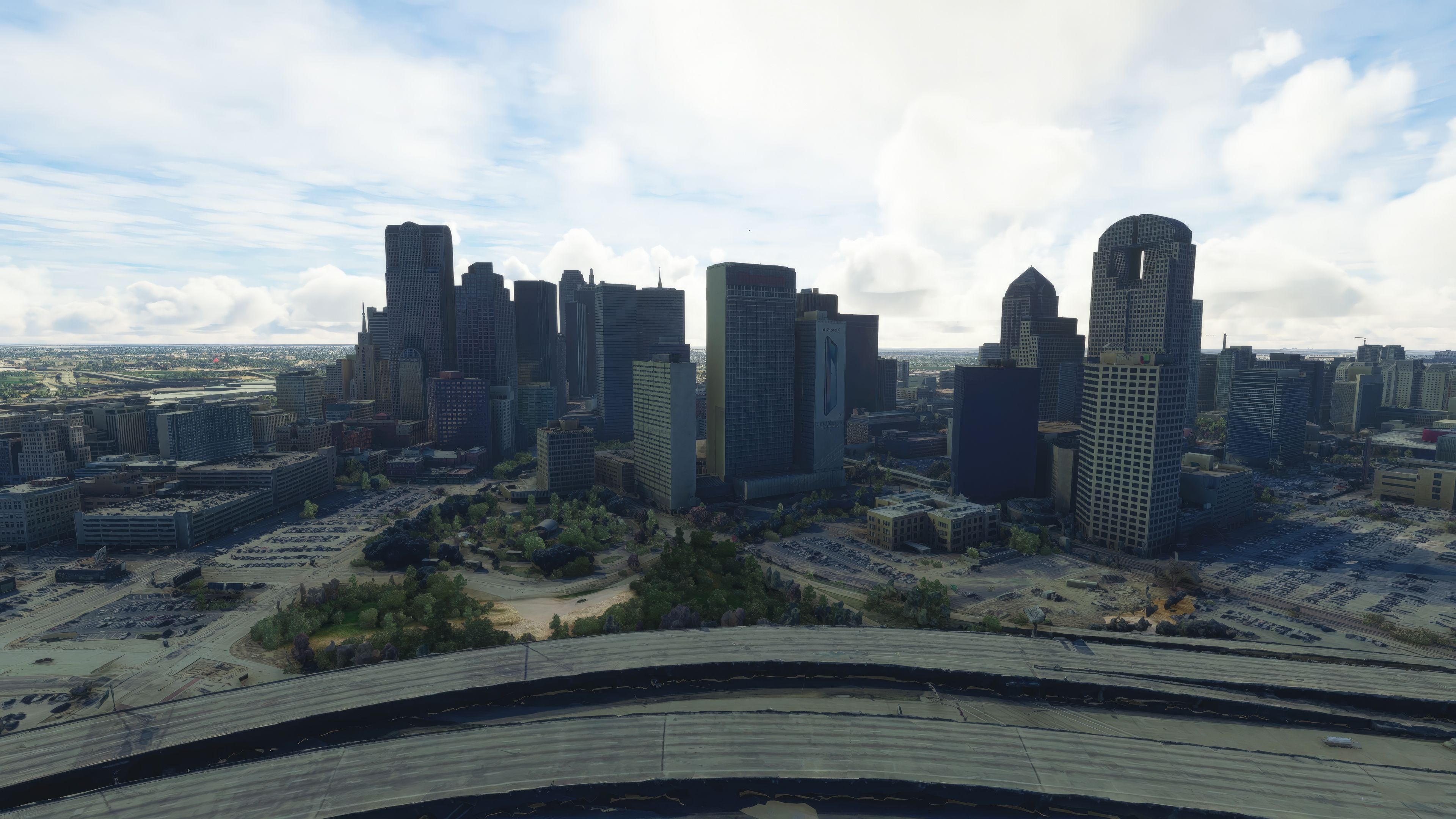

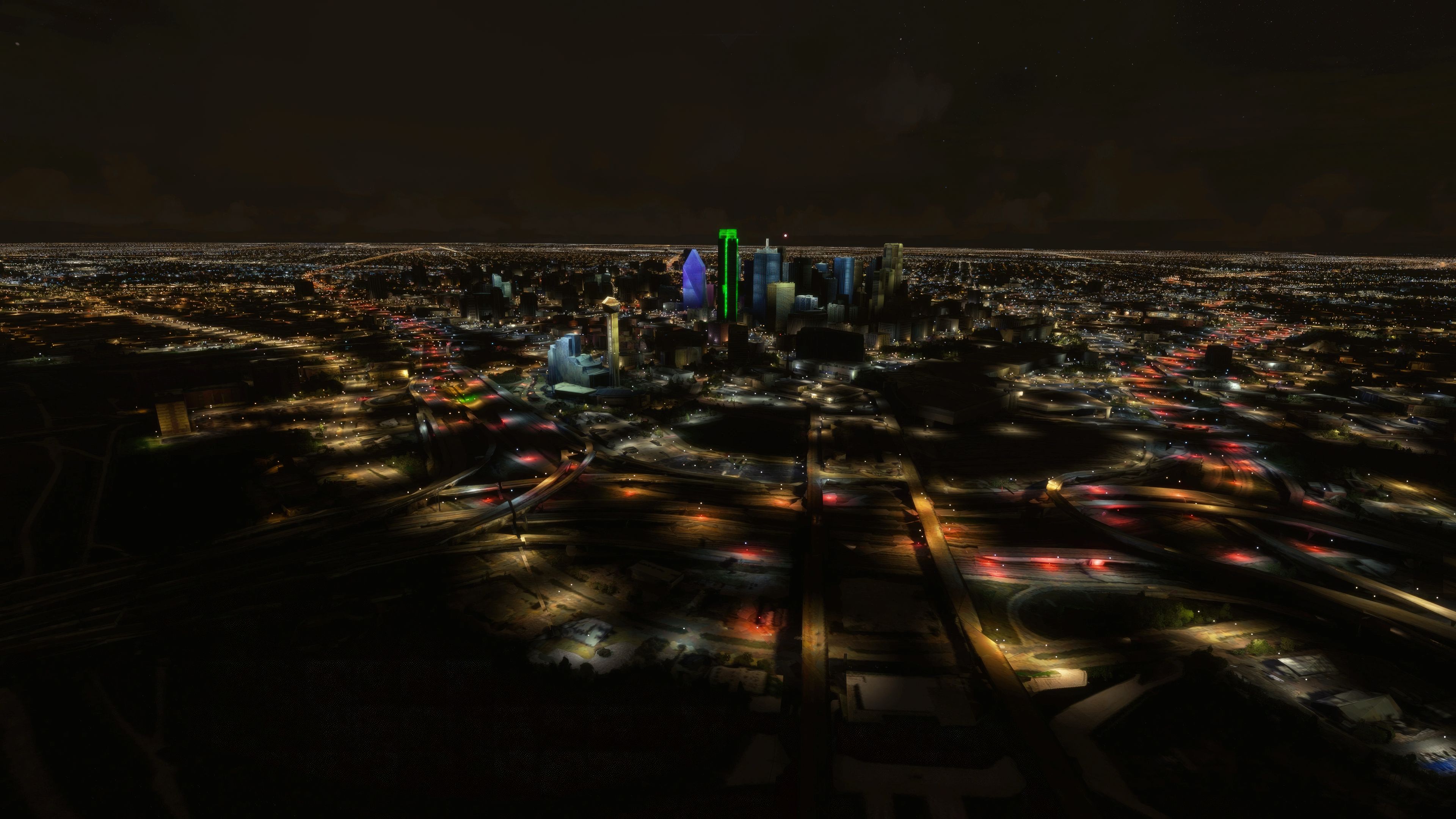
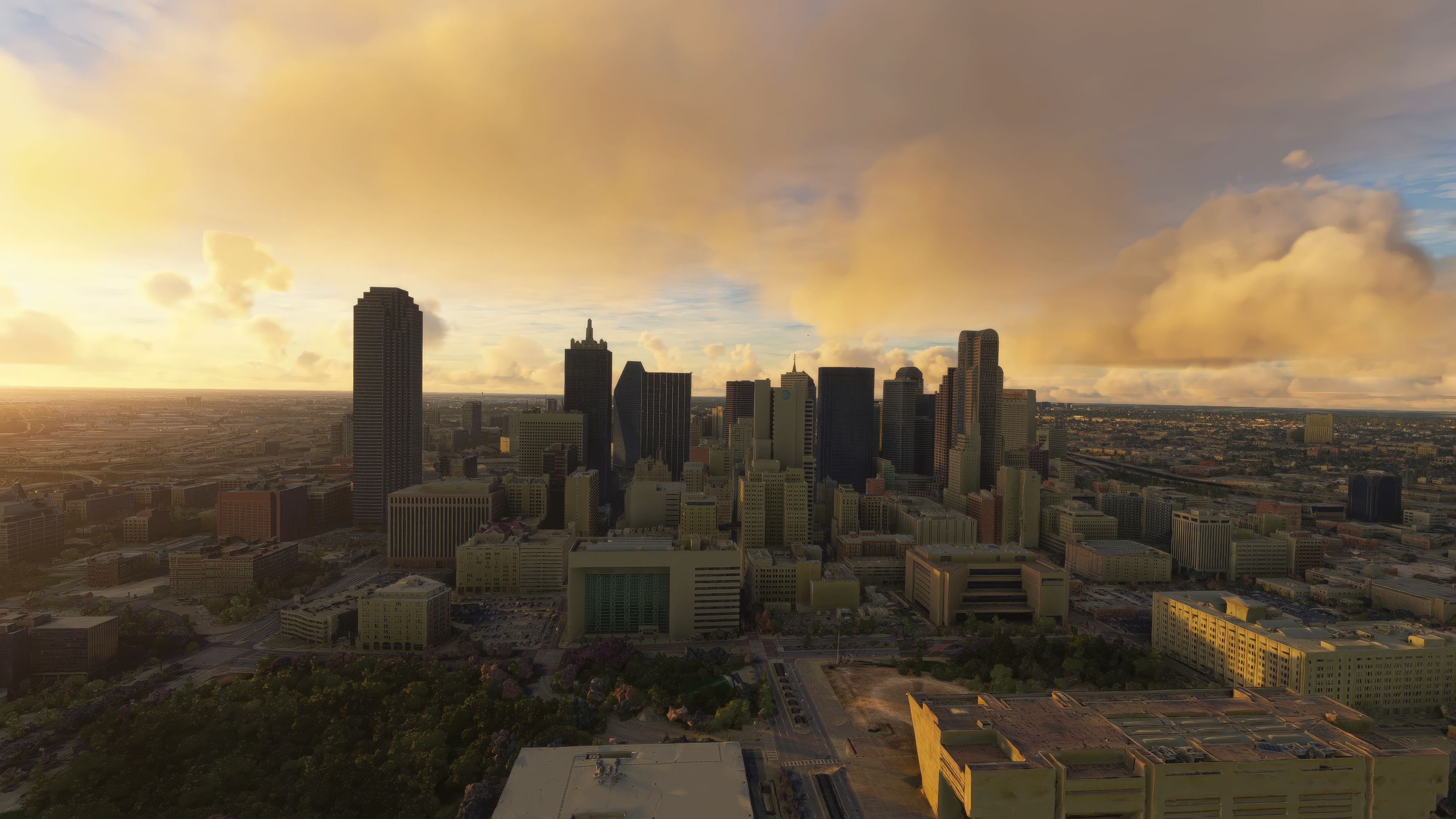

This enhanced City of Dallas, Texas Scenery Pack for Microsoft Flight Simulator delivers a complete visual overhaul of the default environment, showcasing highly detailed photogrammetry and precise ground imagery. Having tested it firsthand, I appreciate how it enriches both VFR circuits and airliner routes around Dallas/Fort Worth International Airport, Dallas Love Field, and other nearby airports. The 3D building models, roads, and landmarks have also been expertly refined, bringing every part of the city’s sprawling skyline and surrounding areas to life.
Key updates, such as better blending at scenery boundaries, improved autogen (including more realistic trees and building heights), and the inclusion of the Globe Life Field stadium, build upon the developer’s original release to elevate the entire region. Whether you prefer longer jetliner flights or short scenic hops, this mod provides a captivating perspective on Dallas’s urban landscape that will keep you returning for more virtual adventures.
A brand new, version 2 (enhanced) scenery pack covering the entire area of the City of Dallas (USA) for the Microsoft Flight Simulator (MSFS) 2020 release. Developed by Thalixte who is known for these photoreal/photogrammetry packs for MSFS. This pack, like all previous releases, does not disappoint.
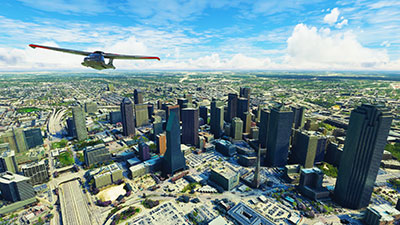 Dallas is located in the Southern region of the USA in the state of Texas with a bustling cityscape and skyline which can be experienced in the sim but also close to the coast (in aviation terms) should you wish to fly south after taking off from the scenery area covered. This makes for some beautiful flights in MSFS and with a selection of airports in and around the scenery area covered.
This scenery pack is a complete replacement of the default Microsoft offering within the sim. The ground photoreal scenery is replaced by a third-party source along with 3D buildings and objects that have been brought up to a higher detail than the default Microsoft install. While this is a large download, if you frequent the skies of Dallas you will appreciate this add-on and spend hours flying around the scenery area.
The ground imagery uses the latest satellite data and the 3D building textures and models are also based on recent surveys.
This scenery is a new enhanced version of the original Dallas pack released by the developer and they have noted these changes;
Essentially, this is a complete overhaul of the default Dallas scenery that will really bring your virtual flights to life in and around the area. Whether flying out of major airports such as Dallas Fort Worth International Airport (DFW) in heavies or taking off via VFR from Terrell Municipal Airport (TRL) - this complete freeware scenery pack has you covered.
The freeware release available from Fly Away Simulation includes all packs needed to experience the whole scenery area of Dallas City, USA as envisioned by the developer. Some other sites that list this file release it in parts. The one you download from here will include all parts (1-2) and is a complete, single download pack with no need to source or search for additional files or releases. It's a complete package with a single download. The developer originally released this scenery in 2 parts - they are all included.
This is a very large download and while it's easy to download (all in one pack), we recommend a download manager should your connection get interrupted.
If using simply GPS, the coordinates for the center of Dallas are: 32.7767° N, 96.7970° W
If you're wanting to start/stop flights at airports in and around the scenery coverage area, the best places to take off from and land at are below.
These airports are inside the Dallas region. Instead of listing everything nearby, we chose this selection because they are inside (or almost inside) the scenery area covered. ICAO codes along with runway lengths have been included.
Installation is easy. Simply extract the downloaded archive and move the folder thalixte-dallas which is located inside the Scenery folder into your Microsoft Flight Simulator community folder.
If you have a previous version of this scenery, it's important to remove it first by deleting it from your MSFS community folder.
Free for all simmers · 2.92 GB · Scanned clean Oct 2026
Download speed: Free tier is capped at 2 Mbps (this file takes approximately 3h 29m at the cap). PRO members download at full line speed.
%LOCALAPPDATA%\Packages\Microsoft.FlightSimulator_8wekyb3d8bbwe\LocalCache\Packages\Community\. Steam version: %APPDATA%\Microsoft Flight Simulator\Packages\Community\. Tip: enable Developer Mode in MSFS to see your exact Community folder path.readme.txt or README file. It tells you exactly where files go, what dependencies are needed, and any quirks specific to this add-on.Thalixte is a developer that has focused on creating photogrammetry and scenery packs for the latest Microsoft Flight Simulator (MSFS) 2020 release. All of this developer's releases have received fantastic feedback from many users on various flight sim websites including Fly Away Simulation.
Based in France, the developer tends to focus on creation of European packs however some "further afield" packs have also been created.
Are you Thalixte? Sign in to Fly Away Creators for download stats, comment replies and updates. Make add-ons? Publish them here.
Only PRO members can place votes.
More MSFS add-ons hand-picked based on this download.
MSFS Scenery
A stunning replacement scenery mod for Stockholm, Sweden overriding the defau…
 MSFS Scenery
A large freeware scenery add-on pack put together by the developer who goes b…
 MSFS Scenery
A complete replacement using newer (and more detailed) photogrammetric data c…
 MSFS Scenery
Discover the MSFS Rio de Janeiro City Scenery add-on, a photogrammetry master…
 MSFS Scenery
A complete rework and replacement freeware scenery mod for the city of Budape…
 MSFS Scenery
Step into a world of historical authenticity and stunning detail with the Car…
 MSFS Scenery
A complete pack for Microsoft Flight Simulator (MSFS) 2020 release bringing A…
 MSFS Scenery
Explore Cardiff like never before with the MSFS Cardiff City Scenery add-on f…
Read what other simmers think, or add your own.

Solved the previous not working situation.
Something else is conflicting in community. Not sure what yet.

Thalixte Dallas — Hi there, just to let you know this is not working on my recently updated MSFS.
Best regards