

 FS2004 Military Aircraft
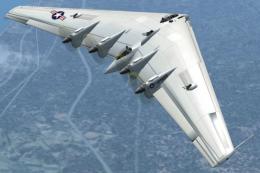
FS2004/FS2002 Northrop XB-35 Flying Wing
The XB-35 was the first Northrop flying wing bomber design. And,XB-35 was pro…
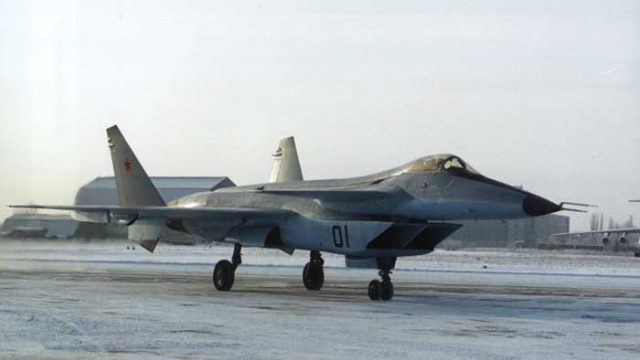
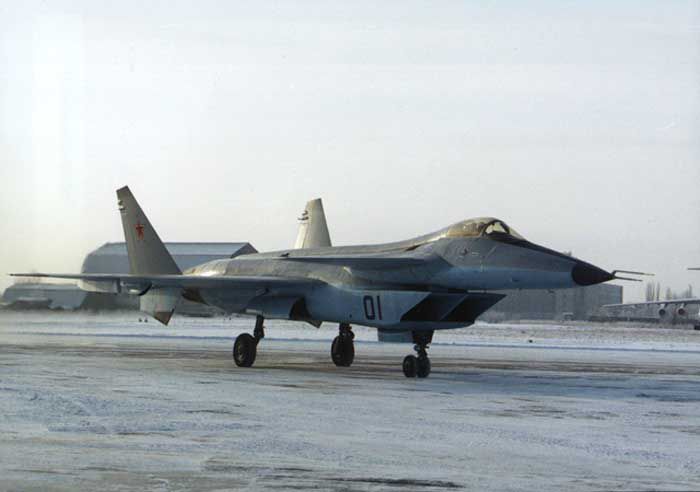
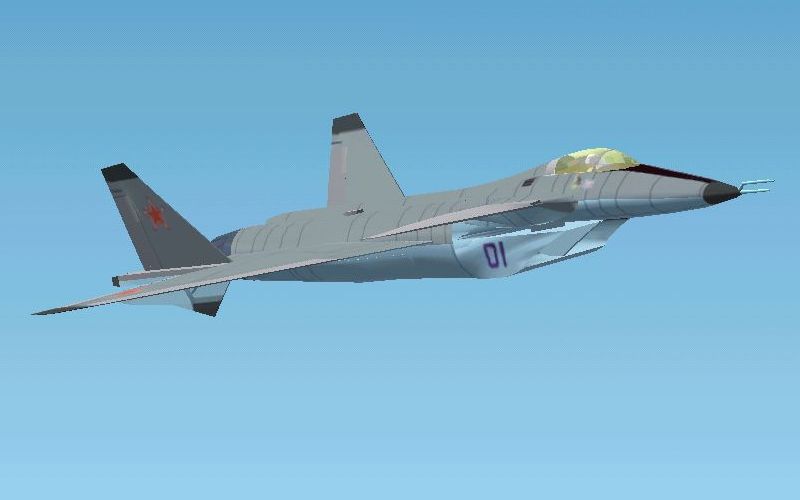
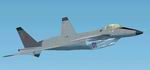
Mikoyan Product 1.44 (MiG-35 MFI) brings a late–Cold War Russian fifth-generation fighter prototype to FS2004 with a detailed gmax exterior, smooth animations, and reflective textures. A basic virtual cockpit supports fast jet sightseeing and formation flying, while users can pair it with their preferred panel and sound set.
 Rate
Rate
Free for all simmers · 347.48 KB · Scanned clean Sep 2026
Download speed: Free tier is capped at 0.5 Mbps. PRO members download at full line speed.
readme.txt or README file. It tells you exactly where files go, what dependencies are needed, and any quirks specific to this add-on.The archive mig_mfi.zip has 32 files and directories contained within it.
This list displays the first 500 files in the package. If the package has more, you will need to download it to view them.
| Filename/Directory | File Date | File Size |
|---|---|---|
| MiG 1.44 real.jpg | 06.17.03 | 26.57 kB |
| Paneldesign | 08.25.03 | 0 B |
| $hud.bmp | 08.14.03 | 192.05 kB |
| $main.bmp | 08.23.03 | 768.05 kB |
| aircraft2004.cfg | 08.25.03 | 9.56 kB |
| file_id.txt | 08.25.03 | 350 B |
| MiG-35 | 08.25.03 | 0 B |
| aircraft.cfg | 08.25.03 | 8.17 kB |
| mig35.air | 08.25.03 | 9.98 kB |
| model | 08.25.03 | 0 B |
| mig35.mdl | 08.24.03 | 470.42 kB |
| model.cfg | 08.25.03 | 30 B |
| panel | 08.25.03 | 0 B |
| panel.cfg | 08.23.03 | 30 B |
| sound | 08.25.03 | 0 B |
| sound.cfg | 08.23.03 | 30 B |
| texture | 08.25.03 | 0 B |
| blue_l.bmp | 08.10.03 | 21.43 kB |
| blue_t.bmp | 08.24.03 | 21.43 kB |
| cockpit_l.bmp | 08.17.03 | 85.43 kB |
| cockpit_t.bmp | 08.18.03 | 85.43 kB |
| dgrey_l.bmp | 08.10.03 | 21.43 kB |
| dgrey_t.bmp | 08.22.03 | 21.43 kB |
| grey_l.bmp | 08.10.03 | 21.43 kB |
| grey_t.bmp | 08.22.03 | 21.43 kB |
| mig35_l.bmp | 08.24.03 | 1.33 MB |
| mig35_t.bmp | 08.24.03 | 1.33 MB |
| MiG 1.44 sim.jpg | 08.25.03 | 20.82 kB |
| mig_mfi.gif | 08.25.03 | 8.91 kB |
| Readme_MFI.txt | 08.25.03 | 4.38 kB |
| flyawaysimulation.txt | 10.29.13 | 959 B |
| Go to Fly Away Simulation.url | 01.22.16 | 52 B |
Only PRO members can place votes.
More FS2004 add-ons hand-picked based on this download.
FS2004 Military Aircraft
The XB-35 was the first Northrop flying wing bomber design. And,XB-35 was pro…
 FS2004 Military Aircraft
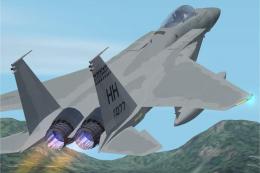
Two different versions (high and low vis) are included. Aircraft has lights,c…
 FS2004 Military Aircraft
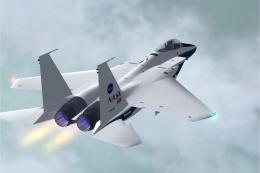
Aircraft has lights,contrails, smoke and afterburner effects. Gmax aircraft b…
 FS2004 Military Aircraft
The Lockheed P-80 Shooting Star was the first operational jet fighter used by…
 FS2004 Military Aircraft
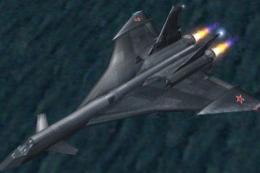
The first MiG-31 prototype rolled out of development in 1982. Designed as a h…
 FS2004 Military Aircraft
The MiG-19 Farmer was the first supersonic fighter built in the former USSR. …
 FS2004 Military Aircraft
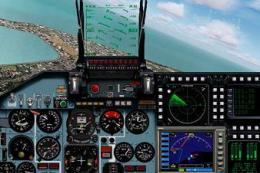
FS2004 Sukhoi Su-35 LEX, a Russian fighter/bomber with full animation. Includ…
 FS2004 Military Aircraft
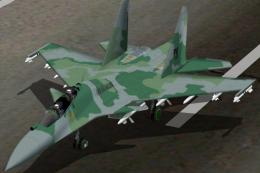
a real model that is participating in the bidding for the FX Fighters for the…
Be the first to leave a comment on this download.
Be the first to share your thoughts on this download.