

 FSX Civil Aircraft
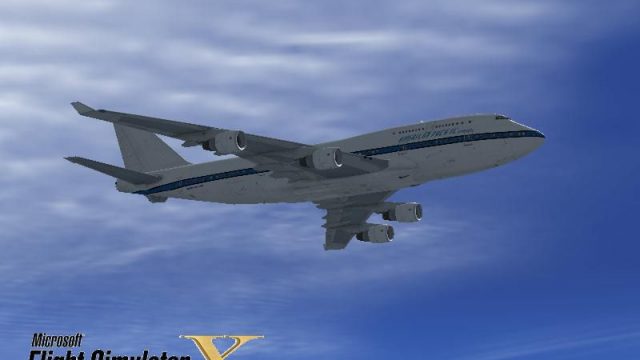
American Pacific Airways Boeing 747-400 N747MS
This complete freeware package features a meticulous rendition of an American…
American Pacific Airways colors bring a nostalgic, fictional airline identity to the default Boeing 747-400, with refreshed FS2004-inspired markings, crisp decal placement, and a matching custom splash screen for cohesive presentation. Designed for Microsoft Flight Simulator X, it requires the freeware base model from the Fly Away Simulation library.
 Rate
Rate
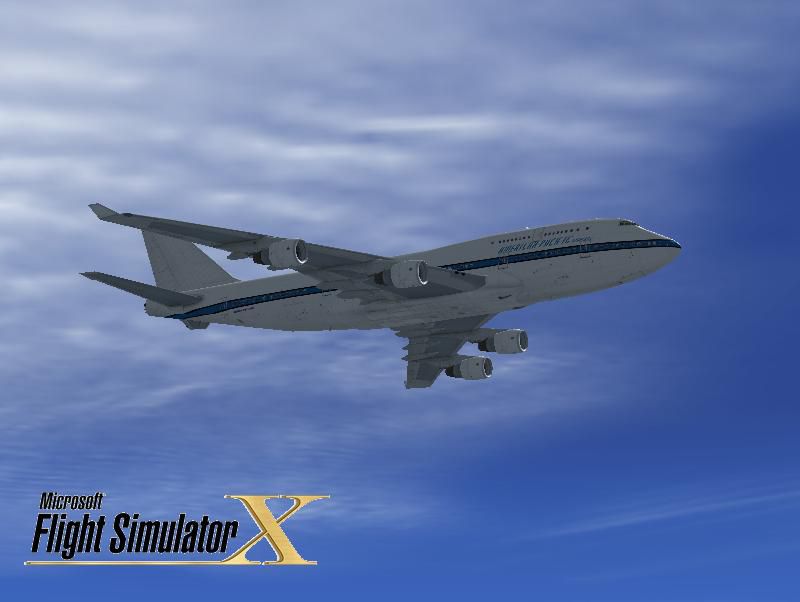
This freeware add-on provides a fictional American Pacific Airways repaint for the default Boeing 747-400 in Microsoft Flight Simulator X. It stems from the original FS2004 American Pacific livery, which was not bundled with the aircraft upon its initial retail release, and it also includes a custom splash screen. Created by Victor Vu, this repaint requires the freeware base model available in the Fly Away Simulation library.
The Boeing 747-400, often admired as the “Queen of the Skies,” offers a classic wide-body design that has been a mainstay in both real-world operations and simulation environments for decades. Although American Pacific Airways is a fictional carrier carried over from FS2004, many virtual flyers enjoy this distinctive livery as it evokes a classic era of airline branding. Its vivid color palette stands out on the 747-400—a well-known aircraft symbolizing range and capacity milestones in aviation history.
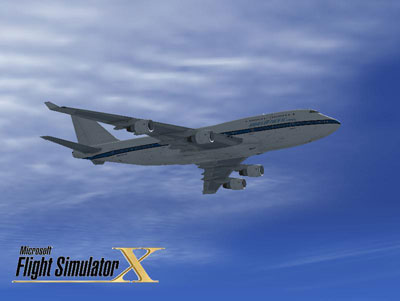
This repaint is provided for free by the developer Victor Vu. Make sure you have downloaded the required base model from the Fly Away Simulation mod library before using this add-on, as it does not include the original 747-400 model.
Free for all simmers · 5.32 MB · Scanned clean Oct 2026
Download speed: Free tier is capped at 0.5 Mbps (this file takes approximately 1 min at the cap). PRO members download at full line speed.
texture.{airline}) inside FSX\SimObjects\Airplanes\{base-aircraft}\.aircraft.cfg in Notepad. Add a new [fltsim.X] section per the readme.readme.txt or README file. It tells you exactly where files go, what dependencies are needed, and any quirks specific to this add-on.The archive 747_apa.zip has 29 files and directories contained within it.
This list displays the first 500 files in the package. If the package has more, you will need to download it to view them.
| Filename/Directory | File Date | File Size |
|---|---|---|
| installation.txt | 03.14.09 | 678 B |
| Readme.txt | 03.15.09 | 1.45 kB |
| screenshot.PNG | 03.14.09 | 13.95 kB |
| Splash Screen | 03.16.09 | 0 B |
| dlgsplash.bmp | 03.14.09 | 1.38 MB |
| Texture.apa | 03.16.09 | 0 B |
| B747_1_LM.dds | 03.14.09 | 256.12 kB |
| B747_1_T.dds | 03.14.09 | 1.00 MB |
| B747_1_T_bump.dds | 03.14.09 | 1.00 MB |
| B747_1_T_Specular.dds | 03.14.09 | 1.00 MB |
| B747_2_T.dds | 03.14.09 | 1.00 MB |
| B747_2_T_bump.dds | 03.14.09 | 1.00 MB |
| B747_2_T_specular.dds | 03.14.09 | 1.00 MB |
| B747_400_1_C.dds | 09.04.06 | 682.79 kB |
| B747_400_2_C.dds | 09.04.06 | 682.79 kB |
| B747_400_3_C.dds | 09.04.06 | 682.79 kB |
| B747_400_4_C.dds | 09.04.06 | 682.79 kB |
| B747_400_5_C.dds | 09.04.06 | 170.79 kB |
| B747_400_6_C.dds | 09.04.06 | 170.79 kB |
| B747_400_7_C.dds | 09.04.06 | 170.79 kB |
| B747_400_interior.dds | 03.14.09 | 256.12 kB |
| B747_400_reflection.dds | 09.04.06 | 170.79 kB |
| Fresnel_Ramp.dds | 03.14.09 | 1.12 kB |
| fresnel_ramp_1.dds | 03.14.09 | 1.12 kB |
| pilots.dds | 03.14.09 | 64.12 kB |
| texture.cfg | 08.14.06 | 137 B |
| thumbnail.jpg | 03.14.09 | 32.62 kB |
| flyawaysimulation.txt | 10.29.13 | 959 B |
| Go to Fly Away Simulation.url | 01.22.16 | 52 B |
Only PRO members can place votes.
More FSX & P3D add-ons hand-picked based on this download.
FSX Civil Aircraft
This complete freeware package features a meticulous rendition of an American…
 FSX Civil Aircraft
FSX Cathay Pacific Airways Boeing 747-400 (updated), registed as B-HKE (ex-SQ…
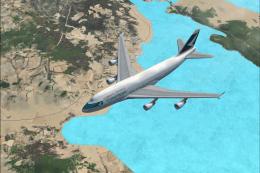 FSX Civil Aircraft
Textures only for the default B747-400. Repaint by Johnny Chan. Side view of …
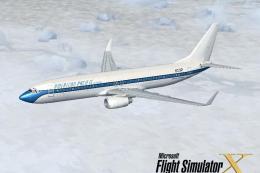 FSX Civil Aircraft
This Boeing 737-800 repaint depicts the American Pacific Airways livery in Mi…
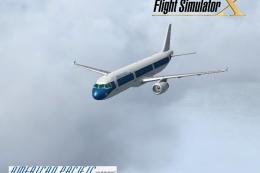 FSX Civil Aircraft
FSX American Pacific Airways Airbus A321. A repaint of the default A321. Alth…
 FSX Civil Aircraft
Cathay Pacific Boeing 747-400, powered by Rolls-Royce RB-221-524HT engines, r…
 FSX Civil Aircraft
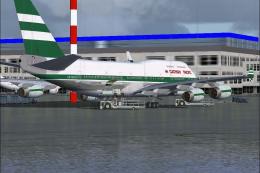
FSX Cathay Pacific Boeing 747-400 RR (old livery), registration VR-HOW. Model…
 FSX Civil Aircraft
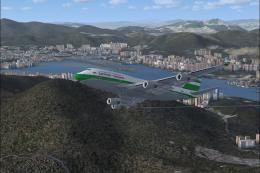
Cathay Pacific Boeing 747-400 (old livery). The default B747-400 in Cathay Pa…
Be the first to leave a comment on this download.
Be the first to share your thoughts on this download.