

 FSX Civil Aircraft
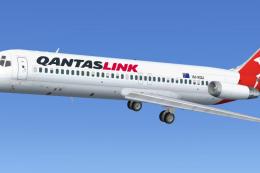
Qantaslink McDonnell Douglas DC-9-20 VH-RHG
Textures for the Historic Jetliners Group (HJG) DC9-20 base pack (JT8D-11 v1.…
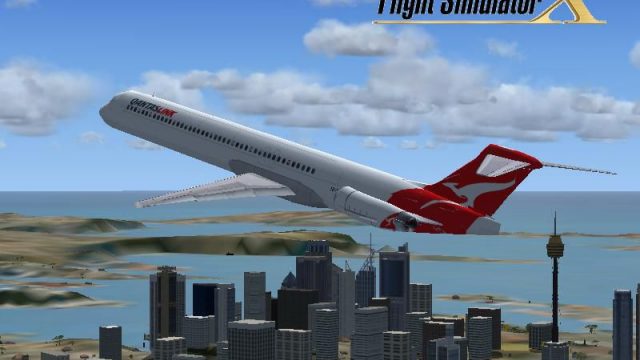
QantasLink-themed McDonnell Douglas MD-83 livery brings a plausible modern “what if” look to the default AI MD-83 in Microsoft Flight Simulator X, complete with a matching splash screen and clean airline branding. It requires Braden Peters’ MD-83 flyable pack, letting the aircraft appear in Free Flight as a selectable QantasLink variant.
 Rate
Rate
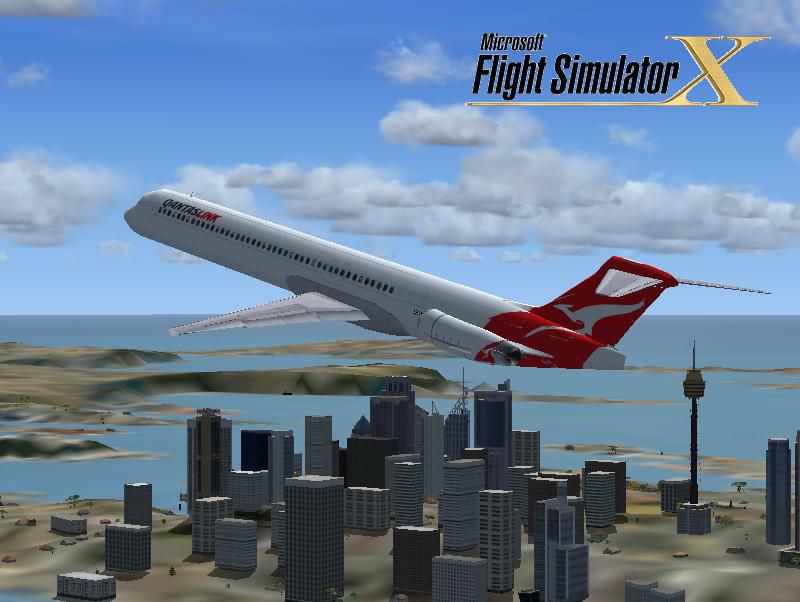
FSX QantasLink McDonnell Douglas MD-83. A repaint for the FSX AI default MD83. This is a fictional repaint because no MD-83 was in service for QantasLink. The predecessor, the Boeing 717-200, was currently in service. A repaint is portrayed to see if an MD-83 was in service today. Splash screen included. This repaint requires the MD-83 flyable pack by Braden Peters (MD-83BP.ZIP). By Victor Vu.
Installation:
Place the Texture.QFAL folder into the default MD_83 folder, then go to the installation text document and copy all contents. Next, go to the default MD_83 and open the aircraft.cfg, then go to before you end up into the [GENERAL] Section. Last, paste everything and then change the x into a number that is not used (3... or later), then run FSX and choose free flight and go to the aircraft manufacturer to "McDonnell-Douglas/Boeing," then look over "QantasLink" and there you have it!
Free for all simmers · 1.23 MB · Scanned clean Oct 2026
Download speed: Free tier is capped at 0.5 Mbps. PRO members download at full line speed.
This file is a repaint — the package below is the base model it paints onto. Install it first, or the textures will have nothing to load onto.
texture.{airline}) inside FSX\SimObjects\Airplanes\{base-aircraft}\.aircraft.cfg in Notepad. Add a new [fltsim.X] section per the readme.readme.txt or README file. It tells you exactly where files go, what dependencies are needed, and any quirks specific to this add-on.The archive qfalmd83.zip has 13 files and directories contained within it.
This list displays the first 500 files in the package. If the package has more, you will need to download it to view them.
| Filename/Directory | File Date | File Size |
|---|---|---|
| installation.txt | 03.01.09 | 456 B |
| Readme.txt | 03.04.09 | 1.55 kB |
| screenshot.PNG | 03.02.09 | 13.43 kB |
| Splash Screen | 03.02.09 | 0 B |
| dlgsplash.bmp | 03.02.09 | 1.38 MB |
| texture.QFAL | 03.02.09 | 0 B |
| fresnel_ramp.dds | 03.01.09 | 1.12 kB |
| MD_83_c.bmp | 05.12.06 | 682.74 kB |
| MD_83_L.dds | 03.01.09 | 64.12 kB |
| MD_83_t.dds | 03.01.09 | 1.00 MB |
| thumbnail.jpg | 03.02.09 | 60.52 kB |
| flyawaysimulation.txt | 10.29.13 | 959 B |
| Go to Fly Away Simulation.url | 01.22.16 | 52 B |
Only PRO members can place votes.
More FSX & P3D add-ons hand-picked based on this download.
FSX Civil Aircraft
Textures for the Historic Jetliners Group (HJG) DC9-20 base pack (JT8D-11 v1.…
 FSX Civil Aircraft
Textures for the Historic Jetliners Group (HJG) DC-9-30 base pack (JT8D-17 v1…
 FSX Civil Aircraft
This is the latest version (v2) of the FSND MD-83 for Microsoft Flight Simula…
 FSX Civil Aircraft
This package is an upgrade for the default MD83 that converts it from an AI a…
 FSX Civil Aircraft
FSX McDonnell Douglas MD-83. This package is an upgrade for the default FSX M…
 FSX Civil Aircraft
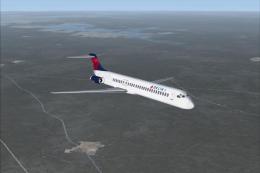
FSX Delta Airlines McDonnell Douglas MD-83. An update for the FSX default MD8…
 FSX Civil Aircraft
SBA Airlines McDonnell Douglas MD-83, registration YV348T. Textures for the f…
 FSX Civil Aircraft
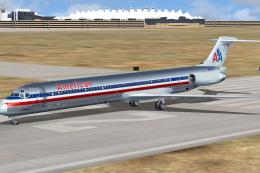
A repaint of SGA MD83 model in the colors of American Airlines, registration …
Be the first to leave a comment on this download.
Be the first to share your thoughts on this download.