

 FSX Civil Aircraft
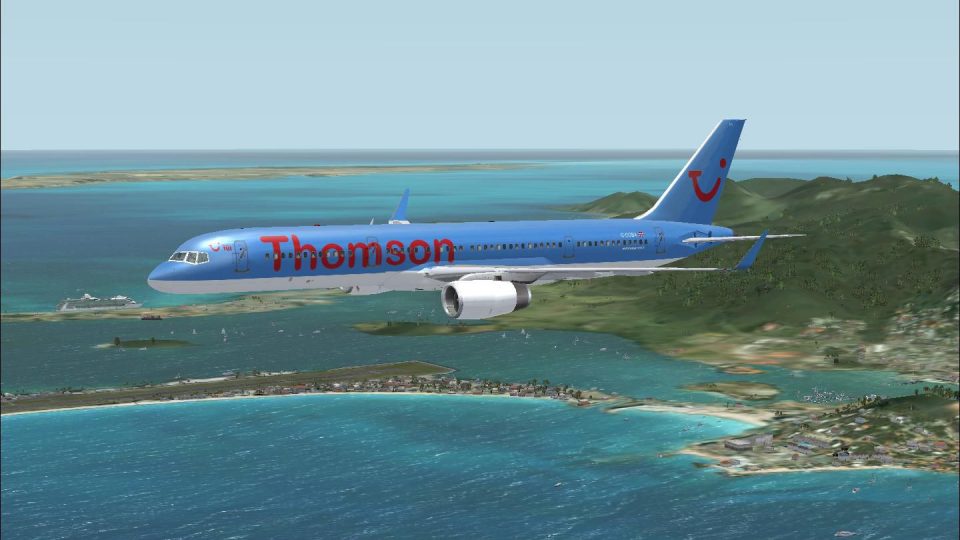
Thomson Airways Boeing 757-200W
Thomson Airways Boeing 757-200W RR. This is a repaint in the new livery which…
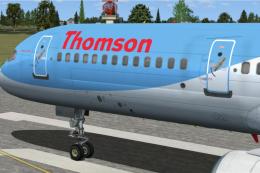
Thomson Airways Boeing 757-200W with Rolls-Royce RB211 engines brings the airline’s post-merger deep-blue livery to life with winglets, crisp 32-bit textures, and fully animated exterior details. Built on the Project Opensky model for Microsoft Flight Simulator X, it uses default 737-800 panel and sounds for straightforward flying.
 Rate
Rate

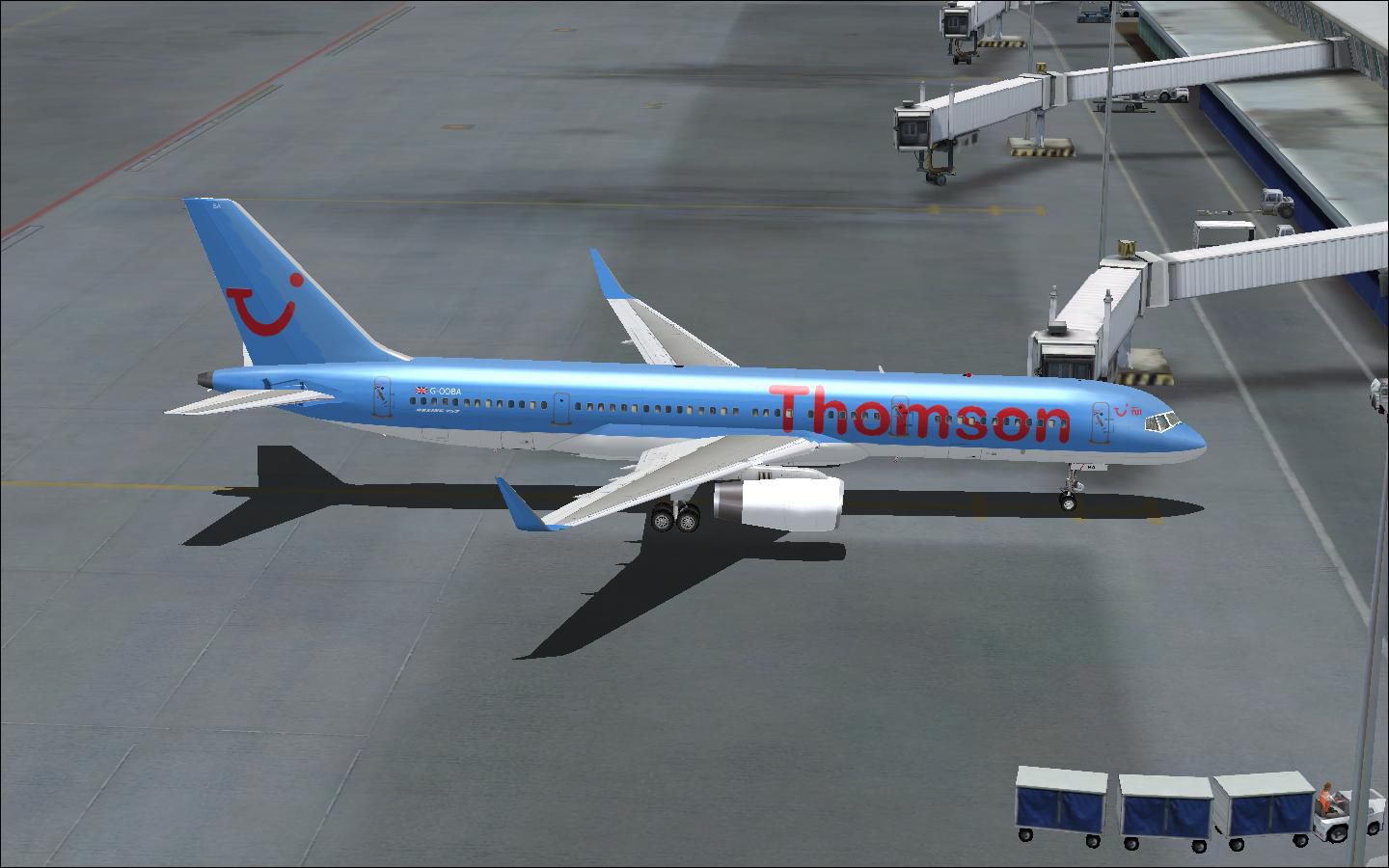
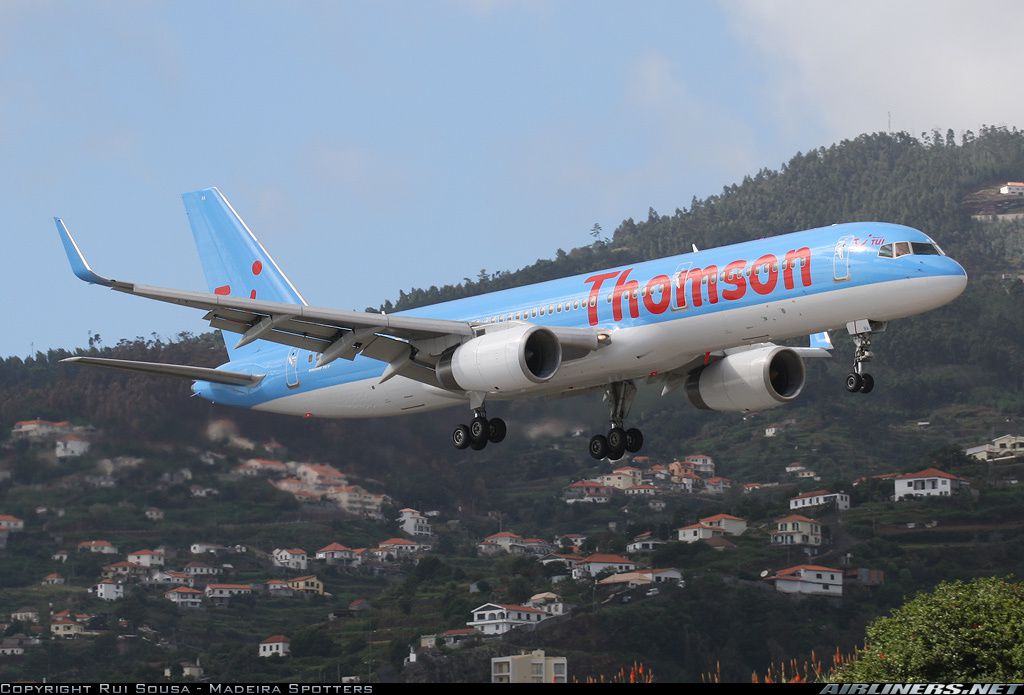
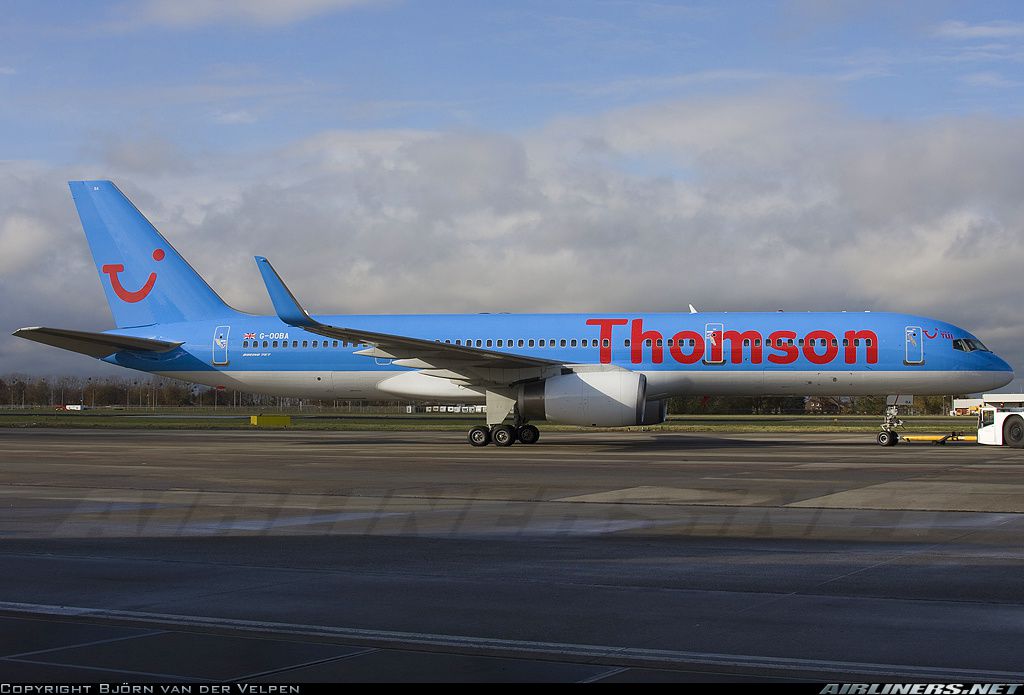
This freeware package offers a detailed Thomson Airways Boeing 757-200W with Rolls-Royce engines, ready for immediate use in Microsoft Flight Simulator X. Repainted by Ben Thomson and built on the original Project Opensky foundation, this release delivers realistic animations and a faithful depiction of the airline’s revised color scheme.
Thomson Airways, formed from the merger of TUI-owned Thomsonfly and First Choice in 2008, flies to a wide range of international holiday spots. Known for a modern fleet and extensive route network, Thomson Airways has also been poised to introduce the Boeing 787 Dreamliner to European customers. This particular repaint captures the airline’s more recent livery, which replaces earlier markings with a deeper shade of blue across the fuselage and tail.
The included Boeing 757-200 features winglets that enhance aerodynamic efficiency on medium-haul and long-haul trips. Powered by Rolls-Royce RB211 engines (noted in brackets as [RB211], if you require a designation), the 757 continues to demonstrate impressive range and cargo capacity for both passenger and charter operations. Its narrow-body design also provides operators with cost-efficiency and versatile performance across varied routes.
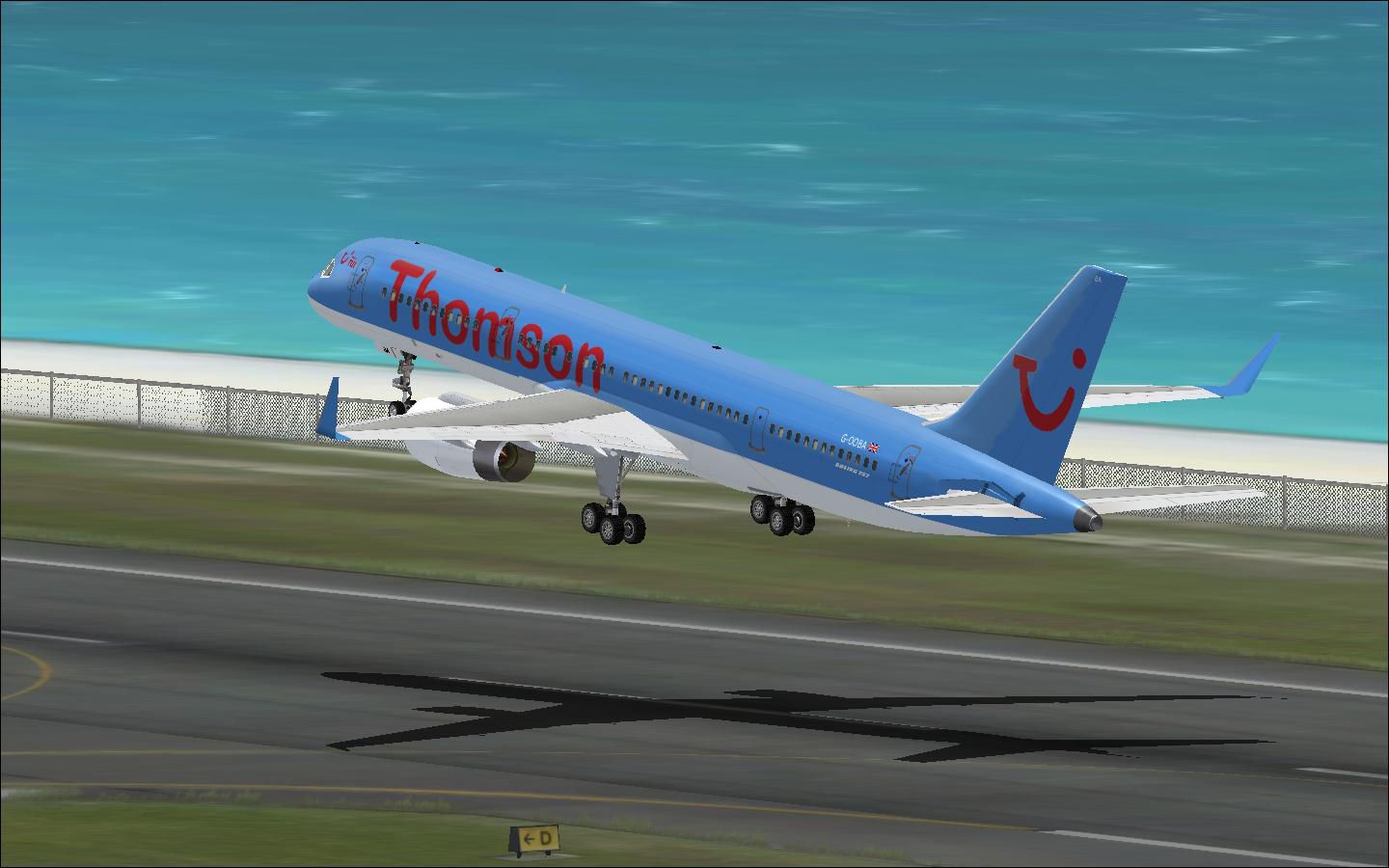
Thomson Airways Boeing 757-200W taking off.
In this repaint, G-OOBA (formerly associated with First Choice Airways) is showcased with refined visual elements and prominent winglets.
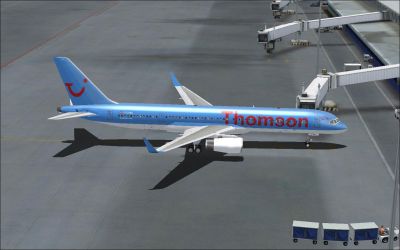
Thomson Airways Boeing 757-200W.
The model delivers a fully animated exterior and authentic flight dynamics. From the accurate coloration of the updated Thomson brand to the complete animations and easy compatibility, this addon aims to bring a credible rendition of the Boeing 757-200 to Microsoft Flight Simulator X—with optional adjustments for Microsoft Flight Simulator 2004. Enjoy exploring routes to continents worldwide with Thomson Airways’ signature design.
Free for all simmers · 18.6 MB · Scanned clean Oct 2026
Download speed: Free tier is capped at 0.5 Mbps (this file takes approximately 5 mins at the cap). PRO members download at full line speed.
FSX\SimObjects\Airplanes\. The folder must contain an aircraft.cfg file. Effects go into FSX\Effects\; gauges go into FSX\Gauges\.readme.txt or README file. It tells you exactly where files go, what dependencies are needed, and any quirks specific to this add-on.The archive tom_fca757w.zip has 85 files and directories contained within it.
This list displays the first 500 files in the package. If the package has more, you will need to download it to view them.
| Filename/Directory | File Date | File Size |
|---|---|---|
| 767_winglets_t.bmp | 04.07.10 | 341.43 kB |
| Aircraft.cfg | 08.20.10 | 20.50 kB |
| B757-200-RR-RB211-535E4.air | 11.18.04 | 9.31 kB |
| capture.jpg | 12.21.09 | 113.80 kB |
| capture1.jpg | 12.21.09 | 114.13 kB |
| effects.zip | 01.21.06 | 5.03 kB |
| Effects | 08.20.10 | 0 B |
| Opensky_747_vclight.fx | 10.02.02 | 1.31 kB |
| Opensky_757_nav_yellow.fx | 09.28.03 | 3.07 kB |
| Opensky_757_strobe.fx | 09.28.03 | 4.80 kB |
| Opensky_sparks.fx | 09.08.02 | 7.05 kB |
| Readme.txt | 10.24.03 | 2.83 kB |
| file_id.diz | 12.22.09 | 600 B |
| g-ooba 2.jpg | 12.21.09 | 265.18 kB |
| g-ooba.JPG | 11.29.09 | 261.99 kB |
| model.winglets | 08.20.10 | 0 B |
| model.cfg | 05.21.05 | 50 B |
| OS752_RR_winglet_wingview.mdl | 05.17.05 | 1.57 MB |
| panel | 08.20.10 | 0 B |
| panel.cfg | 01.11.07 | 31 B |
| Thumbs.db | 01.28.07 | 12.50 kB |
| POSKYReadme.txt | 12.22.09 | 3.25 kB |
| Readme.txt | 12.22.09 | 2.02 kB |
| sound | 08.20.10 | 0 B |
| sound.cfg | 01.11.07 | 31 B |
| texture.fca | 08.20.10 | 0 B |
| OS752_winglet_t.bmp | 12.03.09 | 1.00 MB |
| posky752vc_l.bmp | 10.24.03 | 4.00 MB |
| posky752vc_t.bmp | 10.17.03 | 4.00 MB |
| posky752vc2_l.bmp | 10.24.03 | 4.00 MB |
| posky752vc2_t.bmp | 10.15.03 | 4.00 MB |
| posky757fuse1_l.bmp | 08.24.07 | 1.00 MB |
| posky757fuse1_t.bmp | 08.24.07 | 1.00 MB |
| posky757fuse2_l.bmp | 08.24.07 | 1.00 MB |
| posky757fuse2_t.bmp | 08.24.07 | 1.00 MB |
| posky757gauge_l.bmp | 09.17.03 | 257.05 kB |
| posky757gear_l.bmp | 10.22.03 | 256.07 kB |
| posky757gear_t.bmp | 08.24.07 | 1.00 MB |
| posky757lwing_l.bmp | 08.24.07 | 1.00 MB |
| posky757lwing_t.bmp | 08.24.07 | 1.00 MB |
| posky757misc1_l.bmp | 08.24.07 | 1.00 MB |
| posky757misc1_t.bmp | 08.24.07 | 1.00 MB |
| posky757misc2_l.bmp | 08.24.07 | 1.00 MB |
| posky757misc2_t.bmp | 08.24.07 | 1.00 MB |
| posky757rr_l.bmp | 10.22.03 | 256.07 kB |
| posky757rr_t.bmp | 08.24.07 | 1.00 MB |
| posky757rwing_l.bmp | 08.24.07 | 1.00 MB |
| posky757rwing_t.bmp | 08.24.07 | 1.00 MB |
| posky757vcpanel_l.bmp | 08.26.07 | 1.00 MB |
| posky757vcpanel_t.bmp | 08.26.07 | 1.00 MB |
| posky757vcpanel2_l.bmp | 08.26.07 | 1.00 MB |
| posky757vcpanel2_t.bmp | 08.26.07 | 1.00 MB |
| texture.thomson | 08.20.10 | 0 B |
| OS752_winglet_t.bmp | 12.03.09 | 1.00 MB |
| posky752vc_l.bmp | 10.24.03 | 4.00 MB |
| posky752vc_t.bmp | 10.17.03 | 4.00 MB |
| posky752vc2_l.bmp | 10.24.03 | 4.00 MB |
| posky752vc2_t.bmp | 10.15.03 | 4.00 MB |
| posky757fuse1_l.bmp | 10.24.03 | 4.00 MB |
| posky757fuse1_t.bmp | 12.06.09 | 4.00 MB |
| posky757fuse2_l.bmp | 10.24.03 | 4.00 MB |
| posky757fuse2_t.bmp | 12.06.09 | 4.00 MB |
| posky757gauge_l.bmp | 09.17.03 | 257.05 kB |
| posky757gear_l.bmp | 10.22.03 | 256.07 kB |
| posky757gear_t.bmp | 12.03.09 | 4.00 MB |
| posky757lwing_l.bmp | 10.22.03 | 4.00 MB |
| posky757lwing_t.bmp | 12.21.09 | 4.00 MB |
| posky757misc1_l.bmp | 10.22.03 | 4.00 MB |
| posky757misc1_t.bmp | 09.30.03 | 4.00 MB |
| posky757misc2_l.bmp | 10.24.03 | 4.00 MB |
| posky757misc2_t.bmp | 10.15.03 | 4.00 MB |
| posky757rr_l.bmp | 10.22.03 | 256.07 kB |
| posky757rr_t.bmp | 12.03.09 | 4.00 MB |
| posky757rwing_l.bmp | 10.22.03 | 4.00 MB |
| posky757rwing_t.bmp | 09.13.03 | 4.00 MB |
| posky757vcpanel_l.bmp | 10.24.03 | 4.00 MB |
| posky757vcpanel_t.bmp | 09.16.03 | 4.00 MB |
| posky757vcpanel2_l.bmp | 10.24.03 | 4.00 MB |
| posky757vcpanel2_t.bmp | 10.15.03 | 4.00 MB |
| Readme.txt | 10.24.03 | 3.01 kB |
| thumbnail.jpg | 12.21.09 | 140.33 kB |
| Thumbs.db | 08.05.08 | 91.50 kB |
| thumbnail.jpg | 12.21.09 | 140.33 kB |
| flyawaysimulation.txt | 10.29.13 | 959 B |
| Go to Fly Away Simulation.url | 01.22.16 | 52 B |
Only PRO members can place votes.
More FSX & P3D add-ons hand-picked based on this download.
FSX Civil Aircraft
Thomson Airways Boeing 757-200W RR. This is a repaint in the new livery which…
 FSX Civil Aircraft
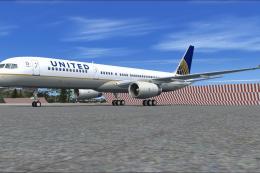
United Airlines Boeing 757-200W VC. A re-upload of the old United/Continental…
 FSX Civil Aircraft
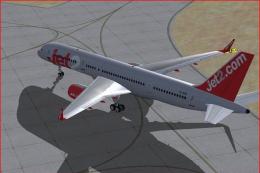
FSX Jet2.com Boeing 757-200W. Jet2.com is a low-cost airline based in Leeds, …
 FSX Civil Aircraft
Elvis "Aloha From Hawaii" Boeing 757-200W. A Project Open Sky B757-200 painte…
 FSX Civil Aircraft
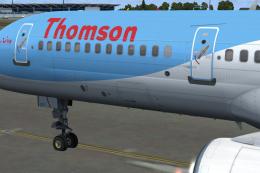
This is a QWHDT repaint of the Thomson Airways aircraft G-OOBP. This repaint …
 FSX Civil Aircraft
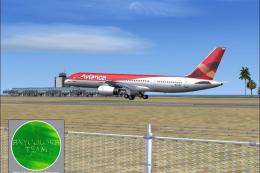
A photoreal repaint. Model by AI Aardvark. Repaint by Claudio A. Dobre. Scree…
 FSX Civil Aircraft
These textures are for the payware QualityWings 757. They depict Thomson 757-…
 FSX Civil Aircraft
FSX Cyprus Airways Airbus A330-200 RR, registration 5B-DBT. Repaint by Andrea…
Read what other simmers think, or add your own.
