


 Norway
  MSFS Scenery
Grand Canyon National Park Airport (KGCN)
This mod developed by JustOkayPilot brings Grand Canyon National Park Airport…
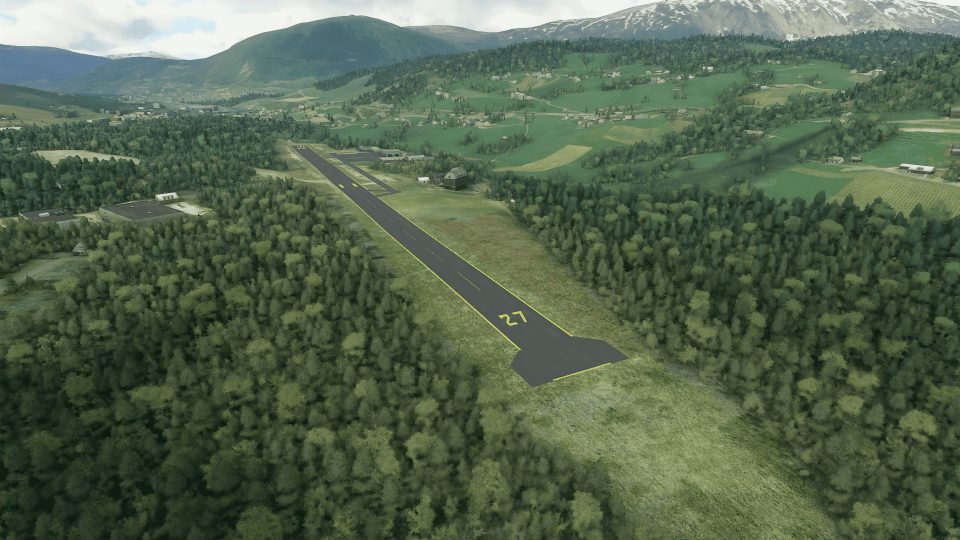
Voss Airport, Bomoen (ENBM) brings this daylight VFR general aviation field in Vossevangen, Norway to life with a faithful runway and apron layout, real-world ground markings, and added vegetation. Built for Microsoft Flight Simulator, it also matches the correct runway slope, updates airport data, and adjusts nearby lake altitudes for better terrain realism.
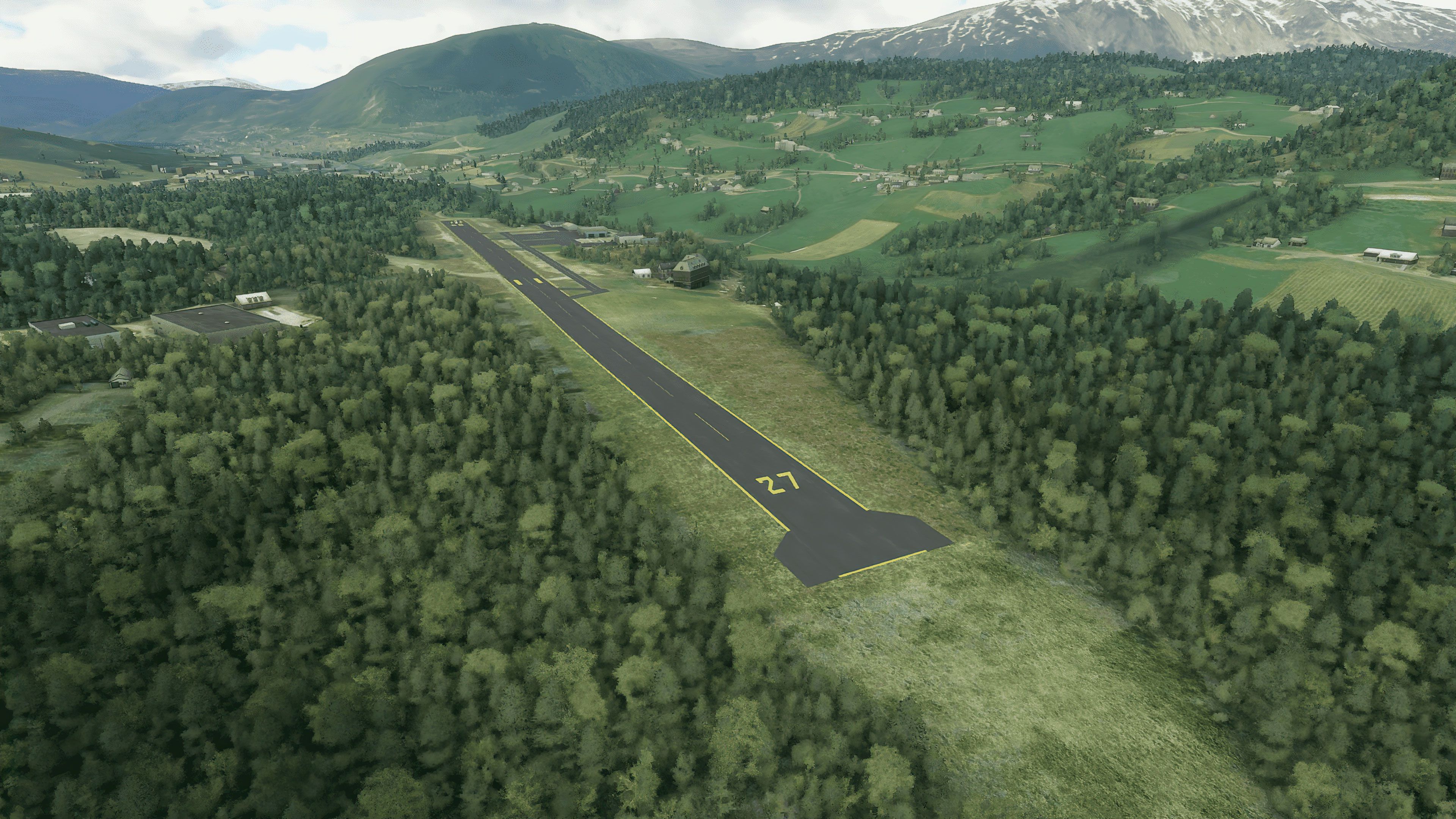
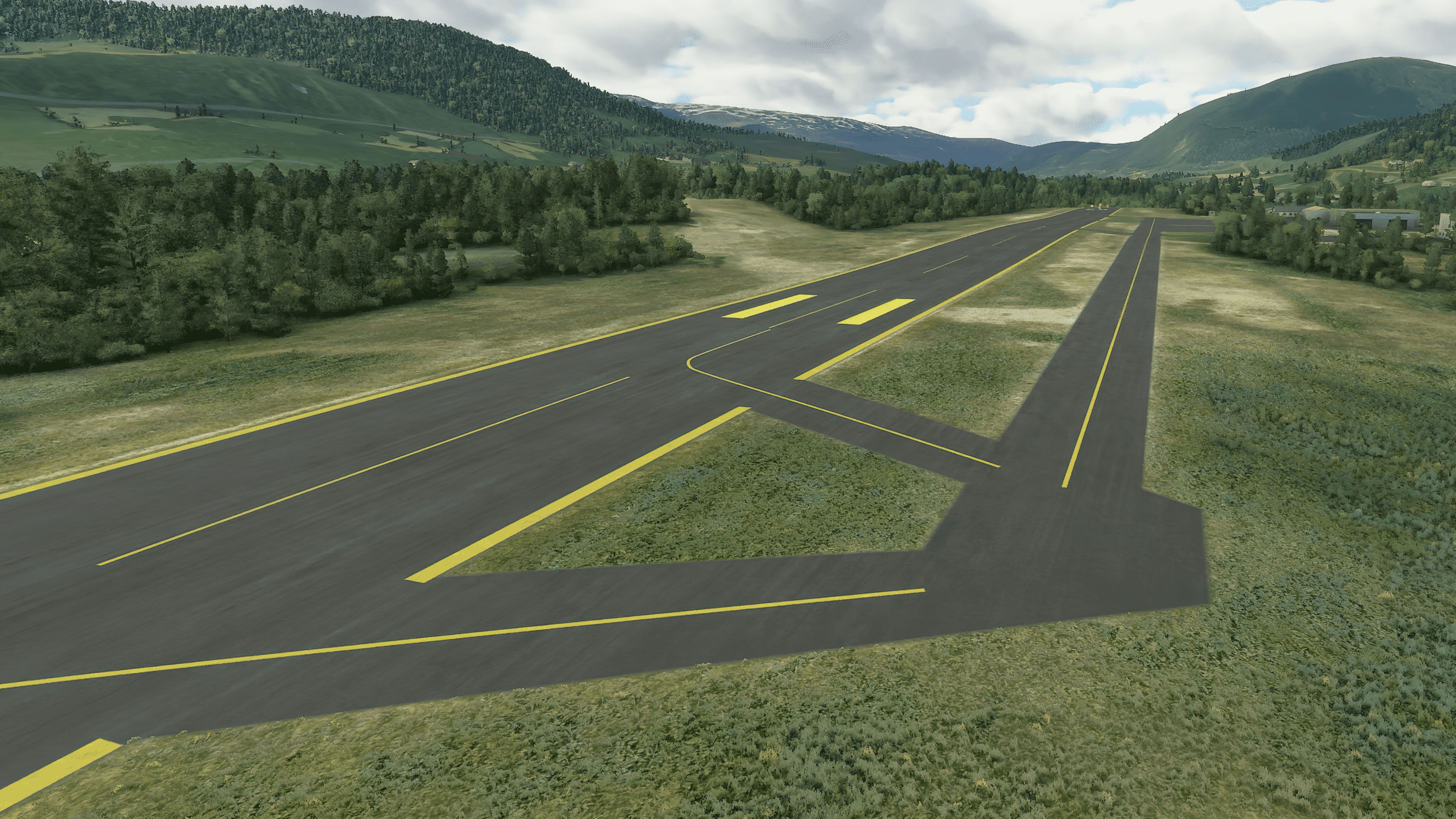
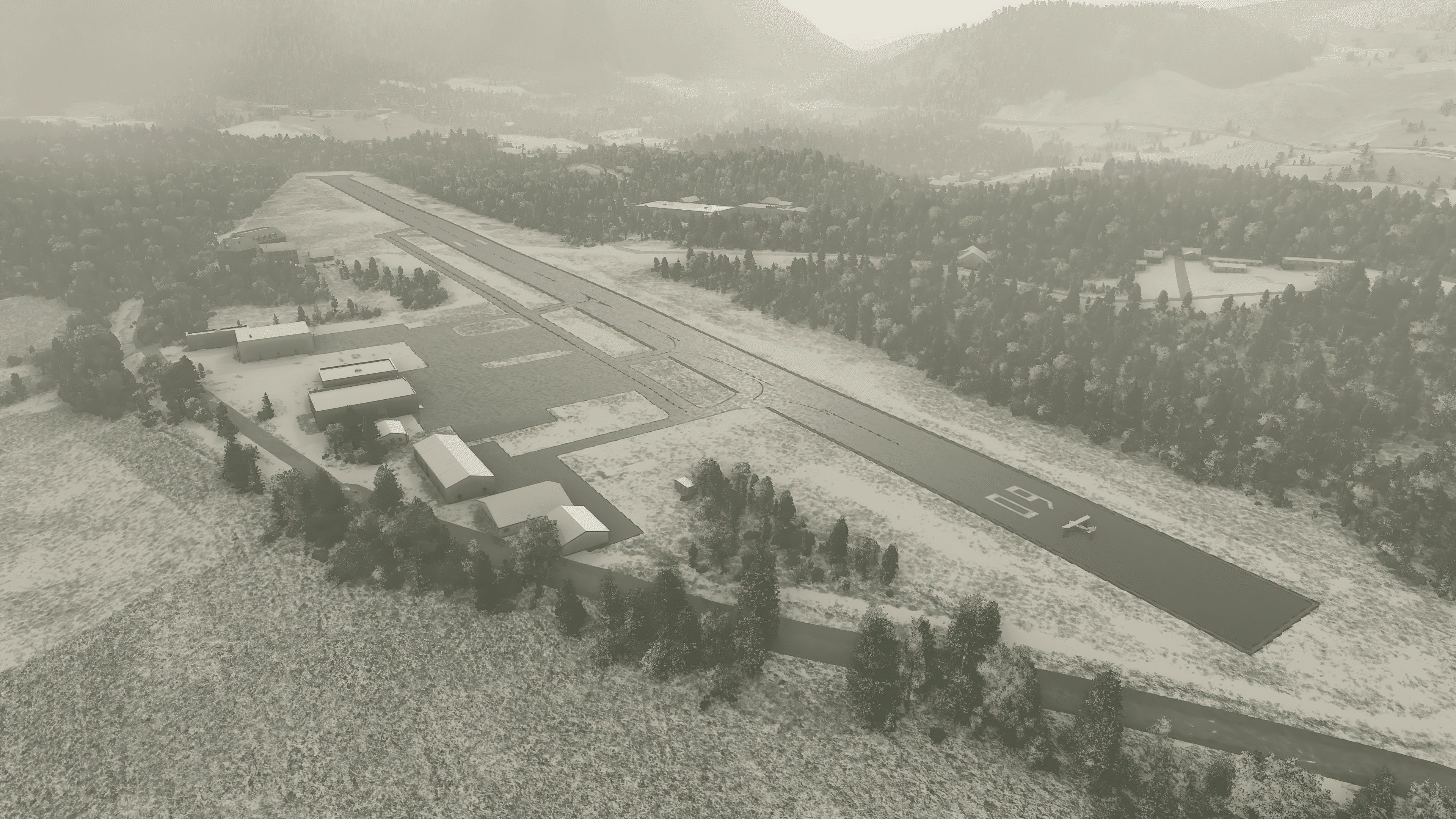
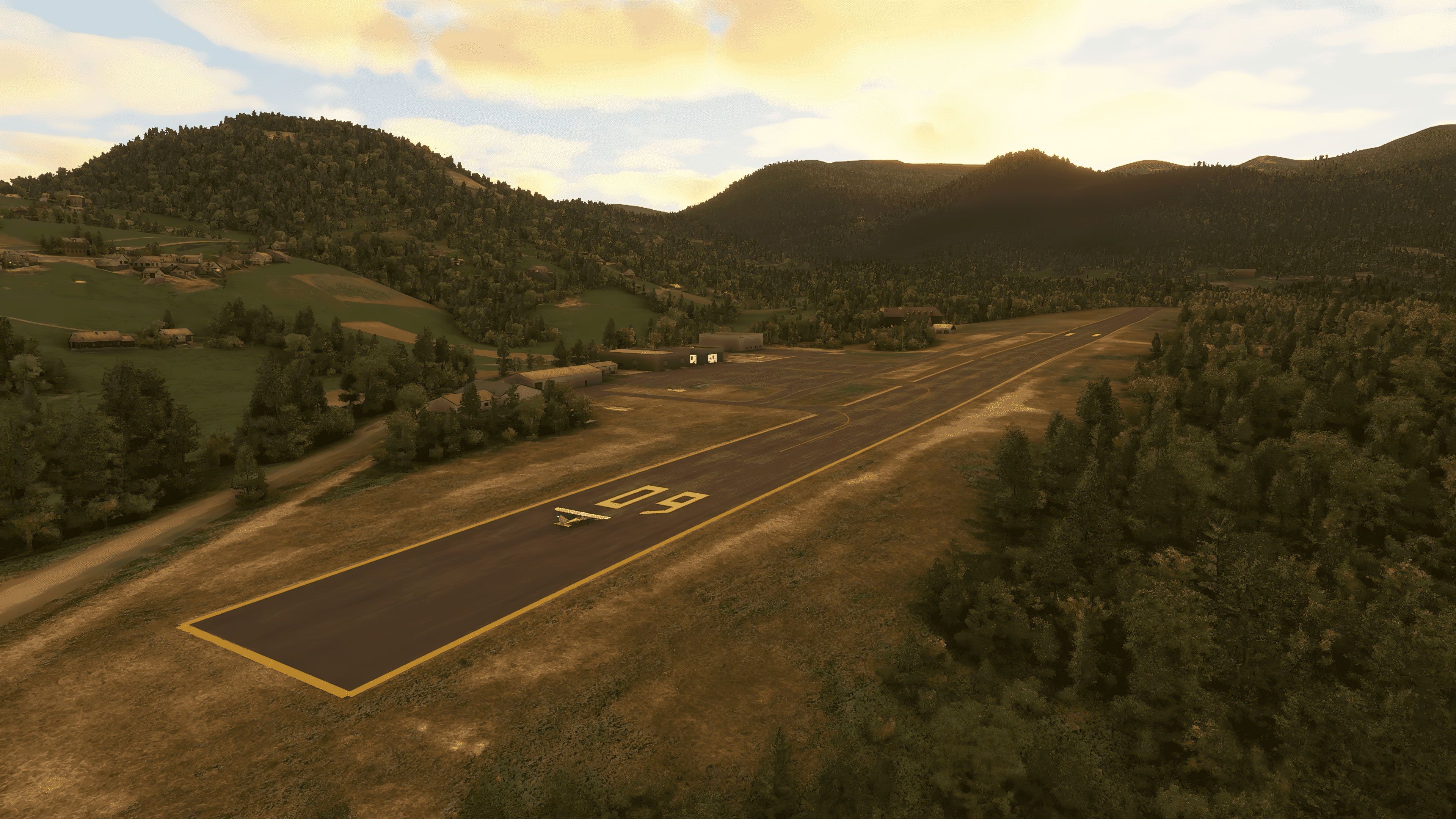

Voss Airport, Bomoen (ENBM) for Microsoft Flight Simulator adds a fully realized general aviation environment in a scenic Norwegian setting once missing from the base sim. Leveraging my decades in the flight simulation industry, I’ve found that this mod introduces accurate ground markings, realistic vegetation placement, and precise elevation fixes that significantly enhance the visual flight rules experience. It captures the airport’s lively role in local extreme sports events, including parachuting and hang-gliding, by delivering immersive details of its runway, apron, and surrounding terrain.
Developed by Augustin Winther, this rendition provides correctly sloped runways, updated airport data, and overall improvements that bring ENBM to modern flight standards. I’ve tested it personally and appreciate the added realism and sense of authenticity it offers—making takeoffs and landings a pleasure for both practice circuits and scenic tours around Voss Municipality in Vestland county.
Voss Airport, Bomoen, Norway. I've added a quick and easy rendition of ENBM to the sim. This airport is not in the base game, unfortunately, most likely due to really bad quality aerial imagery.
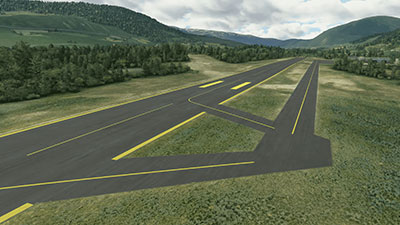 ?Voss Airport, Bomoen is a general aviation airport located on the former Bomoen Base in Vossevangen in Voss Municipality in Vestland county, Norway. Flight is only permitted during daylight with visual flight rules.
Every June the Extreme Sports Festival is organized in Voss. The airport plays a central sole in several of these events, including parachuting and hang-gliding.
Initial Release Features:
Developer: Augustin Winther.
Free for all simmers · 5.96 MB · Scanned clean Oct 2026
Download speed: Free tier is capped at 2 Mbps. PRO members download at full line speed.
%LOCALAPPDATA%\Packages\Microsoft.FlightSimulator_8wekyb3d8bbwe\LocalCache\Packages\Community\. Steam version: %APPDATA%\Microsoft Flight Simulator\Packages\Community\. Tip: enable Developer Mode in MSFS to see your exact Community folder path.readme.txt or README file. It tells you exactly where files go, what dependencies are needed, and any quirks specific to this add-on.Only PRO members can place votes.
More MSFS add-ons hand-picked based on this download.
MSFS Scenery
This mod developed by JustOkayPilot brings Grand Canyon National Park Airport…
 MSFS Scenery
Sandane Airport (ENSD) is located on the beautiful west coast of Norway and i…
 MSFS Scenery
Enhance your flight simulation experience with this mod for Microsoft Flight …
 MSFS Scenery
The Disney World airport/STOLport (also known as the Lake Buena Vista airport…
 MSFS Scenery
Enhance your flight simulation experience with a detailed rendition of Madrid…
 MSFS Scenery
A complete and extensive replacement freeware scenery package for Paris–Le Bo…
 MSFS Scenery
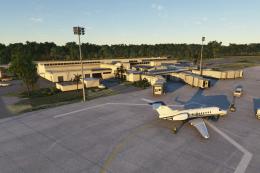
A highly detailed rendition of Gainesville Regional Airport (KGNV), Florida (…
 MSFS Scenery
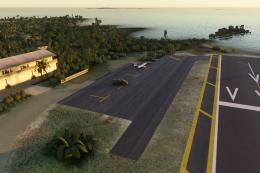
A rendition of George T. Lewis Airport for Microsoft Flight Simulator (MSFS) …
Be the first to leave a comment on this download.
Be the first to share your thoughts on this download.