

 FSX Civil Aircraft
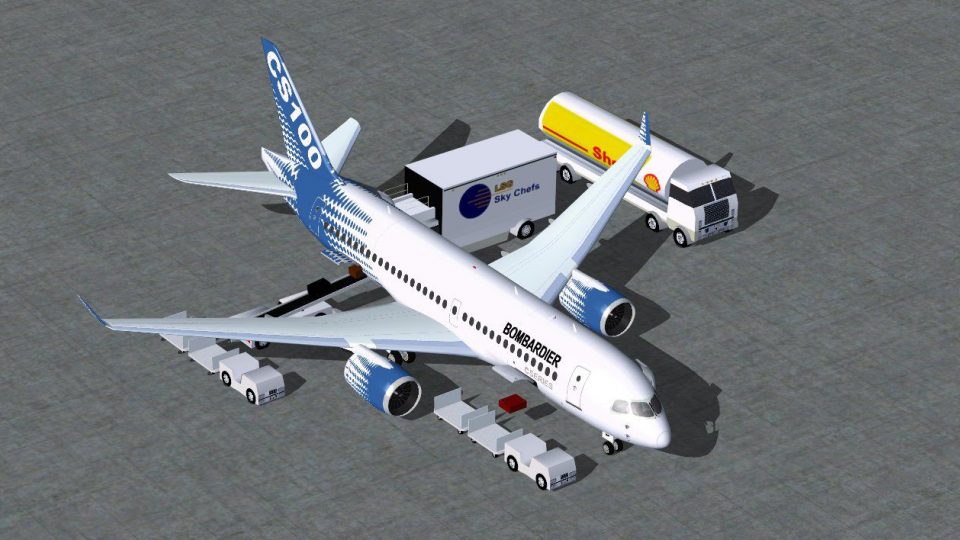
Bombardier House Colors CSeries CS100
Immerse yourself in a refined simulation experience with this twin-engine sho…
Bombardier CSeries CS100 in Malmo Aviation colors brings a modern regional jet to FSX with a refined exterior model, crisp custom textures, and custom night lighting for realistic after-dark operations. Animated Ground Servicing adds interactive ramp vehicles and door actions, and requires the included CamSim AGS effects for full functionality.
 Rate
Rate
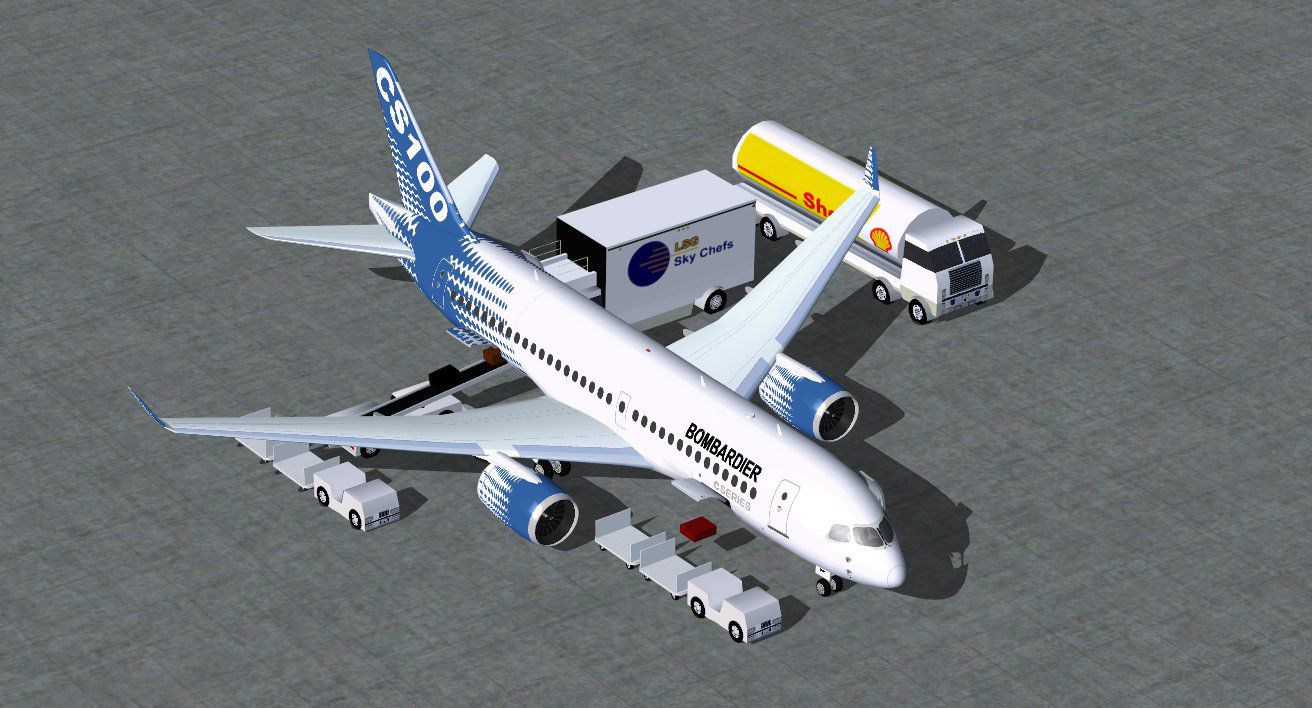
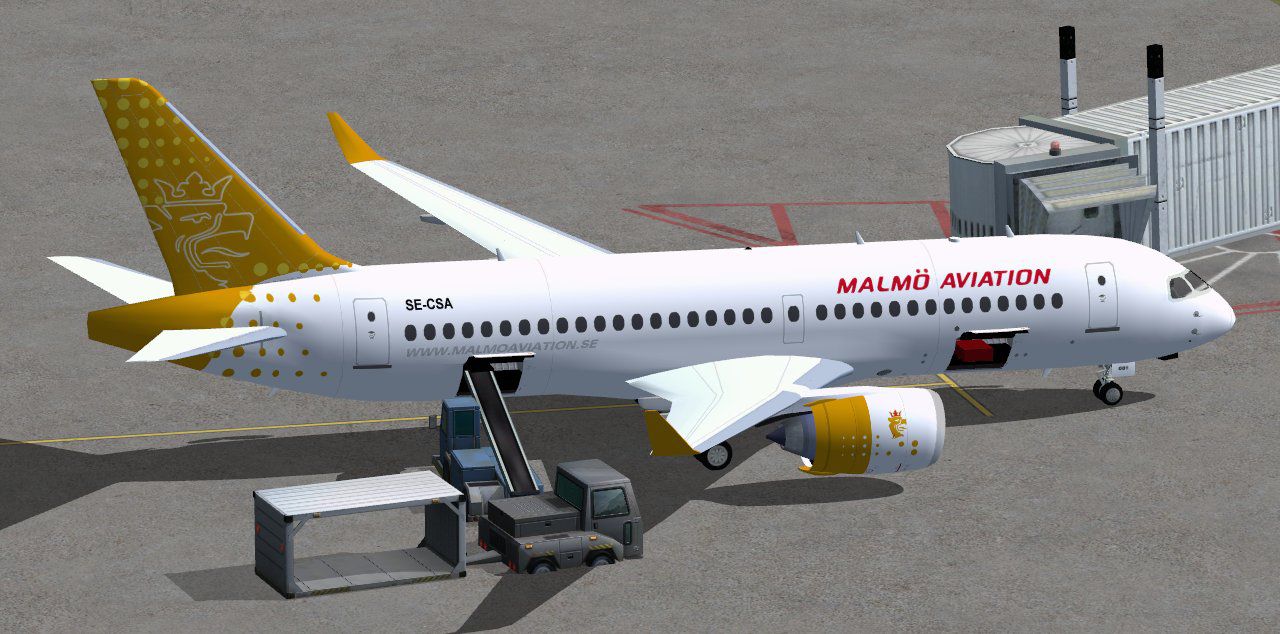
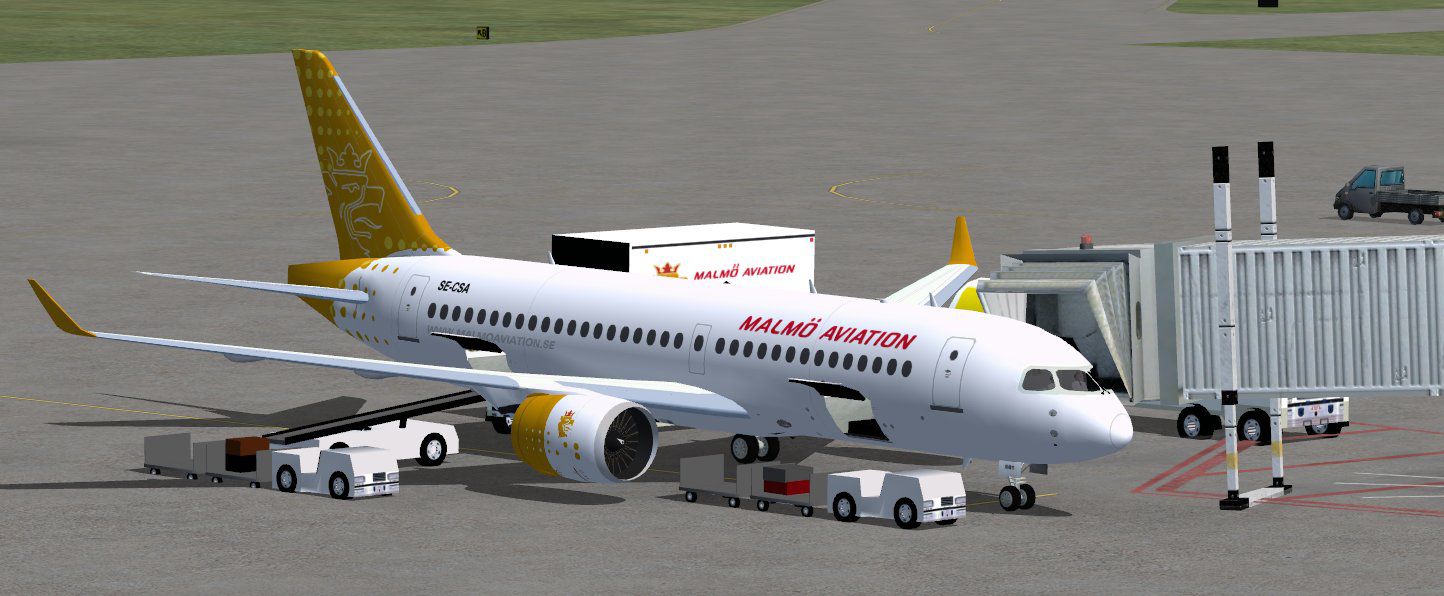
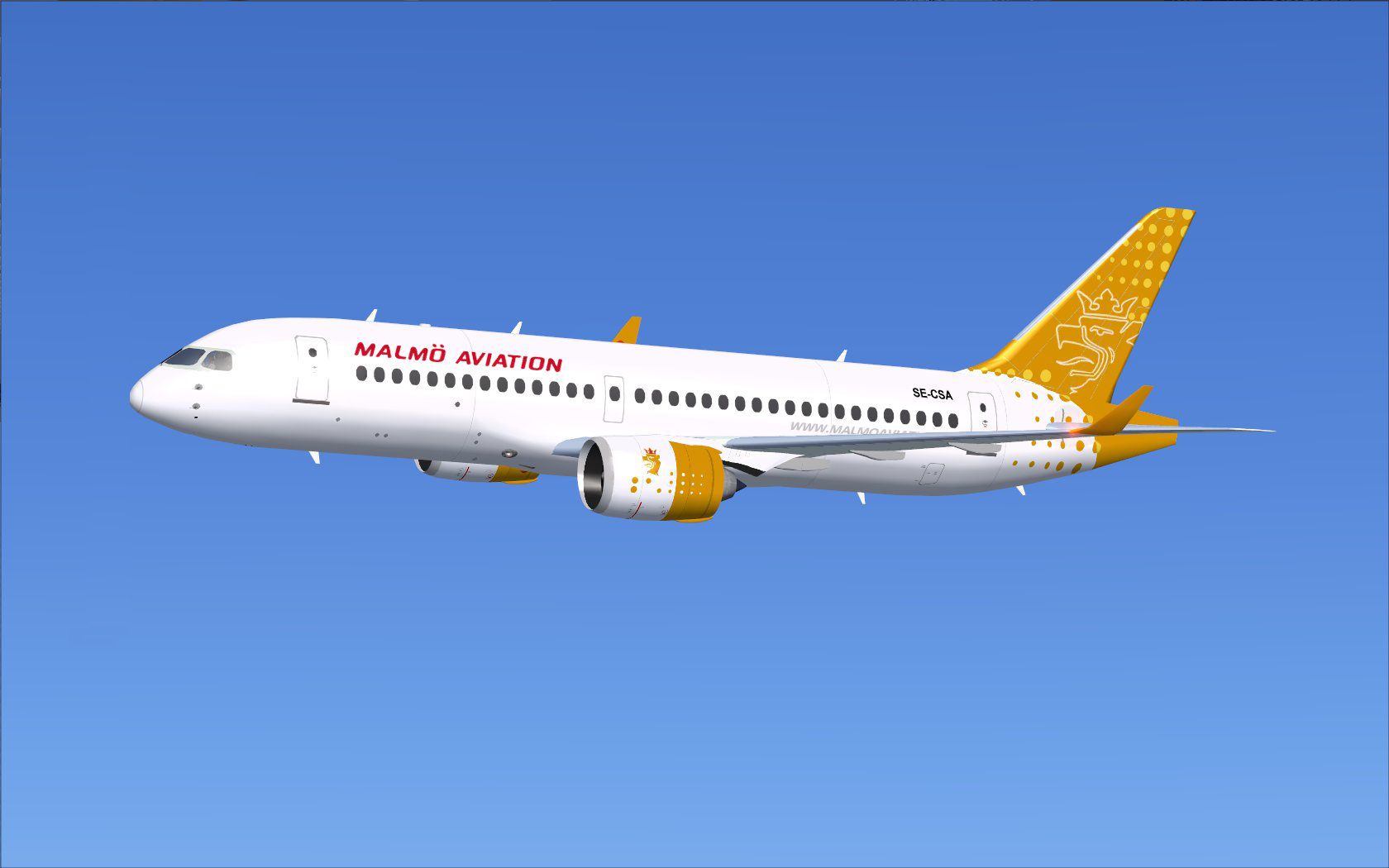
This freeware release provides a detailed recreation of the Bombardier CSeries CS100 in the livery of Malmo Aviation, originally developed by Camil Valiquette of CamSim. It offers an enhanced model with new ground servicing animations, along with custom textures that showcase the airline’s distinctive branding.
The Bombardier CSeries CS100 (also known by its later designation as part of the A220 family) is a modern, twin-engine jet designed with efficient aerodynamics. Malmo Aviation, a regional carrier based in Sweden, previously utilized various short-haul aircraft and had interest in adopting the CSeries due to its favorable operating performance and compact size for Scandinavian routes.
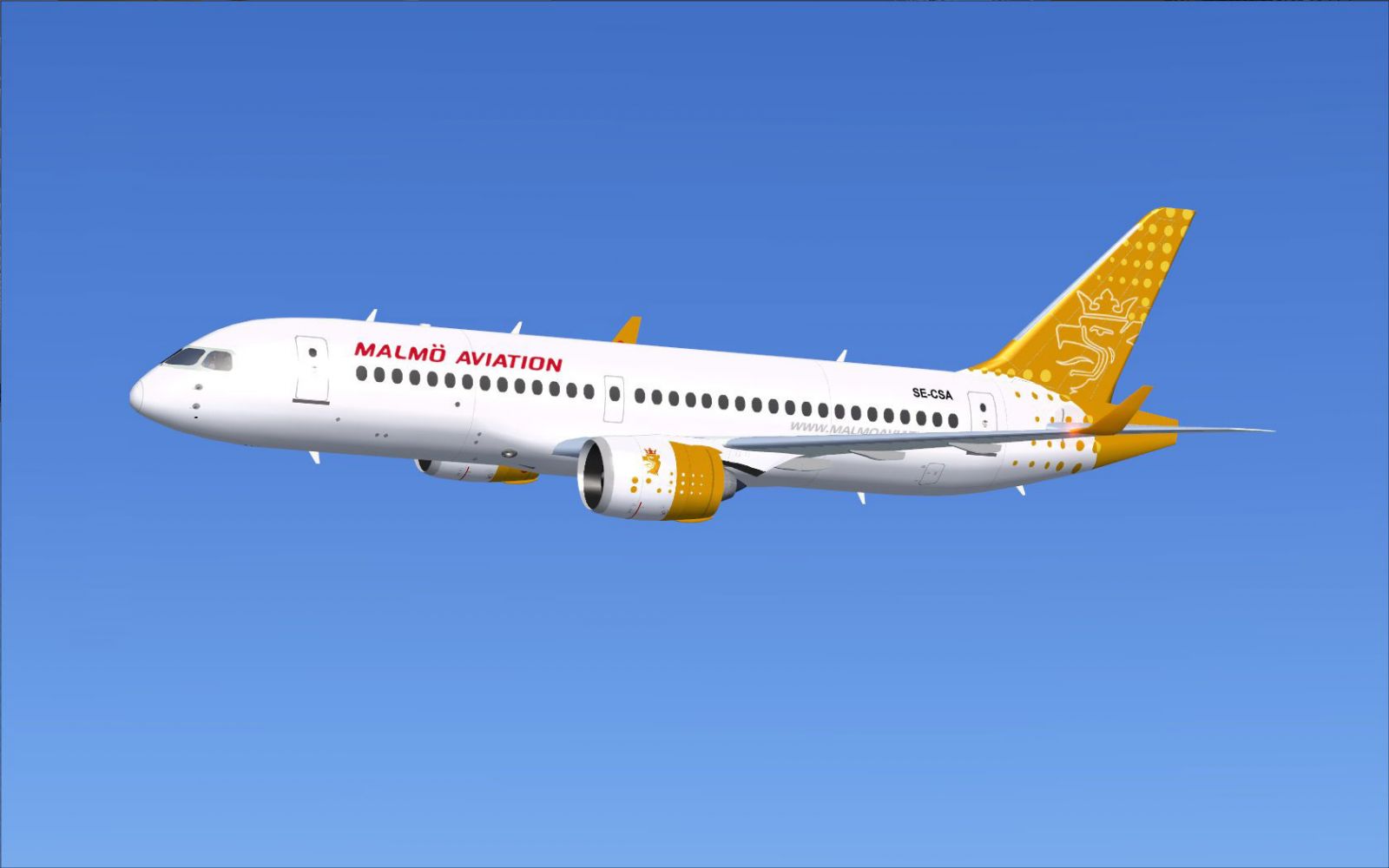
Malmo Aviation CSeries CS100 in flight.
This package integrates a set of cockpit commands for ground operations. To benefit fully from AGS, configure the following within FSX through the “Buttons/Keys” menu located under “Options > Settings > Controls > Change Assignment...”
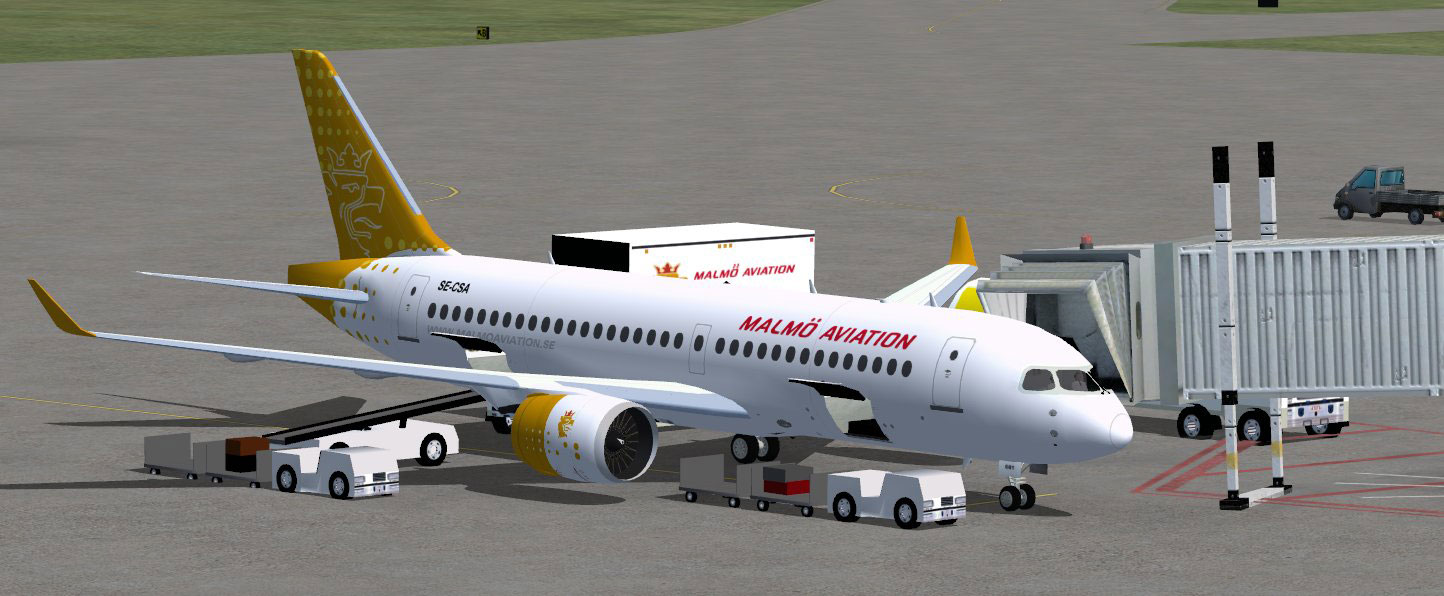
Malmo Aviation CSeries CS100 with ground services.
This add-on is brought to you by the work of developer and painter Camil Valiquette (CamSim), who carefully modeled and textured the aircraft as a freeware release. The base model is included here for a complete installation experience within FSX.
Free for all simmers · 4.99 MB · Scanned clean Oct 2026
Download speed: Free tier is capped at 0.5 Mbps (this file takes approximately 1 min at the cap). PRO members download at full line speed.
This add-on may require the following files to function properly. If this is a repaint, the dependency below is likely the base aircraft package.
SimObjects\Airplanes\, Addon Scenery\, Effects\, or Gauges\.readme.txt or README file. It tells you exactly where files go, what dependencies are needed, and any quirks specific to this add-on.The archive cs100v2tf_x.zip has 36 files and directories contained within it.
This list displays the first 500 files in the package. If the package has more, you will need to download it to view them.
| Filename/Directory | File Date | File Size |
|---|---|---|
| CamSim CSerie 100 V2 Malmo Aviation | 08.30.11 | 0 B |
| aircraft.cfg | 08.30.11 | 16.28 kB |
| cs100v2 malmo_fsx.jpg | 08.30.11 | 79.18 kB |
| cs100v2tf fsx ags.jpg | 08.30.11 | 134.95 kB |
| cs100v2tf fsx ani.jpg | 08.30.11 | 151.97 kB |
| cseries 100v2 ags_1400 FSX.jpg | 07.04.11 | 161.50 kB |
| CSeries100.air | 02.22.06 | 12.76 kB |
| Effects.zip | 03.25.06 | 1.80 kB |
| file_id.diz | 08.29.11 | 198 B |
| model.100 ags | 08.30.11 | 0 B |
| 100 ags.mdl | 08.30.11 | 1.99 MB |
| Model.cfg | 03.12.09 | 26 B |
| PANEL | 08.30.11 | 0 B |
| 787_350_panel_background.bmp | 02.25.10 | 2.25 MB |
| 787_350_panel_background_night.bmp | 02.25.10 | 2.25 MB |
| Airbus_A321.cab | 09.04.06 | 2.72 MB |
| panel.cfg | 02.25.10 | 5.48 kB |
| Read Me_FSX.txt | 08.30.11 | 2.54 kB |
| SOUND | 08.30.11 | 0 B |
| Sound.cfg | 11.04.09 | 35 B |
| texture.tf | 08.30.11 | 0 B |
| 787eng_t.bmp | 08.23.11 | 1.00 MB |
| 787ext_L.bmp | 08.29.11 | 4.00 MB |
| 787ext_t.bmp | 08.29.11 | 1.00 MB |
| 787int_L.bmp | 08.03.11 | 4.00 MB |
| 787int_t.bmp | 08.29.11 | 1.00 MB |
| 787tail_t.bmp | 08.22.11 | 1.00 MB |
| 789wings_t.bmp | 08.23.11 | 1.00 MB |
| 797fuse_t.bmp | 08.23.11 | 1.00 MB |
| gris_t.bmp | 03.17.06 | 16.07 kB |
| pilot1.bmp | 03.04.10 | 257.05 kB |
| pilot1_l.bmp | 12.06.06 | 1.00 MB |
| thumbnail.jpg | 08.29.11 | 3.98 kB |
| w_t.bmp | 12.06.08 | 16.07 kB |
| flyawaysimulation.txt | 10.29.13 | 959 B |
| Go to Fly Away Simulation.url | 01.22.16 | 52 B |
Only PRO members can place votes.
More FSX & P3D add-ons hand-picked based on this download.
FSX Civil Aircraft
Immerse yourself in a refined simulation experience with this twin-engine sho…
 FSX Civil Aircraft
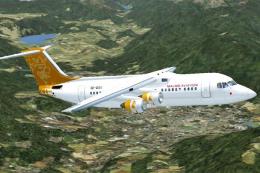
Malmo Aviation Airlines BAe Avro RJ100, aircraft registration SE-DSV. Origina…
 FSX Civil Aircraft
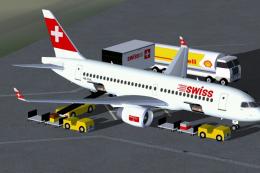
FSX Swiss International Air Lines Bombardier CS100 standard version and optio…
 FSX Civil Aircraft
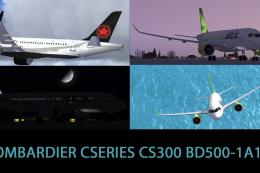
Included are the liveries of airBaltic YL-CSA, Air Canada, and Swiss Internat…
 FSX Civil Aircraft
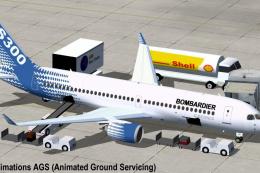
Discover an enhanced simulation of a modern regional jet that combines advanc…
 FSX Civil Aircraft
The latest revision of this freeware aircraft package provides a refined rend…
 FSX Civil Aircraft
This enhanced freeware release of the Bombardier CSeries 300 in its distincti…
 FSX Civil Aircraft
This fully featured add-on offers a thorough simulation of the Bombardier CSe…
Read what other simmers think, or add your own.
