

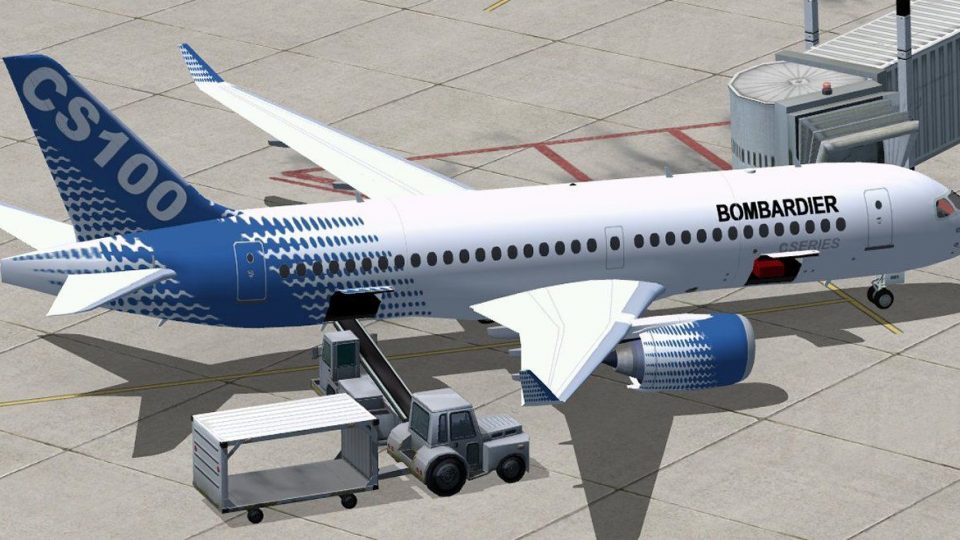
 FSX Civil Aircraft
Bombardier House Colors CSeries CS300
Discover an enhanced simulation of a modern regional jet that combines advanc…
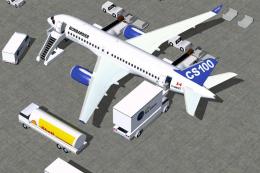
Bombardier CSeries CS100 in factory house colors brings a modern short-to-medium range twinjet to FSX with refined aerodynamics, sharper control response, and accurate performance. The detailed exterior model and updated cabin textures pair with integrated Animated Ground Servicing for door, cargo, and ground-vehicle animations, requiring included AGS effects.
 Rate
Rate

Immerse yourself in a refined simulation experience with this twin-engine short-to-medium range jet. Created by CamSim and expertly painted by Camil Valiquette, this freeware release showcases a house color scheme alongside advanced ground handling animations. Enjoy accurate performance, enhanced exterior details, and an up-to-date ags (Animated Ground Servicing) module integrated into the airframe.
This second iteration includes notable improvements to aerodynamics and control surfaces, granting sharper responsiveness during various flight regimes. The external model is meticulously detailed, with revised proportions that better reflect the real-world aircraft. You will also discover subtle updates in cabin textures, ensuring that both interior and exterior elements work in harmony for a balanced simulation.

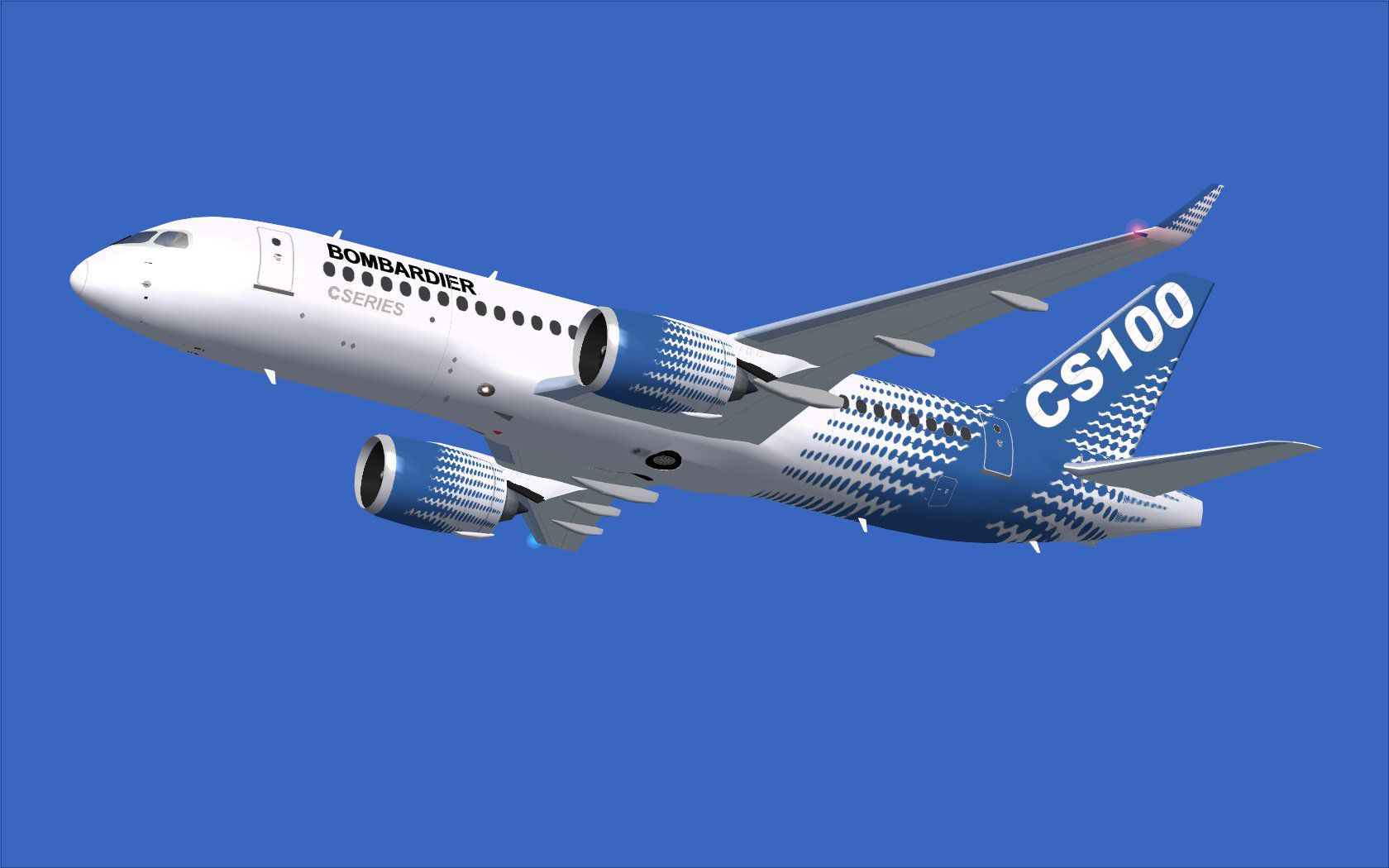
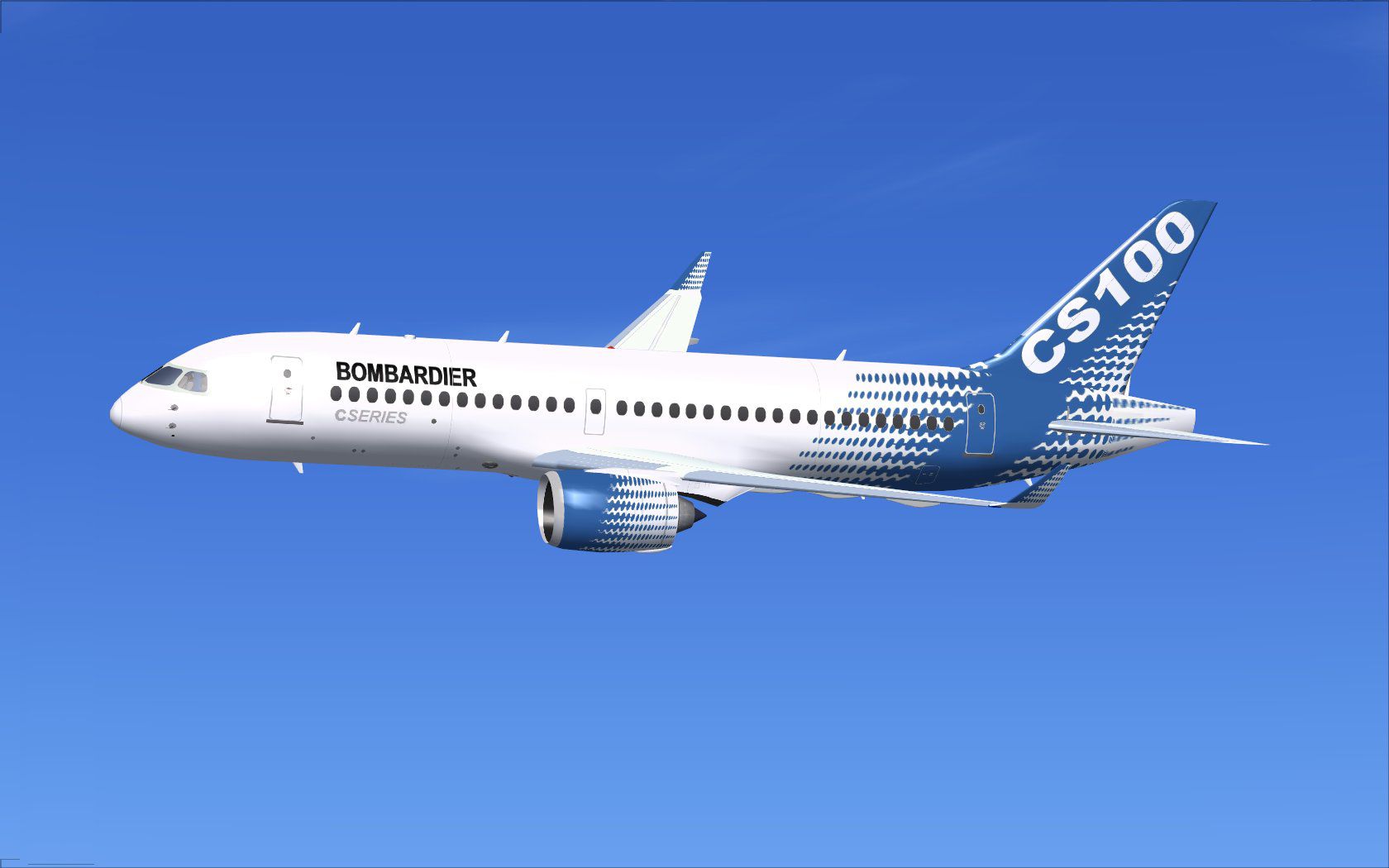
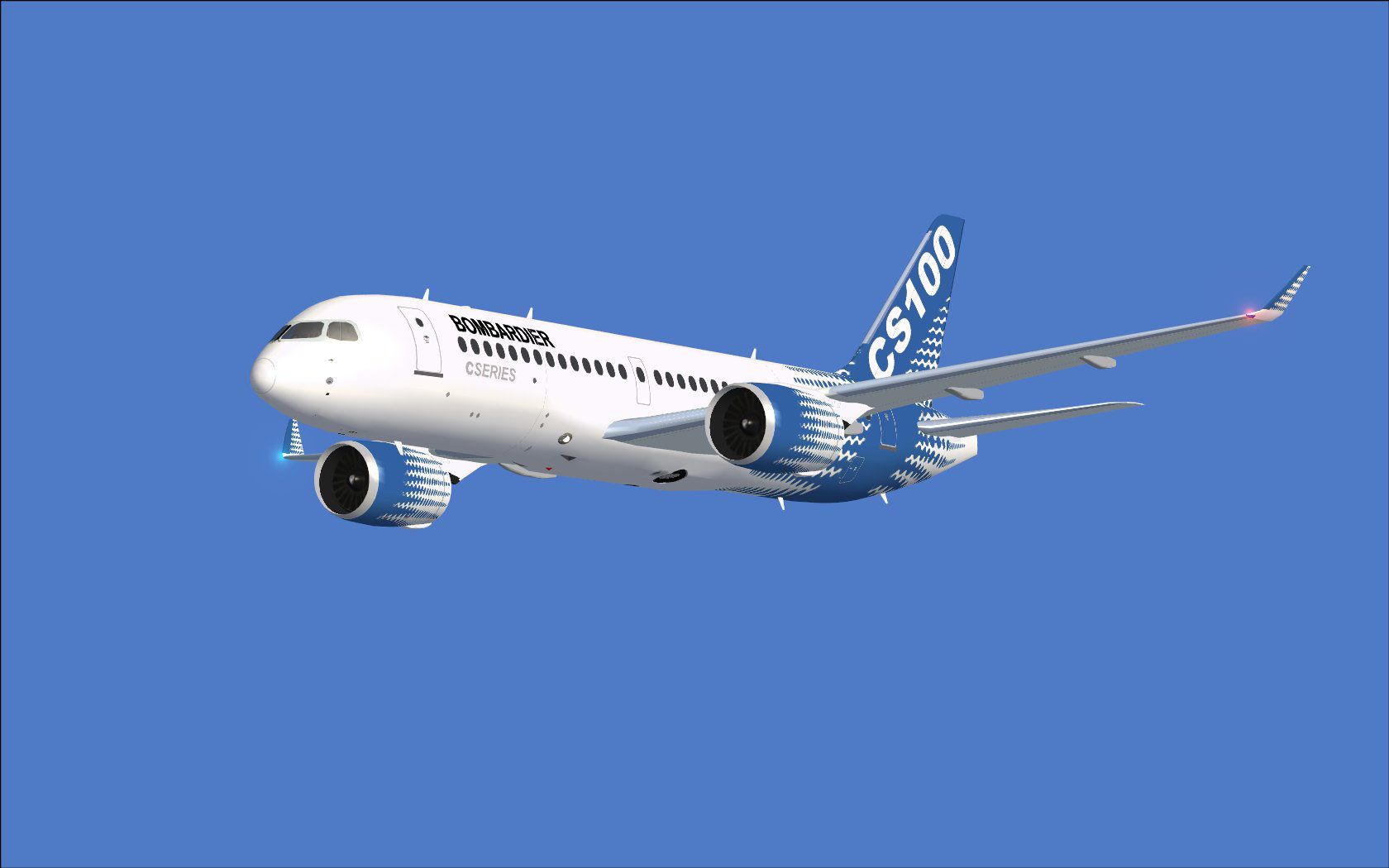
Bombardier House Colors CSeries CS100 in flight.
Once installed, the aircraft will appear in your FSX menu under the appropriate manufacturer and variation entries. Ensure that you verify the folder structure so that all necessary subfolders are in place.
This package incorporates the developer’s AGS setup. You can open the passenger entry and manage cargo hatches by using the following key assignments:
Before using these features, assign the following functions under the FSX “Controls” menu to ensure proper event mapping:
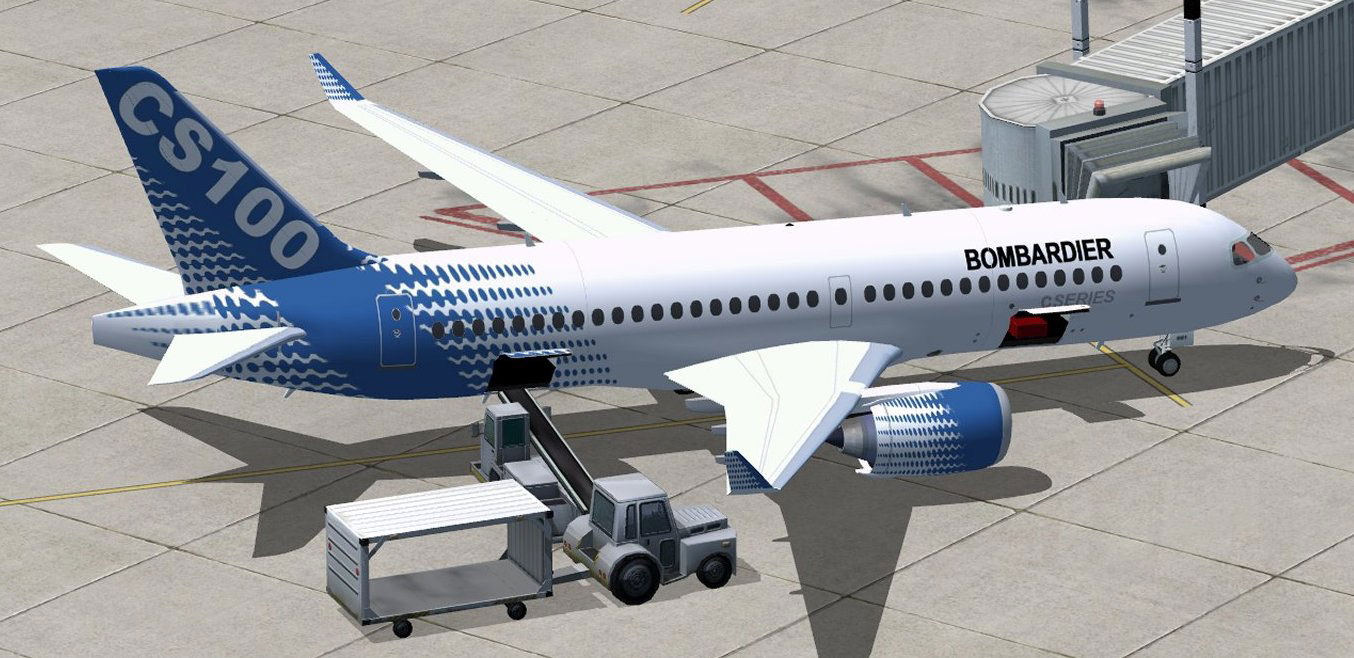
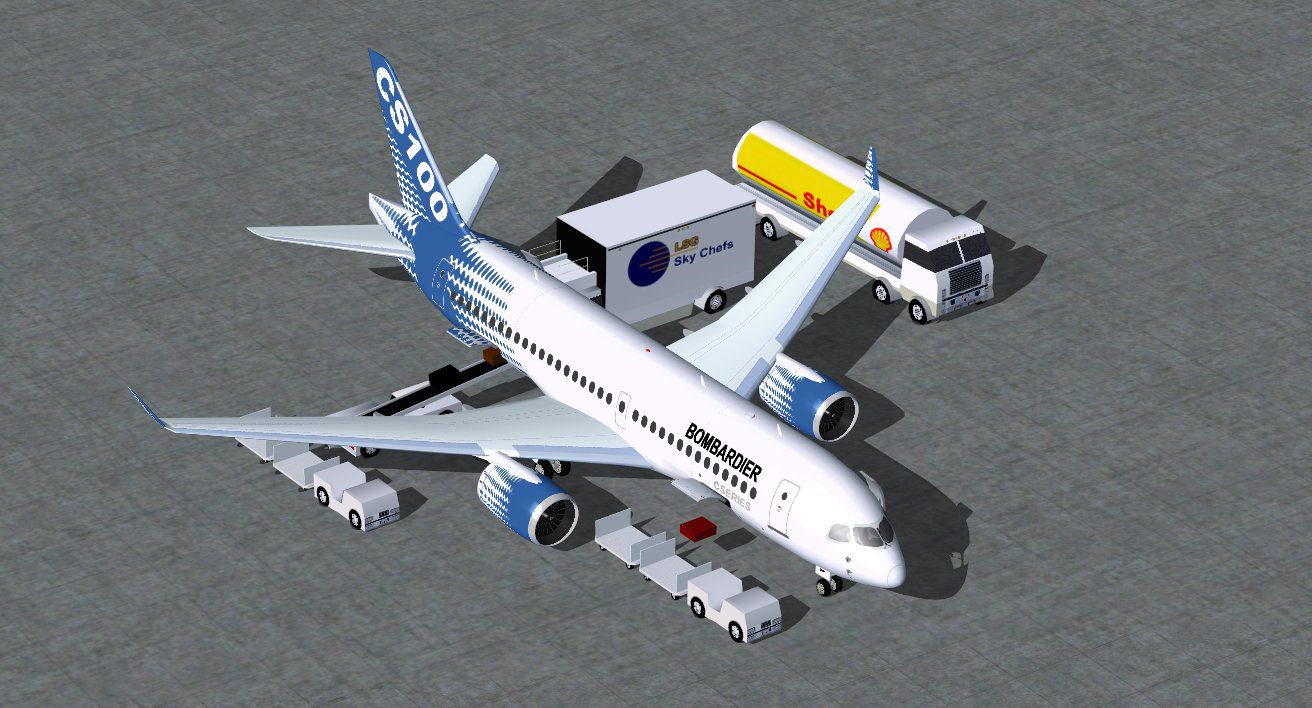
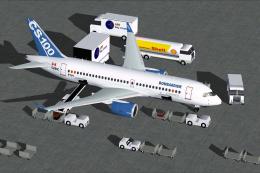
Bombardier house livery at the boarding gate.
The real-world CSeries family stood out for modern avionics, efficient powerplants, and reduced noise footprints. This re-creation by CamSim, with textures by Camil Valiquette, aims to capture significant technical details true to the original design. It is entirely freeware, making it accessible to enthusiasts looking to add depth and authenticity to their FSX hangar.
Free for all simmers · 5.13 MB · Scanned clean Oct 2026
Download speed: Free tier is capped at 0.5 Mbps (this file takes approximately 1 min at the cap). PRO members download at full line speed.
This add-on may require the following files to function properly. If this is a repaint, the dependency below is likely the base aircraft package.
SimObjects\Airplanes\, Addon Scenery\, Effects\, or Gauges\.readme.txt or README file. It tells you exactly where files go, what dependencies are needed, and any quirks specific to this add-on.The archive cs100v2bomx.zip has 37 files and directories contained within it.
This list displays the first 500 files in the package. If the package has more, you will need to download it to view them.
| Filename/Directory | File Date | File Size |
|---|---|---|
| CamSim CSerie 100 V2 Bombardier | 07.05.11 | 0 B |
| aircraft.cfg | 07.05.11 | 16.21 kB |
| aminations _fsx.jpg | 07.05.11 | 172.65 kB |
| cs100V2_bombardier.jpg | 07.04.11 | 102.53 kB |
| cs100V2_bombardier_1.jpg | 07.03.11 | 75.76 kB |
| cs100V2_bombardier_3.jpg | 07.05.11 | 92.19 kB |
| cseries 100v2 ags_1400 FSX.jpg | 07.04.11 | 161.50 kB |
| CSeries100.air | 02.22.06 | 12.76 kB |
| Effects.zip | 03.25.06 | 1.80 kB |
| file_id.diz | 07.04.11 | 207 B |
| model.100 ags | 07.05.11 | 0 B |
| 100 ags.mdl | 07.04.11 | 1.99 MB |
| Model.cfg | 03.12.09 | 26 B |
| PANEL | 07.05.11 | 0 B |
| 787_350_panel_background.bmp | 02.25.10 | 2.25 MB |
| 787_350_panel_background_night.bmp | 02.25.10 | 2.25 MB |
| Airbus_A321.cab | 09.04.06 | 2.72 MB |
| panel.cfg | 02.25.10 | 5.48 kB |
| Read Me_FSX.txt | 07.04.11 | 2.44 kB |
| SOUND | 07.05.11 | 0 B |
| Sound.cfg | 11.04.09 | 35 B |
| texture.cs100 | 07.05.11 | 0 B |
| 787eng_t.bmp | 07.01.11 | 1.00 MB |
| 787ext_L.bmp | 07.04.11 | 4.00 MB |
| 787ext_t.bmp | 07.04.11 | 1.00 MB |
| 787int_L.bmp | 07.04.11 | 4.00 MB |
| 787int_t.bmp | 07.04.11 | 1.00 MB |
| 787tail_t.bmp | 06.30.11 | 1.00 MB |
| 789wings_t.bmp | 06.30.11 | 1.00 MB |
| 797fuse_t.bmp | 07.01.11 | 1.00 MB |
| gris_t.bmp | 03.17.06 | 16.07 kB |
| pilot1.bmp | 03.04.10 | 257.05 kB |
| pilot1_l.bmp | 12.06.06 | 1.00 MB |
| thumbnail.jpg | 07.04.11 | 4.85 kB |
| w_t.bmp | 12.06.08 | 16.07 kB |
| flyawaysimulation.txt | 10.29.13 | 959 B |
| Go to Fly Away Simulation.url | 01.22.16 | 52 B |
Only PRO members can place votes.
More FSX & P3D add-ons hand-picked based on this download.
FSX Civil Aircraft
Discover an enhanced simulation of a modern regional jet that combines advanc…
 FSX Civil Aircraft
This enhanced freeware release of the Bombardier CSeries 300 in its distincti…
 FSX Civil Aircraft
This version 4 features more improved and detailed aircraft model and texture…
 FSX Civil Aircraft
This update offers an extensively refined rendition of Bombardier’s FTV1 CSer…
 FSX Civil Aircraft
This freeware release provides a detailed recreation of the Bombardier CSerie…
 FSX Civil Aircraft
FSX Swiss International Air Lines Bombardier CS100 standard version and optio…
 FSX Civil Aircraft
This enhanced House Colors rendition of the Bombardier FTV5 (registration C-G…
 FSX Civil Aircraft
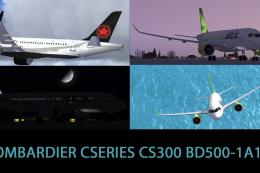
Included are the liveries of airBaltic YL-CSA, Air Canada, and Swiss Internat…
Be the first to leave a comment on this download.
Be the first to share your thoughts on this download.