

 FSX General Aviation Aircraft
KLM Flight School Beechcraft Baron 58
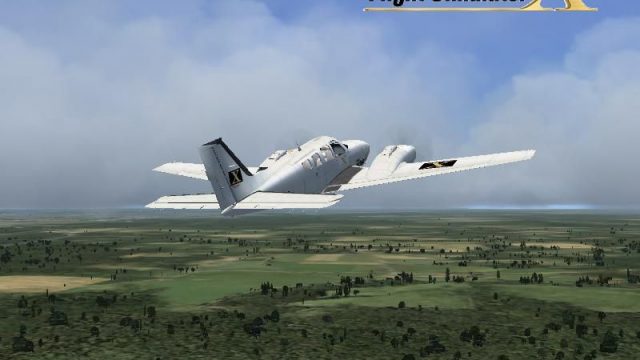
KLM Flight School Beechcraft Baron 58. A repaint for the default Beech Baron …
Beechcraft Baron 58 “FSX Livery” repaint refreshes the default light twin with a clean, modern texture set and matching aircraft selection entry, adding a distinctive look for free-flight and general aviation routes. Designed for Microsoft Flight Simulator X, it requires the stock Beech Baron 58 and integrates seamlessly with the virtual cockpit.
 Rate
Rate
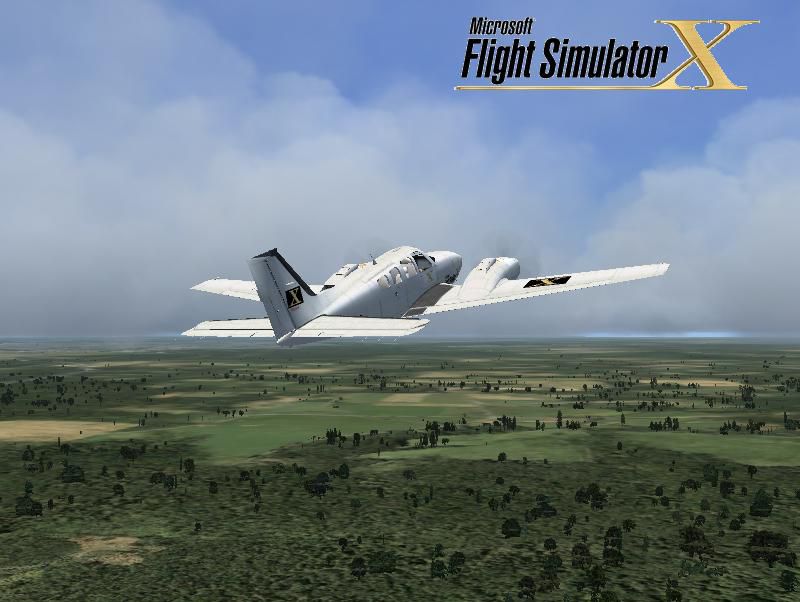
Beechcraft Baron 58. By Victor Vu.
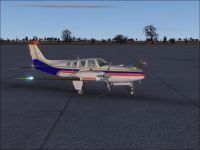
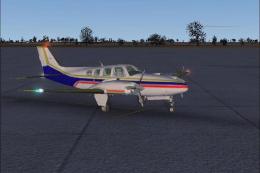
Beechcraft Baron 58 in flight.
Turn on word wrap!
Foreward:
This is my first livery to repaint the Baron. It is from the tribute for Microsoft Flight Simulator X. This is my first repaint for the Baron so please like it and enjoy!
Installation:
Place the Texture.fsx folder into the default Beech_Baron_58 folder, then go to the installation text document and copy all contents. Next, go to the default B58 and open the aircraft.cfg, then go to before you end up into the [GENERAL] Section. Last, paste everything and then change the x into a number that is not used, then run FSX and choose free flight and go to the aircraft manufacturer to "Beechcraft," then look over "FSX Livery" and there you have it!
Disclamer:
You are not to redistribute my files to other sites without consent to the author. I'm not responsible for damages doing to your computer. I accept no liability if it does anything wrong to your computer.
Simply put the dlgsplash into the Uires folder on the main FSX folder. But be sure to make a backup for the default or your other "dlgsplash" files to "Bdlgsplash" or the same backup file with the number of your splashscreens you have. Then run FSX and there you have it!!!
[fltsim.x]

title=Beech Baron 58 FSX Repaint

sim=Beech_Baron_58

model=

panel=

sound=

texture=fsx

kb_checklists=Beech_Baron_58_check

kb_reference=Beech_Baron_58_ref

atc_id=N71FS

ui_manufacturer=Beechcraft

ui_type=Baron 58

ui_variation=FSX Livery

ui_typerole=Twin Engine Prop

ui_createdby=PFSB

description=With the wonderful control harmony that is the hallmark of the Bonanza line, the Beech Baron 58 is considered a classic light twin. The Baron 58 is the spiffed-up version of a time-tested favorite, made more modern by its new Continental Special engines. The Baron combines the attractiveness of Beechcraft design with the reliability of twin engines, resulting in a gorgeous workhorse of an aircraft.
Free for all simmers · 2.17 MB · Scanned clean Oct 2026
Download speed: Free tier is capped at 0.5 Mbps. PRO members download at full line speed.
texture.{airline}) inside FSX\SimObjects\Airplanes\{base-aircraft}\.aircraft.cfg in Notepad. Add a new [fltsim.X] section per the readme.readme.txt or README file. It tells you exactly where files go, what dependencies are needed, and any quirks specific to this add-on.The archive b58_fsx.zip has 17 files and directories contained within it.
This list displays the first 500 files in the package. If the package has more, you will need to download it to view them.
| Filename/Directory | File Date | File Size |
|---|---|---|
| dlgsplash.bmp | 06.27.08 | 1.38 MB |
| splahscreen Inst.txt | 04.04.08 | 275 B |
| Thumbs.db | 06.27.08 | 5.00 kB |
| splashscreen | 06.27.08 | 0 B |
| Beech_Baron_58_T.dds | 06.27.08 | 1.00 MB |
| Beech_Baron_58_TB.dds | 06.26.08 | 1.00 MB |
| Beech_Baron_58_T_spec.dds | 06.26.08 | 1.00 MB |
| Fresnel_Ramp.dds | 06.26.08 | 1.12 kB |
| prop_Baron.dds | 06.26.08 | 16.12 kB |
| texture.cfg | 08.14.06 | 137 B |
| thumbnail.JPG | 06.27.08 | 61.56 kB |
| Texture.fsx | 06.27.08 | 0 B |
| installation.txt | 06.27.08 | 719 B |
| Readme.txt | 06.27.08 | 1.33 kB |
| screenshot.JPG | 06.27.08 | 61.71 kB |
| flyawaysimulation.txt | 10.29.13 | 959 B |
| Go to Fly Away Simulation.url | 01.22.16 | 52 B |
Only PRO members can place votes.
More FSX & P3D add-ons hand-picked based on this download.
FSX General Aviation Aircraft
KLM Flight School Beechcraft Baron 58. A repaint for the default Beech Baron …
 FSX General Aviation Aircraft
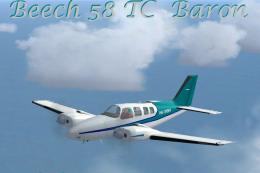
This freeware release introduces a turbocharged Beechcraft Baron 58 TC for Mi…
 FSX General Aviation Aircraft
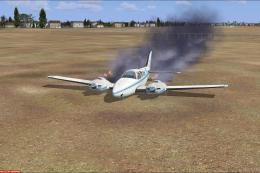
This mod adds to your default Beechcraft Baron a little realism. Features inc…
 FSX General Aviation Aircraft
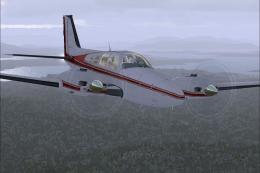
FSX Beechcraft Baron 58. Textures only for the default Beech Baron. Repaint b…
 FSX General Aviation Aircraft
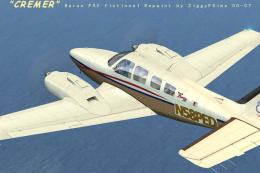
FSX Creme Beechcraft Baron 58. Texture only for the default Beech Baron. Repa…
 FSX General Aviation Aircraft
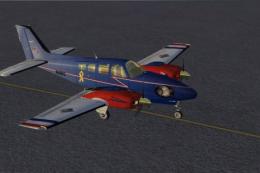
Beechcraft Baron 58 in blue with red and gold. This is a texture for the defa…
 FSX General Aviation Aircraft
USA Flight Club paint scheme for the default Beech Baron 58. Includes easy se…
 FSX General Aviation Aircraft
This is a student training fictional Flybe texture for the default Beech Baro…
Be the first to leave a comment on this download.
Be the first to share your thoughts on this download.