

 FSX Military Aircraft
Lockheed Martin C-130J-30
Lockheed Martin C-130J-30. The C-130J is the newest version of the Hercules a…
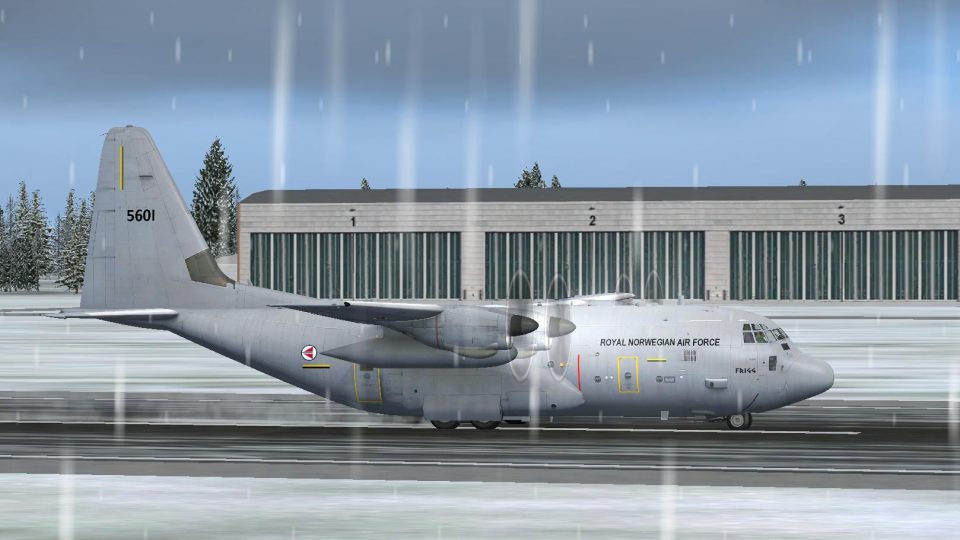
RNoAF Lockheed C-130J “Frigg” livery brings Norwegian Air Force airlift character to the Hercules with authentic markings and a clean, operational finish inspired by 335 Squadron heritage. Designed for FSX and requires the Captain Sim C-130 base package, it integrates via ACE for quick selection and flight-ready presentation.
 Rate
Rate
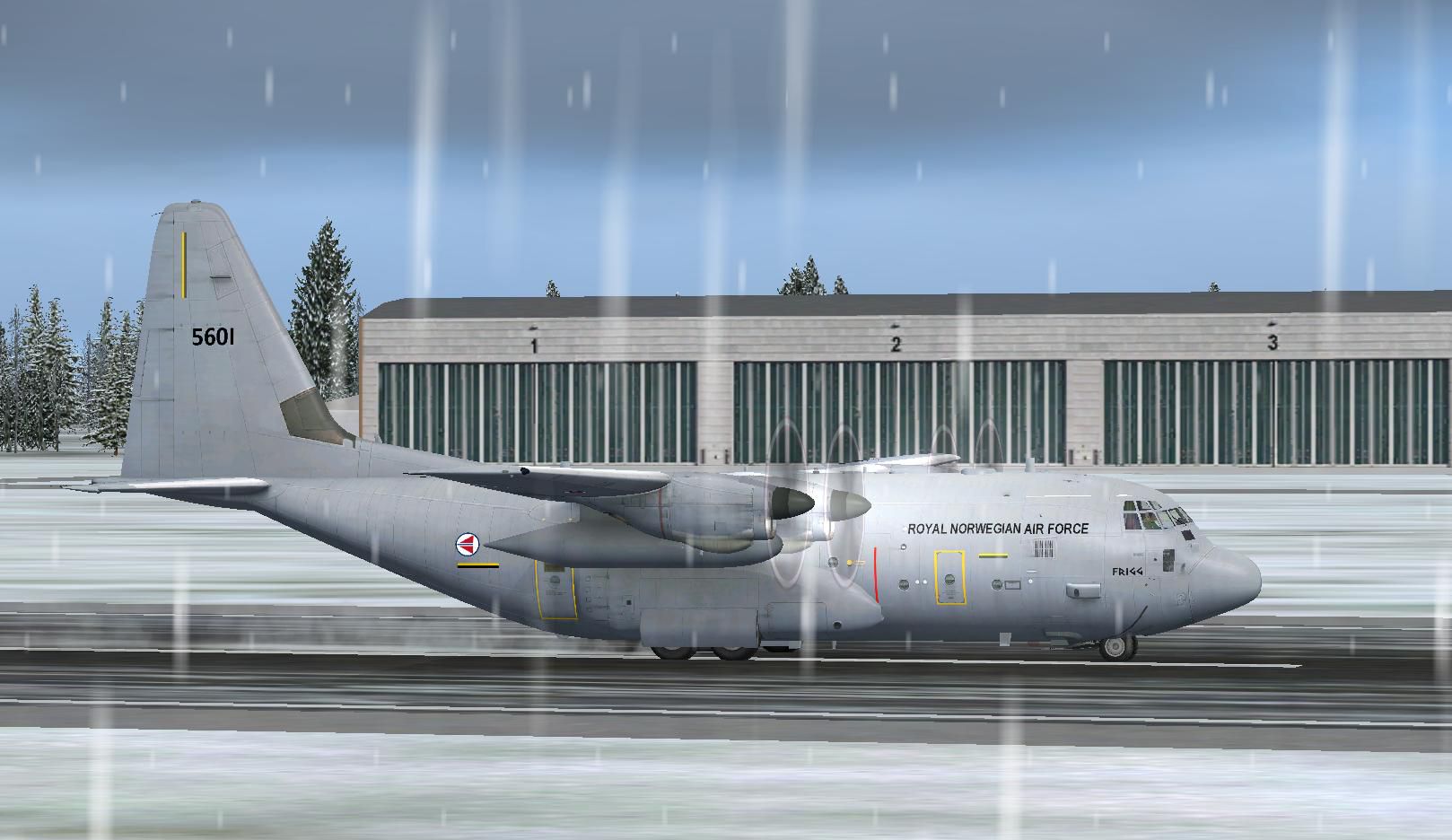
RNoAF Lockheed C-130J "Frigg". The Norwegian Air Force operated until the spring of 2008 a fleet of six Hercules aircraft - Odin, Thor, Balder, Frey, Tyr and Brage. These were of the variant C-130E / H and was submitted in 1969 to 135 airlift wing/335-squadron. The aircraft were stationed at Gardermoen AFB. These became too old for almost 40 years of service and was taken out of operation on 15 May 2008. They had gathered over 133,665 hours in the air and had flown a distance equal to around the Earth 1713 times. Five of the six planes are stored at Davis-Monthan Air Force Base in anticipation of a potential buyer. The sixth aircraft is at the Air Force Museum at Gardermoen. By Marius S. Grovdal.
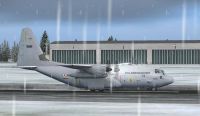
RNoAF Lockheed C-130J on runway.
Install Notes!
Add Frigg folder to variants folder in the Captain Sim folder in fsx. Run Captain sim's ACE to add aircraft.
Have fun!
The Norwegian Air Force operated until the spring of 2008 a fleet of six Hercules aircrafts - Odin, Thor, Balder, Frey, Tyr and Brage. These were of the variant C-130E / H and was submitted in 1969 to 135 airlift wing/335-squadron. The aircrafts was stationed at Gardermoen AFB. These became too old for almost 40 years of service and was taken out of operation on 15 May 2008. They had gathered over 133,665 hours in the air and had flown a distance equal to around the Earth 1713 times.
Five of the six planes are stored at Davis-Monthan Air Force Base in Arizona in anticipation of a potential buyer. The sixth aircraft is at the Air Force Museum at Gardermoen [1].
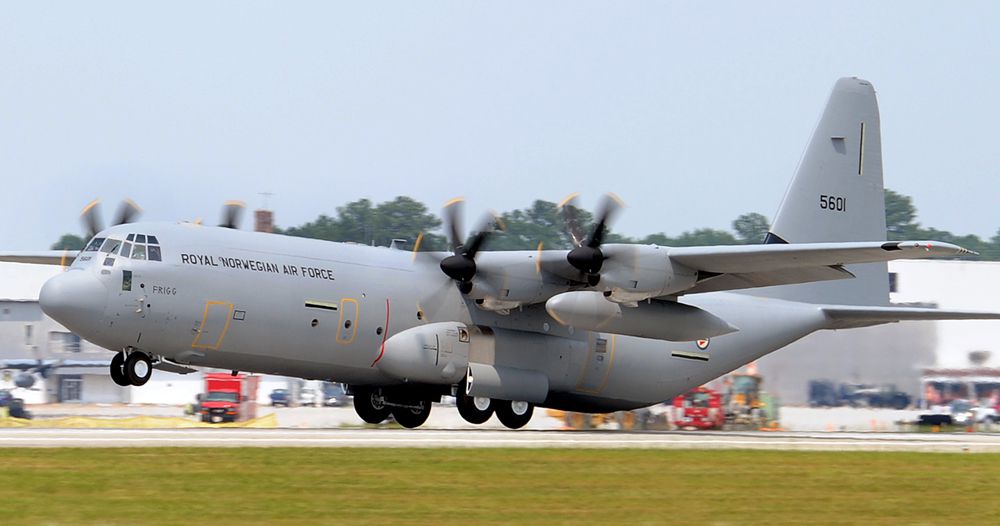
The six C-130H Hercules will be replaced by four C-130J Hercules. The first, "Frigg" (5601), was delivered in November 2008 while "Idunn" (5607) were delivered in June 2009. [2] The last two planes, "Nanna" (5629) and "Siv" (5630) , arrived at 335 Squadron in June 2010.
Marius S. Grøvdal
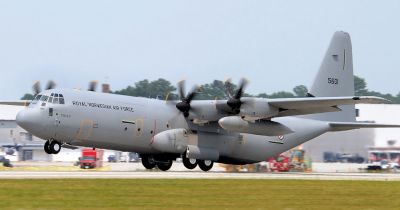
Photograph of RNoAF Lockheed C-130J taking off.
Free for all simmers · 2.52 MB · Scanned clean Oct 2026
Download speed: Free tier is capped at 0.5 Mbps. PRO members download at full line speed.
SimObjects\Airplanes\, Addon Scenery\, Effects\, or Gauges\.readme.txt or README file. It tells you exactly where files go, what dependencies are needed, and any quirks specific to this add-on.The archive rnoaf_frigg_c-130j.zip has 20 files and directories contained within it.
This list displays the first 500 files in the package. If the package has more, you will need to download it to view them.
| Filename/Directory | File Date | File Size |
|---|---|---|
| Frigg | 07.22.10 | 0 B |
| C130_11.bmp | 01.28.08 | 512.07 kB |
| C130_1_LM.dds | 01.28.08 | 512.12 kB |
| C130_1_T.dds | 07.22.10 | 1.00 MB |
| C130_2_T.dds | 07.22.10 | 1.00 MB |
| C130_3_T.dds | 07.22.10 | 1.00 MB |
| C130_4_T.dds | 07.22.10 | 1.00 MB |
| C130_5_T.dds | 07.22.10 | 1.00 MB |
| C130_6_T.dds | 07.22.10 | 1.00 MB |
| C130_7_T.dds | 07.21.10 | 512.12 kB |
| C130_8_T.dds | 07.21.10 | 512.12 kB |
| C130_C15_T.dds | 01.28.08 | 512.12 kB |
| flag.dds | 01.28.08 | 8.12 kB |
| livery.cfg | 07.22.10 | 201 B |
| texture.cfg | 01.28.08 | 186 B |
| thumbnail.jpg | 07.22.10 | 364.32 kB |
| Read Me!!.txt | 07.22.10 | 1.11 kB |
| RNoAF C-130J Frigg.jpg | 07.22.10 | 162.19 kB |
| flyawaysimulation.txt | 10.29.13 | 959 B |
| Go to Fly Away Simulation.url | 01.22.16 | 52 B |
Only PRO members can place votes.
More FSX & P3D add-ons hand-picked based on this download.
FSX Military Aircraft
Lockheed Martin C-130J-30. The C-130J is the newest version of the Hercules a…
 FSX Military Aircraft
Canadian Lockheed CC-130J Hercules. Updated textures for Canada's first CC-13…
 FSX Military Aircraft
This is a repaint of the 146th Airlift Wing of the California Air National Gu…
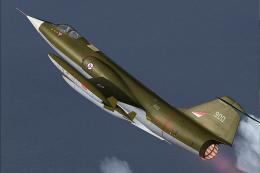 FSX Military Aircraft
This specialized repaint depicts the Lockheed F-104G under Royal Norwegian Ai…
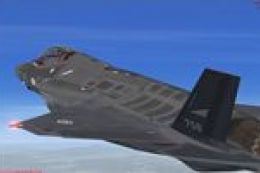 FSX Military Aircraft
Repaint for the Dino Cattaneo F-35 Lightning II (F35V210.ZIP) in fictional Ro…
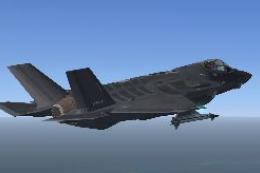 FSX Military Aircraft
A repaint for the Dino Cattaneo F-35 Lightning II (F35V230.ZIP) in fictional …
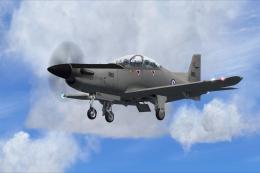 FSX Military Aircraft
This fictional Royal Norwegian Air Force (RNoAF) repaint for the Iris PC-21 p…
 FSX Military Aircraft
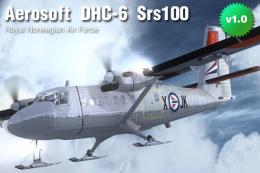
Aerosoft DHC-6-100 Twin Otter in the colours of the Royal Norwegian Air Force…
Read what other simmers think, or add your own.

I couldn't get this to install using the ACE tool. It could not find the folder. In the livery cfg it states model=3g. There is no 3g model in the CS C-130. Any thoughts? Could you perhaps tell me which model it is designed for and I could do a manual install.
Best regards
Chris Allan Australia.