

 Italy
Italy  FSX Scenery
Rocky Mountains Landclass
Rocky Mountains Landclass. The landclass file is a stand-alone scenery. You c…
The Tofane mountain group in Italy’s Dolomites gets sharper photoreal terrain in Microsoft Flight Simulator X, with carefully processed imagery that keeps steep rock faces crisp and reduces texture warping on vertical slopes. It layers cleanly over ItalVFR Trentino coverage for broader regional context, but runs standalone for focused peak detail.
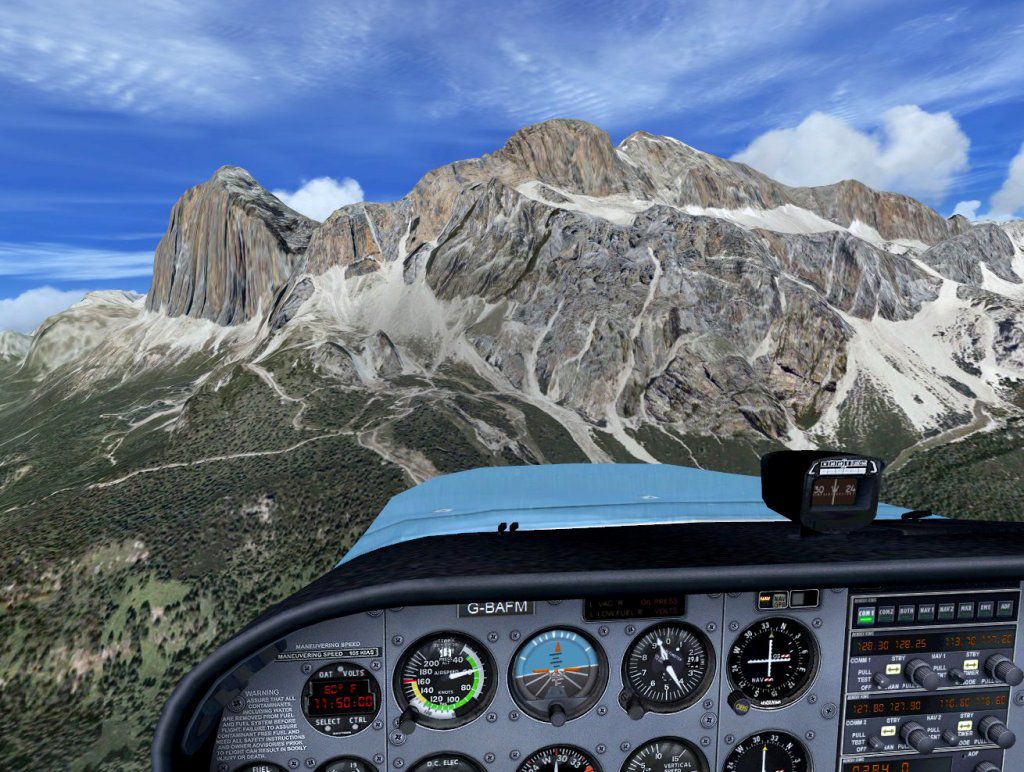

This freeware package brings an enhanced photorealistic representation of the Tofane mountain group to Microsoft Flight Simulator X, offering improved definition of steep rock faces and minimizing the usual distortion that can occur when photographic scenery is applied to sloping or vertical terrain. Prepared by Frank and released here by Raimondo, this add-on seamlessly integrates with ItalVFR’s base coverage for Trentino yet can run entirely on its own for those seeking a localized improvement within the Dolomites.
In this rendition of the Tofane massif, carefully processed photographic material from a local aviation enthusiast has been employed to achieve fine detail along cliff edges and rugged slopes. The imagery undergoes specialized adjustment (an “elaborated graphic production” approach) that compensates for vertical surfaces, ensuring the rock strata appear crisp without warping. This approach is particularly useful in mountainous regions such as the Tofane formations in northern Italy.
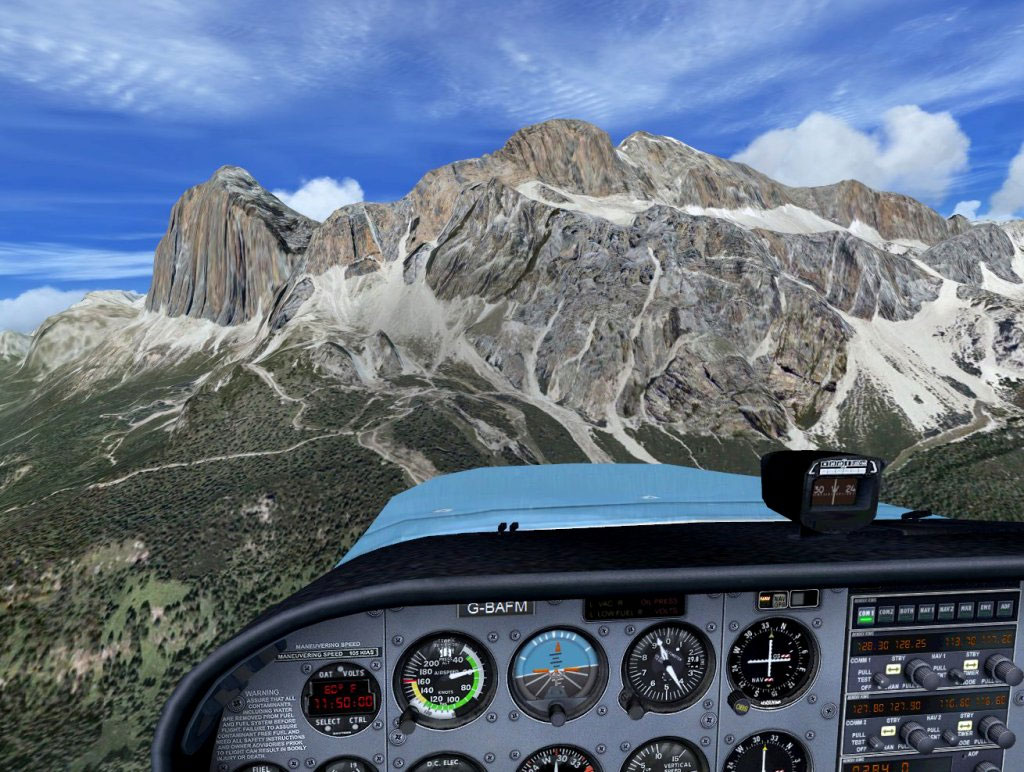
Tofane Mountains Group Scenery.
This add-on enhances any existing ItalVFR coverage in the Trentino region (which includes the Dolomite area) but can also be operated standalone for those who wish to see only the immediate Tofane peaks in high detail. ItalVFR divides Italy into different segments at a 2-meter resolution. These scenery packages include:
All these form the underlying coverage for Trentino and ensure extensive photoreal content. You will still see Tofane in remarkable fidelity if you opt not to install the broader ItalVFR coverage, yet you’ll be missing the surrounding regional scenery.
Within your main FSX directory, create a folder to store Frank’s add-ons. For instance:
Once that folder is populated, head into FSX and activate the new directory through the scenery library interface. Place the frank_addons entry at a higher priority layer than any ItalVFR packages. For example, if the Trentino region data is set as layer 2, your newly created add-on folder should be layer 1. That ensures the Tofane updates take precedence over the base textures.
To appreciate the surrounding valleys and other mountain slopes in the area, many users choose to install the complete Trentino ItalVFR suite (the trent1.zip through trent7.zip collection). Although Trentino is freeware, other parts of Italy within the ItalVFR collection are sometimes offered at low cost. Regardless, Frank’s Tofane package can function independently if you only need the Tofane peak improvements.
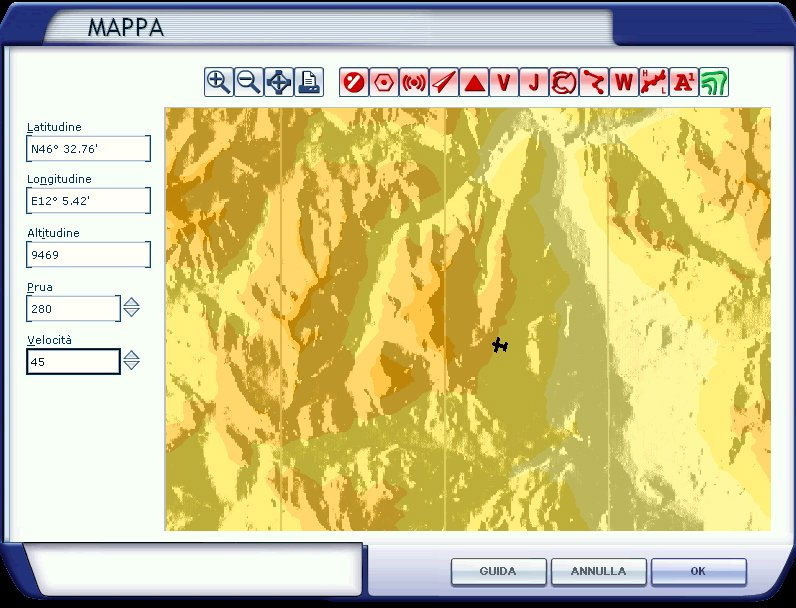
Tofane Mountains Group Scenery.
Frank is the primary creator of this photographic mountain series, having captured authentic vistas of the Italian Alps. Raimondo has provided guidance, online availability, and additional support to bring this scenic representation to the flight simulation community. Their dedication to accurately reproducing the Tofane range creates an immersive backdrop for virtual aviation, all released under freeware terms for enthusiastic pilots to enjoy.
Free for all simmers · 73.81 MB · Scanned clean Oct 2026
Download speed: Free tier is capped at 0.5 Mbps (this file takes approximately 21 mins at the cap). PRO members download at full line speed.
FSX\Addon Scenery\ containing scenery and texture sub-folders.readme.txt or README file. It tells you exactly where files go, what dependencies are needed, and any quirks specific to this add-on.Use these coordinates to fly directly to this location once the mod is installed.
46.54140000,12.05830000
Launch FSX or Prepar3D and use Flights → Load to open the downloaded .pln file. Your aircraft will be positioned at this location.
The archive tofane.zip has 6 files and directories contained within it.
This list displays the first 500 files in the package. If the package has more, you will need to download it to view them.
| Filename/Directory | File Date | File Size |
|---|---|---|
| mappa.jpg | 02.10.08 | 106.78 kB |
| Tofane_4b.jpg | 02.10.08 | 192.60 kB |
| install.txt | 02.10.08 | 6.37 kB |
| tofane_estive.bgl | 02.10.08 | 73.93 MB |
| flyawaysimulation.txt | 10.29.13 | 959 B |
| Go to Fly Away Simulation.url | 01.22.16 | 52 B |
Only PRO members can place votes.
More FSX & P3D add-ons hand-picked based on this download.
FSX Scenery
Rocky Mountains Landclass. The landclass file is a stand-alone scenery. You c…
 FSX Scenery
Virginia Mountains Airport Scenery. Number 5 in the series of Pro Hop fiction…
 FSX Scenery
Pocono Mountains Municipal Airport (KMPO) serves Mount Pocono and Monroe Coun…
 FSX Scenery
Pocono Mountains Municipal Airport (KMPO), Pennsylvania (PA). This package co…
 FSX Scenery
West Coast Mountains. Fictional high-altitude fields at the peaks of several …
 FSX Scenery
30cm Generic Project Textures Rocks Mountains. All rocks mountain around the …
 FSX Scenery
Carrier Group Oceana v4.0. A naval fleet located 12 nm northeast of Oceana NA…
 FSX Scenery
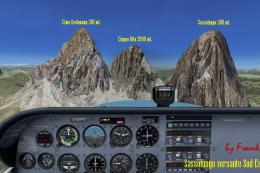
Sassolungo Group, Dolomites 'Trentino' scenery. Add-on scenery for the freewa…
Be the first to leave a comment on this download.
Be the first to share your thoughts on this download.