


 Italy
Italy  FSX Scenery
Tofane Mountains Group
This freeware package brings an enhanced photorealistic representation of the…
Sassolungo Group brings the Dolomites’ iconic Sassolungo massif into sharp focus with photoreal textures sourced from real flights and refined to reduce vertical stretching on steep rock faces in FSX. Designed to complement ItalVFR’s Trentino coverage, it also works standalone and adds convincing alpine depth for VFR touring.
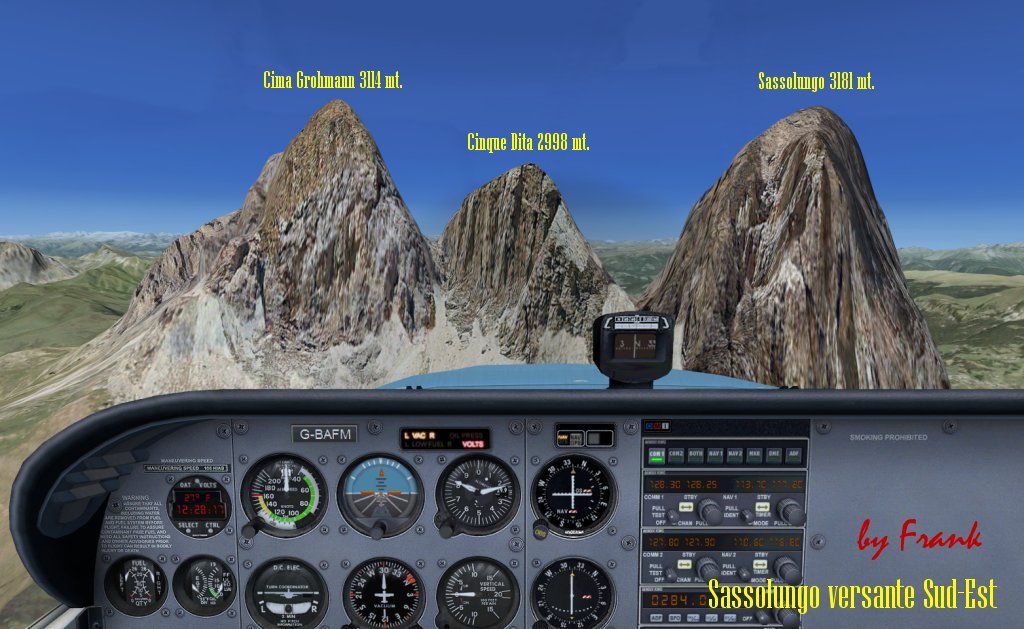
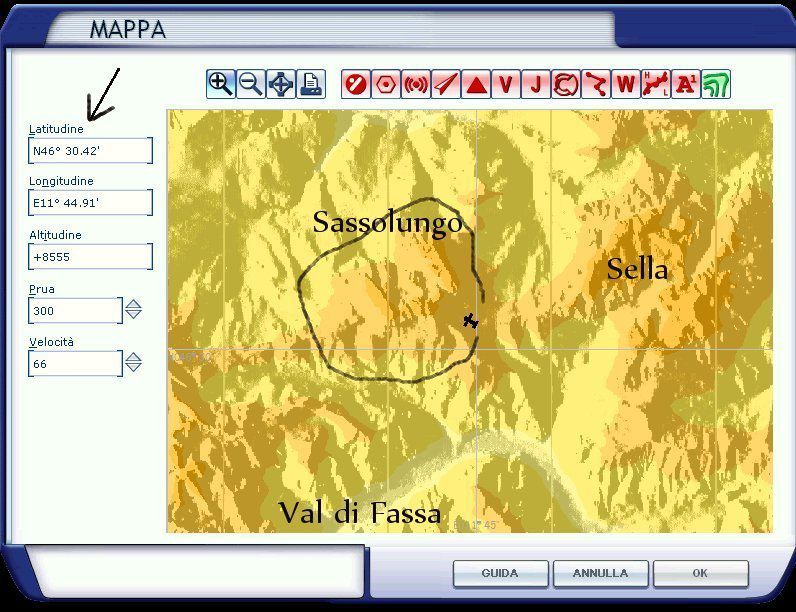
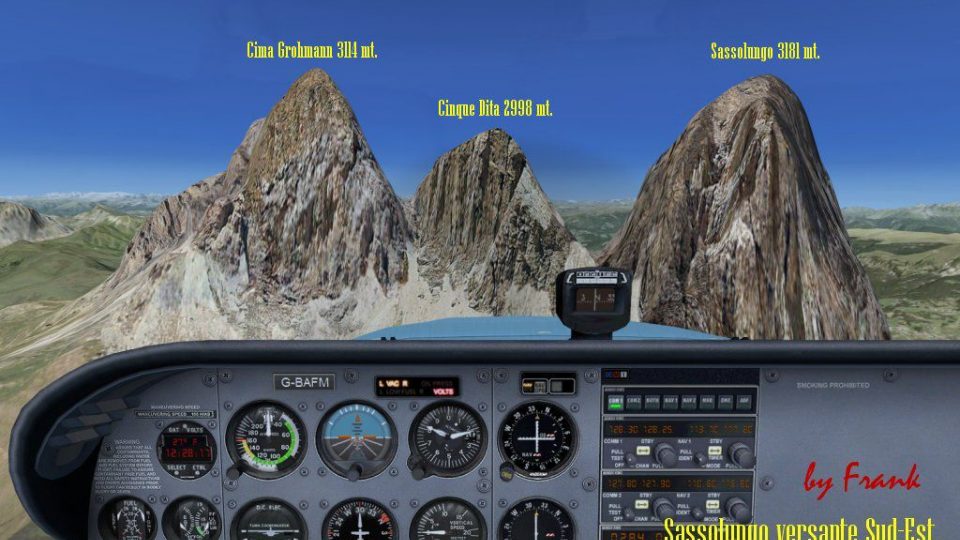
Sassolungo Group, Dolomites 'Trentino' scenery. Add-on scenery for the freeware ItalVFR coverage region of Trentino (TRENT1.ZIP, etc.). It use real images taken by a local pilot to reproduce the Sassolungo mountains group to stunning realistic details. This add-on uses an elaborated graphic production process to mostly eliminate vertical distortions of photorealistic scenery when used on vertical surfaces.
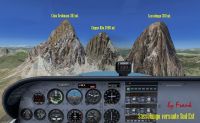
Sassolungo Group Scenery.
Installation :
First a word of presentation :
Frank has produced some photorealistics addons which can be added to the base 2 m photorealistic Italian project called ItalVFR. Italvfr has the target to produce each of the italians regions in photorealistic scenery on a 2 m resolution - base packages are divided region by region up to today - trentino - freeware - is one of the italian region part of the project italvfr.
Frank has produced addons to improve the graphics up to today mostly for Italians Alps mountains peaks - - Sassolungo it is just one of his addons available - which we are gradually improving and uploading into flightsim and fsfile !
The first thing to do - is to download the base packages - trentino is freeware but fsfile offers other region at a very low prices - for those interested ! Even said so - if you like to use frank addons' just on their own - they will work ! but your coverage will just limited to the addons itself !
- create a new folder in the main fsx folder called: frank_addons or whatever you like :
C:\Program Files\Microsoft Games\Microsoft Flight Simulator X\Scenery\frank_addons inside frank_addons folder create a new folder called: scenery
C:\Program Files\Microsoft Games\Microsoft Flight Simulator X\Scenery\frank_addons\scenery extract the Sassolungo_estive.bgl file into the :
C:\Program Files\Microsoft Games\Microsoft Flight Simulator X\Scenery\frank_addons\scenery folder
Start your FSX - and add the : C:\Program Files\Microsoft Games\Microsoft Flight Simulator X\Scenery\frank_addons into your scenery library - VERY IMPORTANT - FRANKS ADDONS FOLDER MUST BE ALWAYS HIGHER LAYER IN SCENERY LIBRARY THAN ANY OF THE ITALVFR REGIONS BASE PACKAGES.
For example : if you installed the trentino region italvfr base package on layer 2 - - frank_addons must be on layer 1 - that is all you need to do.
Frank Italian alpine peaks use real images taken around the mountains.
Trentino Base Package ItalVFR.
Download the Trentino ItalVFR 7 files:
trent7.zip
trent6.zip
trent5.zip
trent4.zip
trent3.zip
trent2.zip
trent1.zip
This is the base package for the trentino region - installation instructions are included in zip !
Best wishes,
Raimondo
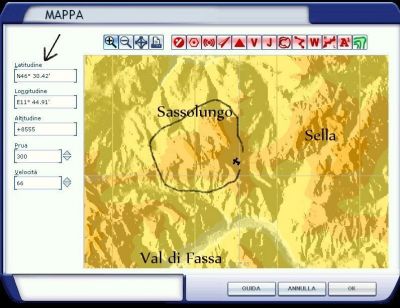
Sassolungo Group Scenery.
Free for all simmers · 44.35 MB · Scanned clean Oct 2026
Download speed: Free tier is capped at 0.5 Mbps (this file takes approximately 12 mins at the cap). PRO members download at full line speed.
FSX\Addon Scenery\ containing scenery and texture sub-folders.readme.txt or README file. It tells you exactly where files go, what dependencies are needed, and any quirks specific to this add-on.Use these coordinates to fly directly to this location once the mod is installed.
46.51670000,11.73330000
Launch FSX or Prepar3D and use Flights → Load to open the downloaded .pln file. Your aircraft will be positioned at this location.
The archive sassolun.zip has 6 files and directories contained within it.
This list displays the first 500 files in the package. If the package has more, you will need to download it to view them.
| Filename/Directory | File Date | File Size |
|---|---|---|
| install.txt | 02.21.08 | 6.45 kB |
| mappa.jpg | 02.21.08 | 120.82 kB |
| SAS4.jpg | 02.21.08 | 138.08 kB |
| Sassolungo.bgl | 02.21.08 | 44.31 MB |
| flyawaysimulation.txt | 10.29.13 | 959 B |
| Go to Fly Away Simulation.url | 01.22.16 | 52 B |
Only PRO members can place votes.
More FSX & P3D add-ons hand-picked based on this download.
FSX Scenery
This freeware package brings an enhanced photorealistic representation of the…
 FSX Scenery
Carrier Group Oceana v4.0. A naval fleet located 12 nm northeast of Oceana NA…
FSX Scenery
Updated Carrier Group Oceana v2.0 from FSXF. Updated with working arrestor ca…
FSX Scenery
Carrier Group Miramar v4.0. A naval fleet located 60 nm west of Miramar MCAS …
 FSX Scenery
A carrier group in the Pacific going around in a square to better find it. Ki…
FSX Scenery
Skara Scenery Bonaire X. Flamingo International Airport or Bonaire Internatio…
 FSX Scenery
Iwo Jima Scenery 1945 Update. This is a complete scenery with added effects a…
FSX Scenery
Kjeller Area Scenery X, Norway. Scenery around Kjeller airport with photoreal…
Be the first to leave a comment on this download.
Be the first to share your thoughts on this download.