

 FSX Scenery
Foxpine Airpark
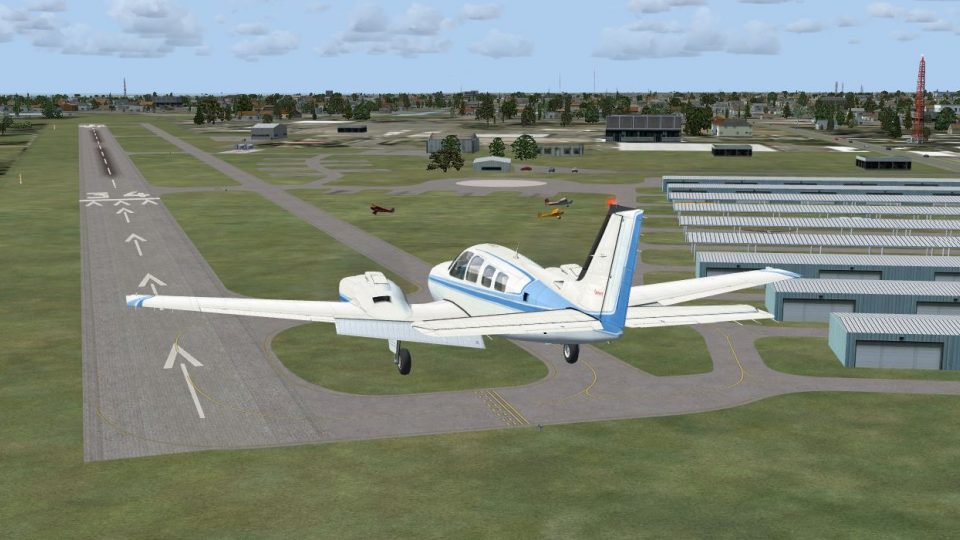
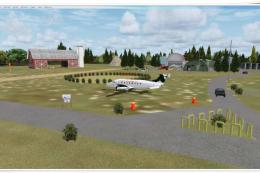
New Zealand (NZFP). FoxPine AirPark is situated near the small provincial tow…
Clearwater Airpark (KCLW) gets a restructured, more lifelike layout with revised taxiways, refined aprons, repositioned hangars, and enhanced Florida landclass and terrain for stronger immersion in Microsoft Flight Simulator X. Includes a dedicated object library that expands airport structure variety, with full detail best viewed at Very Dense scenery complexity.
 Rate
Rate
 United States of America
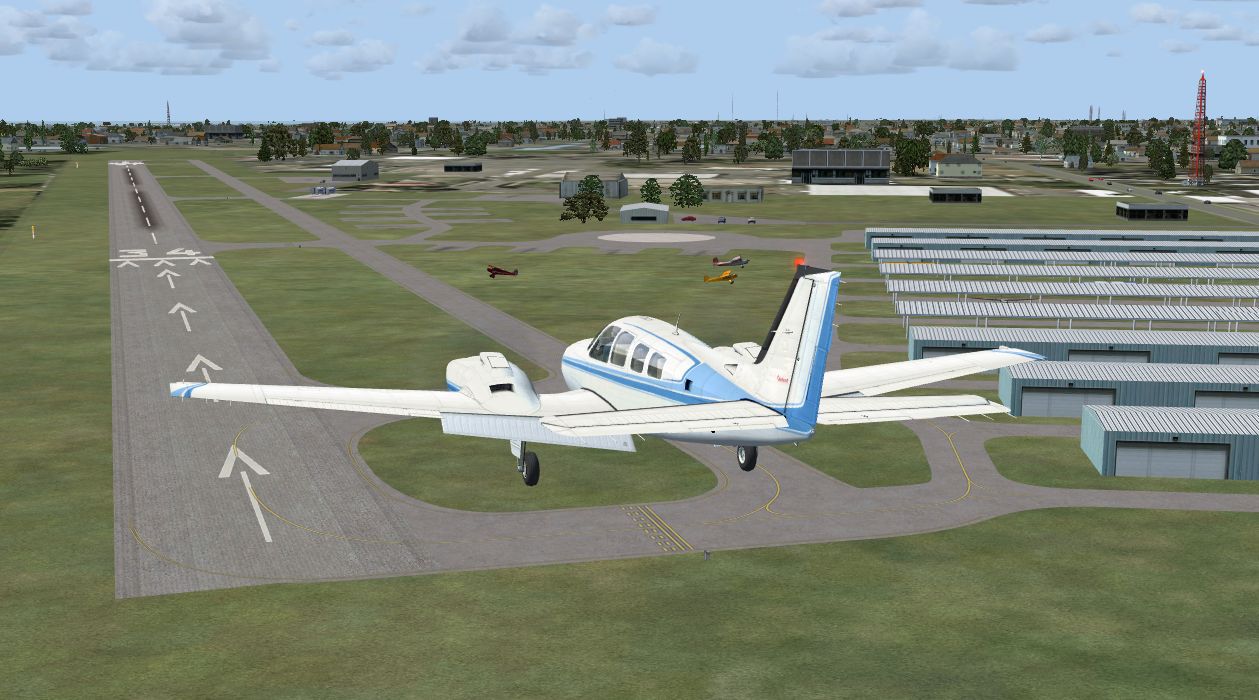
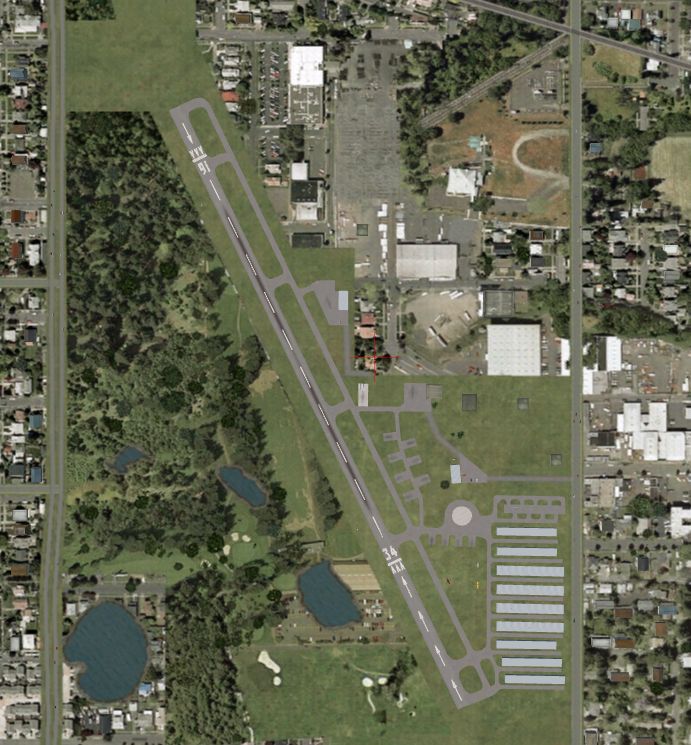
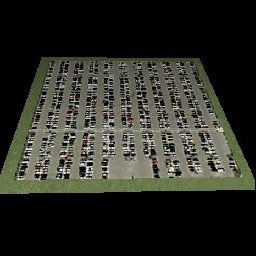
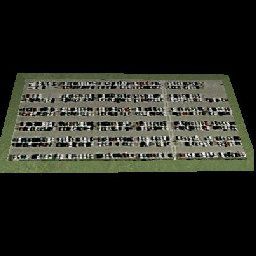
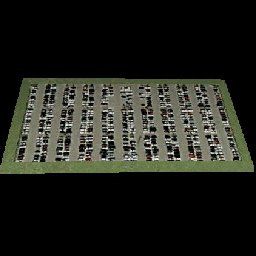
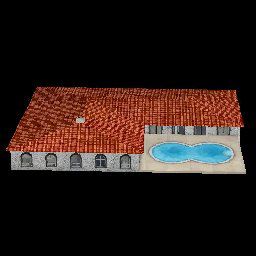

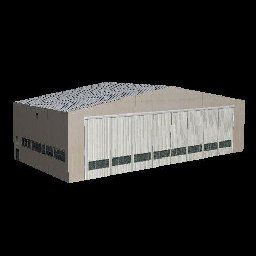
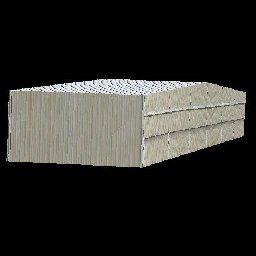
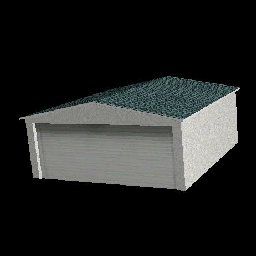
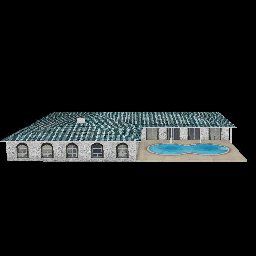
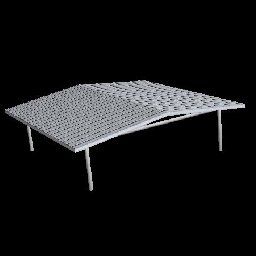
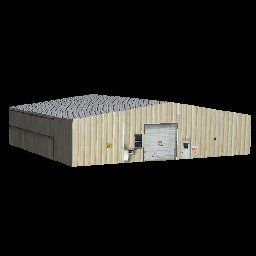
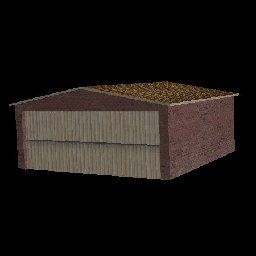
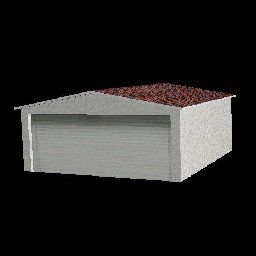

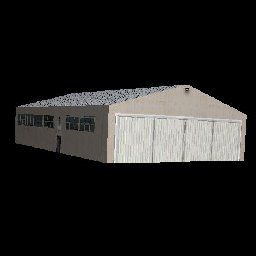
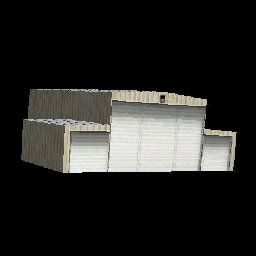
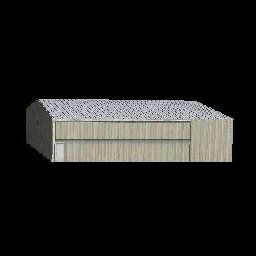
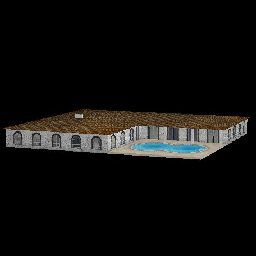
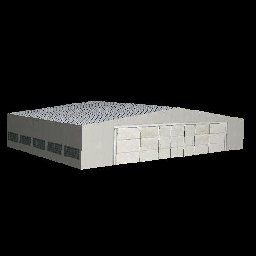


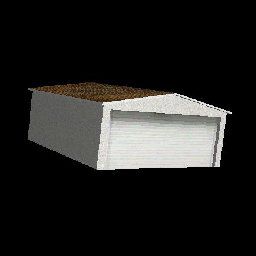
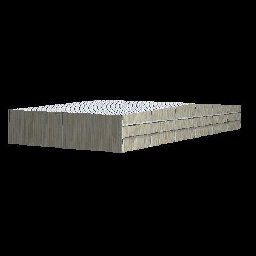
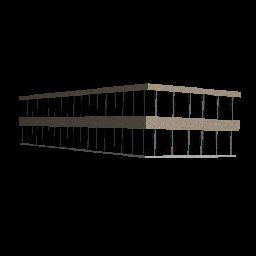
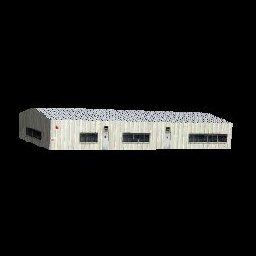
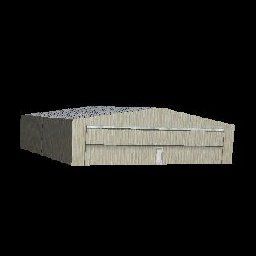
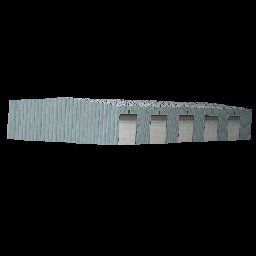

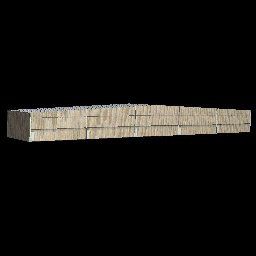

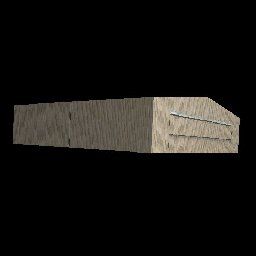


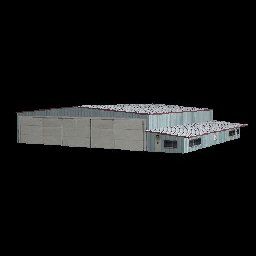
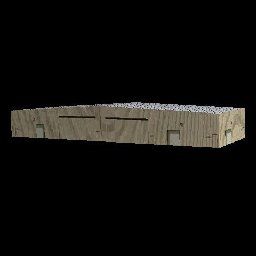
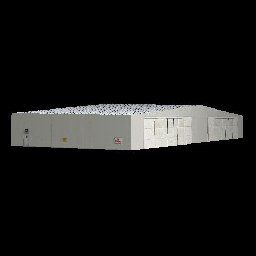
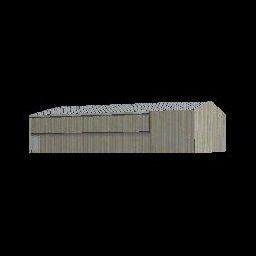

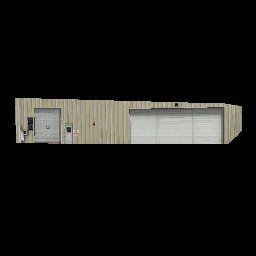
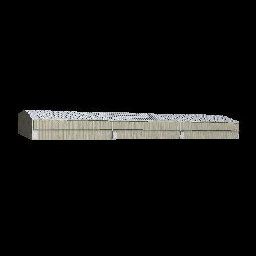
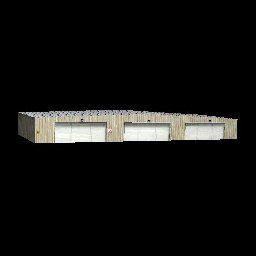
Experience a carefully restructured rendition of KCLW, situated in the vibrant Clearwater region of Florida. This freeware scenery, developed by Art Poole, refreshes the default airpark layout in Microsoft Flight Simulator X by introducing advanced landclass modifications, updated taxiways, refined aprons, and newly placed hangars. The surrounding environment gains notable realism from adjusted terrain enhancements, allowing pilots to immerse themselves in a detailed representation of this busy general aviation facility.
The developer meticulously repositions ground elements to match real-world operations more closely. This update integrates numerous static objects and building models from an extensive library, ensuring each structure corresponds with its actual placement. The custom landclass files further enrich the natural surroundings, crafting a more authentic backdrop of the immediate Florida landscape.
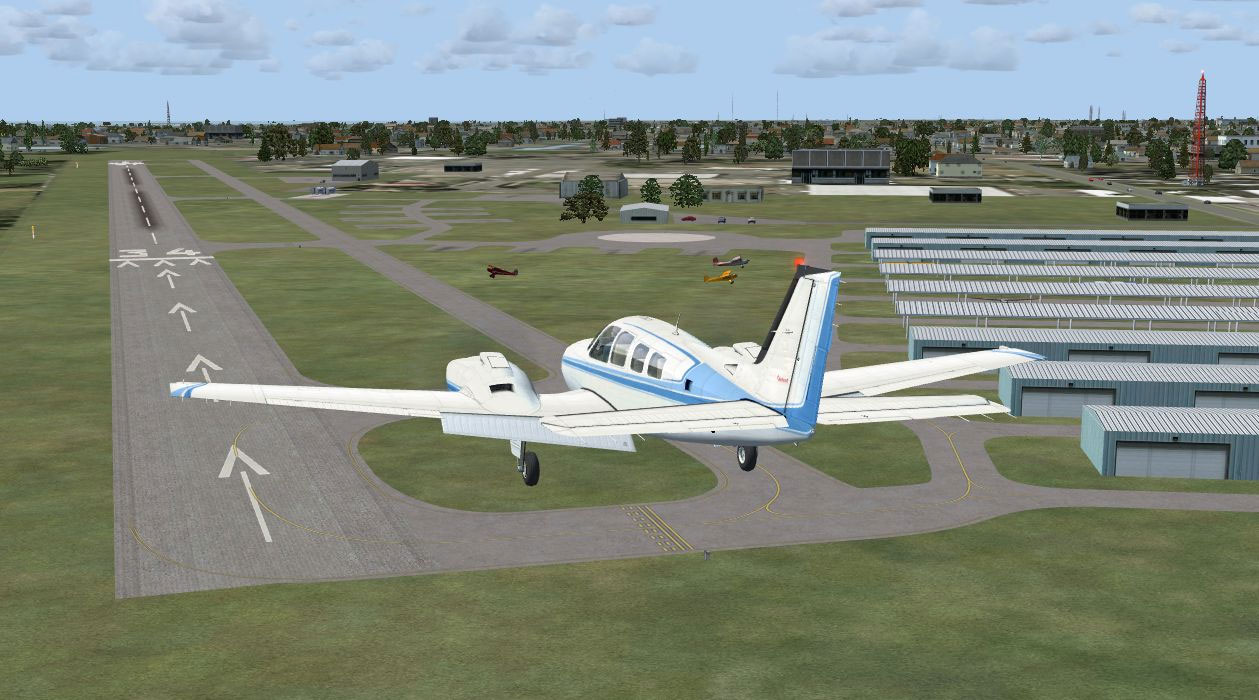
Clearwater Airpark Scenery.
Included with the package is a specialized object collection named Airport_Buildings_AP.bgl. This file contains a variety of airport structures usable in scene-building utilities. By installing it into your global Scenery\Global\Scenery folder, you can expand custom placement opportunities and potentially enrich other airfield redesign endeavors. In order to see every building and static ornament, ensure that the Scenery Complexity slider fits the recommended “Very Dense” setting.
Clearwater FL folder into your “Addon Scenery” directory and register it in the simulator’s Scenery Library or copy the contents from Clearwater FL\Scenery directly into the “Addon Scenery\Scenery” folder.Airport_Buildings_AP.bgl to Scenery\Global\Scenery. If an older version is detected, overwrite it with this new release.Airport_Buildings_AP.bgl) may remain for other custom uses if desired.This version was thoroughly tested with the Deluxe edition of Microsoft Flight Simulator X, alongside UTX-USA, Acceleration, and WOAI traffic solutions. The developer notes that the scenery retains functional stability even if certain optional add-ons differ from those tested. However, for the most accurate ground textures and building placements, combining UTX-USA with this project provides optimal results.
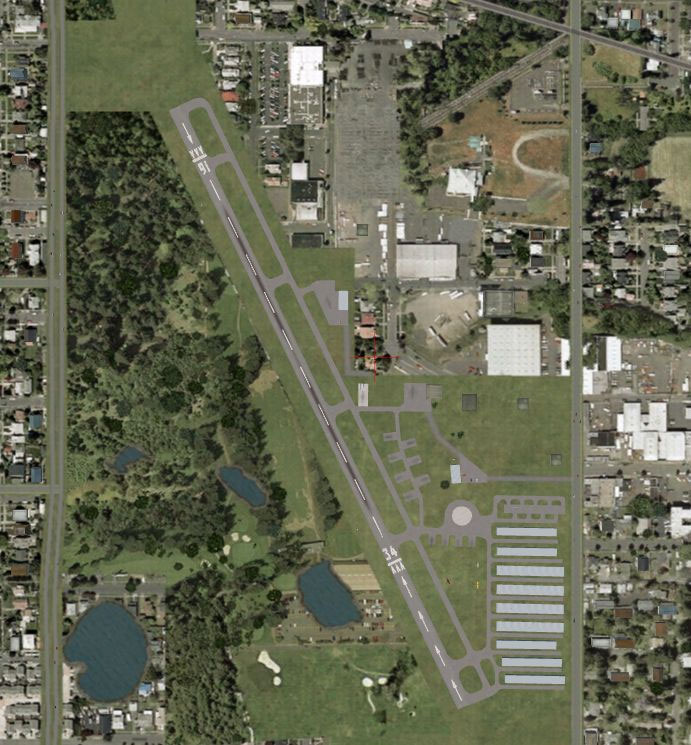
Clearwater Airpark Scenery.
Adjustments to the airpark can be accomplished with Airport Design Editor v1.37 by ScruffyDuck Software (a freeware utility). Meanwhile, LibraryCreatorXML was utilized to compile the building set found in Airport_Buildings_AP.bgl. Those looking to extend or personalize the scenery can refer to thumbnail previews in the Thumbs folder, a resource intended to streamline object selection during further design work.
This mod is freeware and must remain available without charge. Please refrain from redistributing any portion of it for commercial gain. Although it was verified under specific configurations, there is no guarantee provided. Rely on this content at your own discretion. The author, Art Poole, has kindly given permission for its use and improvement within the community.
Free for all simmers · 603.75 KB · Scanned clean Oct 2026
Download speed: Free tier is capped at 0.5 Mbps. PRO members download at full line speed.
FSX\Addon Scenery\ containing scenery and texture sub-folders.readme.txt or README file. It tells you exactly where files go, what dependencies are needed, and any quirks specific to this add-on.Use these coordinates to fly directly to this location once the mod is installed.
27.97670000,-82.75920000
Launch FSX or Prepar3D and use Flights → Load to open the downloaded .pln file. Your aircraft will be positioned at this location.
The archive clearwtr.zip has 56 files and directories contained within it.
This list displays the first 500 files in the package. If the package has more, you will need to download it to view them.
| Filename/Directory | File Date | File Size |
|---|---|---|
| Clearwater FL | 04.07.09 | 0 B |
| Scenery | 04.28.09 | 0 B |
| KCLW_ADE_AP.BGL | 04.28.09 | 11.51 kB |
| KCLW_ADE_AP_CVX.bgl | 04.28.09 | 908 B |
| kclw1.JPG | 04.28.09 | 119.44 kB |
| kclw2.JPG | 04.28.09 | 151.54 kB |
| readme.txt | 04.28.09 | 2.10 kB |
| Scenery_Global_Scenery | 04.07.09 | 0 B |
| Airport_Buildings_AP.bgl | 03.31.09 | 372.23 kB |
| Thumbs | 04.07.09 | 0 B |
| Airport_Buildings.bgl | 04.07.09 | 0 B |
| double_row_hangers_01.JPG | 01.03.09 | 5.25 kB |
| double_row_hangers_02.JPG | 01.03.09 | 5.96 kB |
| double_row_hangers_03.JPG | 01.03.09 | 4.72 kB |
| double_row_hangers_end_01.JPG | 01.03.09 | 6.58 kB |
| double_row_hangers_end_02.JPG | 03.17.09 | 7.07 kB |
| fbo_small_01.JPG | 01.03.09 | 5.93 kB |
| fbo_small_02.JPG | 02.05.09 | 4.76 kB |
| fbo_small_03.JPG | 02.06.09 | 4.96 kB |
| fbo_small_04.JPG | 02.06.09 | 5.43 kB |
| hanger_fbo_01.JPG | 03.15.09 | 5.23 kB |
| large_double_hanger_01.JPG | 03.22.09 | 4.96 kB |
| large_hanger_01.JPG | 01.03.09 | 6.28 kB |
| large_hanger_02.JPG | 02.05.09 | 5.27 kB |
| large_hanger_03.JPG | 03.20.09 | 6.37 kB |
| long_cover.JPG | 01.03.09 | 4.62 kB |
| low_jetway_02.JPG | 03.22.09 | 5.32 kB |
| medium_hanger_01.JPG | 01.03.09 | 6.12 kB |
| medium_hanger_02.JPG | 01.03.09 | 8.24 kB |
| medium_hanger_03.JPG | 01.03.09 | 5.19 kB |
| medium_hanger_04.JPG | 03.09.09 | 4.50 kB |
| office_rectangular_01.JPG | 02.06.09 | 5.98 kB |
| office_round_01.JPG | 02.06.09 | 8.64 kB |
| Parking_01.jpg | 03.03.09 | 15.20 kB |
| Parking_02.jpg | 03.03.09 | 12.36 kB |
| Parking_03.jpg | 03.03.09 | 12.90 kB |
| residence_01.JPG | 02.05.09 | 11.02 kB |
| residence_02.JPG | 02.05.09 | 6.47 kB |
| residence_03.JPG | 02.05.09 | 7.70 kB |
| row_hangers_01.JPG | 01.03.09 | 4.72 kB |
| row_hangers_02.JPG | 01.03.09 | 6.79 kB |
| row_hangers_03.JPG | 01.03.09 | 8.24 kB |
| row_hangers_04.JPG | 01.03.09 | 5.34 kB |
| row_hangers_end_01.JPG | 01.03.09 | 4.96 kB |
| short_cover.jpg | 03.08.09 | 7.66 kB |
| small_hanger_01.JPG | 01.03.09 | 5.84 kB |
| small_hanger_02.JPG | 01.03.09 | 5.23 kB |
| small_hanger_03.JPG | 03.15.09 | 6.67 kB |
| t_hangers_01.JPG | 01.03.09 | 5.44 kB |
| tiny_hanger_01.JPG | 01.03.09 | 6.62 kB |
| tiny_hanger_02.JPG | 02.05.09 | 7.67 kB |
| tiny_hanger_03.JPG | 02.05.09 | 7.01 kB |
| tiny_hanger_04.JPG | 02.05.09 | 7.01 kB |
| tiny_hanger_05.JPG | 02.05.09 | 6.06 kB |
| flyawaysimulation.txt | 10.29.13 | 959 B |
| Go to Fly Away Simulation.url | 01.22.16 | 52 B |
Only PRO members can place votes.
More FSX & P3D add-ons hand-picked based on this download.
FSX Scenery
New Zealand (NZFP). FoxPine AirPark is situated near the small provincial tow…
 FSX Scenery
Presenting KSPB Scappoose, Oregon Industrial Airpark. This is a nice area on …
 FSX Scenery
Scenery Everglades Airpark, Florida (FL), USA. This scenery is made from cust…
 FSX Scenery
Hope Regional Airpark (CYHE), Hope, British Columbia, Canada. By Daniel Louve…
 FSX Scenery
King George Airpark (CSK8), Surrey, British Columbia, Canada. A small airport…
 FSX Scenery
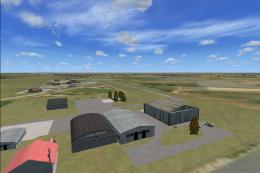
Delta Heritage Airpark (CAK3), Delta, British Columbia, Canada. By Daniel Lou…
 FSX Scenery
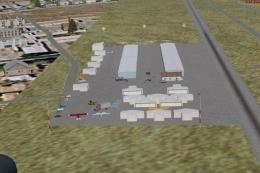
Lane Airpark T54, Rosenberg, Texas (TX), USA. Built the airport from scratch …
 FSX Scenery
La Cholla Airpark (57AZ), Arizona (AZ). A private airport upgrade using defau…
Be the first to leave a comment on this download.
Be the first to share your thoughts on this download.