



 Papua New Guinea

 MSFS Scenery
Simogu Airstrip (AYQM) Papua New Guinea
A complete scenery mod featuring Simogu Airstrip (AYQM) in Papua New Guinea b…
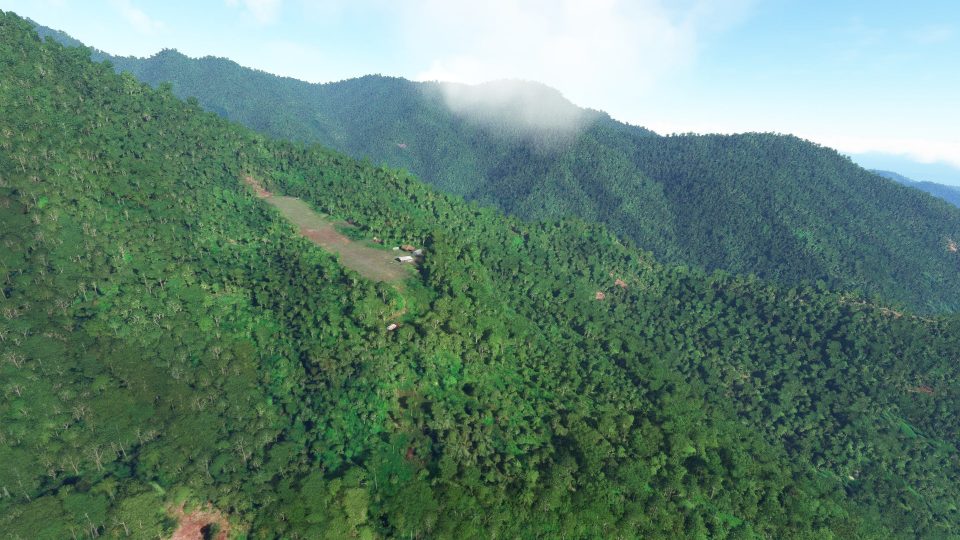
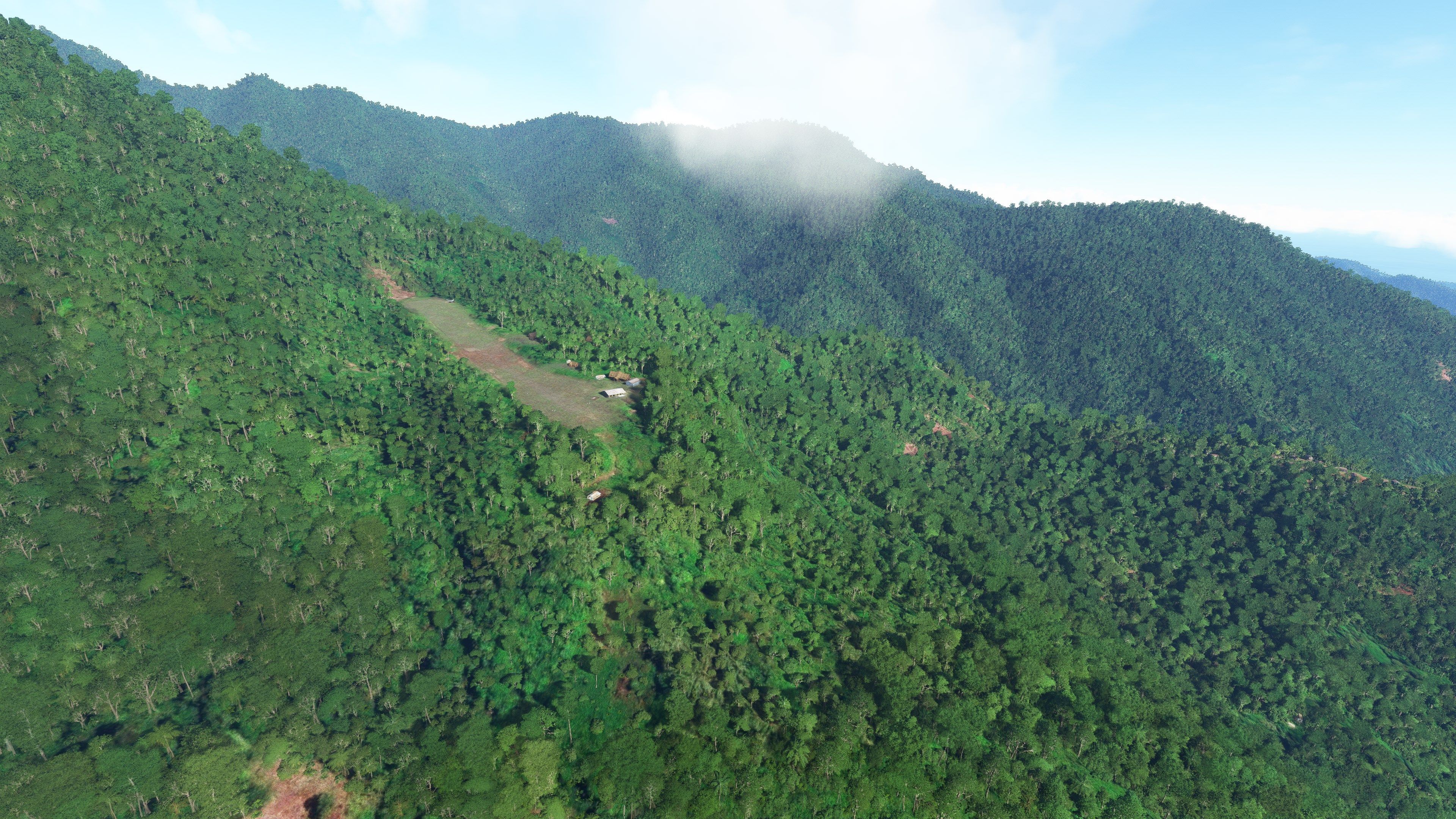
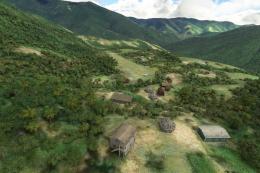
Mibu Airstrip in Papua New Guinea comes alive as a high-detail bush strip for Microsoft Flight Simulator, replacing sparse default terrain with accurate placement, elevation, and a 1,200-foot dirt runway on an uphill east approach. Built from real-world maps, videos, and pilot reports, it adds custom local models and requires pbk-effects plus Windy Things libraries.

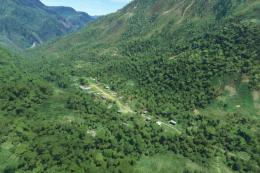
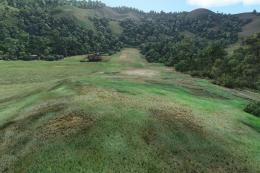
Mibu Airstrip in Papua New Guinea is a hidden gem that doesn’t exist in the default Microsoft Flight Simulator database. This scenery addon assigns PZ67 as a placeholder code, accurately reconstructing the dirt runway’s 1200-foot length, upslope, and roughly 5000-foot elevation using real-world references like Google Maps and pilot accounts. I’ve personally tested this in the simulator, appreciating how the local-style 3D models transform the area into an exciting backcountry environment for bush flying. Due to the challenging terrain, landings are best approached from the east, echoing how real-world aviation considers this spot risky from any other angle.
Despite its ongoing real-world repairs following an aircraft accident in 2018, this addon is fully functional for small GA planes or ultralight adventures in the sim. The attention to detail, from handcrafted custom objects to the immersive placement of vegetation, makes Mibu Airstrip a uniquely rewarding destination for seasoned pilots and anyone craving high-adrenaline flying in Microsoft Flight Simulator.
Another fun and challenging strip in Papua New Guinea from Photosbykev - this time covering Mibu Airstrip. This scenery mod for MSFS brings the airstrip up to date and more accurate by overwriting the default MSFS scenery offerings in the sim (which are sorely lacking or even non-existent).
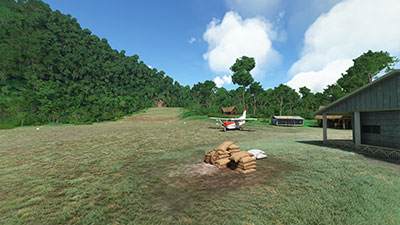 This strip is so obscure that not even Microsoft Flight Simulator has it listed in the available airports. The developer has assigned this airport a temporary code of PZ67 in the sim - so please use this when finding the airport in the simulator. To date, no real-world ICAO code has been found for this airstrip (and it likely doesn't have one assigned).
Mibi airstrip is currently undergoing maintenance work (in the real world) after an accident with an aircraft in 2018 that ripped the nose wheel off when attempting a landing. This damaged the runway (or landable area) to such an extent that it is now only accessible by helicopter until the landing strip is repaired and made fit for aircraft landings. However, you can still perform light (GA) landings/take-offs within the sim. But even better - why not take an ultralight up and use this as your base to explore the beautiful scenery around the area?
All of the development of this scenery pack has been based on real-world data from Google Maps, elevation data, videos available online, and accounts from real-world pilots.
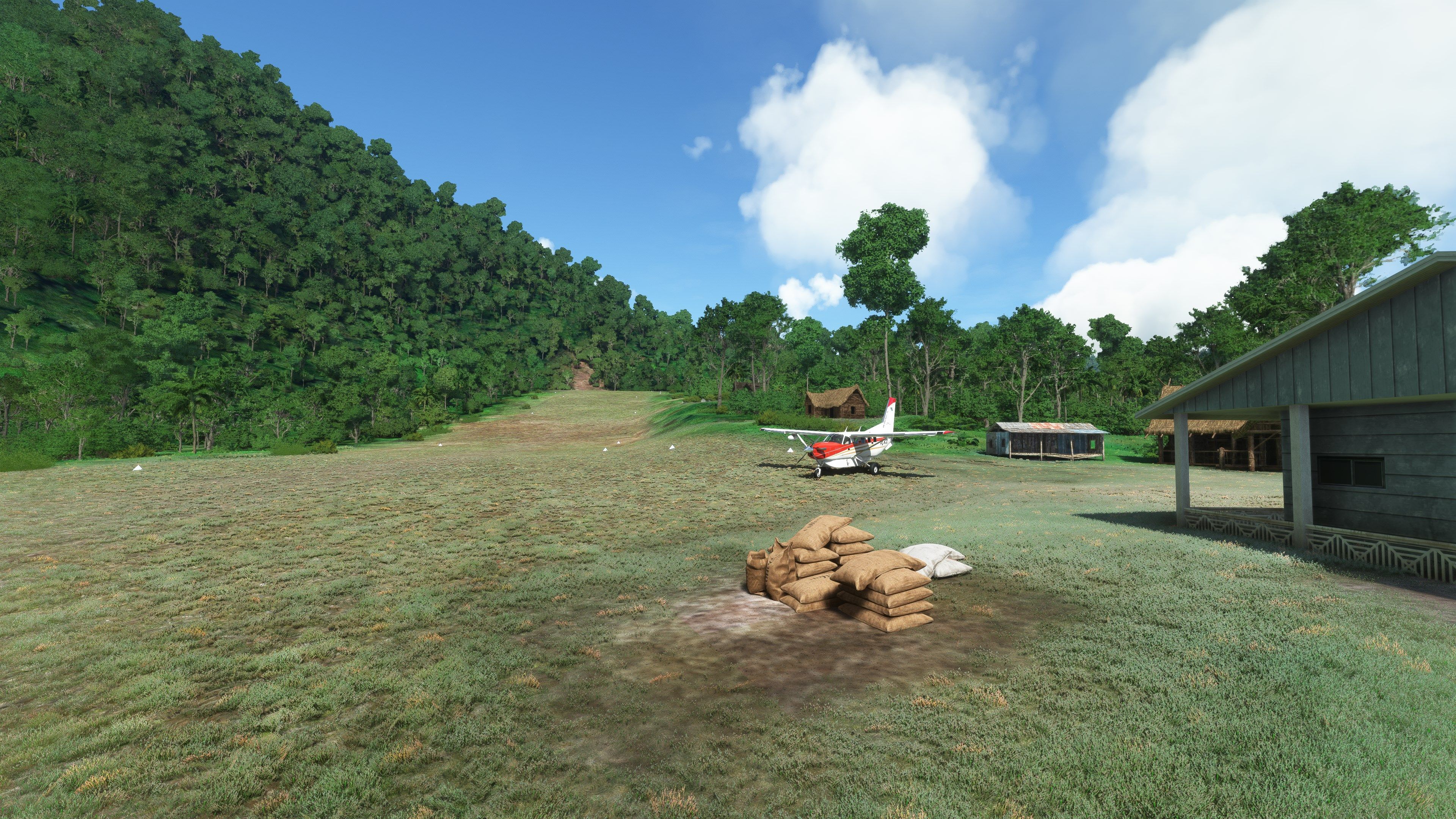
The developer has also included custom models of their own to bring some life to the airstrip - but in the local style.
The landing approach should always be from the East - attempting an approach from the West would be suicide. The runway is dirt and ~1200' long with an upslope.
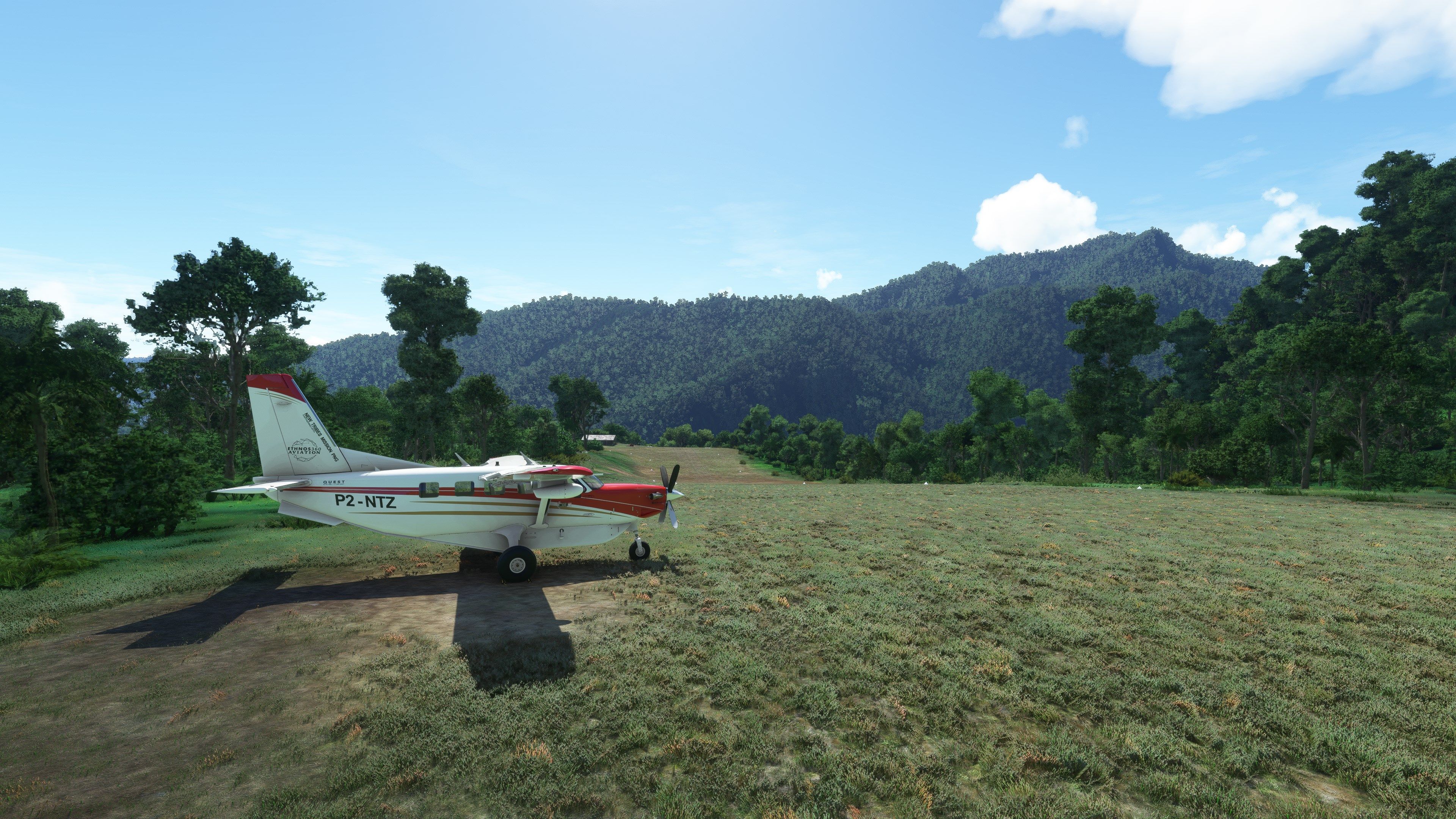
Mibu airstrip in Papua New Guinea has been undergoing remedial work to the ground after a real-world accident involving P2-NTZ in 2018 when its nose wheel was ripped off during a test landing. At the moment only helicopters can access the strip to bring in all the construction materials to improve the ground drainage and stability but in MSFS it is suitable for small GA aircraft. The nearest airstrip is Nankina approx. 5Nm to the ESE of Mibu
The strip doesn't exist in MSFS and I haven't found an official FAA/ICAO designation for it yet so please use PZ67 as a temporary ICAO code in MSFS
The MSFS scenery has been developed using information gathered from an overflight by Ryan, the Missionary bush pilot, and earlier images and videos taken during the original construction phase of the airstrip. Custom models have been used to give a bit of real-world character to the airstrip. I've also used my own pbk-effects library and the Windy Things library shown in the dependencies.
The dirt strip is 1200' long at an altitude of 5000' with an upslope when approached from the East. There is no survivable approach from the West :)
Once you have extracted the archive, simply copy the pbk-mibu-pz67 into your MSFS community folder.
Free for all simmers · 265.04 MB · Scanned clean Oct 2026
Download speed: Free tier is capped at 2 Mbps (this file takes approximately 19 mins at the cap). PRO members download at full line speed.
%LOCALAPPDATA%\Packages\Microsoft.FlightSimulator_8wekyb3d8bbwe\LocalCache\Packages\Community\. Steam version: %APPDATA%\Microsoft Flight Simulator\Packages\Community\. Tip: enable Developer Mode in MSFS to see your exact Community folder path.readme.txt or README file. It tells you exactly where files go, what dependencies are needed, and any quirks specific to this add-on.I'm retired and now spend my time digging holes and burying bodies in MSFS scenery mods.
Are you Photosbykev? Sign in to Fly Away Creators for download stats, comment replies and updates. Make add-ons? Publish them here.
Only PRO members can place votes.
More MSFS add-ons hand-picked based on this download.
MSFS Scenery
A complete scenery mod featuring Simogu Airstrip (AYQM) in Papua New Guinea b…
 MSFS Scenery
A fun and exciting scenery mod bringing Owena Airstrip (AYWW) in Papua New Gu…
 MSFS Scenery
Bambui (BCP) is an exciting dirt strip in Papua New Guinea that is perched ri…
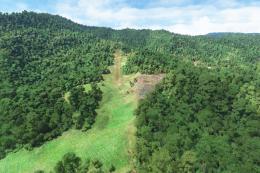 MSFS Scenery
Another obscure airstrip in Papua New Guinea, Gema Airstrip (AYGM) by develop…
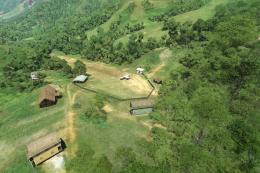 MSFS Scenery
A fun and exciting scenery pack for MSFS featuring Aziana Airstrip (AYLA) in …
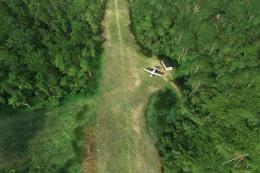 MSFS Scenery
A stunning little scenery mod featuring the dirt strip Lele Airstrip (AYLE) i…
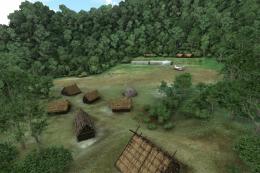 MSFS Scenery
This scenery pack covers Bawan Airstrip (BWJ) in Papua New Guinea. It's a su…
 MSFS Scenery
This airstrip, Dinangat Airstrip (AYDN) Papua New Guinea was sorely lacking i…
Be the first to leave a comment on this download.
Be the first to share your thoughts on this download.