

 FSX Scenery
ELLX Airport Findel
ELLX Airport Findel Scenery. Airport Findel (ELLX) Luxembourg v1 scenery incl…
Luxembourg-Findel (ELLX) gets a detailed overhaul for Microsoft Flight Simulator X, adding a new Terminal A, updated Terminal B and Luxair Cargo Center, refined GA parking, and realistic gate and ramp assignments. Reworked taxiways, vehicle paths, and lighting accompany updated ILS and NDB procedures; requires FSX_LTS.ZIP.
 Rate
Rate
 Luxembourg
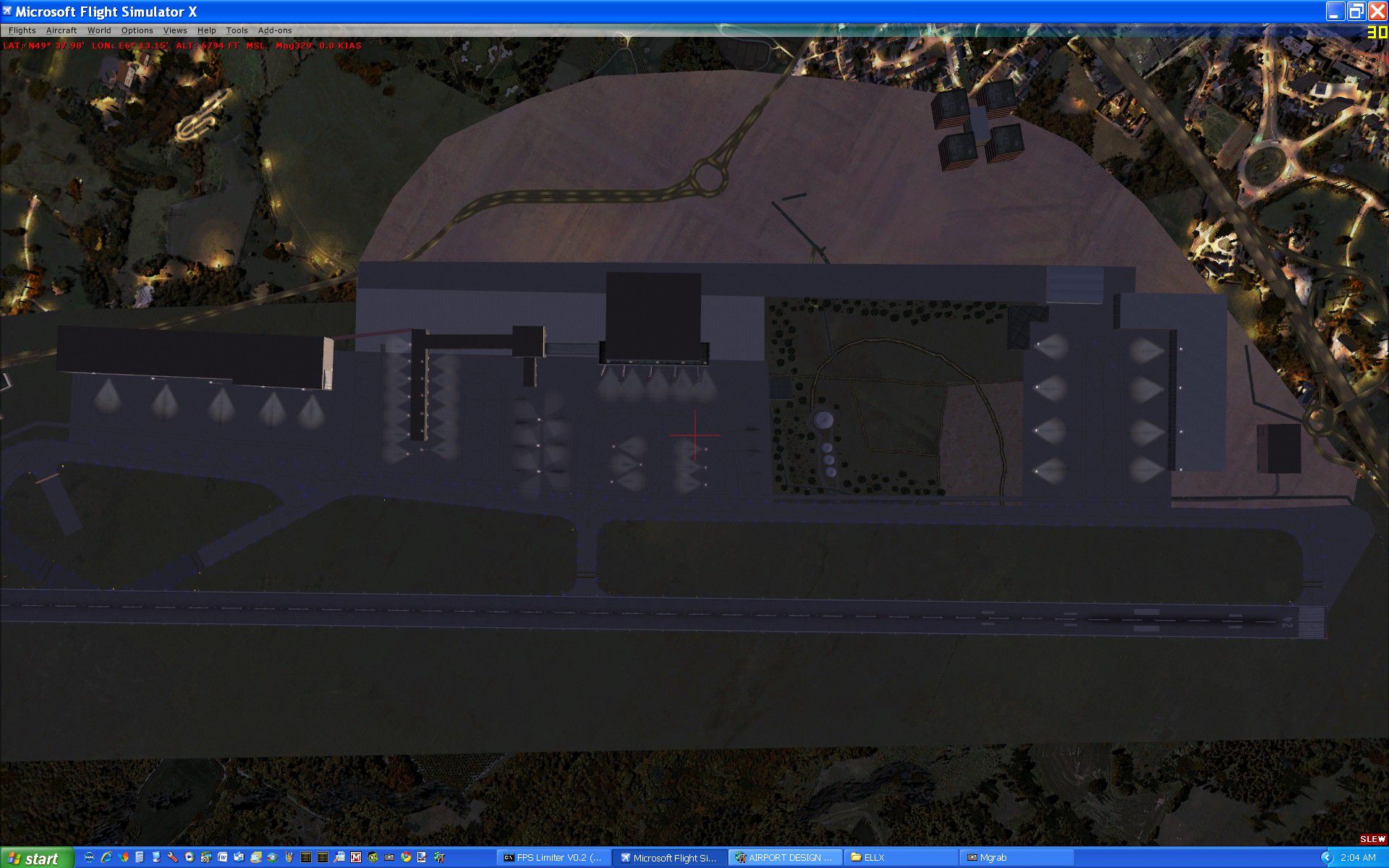
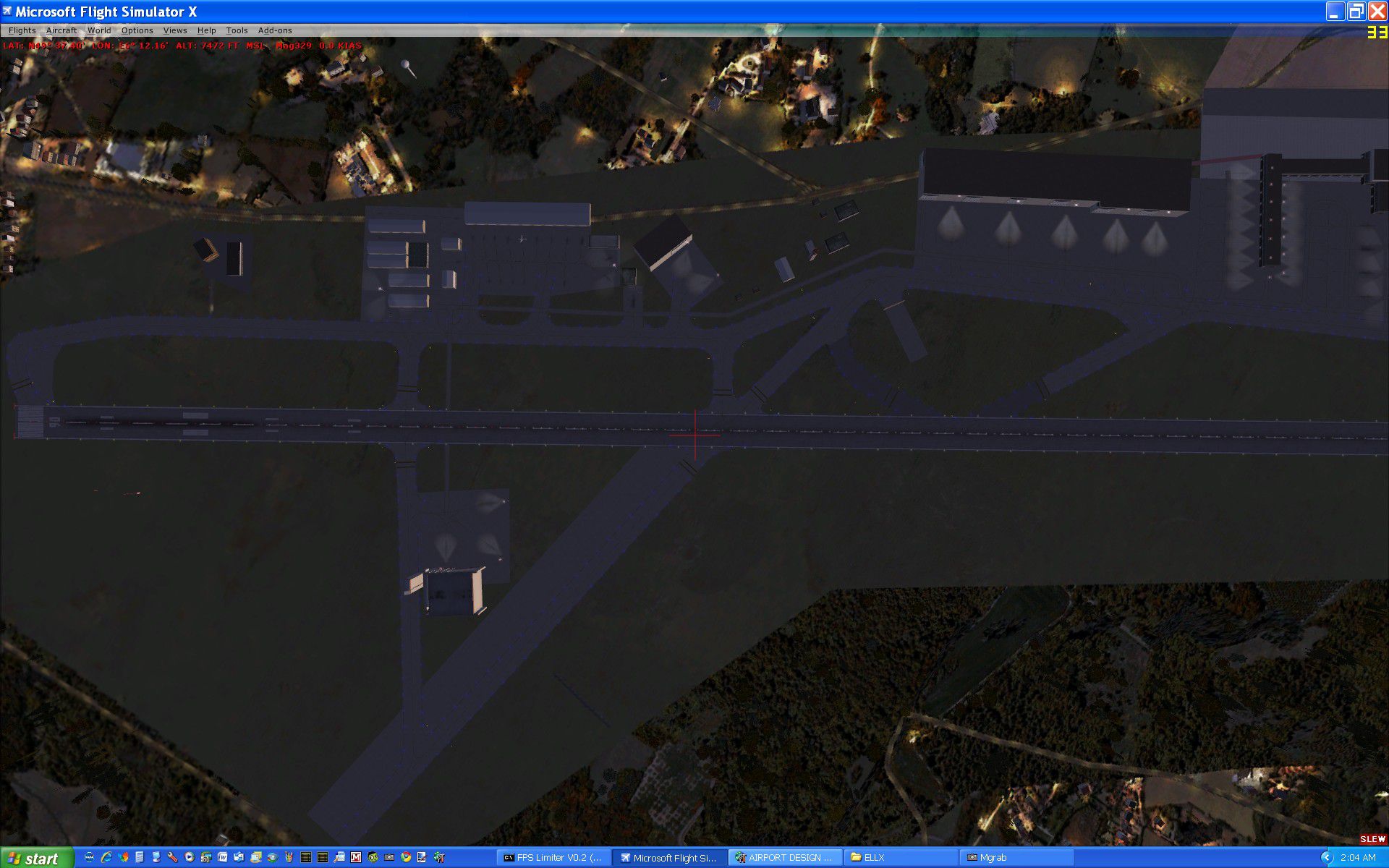
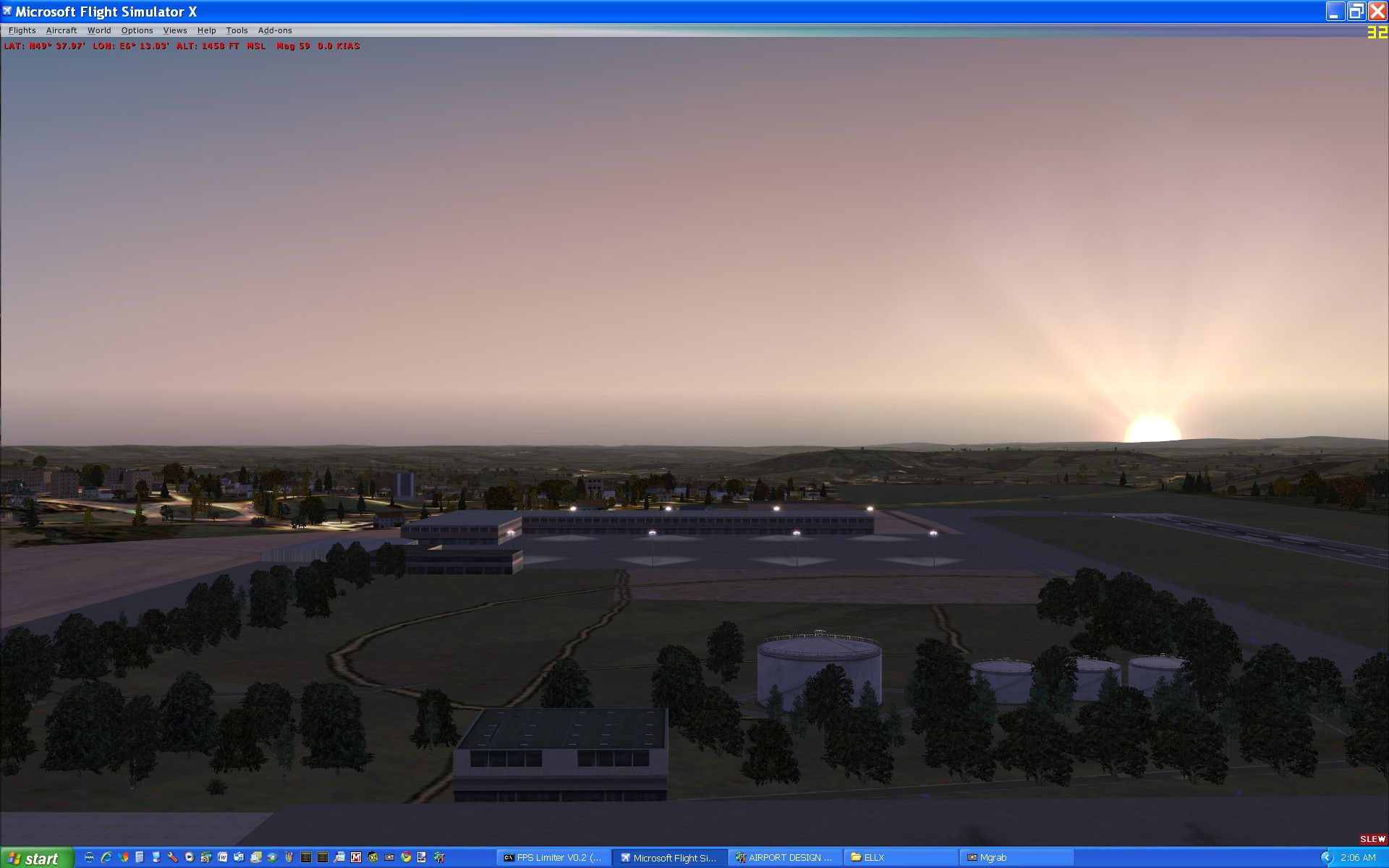
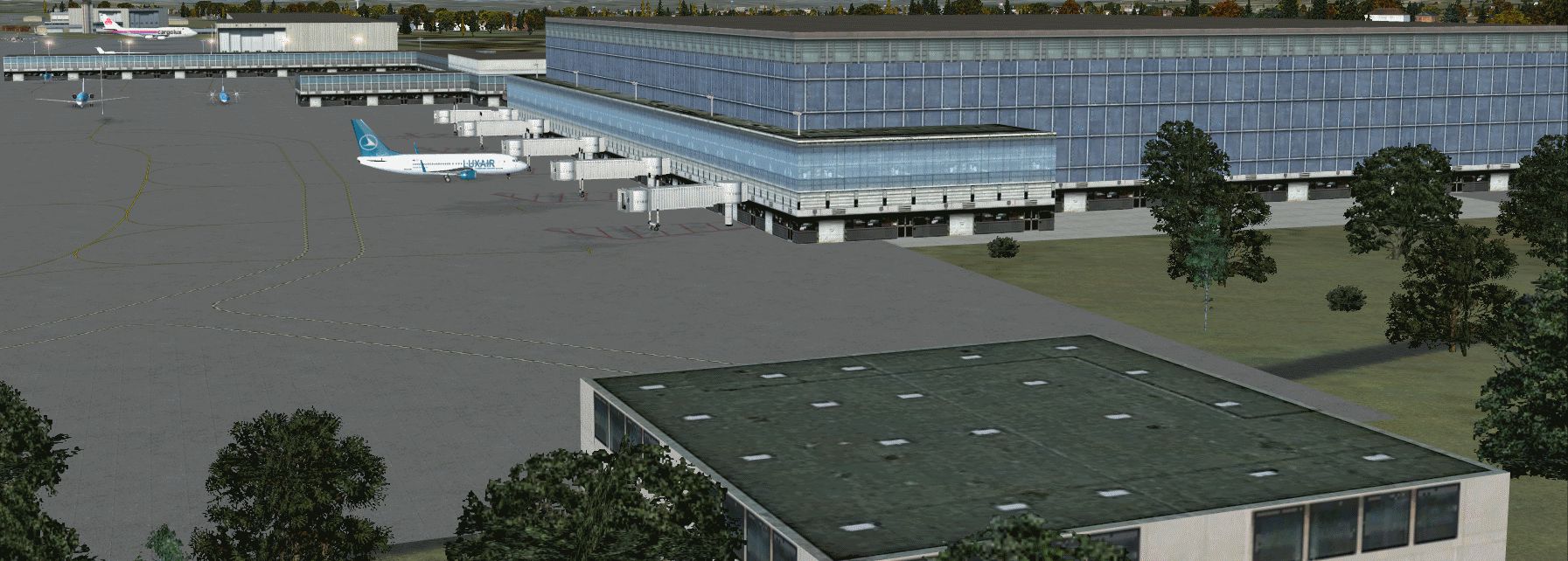
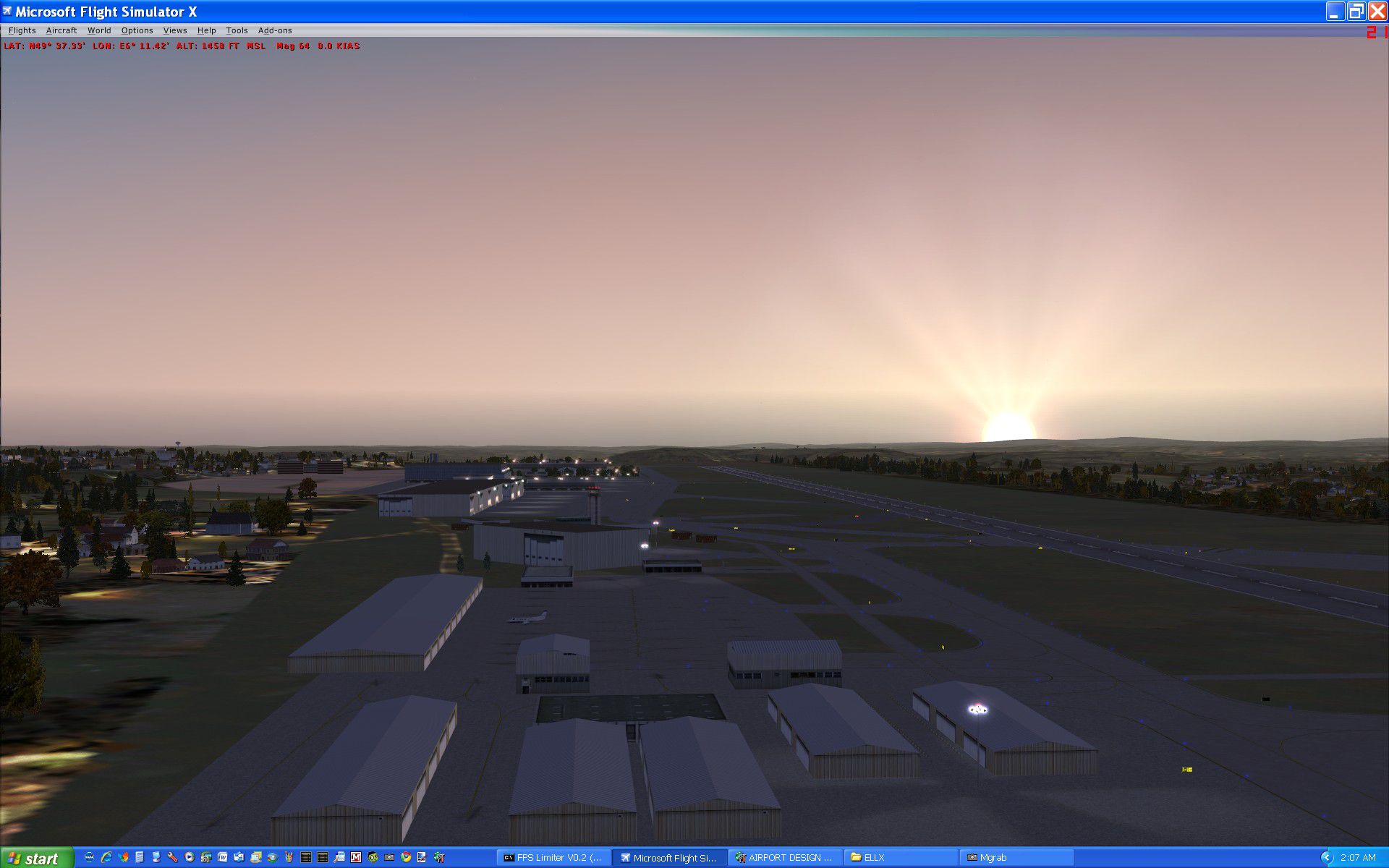
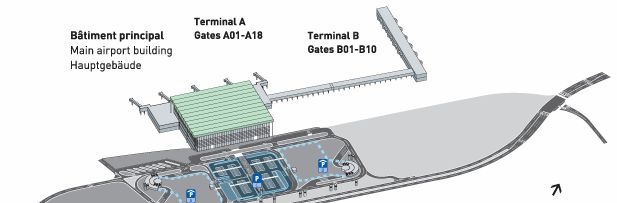
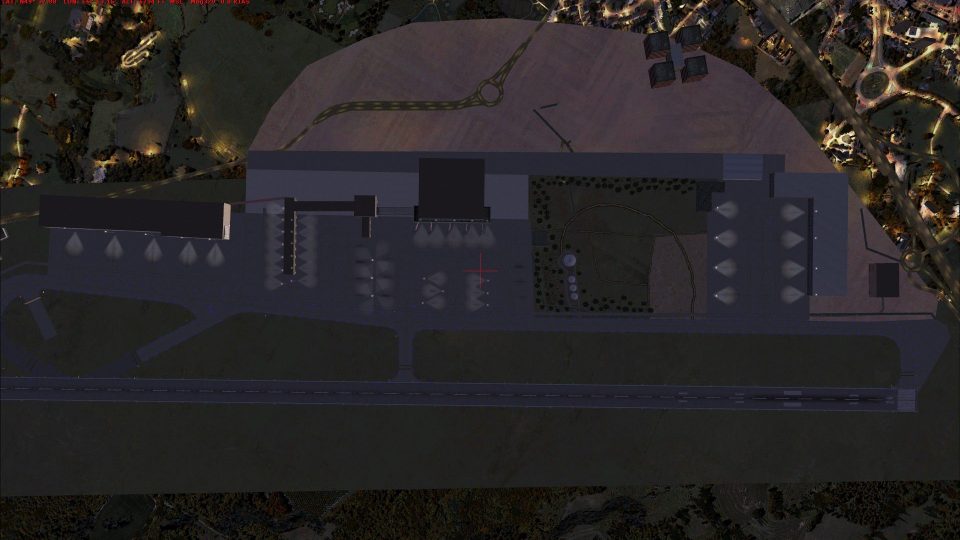
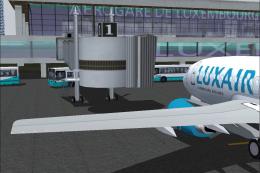
Scenery Enhancement For Stock ELLX, Luxembourg-Findel International Airport. New Terminal A with 18 custom assigned gates/ramps. Additional overflow parking included. Terminal B updated per airport specifications including custom assigned gates. Luxair Cargo Center updated per the airport specifications including eight Z ramps. Reworked vehicle paths and extra fuel trucks. Updated ILS and NDB approaches including transitions and holds per 2008 approach plates. New Taxiway D1 and D2 to replace abandoned Taxiway D per aerodrome. Reworked some landclass on the perimeter including some vegetation on the airport property. General Aviation parking enhanced per aircraft parking/docking chart. Airport spot lighting guides included. Must install FSX_LTS.ZIP by Jim Dhaenens. By Kambiz Agazi.
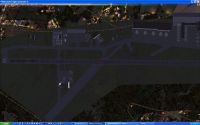
Scenery Enhancement For Stock ELLX.
ELLX represents a modification to the stock FSX airport scenery. ELLX was modified using information from the official Website, satellite images, the aerodrome chart, 2008 approach plates and personal photographs.
Some of the changes include:
1. Airline assignments at the new Terminals A and B and the off-gate commuter ramps at Terminal A per the official Website.
2. While the gate numbers and number of gates per Terminal are accurate, emphasis at ELLX was on Terminal assignments and not gate assignments.
3. AI parking sizes optimized for the MTX 5.2a schedule.
4. ALL Airport Scenery now shows at the normal scenery density level.
5. All Runway markings, lights and approach equipment and lighting per airport specifications.
6. Addition of the newly completed Terminal A with 5 gates with jetways - 13 off-gate ramps at Terminal A as well.
7. Additional vehicle paths and fuel trucks added to facilitate more effective AI service.
8. General Aviation ramp areas enhanced for additional GA including the Bombardier Challenger sized GA.
9. Enhanced Luxair Cargo Center with eight Z parking ramps per the official Website.
10. Abandoned Taxiway D and newly constructed Taxiways D1 and D2 per charts and satellite images.
11. Reworked some landclass in and around the airport.
12. Updated and revised ILS and NDB approaches with transitions and holds for Rwy 6-24. and
13. Corrected Tower view altitude with red light beacon added to control tower during dusk/dawn and night.
All airport buildings and objects can now be seen at normal scenery level. jetways begin to appear at the dense scenery level - very dense will reveal all jetways.
Note: Airport spot lighting guides have been added. however, to see the lighting you must install fsx_lts by Jim Dhaenens.
Installation: Place all bgl files in a scenery folder of your choice - don't forget to activate the scenery in FSX. One location could be the Microsoft Flight Simulator X\Addon Scenery\Scenery folder. However, the ELLX scenery should be at a higher scenery priority from that of "other" area scenery including UTX Europe and any local or state scenery. Disable or remove the existing MyTraffic X BR2_ELLX.bgl file located in the MyTraffic X scenery folder.
I have tested ELLX using FSX sp2, and while I don't anticipate issues with using the earlier versions (RTM and SP1), I cannot guarantee that the visuals will look the same on every setup. While not needed for the scenery to work, I also tested to ensure that ELLX works with UTX Europe, Scenery Tech Europe, and FS Genesis Europe Mesh.
ELLX was tested with and optimized for MyTraffic X 5.2a and WOAI. Airline assignments at the new Terminal A and Terminal B are per the official Website. Gate assignments at Terminals A and B are based on personal observations and the summer 2009 Flugplan. While ELLX will work with "other" AI packages, I can't guarantee that every airline will park at the correct Terminal when using other AI packages.
While every attempt was made to eliminate errors, there's no such thing as "perfect" scenery. Please let me know if you come across any MAJOR errors or problems.
CREDITS: ELLX was modified using the powerful airport design utility by Jon Masterson (ADE9X V1.45.6). The approach code was modified using official approach plates and ADE9x V1.45.6. A special thanks to Jim Vile who is a member of the ADE team and is the author of the approach code module of ADE. The approach code updates would not have been possible without Jim's KIAD approach tutorial and help.
Terminal Airline Assignments:
TERMINAL A JETWAYS: LGL, TAP(PGA), BAW
Terminal A NO JETWAYS(RAMPS): ICEX(AEU), BAW, TAP(PGA), LGL, TAR, SAS, SAS(CIM), SWR(SWU), VLM, KLM(KLC)
TERMINAL B: LGL
MAJOR CARGO SERVICE:
ACR Aero-Charter
Atlas Air
Bluebird Cargo
Cargolux
China Cargo Airlines
MK Airlines
MNG airlines
West Air Luxembourg S.A.
HNA Yangtze River Express
Airlines Destinations
British Airways (BAW) London-Gatwick
Iceland Express (AEU) Reykjavík
KLM Cityhopper (KLC) Amsterdam
Luxair (LGL) see 2009 Flugplan
Scandinavian (SAS) Copenhagen
Cimber Sterling (CIM) Copenhagen
Swiss European Air (SWU) Zürich
Tunisair (TAR) Monastir
TAP/PGA (PGA) Lisbon, Porto
VLM Airlines (VLM) London-City
Happy Flying!
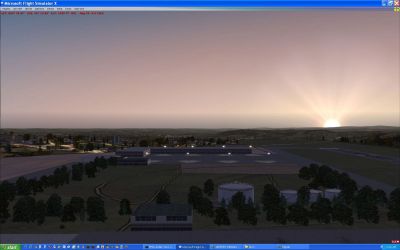
Scenery Enhancement For Stock ELLX.
Free for all simmers · 1.71 MB · Scanned clean Oct 2026
Download speed: Free tier is capped at 0.5 Mbps. PRO members download at full line speed.
FSX\Addon Scenery\ containing scenery and texture sub-folders.readme.txt or README file. It tells you exactly where files go, what dependencies are needed, and any quirks specific to this add-on.Use these coordinates to fly directly to this location once the mod is installed.
49.62670000,6.21150000
Launch FSX or Prepar3D and use Flights → Load to open the downloaded .pln file. Your aircraft will be positioned at this location.
The archive ellx2009.zip has 12 files and directories contained within it.
This list displays the first 500 files in the package. If the package has more, you will need to download it to view them.
| Filename/Directory | File Date | File Size |
|---|---|---|
| ELLX TOWER redlight effect.BGL | 08.30.09 | 372 B |
| ELLX TERMINALS.gif | 09.01.09 | 20.31 kB |
| ELLX2009_KA.BGL | 09.03.09 | 49.89 kB |
| ELLX2009_KA_CVX.bgl | 09.03.09 | 1.73 kB |
| FINDEL README.txt | 09.02.09 | 4.58 kB |
| grab_010.jpg | 09.02.09 | 258.82 kB |
| ELLX Airport View.gif | 09.01.09 | 484.11 kB |
| grab_003.jpg | 09.02.09 | 290.17 kB |
| grab_000.jpg | 09.02.09 | 394.78 kB |
| grab_001.jpg | 09.02.09 | 348.54 kB |
| flyawaysimulation.txt | 10.29.13 | 959 B |
| Go to Fly Away Simulation.url | 01.22.16 | 52 B |
Only PRO members can place votes.
More FSX & P3D add-ons hand-picked based on this download.
FSX Scenery
ELLX Airport Findel Scenery. Airport Findel (ELLX) Luxembourg v1 scenery incl…
 FSX Scenery
FSX Southern California Scenery Enhancement v2.0 (CA). A compilation of scene…
 FSX Scenery
This comprehensive upgrade for Raleigh-Durham International Airport (KRDU) en…
 FSX Scenery
Traffic Files For The OS Enhancement Pack, for use with ENHANCEMENTSFORO_S.ZI…
FSX Scenery
Skara Scenery Bonaire X. Flamingo International Airport or Bonaire Internatio…
 FSX Scenery
Iwo Jima Scenery 1945 Update. This is a complete scenery with added effects a…
FSX Scenery
Kjeller Area Scenery X, Norway. Scenery around Kjeller airport with photoreal…
 FSX Scenery
FSX Loney's Alaska For FSX. This is a compilation of the author's Alaskan sce…
Be the first to leave a comment on this download.
Be the first to share your thoughts on this download.