


 United States of America
  FSX Scenery
Midway Atoll (Midway Islands) Photoreal
Midway Atoll (Midway Islands) Photoreal Scenery. Midway Atoll - or Midway Isl…
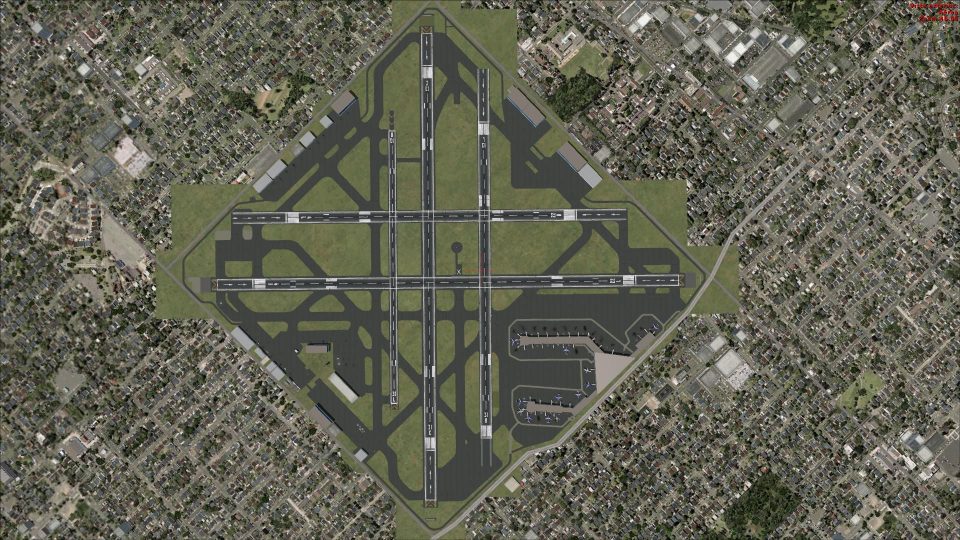
Chicago Midway Airport (KMDW) gets a faithful rebuild for FSX, remodeled against Google Earth to sharpen the entire airfield footprint. Expect crisp runway and taxiway shoulders, overrun and stopway areas, plus service roads and perimeter detailing, delivering an accurate, self-contained Midway environment without extra dependencies.
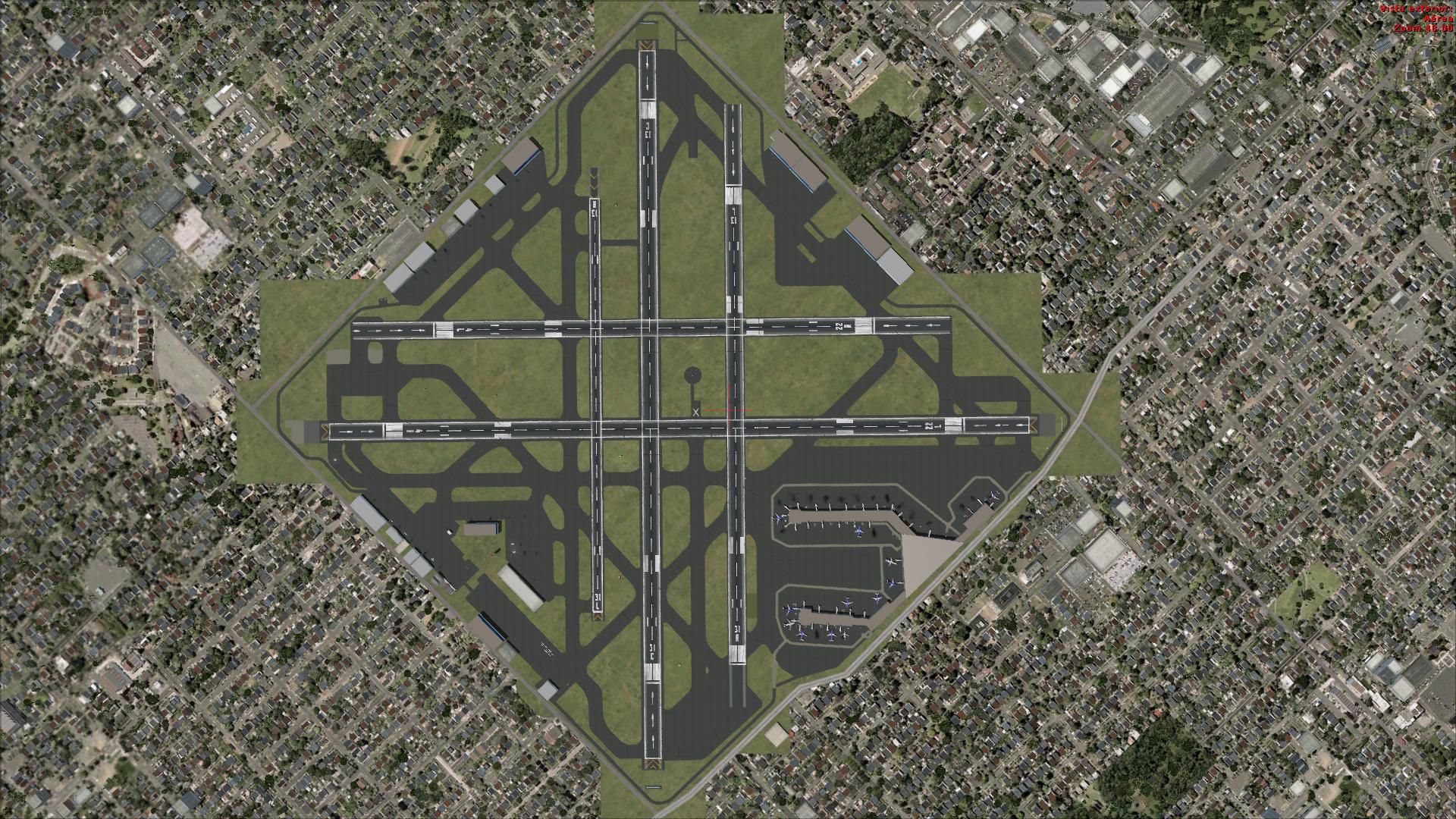
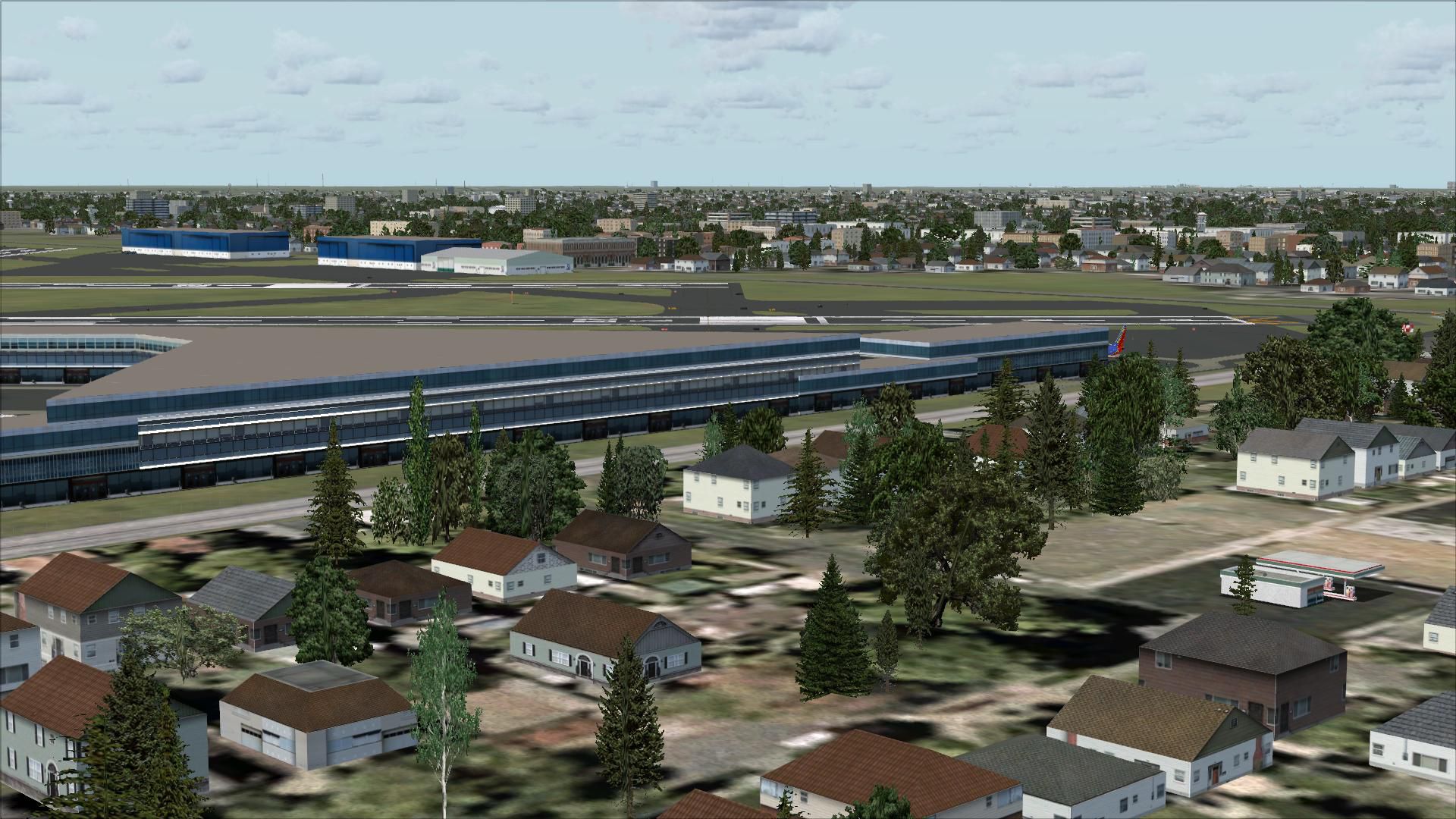
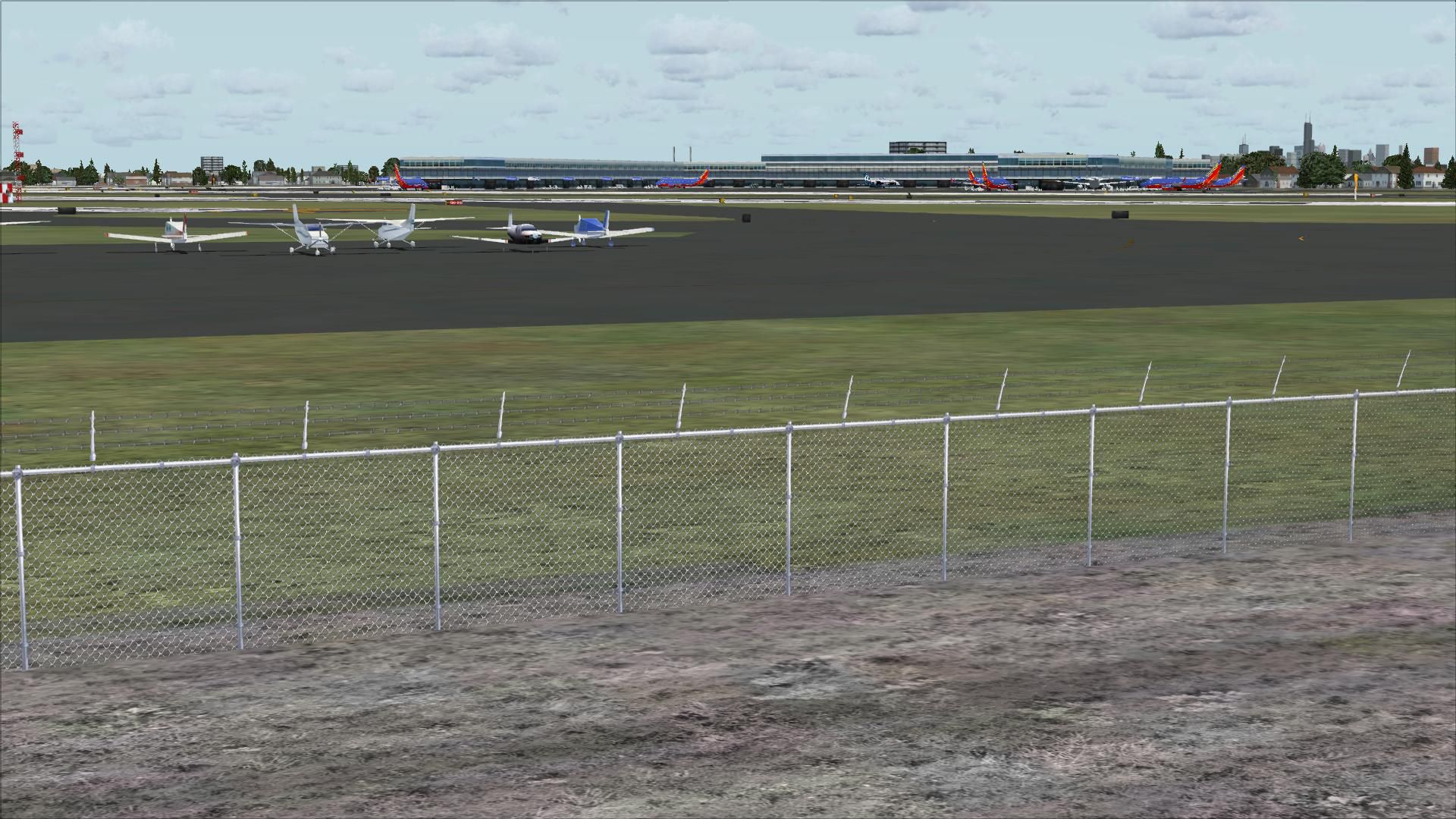
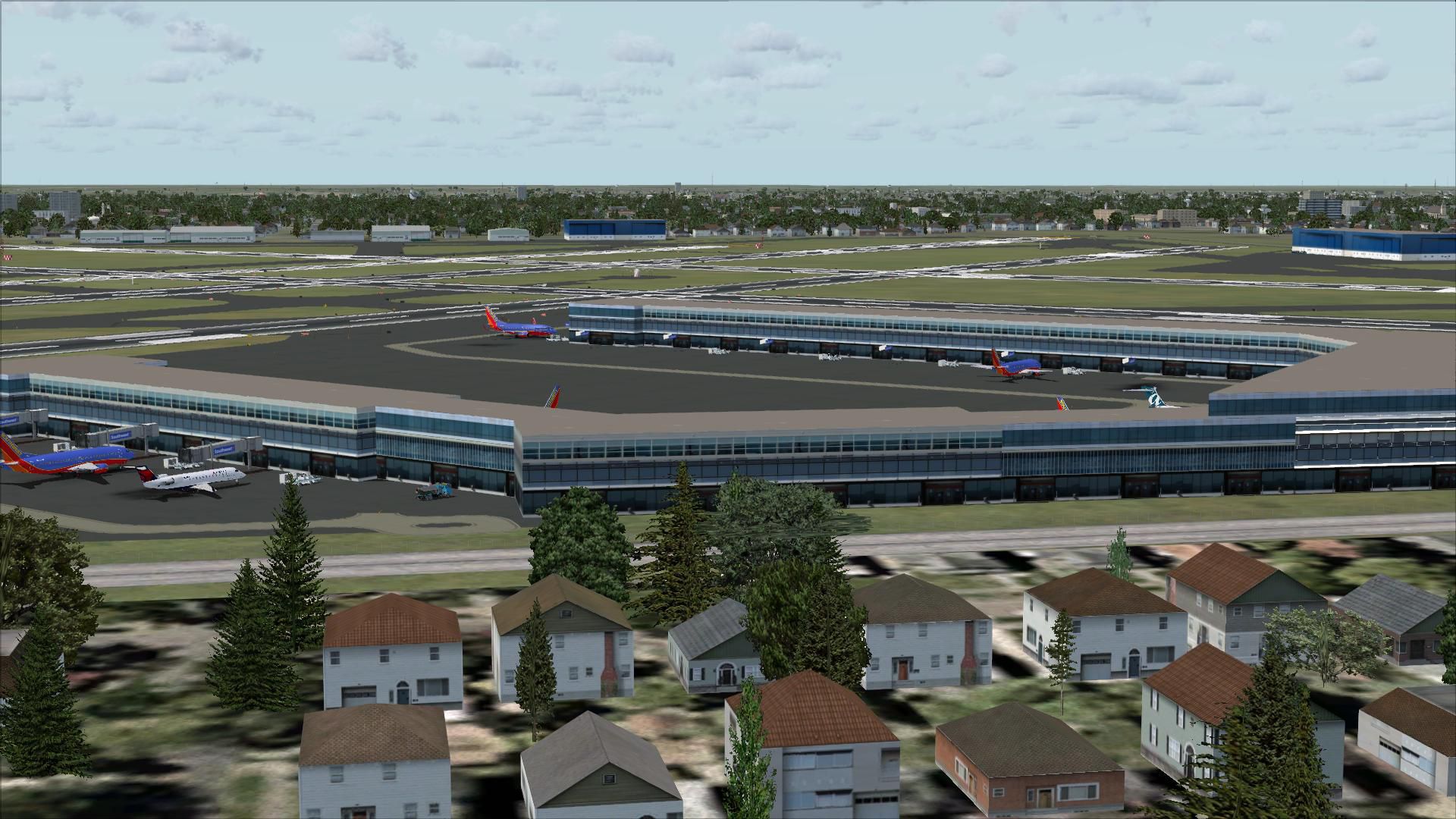
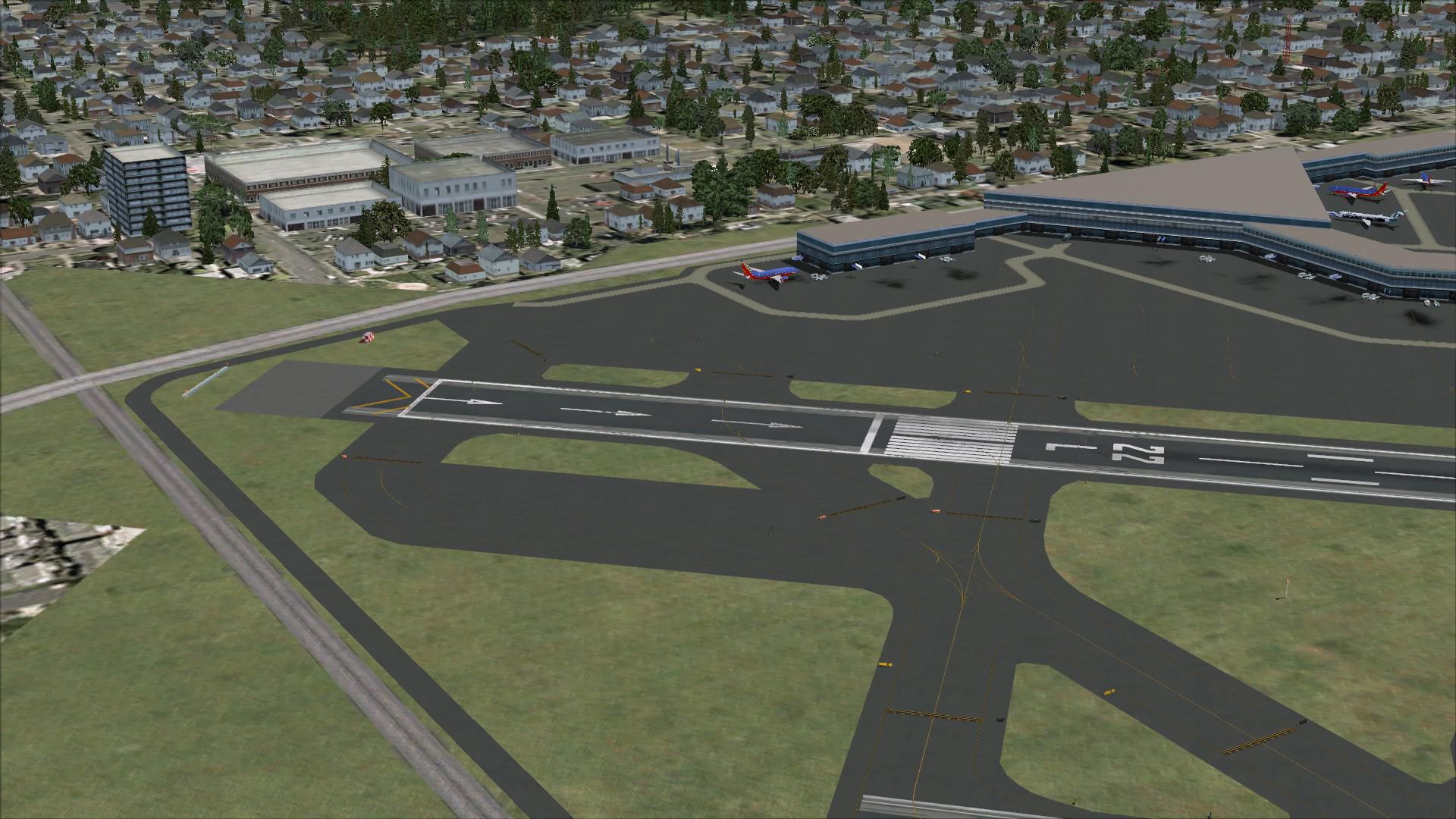
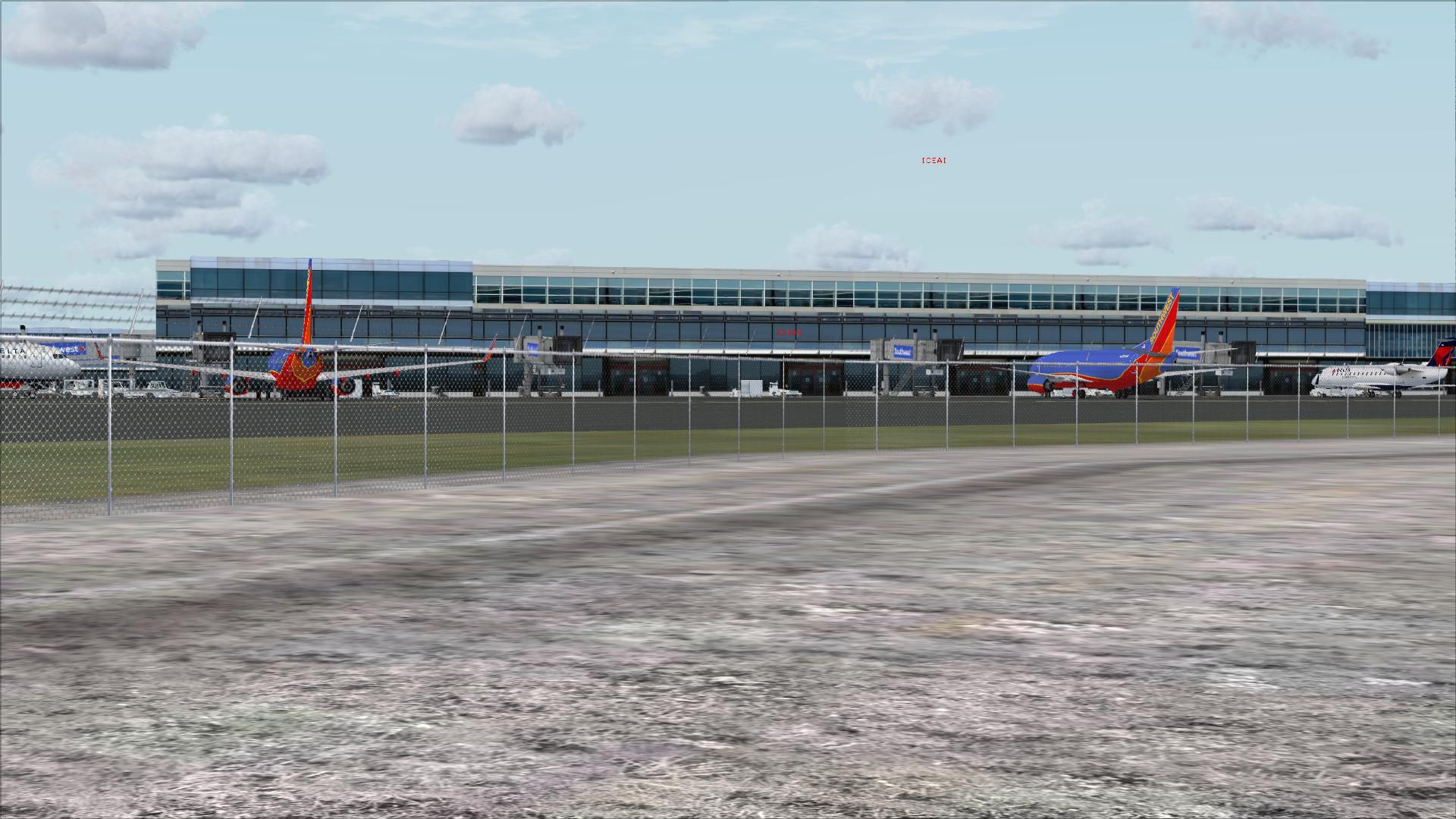
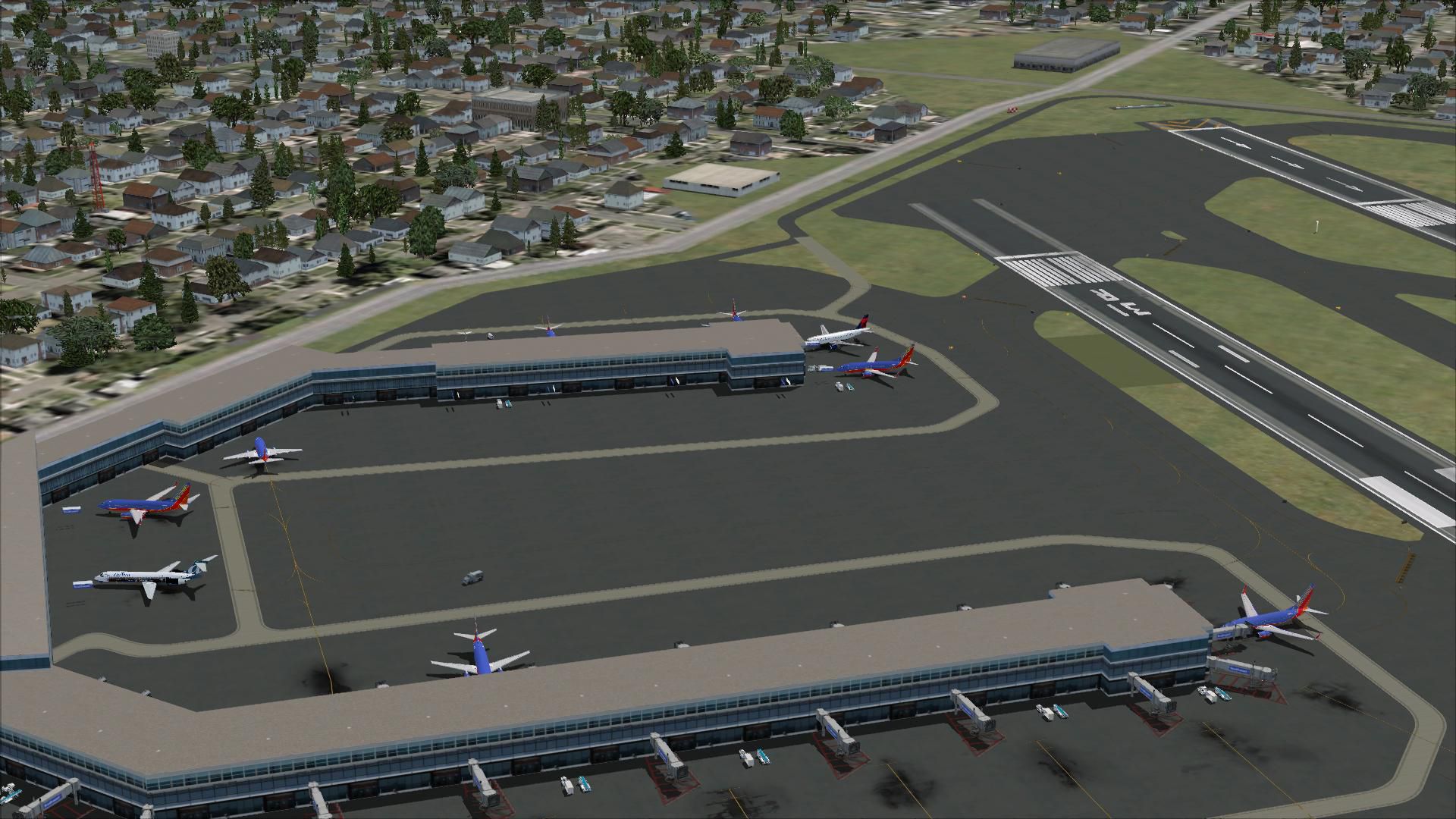
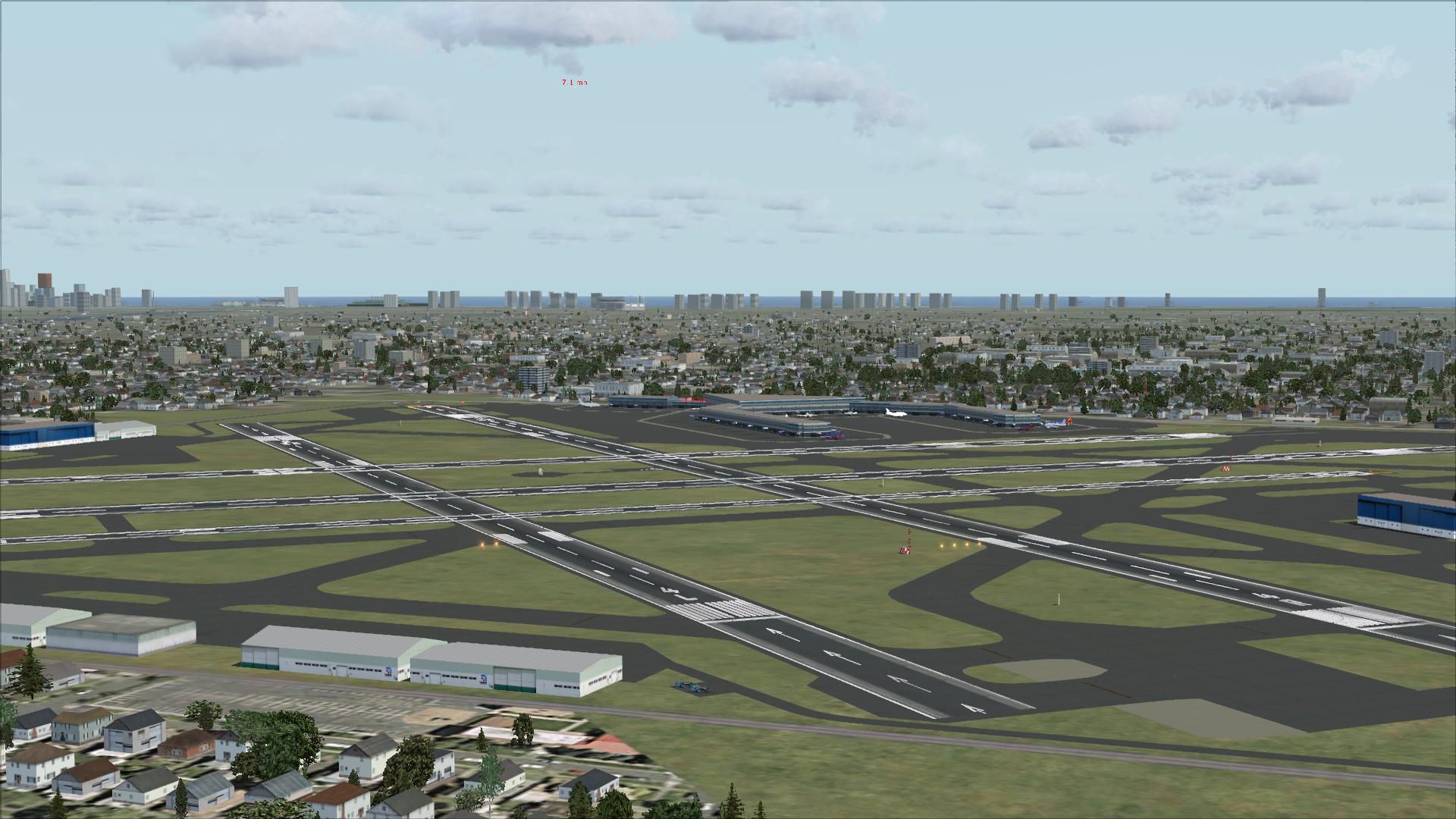
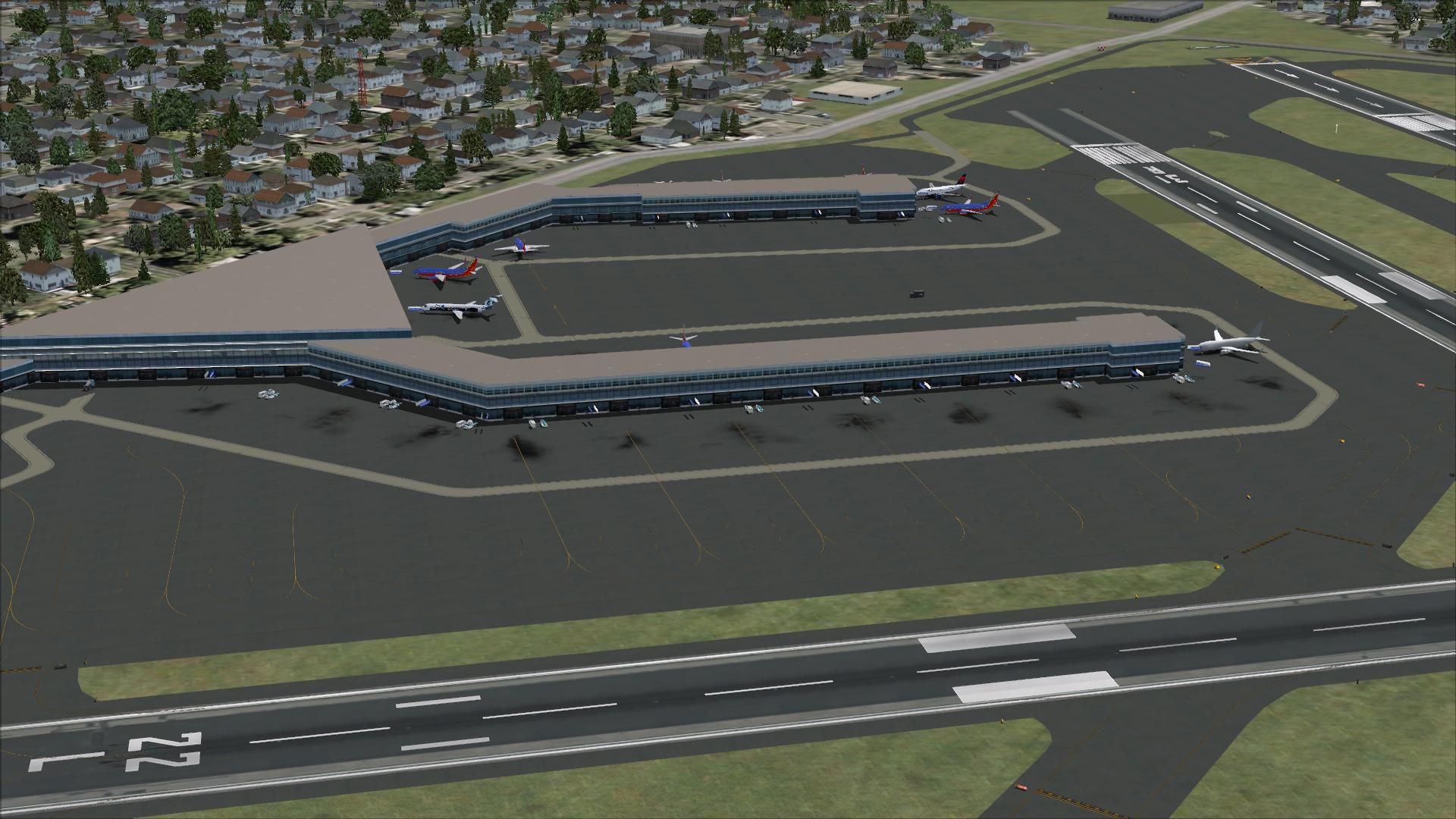
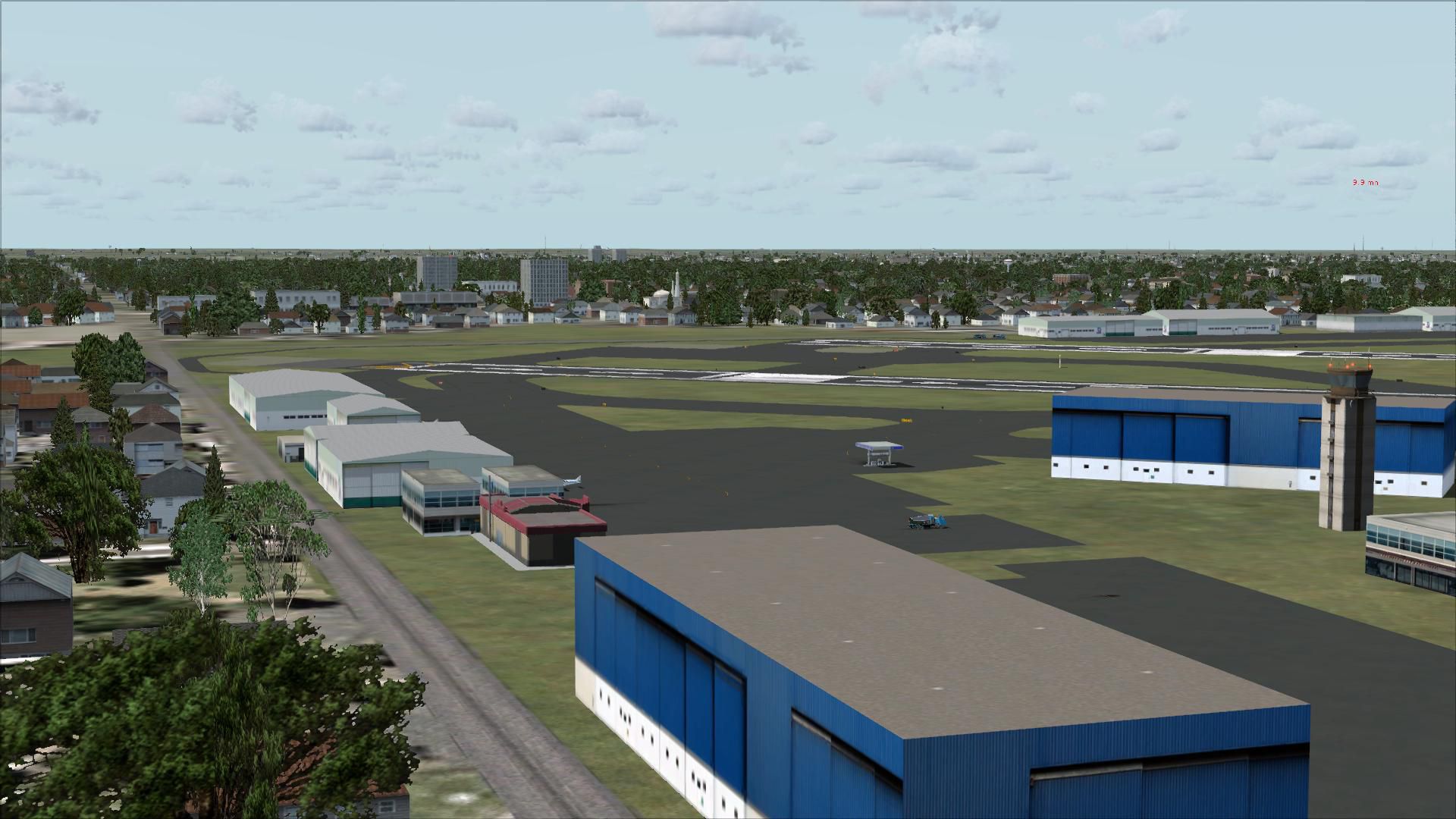
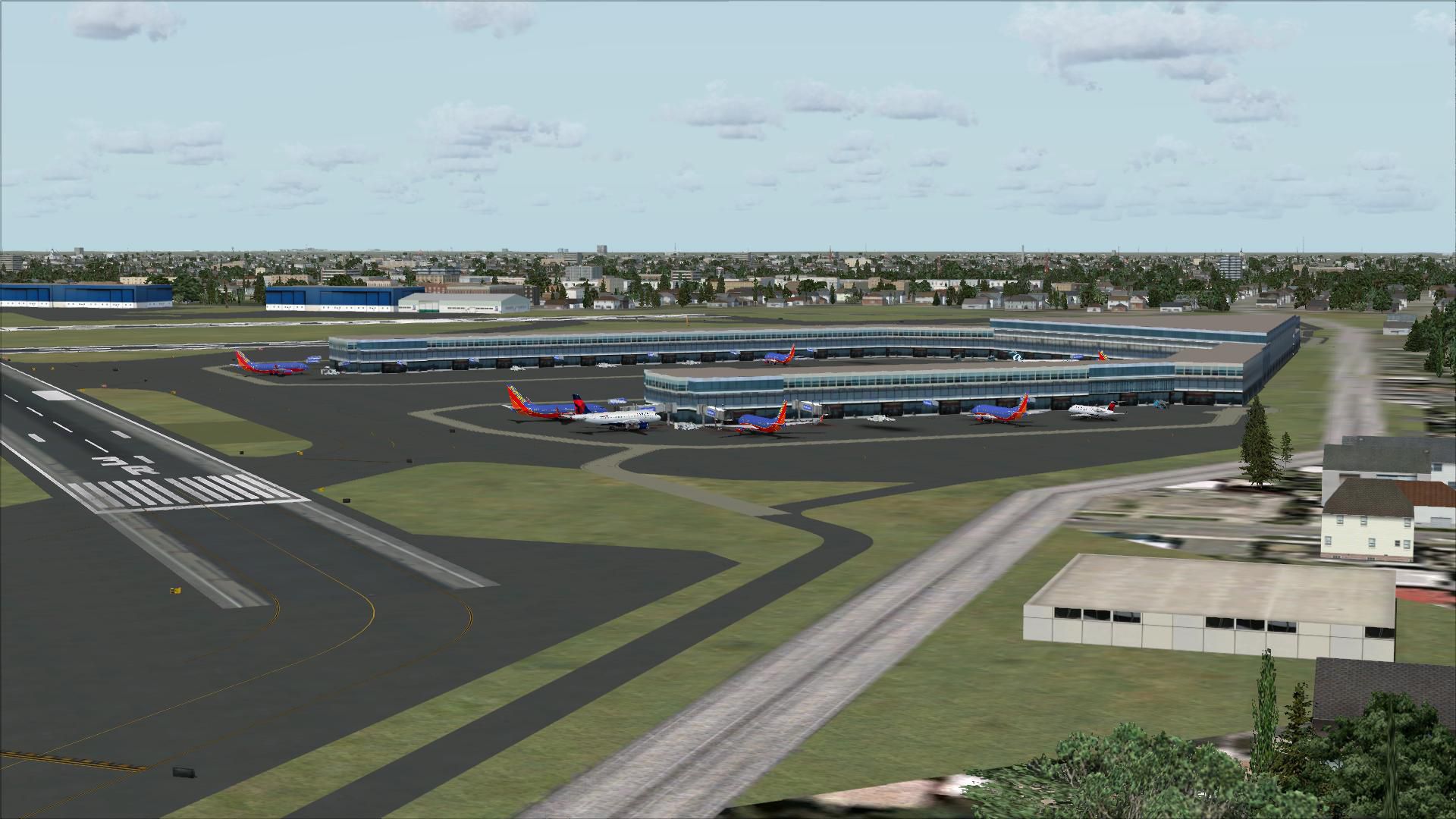
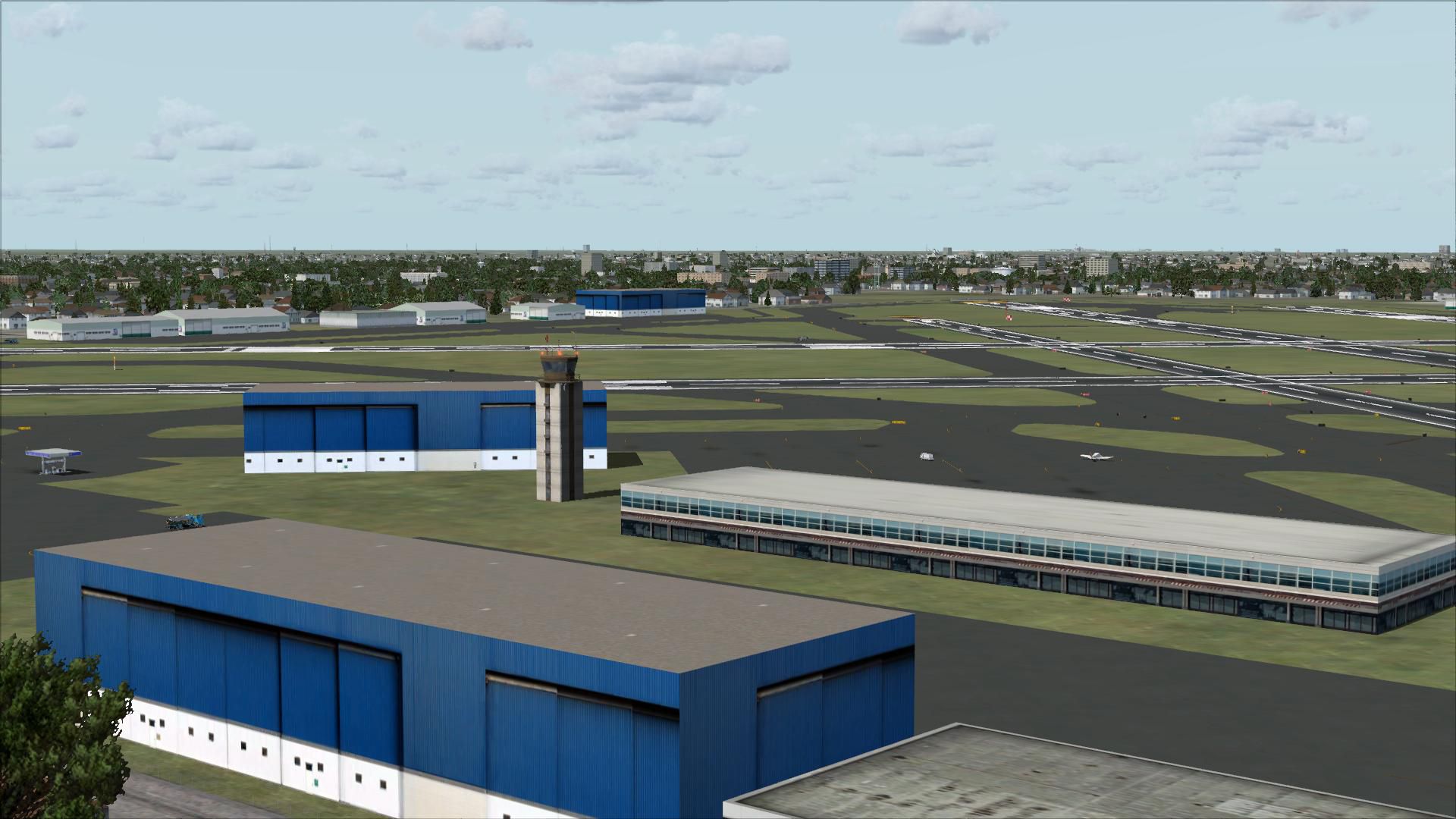
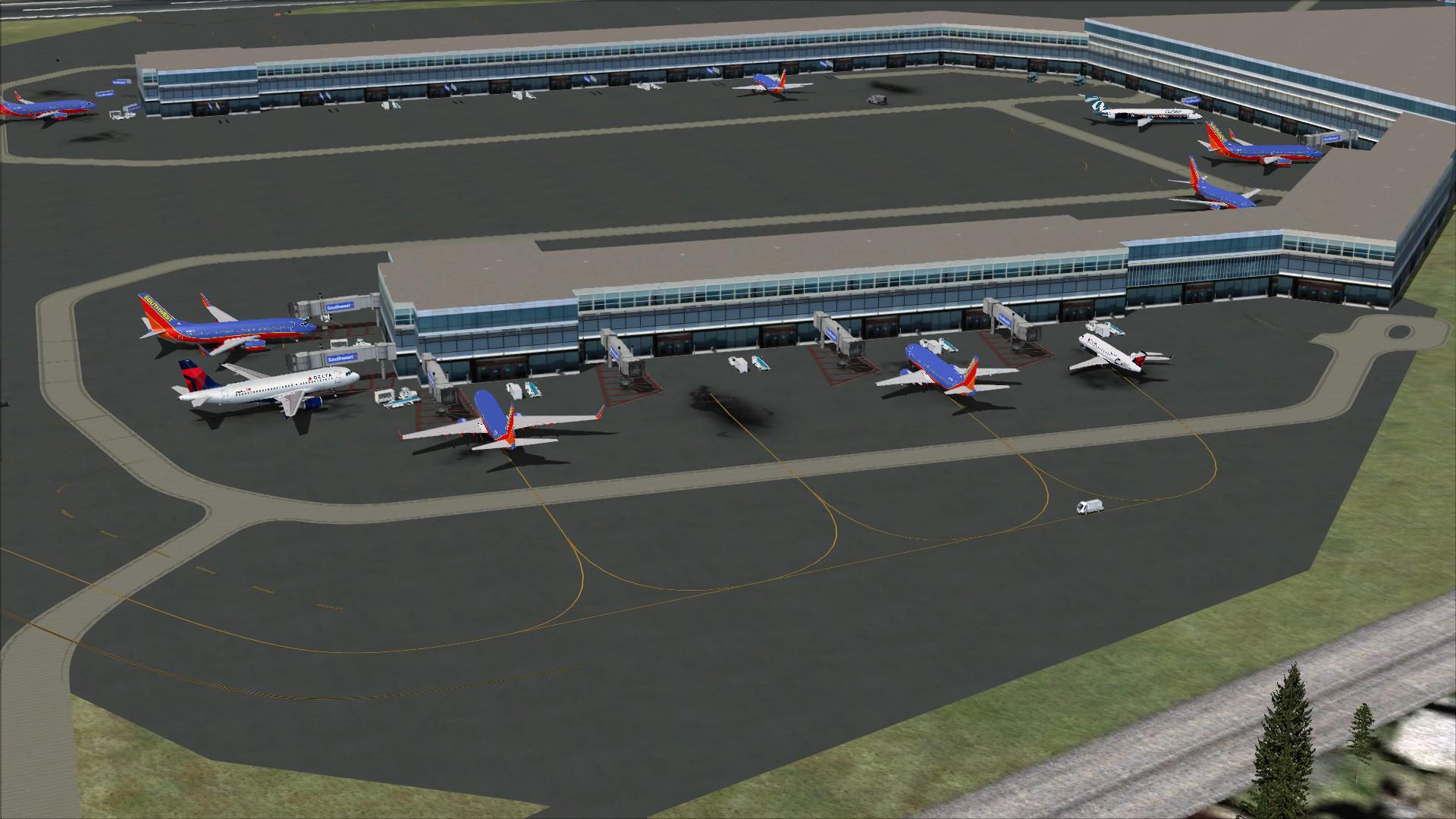
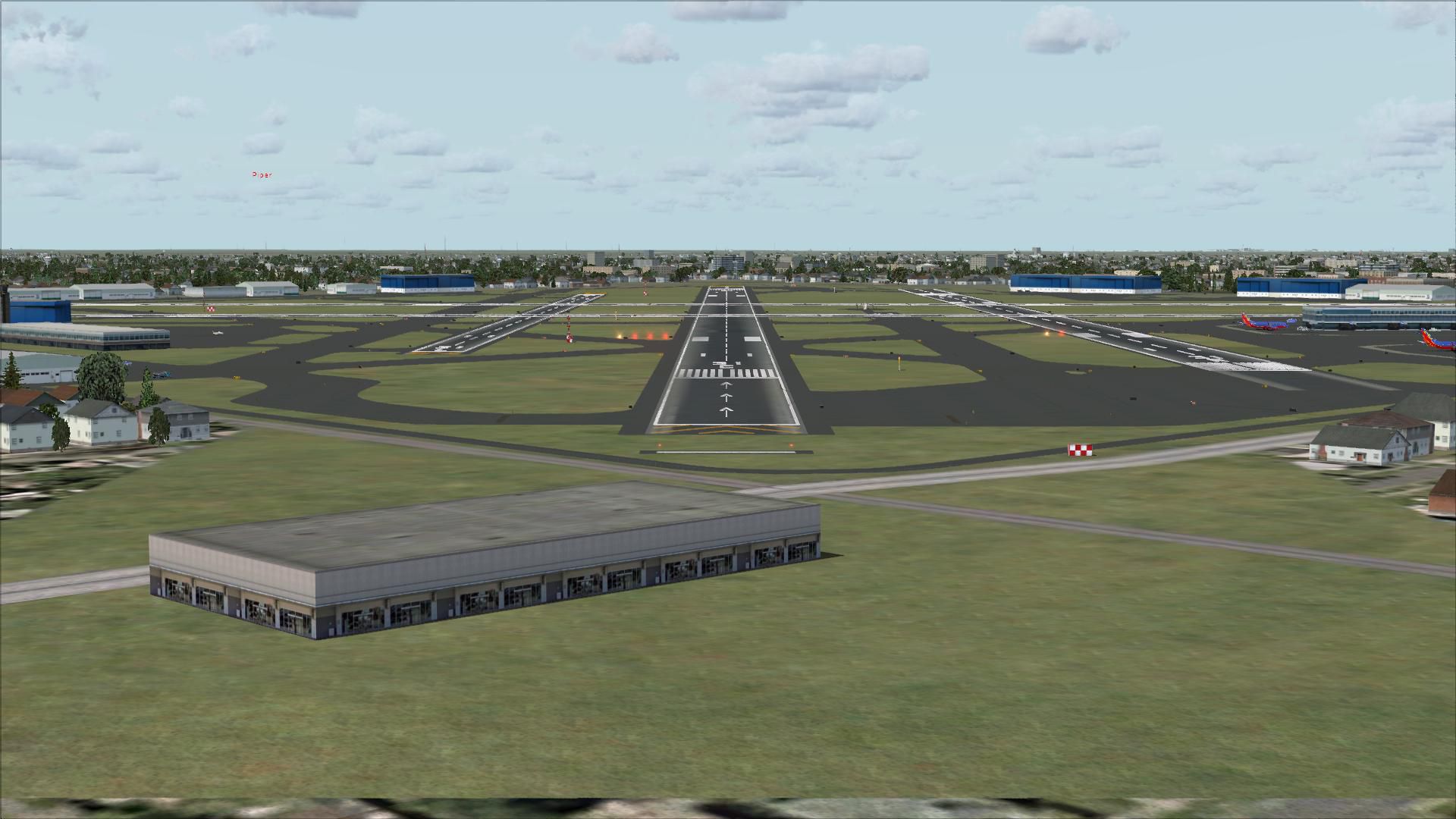
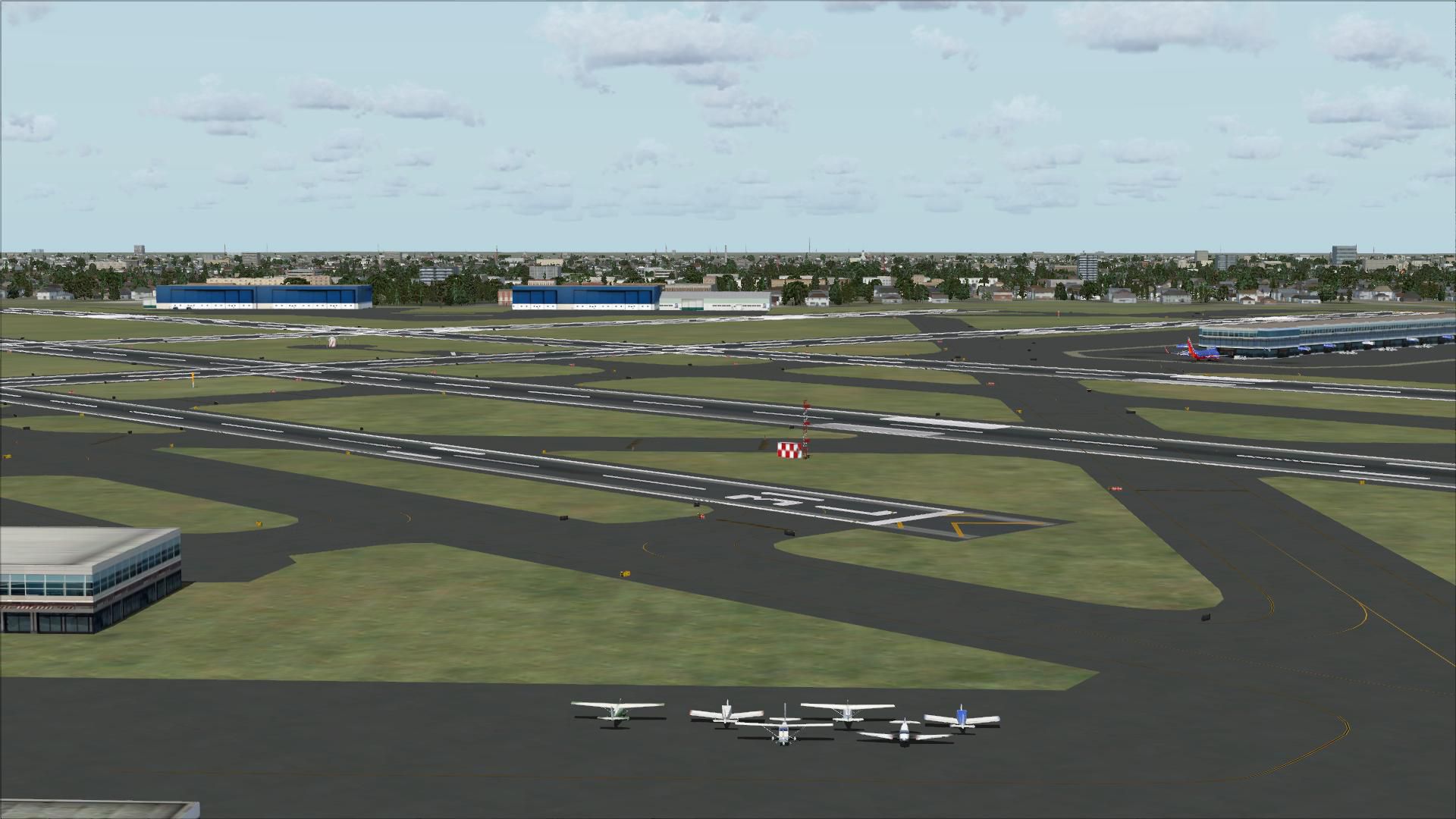
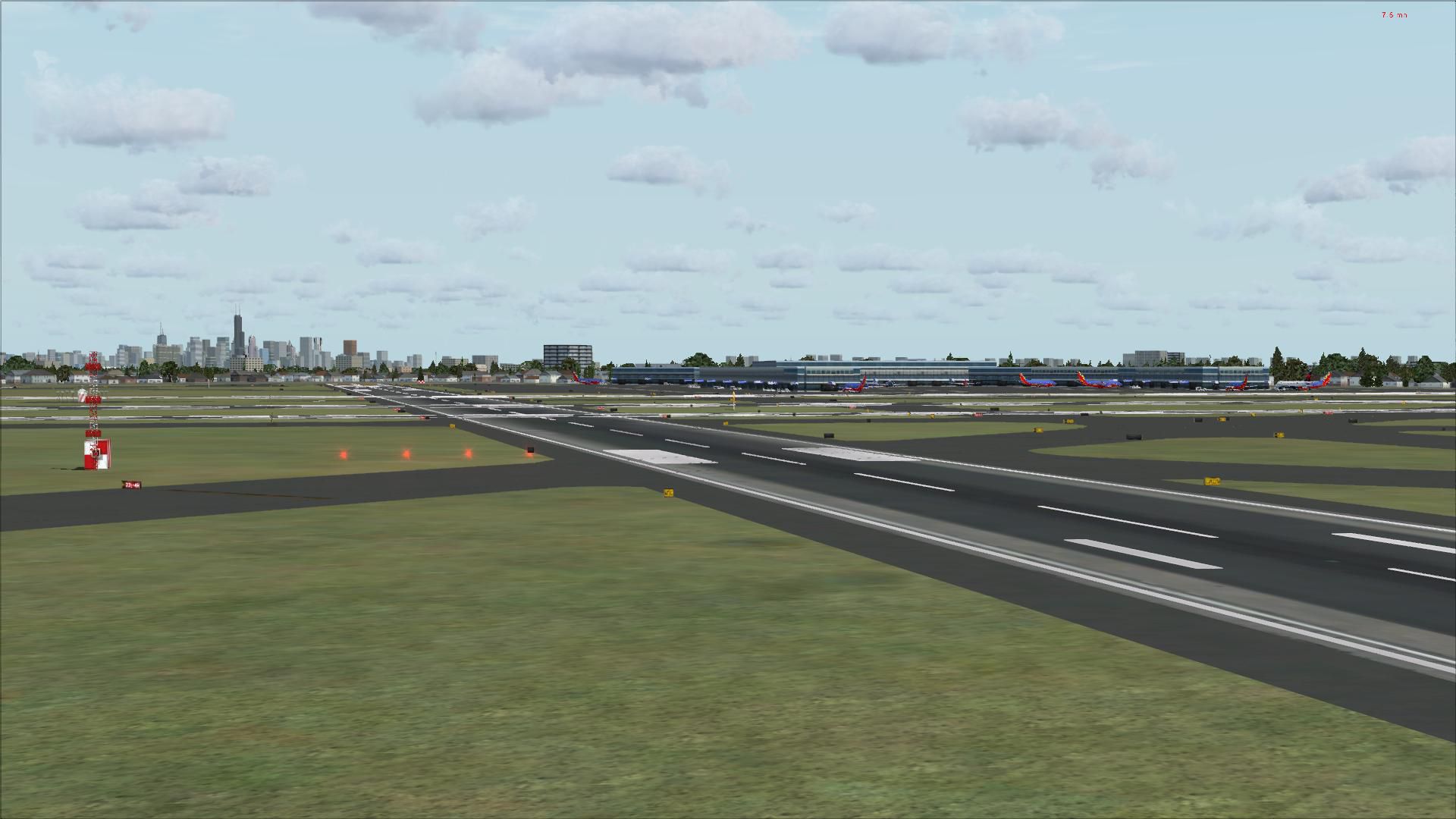
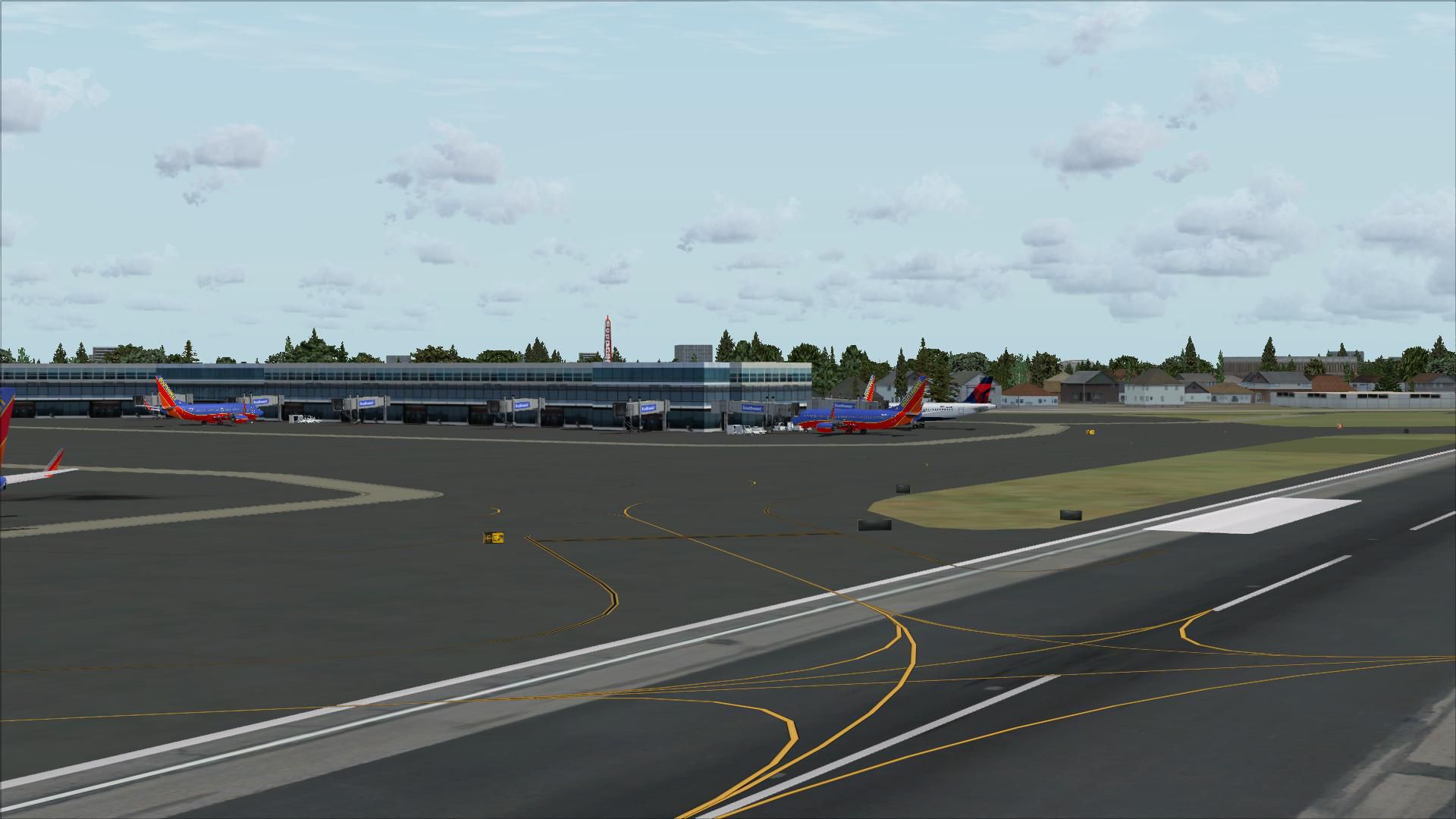
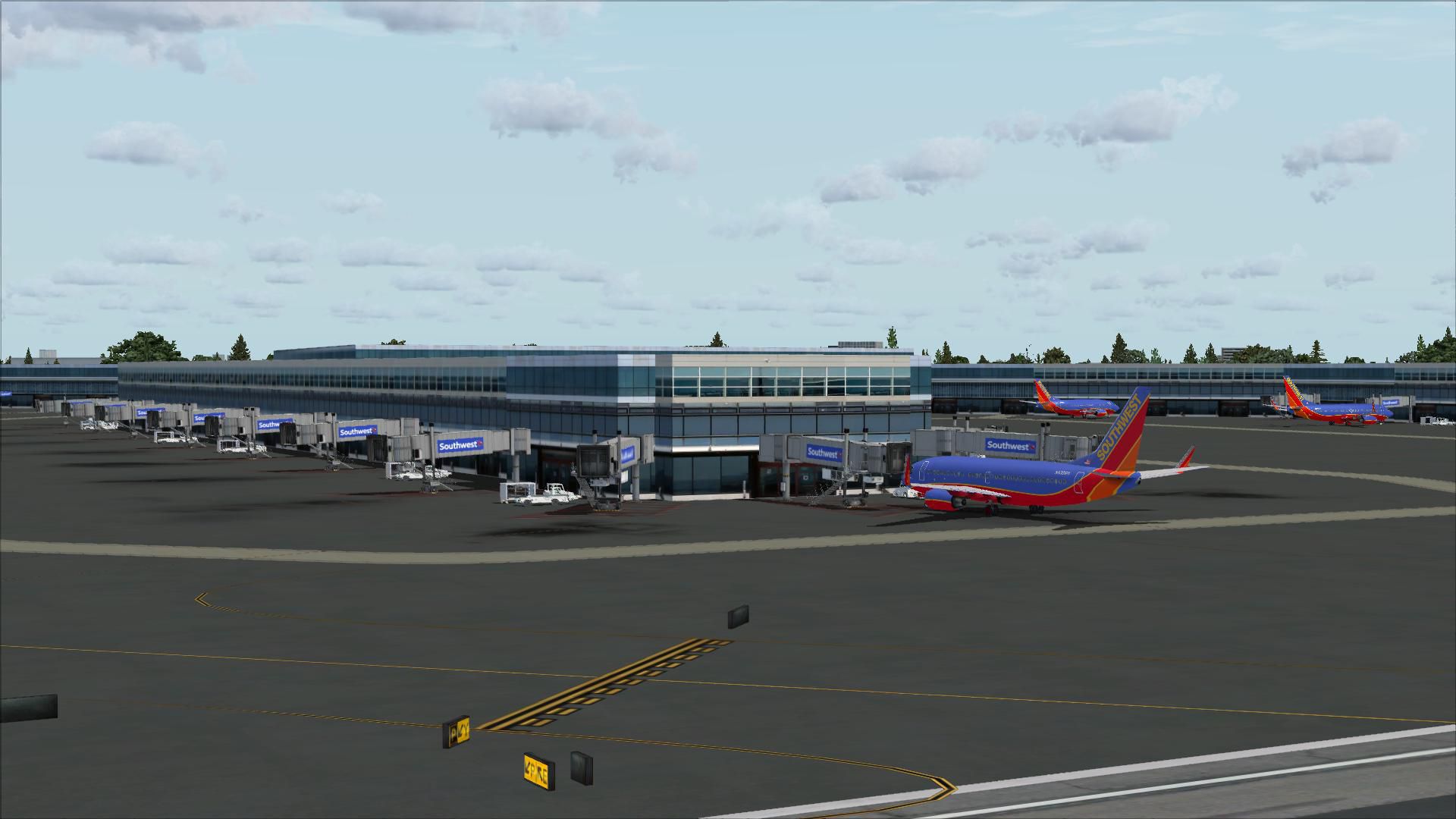
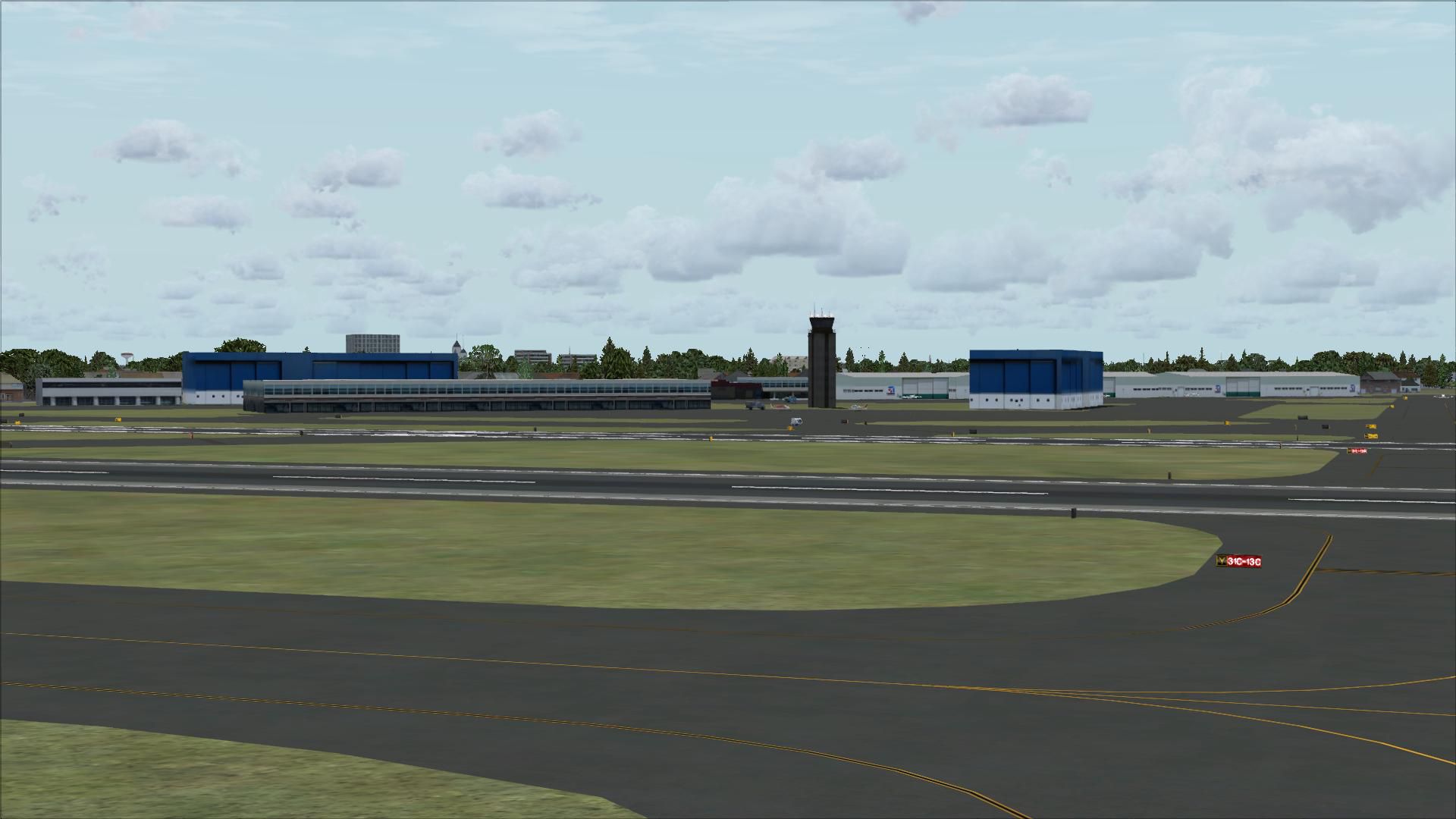
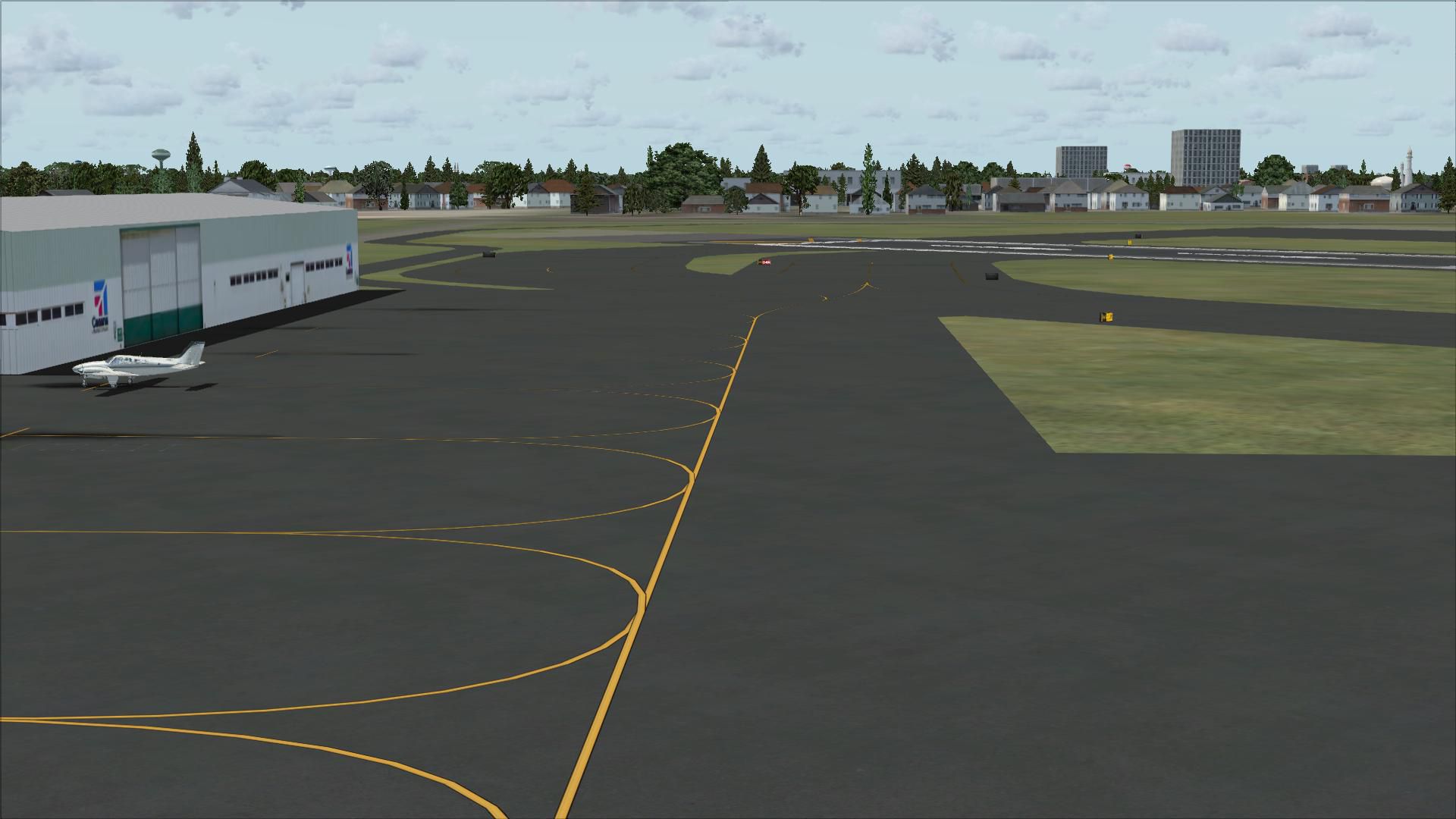
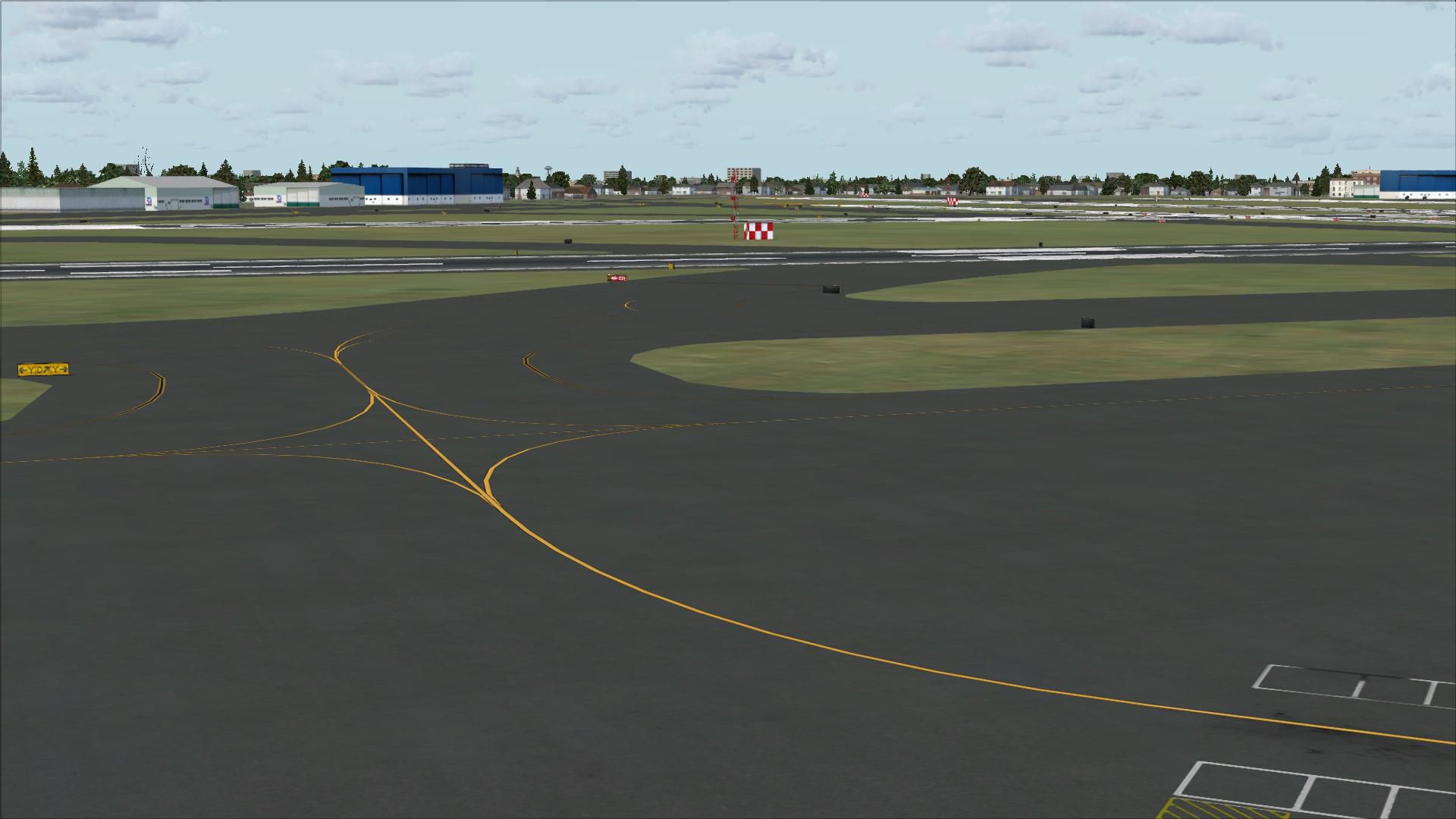
Scenery Chicago Midway Airport (KMDW), Illinois (IL). Remodelling of FSX version with reference to Google earth. High level of detail within irport perimeter. Runway/taxiway shoulders, overrun areas, service roads etc. As accurate as possible. By John Ball.
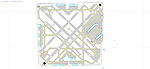
Overview of Chicago Midway Airport Scenery.
Overhaul of base FSX version using ADE 9x only. Highly detailed version of Midway airport requiring no additional addons etc. Runway and taxiway shoulders, stopways, service roads etc.
INSTALLATION:
Paste all KMDW named files (3) into your main FSX / Addon Scenery / Scenery directory.
Start FSX go to USA / Illinois / Chicago / Midway (KMDW).
Free for all simmers · 8.81 MB · Scanned clean Aug 2026
Download speed: Free tier is capped at 0.5 Mbps (this file takes approximately 2 mins at the cap). PRO members download at full line speed.
FSX\Addon Scenery\ containing scenery and texture sub-folders.readme.txt or README file. It tells you exactly where files go, what dependencies are needed, and any quirks specific to this add-on.Use these coordinates to fly directly to this location once the mod is installed.
41.78680000,-87.75220000
Launch FSX or Prepar3D and use Flights → Load to open the downloaded .pln file. Your aircraft will be positioned at this location.
The archive midwayadefsx.zip has 29 files and directories contained within it.
This list displays the first 500 files in the package. If the package has more, you will need to download it to view them.
| Filename/Directory | File Date | File Size |
|---|---|---|
| MIDWAY PIC.bmp | 09.11.10 | 6.37 MB |
| KMDW_ADEX_JMB.BGL | 09.17.09 | 89.62 kB |
| KMDW_ADEX_JMB.ade | 09.17.09 | 8.72 MB |
| KMDW_ADEX_JMB.ade.bak | 09.17.09 | 8.72 MB |
| README Midway.txt | 09.11.10 | 398 B |
| flyawaysimulation.txt | 10.29.13 | 959 B |
| Go to Fly Away Simulation.url | 01.22.16 | 52 B |
| Screenshots | 08.28.19 | 0 B |
| screen-1.jpg | 08.27.19 | 200.99 kB |
| screen-10.jpg | 08.27.19 | 149.46 kB |
| screen-11.jpg | 08.27.19 | 150.81 kB |
| screen-12.jpg | 08.27.19 | 149.33 kB |
| screen-13.jpg | 08.27.19 | 305.28 kB |
| screen-14.jpg | 08.27.19 | 333.93 kB |
| screen-15.jpg | 08.27.19 | 524.65 kB |
| screen-16.jpg | 08.27.19 | 255.71 kB |
| screen-17.jpg | 08.27.19 | 284.85 kB |
| screen-18.jpg | 08.27.19 | 247.29 kB |
| screen-19.jpg | 08.27.19 | 273.69 kB |
| screen-2.jpg | 08.27.19 | 227.33 kB |
| screen-20.jpg | 08.27.19 | 209.55 kB |
| screen-21.jpg | 08.27.19 | 281.71 kB |
| screen-3.jpg | 08.27.19 | 191.78 kB |
| screen-4.jpg | 08.27.19 | 210.81 kB |
| screen-5.jpg | 08.27.19 | 227.81 kB |
| screen-6.jpg | 08.27.19 | 332.87 kB |
| screen-7.jpg | 08.27.19 | 136.54 kB |
| screen-8.jpg | 08.27.19 | 140.88 kB |
| screen-9.jpg | 08.27.19 | 172.50 kB |
Only PRO members can place votes.
More FSX & P3D add-ons hand-picked based on this download.
FSX Scenery
Midway Atoll (Midway Islands) Photoreal Scenery. Midway Atoll - or Midway Isl…
 FSX Scenery
Chicago Midway Int'l Airport (KMDW), Illinois (IL). Several improvements have…
 FSX Scenery
Scenery Chicago Midway International Airport (KMDW), Illinois (IL). This is a…
 FSX Scenery
FSX Midway Carrier Patch. A patch for Yanco San's WWII Midway Carrier Battle …
 FSX Scenery
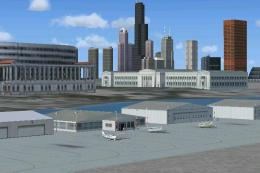
Merrill C. Meigs Field Airport, IATA: CGX, ICAO: KCGX, was a single strip air…
 FSX Scenery
Princess Juliana International Airport (TNCM) in Saint Marteen, Netherlands A…
 FSX Scenery
Los Angeles Airport Scenery v3, California (CA). This photoreal scenery is a …
 FSX Scenery
Barbados International Airport (TBPB). Grantley Adams International Airport f…
Be the first to leave a comment on this download.
Be the first to share your thoughts on this download.