


FSX Minneapolis-St. Paul International Scenery
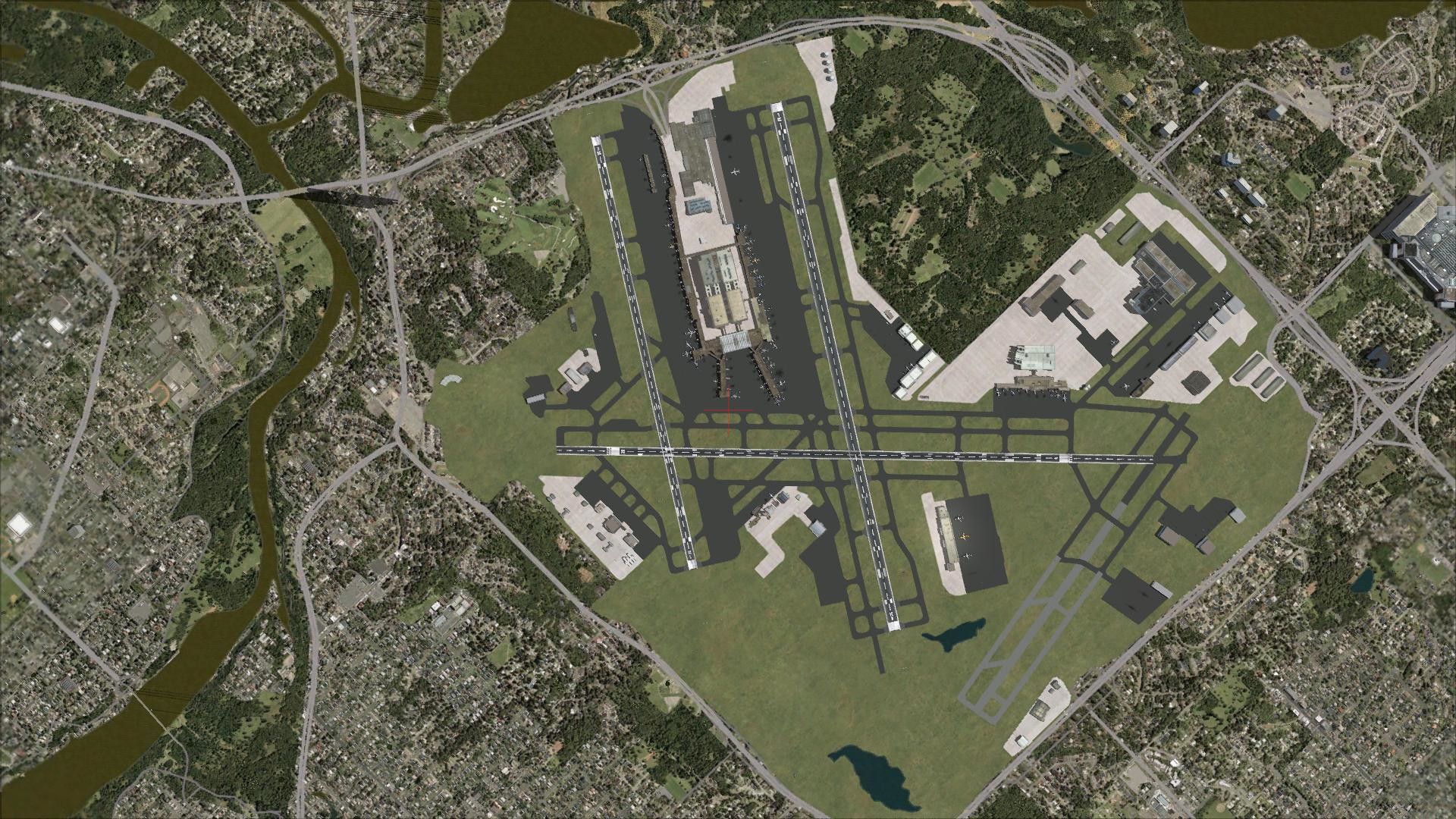
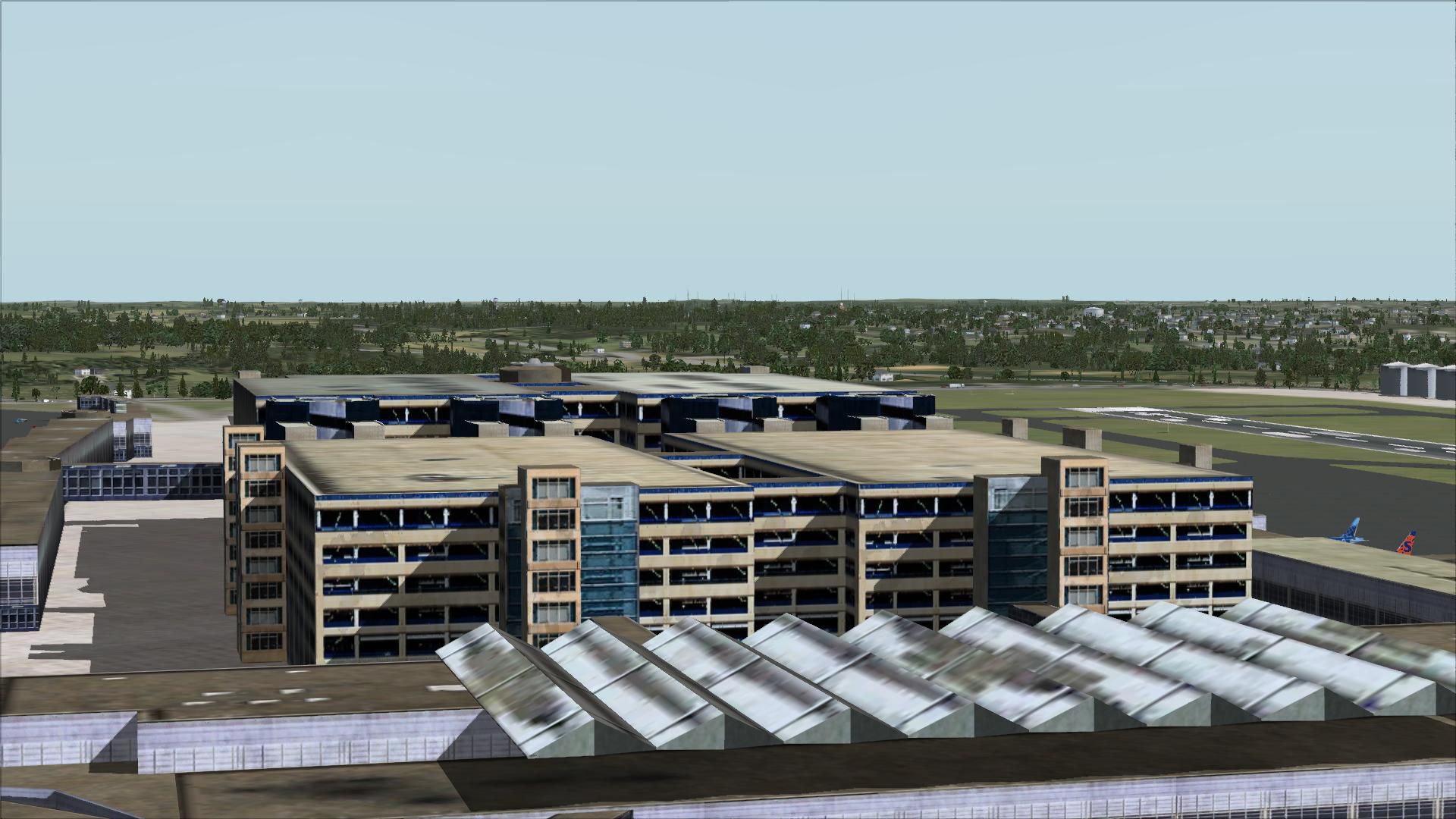
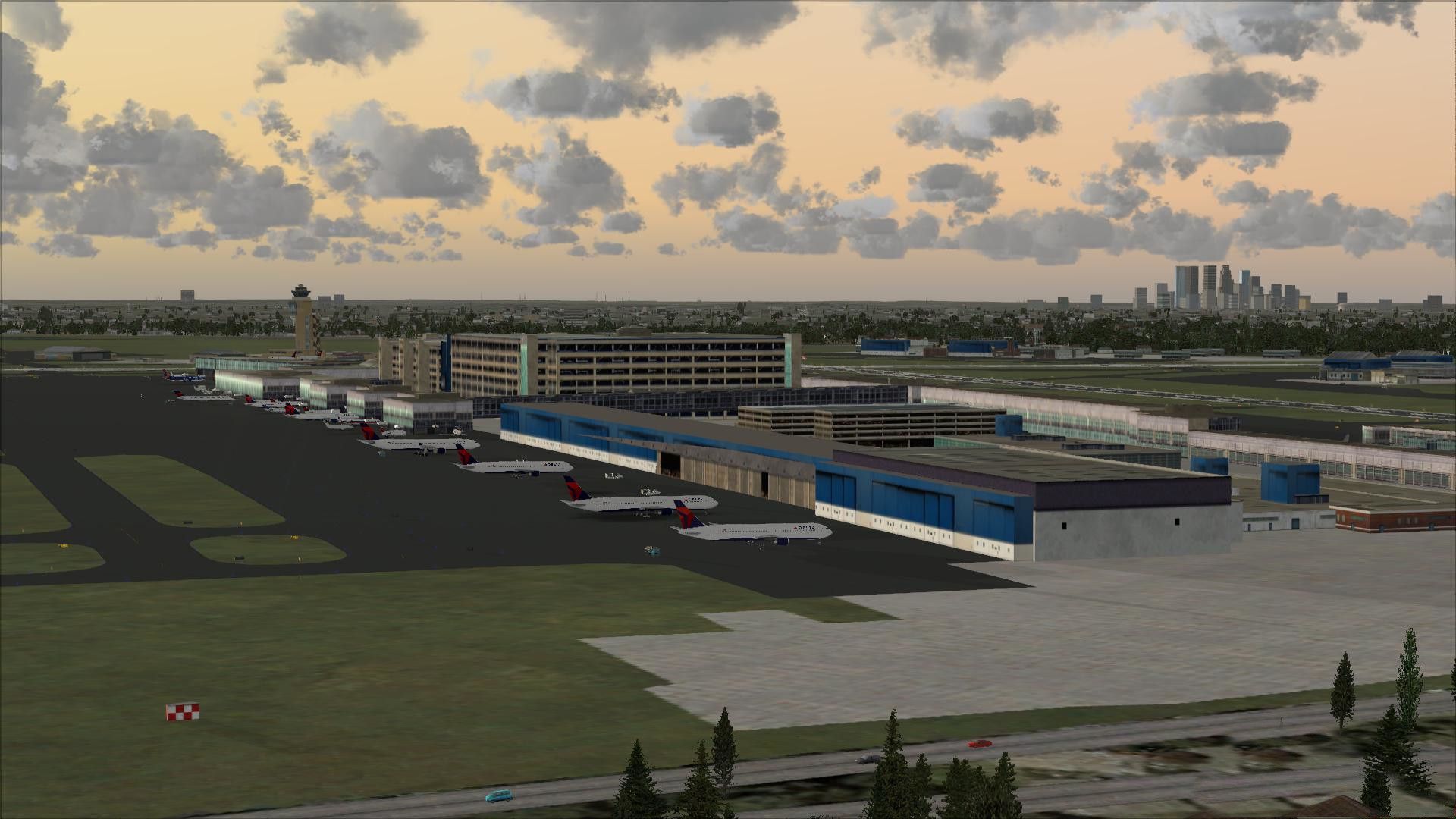
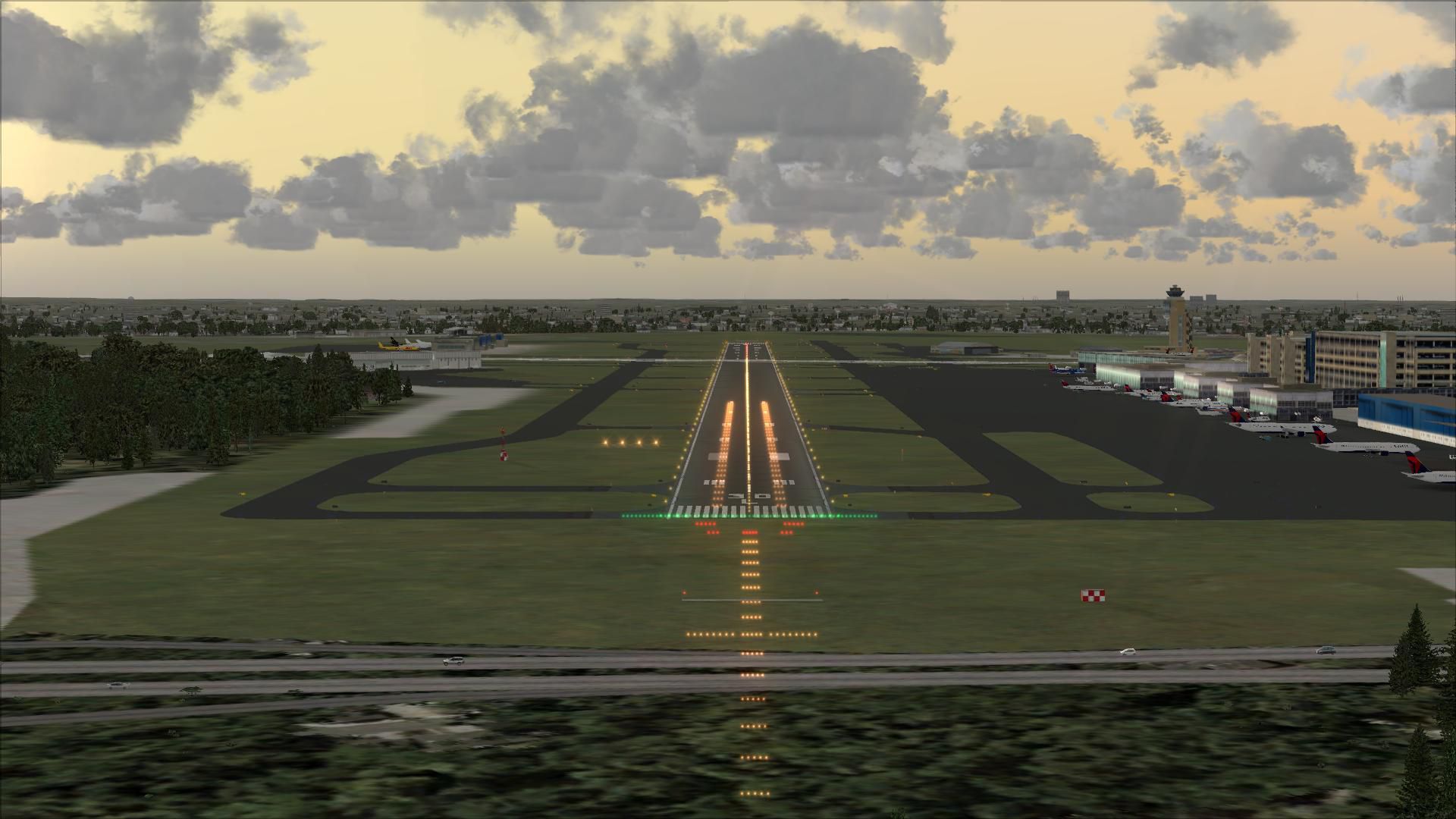
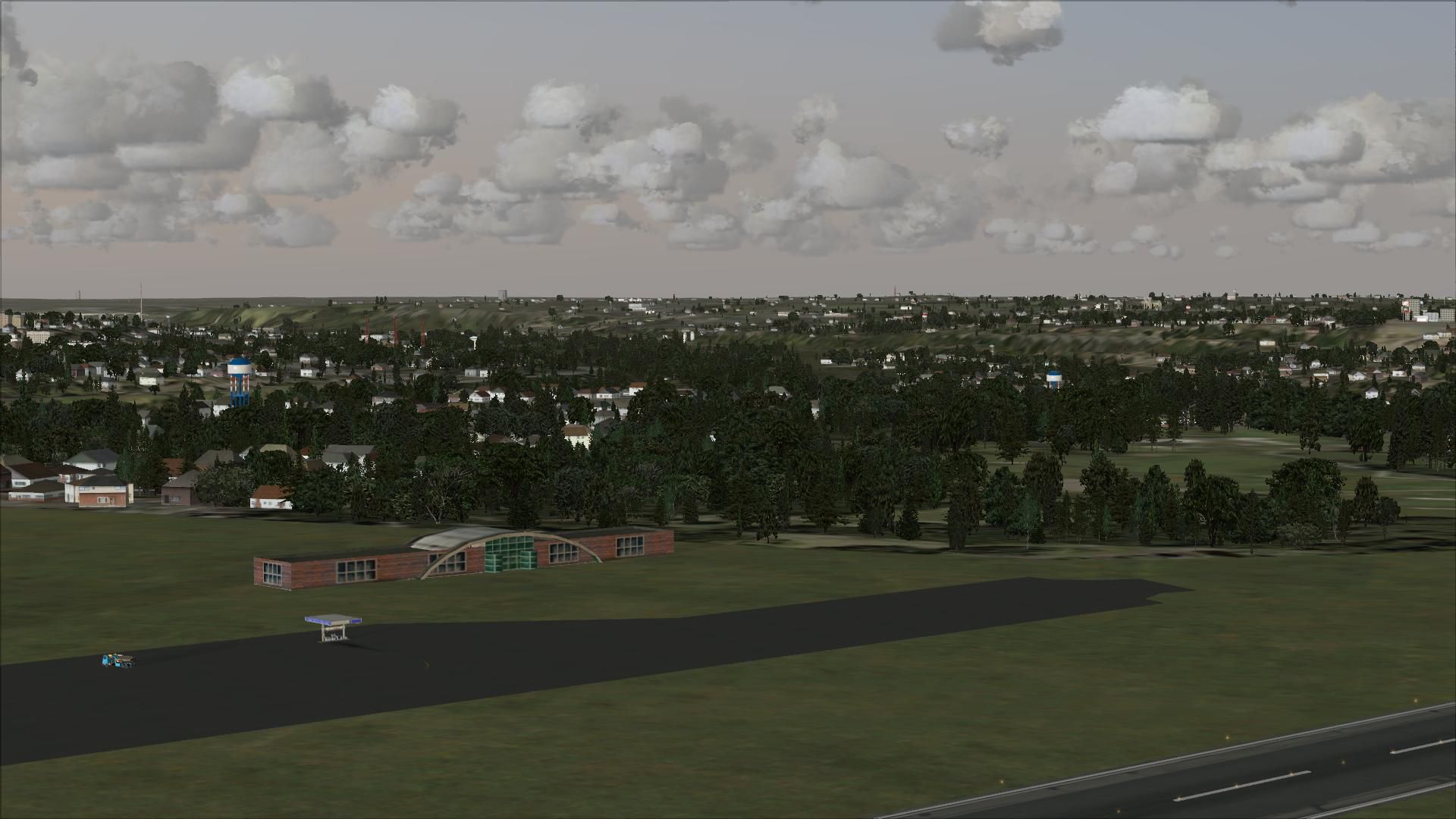
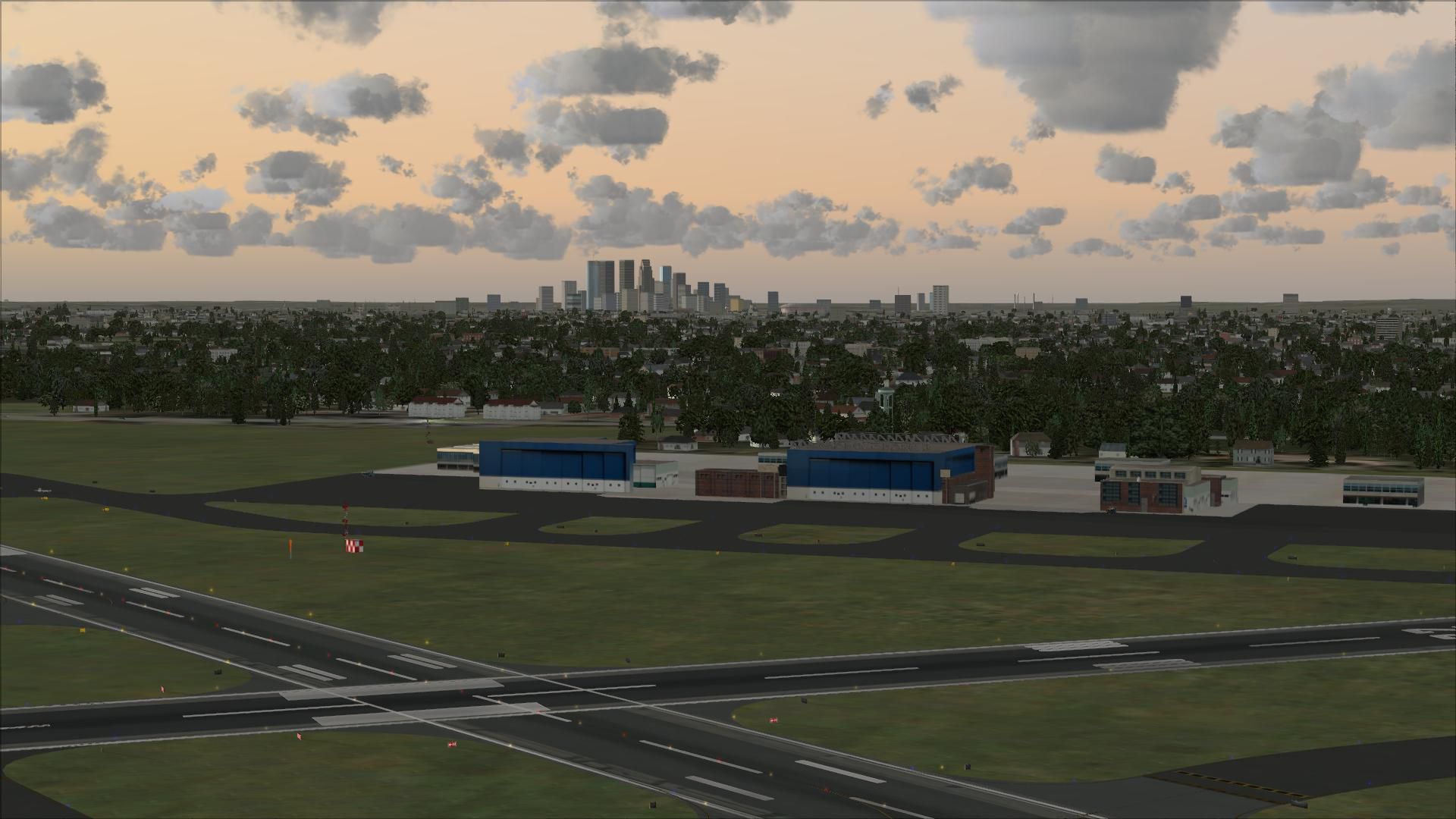
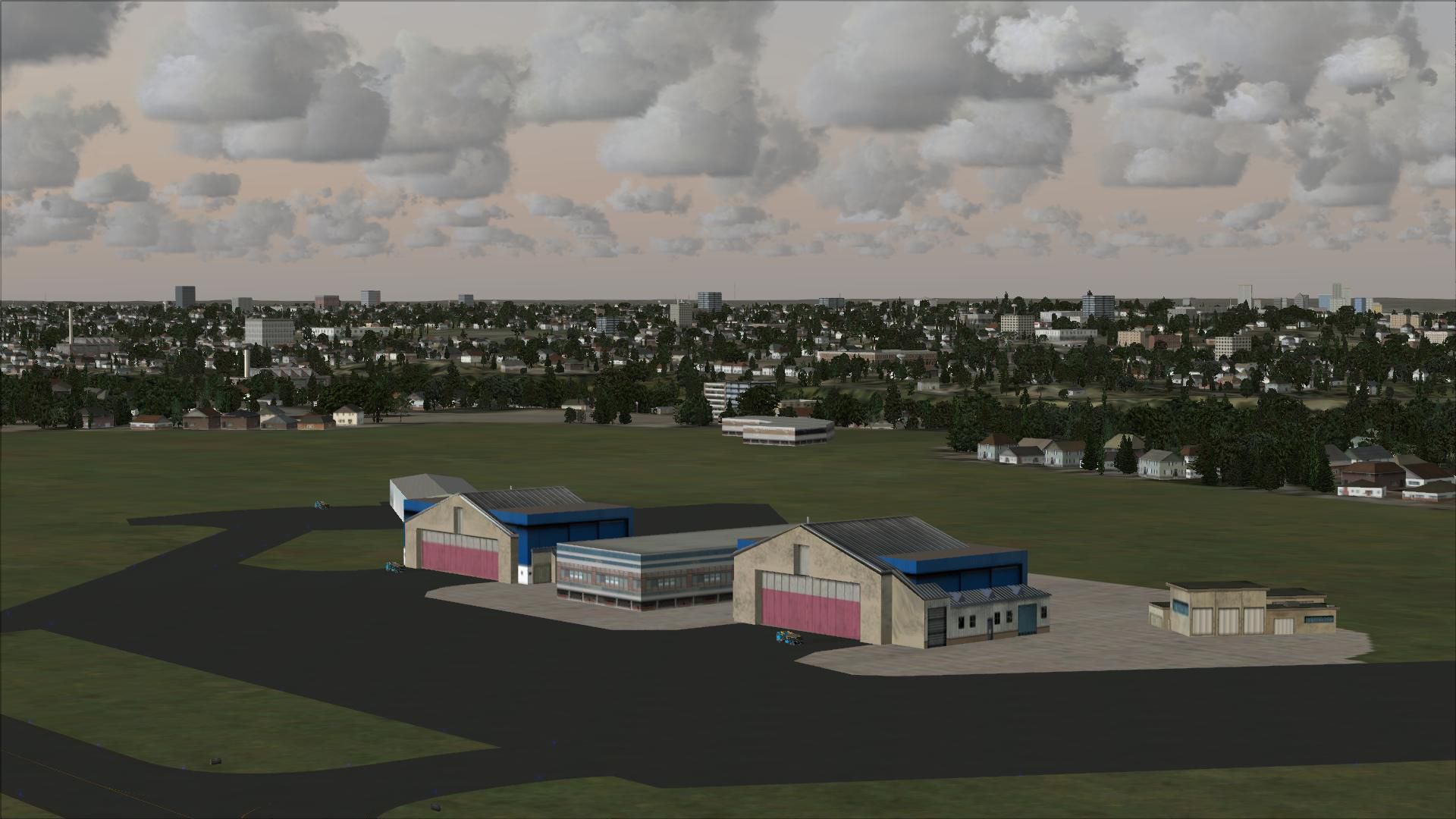
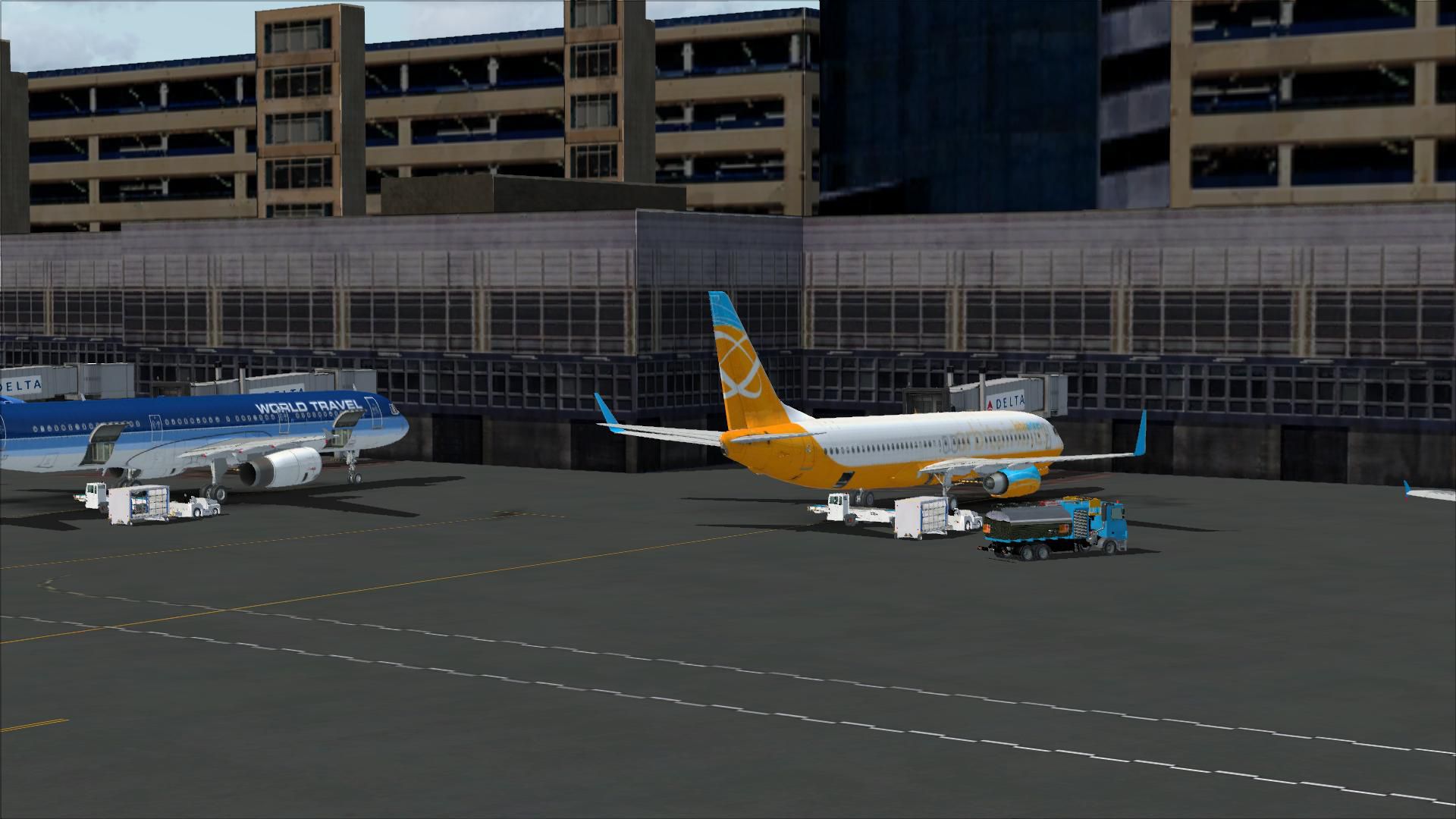
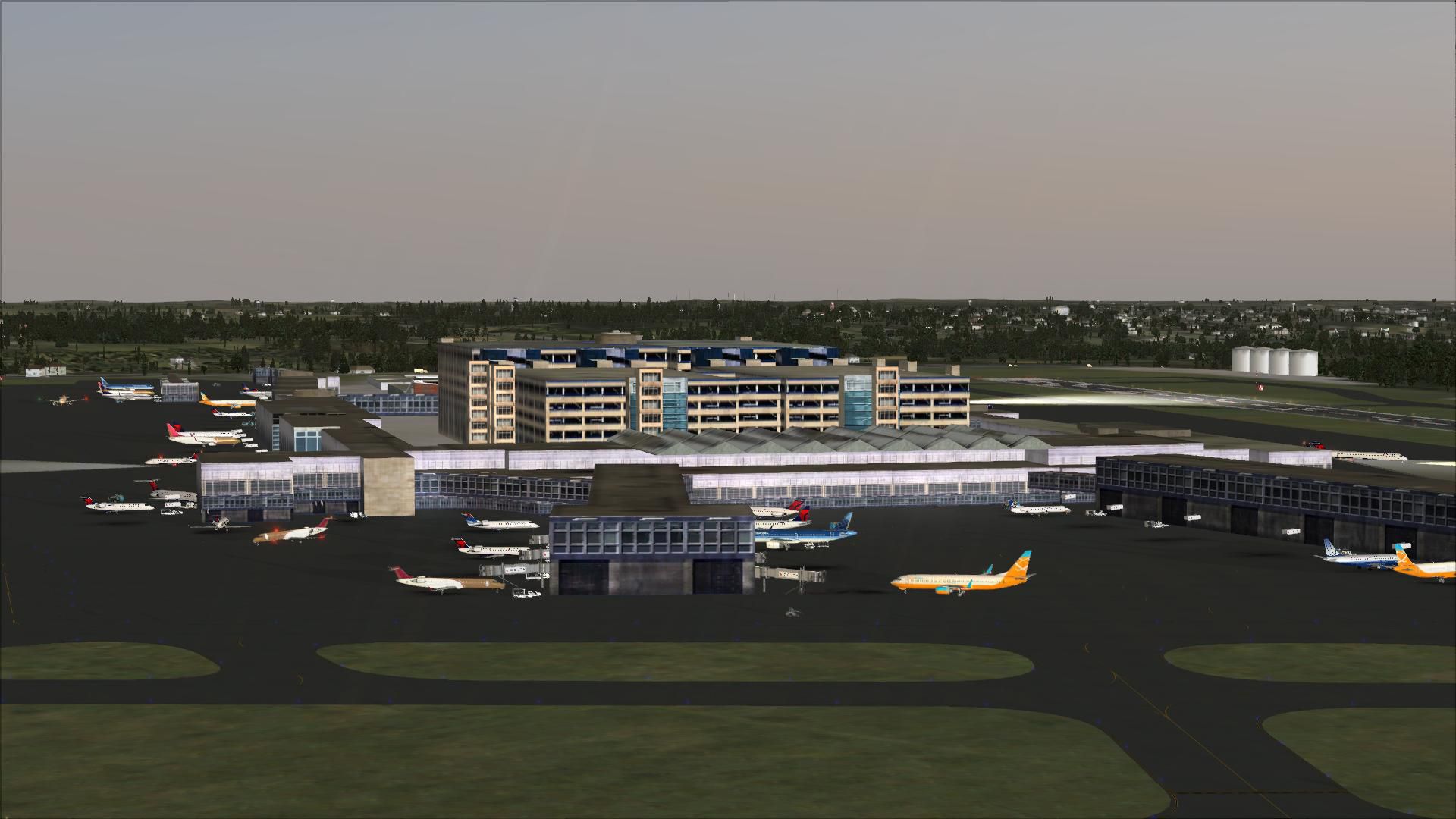
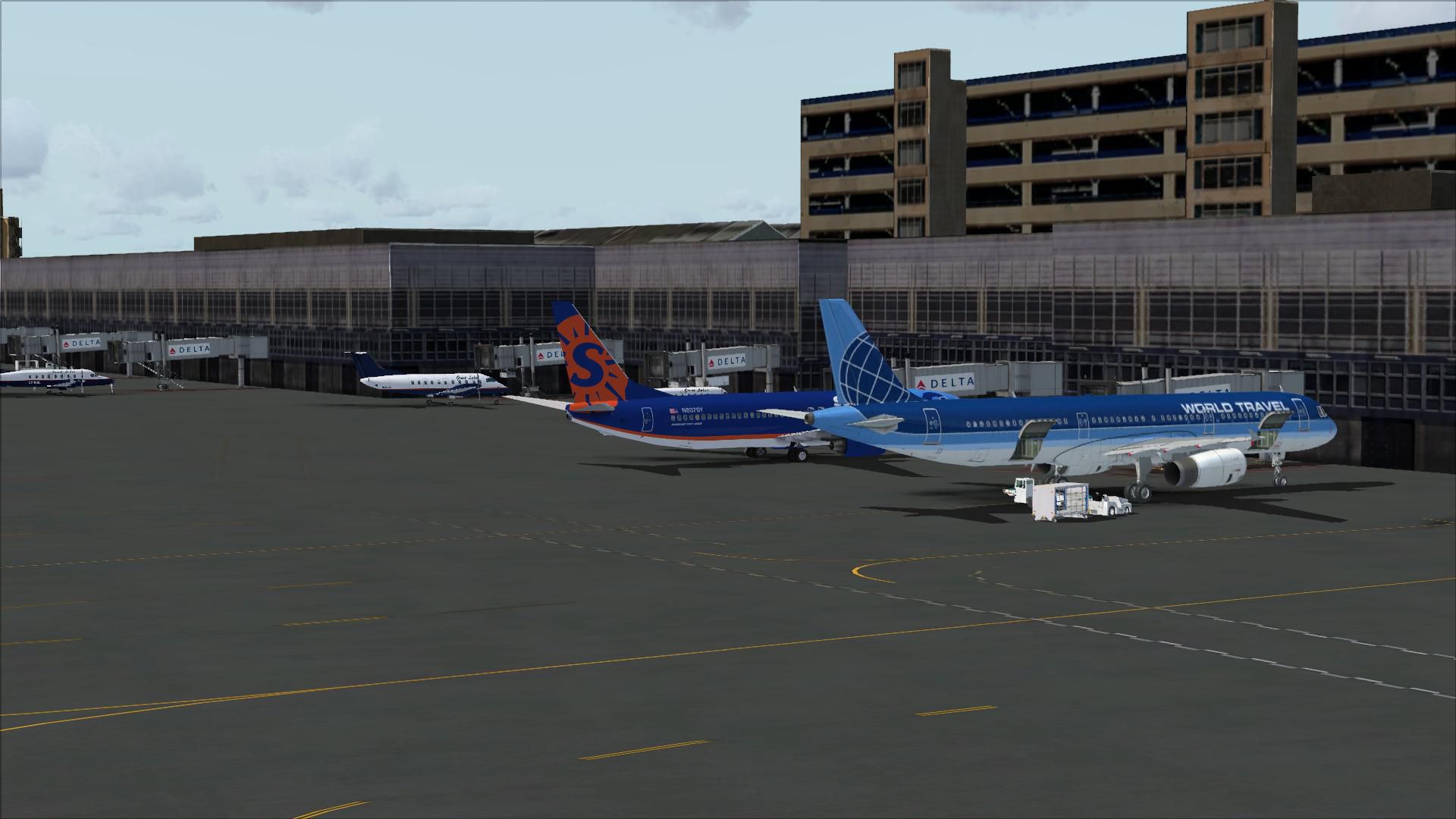
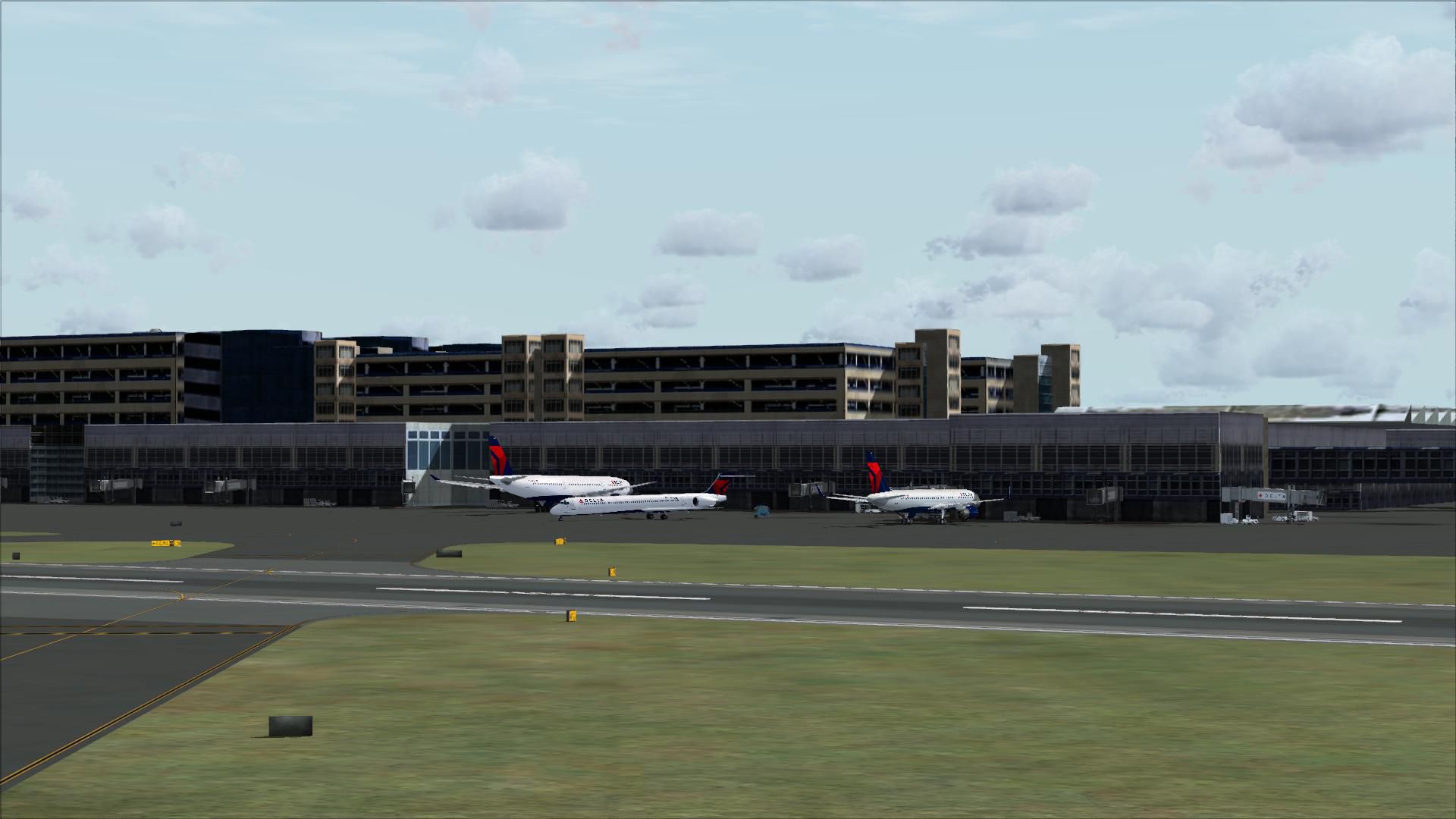
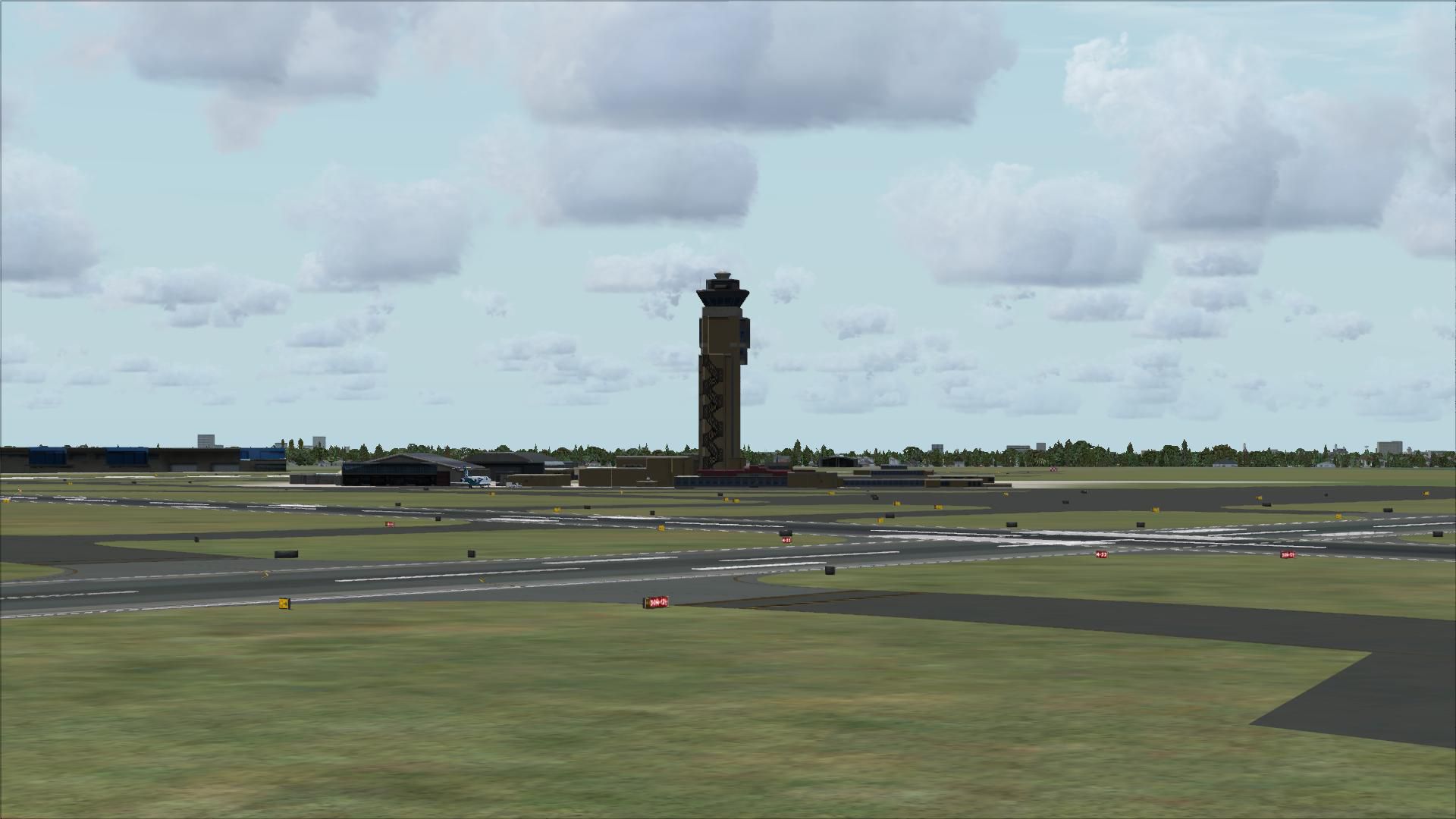
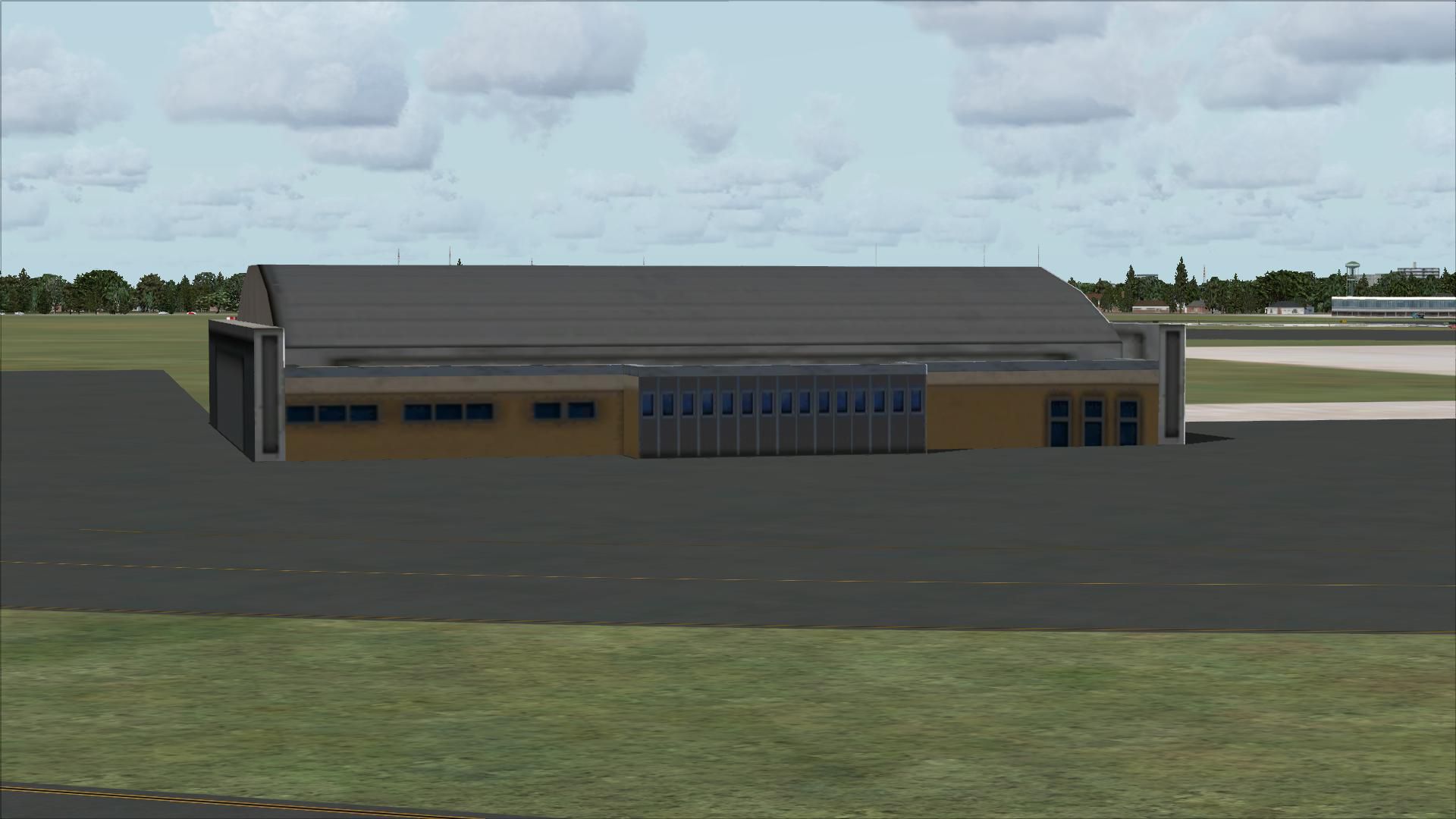
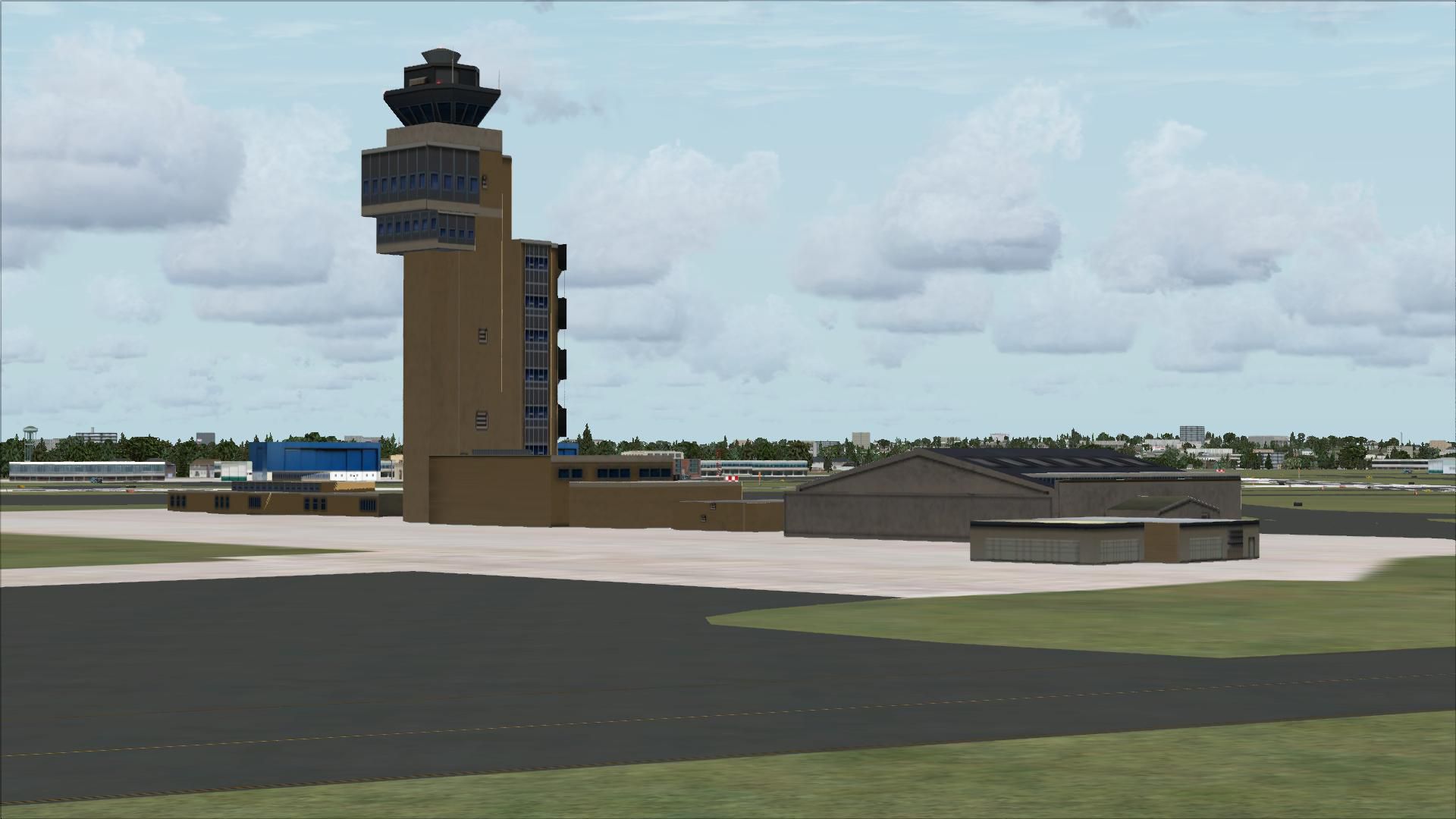
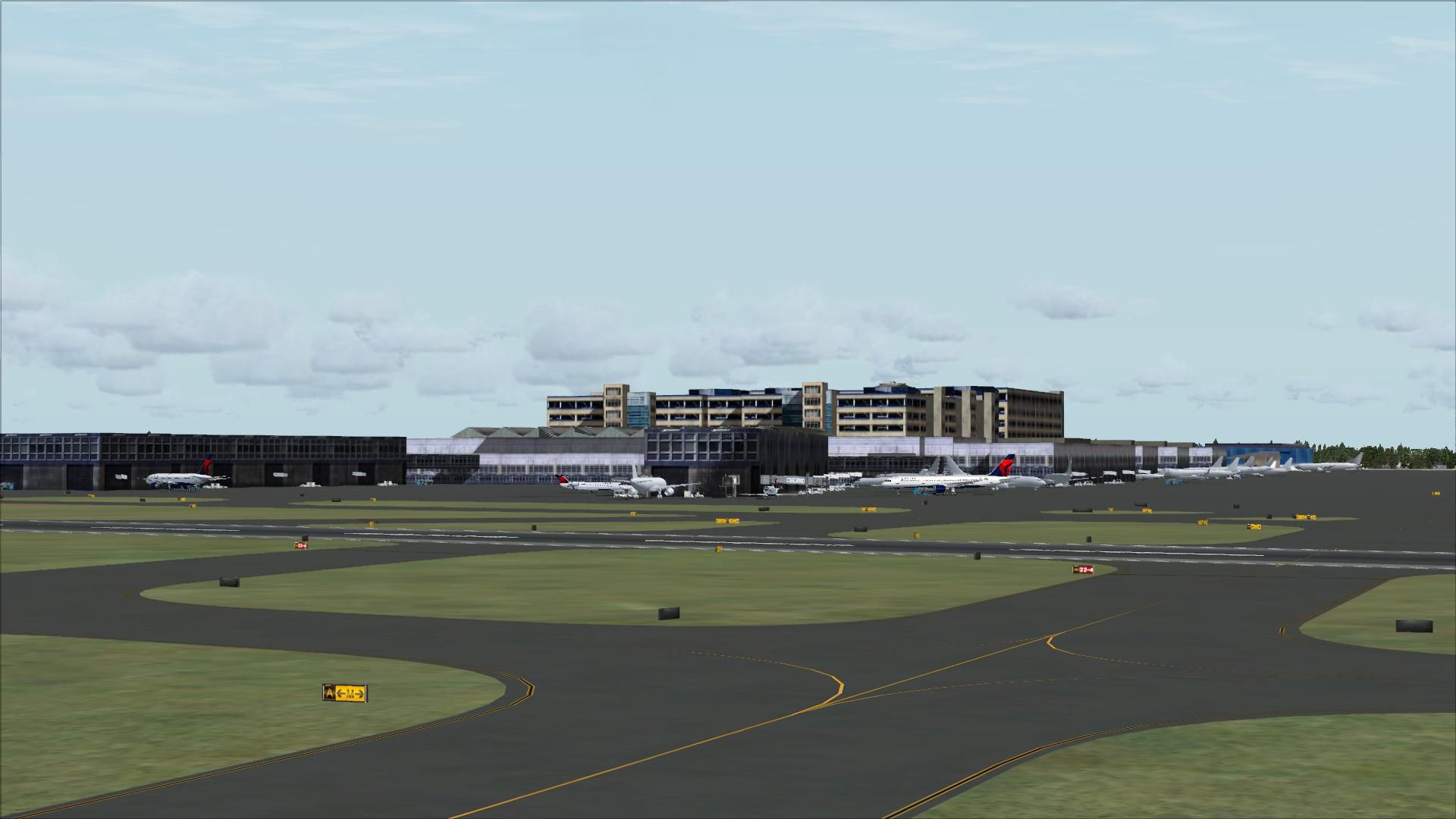
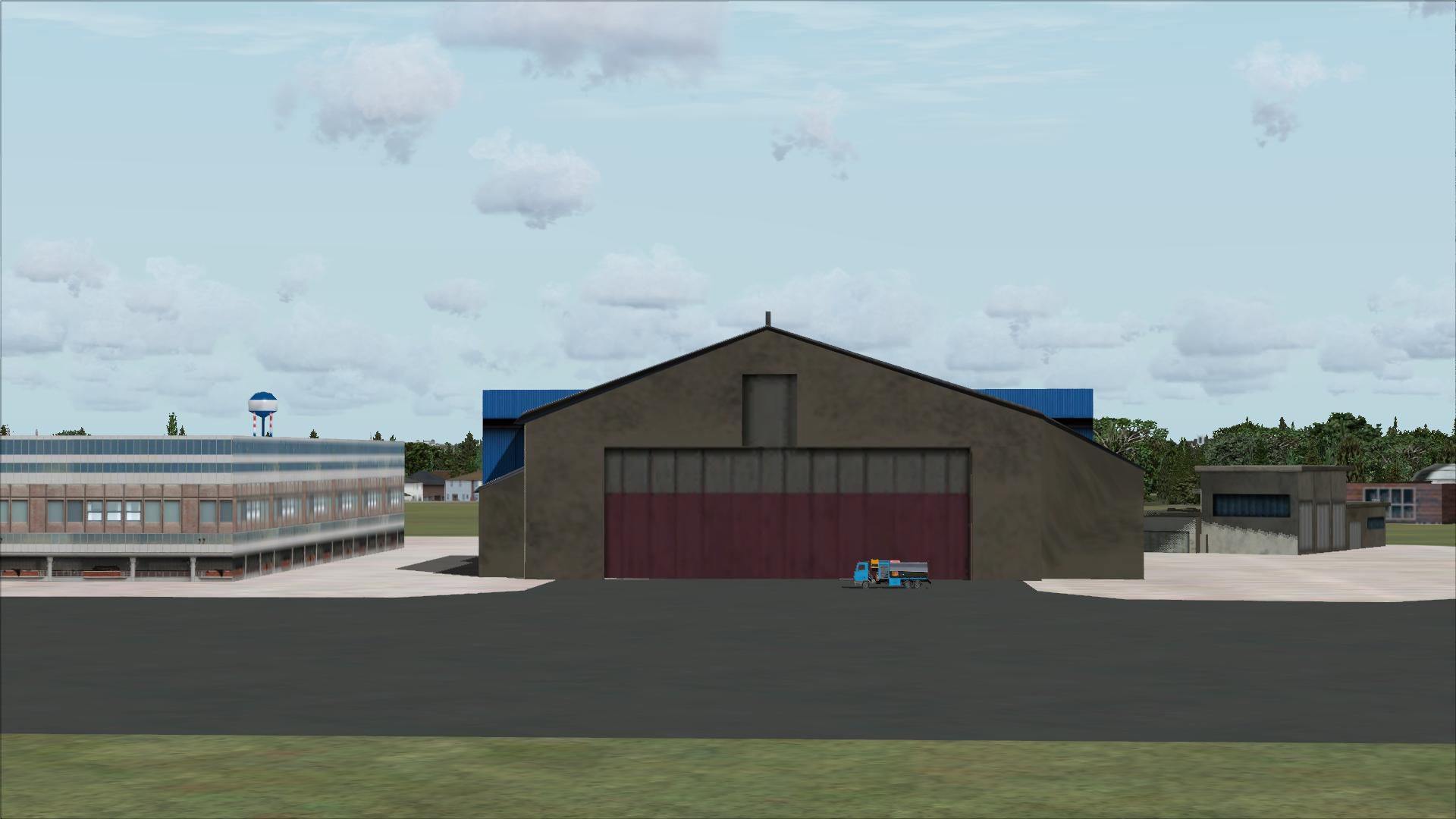
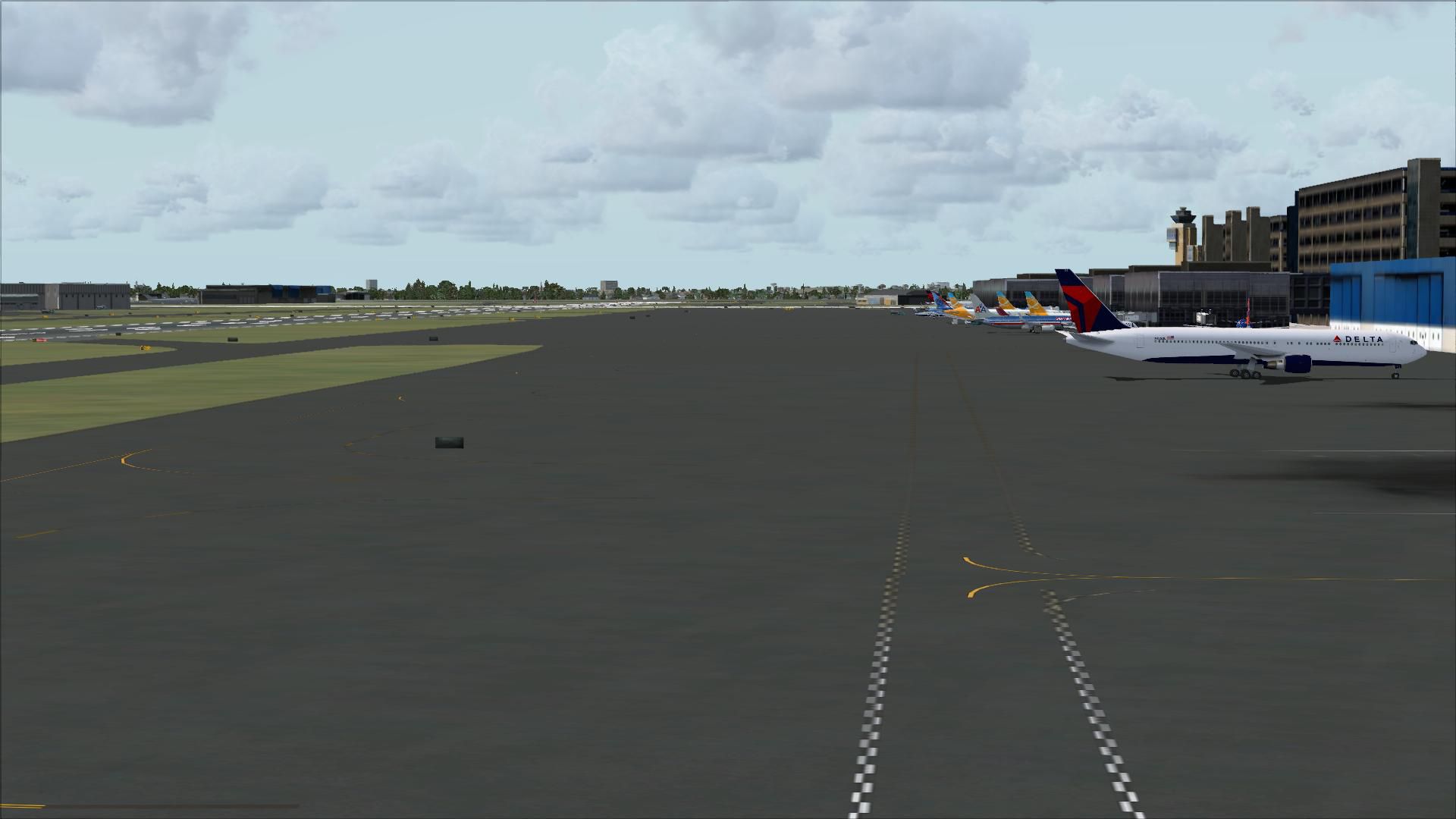
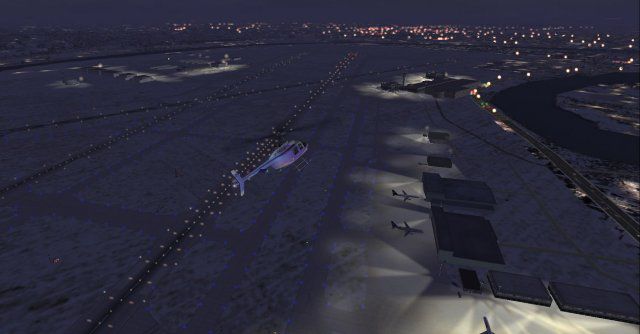
Minneapolis–St. Paul International Airport (KMSP) comes to life with detailed ramp lighting, moving airport traffic, and animated ground activity including people and service vehicles for more convincing gate-to-runway operations in FSX. The scenery captures the Wold-Chamberlain field atmosphere across the terminal and ramp areas for immersive regional and hub flights.

 United States of America
 - File: kmsp-1.zip
- Size:4.61 MB
- Scan:
Clean (24d)

- Access:Freeware
- Content:Everyone

 Description
 Comments
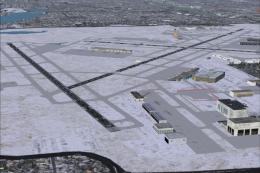
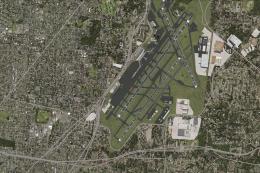
 Minneapolis-St. Paul International / Wold-Chamberlain Airport (KMSP), Minnesota (MN). Includes ramp lights, moving airport traffic, people, vehicles. By Jimmy R. Martin.
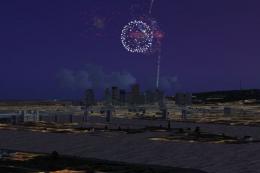
Screenshot of St. Paul International.
Place the two folders into your addon scenery folder.
Images & Screenshots




Finding the Scenery
- FSX/Prepar3D Coordinates:
-
44.88190000,-93.22170000
Use the downloaded flight plan file by launching FSX/P3D, selecting "Load Flight Plan" in the flight planner, and choosing the .pln file. Your aircraft will be positioned directly at the add-on’s location. - Decimal Degrees (DD):
-
Latitude: 44.881900°
Longitude: -93.221700° - Degrees, Minutes, Seconds (DMS):
-
Latitude: 44° 52' 54.840" N
Longitude: 93° 13' 18.120" W
Map Location

The archive kmsp-1.zip has 39 files and directories contained within it.
File Contents
This list displays the first 500 files in the package. If the package has more, you will need to download it to view them.
| Filename/Directory | File Date | File Size |
|---|---|---|
| file_id.diz | 01.25.11 | 92 B |
| KMSP.jpg | 01.25.11 | 30.15 kB |
| ramp lights.txt | 01.25.11 | 458 B |
| readme installation.txt | 01.25.11 | 126 B |
| scenery | 01.25.11 | 0 B |
| KMSP_ADEX_JRM.ad2.ad2 | 01.25.11 | 946.80 kB |
| KMSP_ADEX_JRM.BGL | 01.25.11 | 96.64 kB |
| KMSP_objs_jRm.bgl | 01.25.11 | 5.12 kB |
| RampLight_Library.bgl | 01.11.05 | 30.63 kB |
| Thumbs.db | 07.27.06 | 9.00 kB |
| texture | 01.25.11 | 0 B |
| ESDG_ramp.BMP | 01.09.05 | 32.07 kB |
| ESDG_ramp_lm.BMP | 01.09.05 | 32.07 kB |
| web.txt | 01.25.11 | 92 B |
| webgif.gif | 01.25.11 | 7.92 kB |
| KMSP | 01.25.11 | 0 B |
| flyawaysimulation.txt | 10.29.13 | 959 B |
| Go to Fly Away Simulation.url | 01.22.16 | 52 B |
| Screenshots | 08.28.19 | 0 B |
| screen-1.jpg | 08.27.19 | 194.46 kB |
| screen-10.jpg | 08.27.19 | 108.46 kB |
| screen-11.jpg | 08.27.19 | 159.71 kB |
| screen-12.jpg | 08.27.19 | 175.03 kB |
| screen-13.jpg | 08.27.19 | 142.40 kB |
| screen-14.jpg | 08.27.19 | 139.07 kB |
| screen-15.jpg | 08.27.19 | 135.47 kB |
| screen-16.jpg | 08.27.19 | 133.99 kB |
| screen-17.jpg | 08.27.19 | 120.92 kB |
| screen-18.jpg | 08.27.19 | 157.30 kB |
| screen-19.jpg | 08.27.19 | 195.95 kB |
| screen-2.jpg | 08.27.19 | 297.17 kB |
| screen-20.jpg | 08.27.19 | 146.14 kB |
| screen-3.jpg | 08.27.19 | 189.88 kB |
| screen-4.jpg | 08.27.19 | 181.59 kB |
| screen-5.jpg | 08.27.19 | 183.74 kB |
| screen-6.jpg | 08.27.19 | 194.22 kB |
| screen-7.jpg | 08.27.19 | 169.74 kB |
| screen-8.jpg | 08.27.19 | 638.90 kB |
| screen-9.jpg | 08.27.19 | 234.17 kB |

Installation Instructions
Most of the freeware add-on aircraft and scenery packages in our file library come with easy installation instructions which you can read above in the file description. For further installation help, please see our Flight School for our full range of tutorials or view the README file contained within the download. If in doubt, you may also ask a question or view existing answers in our dedicated Q&A forum.

0 comments
Leave a Response