

 FSX Historic & Vintage Aircraft
Boeing B-17 Flying Fortress
Repaint for FS-Cast Boeing B-17G, version 1.0, 2008.05.16, created by Francis…
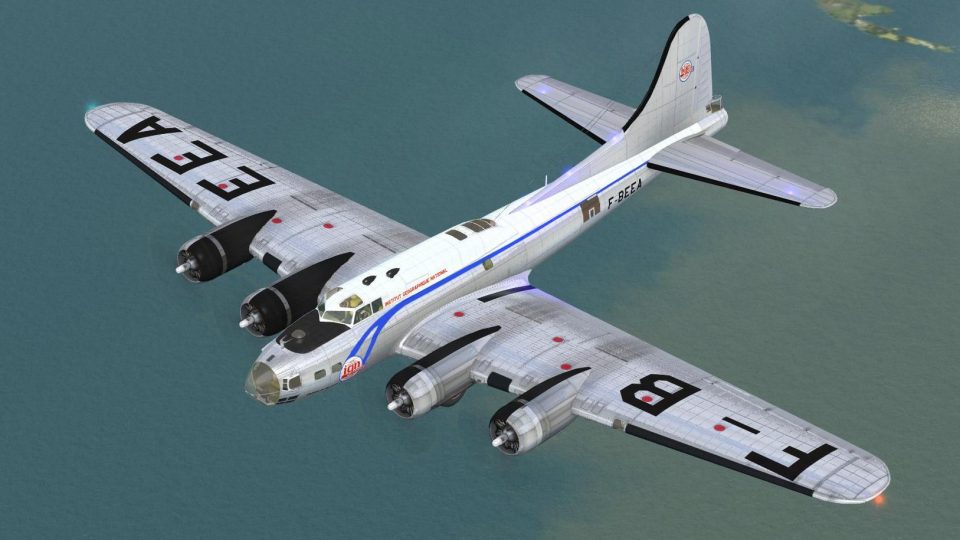
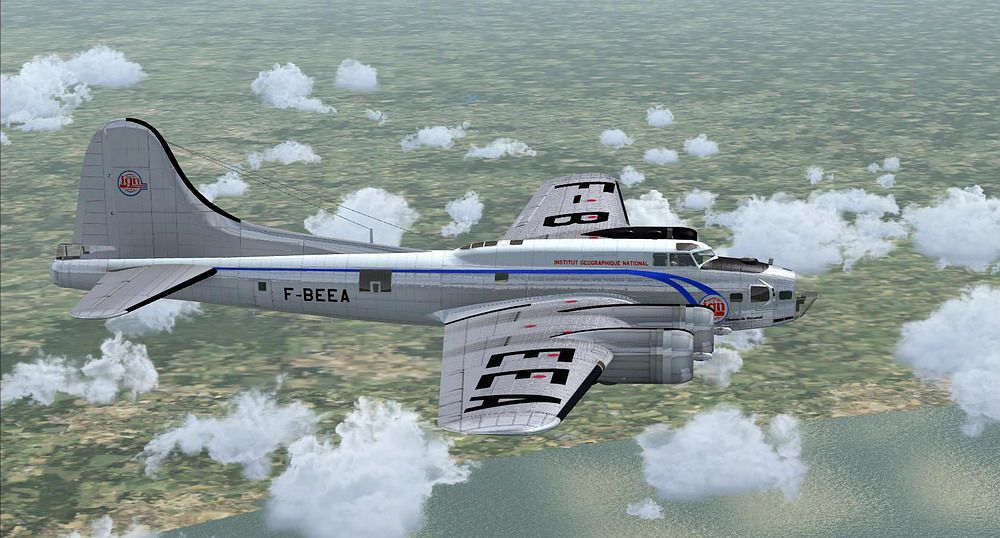
Boeing B-17G Flying Fortress F-BEEA livery recreates the Institut Géographique National aircraft, including historic markings tied to postwar French survey missions and later film appearances. Built for Microsoft Flight Simulator X, it adds a distinctive civil B-17 look and requires the FS-Cast Boeing B-17G base package.
 Rate
Rate
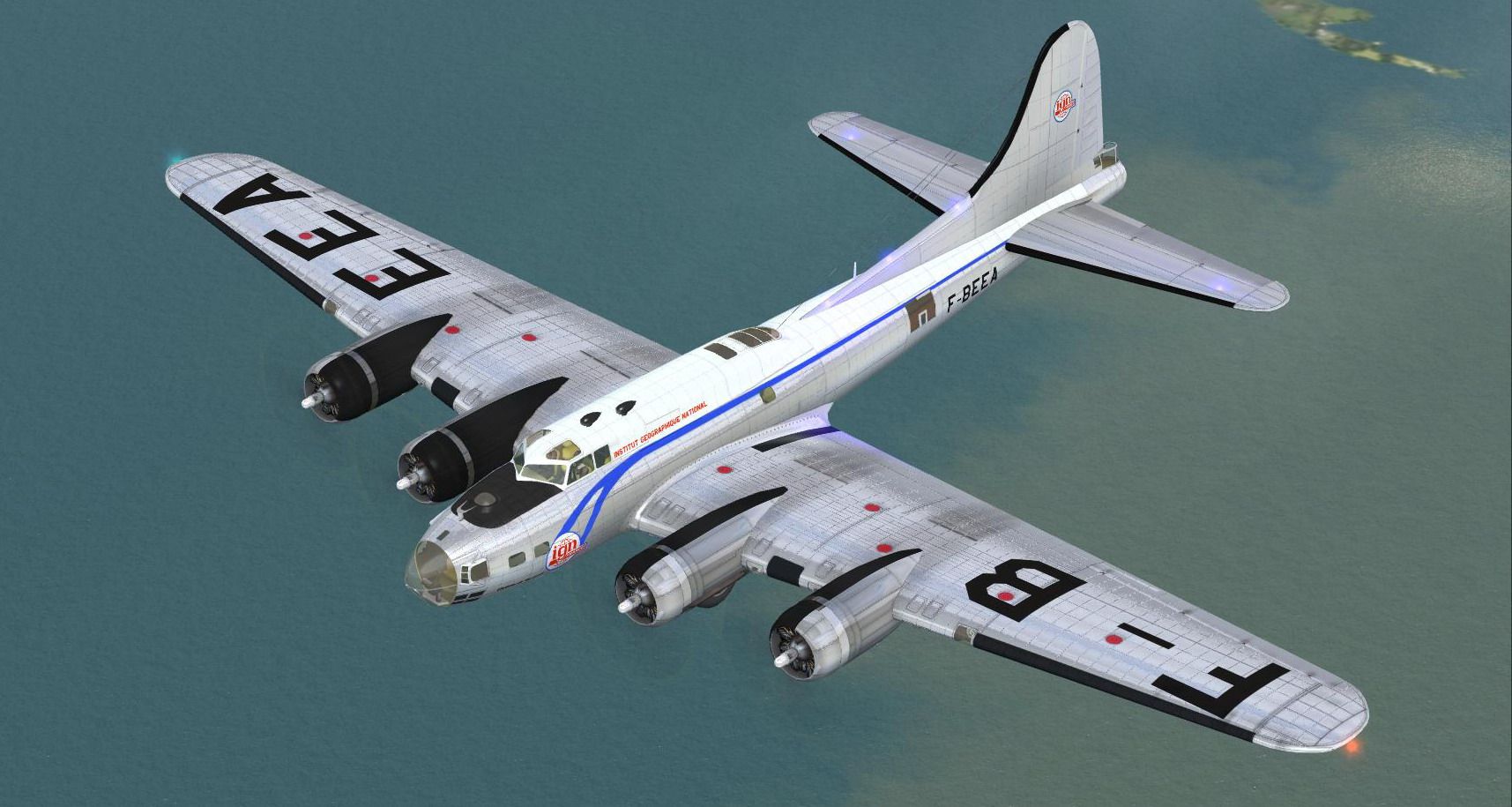
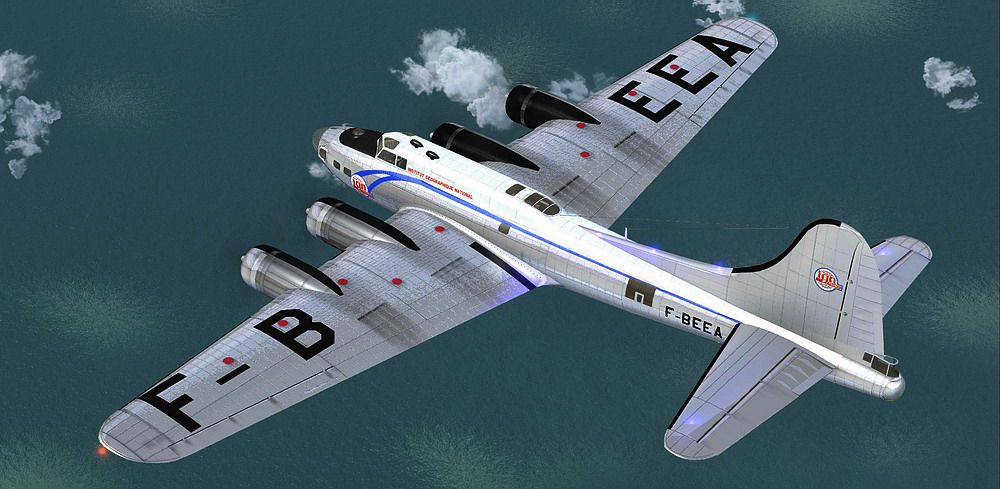

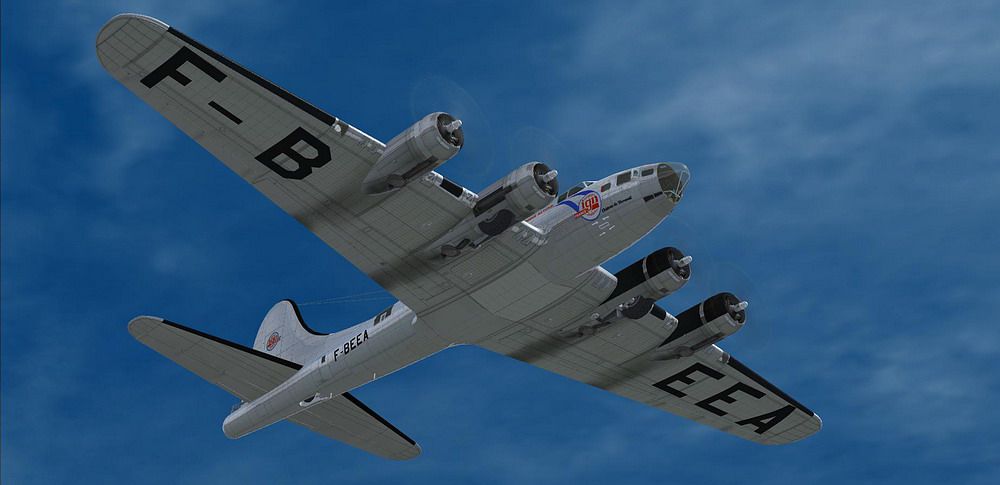
Repaint for FS-Cast Boeing B-17G for FSX, version 1.0, 2008.05.16 Created by Francisco Sanchez-Castaner livery of National Geographical Institute matricule F-BEEA by Martial Feron.
Screenshot of Boeing B-17 Flying Fortress F-BEEA in flight.
B-17G-105-EV No. 44-85643: Purchased by the IGN December 12, 1947, registration F-beea, it flew its first mission in the south of France in June 1948, he participated in Kubick film "Dr. Strangelove" in 1962 for the aerial. Scheduled to be retained parallel F-BGSP it is preserved in its colors and its equipment with IGN. On July 26, 1989 the aircraft was probably surprised Turbulance by the F-AZDX plane crashed on take-off, there are no victims. He was involved with the F-BGSP the second shooting of Memphis Belle in Binbrook. A photo of the plane flame exists on the internet.
INSTALLATION
This download requires the previous installation of FS-Cast Boeing B-17G package for FSX.
1. Unzip F-BEEA.zip to a temporary folder, ensuring that you retain folder names.
2. Within the download, move the texture folder 'texture.F-BEEA' to the folder 'FSC_B_17' within your 'Microsoft Flight Simulator XSimObjectsAirplanes' folder.
3. Open the aircraft.cfg with a text editor. Enter the following section under the last [flightsim.XX] entry, numbering it sequentially:
[fltsim.x]

Title="B-17 Institut Géographique National" F-BEEA

sim=B-17

model=fab

Panel=""

Sound=""

texture=F-BEEA

kb_reference=B-17_ref

KB_checklists = CheckList_B-17

atc_id_enable=1

atc_id=F-BEEA

atc_id_color=1

ui_manufacturer=Boeing

ui_type="B-17 Flying Fortress"

ui_variation="F-BEEA"

atc_heavy=0

atc_airline=IGN

atc_flight_number=17

prop_anim_ratio=0.5

description=
By Martial FERON
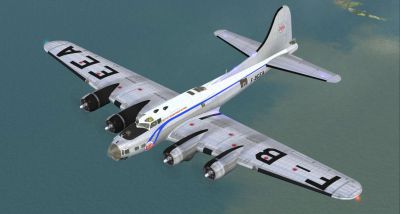
Screenshot of Boeing B-17 Flying Fortress F-BEEA in flight.
Free for all simmers · 3.2 MB · Scanned clean Aug 2026
Download speed: Free tier is capped at 0.5 Mbps. PRO members download at full line speed.
texture.{airline}) inside FSX\SimObjects\Airplanes\{base-aircraft}\.aircraft.cfg in Notepad. Add a new [fltsim.X] section per the readme.readme.txt or README file. It tells you exactly where files go, what dependencies are needed, and any quirks specific to this add-on.The archive f-beea.zip has 17 files and directories contained within it.
This list displays the first 500 files in the package. If the package has more, you will need to download it to view them.
| Filename/Directory | File Date | File Size |
|---|---|---|
| file_id.diz | 02.21.10 | 243 B |
| maina_spec.dds | 06.03.09 | 341.48 kB |
| maina_t.dds | 02.11.10 | 4.00 MB |
| mainb_spec.dds | 02.18.08 | 256.12 kB |
| mainb_t.dds | 01.31.10 | 4.00 MB |
| readme.txt | 02.21.10 | 3.13 kB |
| screenshot3527.JPG | 02.18.10 | 143.09 kB |
| screenshot3528.JPG | 02.18.10 | 322.00 kB |
| screenshot3530.JPG | 02.18.10 | 80.67 kB |
| screenshot3531.JPG | 02.18.10 | 180.68 kB |
| screenshot3532.JPG | 02.18.10 | 131.79 kB |
| simple_spec.dds | 02.10.08 | 256.12 kB |
| simple_t.dds | 02.10.08 | 1.00 MB |
| texture.cfg | 08.14.06 | 137 B |
| F-BEEA | 02.21.10 | 0 B |
| flyawaysimulation.txt | 10.29.13 | 959 B |
| Go to Fly Away Simulation.url | 01.22.16 | 52 B |
Only PRO members can place votes.
More FSX & P3D add-ons hand-picked based on this download.
FSX Historic & Vintage Aircraft
Repaint for FS-Cast Boeing B-17G, version 1.0, 2008.05.16, created by Francis…
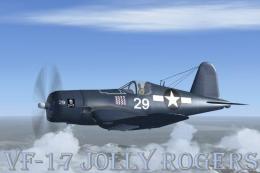 FSX Historic & Vintage Aircraft
This is a Repaint of the Guy Hulin Corsair model updated for Flight Simulator…
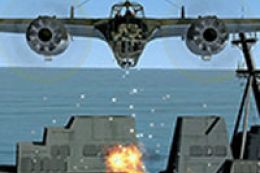 FSX Historic & Vintage Aircraft
Dornier Do 17 with accurate bombing from 12000 feet or 100 feet. Simulating t…
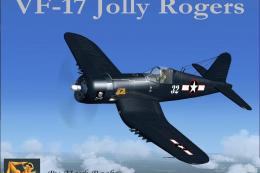 FSX Historic & Vintage Aircraft
VF-17 Jolly Rogers Vought F4U-7 Corsair "First Mate". A repaint of Guy Hulin'…
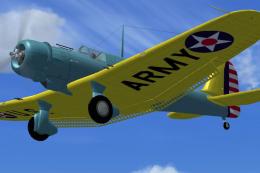 FSX Historic & Vintage Aircraft
The A-17 was developed from the very successful and high performance Northrop…
 FSX Historic & Vintage Aircraft
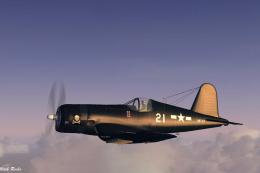
A repaint of Guy Hulin's Corsair updated for Flight Simulator X. This aircraf…
 FSX Historic & Vintage Aircraft
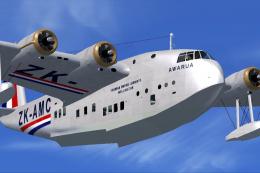
These famous aircraft formed the backbone of the Imperial Airways, it's suces…
 FSX Historic & Vintage Aircraft
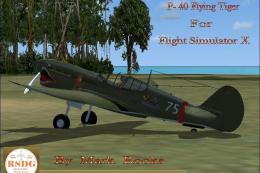
Included are some historical pictures and history of the AVC aircraft this is…
Be the first to leave a comment on this download.
Be the first to share your thoughts on this download.