

 FSX Historic & Vintage Aircraft
Nakajima Kikka
The Nakajima Kikka was developed late in World War II. The first prototype ha…
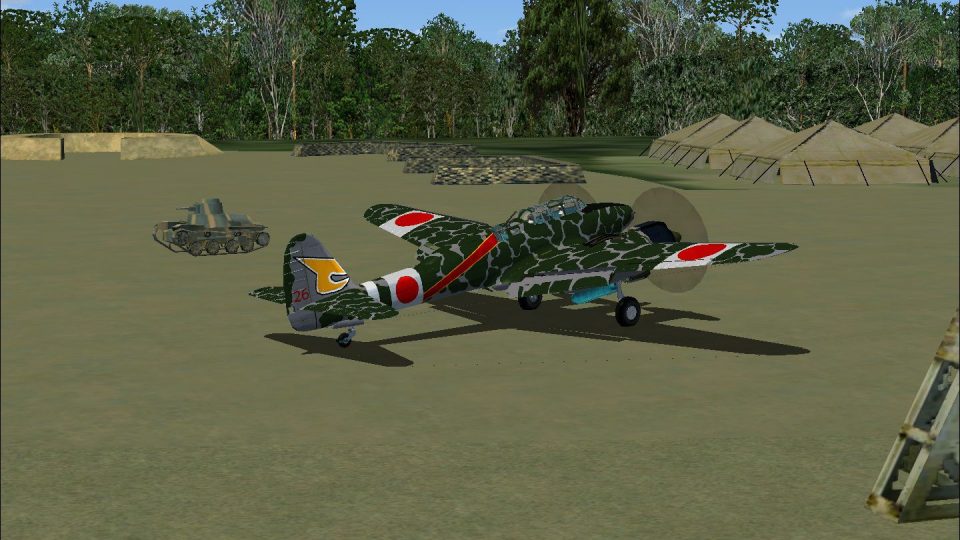
Nakajima Type-11 Gekko (Moonlight) night fighter gets two historically inspired Rabaul-based camouflage repaints, rebuilt from period black-and-white reference photos. Optimized DXT5 DDS textures use a shared-files layout to save disk space and include the original texture set plus a tidied aircraft configuration; requires Hadi Tahir’s model in FSX.
 Rate
Rate
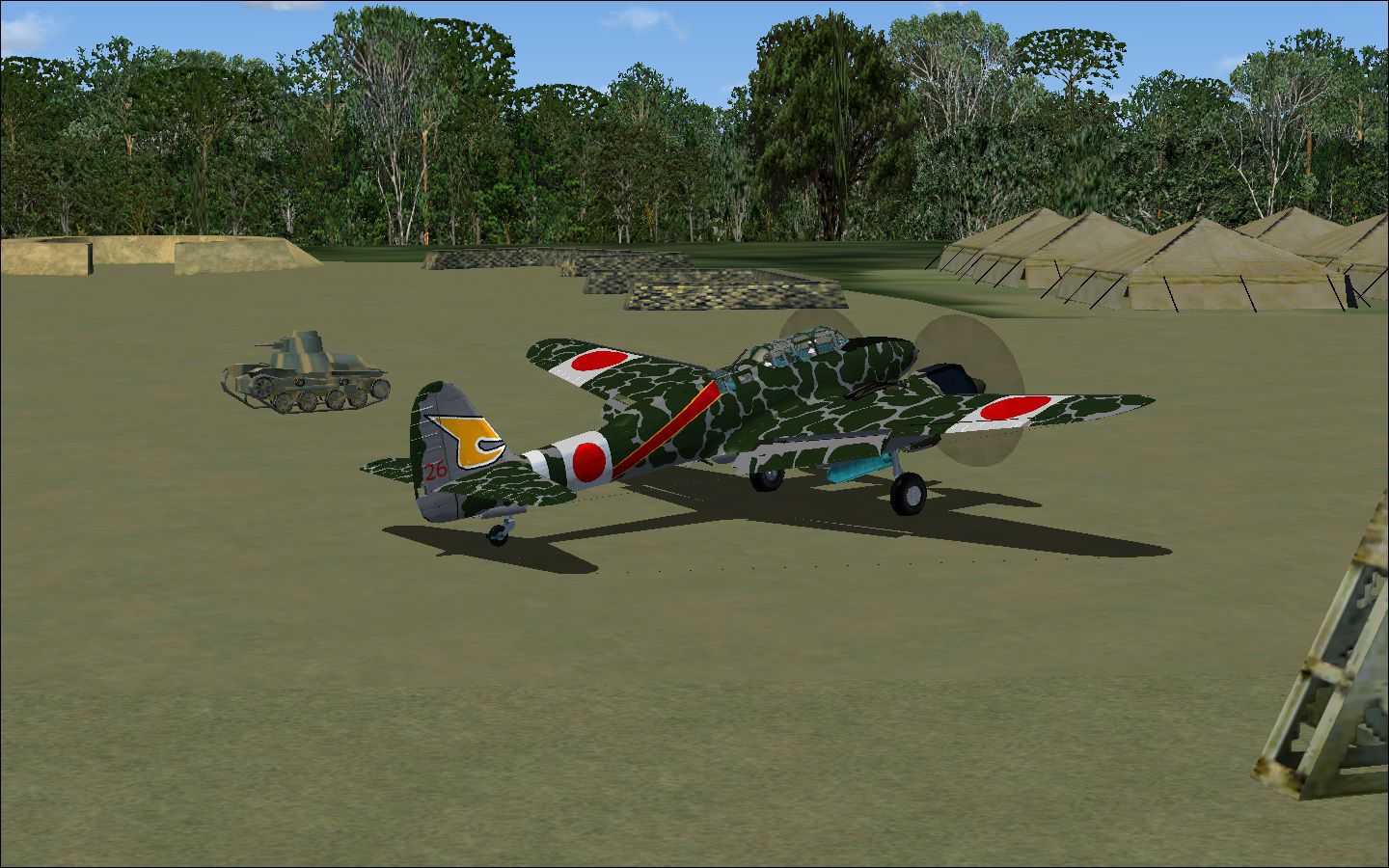

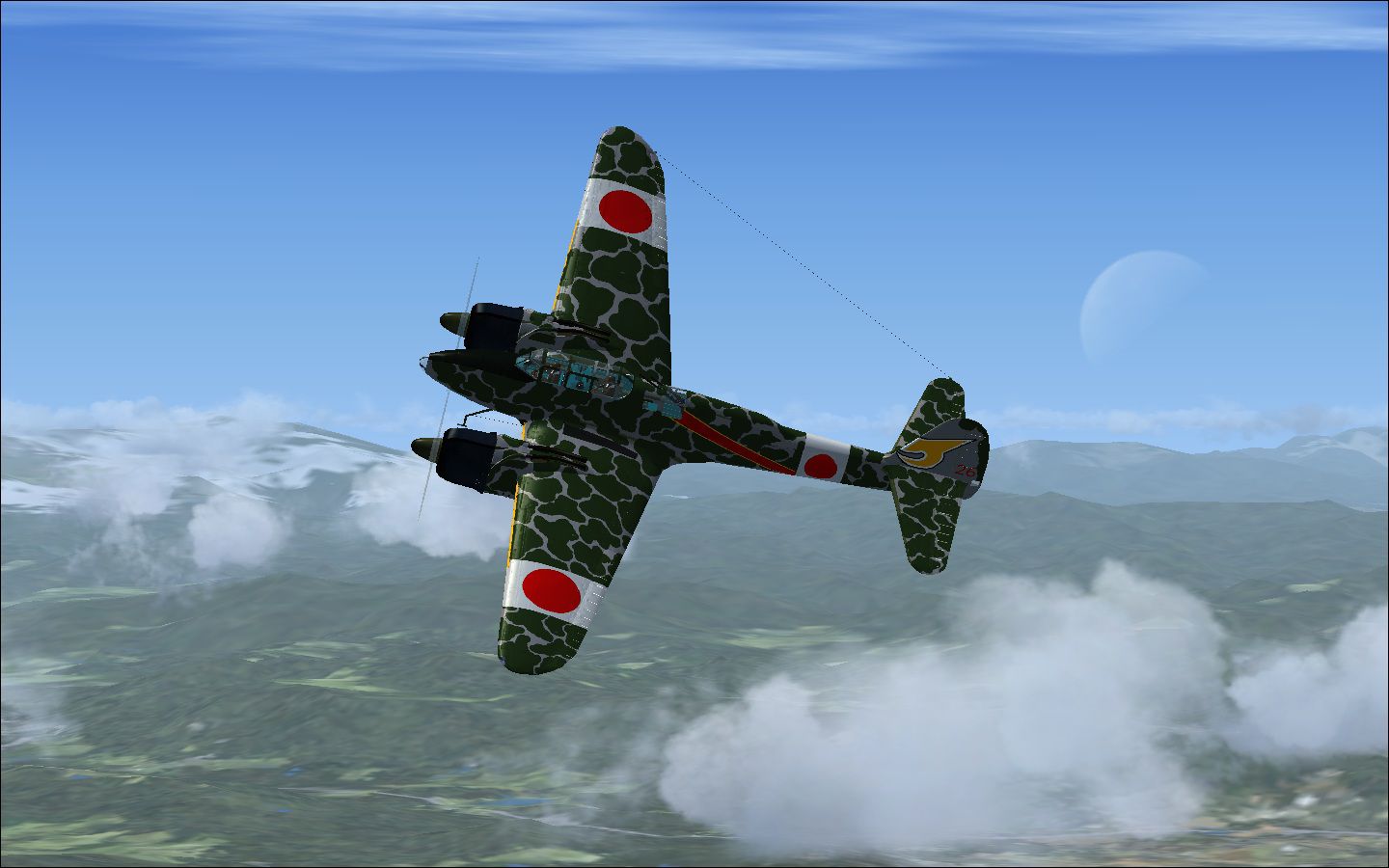
Two repaints for Hadi Tahir's Nakajima Type-11 Gekko (Moonlight) night fighter, with a 'shared files' folder format to reduce hard drive footprint, the original texture included in shared file format, all files saved as DXT5 DDS. Two Gekkos in camouflage, from black and white photos of Gekkos based in Rabaul. Includes a revised configuration file to simplify installation. By Mike Barnes.
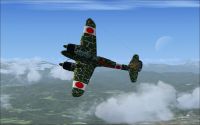
Screenshot of Nakajima Gekko in flight.
Installation: open the J1N1S folder. remove the texture folder and config file. Back up if you wish. Unzip the zip file to your J1N1S folder. That's it.
3/7charlie, near Human Dystopia. Republic of Cascadia.
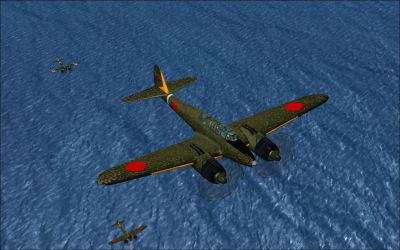
Screenshot of Nakajima Gekko flying over water.
Free for all simmers · 5.89 MB · Scanned clean Oct 2026
Download speed: Free tier is capped at 0.5 Mbps (this file takes approximately 2 mins at the cap). PRO members download at full line speed.
texture.{airline}) inside FSX\SimObjects\Airplanes\{base-aircraft}\.aircraft.cfg in Notepad. Add a new [fltsim.X] section per the readme.readme.txt or README file. It tells you exactly where files go, what dependencies are needed, and any quirks specific to this add-on.The archive fsx_nakajima_gekko_2pack.zip has 8 files and directories contained within it.
This list displays the first 500 files in the package. If the package has more, you will need to download it to view them.
| Filename/Directory | File Date | File Size |
|---|---|---|
| Nakajima J1N1S -2pack | 06.26.11 | 0 B |
| Gekko Gaggle.jpg | 06.26.11 | 399.88 kB |
| Nakajima J1N1S -textures.zip | 06.26.11 | 4.95 MB |
| readme.txt | 06.26.11 | 655 B |
| serious moonlight.jpg | 06.26.11 | 213.44 kB |
| Solomon Islands.jpg | 06.26.11 | 431.05 kB |
| flyawaysimulation.txt | 10.29.13 | 959 B |
| Go to Fly Away Simulation.url | 01.22.16 | 52 B |
Only PRO members can place votes.
More FSX & P3D add-ons hand-picked based on this download.
FSX Historic & Vintage Aircraft
The Nakajima Kikka was developed late in World War II. The first prototype ha…
 FSX Historic & Vintage Aircraft
Nakajima Night Fighter Type-11 Gekkou (J1N1-S), a twin-engine land based nigh…
 FSX Historic & Vintage Aircraft
The Nakajima L2D2 is a copy of the Douglas DC-3, licence-built Douglas DC-3, …
 FSX Historic & Vintage Aircraft
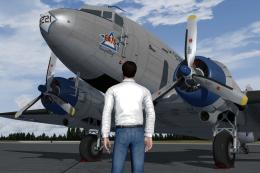
Now version 3.14 (V3.1406). This package includes the latest Douglas C-47 Sky…
 FSX Historic & Vintage Aircraft
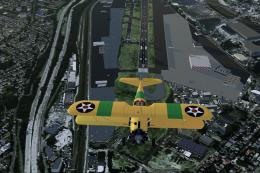
An FSX-native Boeing-Stearman Model 75 freeware aircraft add-on with a range …
 FSX Historic & Vintage Aircraft
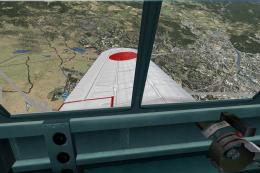
Delve into the realm of historic aviation with the Mitsubishi A6M Zero Comple…
 FSX Historic & Vintage Aircraft
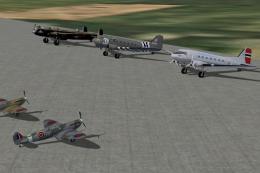
AI Aircraft--ACG Historic AI Pack 1, comprising: Spitfires Mk1a, Vb, XIX, T2,…
 FSX Historic & Vintage Aircraft
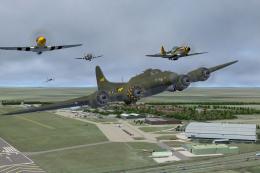
AI Aircraft--ACG Historic AI Pack 3, comprising: B-17G, P-51 Mustangs x 2, P-…
Be the first to leave a comment on this download.
Be the first to share your thoughts on this download.