

 FSX Historic & Vintage Aircraft
F-4F Wildcat U.S. Navy
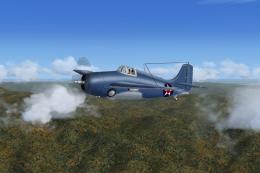
This is a Highly Modified Version of Robert Hawk’s F-4F Wildcat for Flight Si…
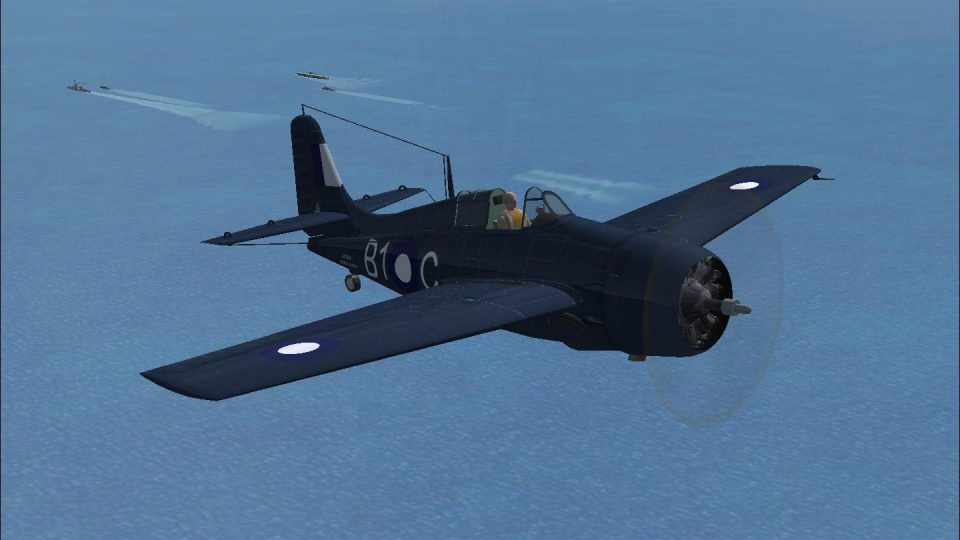
Royal Navy Wildcat V repaint depicts JV884 “B1C” of 882 NAS aboard HMS Searcher over the Indian Ocean in 1945, bringing period-accurate markings to Phil Crowther’s rugged General Motors FM2 for FSX. It retains the type’s nimble handling and docile deck-landing character, and requires ESCORT_CARRIER_GROUP.ZIP.
 Rate
Rate
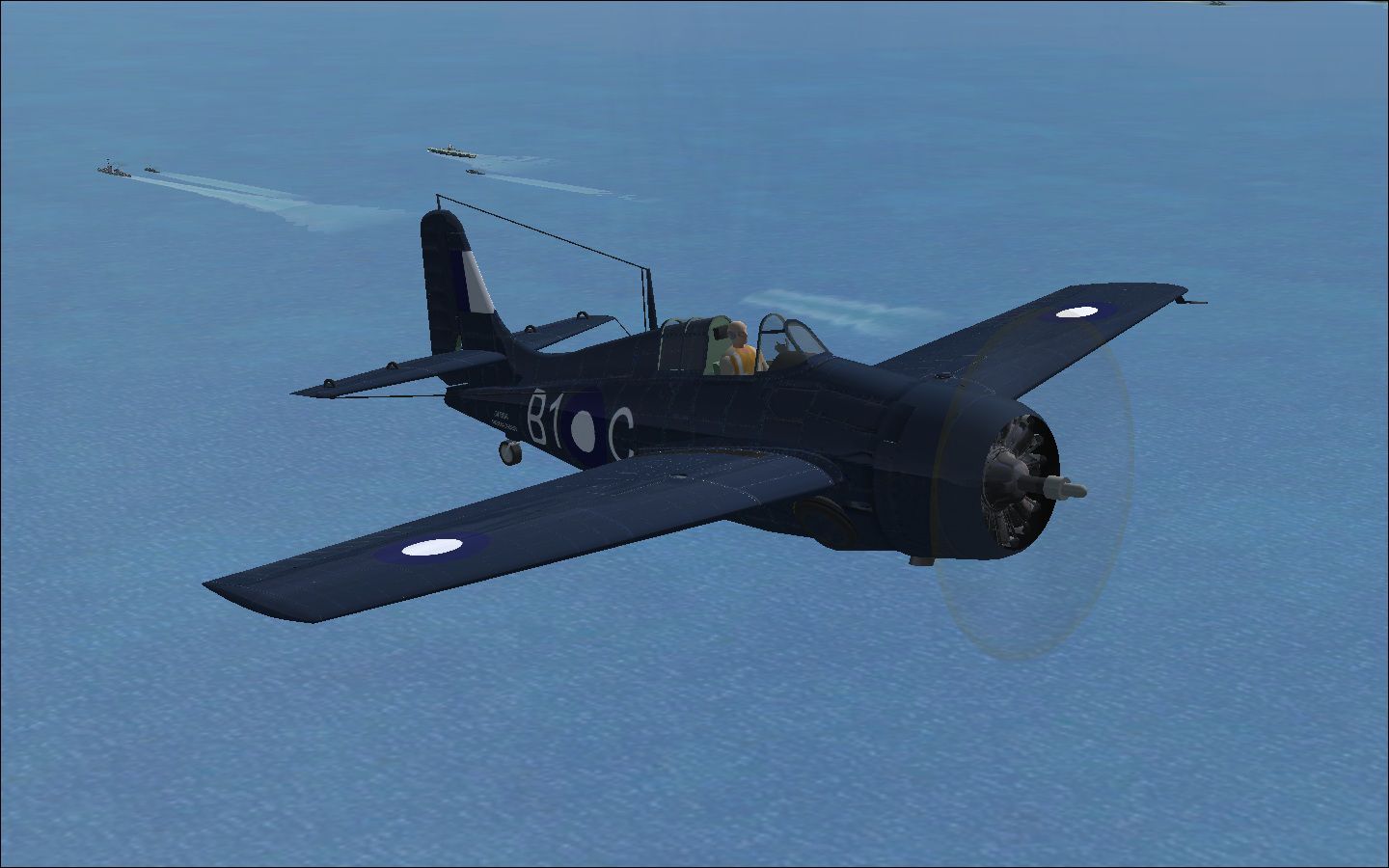
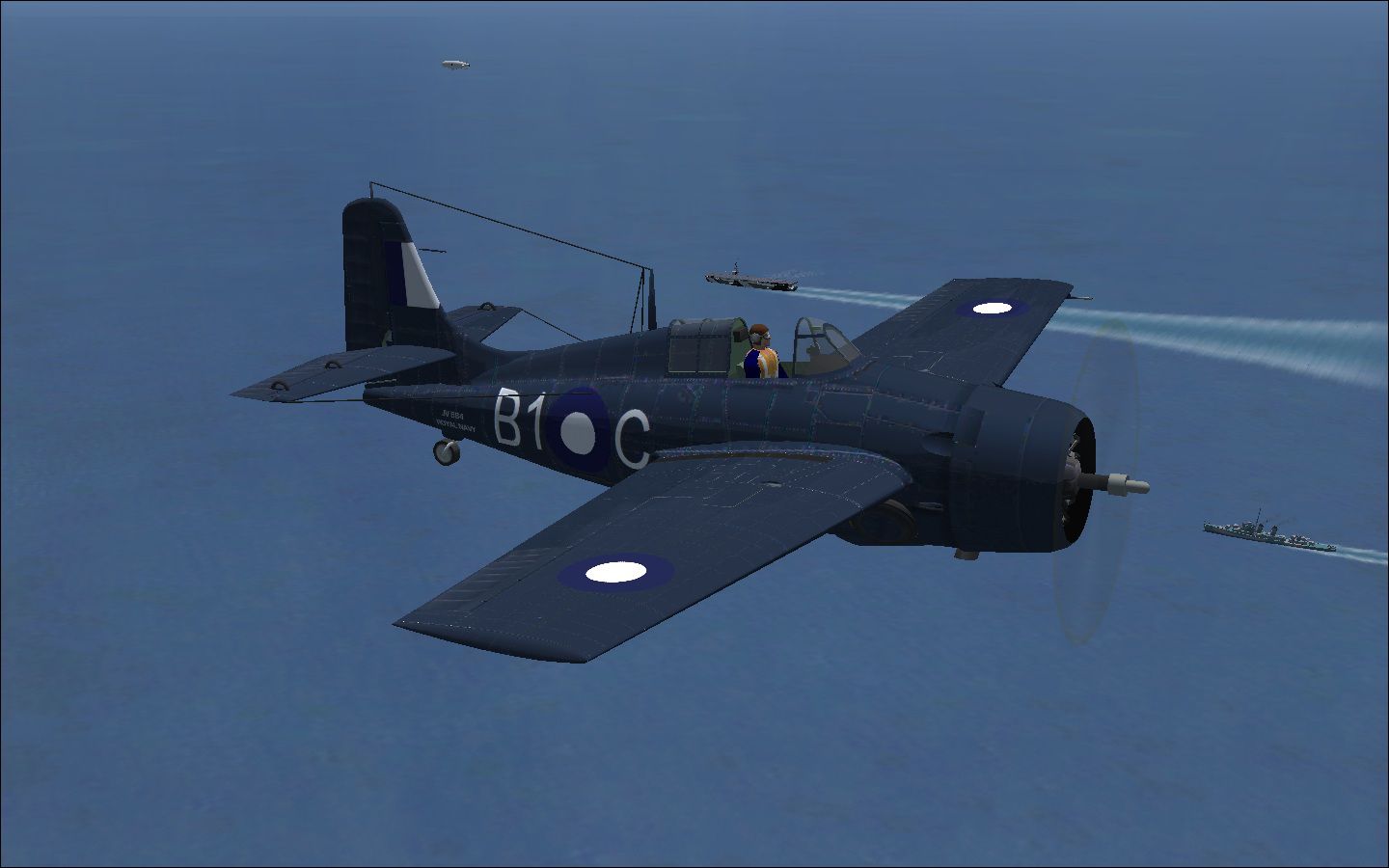
Royal Navy Wildcat V A simple repaint of Phil Crowther's FM2 Wildcat as JV 884, B1C of 882NAS HMS Searcher, in the Indian Ocean, 1945. Required file: ESCORT_CARRIER_GROUP.ZIP. This is an FSX native model of the General Motors FM2 (Wildcat V in RN parlence) that comes with an equally brilliant Casablanca class 'jeep' carrier. Easy to fly, rugged, hard hitting, fairly nimble and a docile deck landing aeroplane, the Wildcat in its developed FM2 form, stayed in production until 1945, and served in every theater until well after 1945. By Mike Barnes.
Screenshot of Royal Navy Wildcat V in flight over the Indian Ocean.
Installation: Unzip, and drop the texture file into your FMS folder, amend the config file with the following entry.
[fltsim.1]

title=Wildcat V

sim=FM2

model=

panel=

sound=

texture=1

kb_checklists=

atc_id=

atc_airline=Royal Navy

atc_flight_number=Bravo1

ui_manufacturer= General Motors

ui_type=Wildcat V

ui_variation= 882 Sqn,HMS Searcher, Indian Ocean, 1945
3/7charlie. Near Human Dystopia.
Free for all simmers · 1.4 MB · Scanned clean Oct 2026
Download speed: Free tier is capped at 0.5 Mbps. PRO members download at full line speed.
texture.{airline}) inside FSX\SimObjects\Airplanes\{base-aircraft}\.aircraft.cfg in Notepad. Add a new [fltsim.X] section per the readme.readme.txt or README file. It tells you exactly where files go, what dependencies are needed, and any quirks specific to this add-on.The archive wildcatv_rn.zip has 7 files and directories contained within it.
This list displays the first 500 files in the package. If the package has more, you will need to download it to view them.
| Filename/Directory | File Date | File Size |
|---|---|---|
| FM2 WildcatV | 07.13.11 | 0 B |
| readme.txt | 07.13.11 | 1.33 kB |
| texture.1.zip | 07.13.11 | 1.03 MB |
| Wildcat V Indian ocean.jpg | 07.13.11 | 234.93 kB |
| Wildcat V.jpg | 07.13.11 | 172.53 kB |
| flyawaysimulation.txt | 10.29.13 | 959 B |
| Go to Fly Away Simulation.url | 01.22.16 | 52 B |
Only PRO members can place votes.
More FSX & P3D add-ons hand-picked based on this download.
FSX Historic & Vintage Aircraft
This is a Highly Modified Version of Robert Hawk’s F-4F Wildcat for Flight Si…
 FSX Historic & Vintage Aircraft
This is Robert Hawk's FS2004 Grumman Wildcat modified for FSX. The Grumman F4…
 FSX Historic & Vintage Aircraft
A highly modified version of Robert Hawk's F-4F Wildcat in high luster U.S. N…
 FSX Historic & Vintage Aircraft
Doing some spring cleaning at Alphasim. Removing a few titles from the catalo…
 FSX Historic & Vintage Aircraft
Bristol Scout D Of The Royal Flying Corps. Includes animated pilot, 2D and VC…
 FSX Historic & Vintage Aircraft
Royal Air Force AOP Cub (fictional). A fictional texture representing an RAF …
 FSX Historic & Vintage Aircraft
Immerse yourself in a vintage aviation experience by adding this float-capabl…
 FSX Historic & Vintage Aircraft
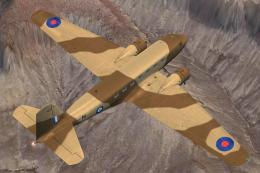
Royal Air Force Douglas DC-2 AX767. This is an RAF repaint for the Douglas DC…
Be the first to leave a comment on this download.
Be the first to share your thoughts on this download.