


 FS2004 Military Aircraft
FS2004/FS2002 Chance Vought V-173 Flying Flapjack Prototype Navy carrier based fighter
designed for FS2002/2004. Features inlcude moving control surfaces, working s…
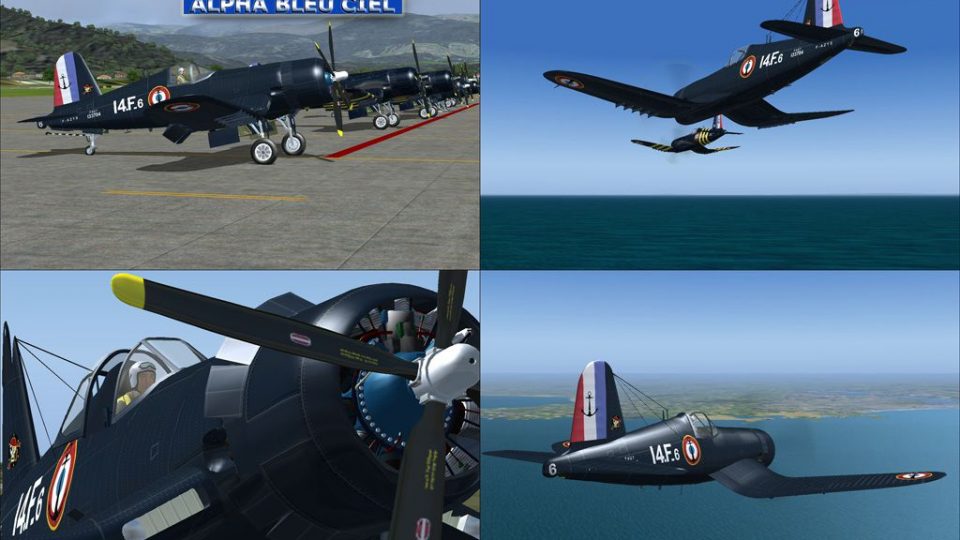
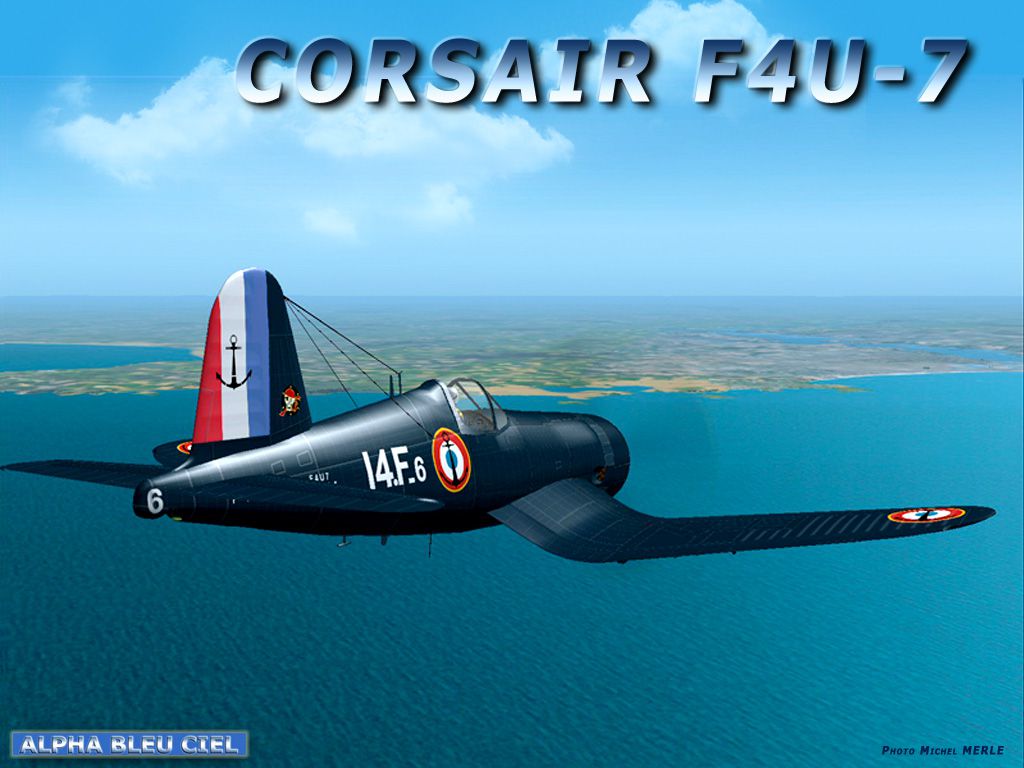
French Navy Vought F4U-7 Corsair for FS2004 recreates the last-production Corsair variant with two Gmax-built models featuring dynamic shine, reflective textures, full suspension, folding wings, tail hook, opening cockpit, and animated gear, flaps, and cowl flaps. A custom 2D panel, functional virtual cockpit, and tuned flight dynamics round out two included liveries.

Free for all simmers · 23.01 MB · Scanned clean
Download speed: Free tier is capped at 0.5 Mbps (this file takes approximately 6 mins at the cap). PRO members download at full line speed.
FS9\Aircraft\, FS9\Addon Scenery\, FS9\Gauges\, or FS9\Effects\.readme.txt or README file. It tells you exactly where files go, what dependencies are needed, and any quirks specific to this add-on.The archive corsf4u7.zip has 8 files and directories contained within it.
This list displays the first 500 files in the package. If the package has more, you will need to download it to view them.
| Filename/Directory | File Date | File Size |
|---|---|---|
| install_f4u7.exe | 09.11.04 | 22.63 MB |
| corsairf4u7.png | 09.11.04 | 21.86 kB |
| fsscr028.gif | 09.11.04 | 5.12 kB |
| packageimagcorsair.jpg | 09.07.04 | 238.28 kB |
| file_id.diz | 09.11.04 | 881 B |
| pack_corsair.jpg | 09.11.04 | 274.39 kB |
| flyawaysimulation.txt | 10.29.13 | 959 B |
| Go to Fly Away Simulation.url | 01.22.16 | 52 B |
More FS2004 add-ons hand-picked based on this download.
FS2004 Military Aircraft
designed for FS2002/2004. Features inlcude moving control surfaces, working s…
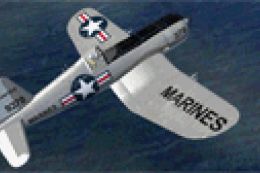 FS2004 Military Aircraft
FS2004 Alpha Bleu Ciel French Chance Vought F4U-7 Corsair. This patch correct…
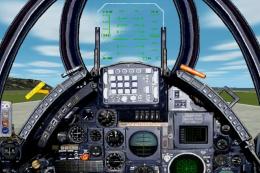 FS2004 Military Aircraft
This was an attack aircraft with an extremely excellent navigation ability an…
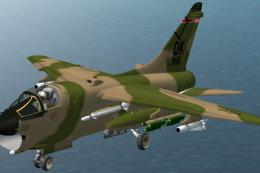 FS2004 Military Aircraft
is a production type for USAF and ANG(National Guard). The TISL laser instruc…
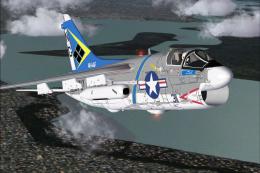 FS2004 Military Aircraft
VA-146. As flown from the USS Constellation Textures only. 'A7E ' required he…
 FS2004 Military Aircraft
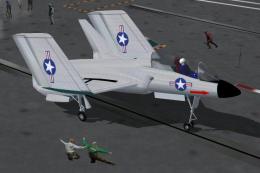
This FSDSv2 project is based on J. P. Demmerle's freeware .fsc. It features r…
 FS2004 Military Aircraft
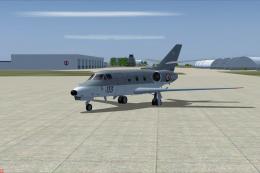
Updated repaints and flight plans for the six French Navy Falcon 10 MER in se…
 FS2004 Military Aircraft
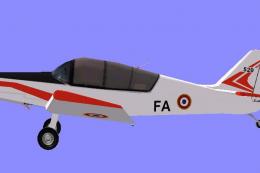
Jodel D140R Abeille of French test pilot school at Istres - Le Tube. Textures…
Read what other simmers think, or add your own.

In the vc, no gages show, only the blank position where they belong! How to fix this? I am using win10 . Thanks John