






 FSX Other Aircraft & Vehicles
Space Shuttle Atlantis
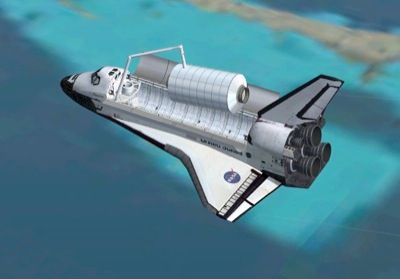
FSX Space Shuttle Atlantis. Ascend to 600,000 feet under your own power and t…
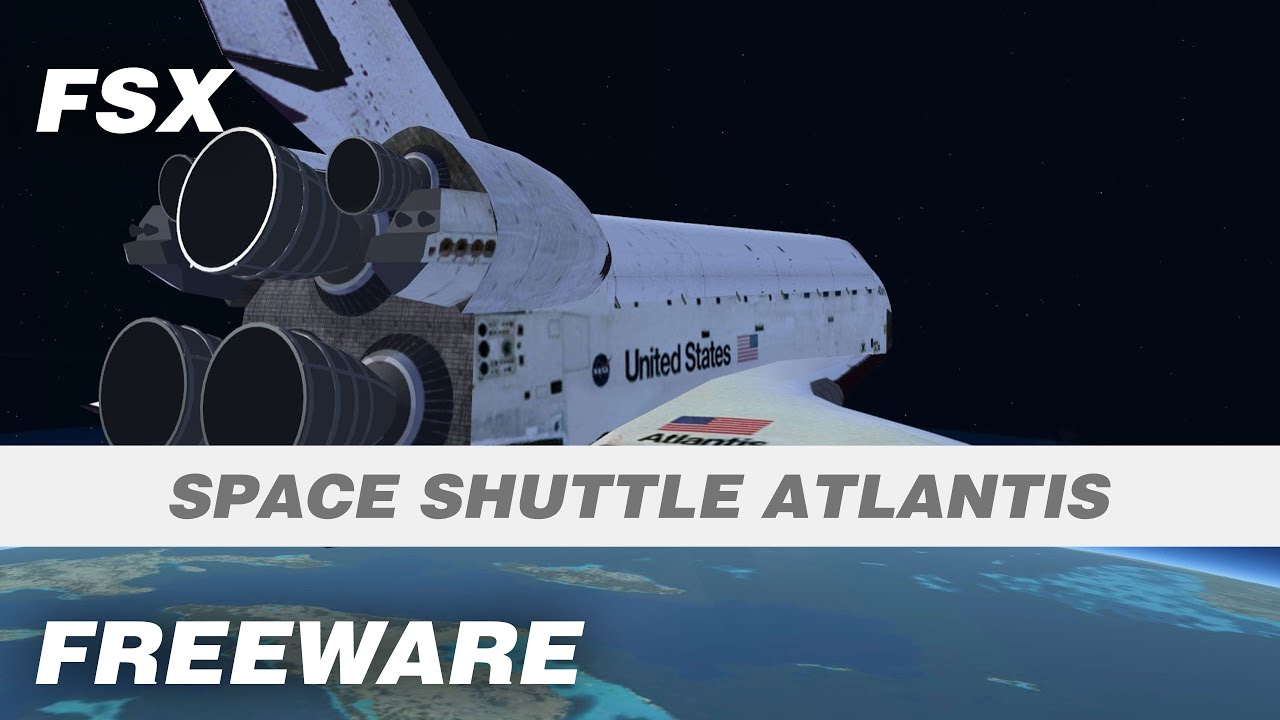
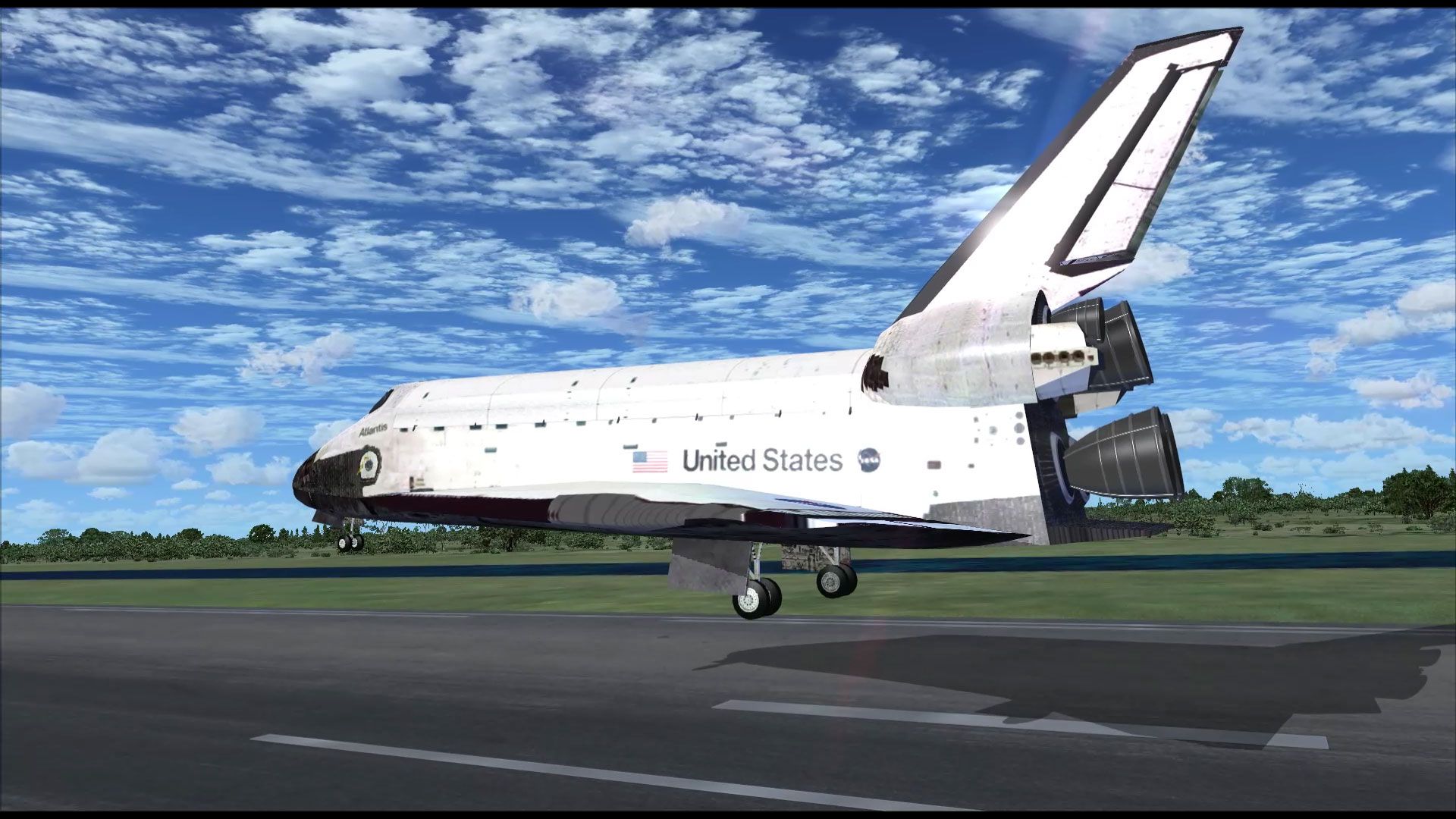
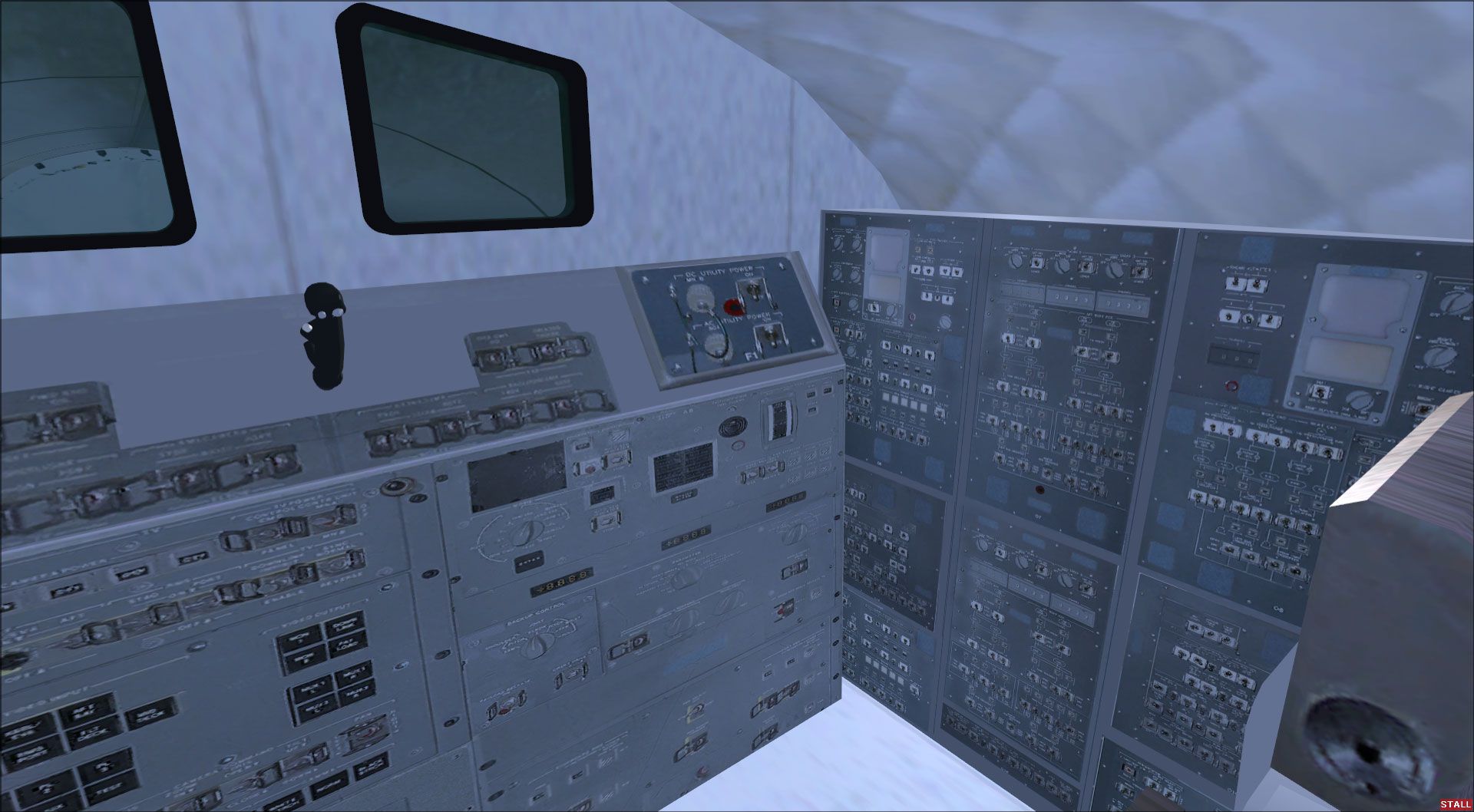
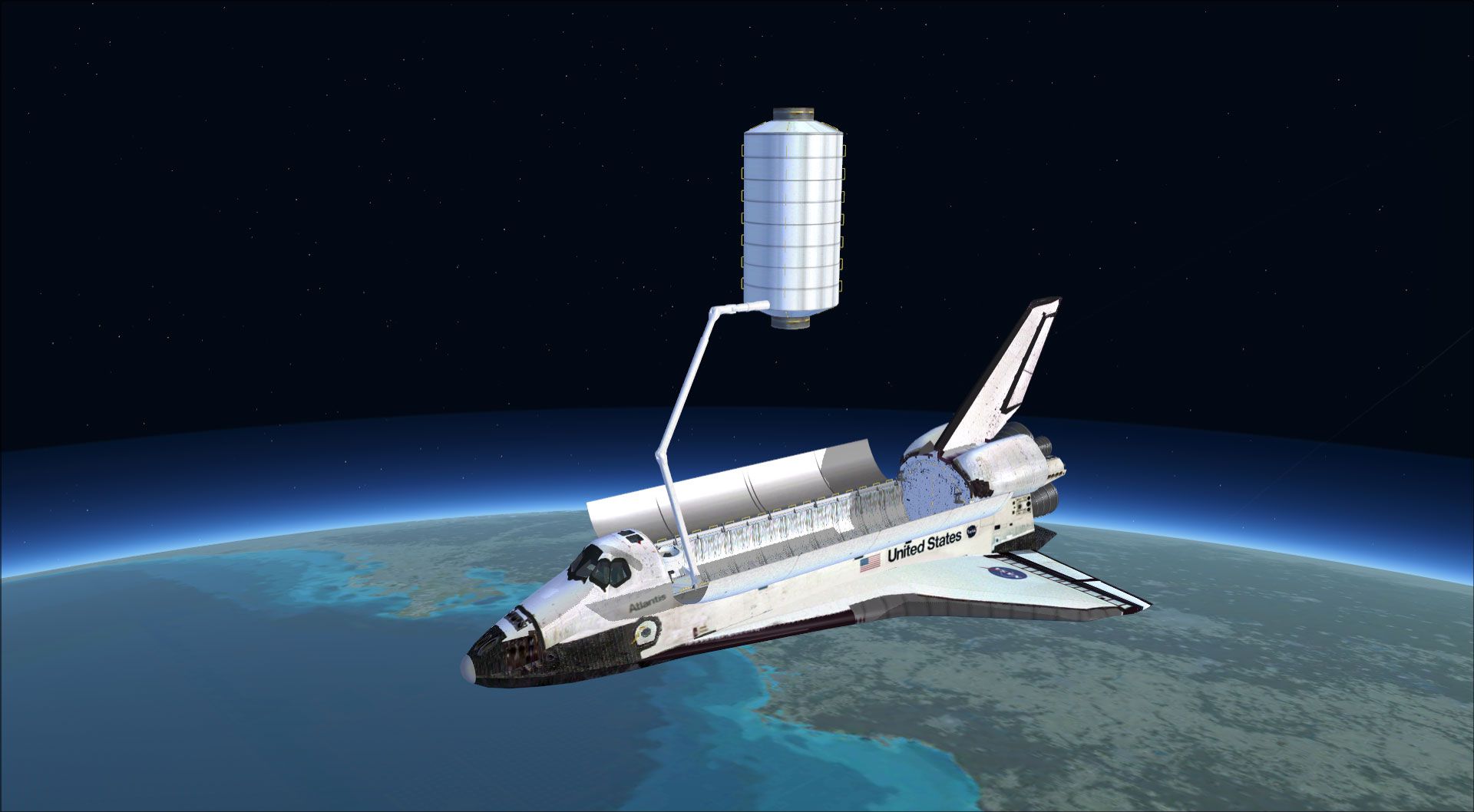
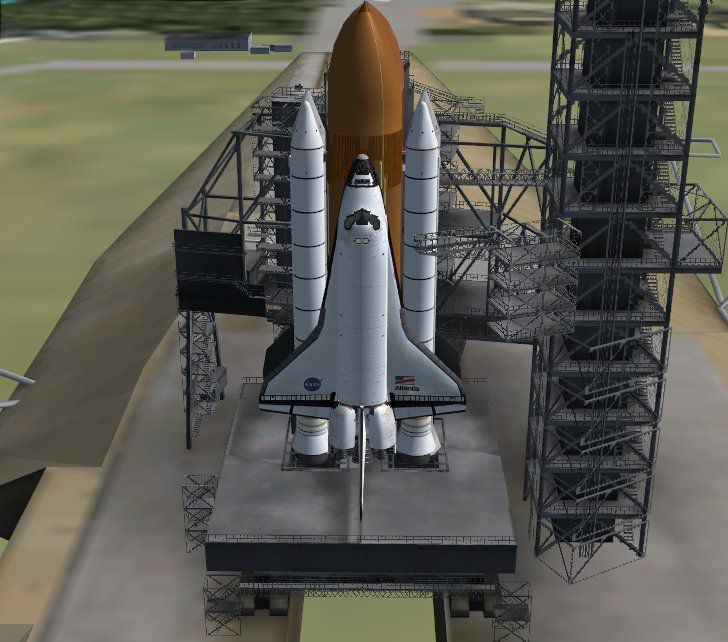
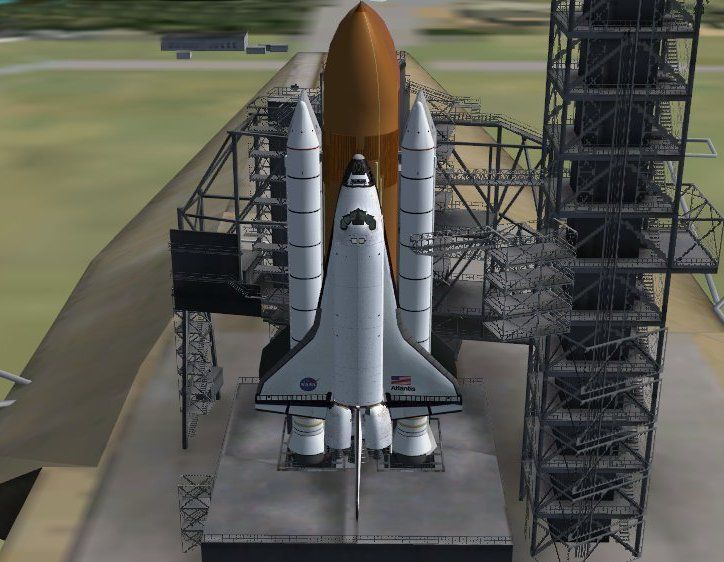
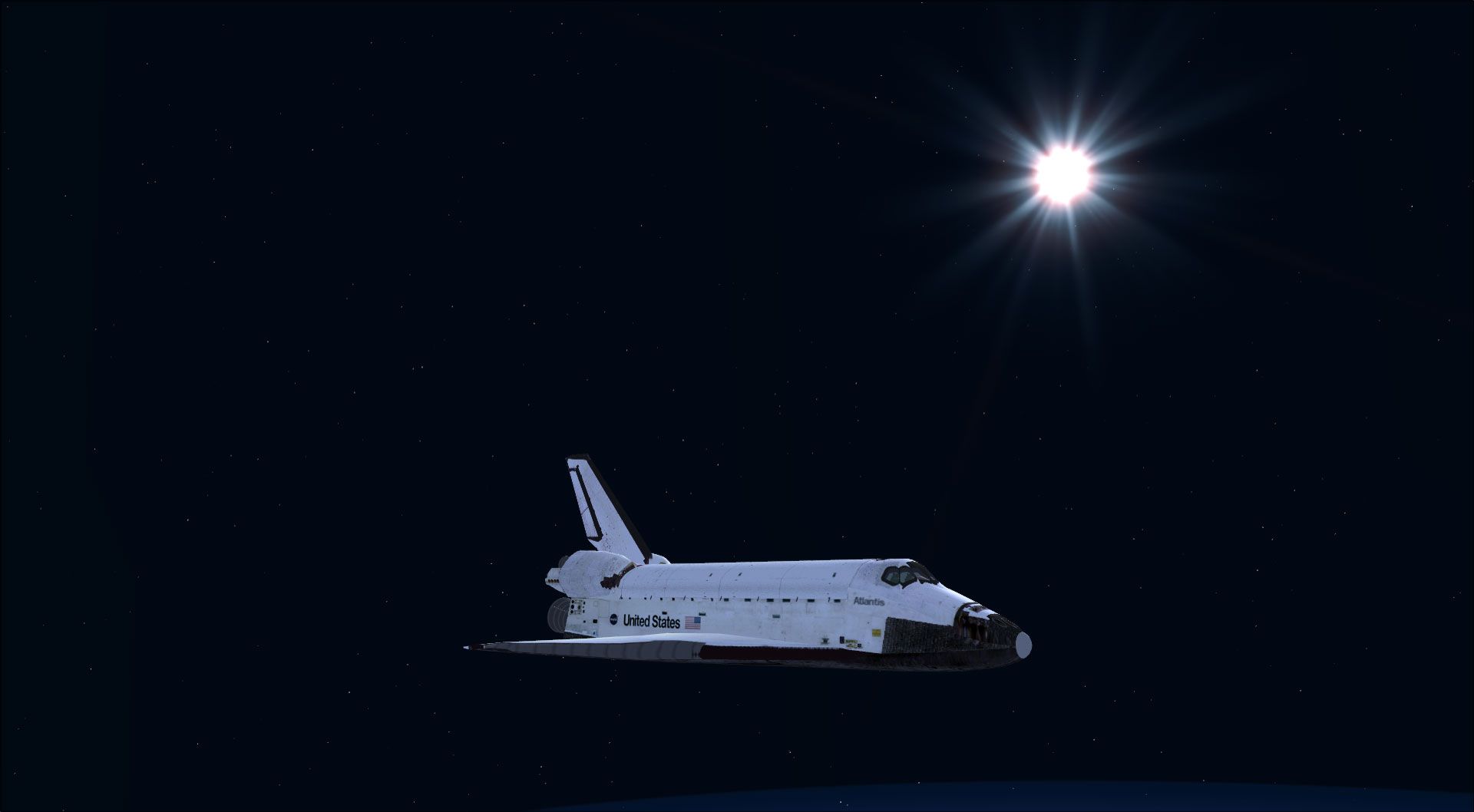
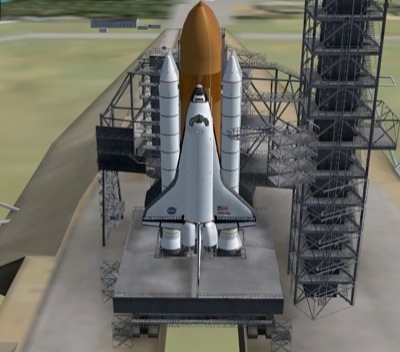
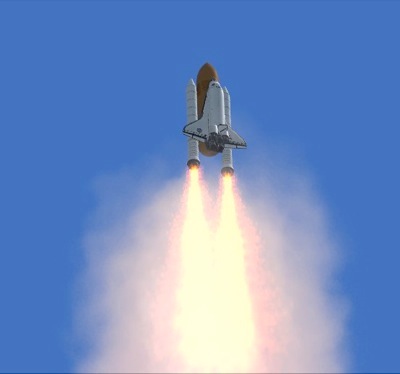
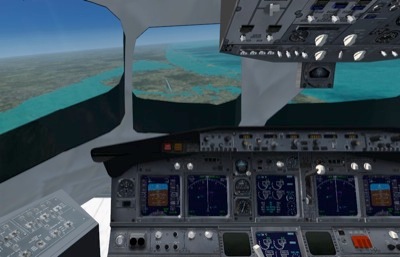
Space Shuttle Atlantis for FSX SP2/Acceleration delivers a reworked model and textures with tuned flight dynamics for authentic sub-orbital climbs to nearly 700,000 ft and Mach 4.65. Enjoy a detailed virtual cockpit, stable re-entry handling, shuttle-style landings, and SDK-compiled animations and gauge-driven effects, including bay doors, separations, and robotic arm payload ops.
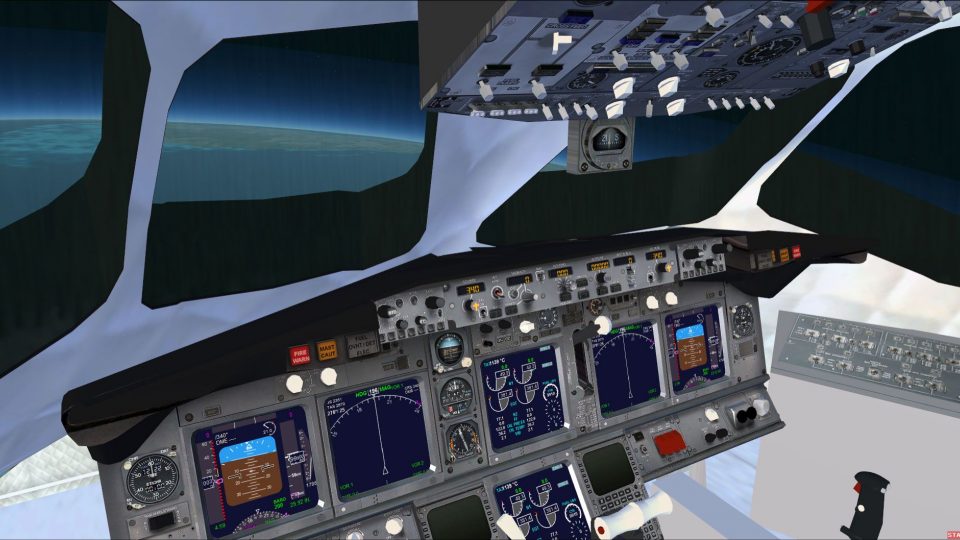
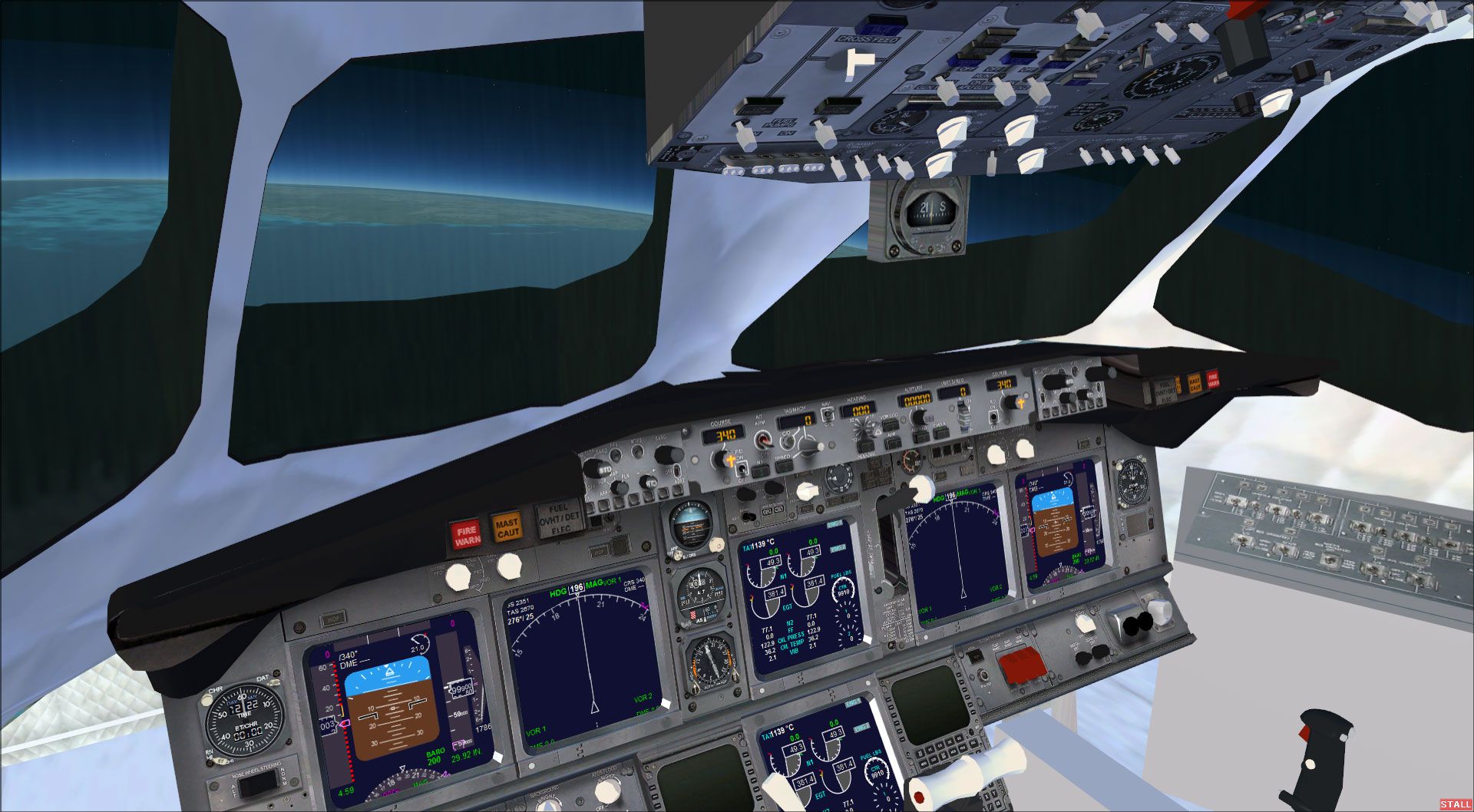
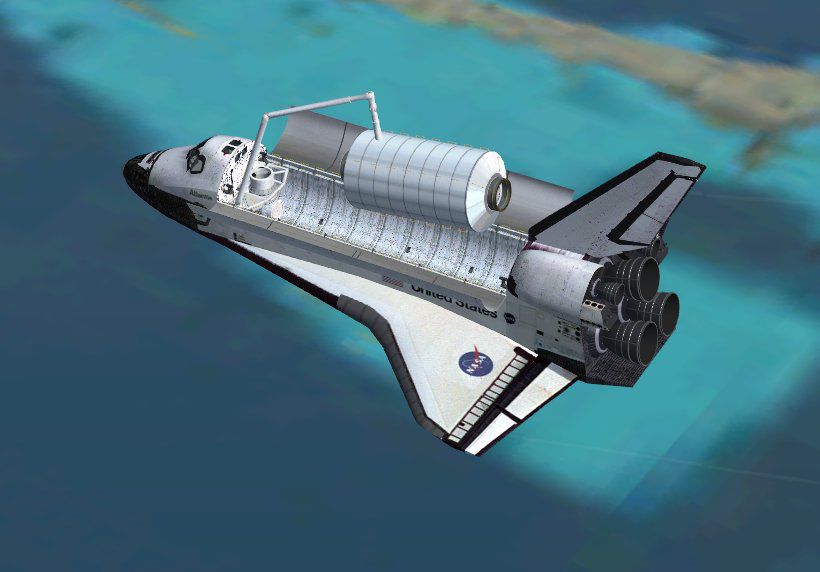
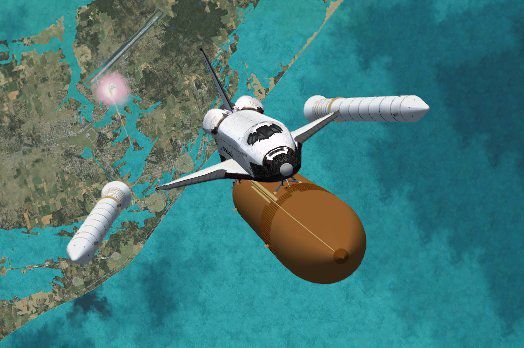
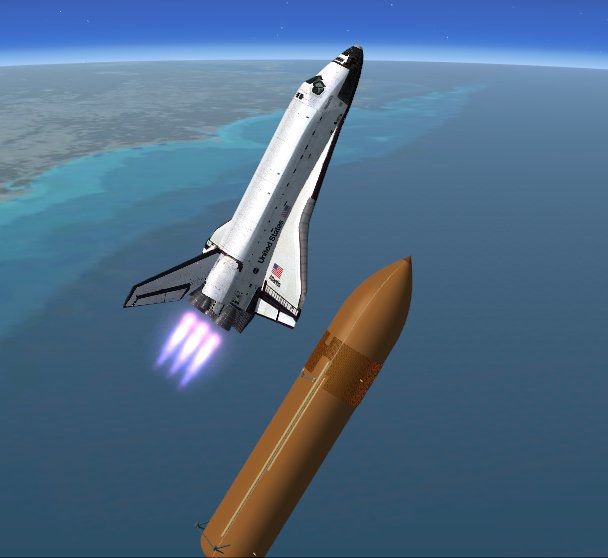
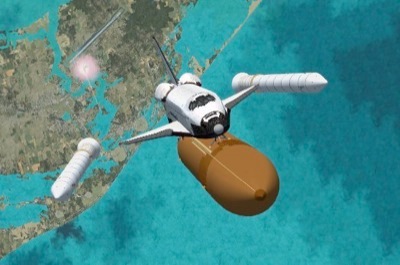
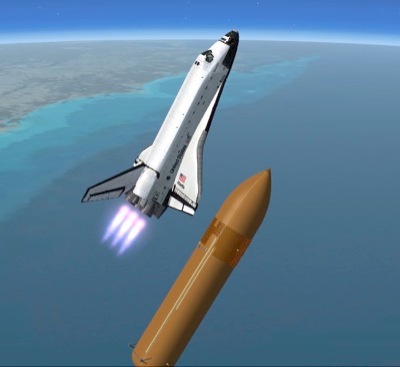
Completely re-worked model and textures . New flight dynamics optimized for SP2/Acceleration to restore sub-orbital performance. Acheive Mach 4.65 and climb to just under 700,000 ft under your own power at max realism. Very stable re-entry dynamics with Shuttle like landing characteristics. DVC added with a camera view for bay window , custom gauge controlled effects, animated SRB and External Tank separations , bay doors, robot arm and payload, elevons, spoiler/rudder, body flap and gear w/ nosewheel steering - compiled with the FSXA SDK.
Animations:
* open bay doors - Shift+E
* SRB Separation - Shift+E 2 // they disappear when exit 2 is fully open
* External Tank separation - Shift+E 3 // it disappears when exit 3 is fully open
* robot arm and module - Shift+E 4 // arm picks up module , releases it and re-stows
Gauge controlled effects:
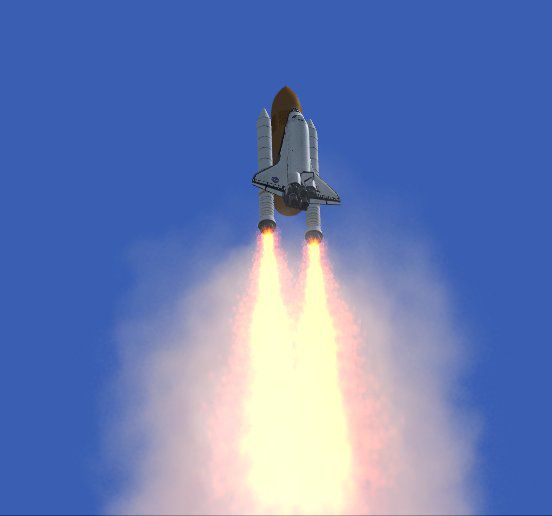
Main Shuttle Engine Flames and smoke - are tied to Smoke and will light when the throttle is above 97%
SRB Flame and Plume - are tied to Cabin Lights and come on when throttle above 5% and Exit 2 is fully closed
Hints and Tips:
to fly around as a plane , open exit 2 and 3 to make the boosters and tank disappear
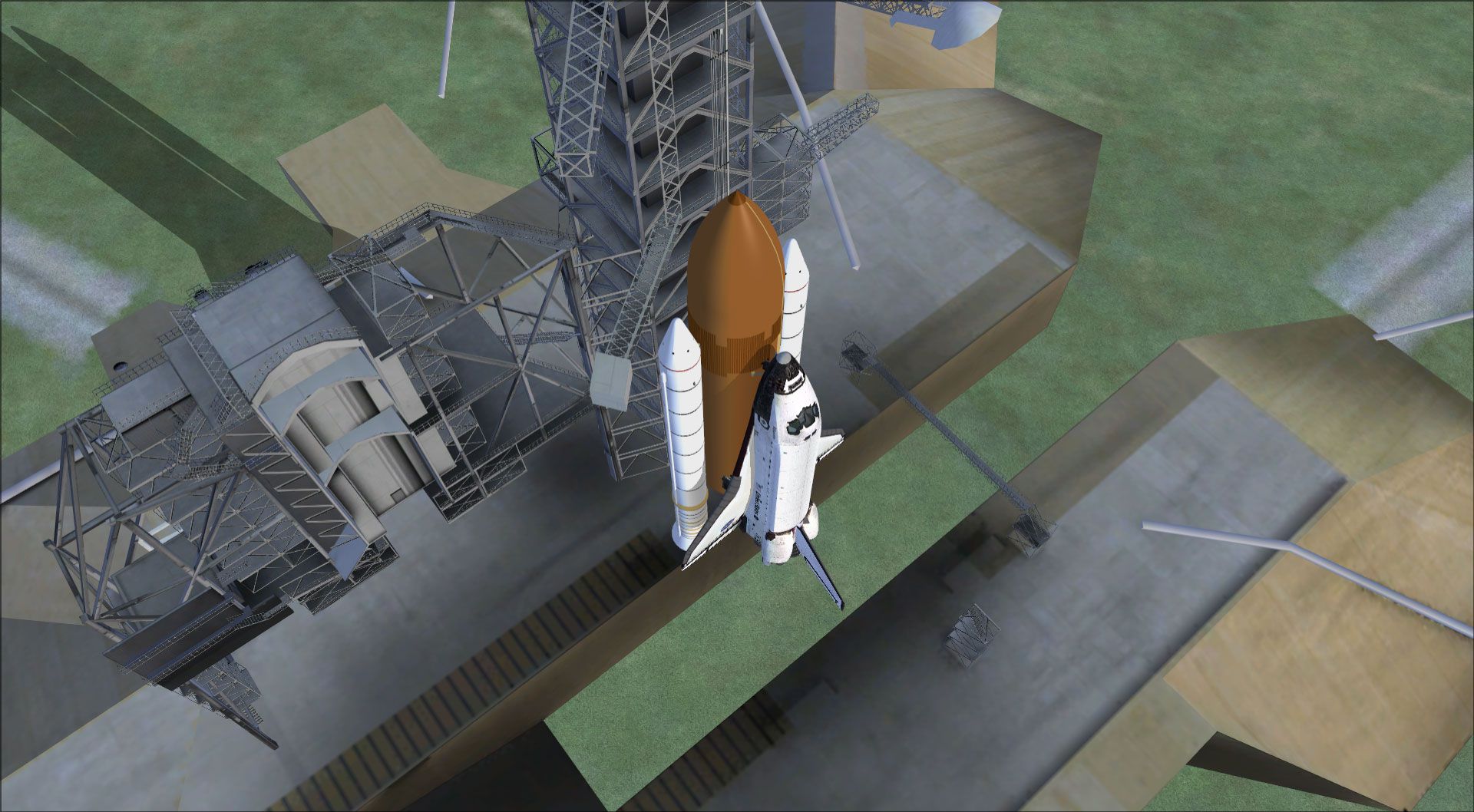
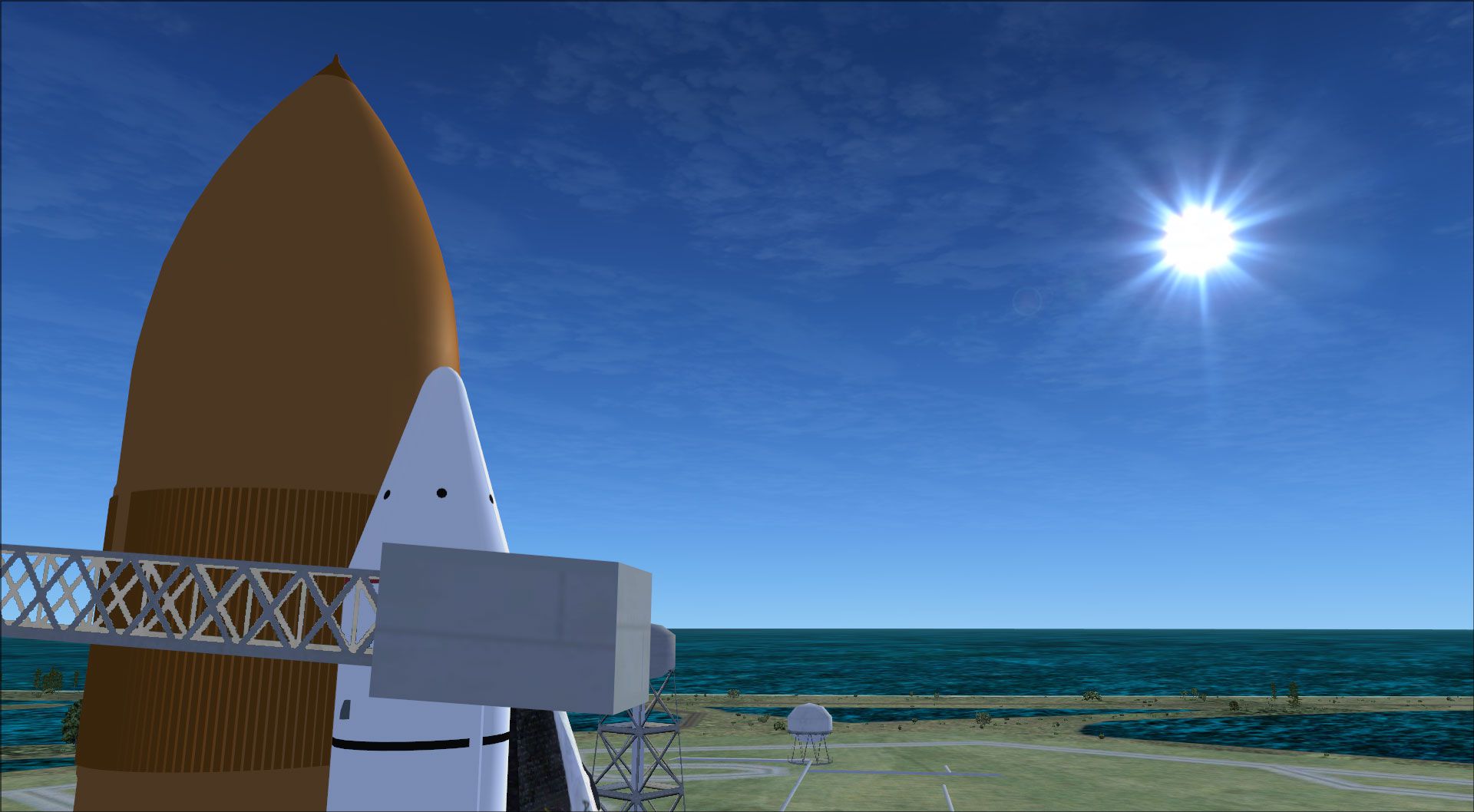
to do a vertical launch
- use SLEW to rotate to the vertical and place yourself on the desired launch location
- put the throttles at about 20-25 percent
- come out of slew and you begin your launch
- slowly increase throttle to 100 percent
- seperate the SRB's and External tank when you think it looks right
- welcome to space
the atmosphere ends at 400,000 ft - control surfaces stop working and any movement around pitch/roll/yaw axes will continue
until you get back below 400k - you can toggle slew mode to stop any motion or recover from tumbling
max altitude can be acheived by going level until you reach Mach 4.65 then pull up to an 85 degree climb use trim to keep the 85 degree climb angle
best sub-orbital trajectory is a 50 degree climb angle , this makes the re-entry angle less steep and more managable with a level flight recovery
occuring at a higher altitude
use the wing tip contrails on re-entry as a guide for your angle of attack - 15 degree angle of attack provides the best recovery
use small control inputs - ham fisted control inputs are the best way to send it out of control on re-entry
you can try landings with zero throttle or engines shutdown but use the spoilers for energy managment
best landing speed is around 215 knots
Free for all simmers · 19.01 MB · Scanned clean
Download speed: Free tier is capped at 0.5 Mbps (this file takes approximately 5 mins at the cap). PRO members download at full line speed.
SimObjects\Airplanes\, Addon Scenery\, Effects\, or Gauges\.readme.txt or README file. It tells you exactly where files go, what dependencies are needed, and any quirks specific to this add-on.The archive atlantis-1.zip has 140 files and directories contained within it.
This list displays the first 500 files in the package. If the package has more, you will need to download it to view them.
| Filename/Directory | File Date | File Size |
|---|---|---|
| aircraft.cfg | 10.18.09 | 8.72 kB |
| effects | 10.19.09 | 0 B |
| fx_shuttleflame.fx | 09.21.09 | 16.37 kB |
| fx_shuttleplume.fx | 10.11.09 | 4.86 kB |
| fx_SRB_flame.fx | 10.17.09 | 19.70 kB |
| model | 10.19.09 | 0 B |
| model.cfg | 09.21.09 | 46 B |
| sts104.MDL | 10.18.09 | 2.90 MB |
| sts104_int.MDL | 10.18.09 | 2.62 MB |
| panel | 10.19.09 | 0 B |
| 737_compass.BMP | 05.12.06 | 95.51 kB |
| 737_Panel_Decals_2.bmp | 05.12.06 | 257.05 kB |
| 737-800_panel_background.bmp | 11.11.07 | 769.05 kB |
| 737-800_panel_background_night.bmp | 05.12.06 | 769.05 kB |
| B737_800.cab | 05.11.07 | 2.01 MB |
| burnab.CAB | 10.18.09 | 12.31 kB |
| panel.cfg | 10.18.09 | 6.15 kB |
| Thumbs.db | 10.19.09 | 17.00 kB |
| upper_640.bmp | 05.12.06 | 18.99 kB |
| readme.txt | 10.19.09 | 3.03 kB |
| sound | 10.19.09 | 0 B |
| c.wav | 11.26.04 | 42.64 kB |
| CABIN.wav | 11.26.04 | 103.08 kB |
| L.wav | 11.26.04 | 42.64 kB |
| laapdis.wav | 11.26.04 | 11.25 kB |
| LAN11.wav | 11.26.04 | 53.38 kB |
| LAN12.wav | 11.26.04 | 51.10 kB |
| LAN13.wav | 11.26.04 | 199.57 kB |
| LAN14.wav | 11.26.04 | 312.65 kB |
| LAN1SHUT.wav | 11.26.04 | 88.94 kB |
| LAN1STRT.wav | 11.26.04 | 239.01 kB |
| LAN21.wav | 11.26.04 | 35.16 kB |
| LAN22.wav | 11.26.04 | 60.47 kB |
| LAN23.wav | 11.26.04 | 55.94 kB |
| LAN24.wav | 11.26.04 | 62.72 kB |
| LAN2SHUT.wav | 11.26.04 | 89.37 kB |
| LAN2STRT.wav | 11.26.04 | 320 B |
| LAOVER.wav | 11.26.04 | 50.36 kB |
| LBN11.wav | 11.26.04 | 96.15 kB |
| LBN12.wav | 11.26.04 | 51.10 kB |
| LBN13.wav | 11.26.04 | 199.57 kB |
| LBN14.wav | 11.26.04 | 312.65 kB |
| LBN1SHUT.wav | 11.26.04 | 894 B |
| LBN1STRT.wav | 11.26.04 | 169.37 kB |
| LBN21.wav | 11.26.04 | 35.16 kB |
| LBN22.wav | 11.26.04 | 60.47 kB |
| LBN23.wav | 11.26.04 | 55.94 kB |
| LBN24.wav | 11.26.04 | 62.72 kB |
| LBN2SHUT.wav | 11.26.04 | 894 B |
| LMFLAPS.wav | 11.26.04 | 25.17 kB |
| LMGEARDN.wav | 11.26.04 | 26.49 kB |
| LMGEARUP.wav | 11.26.04 | 14.65 kB |
| R.wav | 11.26.04 | 42.64 kB |
| Sound.cfg | 11.26.04 | 12.23 kB |
| stall.wav | 11.26.04 | 36.69 kB |
| XLAN11.wav | 11.26.04 | 89.04 kB |
| XLAN12.wav | 11.26.04 | 79.75 kB |
| XLAN13.wav | 11.26.04 | 59.36 kB |
| XLAN14.wav | 11.26.04 | 83.46 kB |
| XLAN1SHUT.wav | 11.26.04 | 88.94 kB |
| XLAN1STRT.wav | 11.26.04 | 239.01 kB |
| XLAN21.wav | 11.26.04 | 102.34 kB |
| XLAN22.wav | 11.26.04 | 102.57 kB |
| XLAN23.wav | 11.26.04 | 202.78 kB |
| XLAN24.wav | 11.26.04 | 207.18 kB |
| XLAN2SHUT.wav | 11.26.04 | 894 B |
| XLAN2STRT.wav | 11.26.04 | 320 B |
| XLAN2T.wav | 11.26.04 | 354 B |
| XLBN11.wav | 11.26.04 | 89.04 kB |
| XLBN12.wav | 11.26.04 | 79.75 kB |
| XLBN13.wav | 11.26.04 | 59.36 kB |
| XLBN14.wav | 11.26.04 | 83.46 kB |
| XLBN1SHUT.wav | 11.26.04 | 894 B |
| XLBN1STRT.wav | 11.26.04 | 184 B |
| XLBN21.wav | 11.26.04 | 102.34 kB |
| XLBN22.wav | 11.26.04 | 102.57 kB |
| XLBN23.wav | 11.26.04 | 202.78 kB |
| XLBN24.wav | 11.26.04 | 207.18 kB |
| XLBN2SHUT.WAV | 11.26.04 | 894 B |
| XLBN2T.wav | 11.26.04 | 354 B |
| sts01.jpg | 10.18.09 | 87.15 kB |
| sts02.jpg | 10.18.09 | 16.32 kB |
| sts03.jpg | 10.18.09 | 42.58 kB |
| sts04.jpg | 10.18.09 | 32.48 kB |
| sts05.jpg | 10.18.09 | 54.04 kB |
| sts06.jpg | 10.18.09 | 106.48 kB |
| suborbital.air | 10.18.09 | 7.36 kB |
| texture | 10.19.09 | 0 B |
| Arm.bmp | 10.11.09 | 512.07 kB |
| B737_800_1_C.bmp | 09.21.09 | 1.00 MB |
| B737_800_2_C.bmp | 09.21.09 | 1.00 MB |
| B737_800_3_C.bmp | 09.21.09 | 1.00 MB |
| B737_800_4_C.bmp | 09.21.09 | 512.07 kB |
| B737_800_5_C.bmp | 09.21.09 | 256.07 kB |
| baytile.bmp | 09.16.09 | 1.00 MB |
| belly2.bmp | 10.11.09 | 1.00 MB |
| belly-flap.bmp | 09.16.09 | 2.00 MB |
| blanket.bmp | 10.10.09 | 1.00 MB |
| bulkhead-aft.bmp | 09.16.09 | 1.00 MB |
| bulkhead-fwd.bmp | 09.16.09 | 1.00 MB |
| bump.bmp | 10.19.09 | 64.07 kB |
| fresnel_ramp.bmp | 01.24.09 | 4.07 kB |
| fusolage-aft-engines.bmp | 09.16.09 | 1.00 MB |
| fusolage-aft-engines-b.bmp | 09.16.09 | 1.00 MB |
| glass.bmp | 01.24.09 | 16.07 kB |
| OMS-pod-prt.bmp | 09.16.09 | 1.00 MB |
| OMS-pod-stb.bmp | 09.16.09 | 1.00 MB |
| panaft.bmp | 10.18.09 | 1.00 MB |
| panside.bmp | 10.10.09 | 1.00 MB |
| reflect.bmp | 01.25.09 | 16.07 kB |
| reflection1.bmp | 09.20.09 | 256.07 kB |
| shut-doors-side.bmp | 09.16.09 | 64.07 kB |
| shut-doors-top.bmp | 09.16.09 | 256.07 kB |
| side-prt-A.bmp | 09.20.09 | 256.07 kB |
| side-stb-A.bmp | 09.20.09 | 256.07 kB |
| silver.bmp | 10.19.09 | 256.07 kB |
| spec.bmp | 10.18.09 | 64.07 kB |
| tail.bmp | 09.20.09 | 1.00 MB |
| thumbnail.jpg | 10.19.09 | 82.10 kB |
| Thumbs.db | 10.19.09 | 13.50 kB |
| tile-patch.bmp | 09.16.09 | 1.00 MB |
| tmptop.bmp | 09.30.09 | 1.00 MB |
| vertex.bmp | 10.09.09 | 256.07 kB |
| wing-flap-top.bmp | 09.16.09 | 1.00 MB |
| wingtop-A.bmp | 09.21.09 | 256.07 kB |
| wrinkles.bmp | 09.21.09 | 256.07 kB |
| Thumbs.db | 10.18.09 | 20.50 kB |
| flyawaysimulation.txt | 10.29.13 | 959 B |
| Go to Fly Away Simulation.url | 01.22.16 | 52 B |
| Screenshots | 07.20.16 | 0 B |
| 001.jpg | 07.20.16 | 269.99 kB |
| 002.jpg | 07.20.16 | 312.01 kB |
| 003.jpg | 07.20.16 | 183.09 kB |
| 004.jpg | 07.20.16 | 63.01 kB |
| 005.jpg | 07.20.16 | 169.38 kB |
| 006.jpg | 07.20.16 | 160.56 kB |
| 007.jpg | 07.20.16 | 326.79 kB |
| 008.jpg | 07.20.16 | 251.43 kB |
| 009.jpg | 07.20.16 | 324.44 kB |
| 010.jpg | 07.20.16 | 299.76 kB |
More FSX & P3D add-ons hand-picked based on this download.
FSX Other Aircraft & Vehicles
FSX Space Shuttle Atlantis. Ascend to 600,000 feet under your own power and t…
 FSX Other Aircraft & Vehicles
FSX NASA Space Shuttle. The shuttle has been modified so that it takes off an…
 FSX Other Aircraft & Vehicles
FSX Rockwell International Space Shuttle Orbiter Enterprise. Includes manual,…
 FSX Other Aircraft & Vehicles
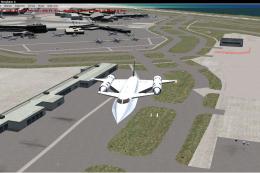
Space Explorer. This aircraft is a true VTOL, thanks to Rob Barendregt, LNAV …
 FSX Other Aircraft & Vehicles
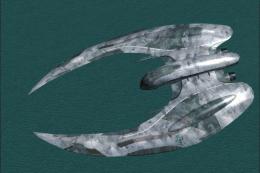
Introducing the Battlestar Galactica (BSG) Space Ship Pack, an essential addi…
 FSX Other Aircraft & Vehicles
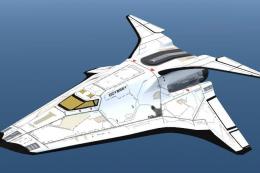
FSX ONLY: Arkship Odyssey shuttle. This is a HIGH POLY model with detailed ex…
 FSX Other Aircraft & Vehicles
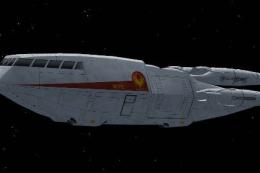
Experience a highly detailed Battlestar Galactica Shuttle add-on, optimized f…
 FSX Other Aircraft & Vehicles
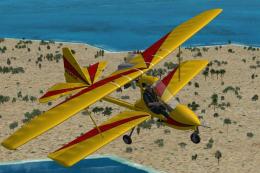
SP2 Acceleration Aviatika MAI-890 ultralight biplane. This release comes with…
Read what other simmers think, or add your own.

Sorry, bro. But in the original setup there is only Shift+E for opening/closing all doors. If you try to tap Shift+E+1, it only accepts Shift+1 to display/u display the main panel in the current window.
I can't find any other combination to separate the booster and tank. Only the doors are opening/closing, again and again. Better make the shuttle solo with "normal" aircraft flight control.


How do you get the space shuttle to launch? My shuttle starts on the runway. I see a lunch pad but there's a shuttle already on it. I used slew but no luck.

For those of you who don't have effects make sure on the Atlantis folder you put the effect files into the main FSX effects folder.

Very cool. The experience of the space shuttle Atlantis, especially flying over the Earth's atmosphere. I am very grateful. Thank you very much for this interesting experience Note I got a problem with me at the FSX Private Aircraft Gallery where the shuttle image appears in the place of another plane while he is at the location of the aircraft that came before it in the show.

I want to thank Scarriere for the post; it helped a lot. I followed the instructions and it worked.
SHIFT+E and immediately 2, then let go, for the rocket boosters.SHIFT+3 and immediately 3, then let go.Now, one more thing: how do you put the shuttle on the launch pad and also make frame come from the rockets?
The developer did a great job, but the instructions could have been a little bit more clear and detailed.
I downloaded the Space Shuttle. I'm having the same problem: detaching the fuel tank and rocket boosters from the shuttle. It went into orbit—I reached 379,500 ft from the Earth—but still had those three tanks attached. I found a couple of suggestions and will try them.
I would also like to change the control panel to a Space Shuttle panel. How can I do this? Can I download a Space Shuttle panel?

For the people who can't detach the tanks, you have to press shift + E, wait a quarter second, then 2 Repeat with Shift+E 3

It uses a 737 cockpit and has no flame effects. There is no booster fire and you cant put it on the launch pad.why does it climb when I pitch it up for the correct 40-degree reentry. Other than this add-on is great.

Launch pad at Kennedy space center or NASA shuttle landing facility both in titusville

FYI - I am the developer - for trully amazing fun - get Rob Barendregts spaceflight gauge and FSUIPC


Click shift+2+e really quickly. This should work. It might take a couple of times. It worked for me and I love using the shuttle.

Hey , where is the take off place to take off because I don't know the place please help me email me at dharmasaputraa@gmail.com

anyone know how to make the flames work to come out of the boosters, I've tired pressing the "I" key on my keyboard but I don't know if there is anything else i'm doing wrong, someone help

I got it to go above 1,000,000 ft !! that is around 300km above earth! I would give this 10/10!


None of the tanks will detatch. When I hit "Shift + E 2" then the gps appears and the Doors Open and GPS shows up. Is there a fix? Great job btw, looks good

Can it work on FS2004? and please give the instructions and buttons for the launch. Thanks!

Great download, I have had a lot of enjoyable flights with it, but is there a drag chute associated with the shuttle download, and if there is, how do you deploy it?


You hit SHIFT+E, let it go then immediately hit the number 2 and they will fall off. Do the same with SHIFT+E, let it go then immediately hit the number 3 and the main booster will fall off.


OMG this is so awsome i got the the boosters to detach and the main fuel tank to detach. AWSOME!!! i would pay 10000000000000000 for this.

Awesome job on the shuttle my one grip is that i couldn't get the tanks to separate? Could be Operator Error but I've tried quite a bit and i can only get the bay doors open

it is fun to fly occasionally, and i enjoy going so fast and being able to gain altitude faster than slew. not a very realistic flying experience, but it sure is a fun one.

My sim cant process data fast enough for this!You can go to about 400,000ft with it going straight up! i rate it 100000000000000!!!!!!!
