

 MSFS Civil Jet Aircraft
Bombardier Global 6000 / E-11A
Fly high at FL510 in a long‑range business jet or switch to a battlefield com…
The Bombardier CRJ-700 from the default FSX fleet arrives in Microsoft Flight Simulator as a compatible port-over, delivering an easy regional jet option with included legacy and extra liveries. It flies with a functional virtual cockpit by leveraging the sim’s stock Citation CJ4 cockpit, plus tuned lights, engines, and core systems.
 Rate
Rate
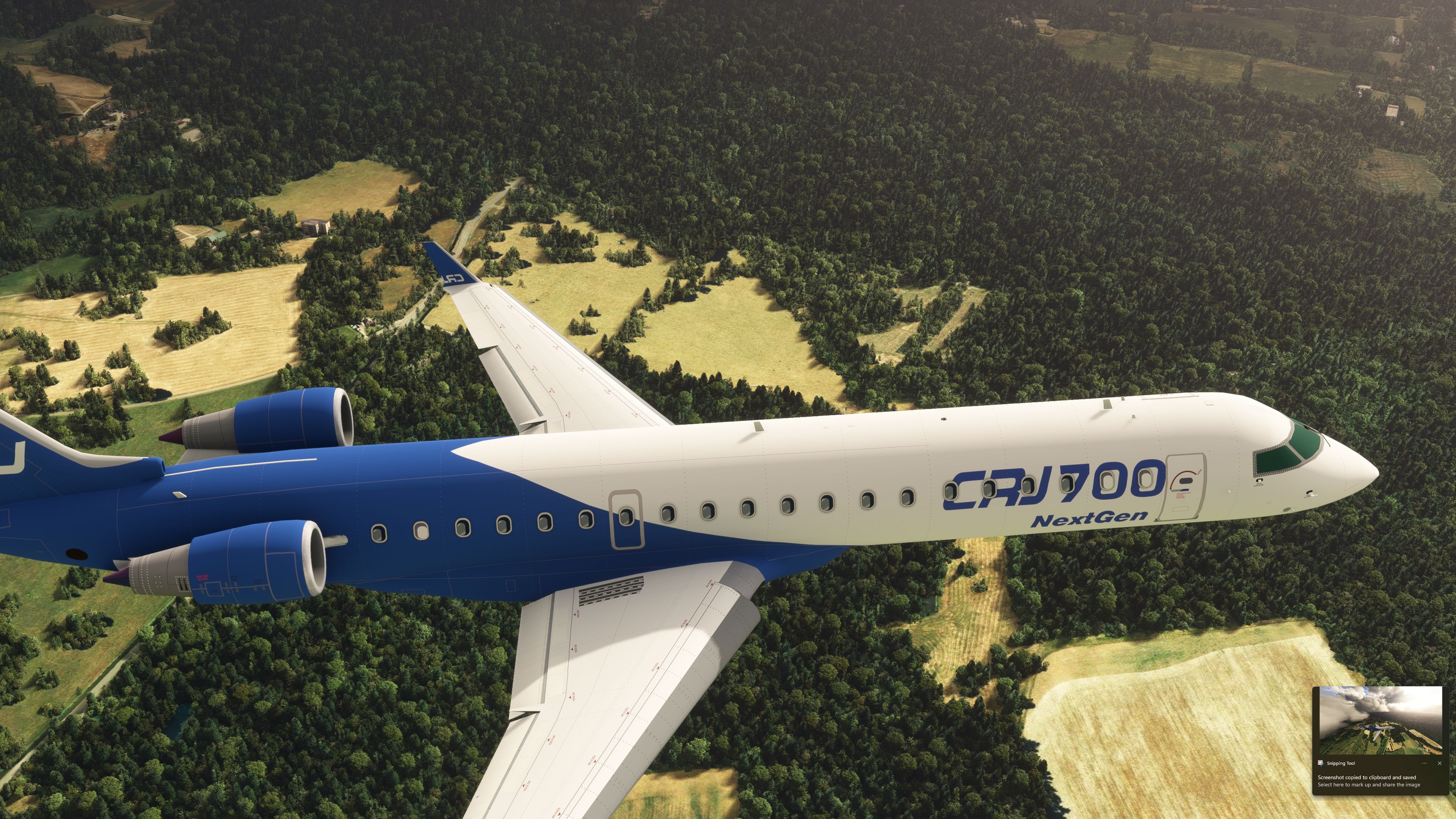
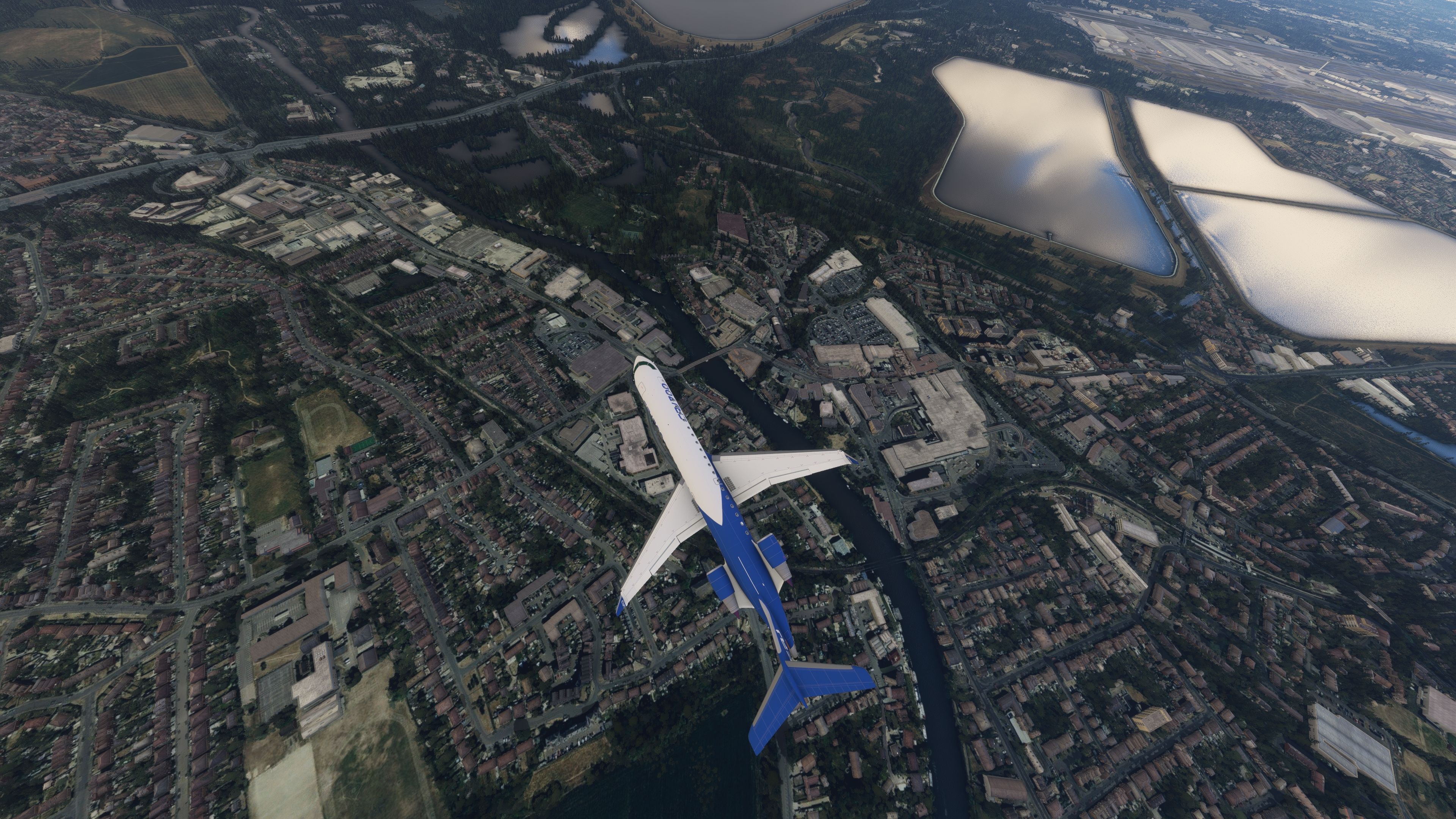
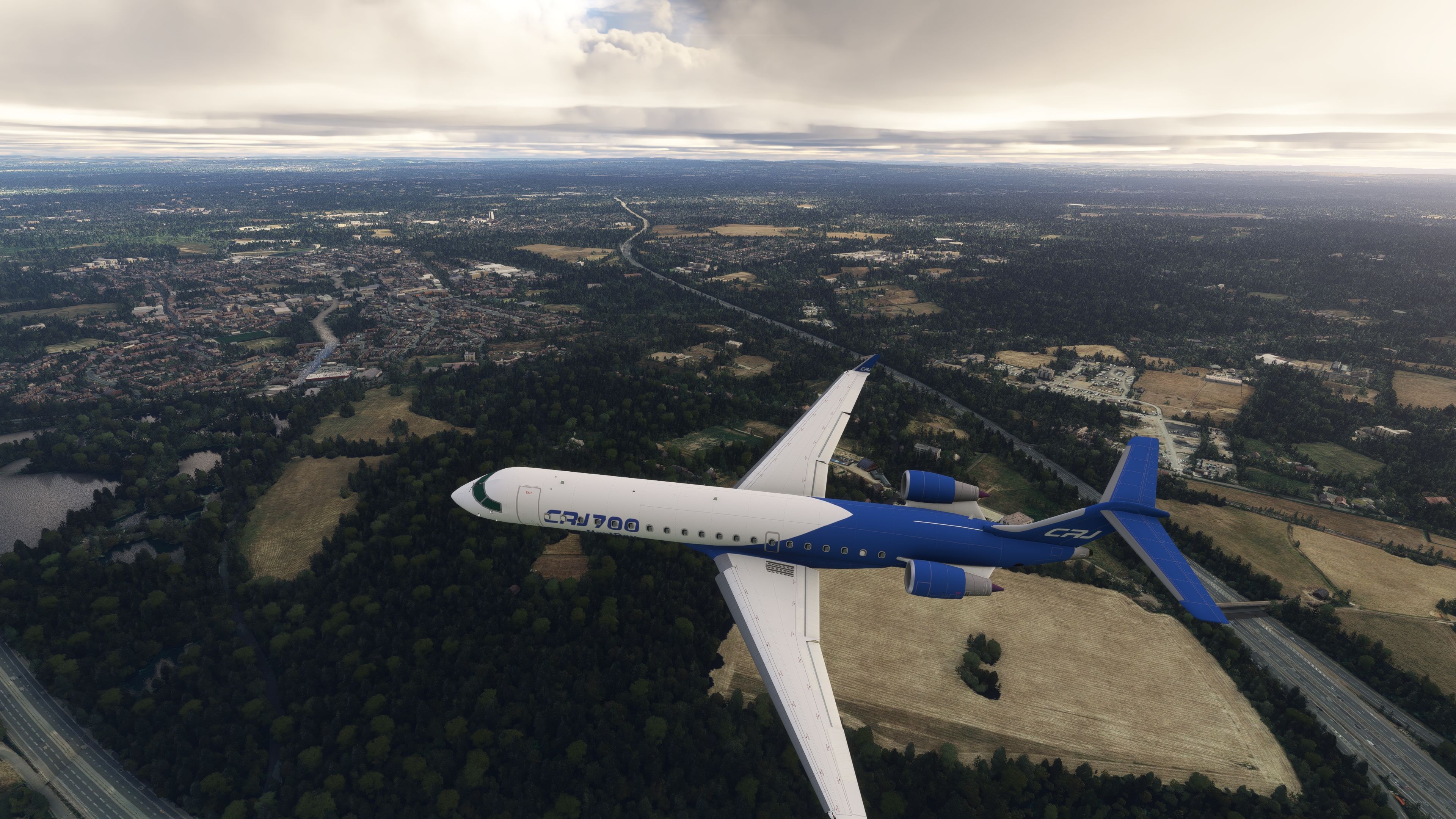

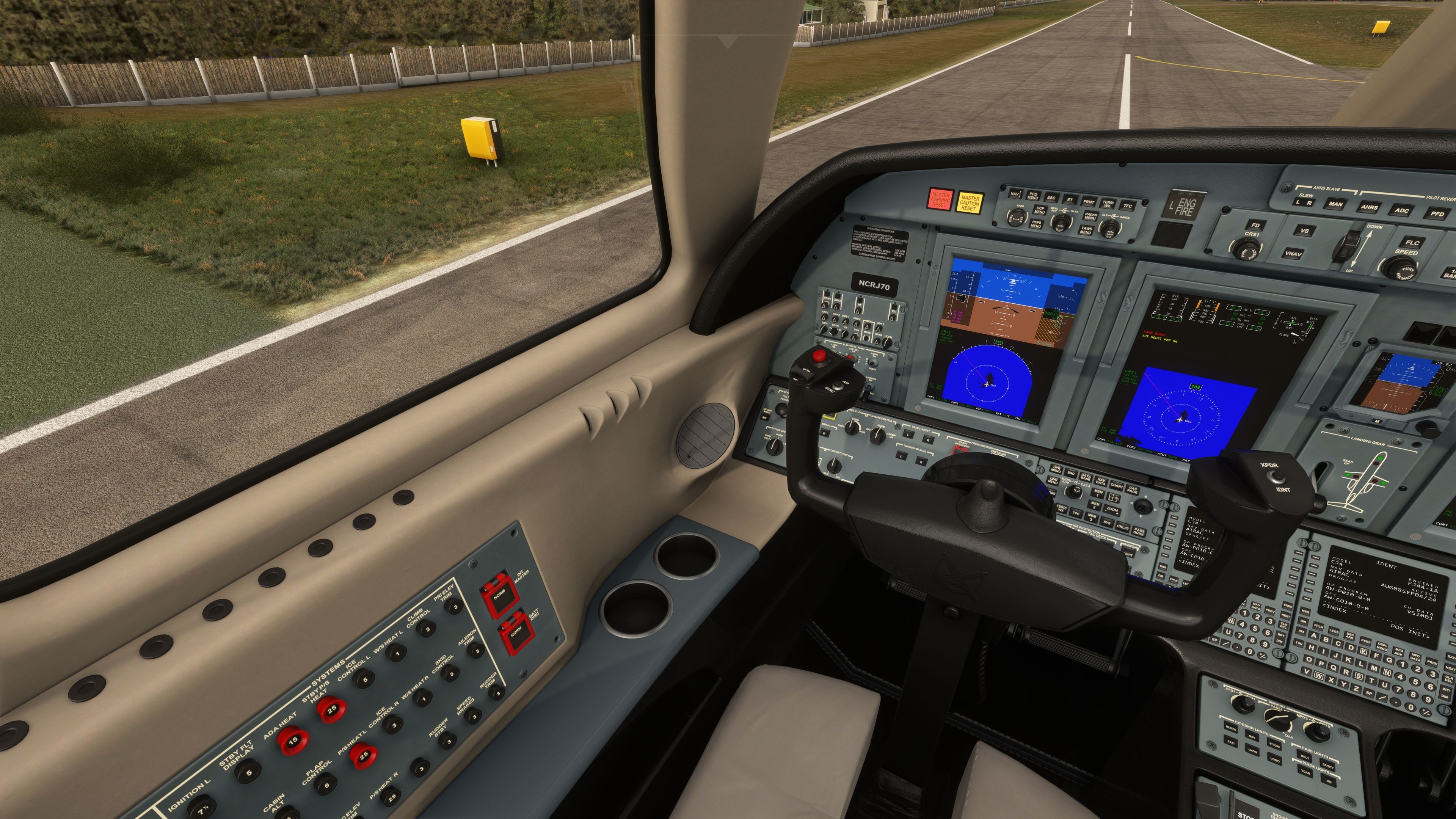
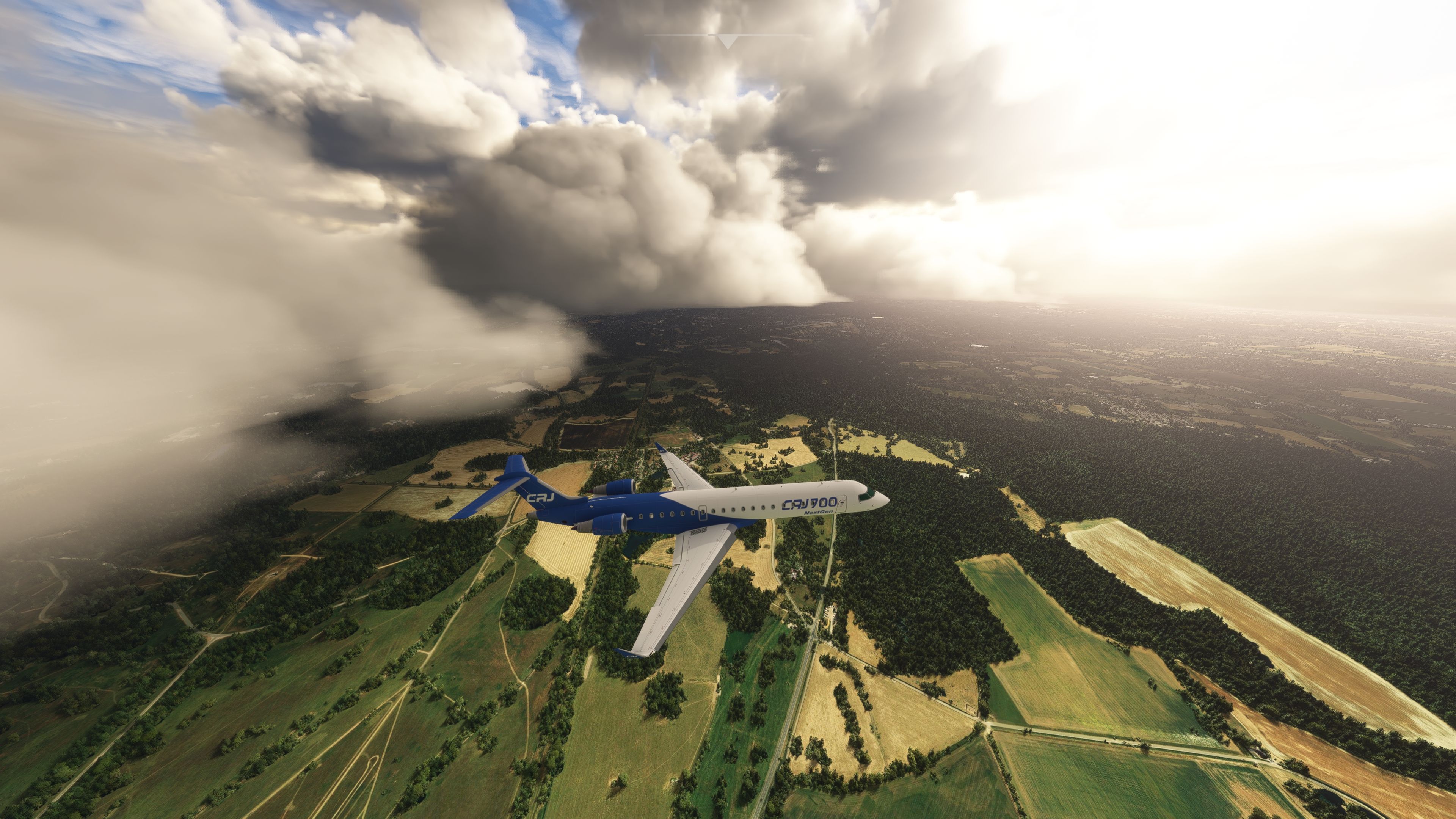
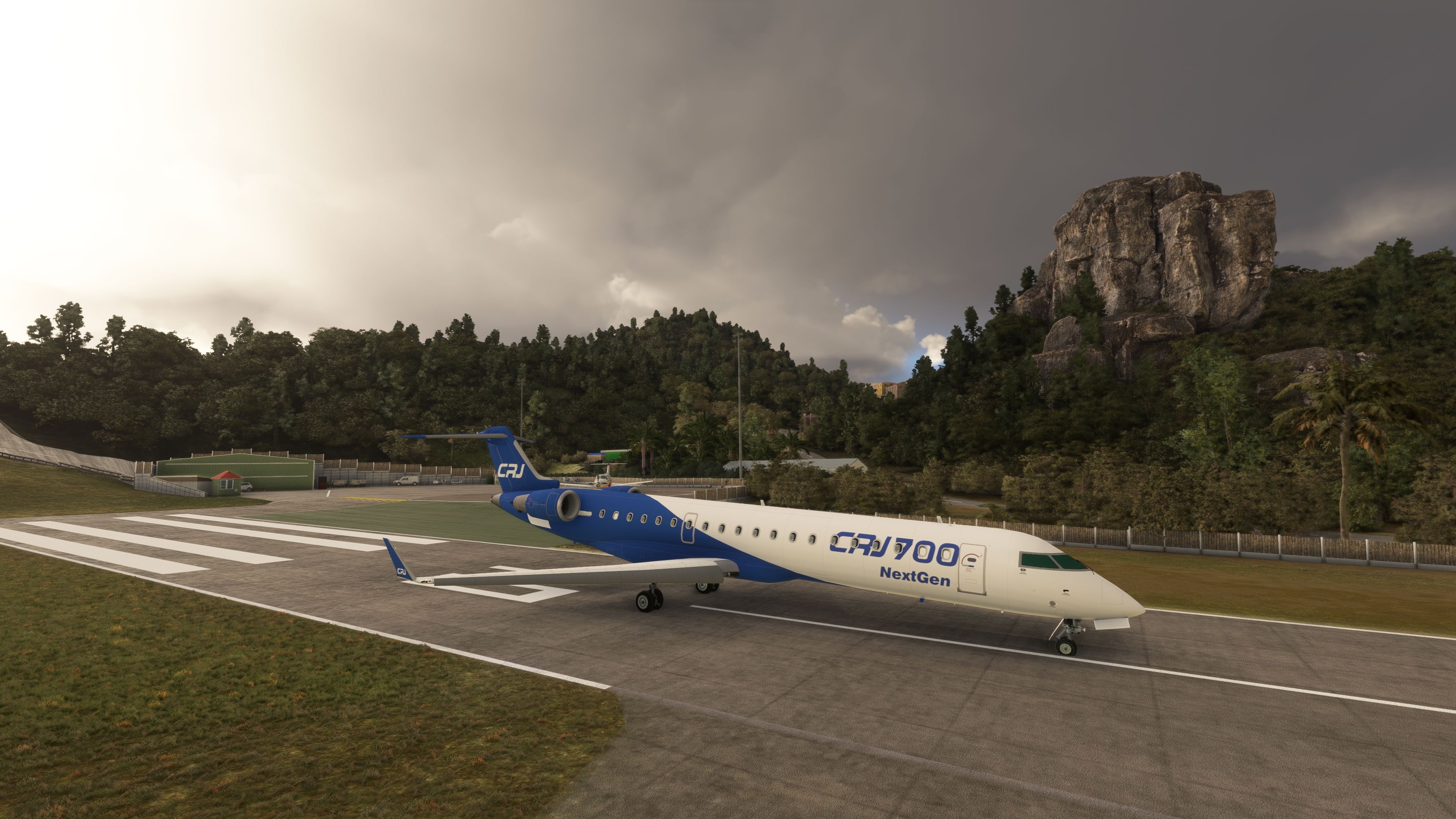
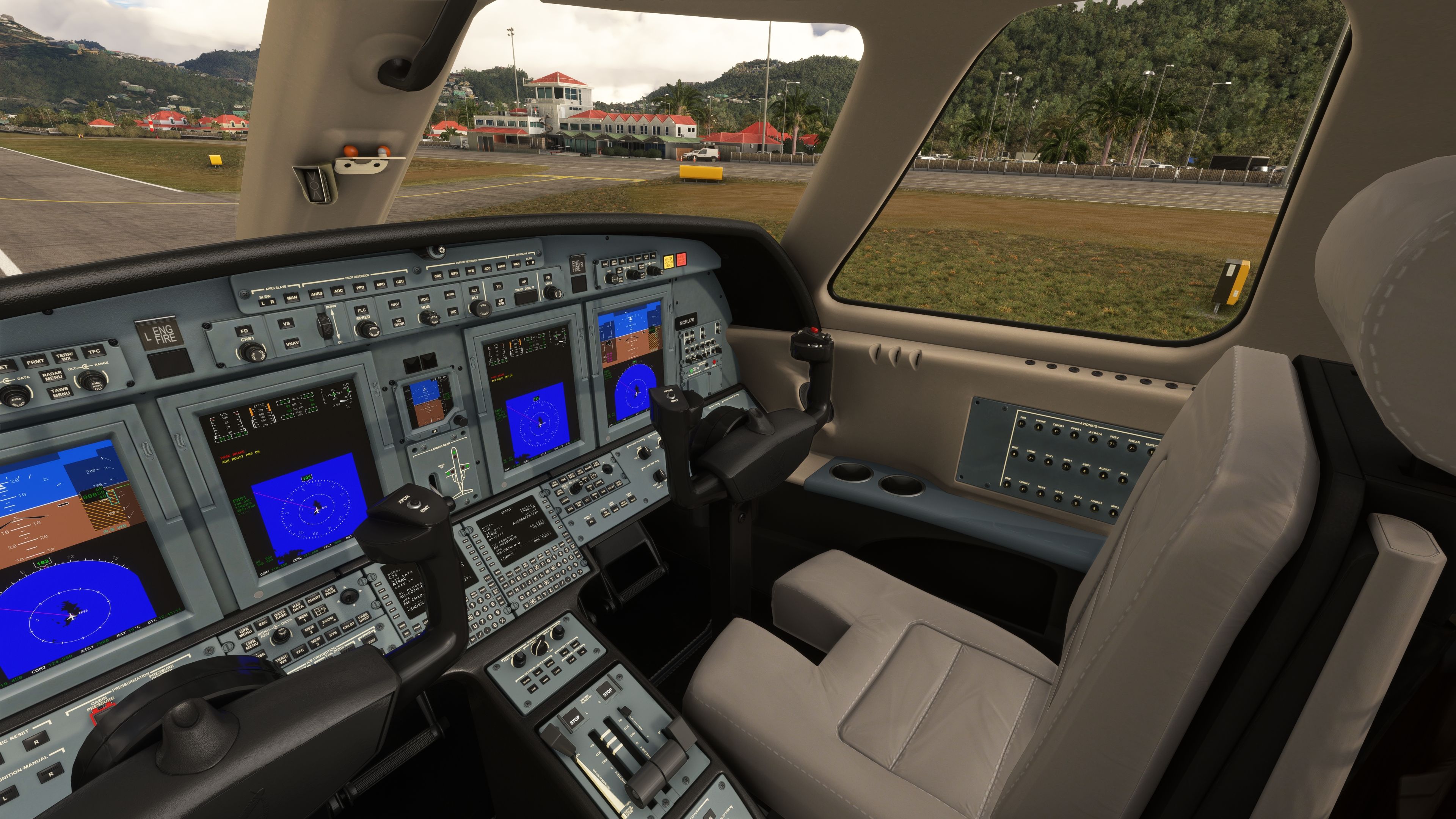
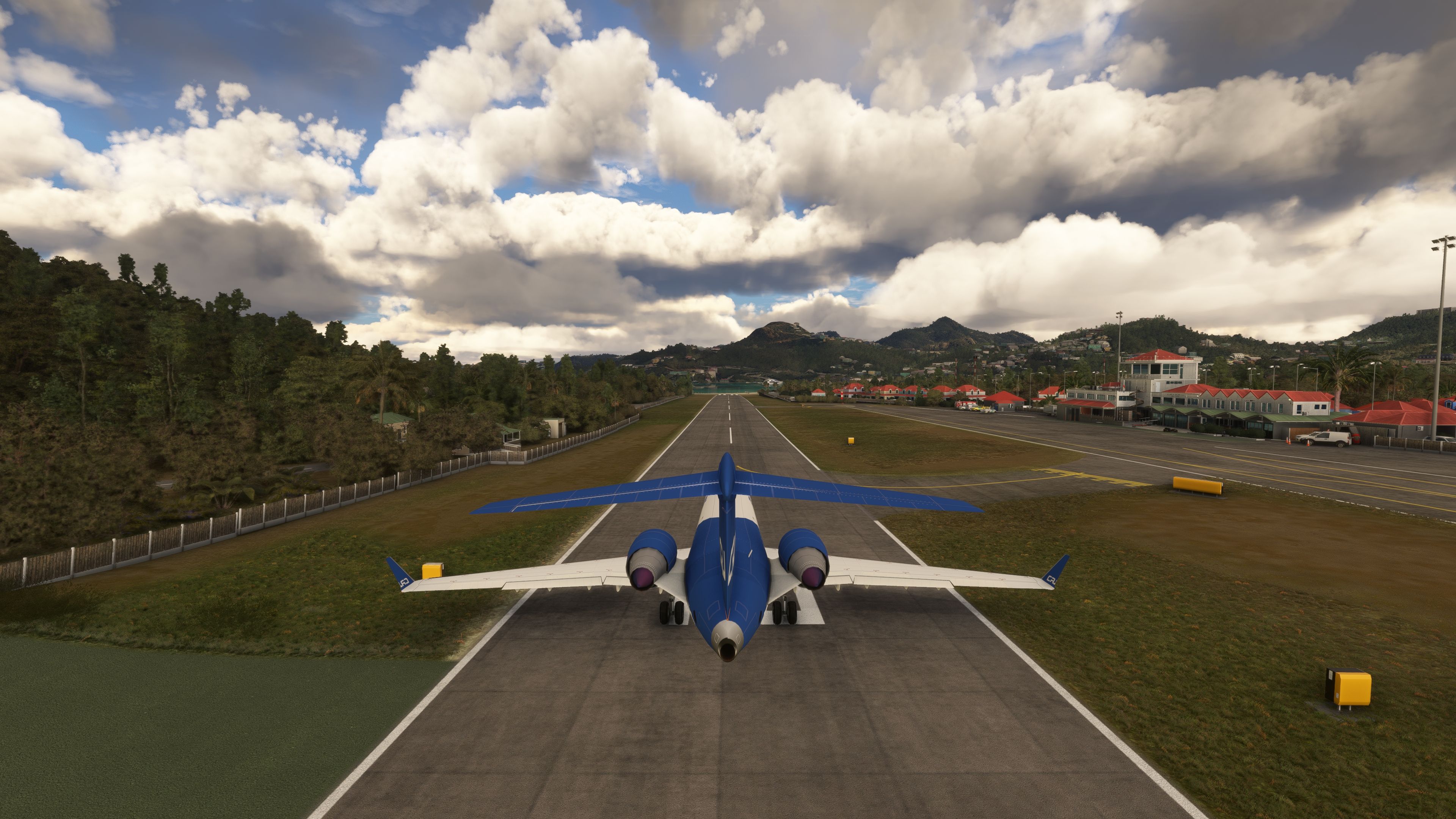
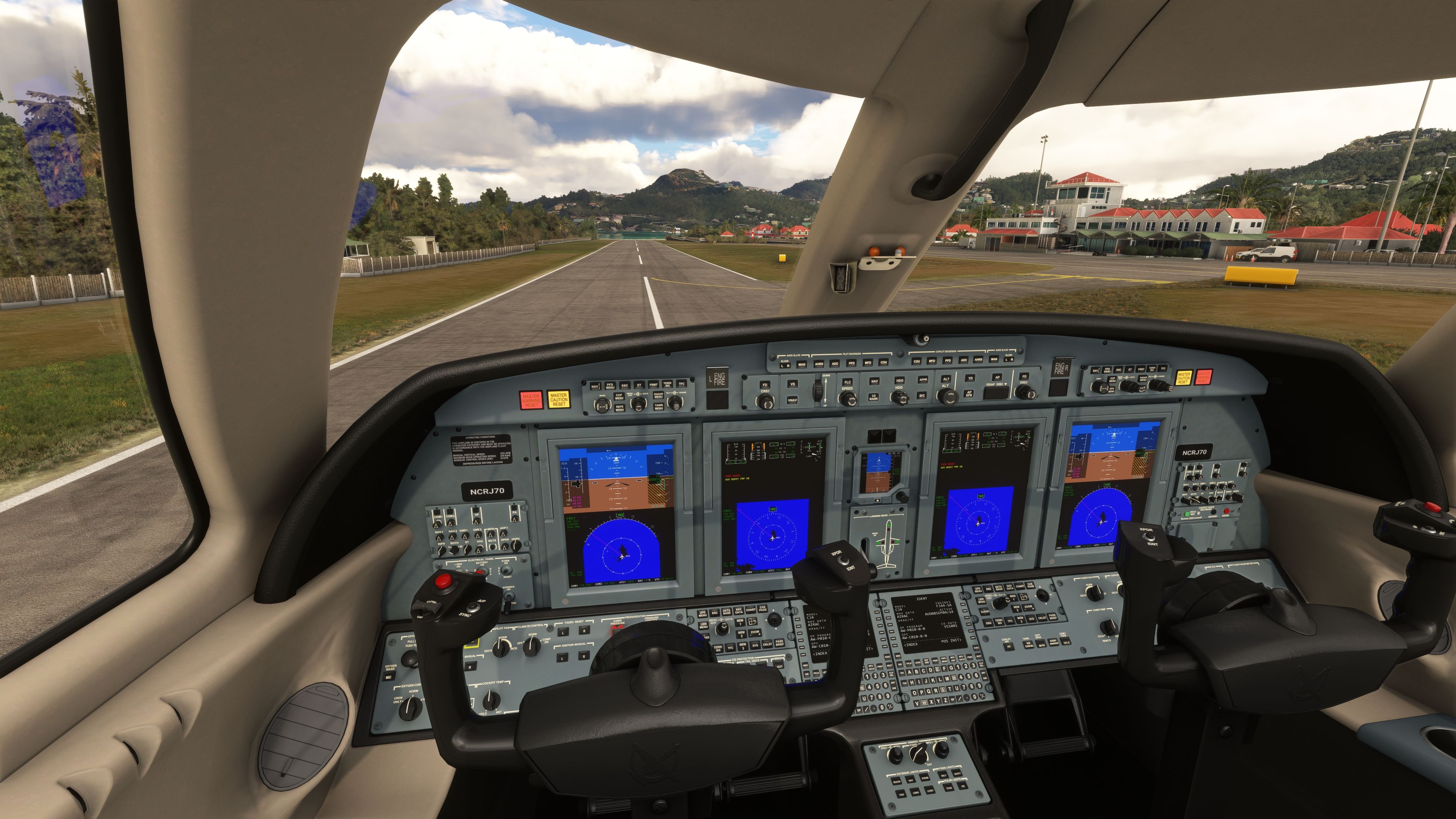
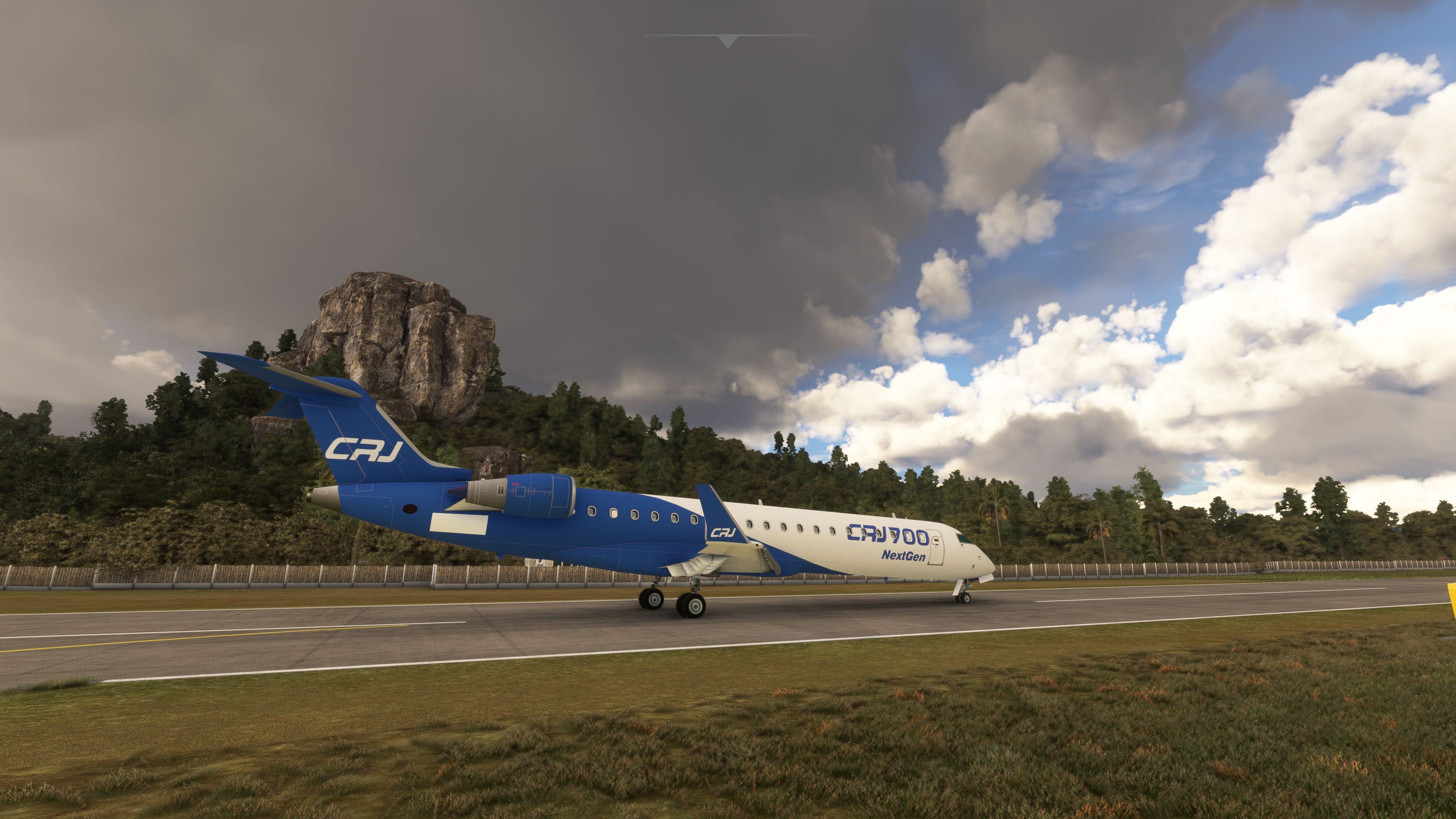
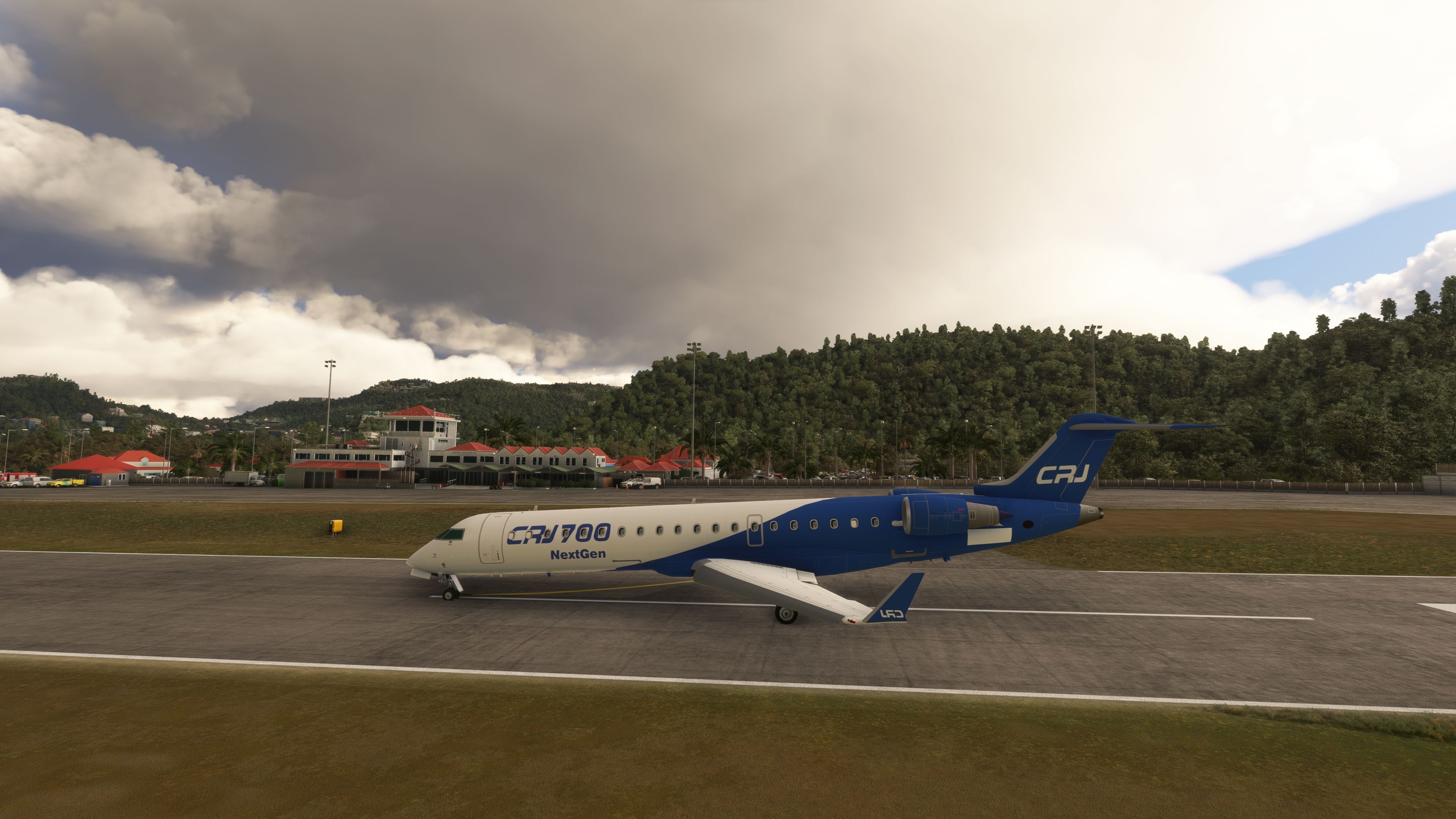
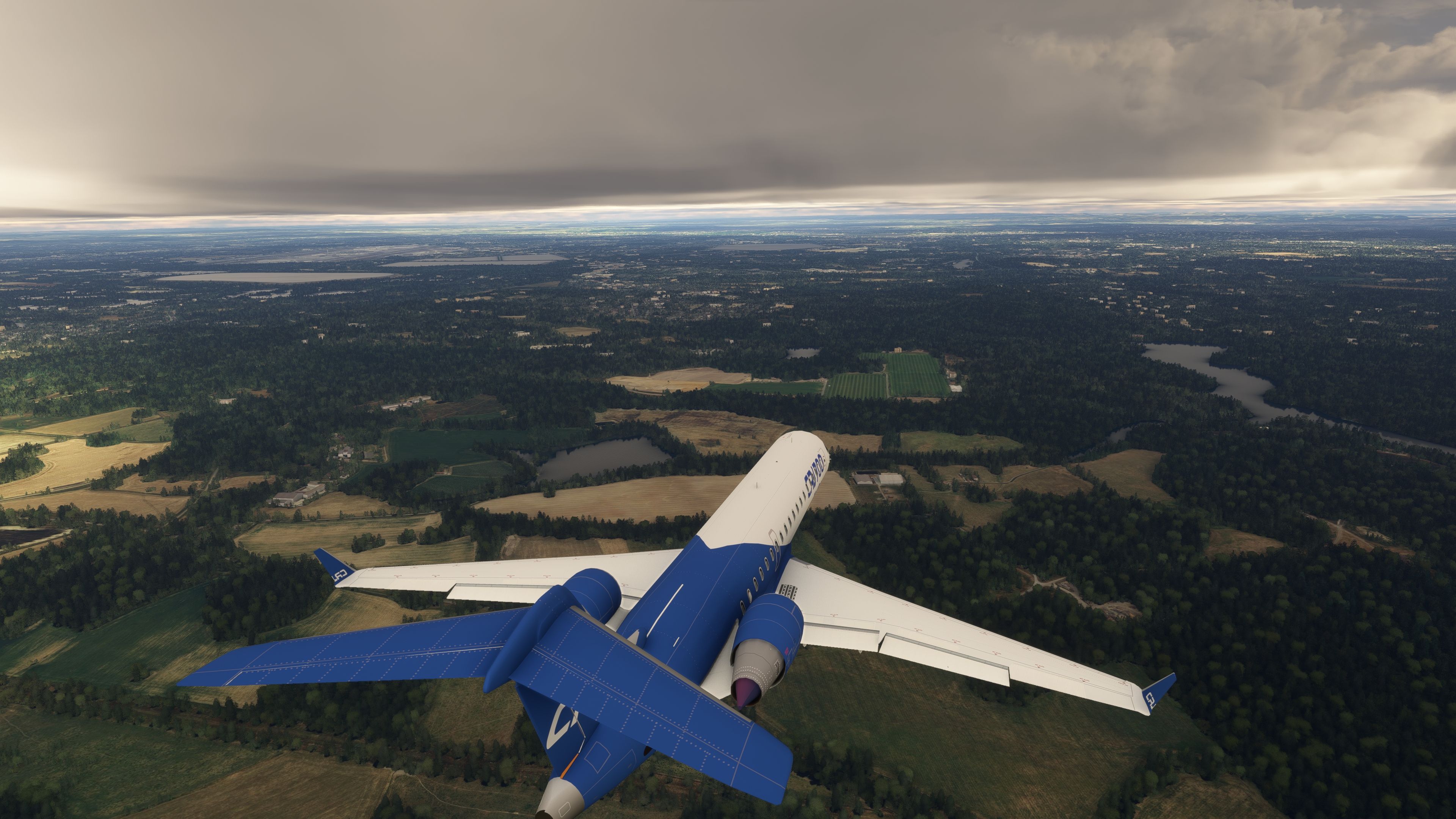
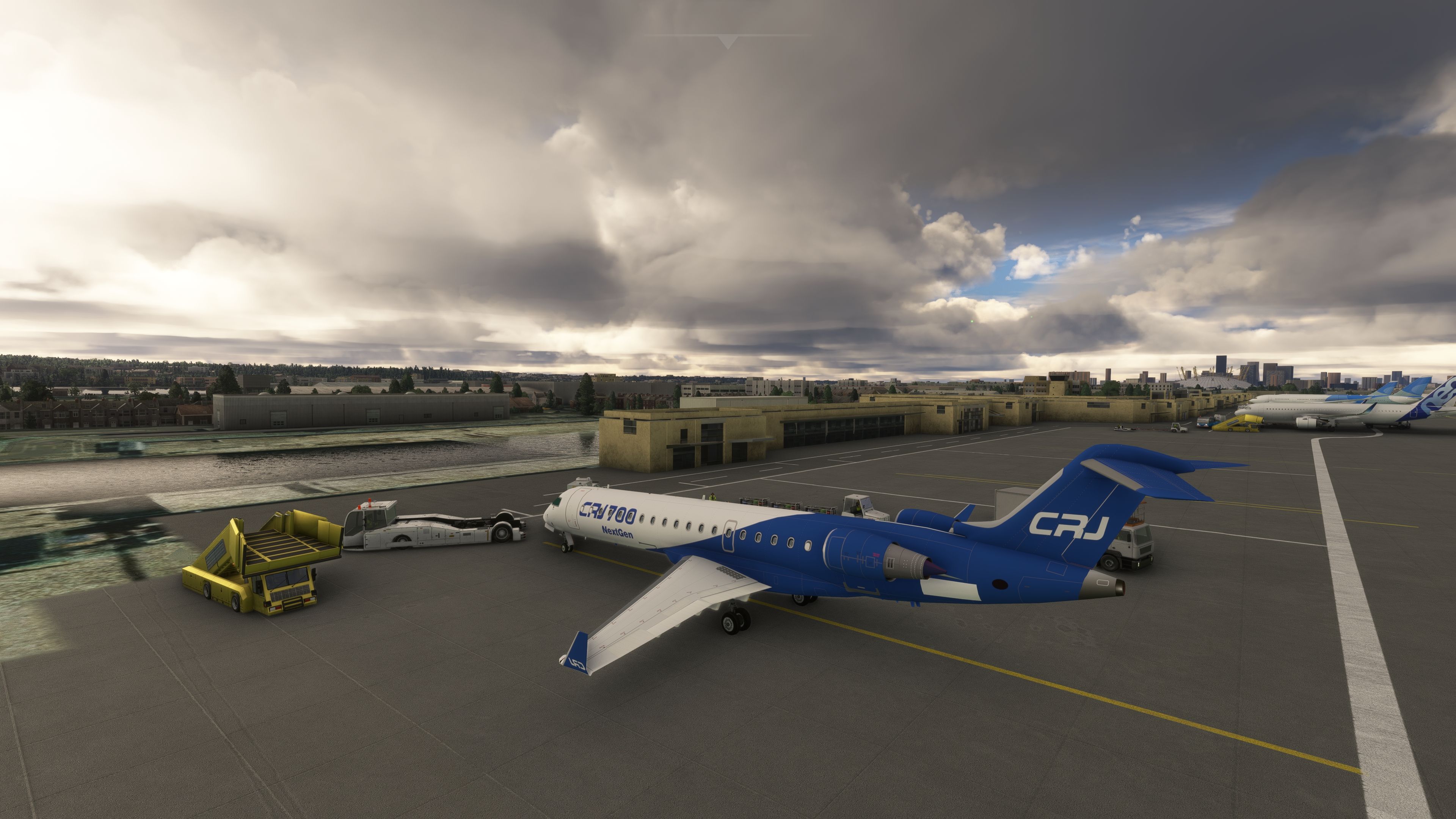
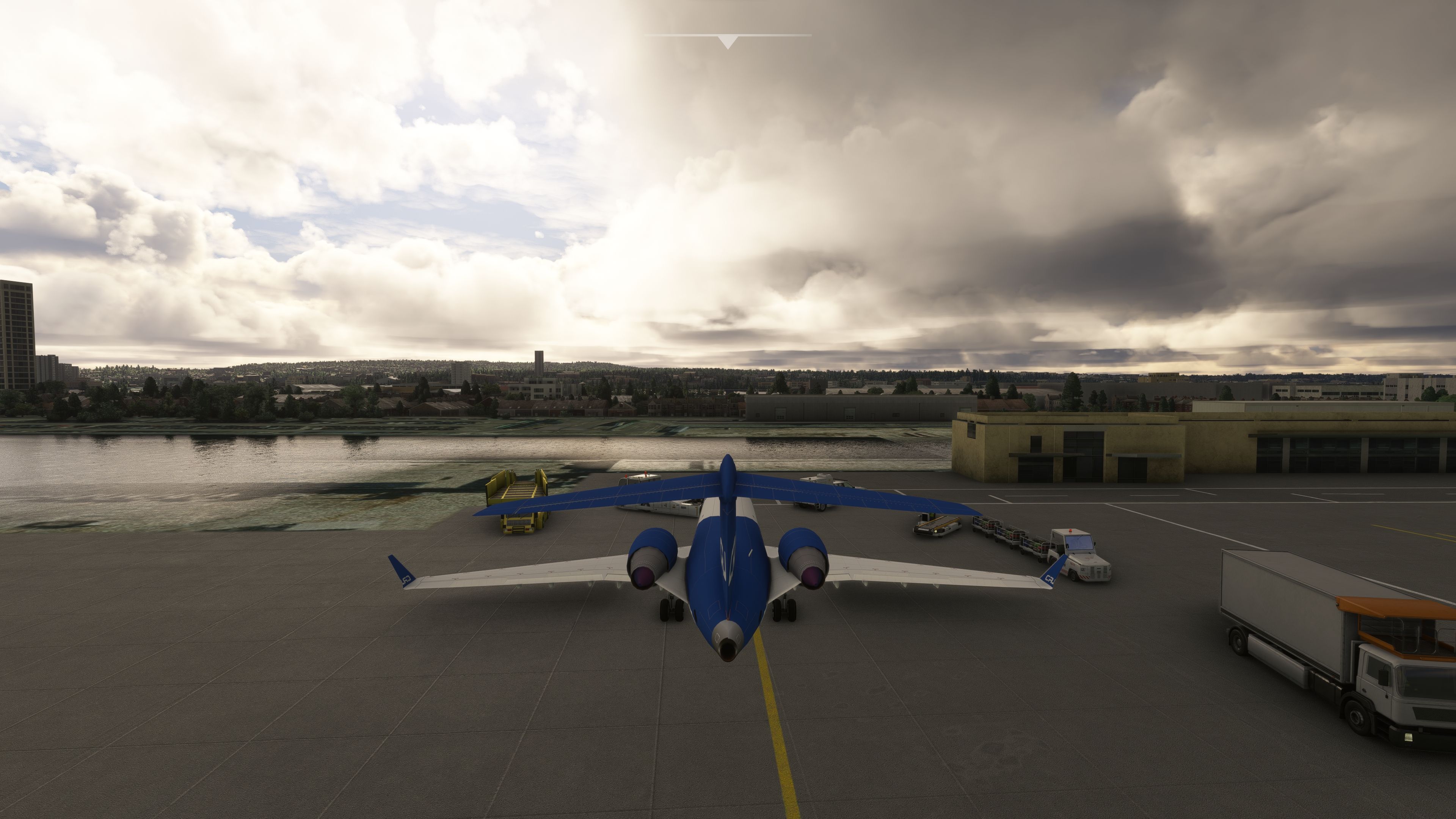
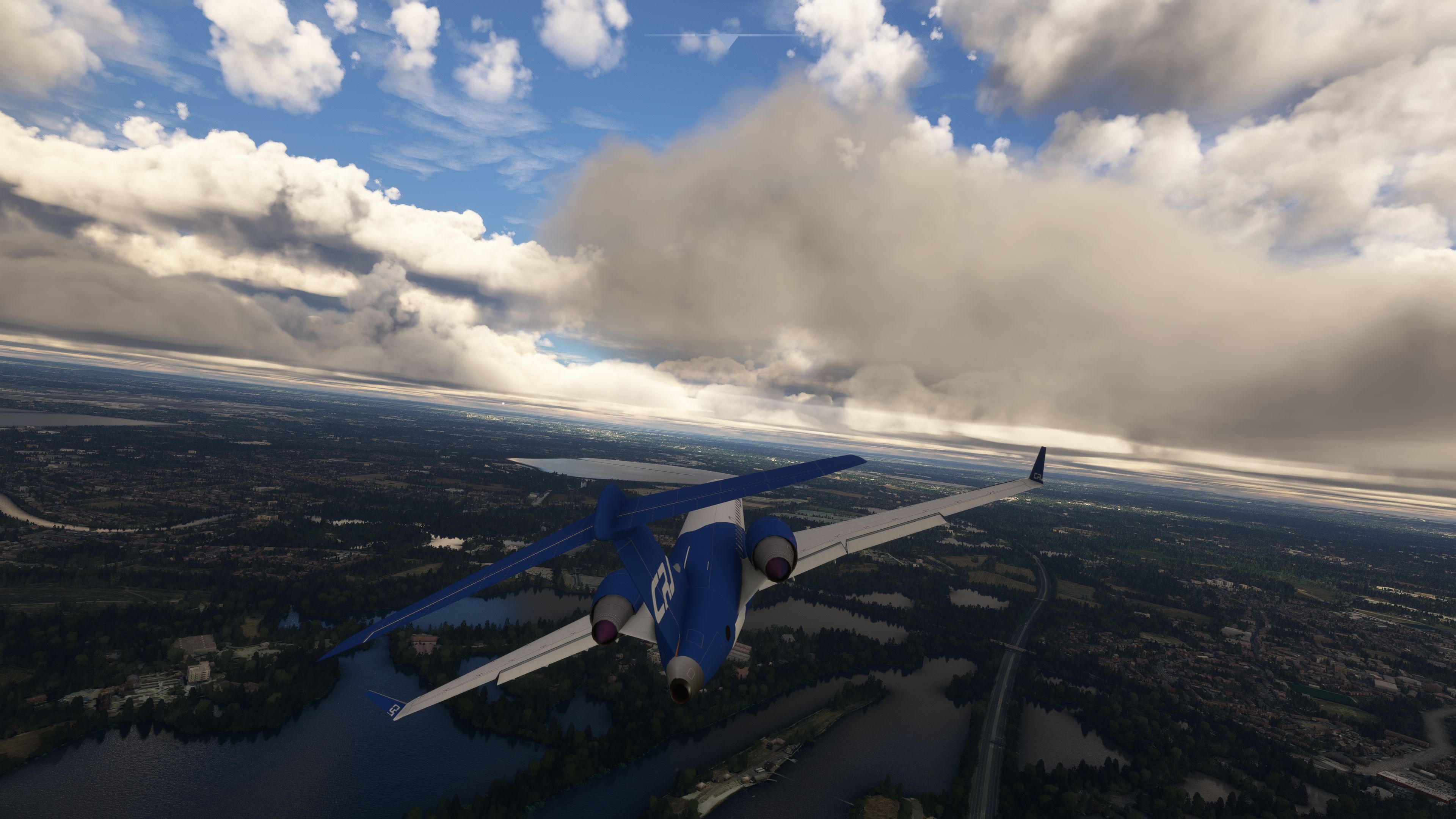
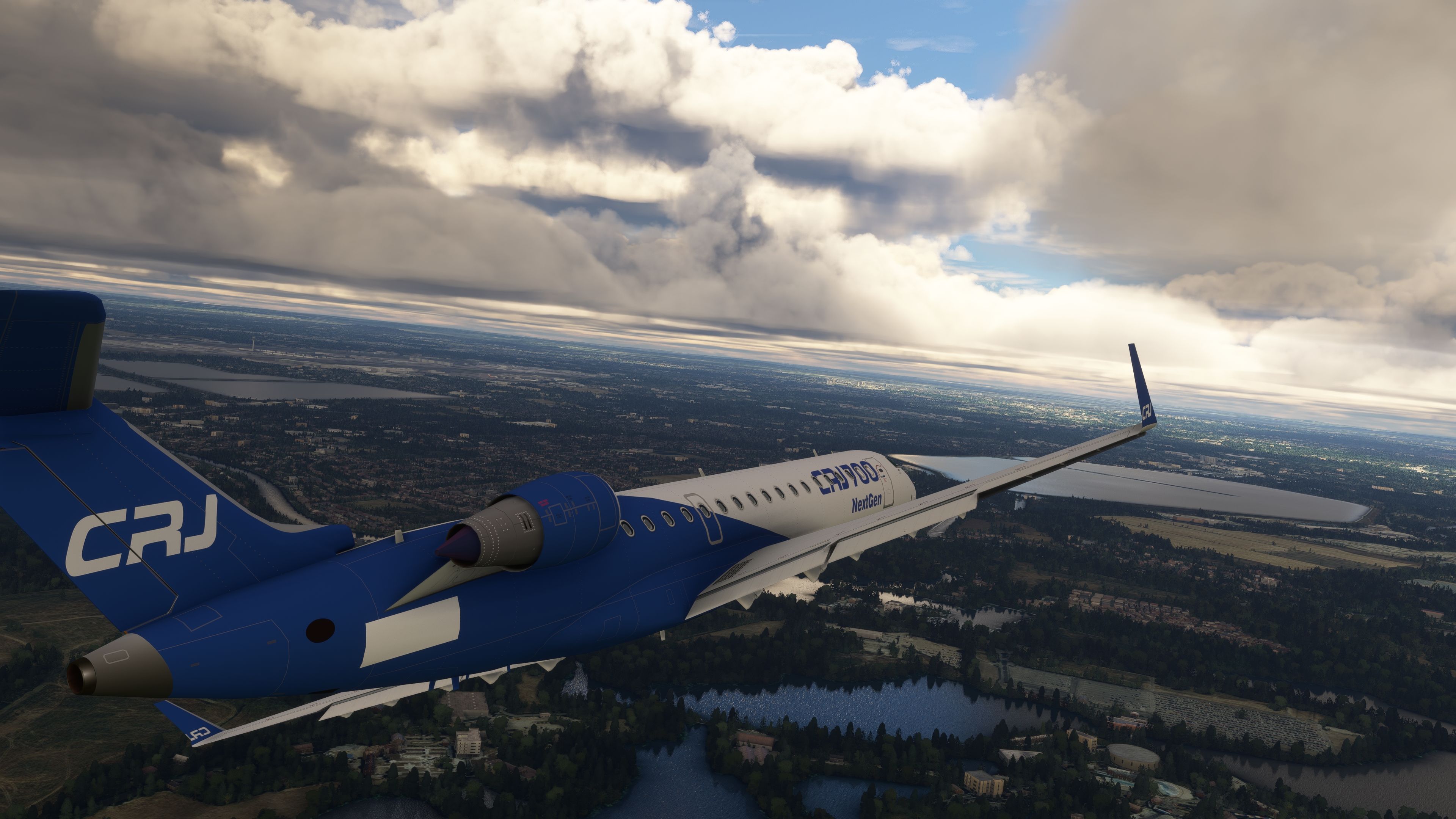
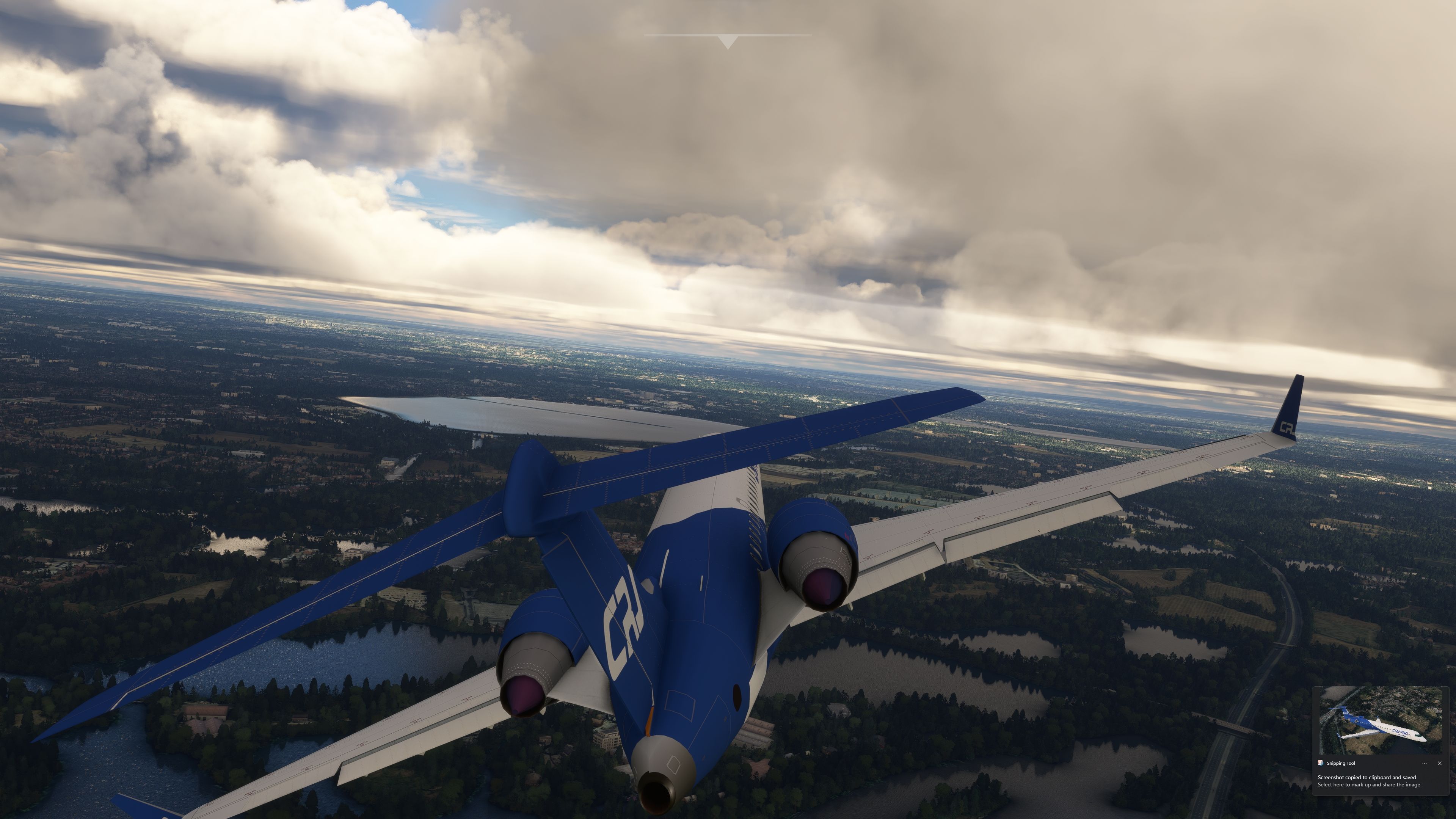
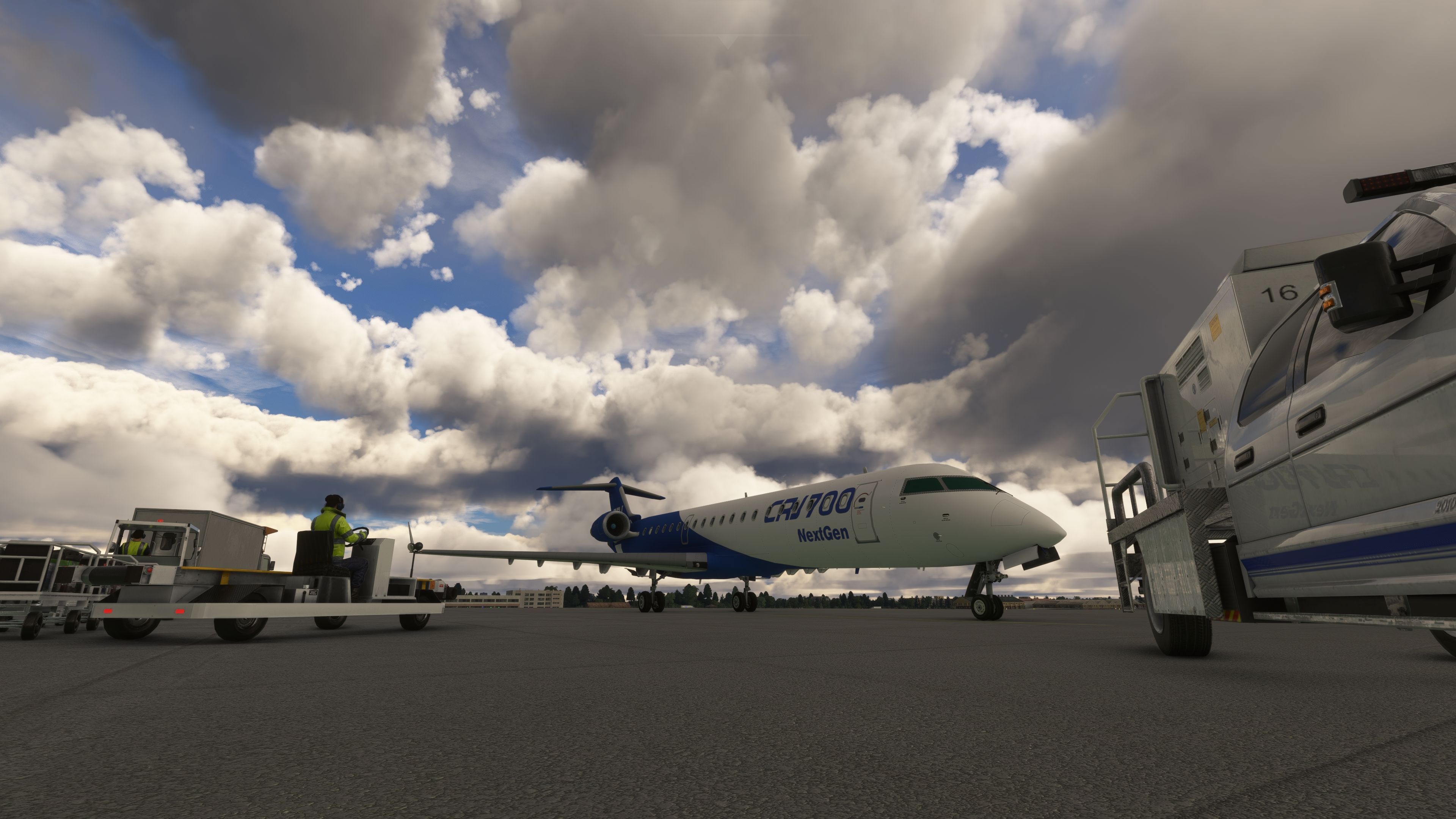
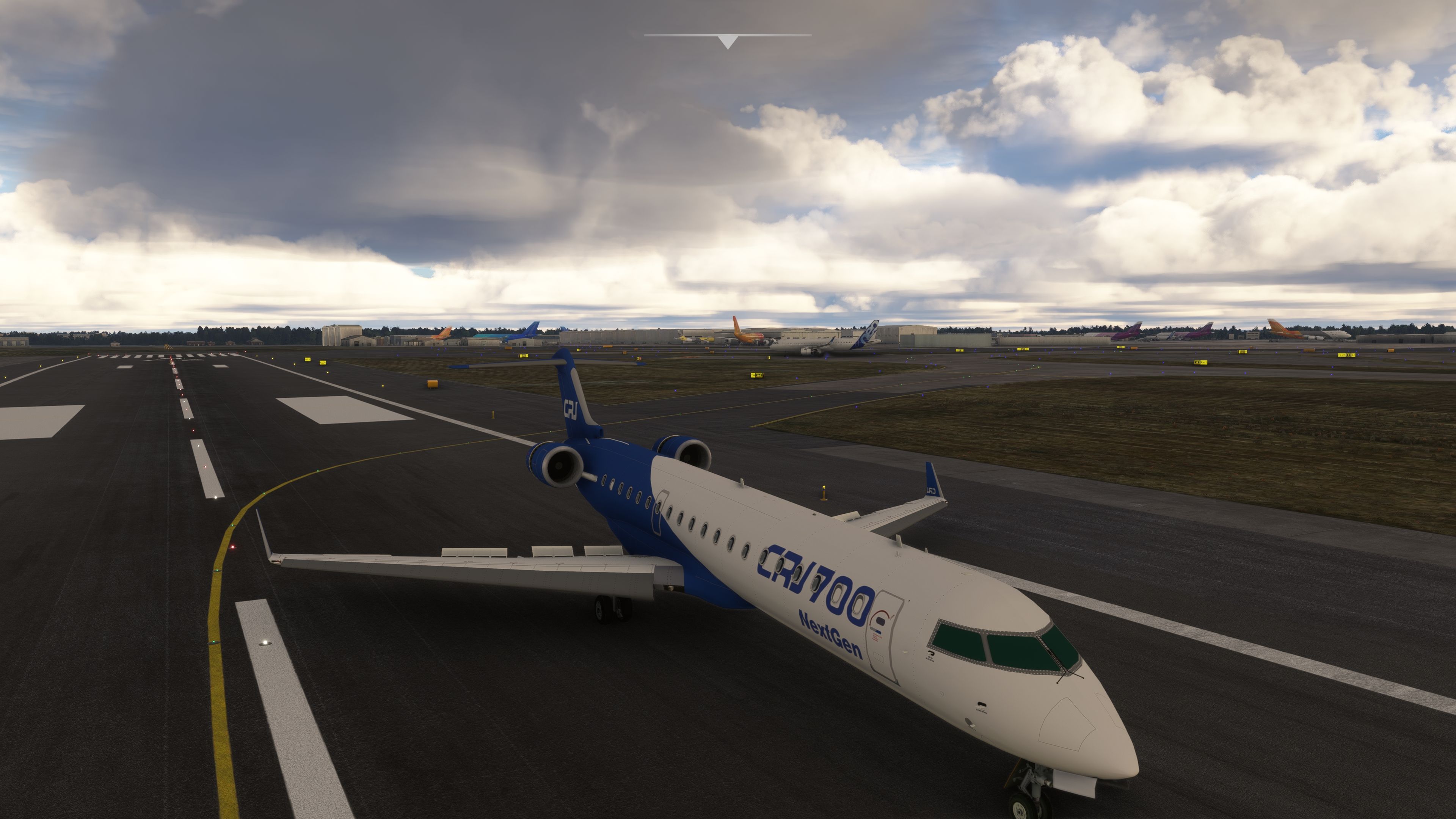
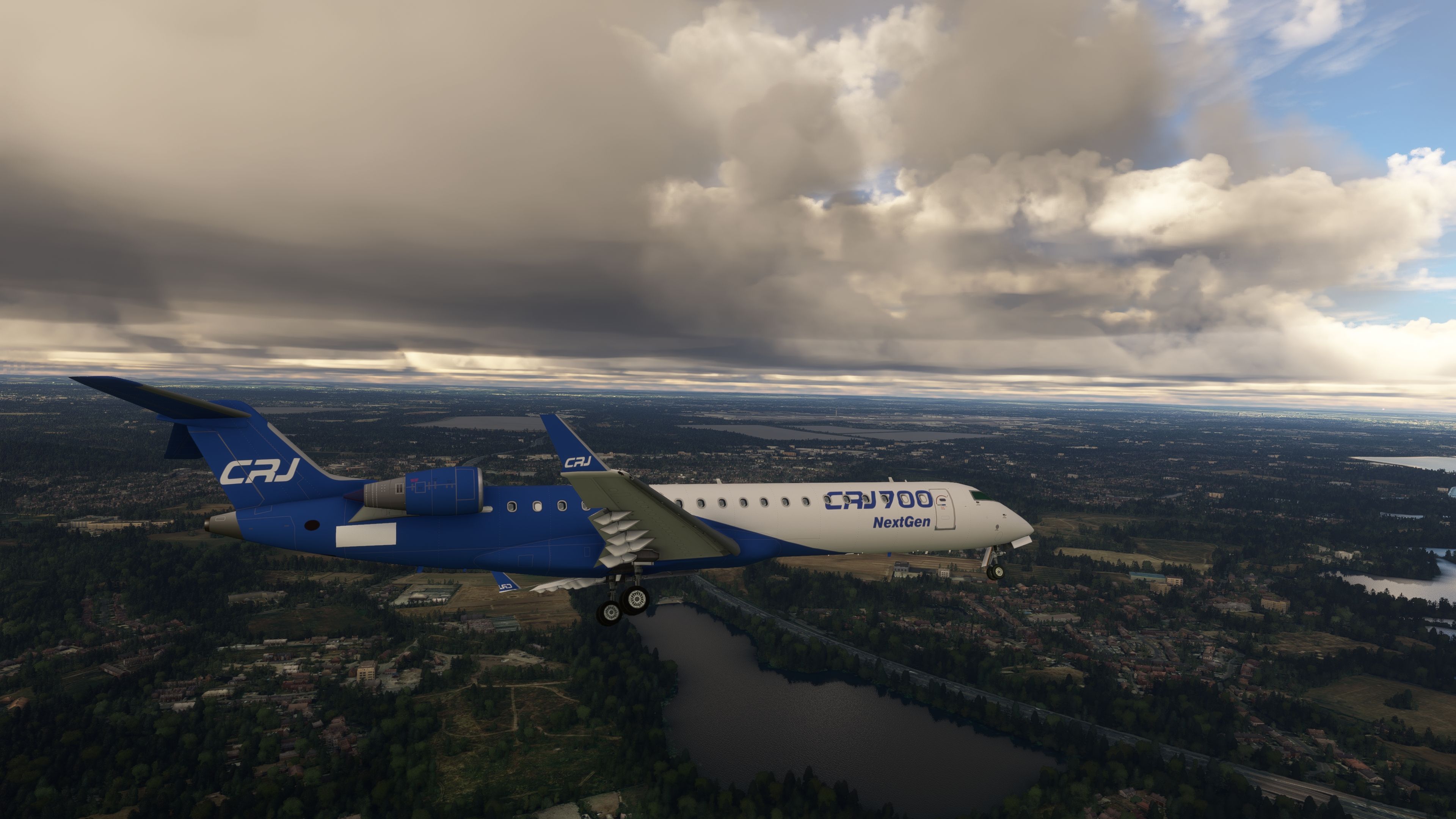
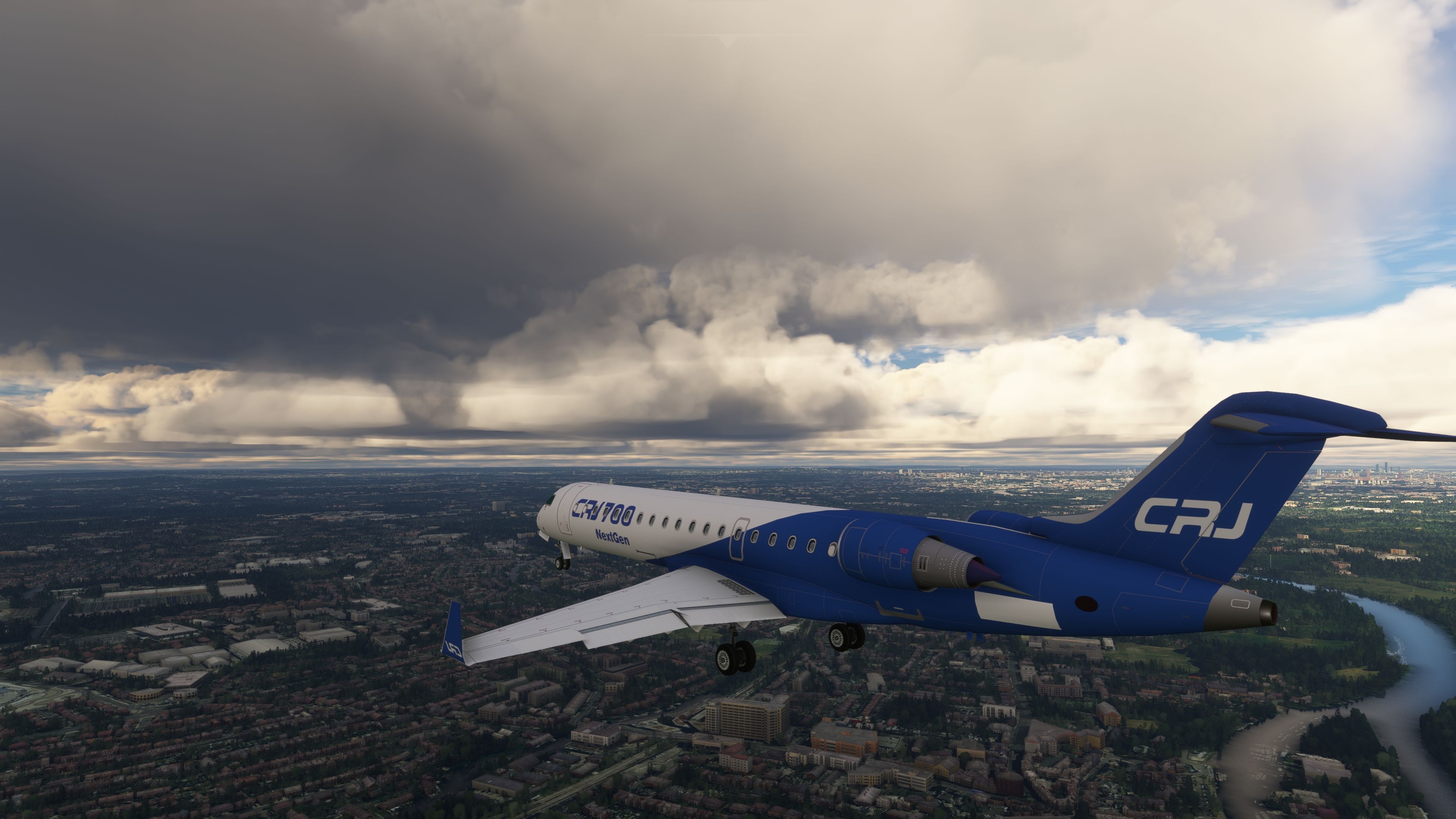
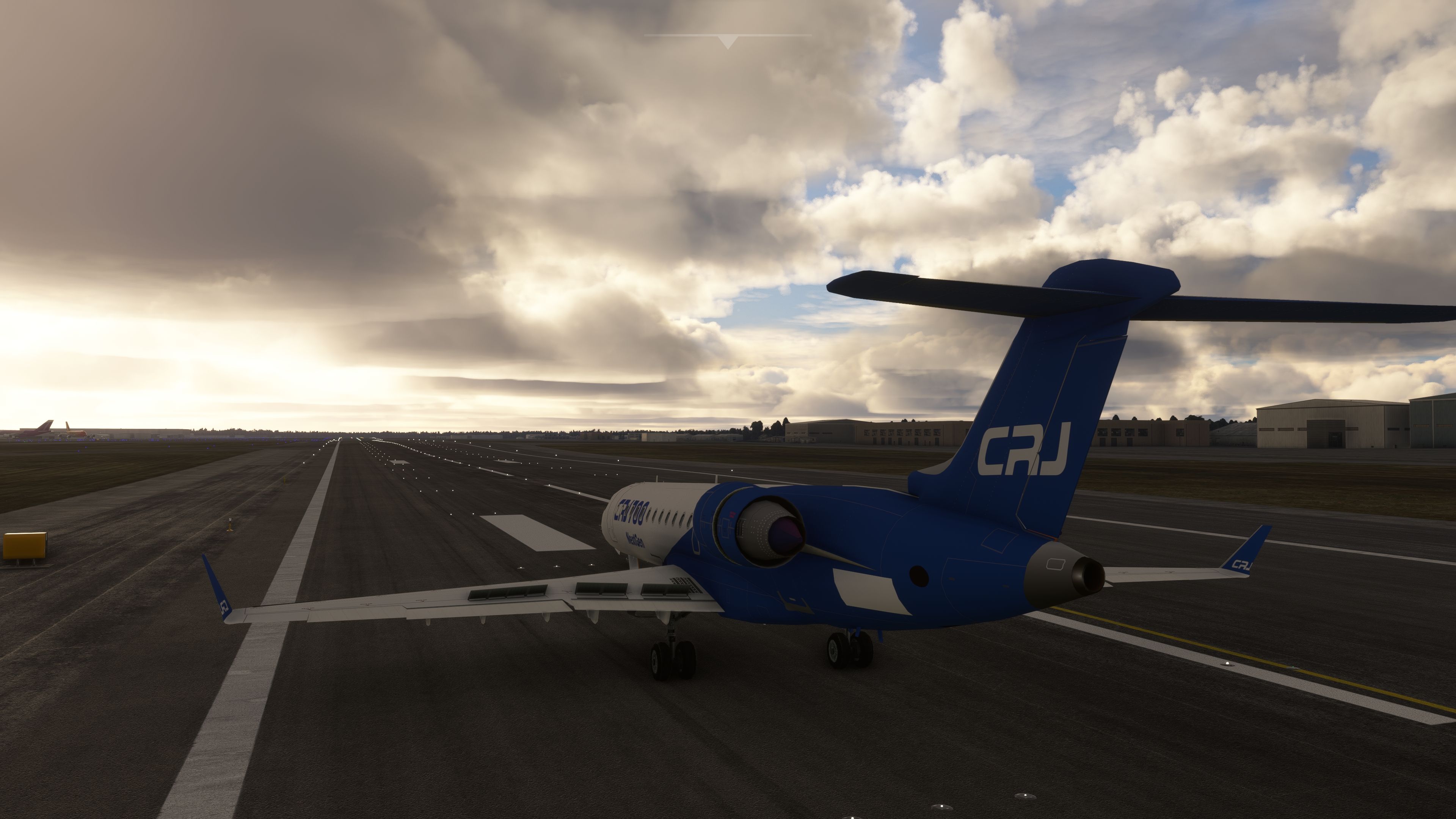
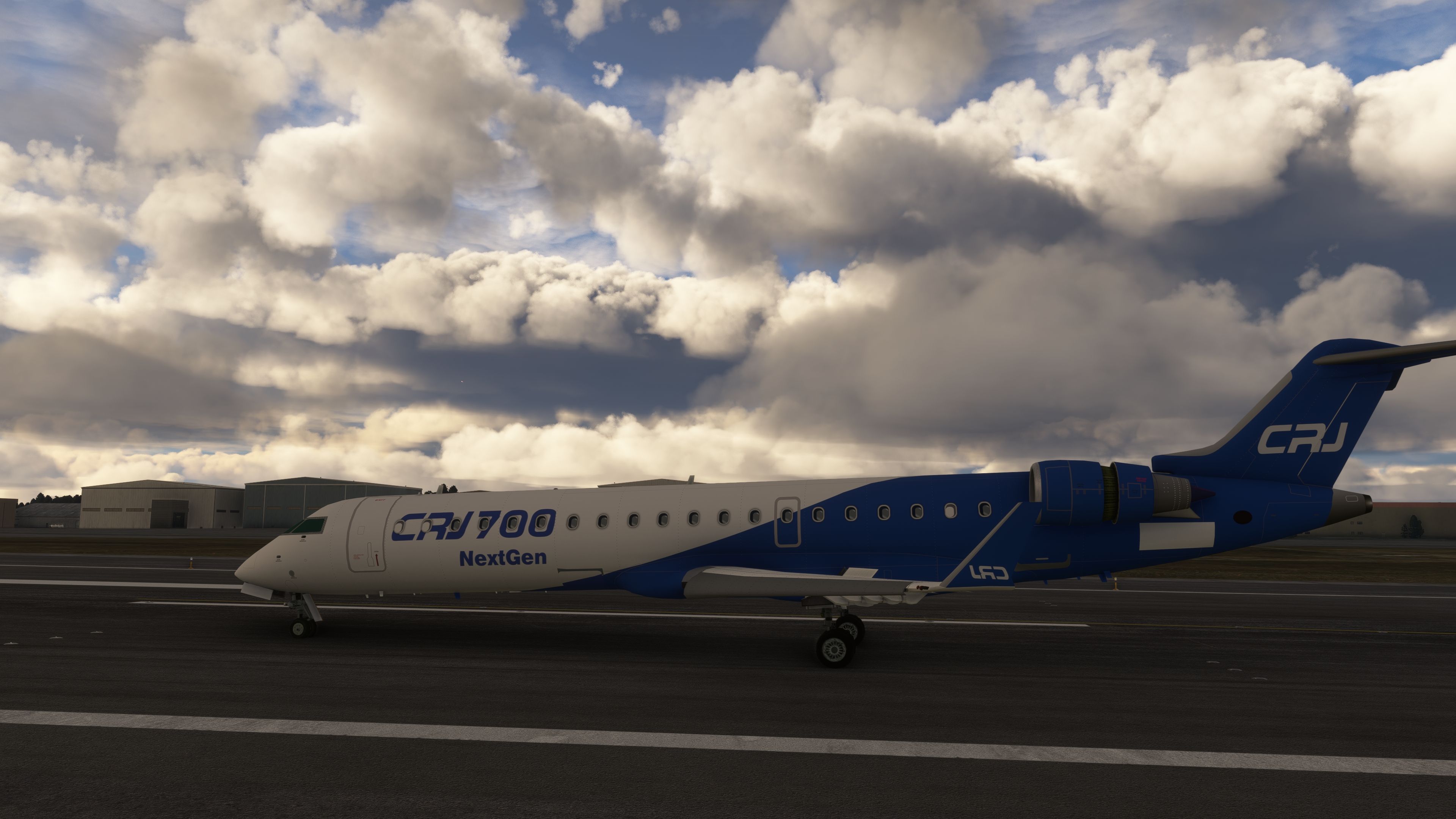
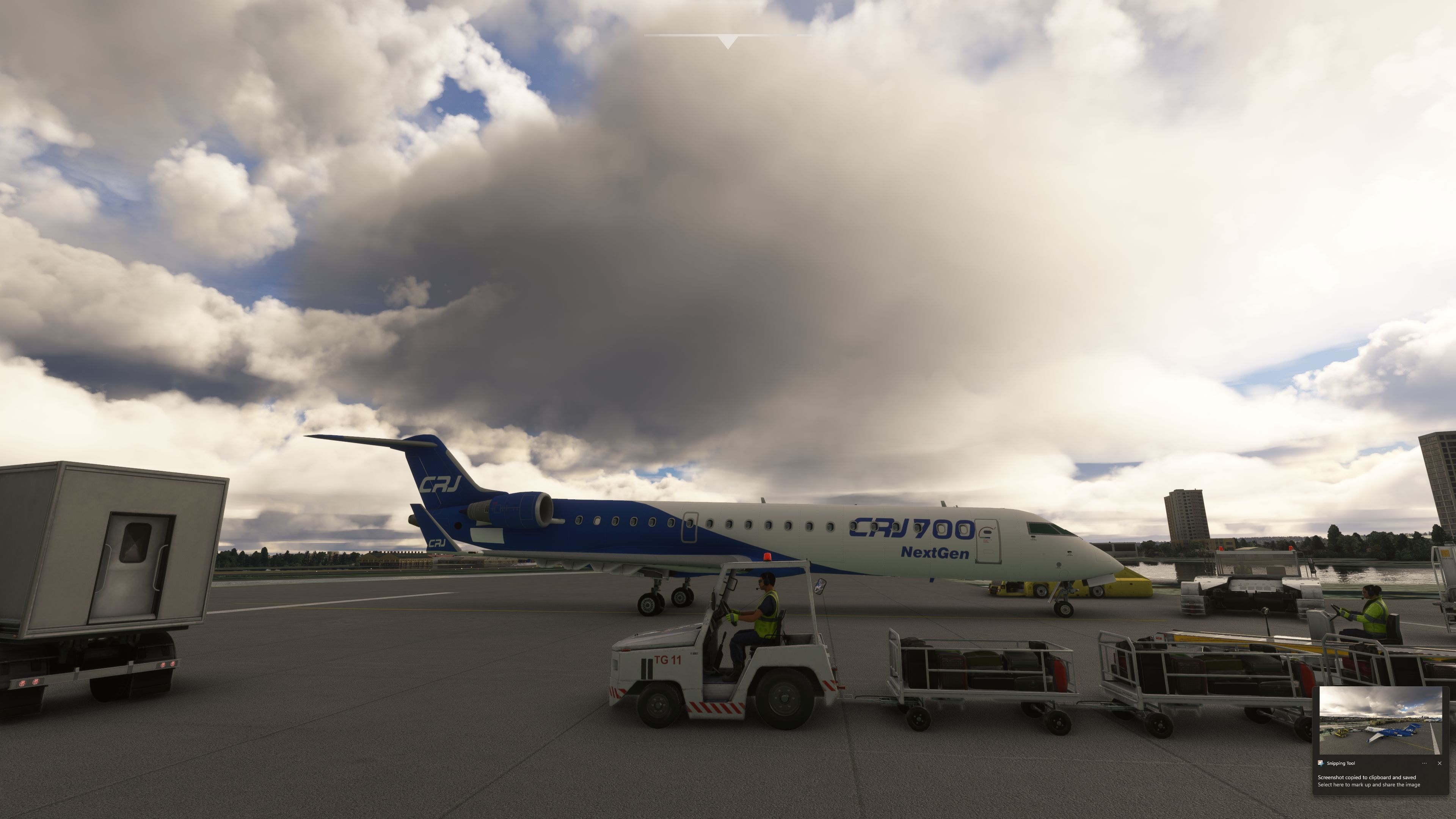
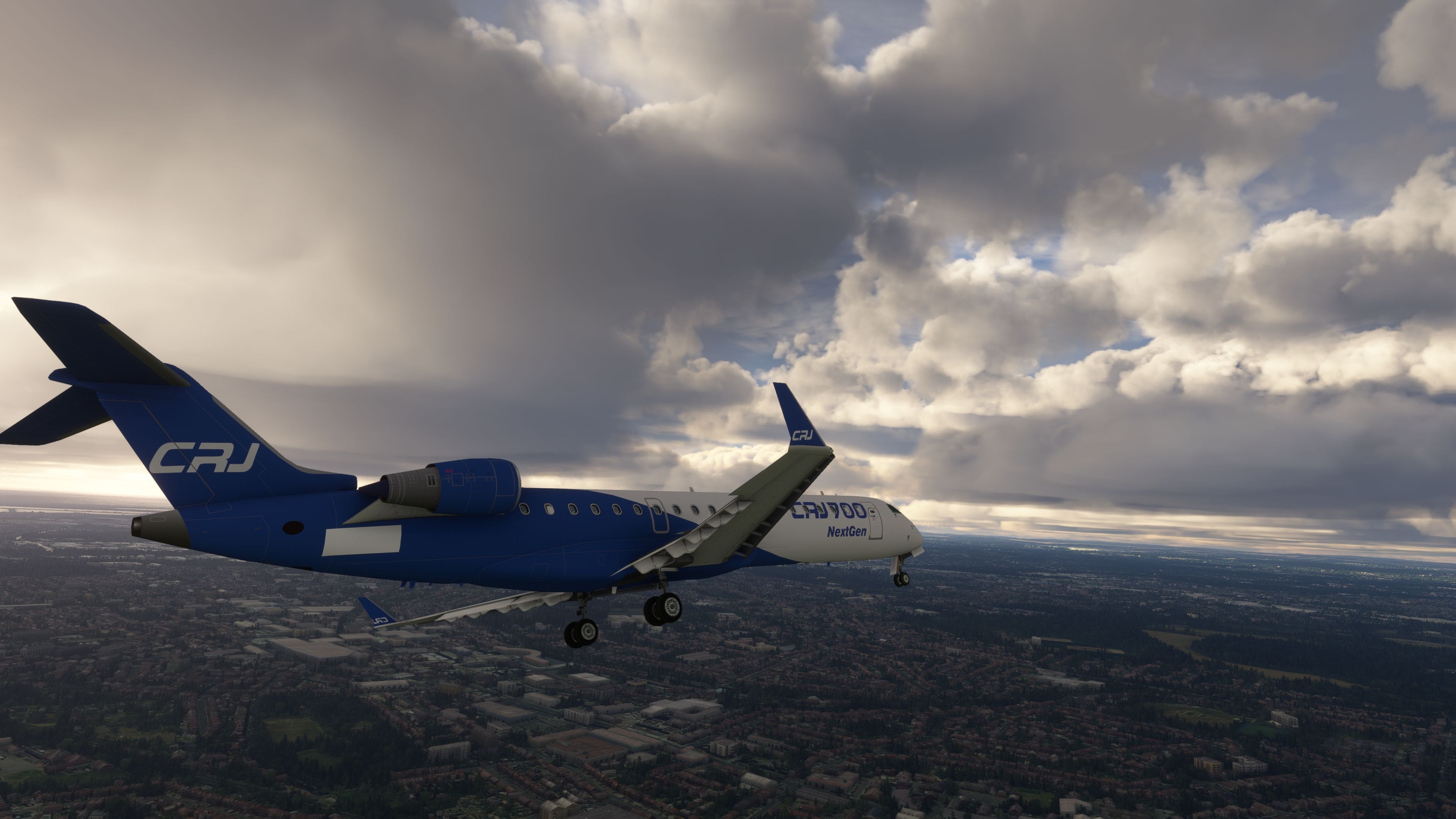
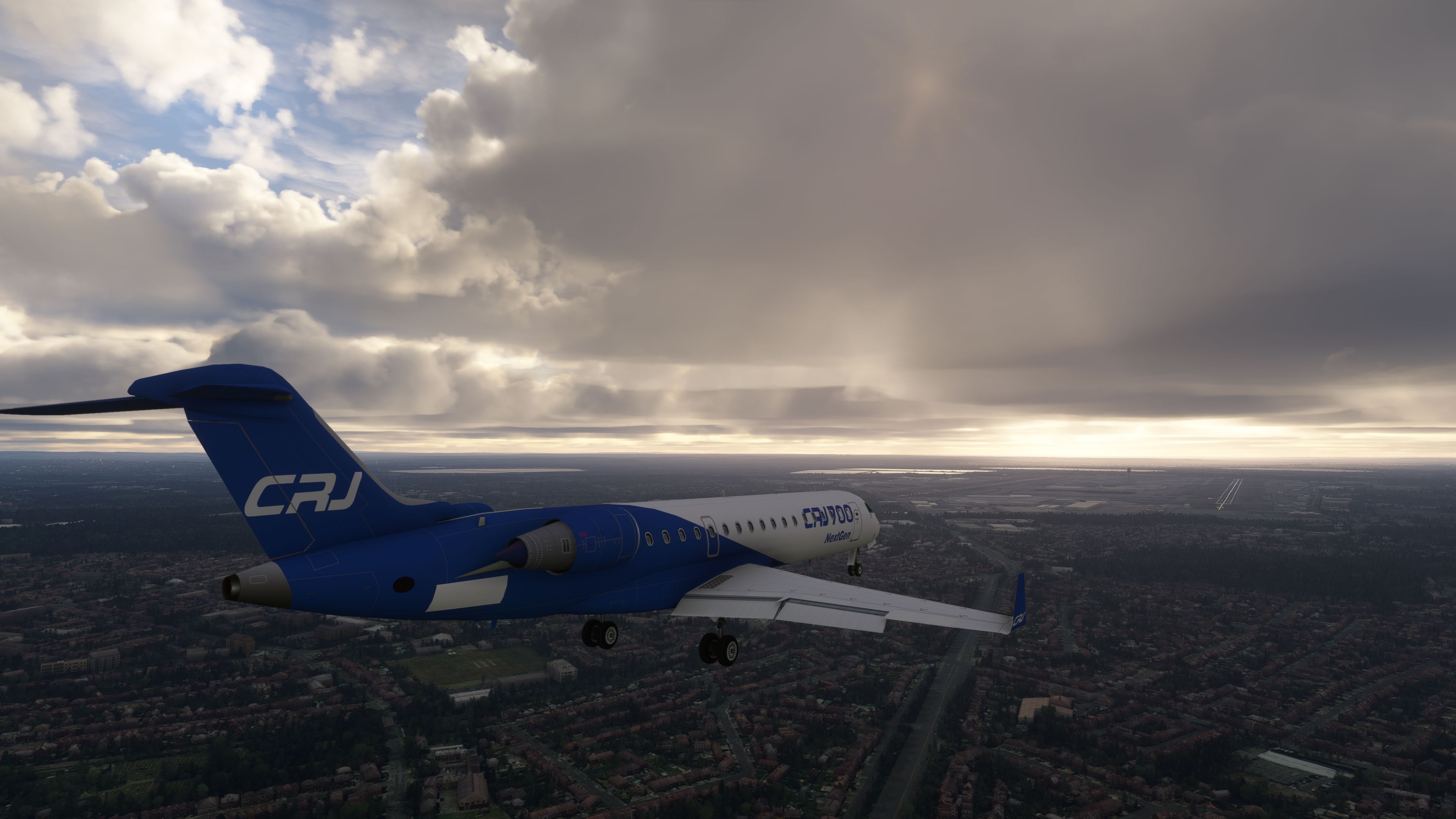
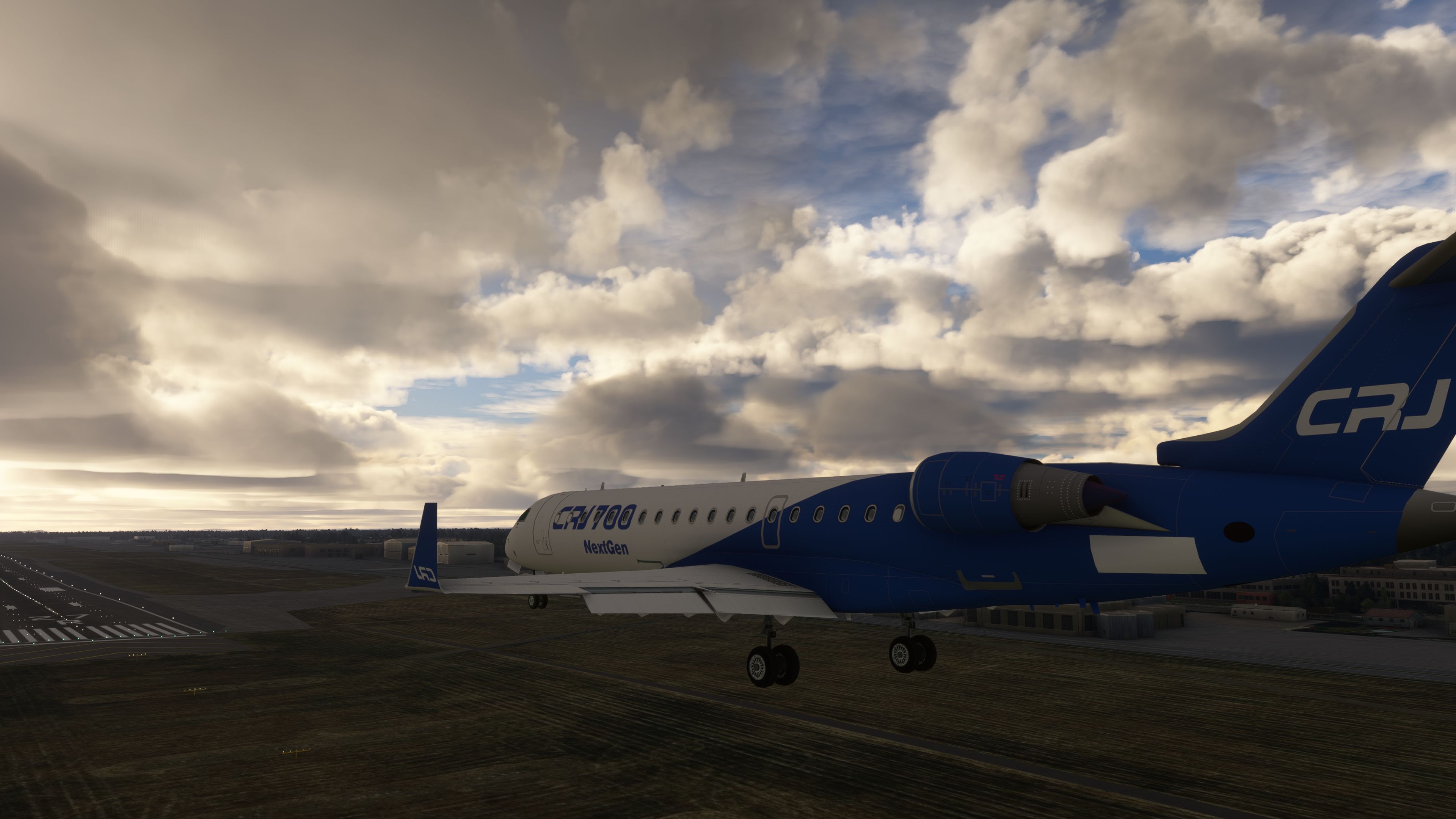
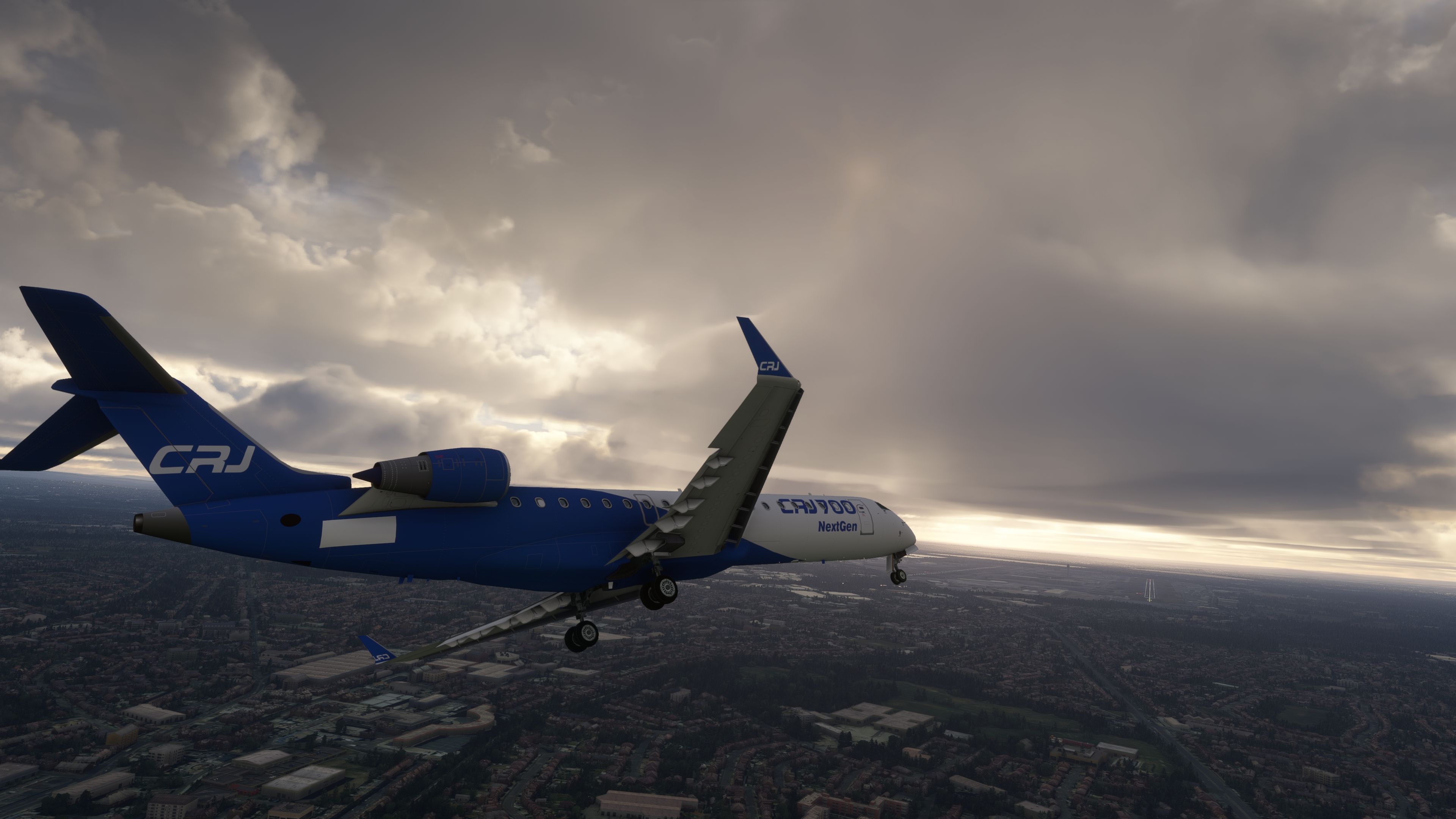
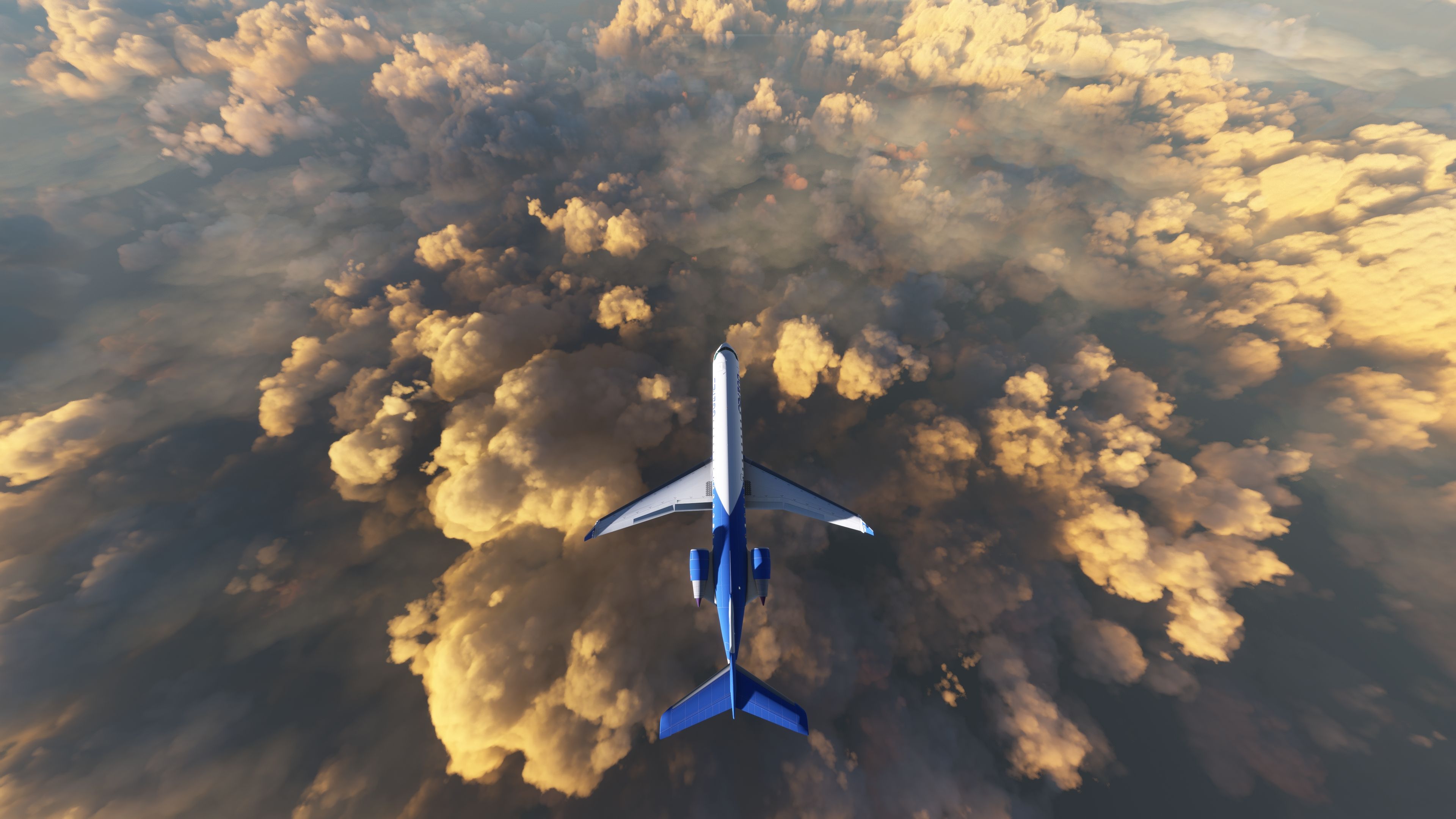
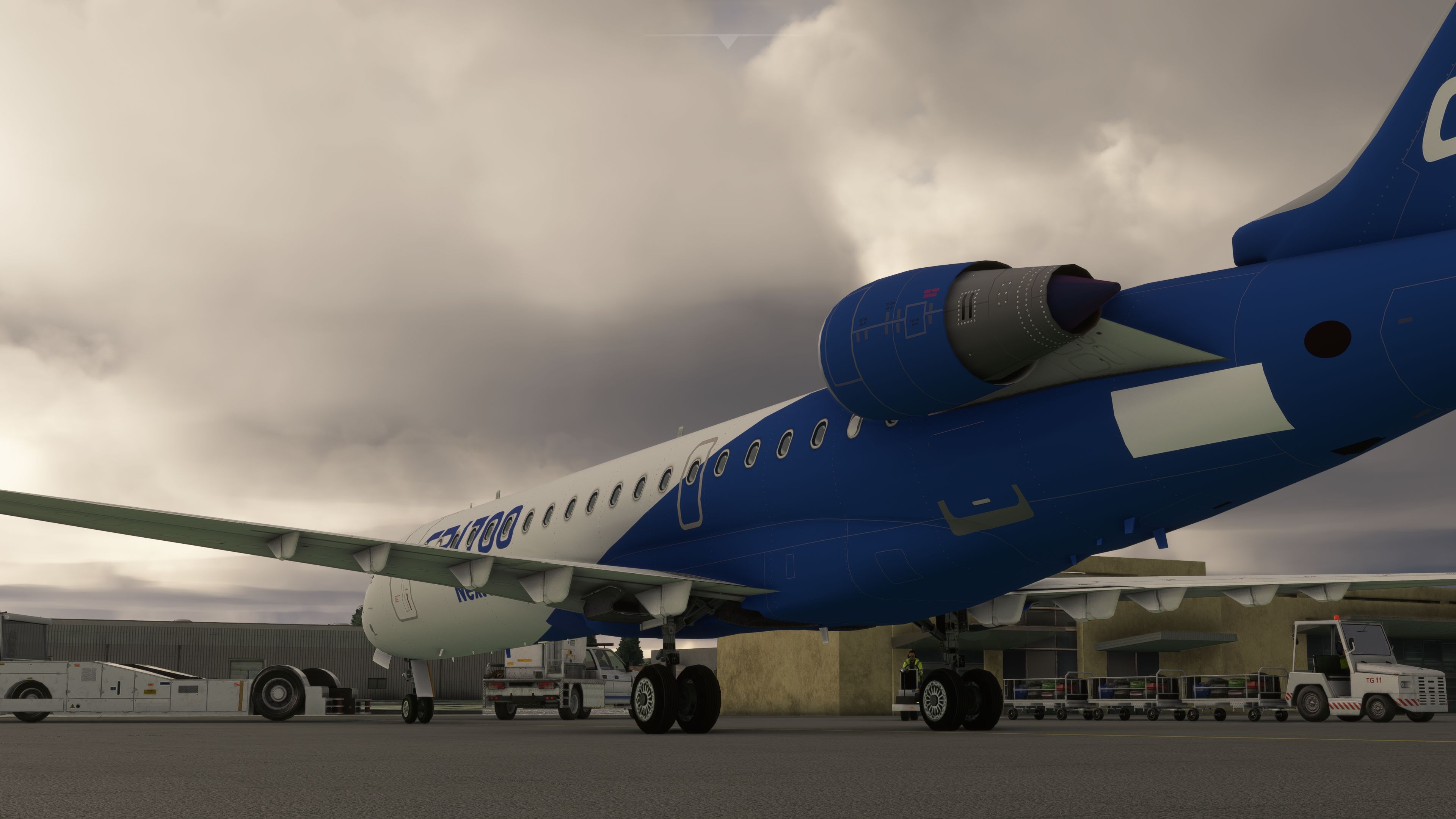
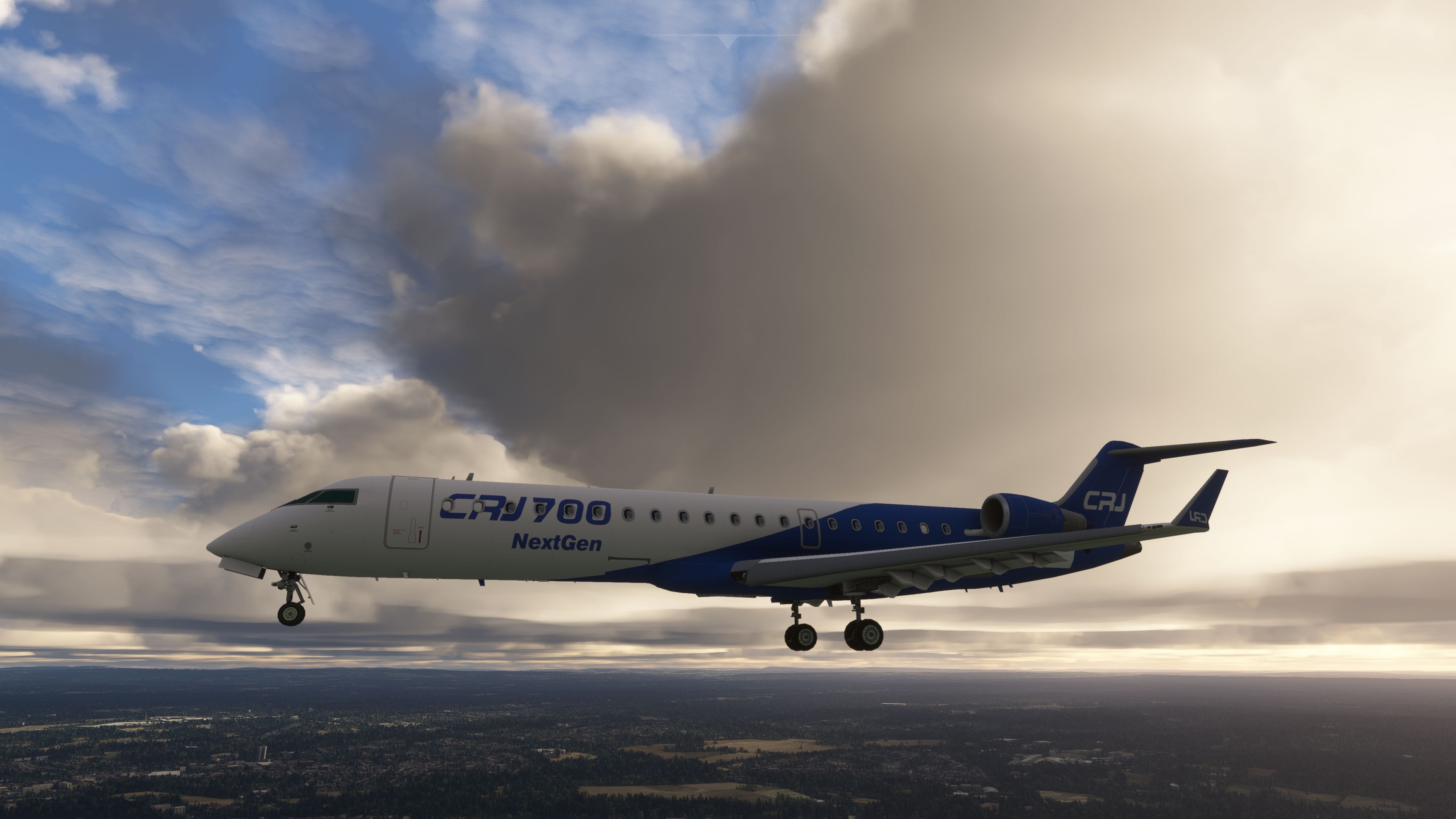
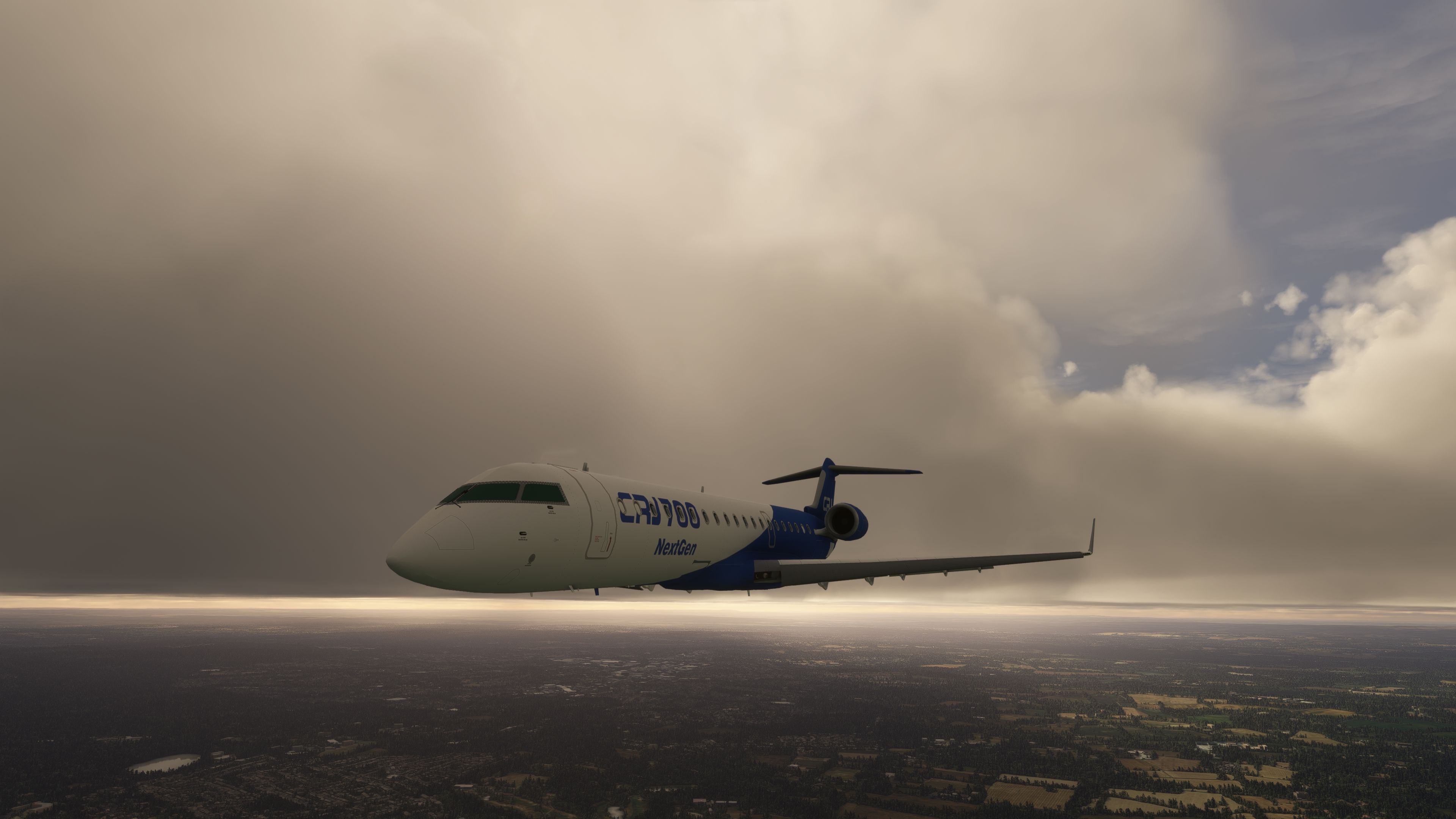
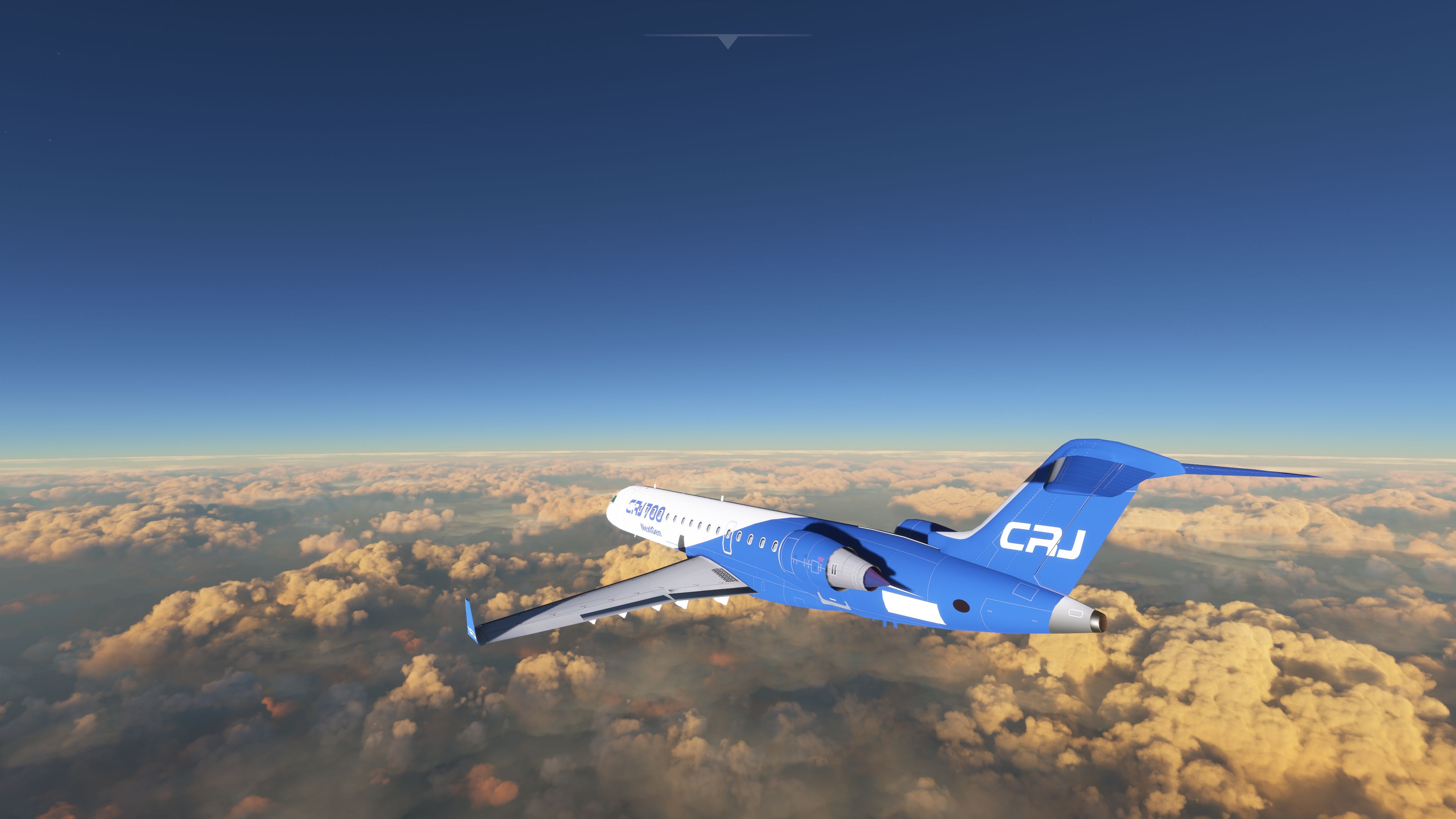
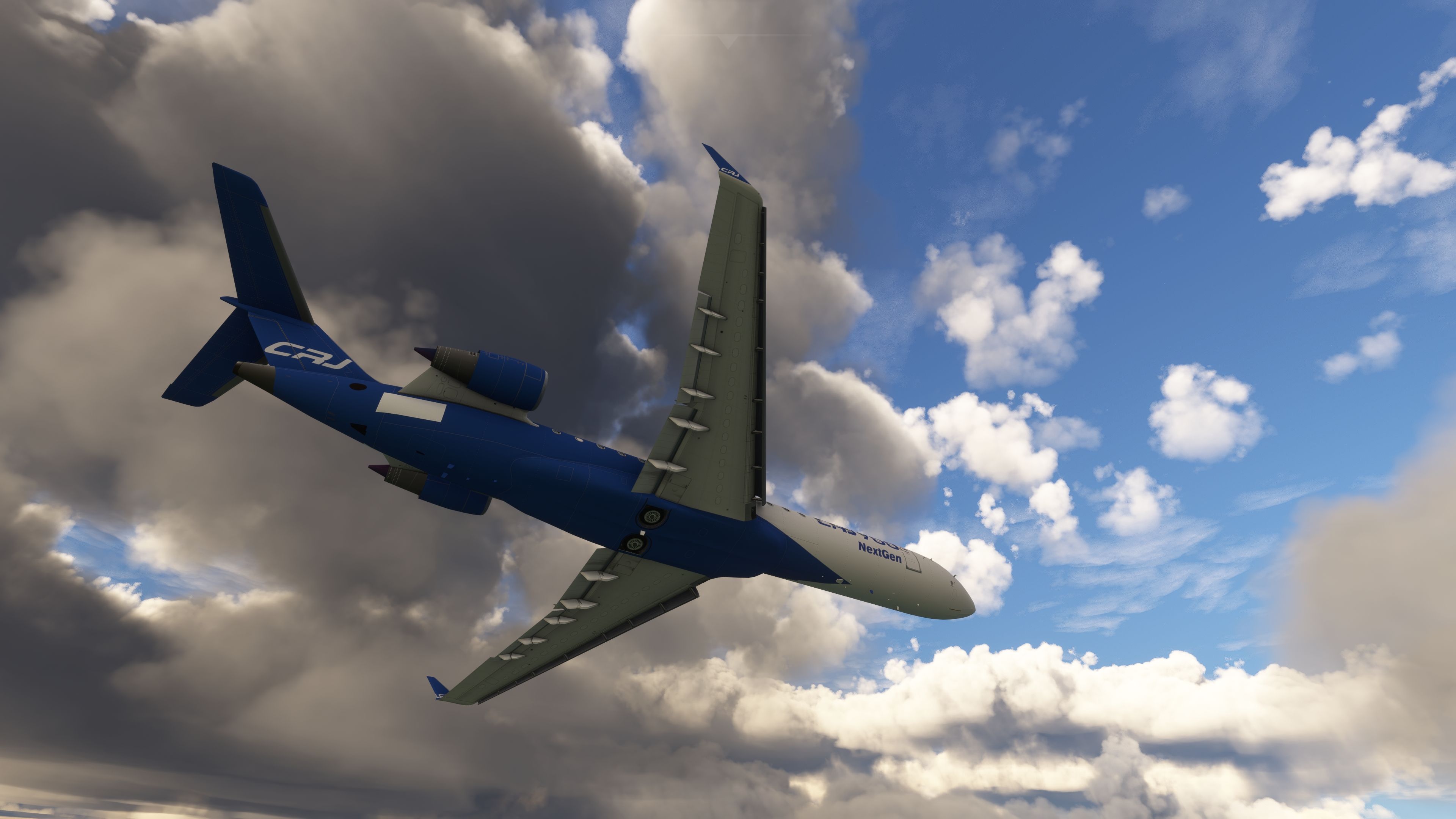
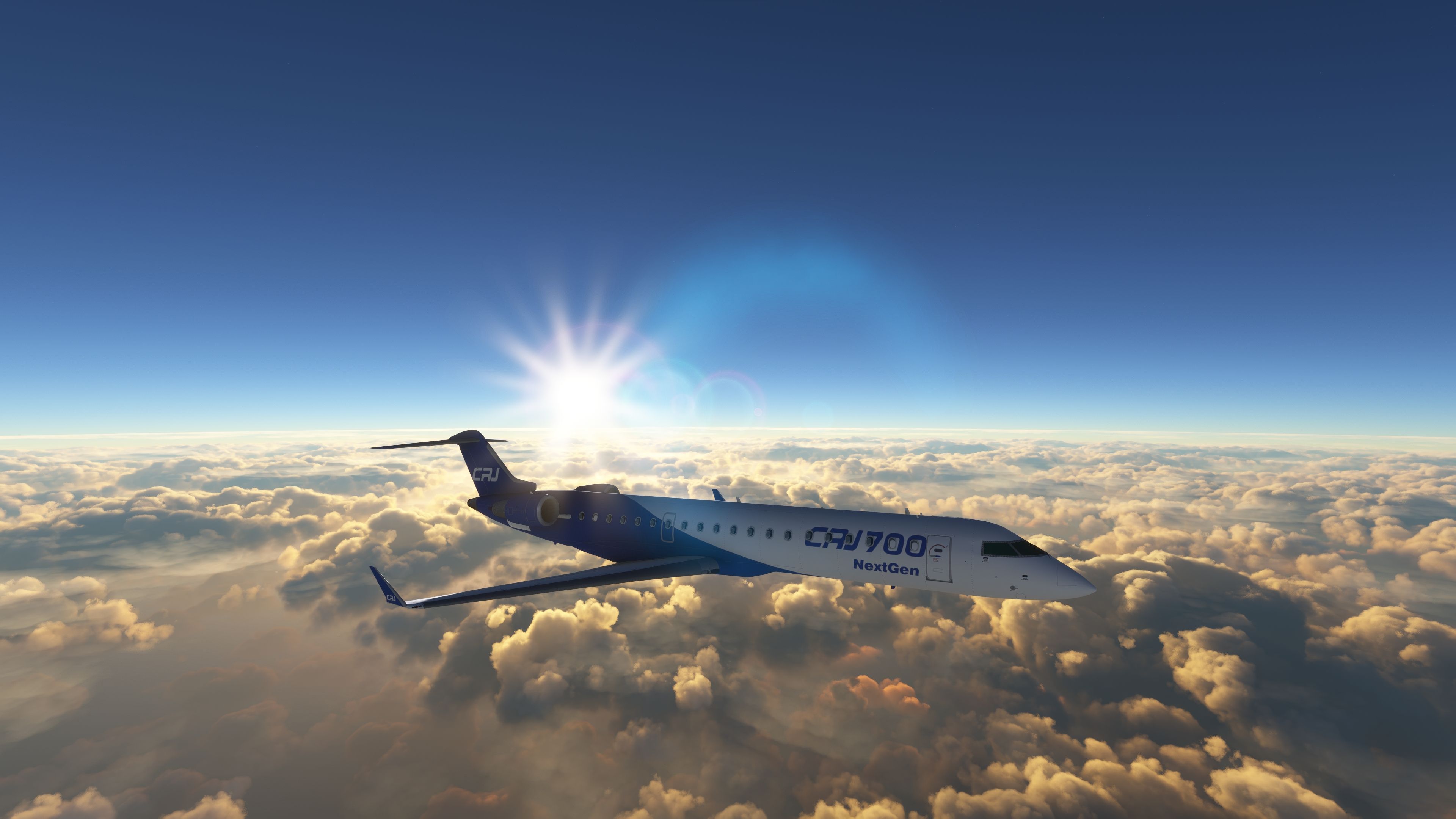
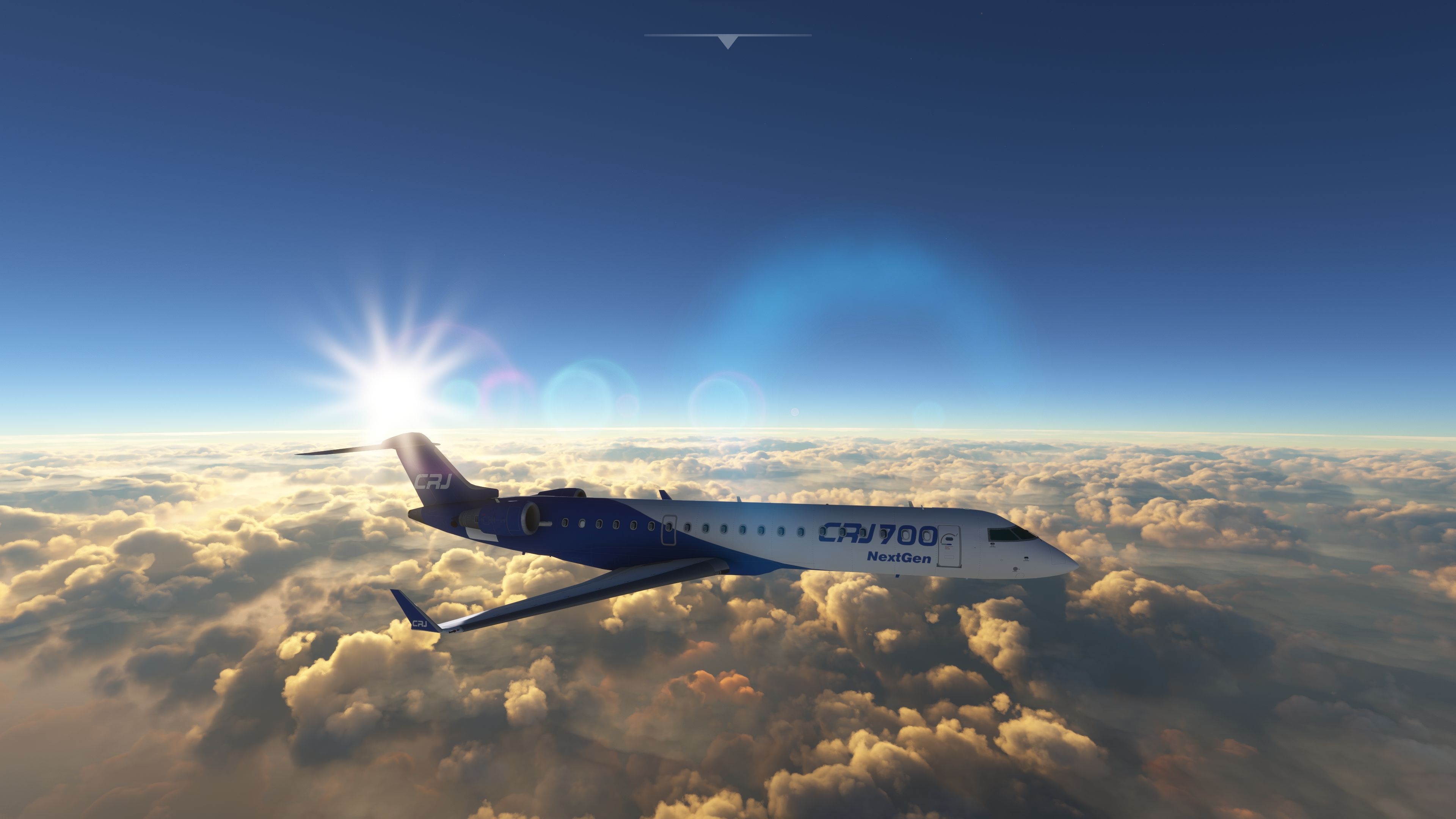
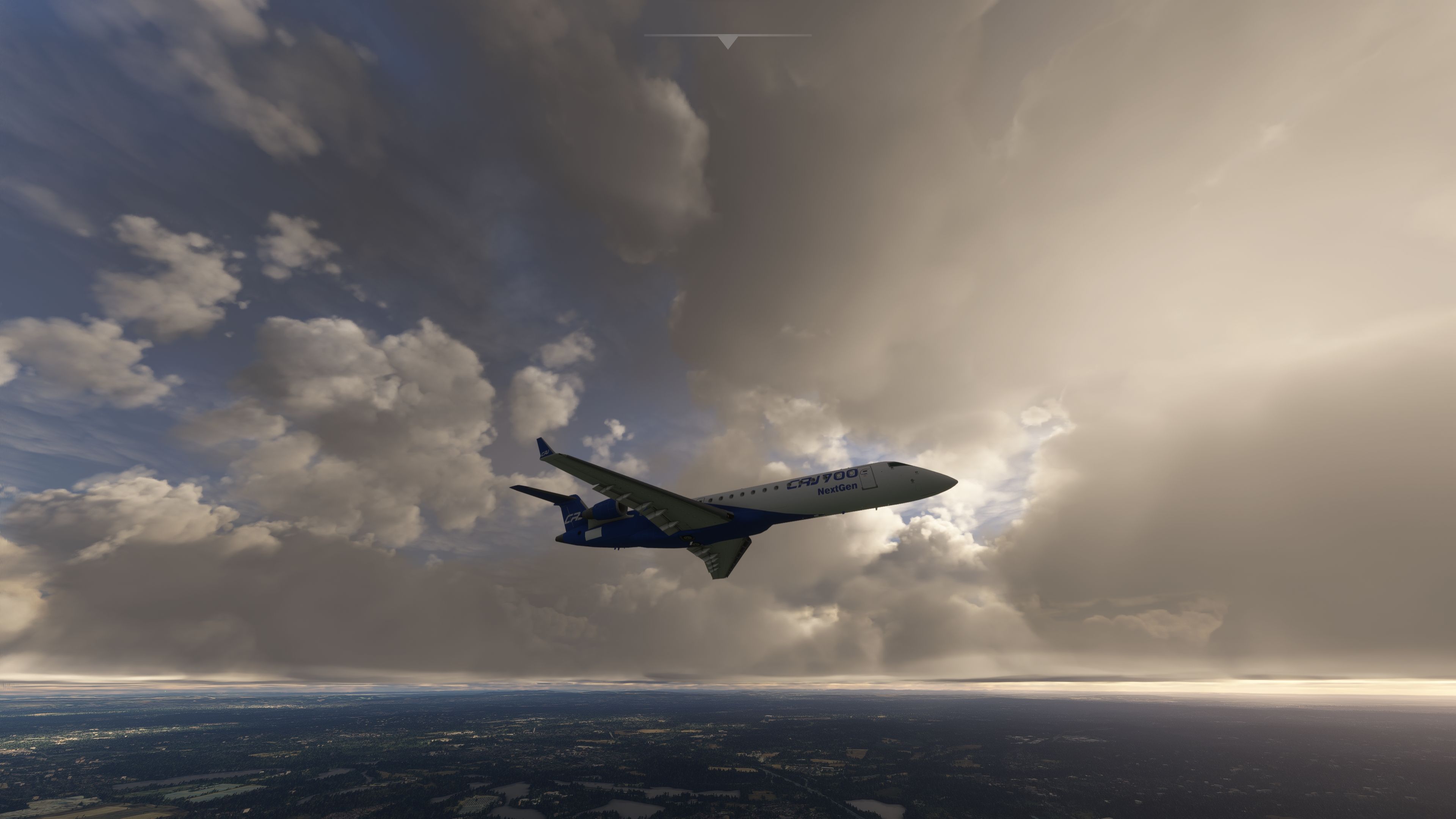
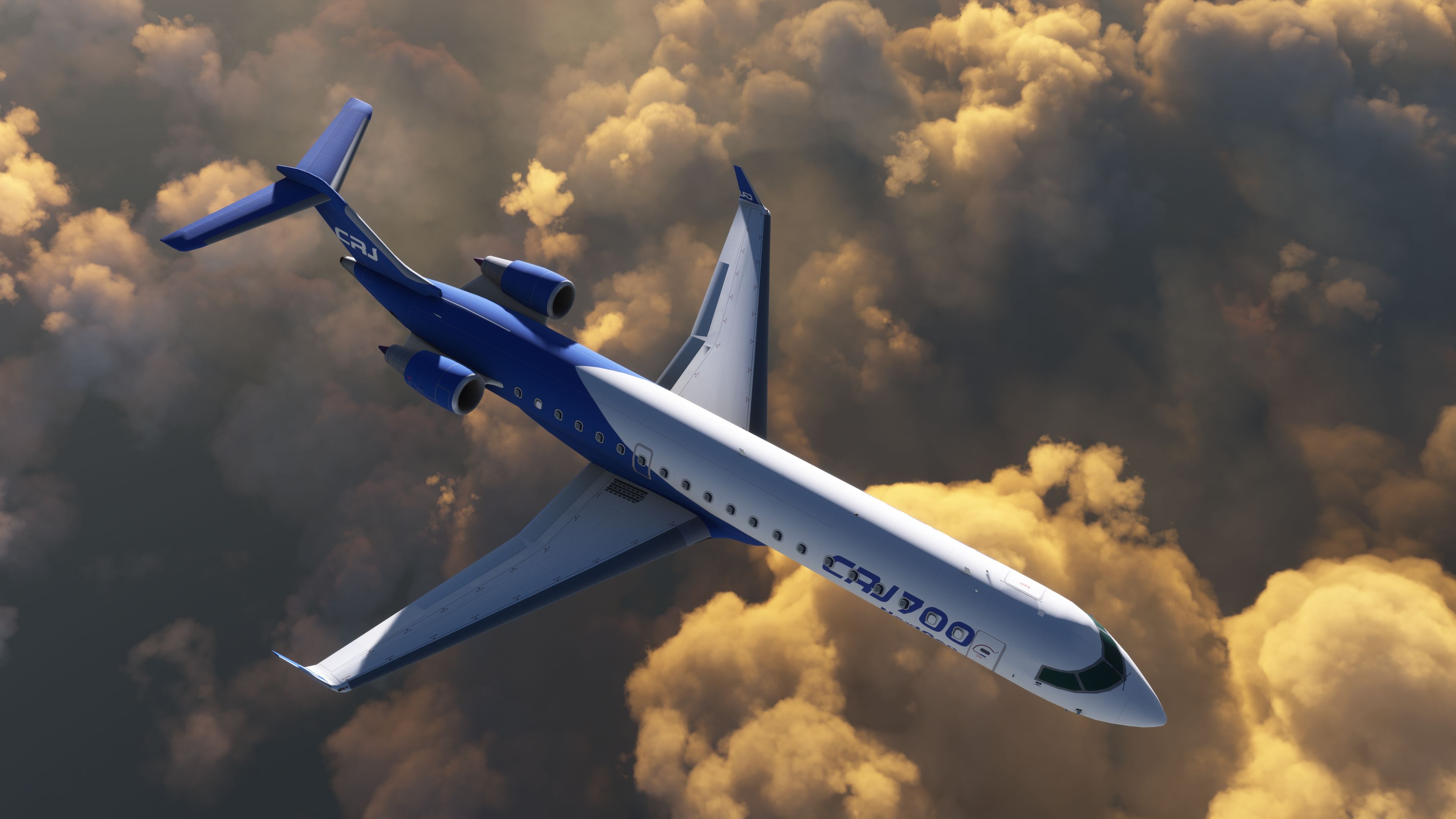
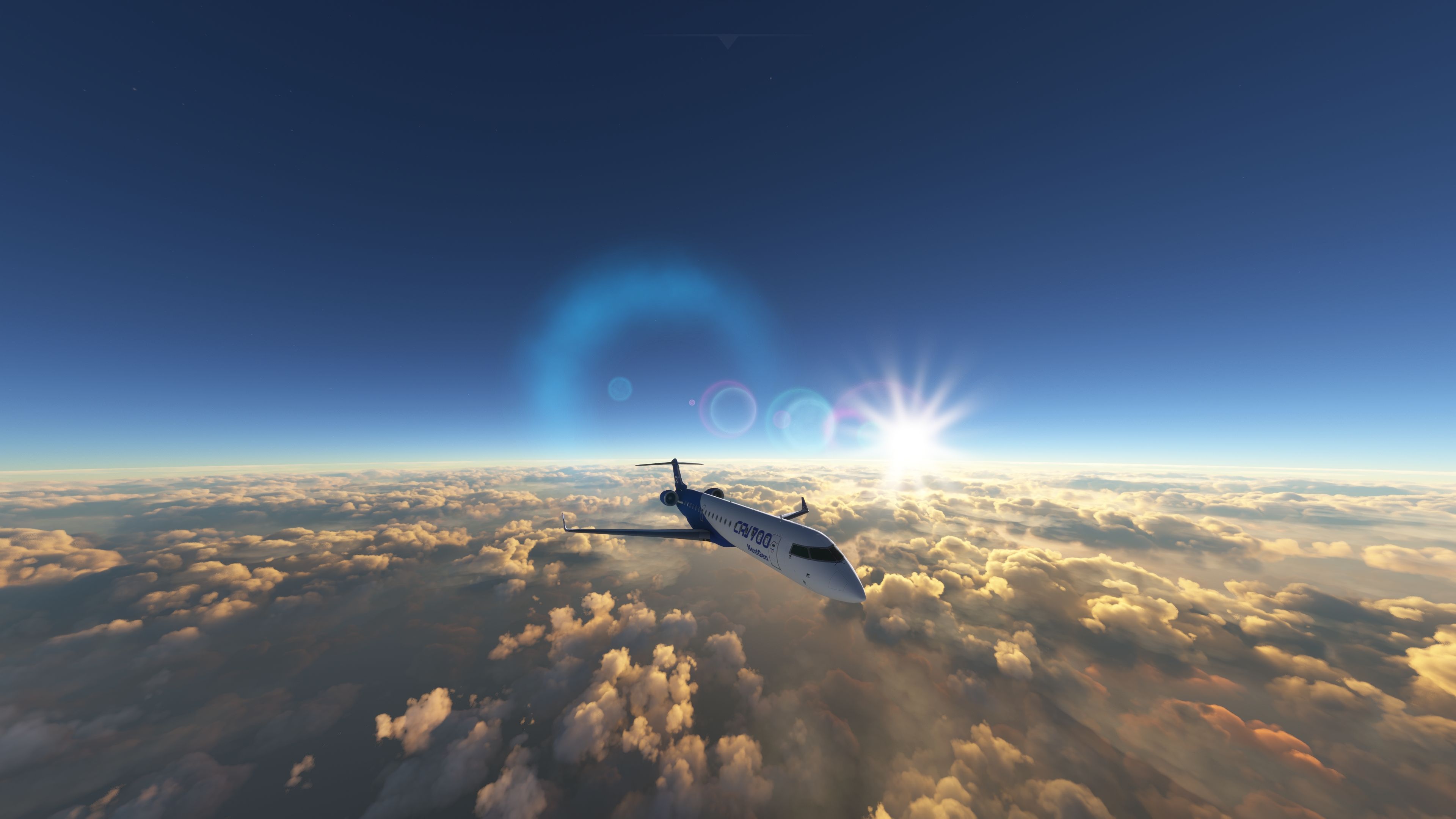
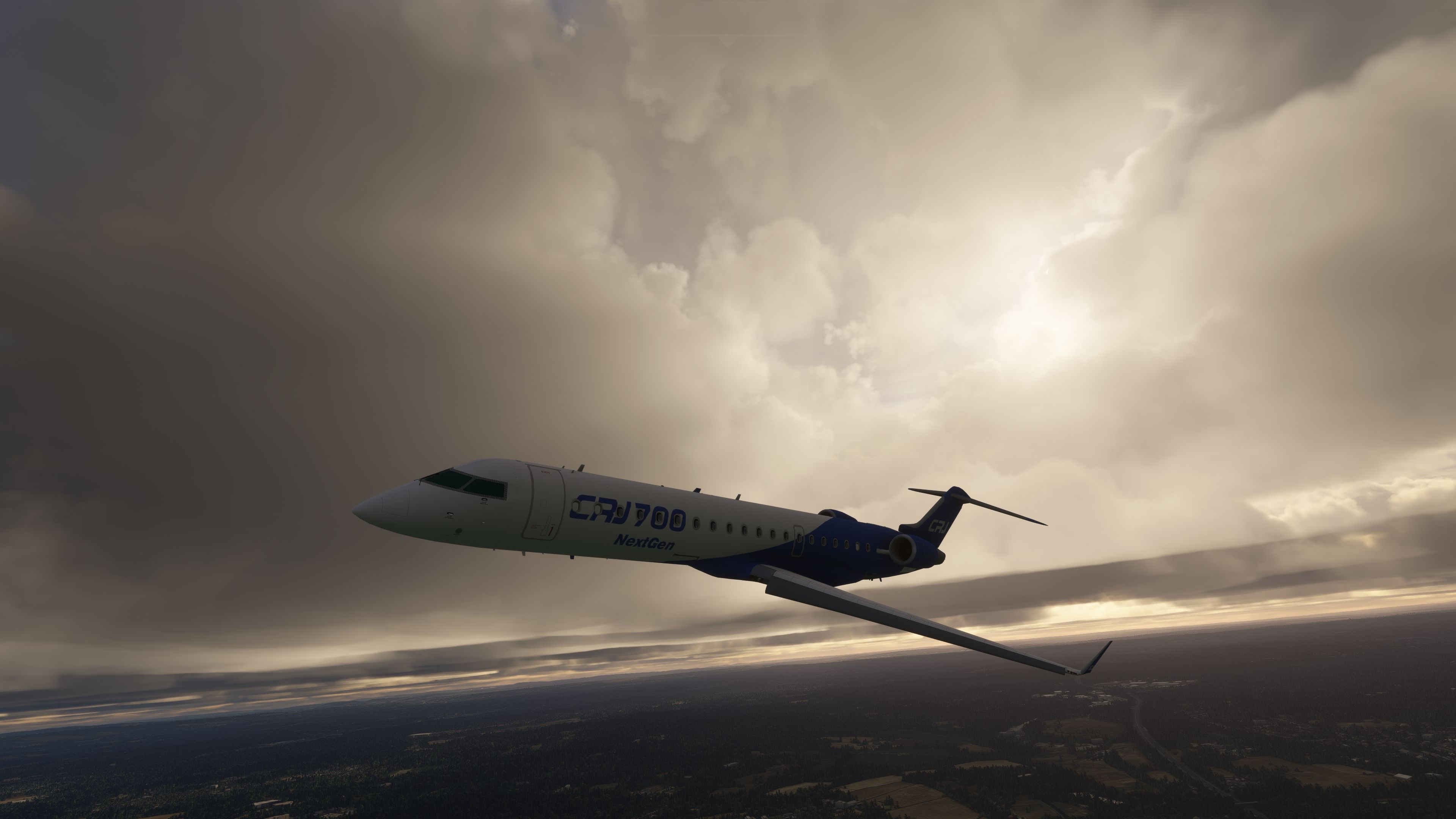
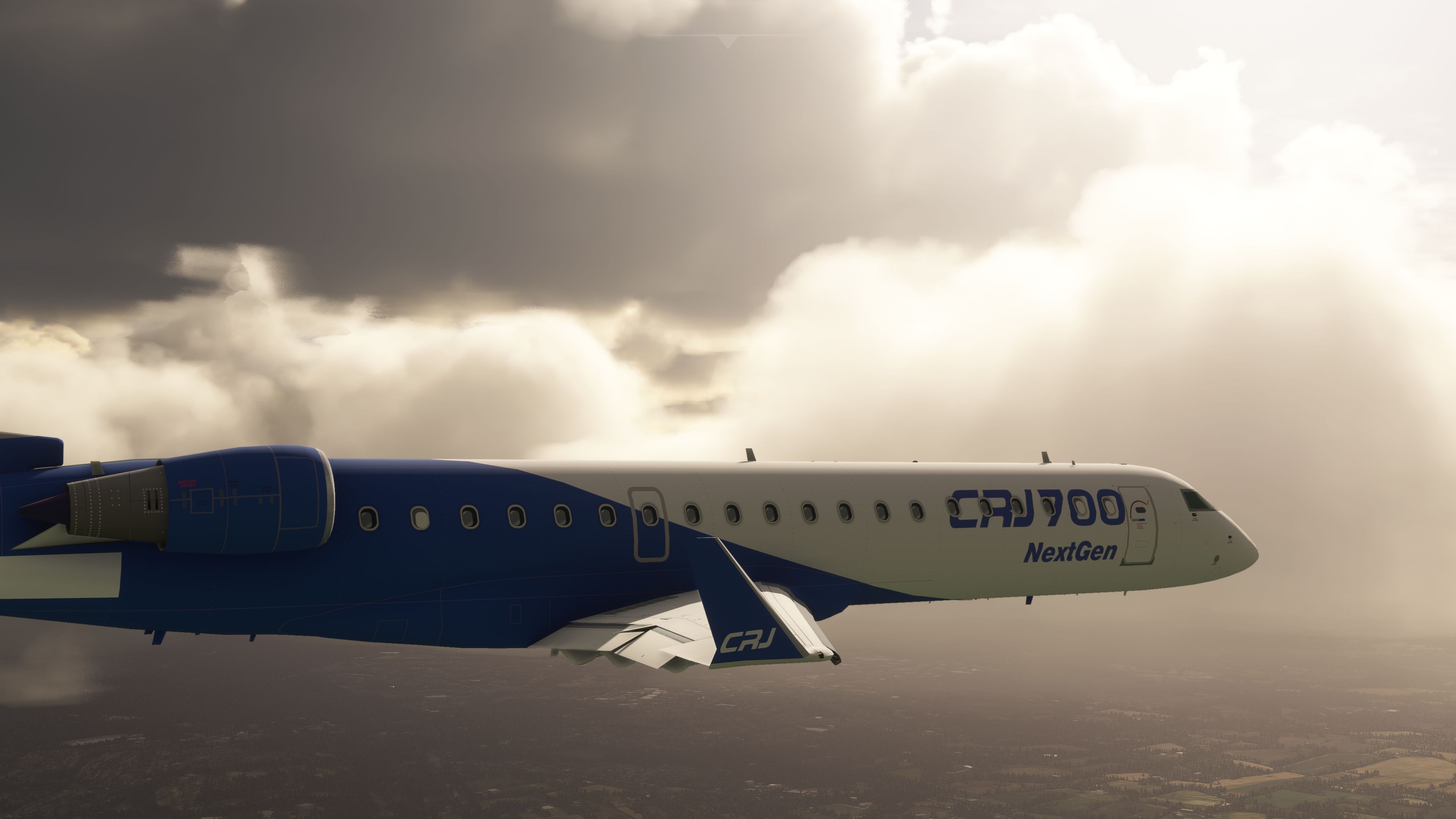
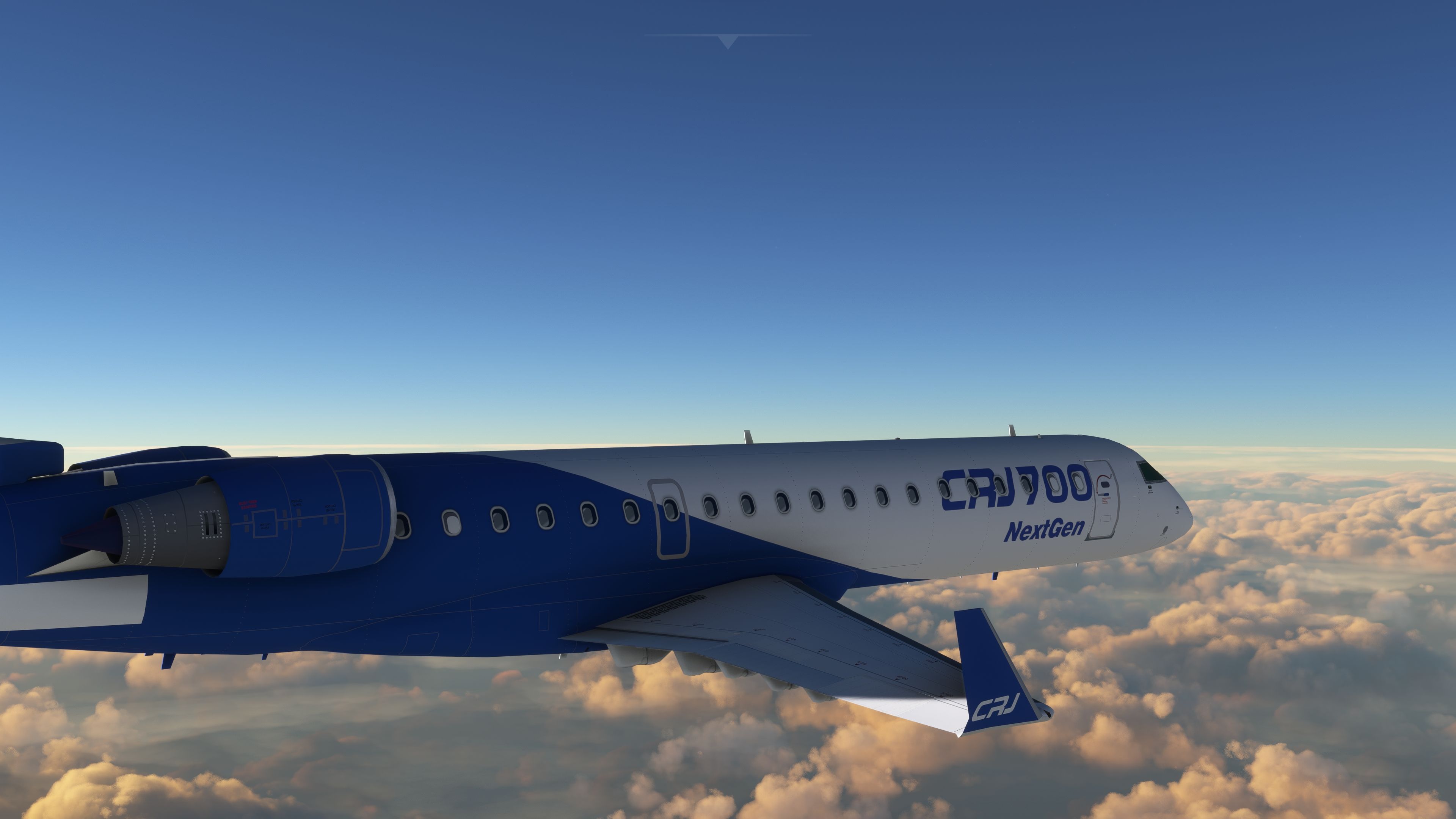
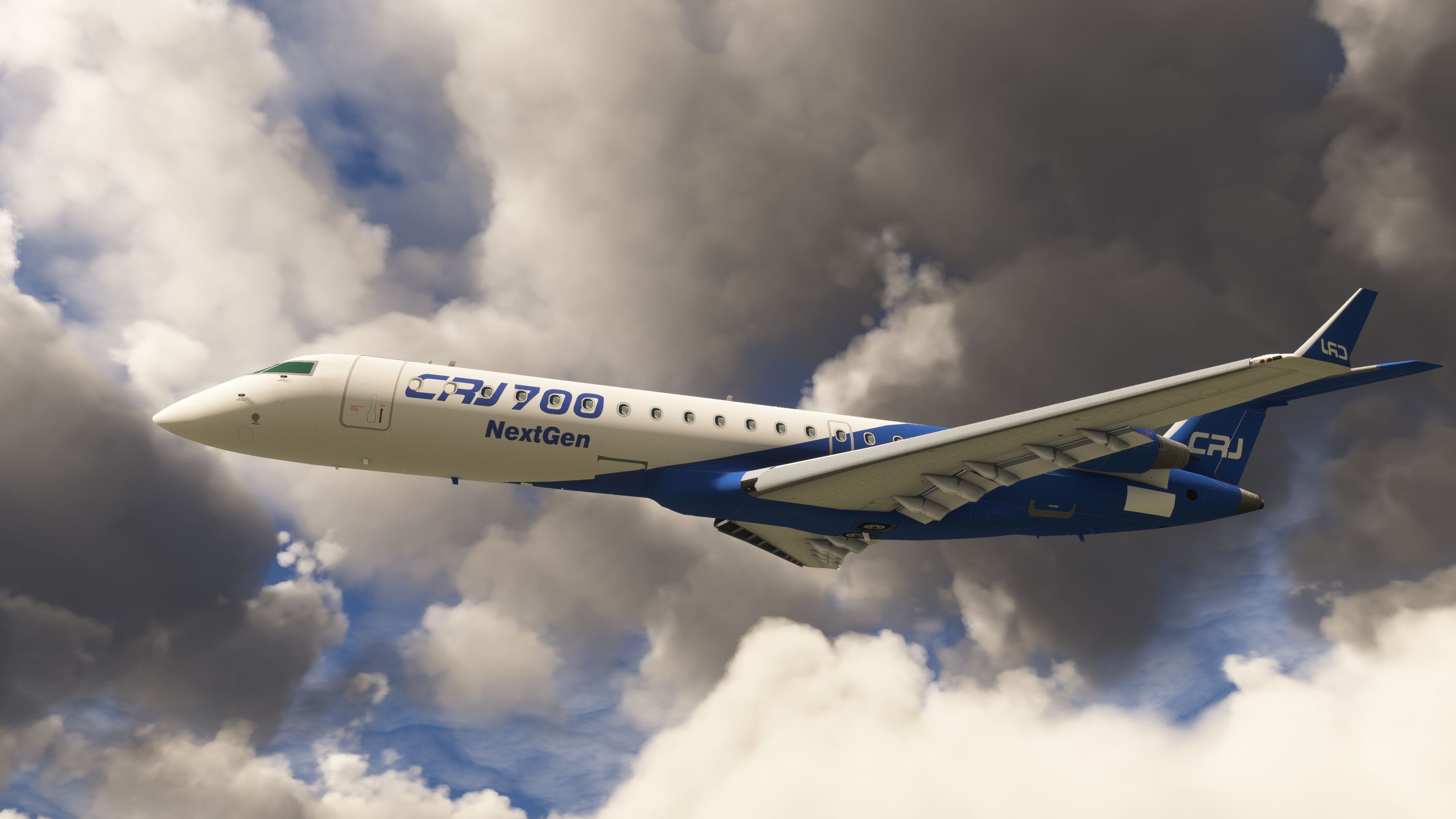
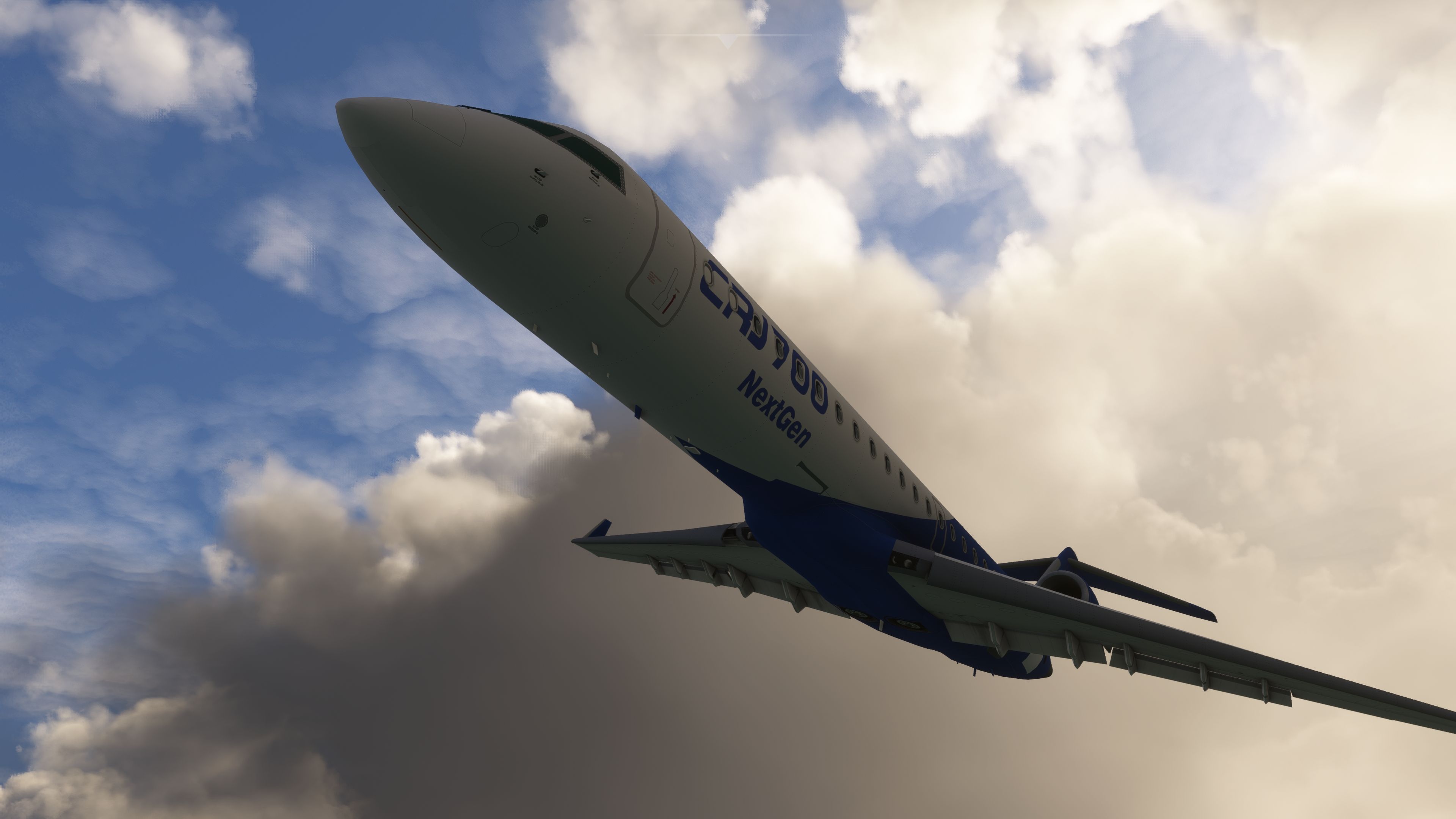

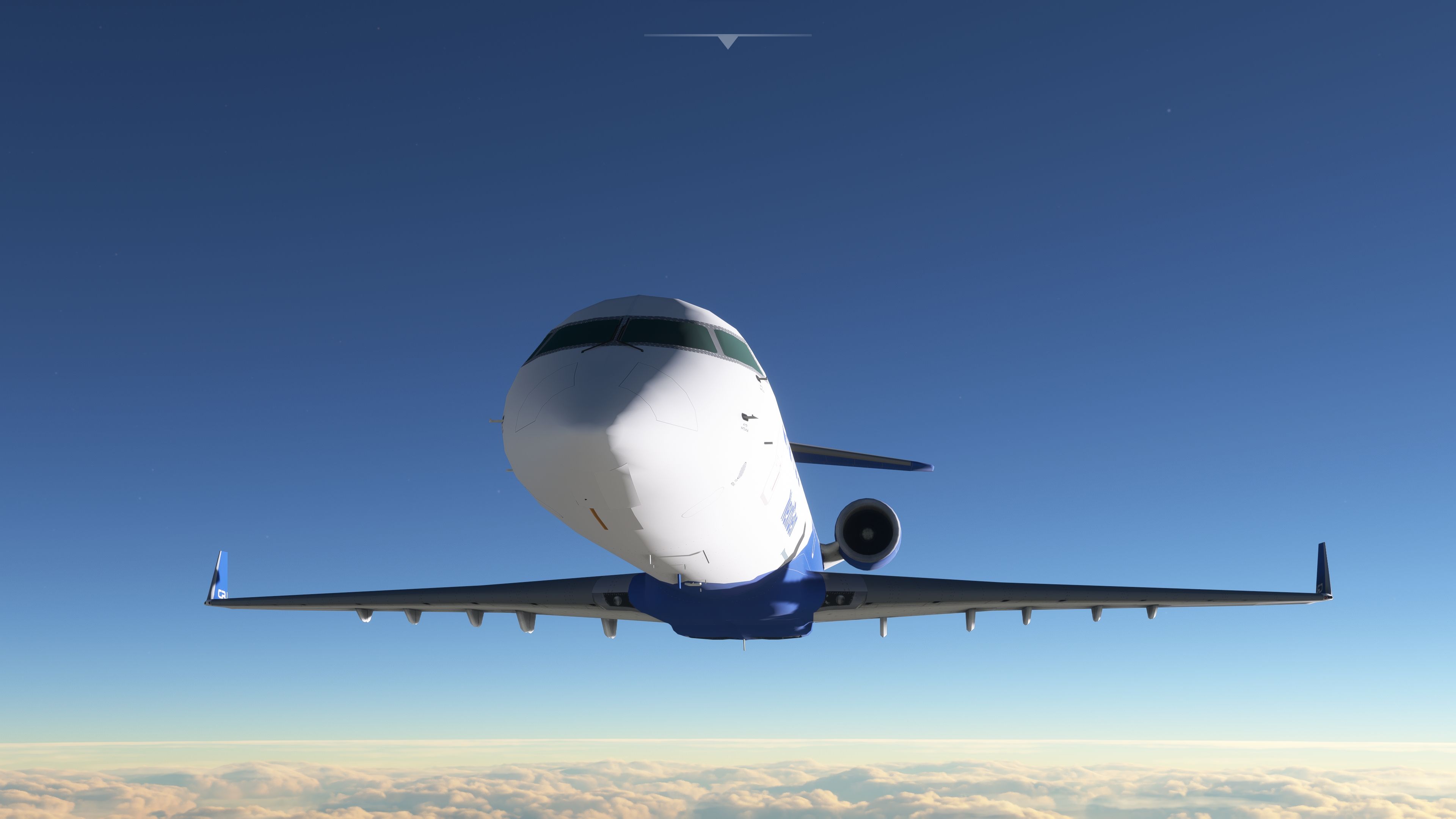
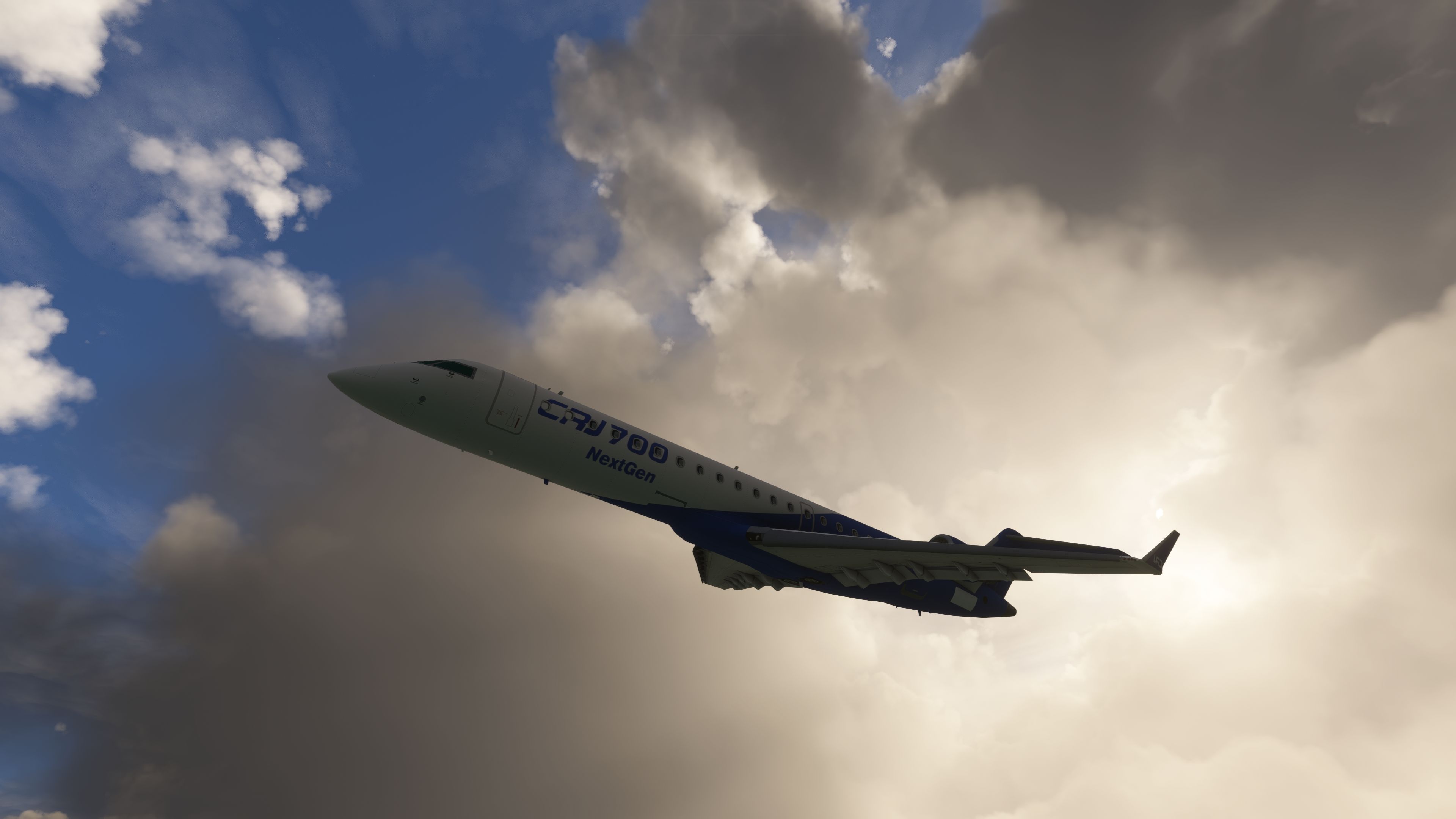
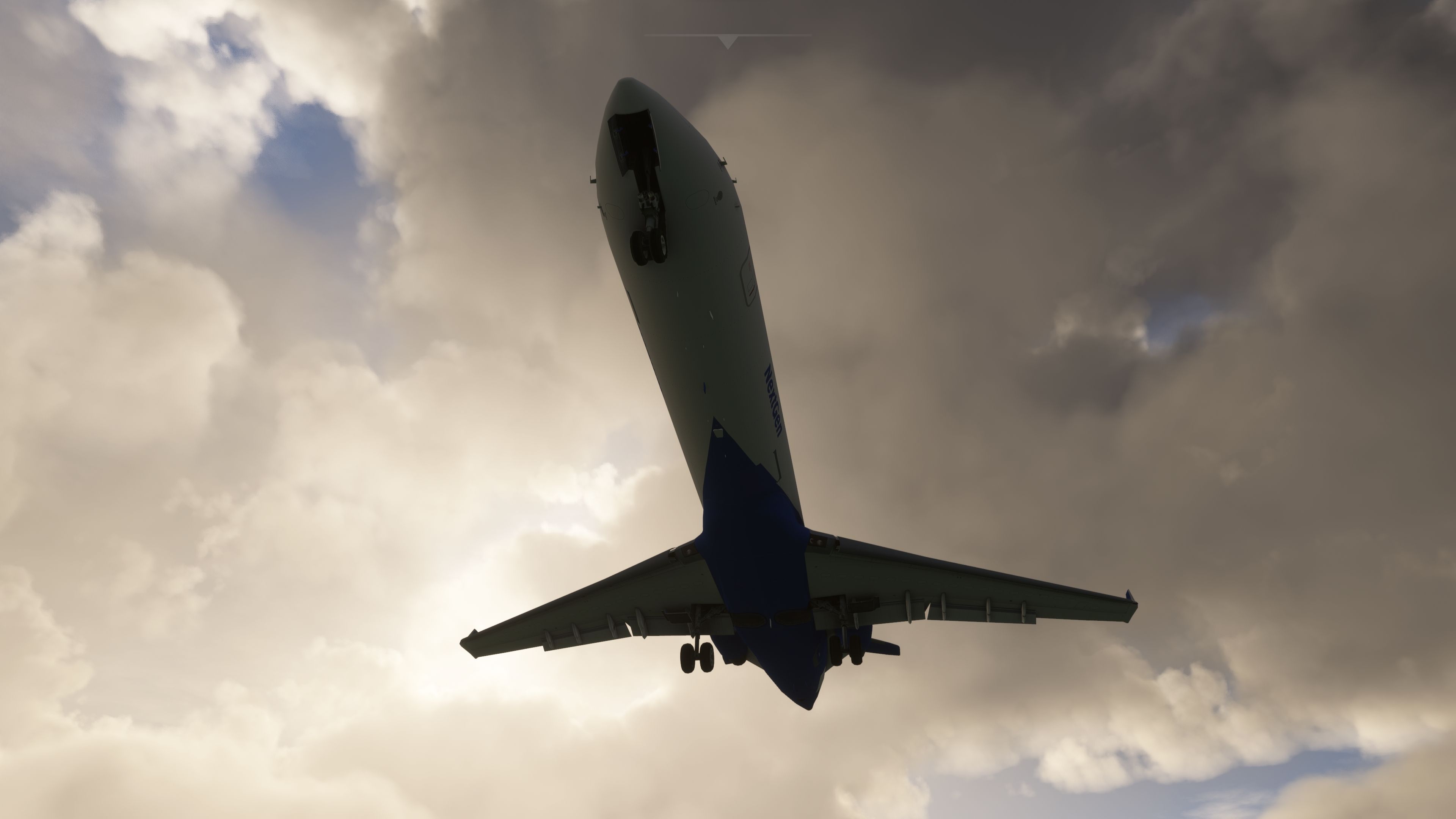
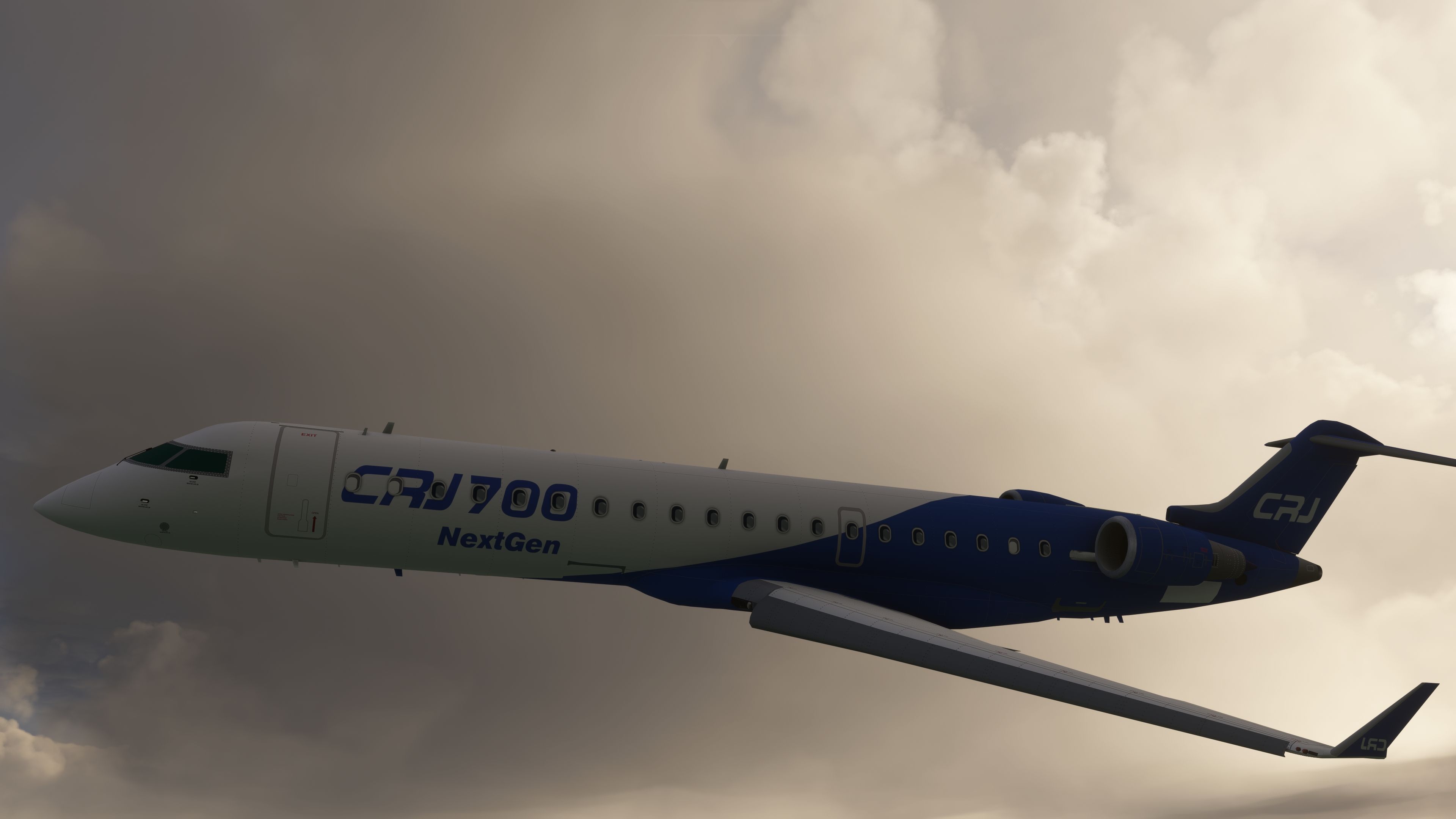
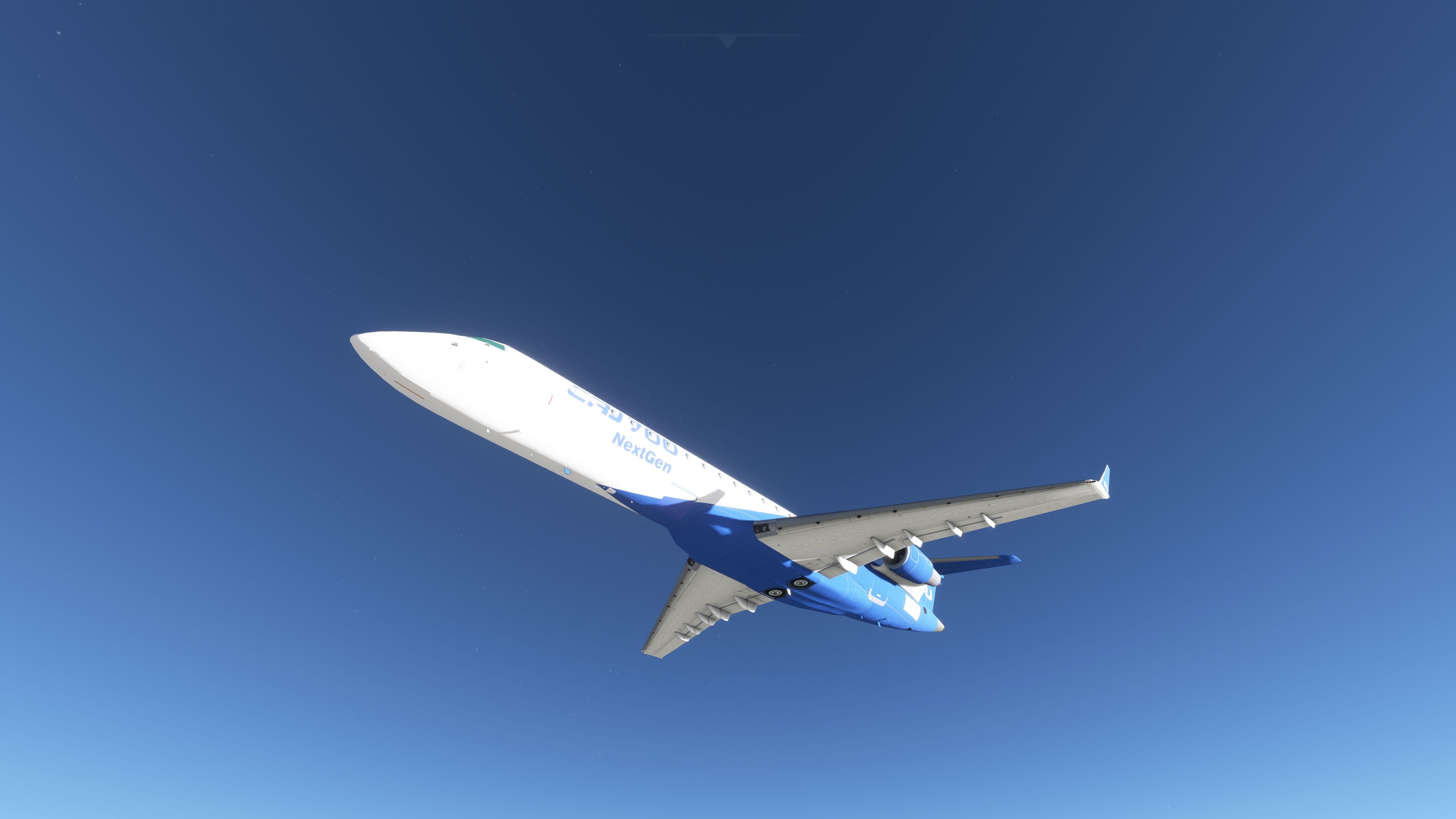

This freeware mod brings the classic FSX Bombardier CRJ-700 into Microsoft Flight Simulator 2020 as a port-over, offering a fun short-haul jet experience. It features the default Citation CJ4 3D virtual cockpit for essential flight instrumentation, so while not entirely accurate, it provides an accessible way to enjoy regional jet operations without waiting for a full native MSFS model.
The package includes several default FSX liveries (such as Orbit Airlines and Pacifica Airlines) plus an extra paint scheme from the developer. Though bugs and small glitches can occur due to its FSX heritage, the aircraft remains surprisingly immersive for casual flyers and long-time simmers alike. Overall, it’s a welcome throwback to a beloved aircraft, now reimagined for the modern MSFS environment.
This add-on brings the Bombardier CRJ-700 which featured in the base release of FSX over to your copy of MSFS.
 The pack has been lifted from the default FSX version and ported over (migrated) to be made compatible with MSFS (2020) release.
The aircraft has a working cockpit thanks to it utilizing the default Citation CJ4 3D VC already available in the sim. While of course, it's not accurate or the correct cockpit for the CRJ-700 aircraft - it sure makes for some flights and it's the closest you can get without modeling up a completely new 3D VC from scratch.
While this aircraft is lots of fun to use and fly - you have to remember that it's still only a port-over from a default FSX model. There will be bugs, nuances, and issues with this model that will be expected. While the developer has done their best to make it as compatible as possible - please bear this in mind before commenting below.
Liveries from the default FSX version has been included and made available such as;
Along with another livery provided by the developer.
Installation
Simply copy the bombardier_crj_700 folder inside the archive into your MSFS community folder.
Developer: LDX and Douglas Cardoso working on: engines, lights, systems. LDX aircraft mod for MSFS.
Are you looking for a high-quality payware CRJ-700 for MSFS (2020)? If so, check out the "all bells and whistles" payware add-on from Aerosoft available on our store SimShack here.
Free for all simmers · 546.02 MB · Scanned clean Oct 2026
Download speed: Free tier is capped at 2 Mbps (this file takes approximately 38 mins at the cap). PRO members download at full line speed.
%LOCALAPPDATA%\Packages\Microsoft.FlightSimulator_8wekyb3d8bbwe\LocalCache\Packages\Community\. Steam version: %APPDATA%\Microsoft Flight Simulator\Packages\Community\. Tip: enable Developer Mode in MSFS to see your exact Community folder path.readme.txt or README file. It tells you exactly where files go, what dependencies are needed, and any quirks specific to this add-on.Only PRO members can place votes.
More MSFS add-ons hand-picked based on this download.
MSFS Civil Jet Aircraft
Fly high at FL510 in a long‑range business jet or switch to a battlefield com…
 MSFS Civil Jet Aircraft
The MSFS Native Airbus A330-900neo Mega Pack by Headwind Simulations brings a…
 MSFS Civil Jet Aircraft
This freeware Antonov An-225 “Mriya” package by Fahri Öztürk (@DerAnakonda) b…
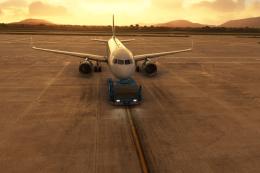 MSFS Civil Jet Aircraft
The FlyByWire Airbus A320 Neo A32NX is a complete freeware aircraft package f…
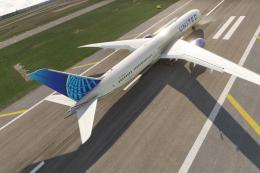 MSFS Civil Jet Aircraft
A complete freeware add-on for Microsoft Flight Simulator (MSFS) 2020 release…
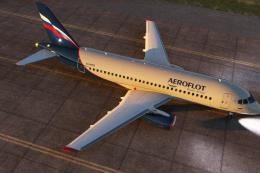 MSFS Civil Jet Aircraft
This freeware Sukhoi SuperJet 100-95 package for Microsoft Flight Simulator b…
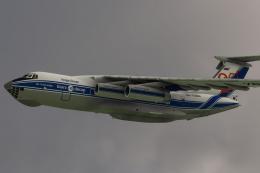 MSFS Civil Jet Aircraft
Introducing the Ilyushin Il-76 for Microsoft Flight Simulator (MSFS 2020), a …
 MSFS Civil Jet Aircraft
Step into the cockpit of the Airbus A330-200, affectionately dubbed the "butt…
Read what other simmers think, or add your own.

Can these aircraft be downloaded to and used by the X-Plane flight simulator? I do not have Microsoft Flight Simulator installed on my personal computer.


I added the CRJ700 to the community folder in MSFS, it shows up in the Content Manager and can be selected but has no execute button to download. Your help would be appreciated :) Russell
