


 FS2004 Propeller Aircraft
Cape Air/Nantucket Airlines Cessna 402C
Cessna 402C for AI. Cape Air has the largest fleet of Cessna 402's in the wor…
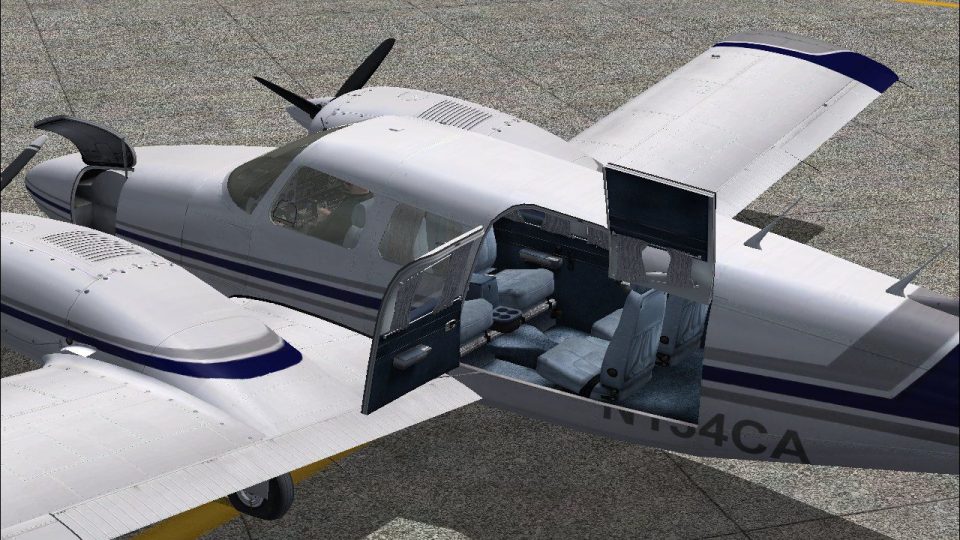
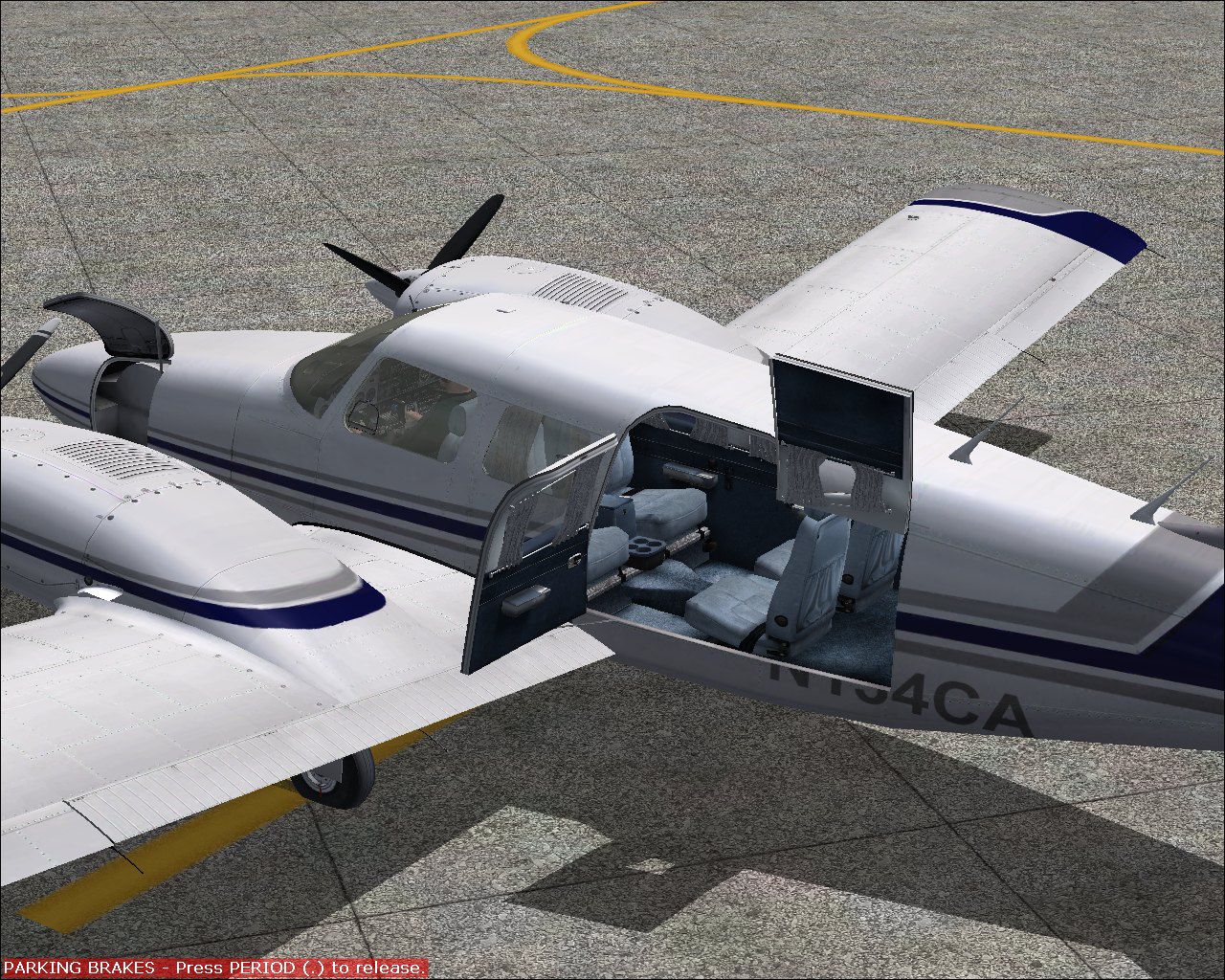
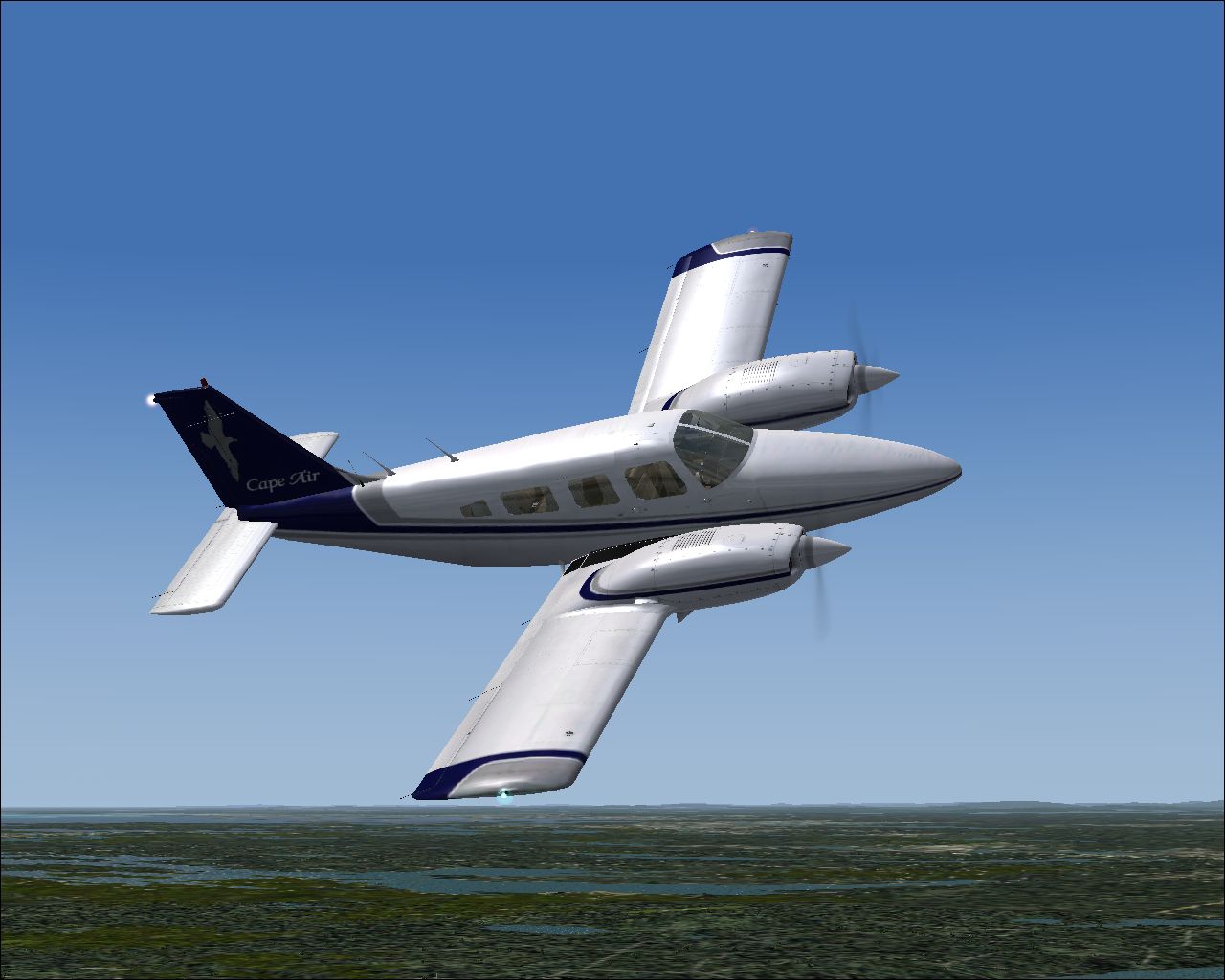
Cape Air livery for the Piper PA-34 Seneca II brings a crisp, airline-accurate exterior repaint with a coordinated color-matched cabin for a cohesive look in Flight Simulator 2004. Optimized textures keep the aircraft’s character intact while adding regional-commuter flair, and it requires the payware Carenado PA-34 Seneca II model.
Textures only for the payware Carenado PA34 Seneca II model. Repaint by Glen Miller.
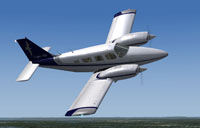
Screenshot of Cape Air Piper PA-34 in flight.
I used dxtbmp, paint.net and adobe photoshop elements to create this version of the Seneca. I not only repainted the outside, but decided the interior needed to match the exterior color scheme. I hope you like it!
[fltsim.x]

title=PA-34 SENECA II Cape Air

sim=Seneca_Carenado

model=

panel=

sound=

texture=cape air

kb_checklists=seneca_check

kb_reference=seneca_ref

atc_id=N134CA

atc_airline=Cair

ui_manufacturer="Carenado"

ui_type="PA34-Seneca"

ui_variation="Cape Air"

atc_flight_number=1853

description="The Seneca is made since 1970 and some 4500 were made since then. It has six seats in a pretty large cabin, two turbocharged counterrotating engines producing 200hp up to 12,000 ft. Certification for flights into known icing conditions and the nice single engine behaviour made the Seneca a popular multi engine trainer."

visual_damage=1
Free for all simmers · 10.2 MB · Scanned clean
Download speed: Free tier is capped at 0.5 Mbps (this file takes approximately 3 mins at the cap). PRO members download at full line speed.
FS9\Aircraft\, FS9\Addon Scenery\, FS9\Gauges\, or FS9\Effects\.readme.txt or README file. It tells you exactly where files go, what dependencies are needed, and any quirks specific to this add-on.The archive pa34ca.zip has 36 files and directories contained within it.
This list displays the first 500 files in the package. If the package has more, you will need to download it to view them.
| Filename/Directory | File Date | File Size |
|---|---|---|
| Readme.txt | 08.18.10 | 1.50 kB |
| texture.cape air | 08.18.10 | 0 B |
| Alabeo152_WindowsA.bmp | 07.29.09 | 16.07 kB |
| Alabeo172a_Reflection.bmp | 01.15.09 | 256.07 kB |
| CarenadoPA-34a_T.bmp | 08.12.10 | 1.33 MB |
| CarenadoPA-34b_T.bmp | 08.12.10 | 1.33 MB |
| CarenadoPA-34c_T.bmp | 08.07.10 | 1.33 MB |
| CarenadoPA-34d_T.bmp | 07.21.09 | 1.00 MB |
| CarenadoPA-34e_T.bmp | 08.08.10 | 1.33 MB |
| CarenadoPA-34f_T.bmp | 08.08.10 | 1.33 MB |
| CarenadoPA-34g_T.bmp | 08.08.10 | 1.33 MB |
| Carenadosenecaprop.bmp | 05.19.09 | 4.00 MB |
| carenado_reflection.bmp | 07.09.09 | 4.00 MB |
| CarInteriorPA-34a_T.bmp | 08.10.10 | 1.33 MB |
| CarInteriorPA-34b_T.bmp | 08.10.10 | 1.33 MB |
| CarInteriorPA-34c_T.bmp | 08.12.10 | 1.33 MB |
| CarInteriorPA-34d_T.bmp | 08.10.10 | 1.33 MB |
| CarInteriorPA-34e_T.bmp | 08.12.10 | 1.33 MB |
| CarInteriorPA-34f_T.bmp | 08.09.10 | 1.33 MB |
| CarInteriorPA-34g_T.bmp | 08.11.10 | 1.33 MB |
| CarInteriorPA-34h_T.bmp | 08.10.10 | 1.33 MB |
| CarInteriorPA-34i_T.bmp | 08.09.10 | 1.33 MB |
| CarInteriorPA-34j_T.bmp | 08.10.10 | 1.33 MB |
| CarInteriorPA-34k_T.bmp | 07.29.09 | 256.07 kB |
| Lights.bmp | 06.24.09 | 256.07 kB |
| Lights_night.bmp | 07.20.09 | 341.40 kB |
| PA-34 Cape Air.jpg | 08.08.10 | 431.43 kB |
| Panel_seneca_1_L.bmp | 07.25.09 | 1.00 MB |
| Panel_seneca_2_L.bmp | 07.25.09 | 1.00 MB |
| Panel_seneca_3_L.bmp | 07.25.09 | 1.00 MB |
| Pilot.bmp | 07.29.09 | 1.00 MB |
| PA-34 Cape Air Int.jpg | 08.18.10 | 448.37 kB |
| PA-34 Cape Air.gif | 08.18.10 | 7.16 kB |
| PA-34 Cape Air.jpg | 08.08.10 | 431.43 kB |
| flyawaysimulation.txt | 10.29.13 | 959 B |
| Go to Fly Away Simulation.url | 01.22.16 | 52 B |
More FS2004 add-ons hand-picked based on this download.
FS2004 Propeller Aircraft
Cessna 402C for AI. Cape Air has the largest fleet of Cessna 402's in the wor…
 FS2004 Propeller Aircraft
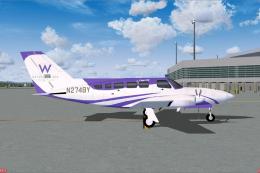
The new Cape Air special scheme W Retreat and Spa in Vieques Island in Puerto…
 FS2004 Propeller Aircraft
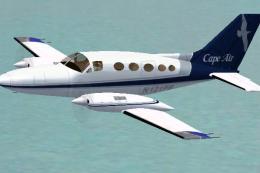
Textures only; requires C414JPR9.ZIP or C414JPRX.ZIP. Includes liveries for C…
 FS2004 Propeller Aircraft
for There is a red version and a blue version. both work very well. To instal…
 FS2004 Propeller Aircraft
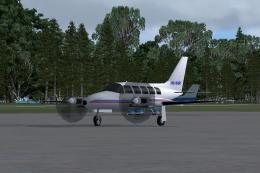
Repaint of Dee Waldron's Piper PA31 Navajo in Gulfstream Connect colors. Text…
 FS2004 Propeller Aircraft
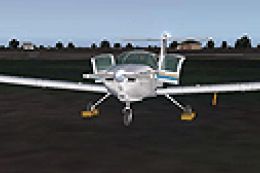
FS2004 Chincul PA-A-38 Tomahawk. A Piper Tomahawk manufactured under license …
 FS2004 Propeller Aircraft
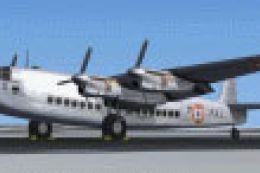
This aircraft was one of five acquired by the French Navy between 1954 and 19…
 FS2004 Propeller Aircraft
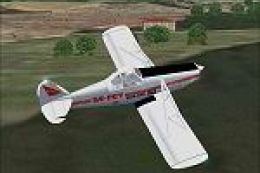
Built primarily for agricultural crop dusting, this aircraft is also extensiv…
Read what other simmers think, or add your own.

Hello, time to say thank you, for loading the PA34 for FS2004. Other offers textures and re-paints, but when it comes to the plane, the texture is useless. So, thanks to flyawaysimulation.com!