


 FSX General Aviation Aircraft
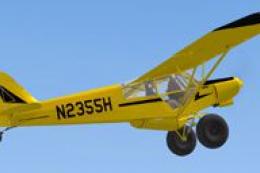
Piper Super Cub Ultra Yellow N2355H
A repaint of the Flight Replica PA-18 Super Cub. Screenshot of yellow Piper S…
Luftbild Austria livery for the Piper Super Cub brings a fictional Austrian aerial-survey look to Microsoft Flight Simulator X, featuring crisp national details, the OE-ARH registration, and a refined propeller texture that improves the spinning blur in exterior views and the virtual cockpit. Requires the Super Cub X Collection payware model.


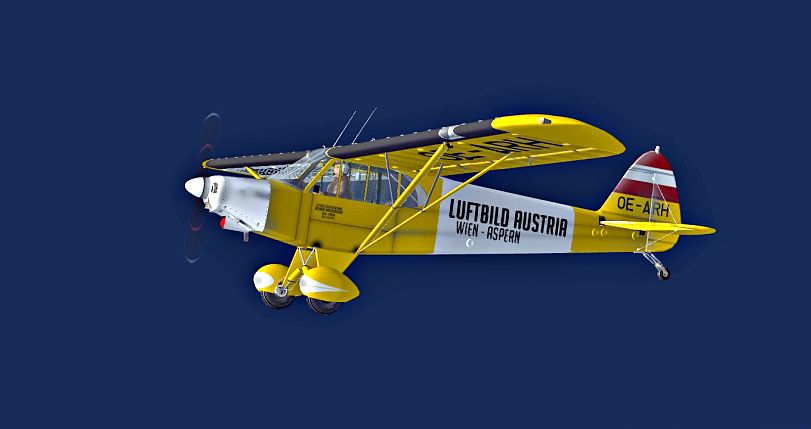

This freeware repaint offers a fictional Austrian-themed livery for the Piper Super Cub, specifically tailored for Microsoft Flight Simulator X. It includes a refined propeller texture and showcases a vivid “Luftbild Austria” paint scheme. The files here do not contain the payware model; you will need to own the original Super Cub X Collection by Simon Smeiman. This repaint is the work of Bernhard Lechner, who has painstakingly captured Austrian nuances in the design.
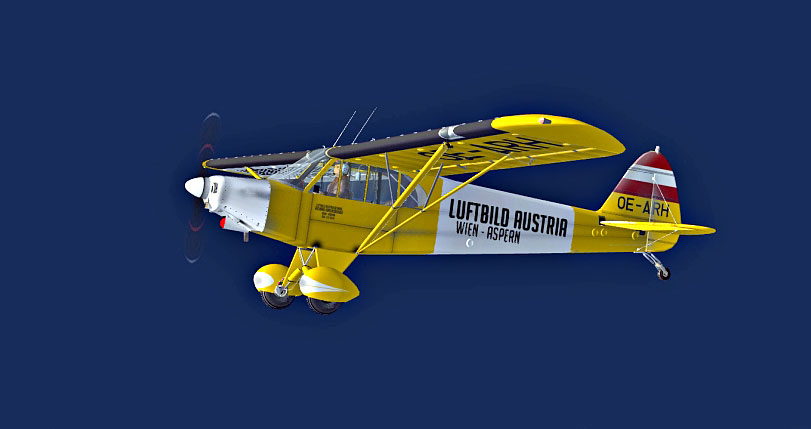
Inspired by the iconic imagery of Austrian aerial photography, this rendition of the Piper Super Cub sports a clean but eye-catching fuselage layout. You will notice symbolic national elements in the livery, which underline the fictional registration “OE-ARH.” The phrase “Luftbild Austria” on the exterior highlights an imagined charter operator specializing in aerial surveys over mountainous regions. Short takeoff and landing (STOL) characteristics inherent to the real Piper Super Cub complement such highland environments well and make it suitable for remote airstrips.
"Luftbild Austria" Piper Super Cub cruising over scenic terrain.
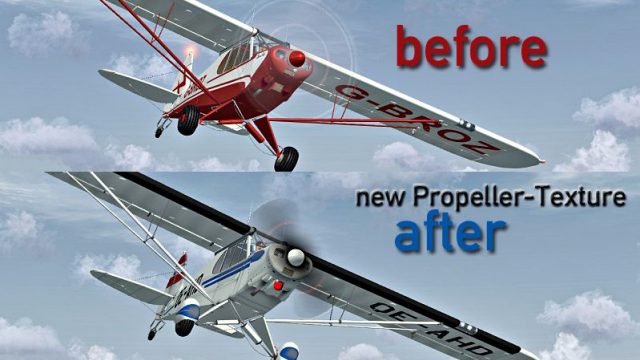
This package adds a new propeller texture for enhanced realism. The visual clarity gained when the engine is in motion aims to replicate the rotating blur seen on many older single-engine planes. This small detail helps refine the immersive feel of the cockpit view and external vantage points.
Because this repaint is only compatible with the payware Super Cub X Collection by Simon Smeiman, you must purchase that aircraft separately through a payware source such as SimShack. Once acquired, deploying your new Austrian livery is straightforward.
[fltsim.XX]

title=SKIS PA18 SIMPLE PANEL OE-ARH

sim=SKIS PA18 SIMPLE PANEL

model=2

panel=simple

sound=

texture=LUFTBILD

kb_checklists=

ui_manufacturer=GFA Piper

ui_type="PA18"

ui_variation="LUFTBILD AUSTRIA"

atc_id=

atc_heavy=0

atc_airline=

atc_flight_number=
Once added, save and close your aircraft.cfg file to finalize the repaint setup.
Launch Microsoft Flight Simulator X, pick the GFA Piper category, and locate the updated Piper Super Cub featuring the Austrian markings. You can now enjoy scenic flights over alpine valleys, test its STOL capabilities, and explore new bush destinations.

Piper Super Cub sporting Austrian-themed markings from a side profile.
Many thanks to Bernhard Lechner for this custom repaint and to Simon Smeiman for developing the payware Super Cub X Collection.
Free for all simmers · 4.85 MB · Scanned clean
Download speed: Free tier is capped at 0.5 Mbps (this file takes approximately 1 min at the cap). PRO members download at full line speed.
SimObjects\Airplanes\, Addon Scenery\, Effects\, or Gauges\.readme.txt or README file. It tells you exactly where files go, what dependencies are needed, and any quirks specific to this add-on.The archive supercub_luftbild.zip has 35 files and directories contained within it.
This list displays the first 500 files in the package. If the package has more, you will need to download it to view them.
| Filename/Directory | File Date | File Size |
|---|---|---|
| read_me_LUFTBILD.txt | 10.18.09 | 1.03 kB |
| SCREENS | 10.18.09 | 0 B |
| PROP.jpg | 10.18.09 | 359.12 kB |
| SUPERCUB_02821.jpg | 10.18.09 | 128.33 kB |
| SUPERCUB_02824.jpg | 10.18.09 | 133.11 kB |
| SUPERCUB_02825.jpg | 10.18.09 | 176.99 kB |
| texture.LUFTBILD | 10.18.09 | 0 B |
| exterior tr.dds | 10.18.09 | 1.00 MB |
| exterior tr_bump.dds | 07.06.09 | 1.00 MB |
| exterior tr_spec.dds | 10.16.09 | 1.00 MB |
| prop.bmp | 10.18.09 | 256.07 kB |
| SUPERCUB EXTERIOR MAIN.dds | 10.18.09 | 1.00 MB |
| SUPERCUB EXTERIOR MAIN_spec.dds | 10.16.09 | 1.00 MB |
| supercub_interior.dds | 10.17.09 | 1.00 MB |
| supercub_interior_2.dds | 10.17.09 | 1.00 MB |
| supercub_interior_2_bump.dds | 07.05.09 | 1.00 MB |
| supercub_interior_2_spec.dds | 10.16.09 | 1.00 MB |
| supercub_interior_3.dds | 10.17.09 | 1.00 MB |
| supercub_interior_bump.dds | 07.12.09 | 1.00 MB |
| supercub_interior_spec.dds | 10.17.09 | 1.00 MB |
| supercub_wing_left.dds | 10.18.09 | 1.00 MB |
| supercub_wing_left_spec.dds | 10.18.09 | 1.00 MB |
| supercub_wing_right.dds | 10.18.09 | 1.00 MB |
| supercub_wing_right_spec.dds | 10.18.09 | 1.00 MB |
| texture.cfg | 08.22.07 | 137 B |
| thumbnail.jpg | 10.18.09 | 42.09 kB |
| vc panel_4.dds | 08.26.09 | 682.83 kB |
| vc panel_4_bump.dds | 08.26.09 | 682.83 kB |
| vc panel_4_spec.dds | 08.26.09 | 682.83 kB |
| wingroot_instument_panels.dds | 09.08.09 | 1.33 MB |
| wingroot_instument_panels_bump.dds | 09.08.09 | 1.33 MB |
| wingroot_instument_panels_l.dds | 07.20.09 | 1.33 MB |
| wingroot_instument_panels_spec.dds | 09.08.09 | 1.33 MB |
| flyawaysimulation.txt | 10.29.13 | 959 B |
| Go to Fly Away Simulation.url | 01.22.16 | 52 B |
More FSX & P3D add-ons hand-picked based on this download.
FSX General Aviation Aircraft
A repaint of the Flight Replica PA-18 Super Cub. Screenshot of yellow Piper S…
 FSX General Aviation Aircraft
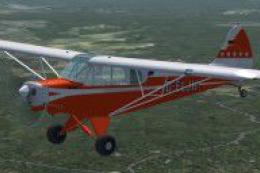
Piper PA-18 Super Cub, registration D-EKIB / D-ELJH. This is a repaint (DXT5)…
 FSX General Aviation Aircraft
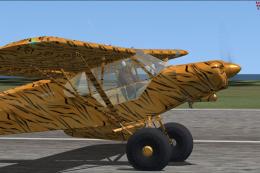
Piper Super Cub. A repaint of the Flight Replicas Piper Super Cub "Tiger" for…
 FSX General Aviation Aircraft
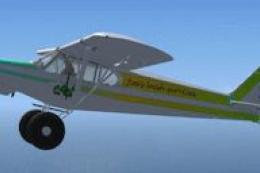
SP-2 Acceleration Piper Super Cub. A repaint of Flight Replica's Piper Super …
 FSX General Aviation Aircraft
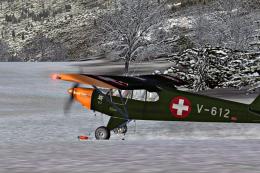
Swiss Air Force Piper Super Cub. New prop texture included. Fictive textures …
 FSX General Aviation Aircraft
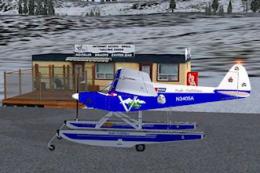
"Bush Outfitters" Piper Super Cub Amphib. Repaint (amphibian) for the Piper S…
 FSX General Aviation Aircraft
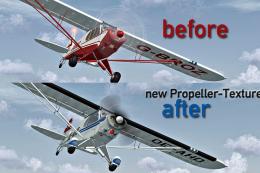
This freeware package features a meticulously detailed Austrian-registered Pi…
 FSX General Aviation Aircraft
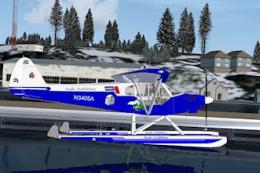
"Bush Outfitters" Piper Super Cub-Floats. Repaint (floats) for the Piper Supe…
Be the first to leave a comment on this download.
Be the first to share your thoughts on this download.