


 Sint Maarten (Dutch part)
  FSX Scenery
Princess Juliana Airport (Runway Fix)
Princess Juliana Airport (TNCM) runway fix; changes runway 9/27 to 10/28. By …
Princess Juliana Airport (TNCM) scenery fix corrects the Runway 09 ILS glideslope so approaches capture and descend accurately to the touchdown zone, improving realism for arrivals into St. Maarten in FSX. It requires TNCMMODS.ZIP and replaces the prior BGL to deliver reliable instrument guidance for the field.
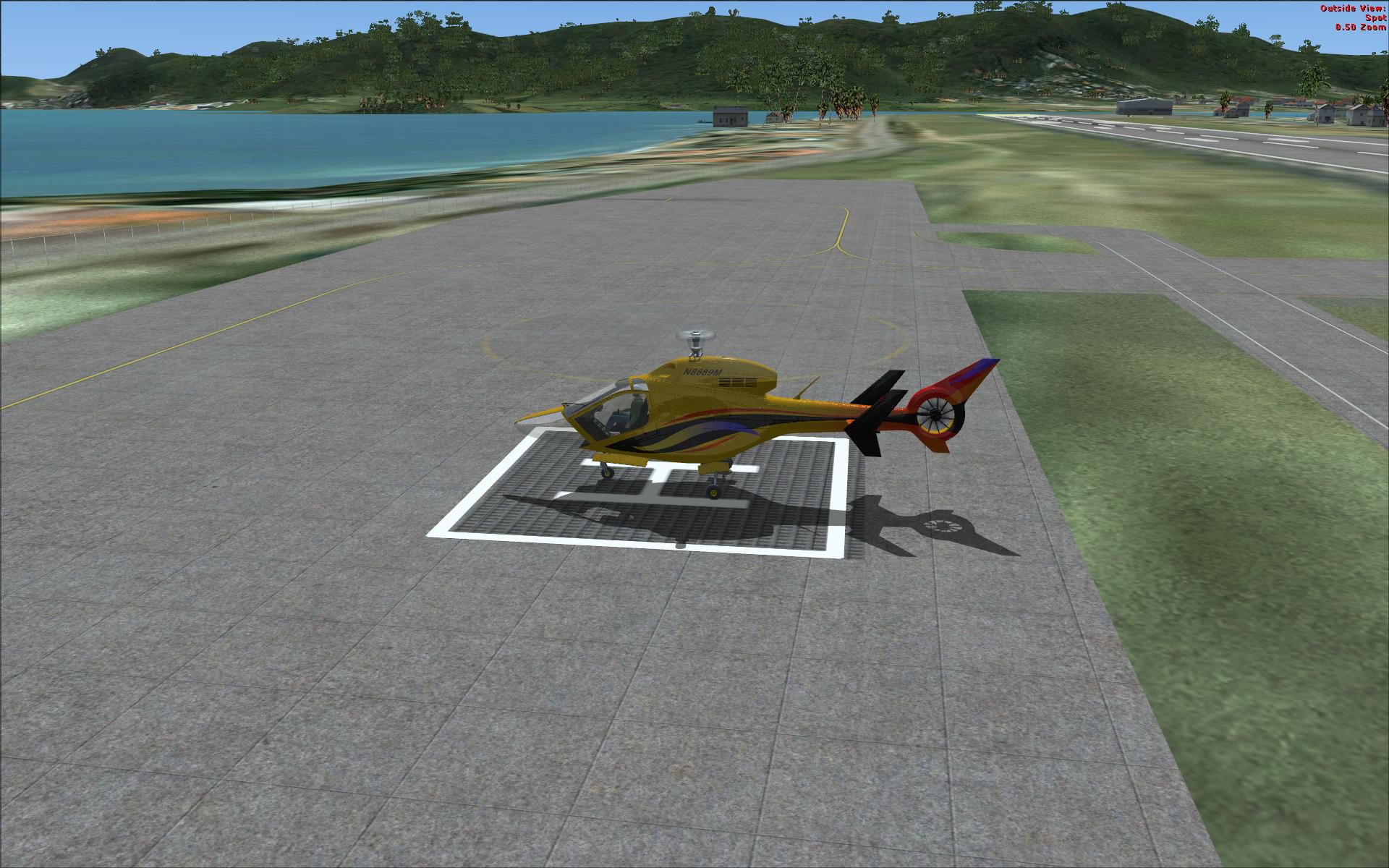
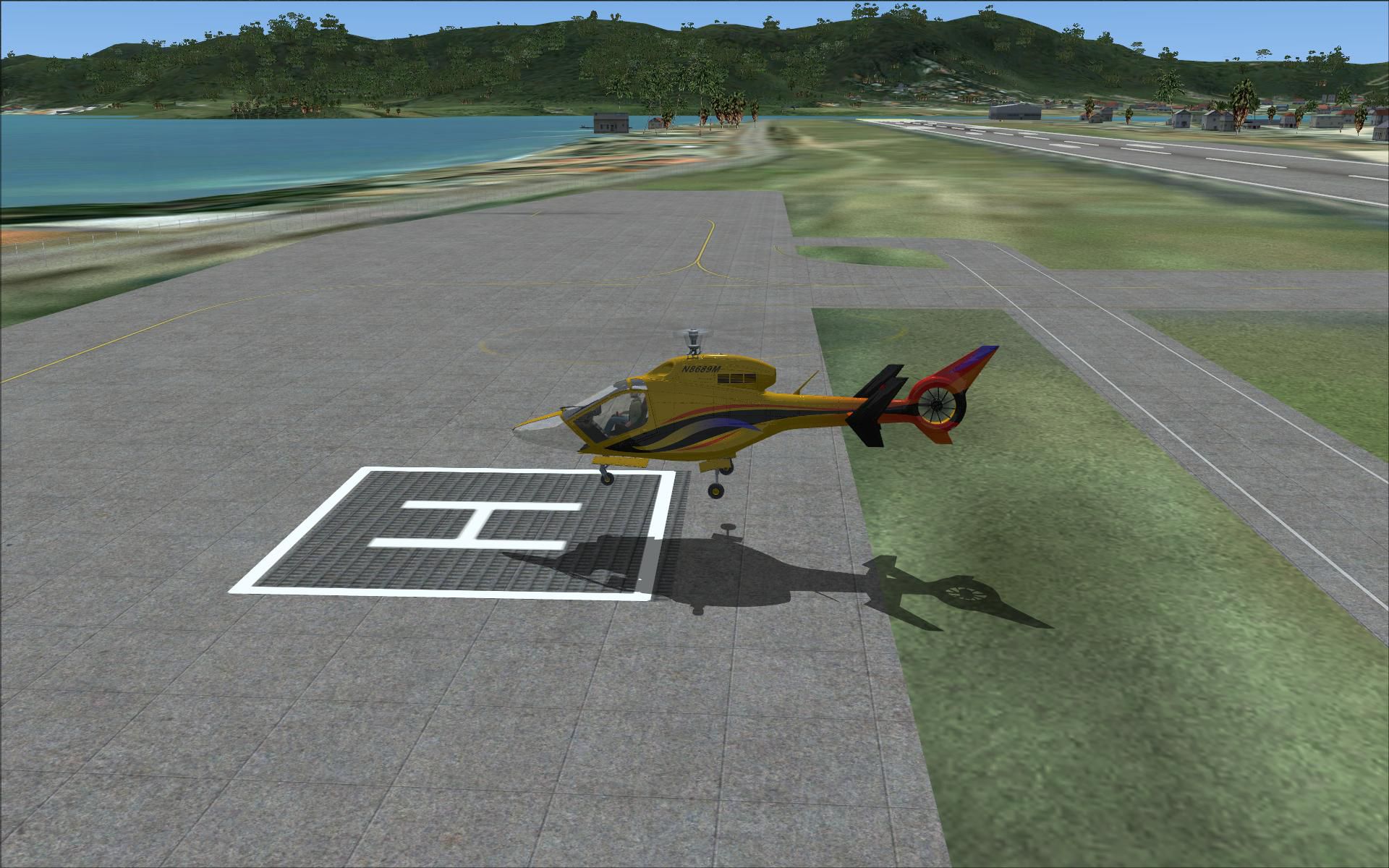
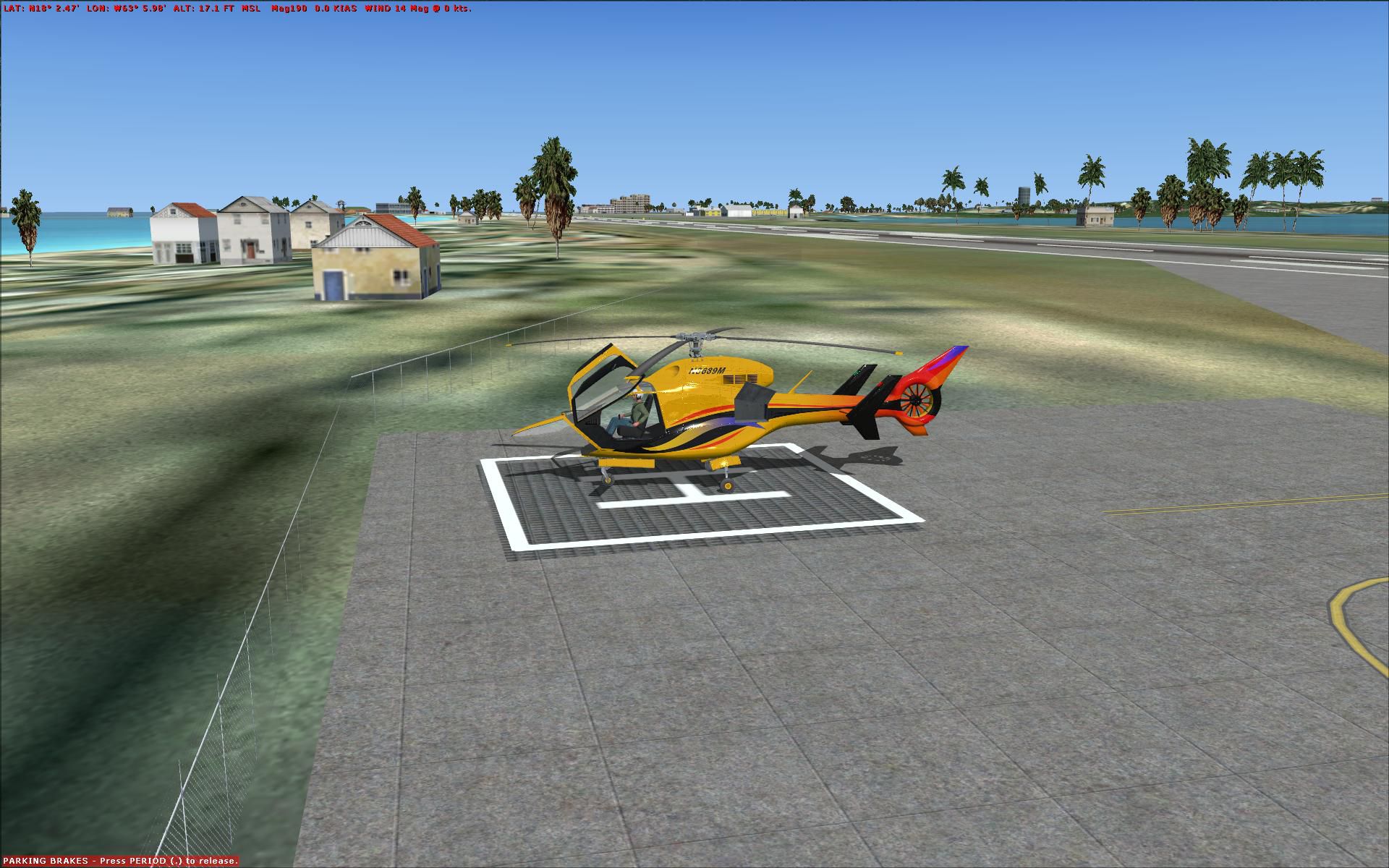
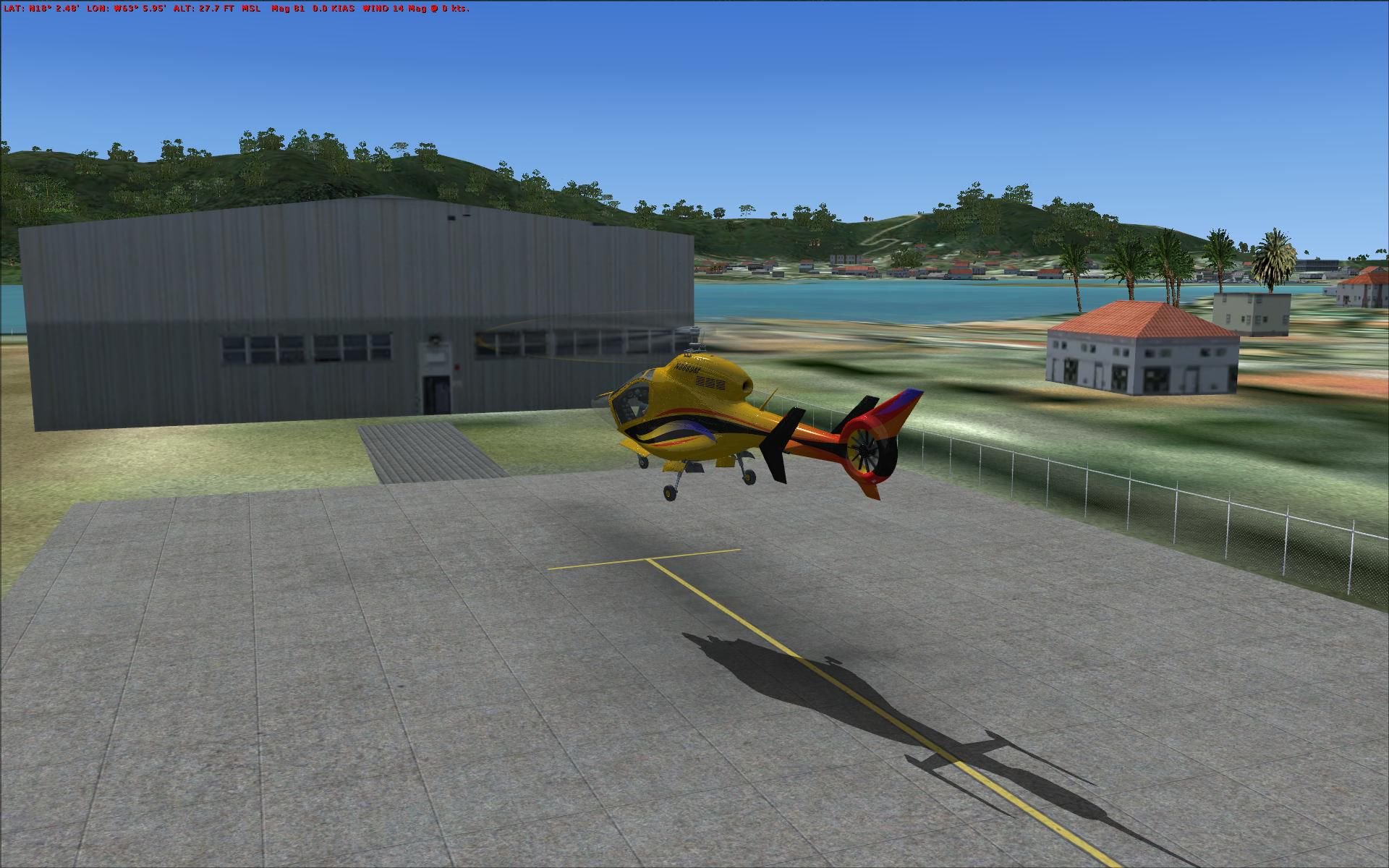
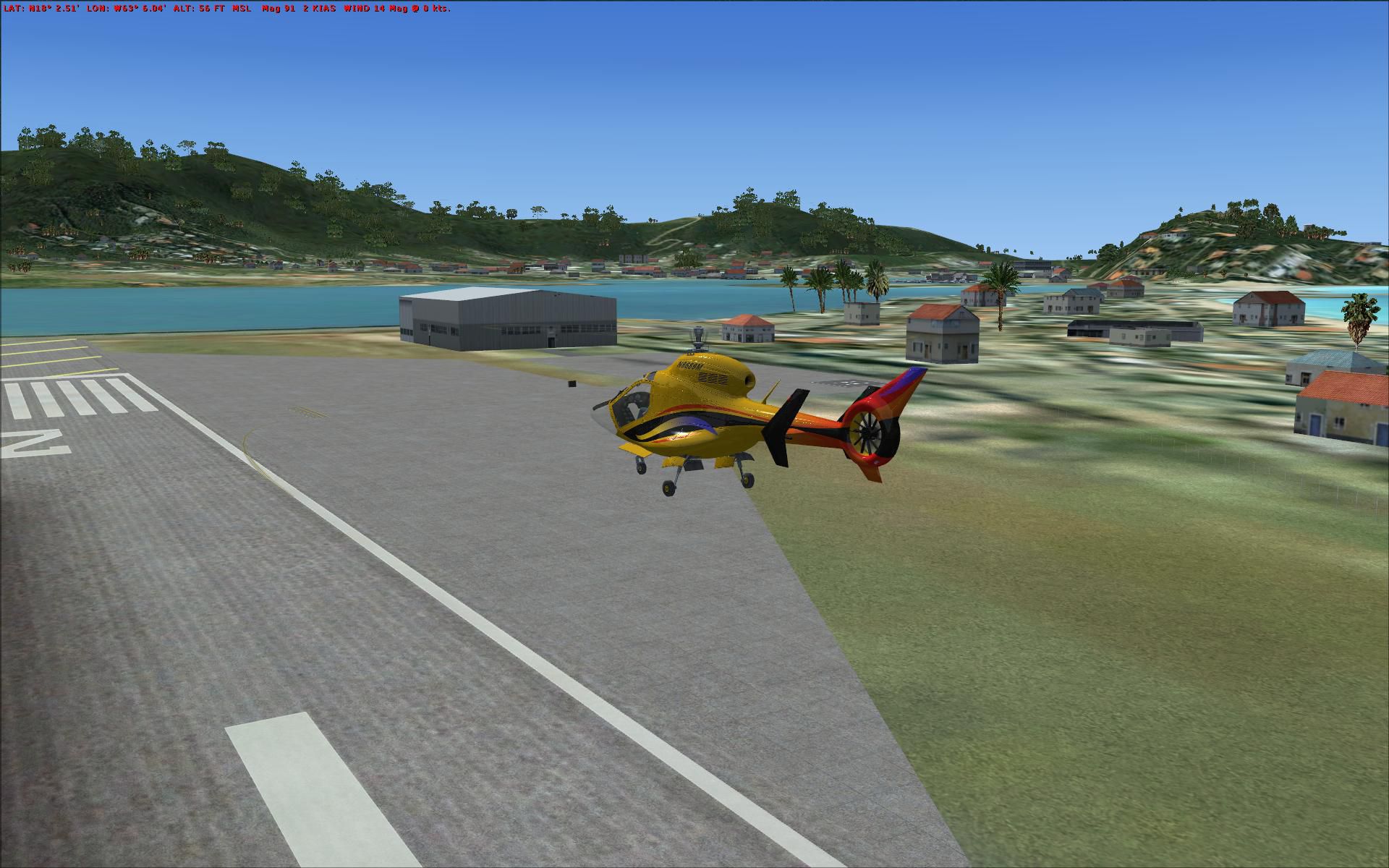
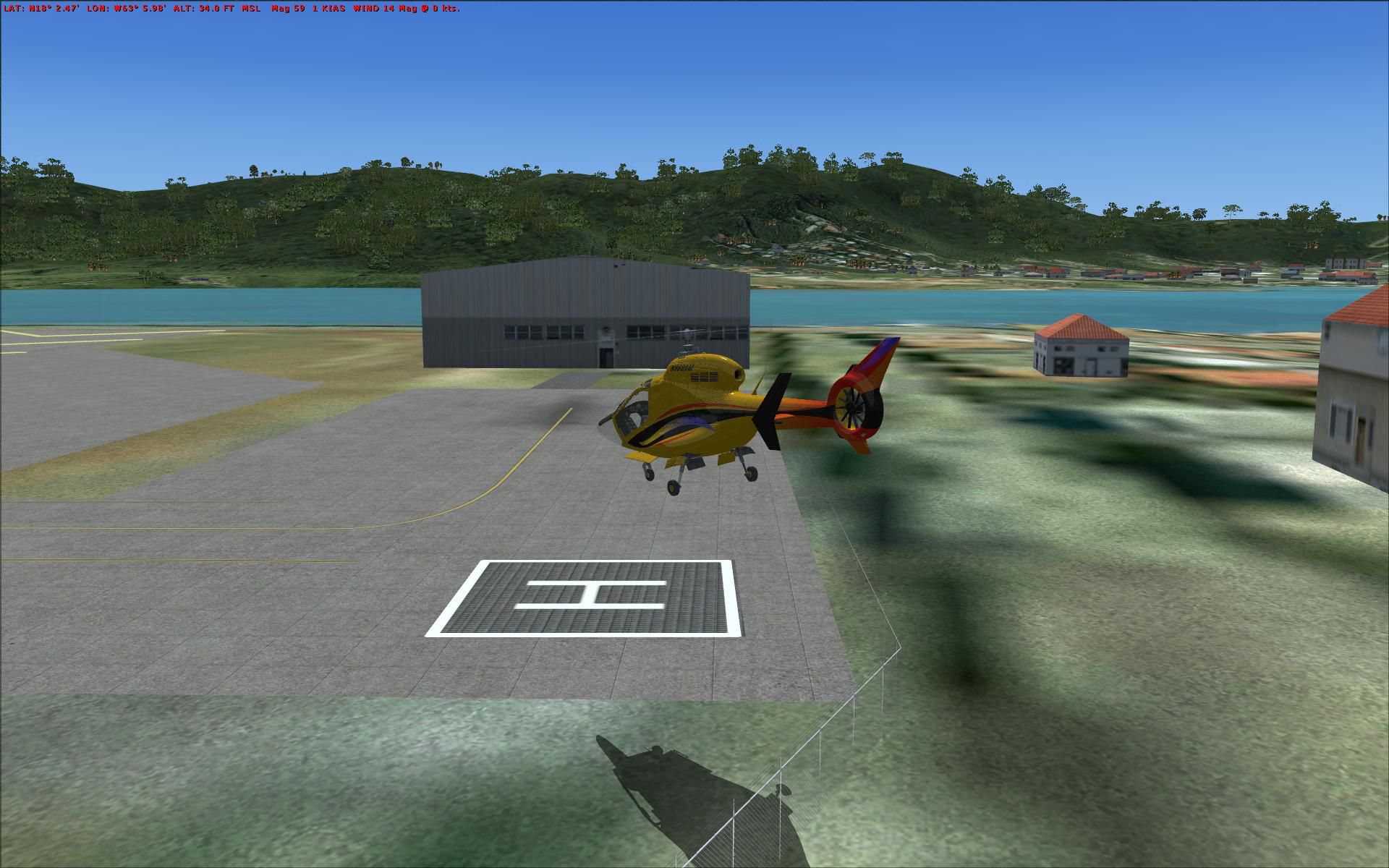
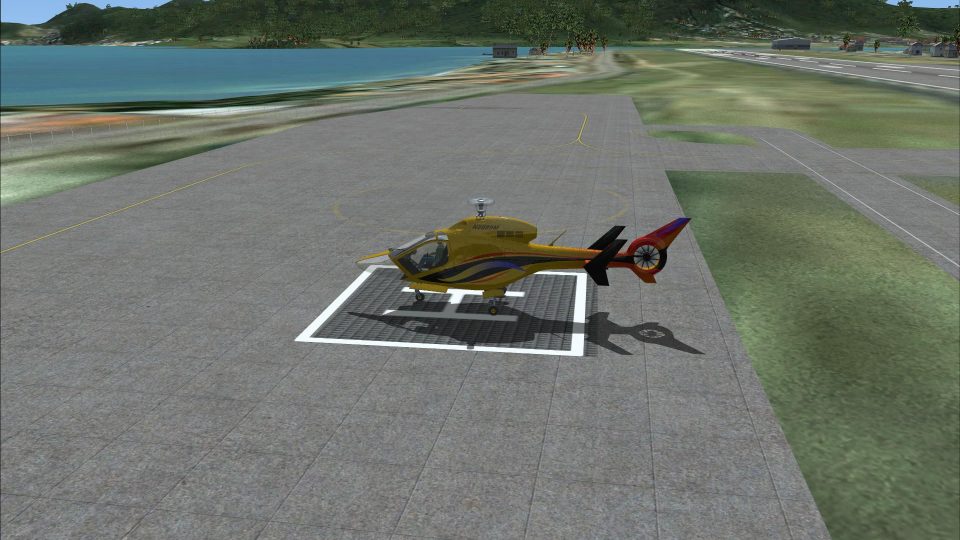
Princess Juliana Airport (TNCM), Netherlands Antilles, fix, for use with TNCMMODS.ZIP. This fixes the ILS glideslope for runway 9. By Kim Barreto.
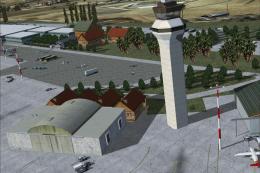
Princess Juliana Airport Scenery.
Just fixed the glide slope it was guiding down past the half way point of the runway, this haas now been fixed.
All you have to do is drop the bgl.file in to your addon scenery/scenery folder and overwrite the existing my previous one. My most humble apologies.
Enjoy.
Kim Barreto
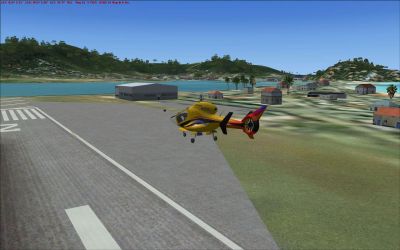
Princess Juliana Airport Scenery.
Free for all simmers · 1.69 MB · Scanned clean
Download speed: Free tier is capped at 0.5 Mbps. PRO members download at full line speed.
This add-on may require the following files to function properly. If this is a repaint, the dependency below is likely the base aircraft package.
FSX\Addon Scenery\ containing scenery and texture sub-folders.readme.txt or README file. It tells you exactly where files go, what dependencies are needed, and any quirks specific to this add-on.Use these coordinates to fly directly to this location once the mod is installed.
18.04100000,-63.11000000
Launch FSX or Prepar3D and use Flights → Load to open the downloaded .pln file. Your aircraft will be positioned at this location.
The archive tncmmod2.zip has 10 files and directories contained within it.
This list displays the first 500 files in the package. If the package has more, you will need to download it to view them.
| Filename/Directory | File Date | File Size |
|---|---|---|
| TNCM_ADE_KIMBO.BGL | 07.12.08 | 18.23 kB |
| TNCM read me.txt | 07.12.08 | 313 B |
| Lift off Helipad 1.JPG | 07.11.08 | 319.03 kB |
| At the FBO.JPG | 07.11.08 | 280.44 kB |
| Helpad 1.JPG | 07.11.08 | 326.63 kB |
| RWY 27 end.JPG | 07.12.08 | 274.44 kB |
| Helipad 2.JPG | 07.12.08 | 260.55 kB |
| Again helipad 2.JPG | 07.12.08 | 307.47 kB |
| flyawaysimulation.txt | 10.29.13 | 959 B |
| Go to Fly Away Simulation.url | 01.22.16 | 52 B |
More FSX & P3D add-ons hand-picked based on this download.
FSX Scenery
Princess Juliana Airport (TNCM) runway fix; changes runway 9/27 to 10/28. By …
 FSX Scenery
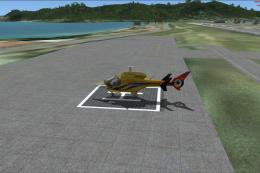
Princess Juliana International Airport (TNCM) in Saint Marteen, Netherlands A…
 FSX Scenery
Princess Juliana Airport (TNCM), Netherlands Antilles. Updates the default ai…
 FSX Scenery
Princess Juliana International Airport (TNCM), Philipsburg, Sint Maarten, Net…
FSX Scenery
Sofia International Airport Fix. Fixed version for FSX of Sofia International…
FSX Scenery
Fix For MZBZ Goldson Airport. A quick and dirty fix to remove autogen trees f…
 FSX Scenery
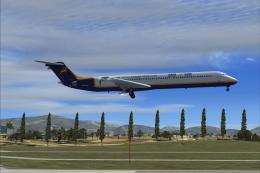
Khatmandu Tribhuvan Airport VNKT fix update, for use with FSX_VNKT.ZIP. This …
 FSX Scenery
Khatmandu Tribhuvan Airport (VNKT) update 4, Nepal. Forth and hopefully last …
Read what other simmers think, or add your own.

I may just be inexperienced, but I can't seem to get the heliport scenery to activate with my P. Juliana Airport scenery after adding it to Addon Scenery/Scenery. Any suggestions?