Preview

FS2004 Simulated Aircraft Bubble Sextant

FS2004 Simulated Aircraft Bubble Sextant. As travel by air developed and matured, navigation over long distances also developed and improved. In the early days, however, air navigation essentially used ship navigation techniques adapted for aircraft. Without "landmarks", the navigators used ded r...

5 star rating 5/5 (1) 715 downloads FS2004
  • File: dc3_bbsx.zip
  • Size:991.29 KB
  • Scan: Clean (24d) Verified clean
  • Access:Freeware
  • Content:Everyone
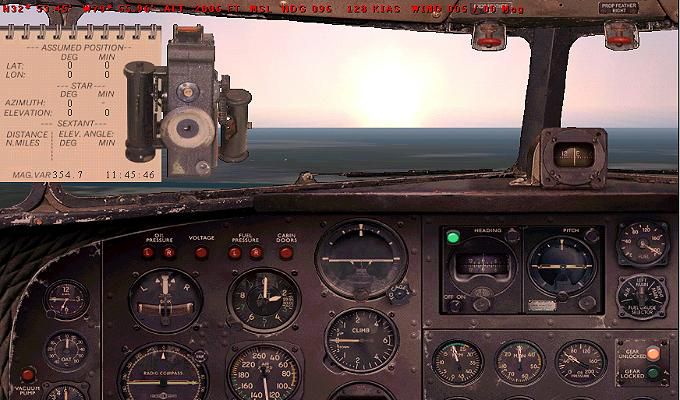
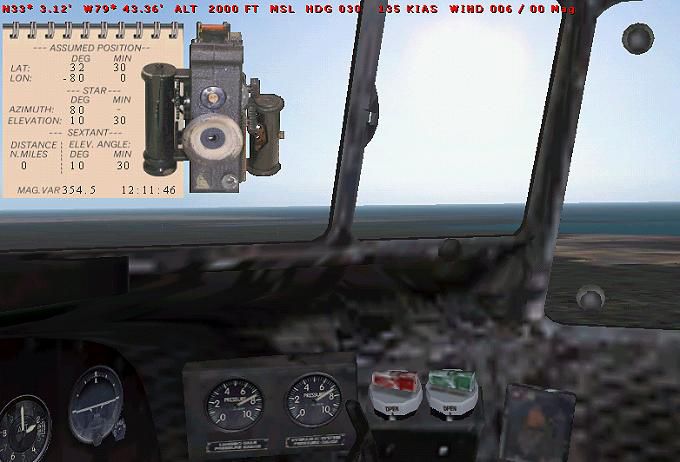
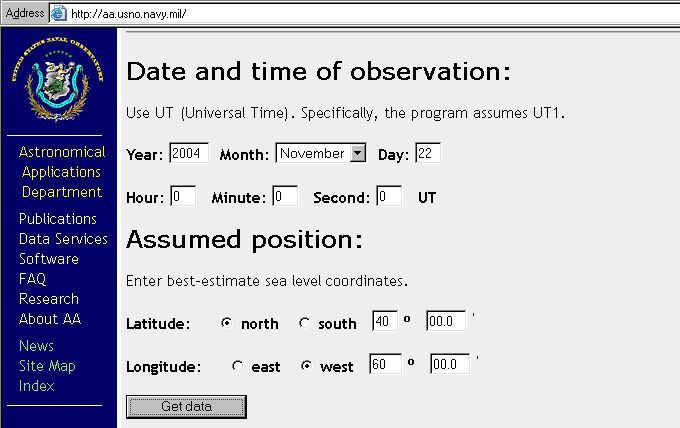
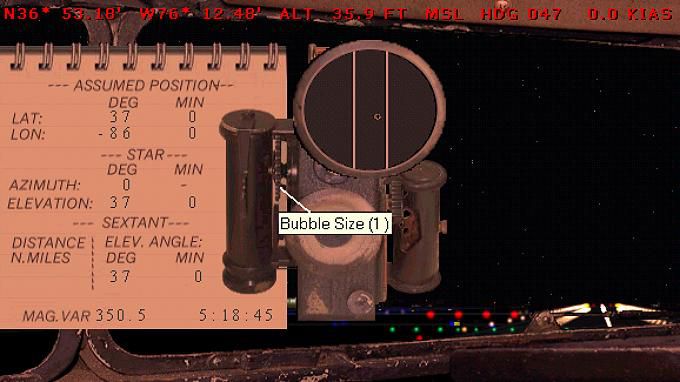
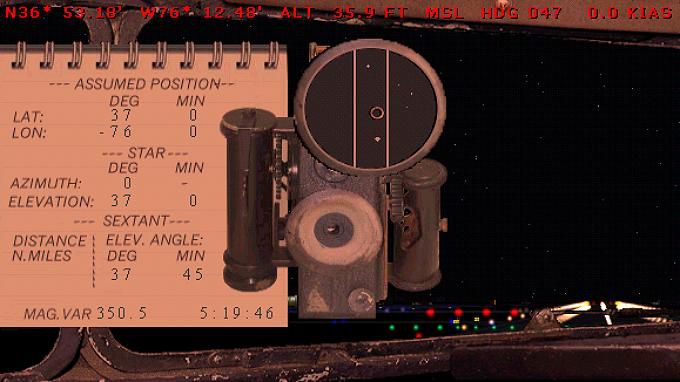
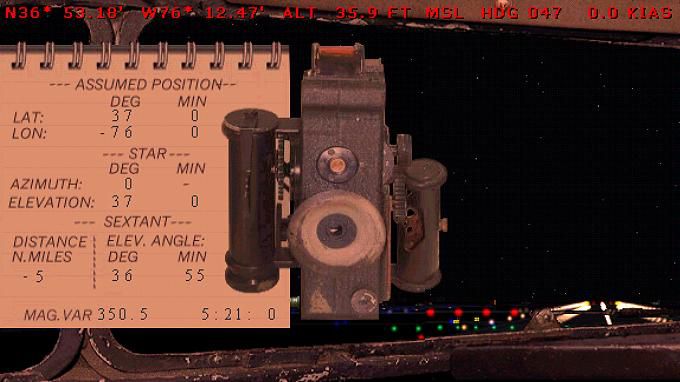
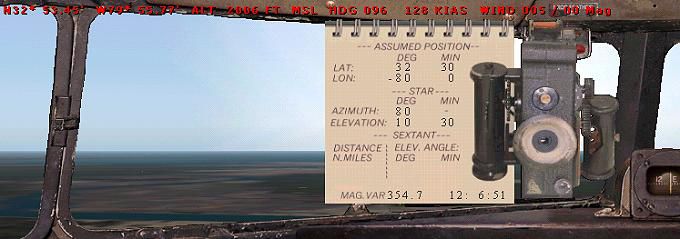
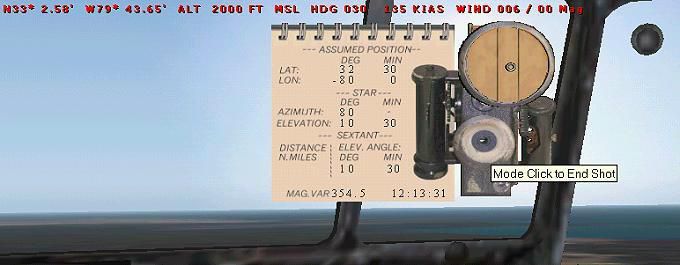
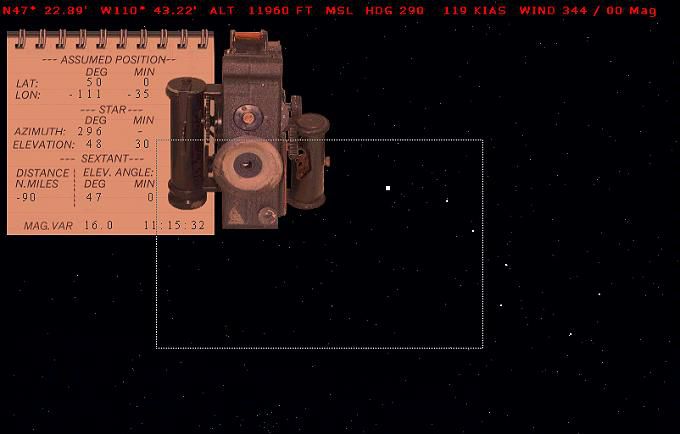
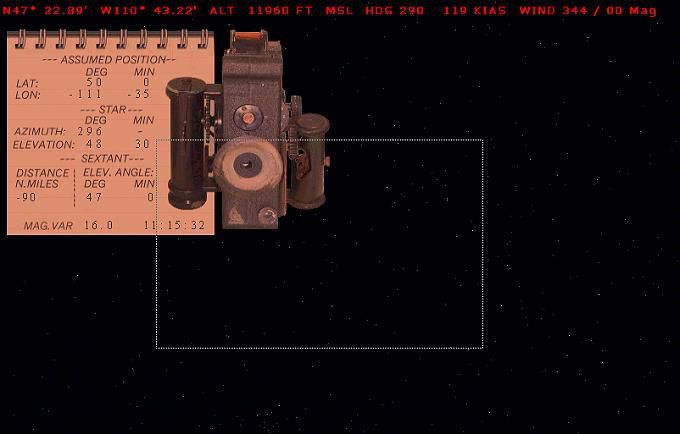
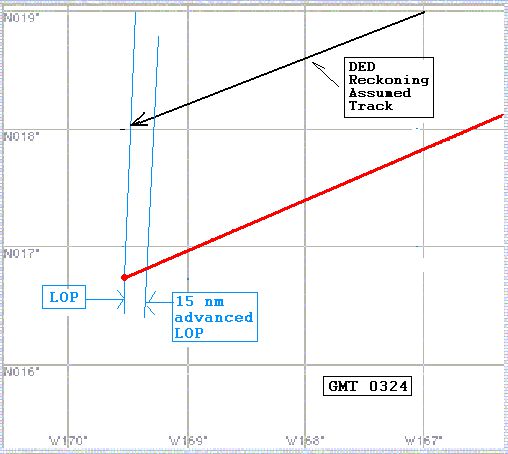
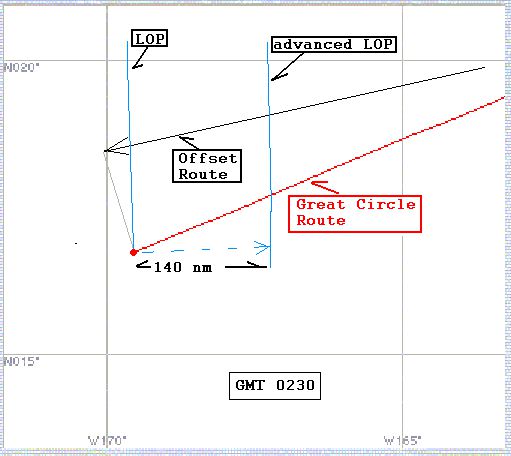
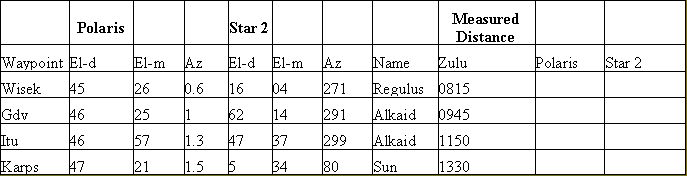
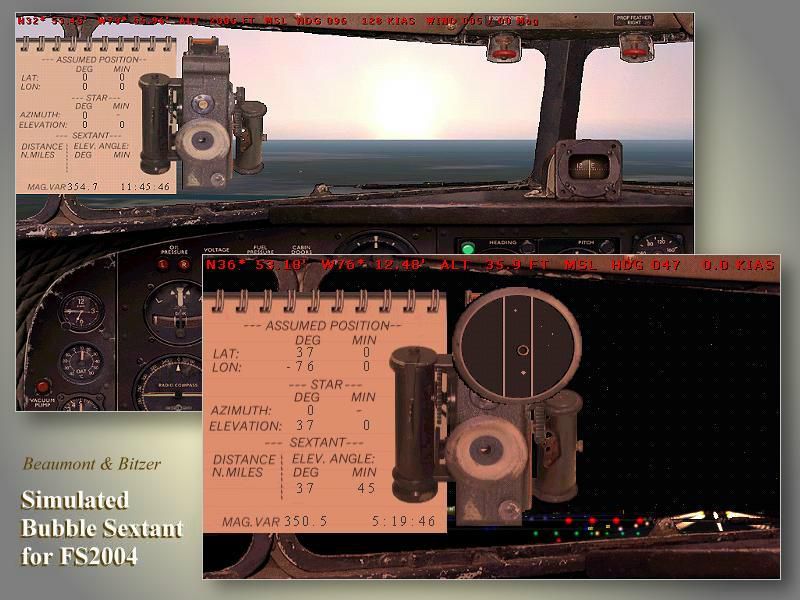
FS2004 Simulated Aircraft Bubble Sextant. As travel by air developed and matured, navigation over long distances also developed and improved. In the early days, however, air navigation essentially used ship navigation techniques adapted for aircraft. Without "landmarks", the navigators used ded reckoning (DR) and the stars. Celestial or astronomical navigation provides a means of obtaining lines of position (LOPs) from the stars. Crossing LOPs will fix a position. It requires a chart, and a planned course on that chart, with waypoints specified by latitude and longitude, an assumed time of arrival at each waypoint, and stars (including the sun, moon, or planets) in view. In the 1940s, extensive tables of star positions were made available to air navigators to be used with sextants to obtain these LOPs. In the tables, all times involved are GMT. This data is available from the Internet in "ready to use" form. This gauge simulates the sextant, and the process by which one obtains a LOP, or crossing LOPs to obtain a position, or fix. Can be used with any FS2004 aircraft. Includes comprehensive browser-based manual and references. By Dave Bitzer and Mark Beaumont.
Images & Screenshots

32 total
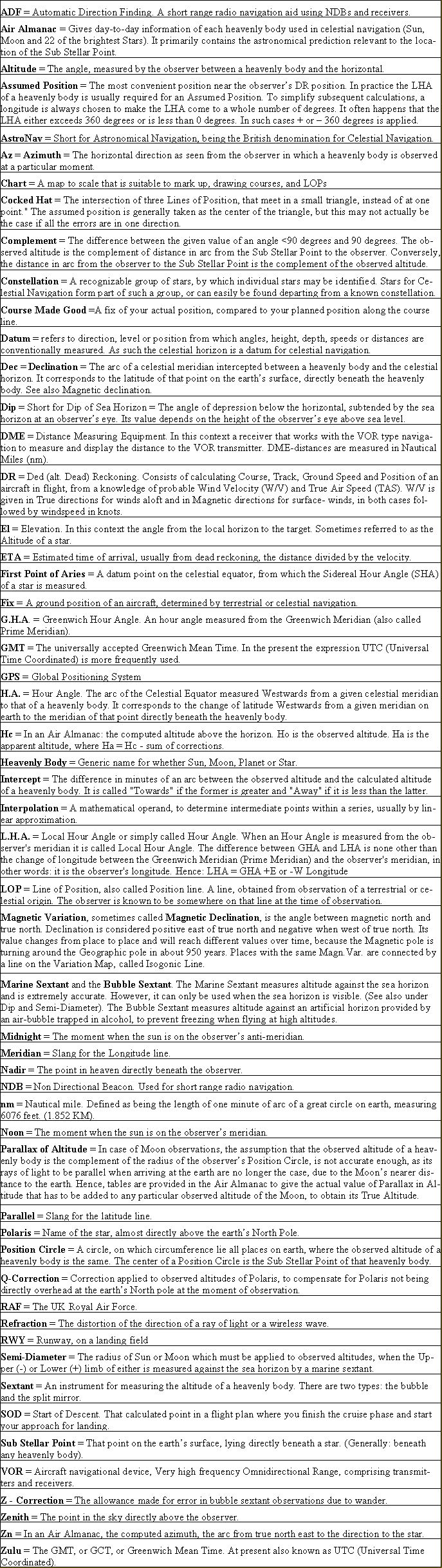
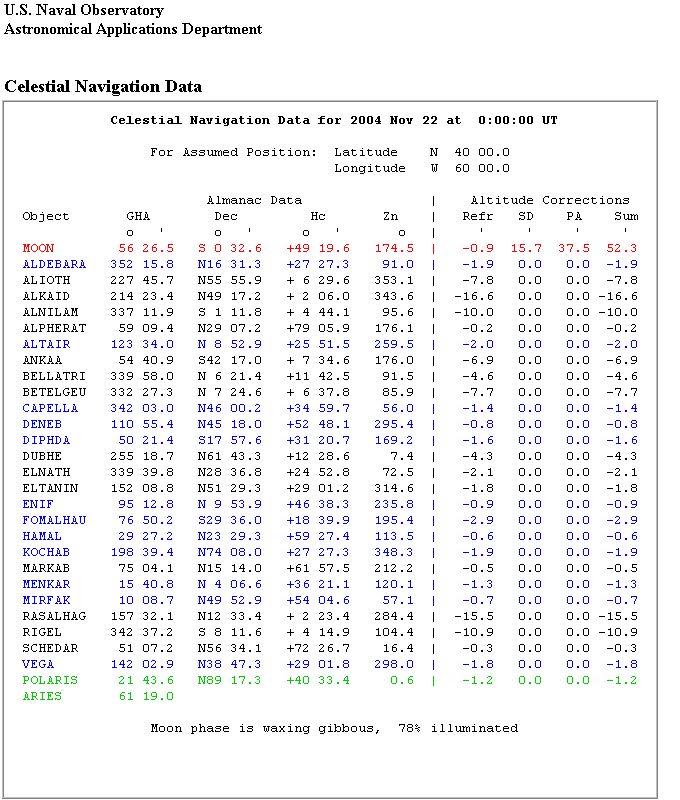
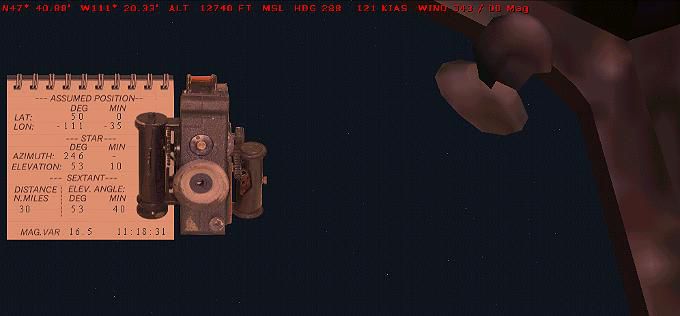
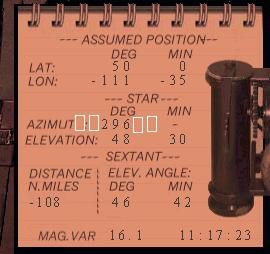
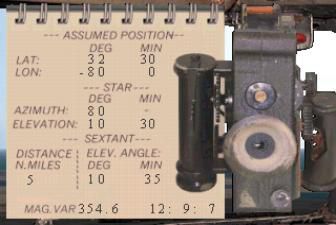
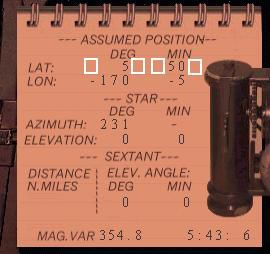
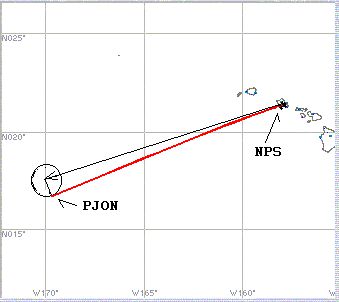
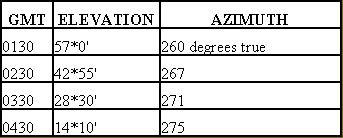
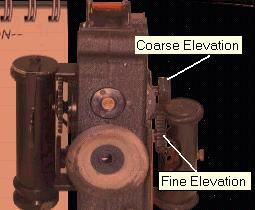
A table displays aviation and celestial navigation terms in alphabetical order, each with its definition and occasional example or clarification.A celestial navigation data table lists almanac positions, altitude corrections, and illumination details for the Moon and various stars.A simulated cockpit view shows a bubble sextant instrument mounted above flight instruments, with a navigation worksheet and celestial sighting reticle displayed.A vintage aircraft cockpit displays analog flight instruments and a sextant overlay, with an ocean horizon and bright sky visible ahead.A cockpit view shows analog flight instruments, a sextant navigation tool with assumed position data, and a coastline visible through the windshield.A web form displays fields for entering date, time, latitude, and longitude, with options for north/south and east/west selection.A sextant instrument is mounted in a cockpit window at night, with a notepad displaying assumed position and celestial navigation data.A sextant and notepad with celestial navigation data are overlaid on a dark cockpit window showing a star-filled night sky.A mechanical sextant and a notepad with navigation data are positioned against a dark cockpit window with red instrument readouts above.A line graph displays sun elevation in degrees decreasing steadily from 55 to 15 as GMT increases from 1 to 5.A bubble sextant and navigation worksheet are positioned above a wing, with the sun low in a clear sky near the horizon.A cockpit view shows a sextant mounted near the window with a navigation worksheet displaying latitude, longitude, and celestial data.A cockpit view shows a sextant navigation tool and a notepad with assumed position, star, and distance data against a clear sky.A celestial navigation sextant and notepad overlay appear against a star-filled night sky, with flight data displayed in red text at the top.A bubble sextant and navigation worksheet are overlaid on a star field, with flight data displayed in red text across the top.A red line extends diagonally northeast from a plotted point on a latitude and longitude grid labeled with degrees west and north.A navigation chart displays a red route line intersecting a blue line of position, with labeled deduced reckoning track and time box.A navigational chart displays labeled routes including a great circle route, offset route, and lines of position with a 140 nautical mile offset.A navigation table displays waypoints with elevation and azimuth data for Polaris and another star, along with names and measured Zulu distances.A celestial navigation sextant and notepad are positioned next to an aircraft window with visible stars against a dark night sky.A celestial navigation sextant is mounted next to a notepad with coordinates, viewed against a dark sky with stars.A navigation table lists four waypoints with corresponding north and west coordinates, magnetic headings, Zulu times, and magnetic variation values.A notepad displays assumed position and celestial navigation data next to a vintage sextant instrument with a circular viewing window.A yellow bubble sextant manual, a mechanical sextant device, and a navigation diagram appear alongside the title Simulated Bubble Sextant for FS9 User's Handbook.A notepad-style navigation log displays assumed position, star azimuth and elevation, sextant readings, and a magnetic variation value.A notepad displaying navigational coordinates and sextant readings is positioned beside a mechanical sextant instrument with adjustment knobs.A notepad shows assumed latitude and longitude coordinates, star azimuth and elevation, and a sextant instrument on the right side.A simple map shows a red route line connecting PJON and NPS across the Pacific Ocean near the Hawaiian Islands.A table displays GMT times alongside corresponding elevation angles and azimuth values, with data shown for four sequential hourly intervals.A close-up view shows a mechanical instrument with labeled coarse elevation and fine elevation adjustment knobs on its side.A gradient of brown and gold colors fills the entire frame without any visible aircraft, instruments, or scenery details.A solid orange background fills the entire frame with no visible aircraft, instruments, scenery, or text present.

The archive dc3_bbsx.zip has 65 files and directories contained within it.

File Contents

This list displays the first 500 files in the package. If the package has more, you will need to download it to view them.

Filename/Directory File Date File Size
astrodome.jpg12.05.0432.52 kB
douglas_dc3_ref.htm12.05.047.97 kB
img0.jpg12.03.0415.72 kB
img1.gif12.03.04907 B
img10.jpg12.03.0414.68 kB
img11.jpg12.03.0446.54 kB
img12.jpg12.04.0430.14 kB
img13.jpg12.03.0429.81 kB
img14.jpg12.03.0429.88 kB
img15.jpg12.03.0421.68 kB
img16.jpg12.03.0422.60 kB
img17.jpg12.03.0414.41 kB
img18.jpg12.03.0414.87 kB
img19.jpg12.03.0411.39 kB
img2.gif12.03.04864 B
img20.jpg12.03.049.03 kB
img21.jpg12.03.0442.70 kB
img22.jpg12.03.0441.76 kB
img23.jpg12.03.0441.09 kB
img24.gif12.03.045.91 kB
img25.gif12.03.042.94 kB
img26.gif12.03.0411.66 kB
img27.gif12.03.0413.10 kB
img28.gif12.03.046.95 kB
img29.gif12.03.04928 B
img3.gif12.03.04928 B
img30.gif12.03.04923 B
img31.gif12.03.04918 B
img32.gif12.03.04864 B
img33.gif12.03.044.15 kB
img34.gif12.03.045.70 kB
img35.gif12.03.04928 B
img36.gif12.03.0416.34 kB
img37.gif12.03.0421.90 kB
img38.gif12.03.0480.74 kB
img39.gif12.02.04907 B
img4.gif12.03.04923 B
img5.gif12.03.04918 B
img6.gif12.03.04928 B
img7.jpg12.03.0460.80 kB
img8.jpg12.03.0432.17 kB
img9.jpg12.04.0415.91 kB
index.html12.05.046.11 kB
jon4.gif12.05.0412.15 kB
page10.html12.05.043.60 kB
page11.html12.05.045.72 kB
page2.html12.05.045.04 kB
page3.html12.06.0415.33 kB
page4.html12.05.0427.35 kB
page5.html12.05.0420.02 kB
page6.html12.05.047.95 kB
page7.html12.05.0424.42 kB
page8.html12.05.0413.09 kB
page9.html12.05.047.16 kB
Sextant Manual12.05.040 B
sextant.jpg12.04.0482.60 kB
AA_113r.FLT11.18.049.00 kB
AA_113r.PLN11.14.04825 B
AA_113r.WX11.18.04163.30 kB
BB_sextant.cab12.06.04149.82 kB
file_id.diz12.04.041.22 kB
README_DC3_BBSX.txt12.06.0412.19 kB
sextant.gif12.04.0410.60 kB
flyawaysimulation.txt10.29.13959 B
Go to Fly Away Simulation.url01.22.1652 B
Installation icon.

Installation Instructions

Most of the freeware add-on aircraft and scenery packages in our file library come with easy installation instructions which you can read above in the file description. For further installation help, please see our Flight School for our full range of tutorials or view the README file contained within the download. If in doubt, you may also ask a question or view existing answers in our dedicated Q&A forum.
0 comments

Leave a Response

Leave a comment