


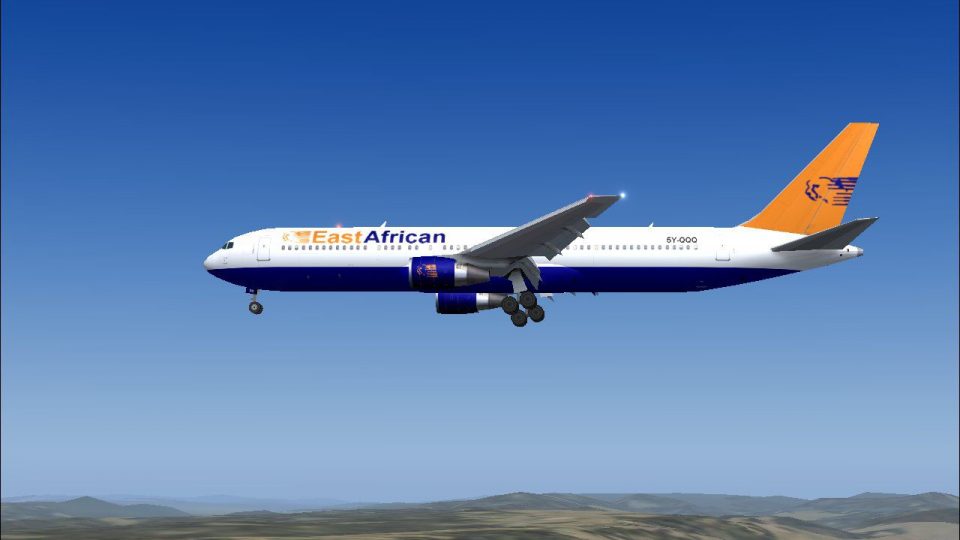
FS2004 East African Safari 767-300ER
East African Safari Boeing 767-300ER brings a crisp, characterful wide-body repaint to Microsoft Flight Simulator 2004, pairing sharp 32-bit textures with an AI-traffic-friendly model for smooth performance. Fully animated externals, accurate proportions, and a polished finish make it ideal for populating busy schedules or flying scenic mid- to long-haul routes.
Images & Screenshots
1 total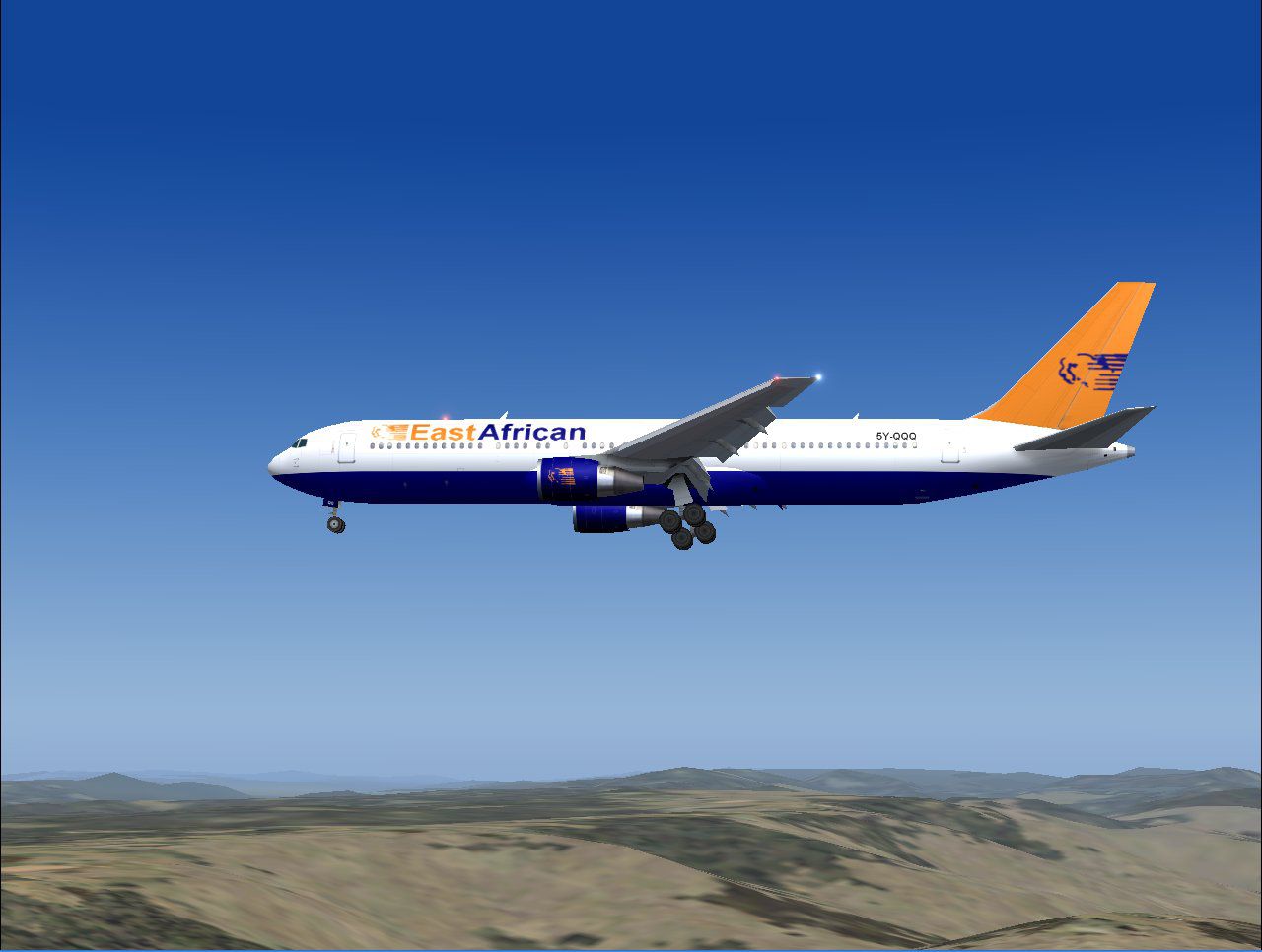
This thoughtfully rendered Boeing 767-300ER showcases an East African Safari insignia created for Microsoft Flight Simulator 2004 enthusiasts seeking an authentic wide-body twin-engine jet. It offers a refreshing visual approach with crisp 32-bit textures, seamless AI traffic integration, and polished design elements that blend eye-catching details with smooth system performance.
Enhanced Exterior Characteristics
Developed by AI Aardvark and meticulously repainted by Mike Pearson, this package brings extensive exterior animation ranging from moving control surfaces to accurately placed landing gear components. The fuselage displays a balanced paint scheme that highlights the distinct colors and motifs of an East African Safari service, reflecting a look reminiscent of mid to long-haul operations across the African continent. The model’s 32-bit exterior resolution ensures sharp line definition and well-preserved color gradients that remain friendly on frame rates.
Frame-Optimized for Traffic
With this freeware revision, simmers can place the aircraft in busy virtual environments without sacrificing performance. It is ideal for those wanting to populate their skies with realistic airline movements, a benefit particularly vital for maintaining immersive AI traffic scenarios. The airframe keeps polygon counts in check, ensuring smooth visuals whether cruising at high altitude or taxiing alongside other aircraft.
Fidelity That Complements Realistic Flight
Inspired by the actual Boeing 767 series introduced in the early 1980s, this release encompasses the powerful engines, distinctive cockpit windows, and swept-back wings that define the airliner’s silhouette. Although primarily designated for regional and transoceanic flights, the East African Safari rendition allows virtual pilots to experience picturesque routes across vast savannahs and beyond.
Complete Feature Set
This add-on is provided as a full package optimized for Microsoft Flight Simulator 2004 with straightforward installation. Everything from the original aircraft model to the underlying textures is included for immediate loading into your virtual hangar. The refined repaint highlights the spirit of a safari adventure while still preserving the Boeing 767-300ER’s familiar contours and dimensions.
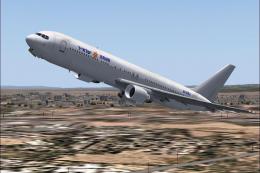
Screenshot of East African Safari 767-300ER in the air.
Technical Highlights
- High-Definition Textures – Uses 32-bit resolution for more vibrant color fidelity.
- Efficient on Resources – Frame rate-friendly architecture suitable for heavy AI environments.
- Fully Animated Externals – Includes flaps, spoilers, and gear retraction sequences.
- Custom Repaint – Meticulously prepared by Mike Pearson to reflect the East African Safari theme.
This freeware release stands out as an excellent option for anyone looking to expand their AI traffic or add a dynamic long-range jet to their virtual collection, thanks to the combined expertise of AI Aardvark and Mike Pearson. Have a great flight!
Ready to download East African Safari 767-300ER?
Free for all simmers · 1.13 MB · Scanned clean
File information
Download speed: Free tier is capped at 0.5 Mbps. PRO members download at full line speed.
How to install this mod
FS2004
add-on
How to install this mod
-
Extract the downloaded archive
Use 7-Zip (free) or WinRAR to extract the ZIP to a temporary folder. Don't install while still zipped — the simulator can't read inside ZIP files. -
Place files per readme
FS2004 add-ons go intoFS9\Aircraft\,FS9\Addon Scenery\,FS9\Gauges\, orFS9\Effects\. -
Always read the included readme
Every mod ships with areadme.txtorREADMEfile. It tells you exactly where files go, what dependencies are needed, and any quirks specific to this add-on.
What’s inside this archive
The archive av76eas.zip has 23 files and directories contained within it.
File Contents
This list displays the first 500 files in the package. If the package has more, you will need to download it to view them.
| Filename/Directory | File Date | File Size |
|---|---|---|
| aav b763 east african small.gif | 10.25.03 | 8.30 kB |
| aav b763 east african.jpg | 10.25.03 | 90.66 kB |
| aav b763er east african safari readme.txt | 10.25.03 | 316 B |
| aia_767_300_pw.air | 10.22.03 | 8.69 kB |
| Aircraft.cfg | 10.25.03 | 13.65 kB |
| model.pw | 10.25.03 | 0 B |
| non-reflective | 10.25.03 | 0 B |
| aia_767_300_pw.mdl | 10.22.03 | 527.14 kB |
| model.cfg | 10.22.03 | 31 B |
| reflective | 10.25.03 | 0 B |
| aia_767_300_pw.mdl | 10.22.03 | 531.83 kB |
| model.cfg | 10.22.03 | 31 B |
| panel | 10.25.03 | 0 B |
| panel.cfg | 10.22.03 | 30 B |
| sound | 10.25.03 | 0 B |
| sound.cfg | 10.22.03 | 40 B |
| texture.east african | 10.25.03 | 0 B |
| aia_767_300_pw_l.bmp | 10.24.03 | 1.33 MB |
| aia_767_300_pw_t.bmp | 10.25.03 | 4.00 MB |
| Thumbs.db | 10.25.03 | 14.50 kB |
| Thumbs.db | 10.25.03 | 15.00 kB |
| flyawaysimulation.txt | 10.29.13 | 959 B |
| Go to Fly Away Simulation.url | 01.22.16 | 52 B |
Related Add-ons
Some mods you may like

0 comments
Leave a Response