

 FS2004 Civil Jet Aircraft
Iran Air Cargo Boeing 747-2J9 EP-ICC
This freeware package presents the Iran Air Cargo Boeing 747-2J9 EP-ICC for M…
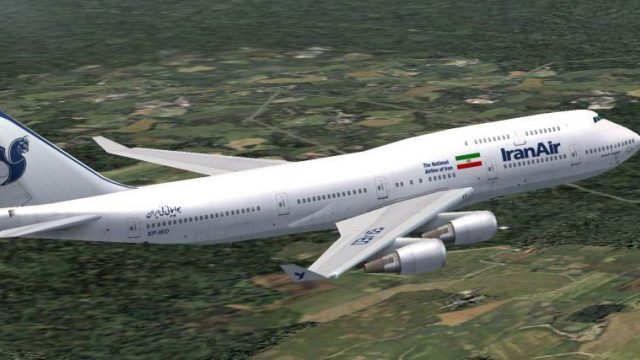
Iran Air Boeing 747-400 textures bring authentic airline colors to AI Aardvark’s traffic-focused jumbo in FS2004, optimized to look sharp at gates and on approach. Sixteen LOD models keep performance smooth in busy scenes, while tuned AI flight dynamics support reliable runway flow and quick turnoffs for realistic airport operations; requires the AI Aardvark 747-400 base model.
 Rate
Rate
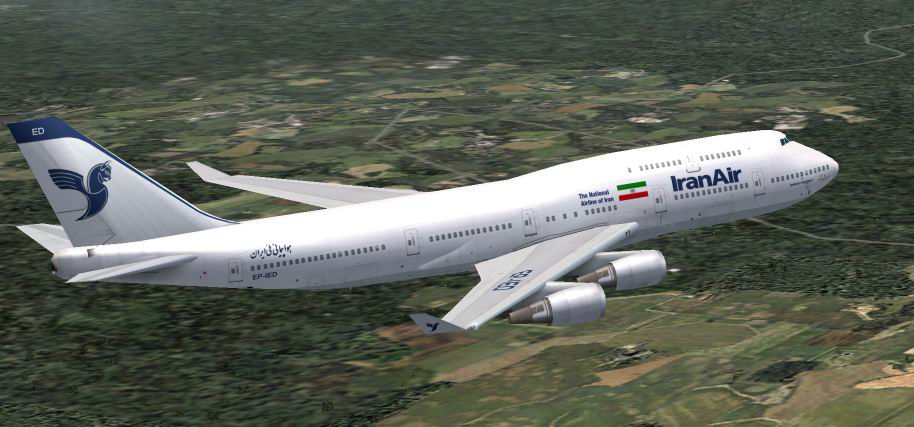
Textures only. Model by AI Aardvark. Livery by Pantee Farhangi.
Screenshot of Iran Air Boeing 747-400 in flight.
This aircraft was designed specifically for use as an AI aircraft. As such, the primary design criteria were that it look good sitting at the gate, or as seen when landing from an aircraft waiting to take off.
This plane also uses 16 different LOD (levels of detail) models, which means that as the plane gets visually smaller, the model displayed becomes simpler and simpler, thus reducing the drag on your computer.
If you download a GMAX aircraft that is just gorgeous, but really chews up your frame rates when used as AI if several of them appear on the screen at once, the designer probably did not use the LOD feature, so the model is always 20,000 polygons no matter how far away from you it is.
AI FLIGHT DYNAMICS:
FDE's for AI aircraft are somewhat of a compromise. Dynamics that allow beautiful takeoffs often result in planes that will not land or land very badly. AIA fde's are also designed with traffic flow in mind. This means an AIA aircraft is going to touch down very near the end of the runway and quickly exit to make room for the next aircraft. If you want more "float" on landing, you can adjust the cruise lift, parasite drag and induced drag parameters in the aircraft.cfg file.
Free for all simmers · 750.47 KB · Scanned clean Oct 2026
Download speed: Free tier is capped at 0.5 Mbps. PRO members download at full line speed.
FS9\Aircraft\, FS9\Addon Scenery\, FS9\Gauges\, or FS9\Effects\.readme.txt or README file. It tells you exactly where files go, what dependencies are needed, and any quirks specific to this add-on.The archive aiiran74.zip has 9 files and directories contained within it.
This list displays the first 500 files in the package. If the package has more, you will need to download it to view them.
| Filename/Directory | File Date | File Size |
|---|---|---|
| AIA Iran Air 744 GE | 05.06.04 | 0 B |
| texture.IR | 05.06.04 | 0 B |
| aia_747_400_ge_l.bmp | 02.25.04 | 1.00 MB |
| AIA_747_400_ge_t.bmp | 05.05.04 | 2.00 MB |
| Iran Air AIA744GE Readme.doc | 05.07.04 | 49.50 kB |
| irdtg.JPG | 05.06.04 | 69.23 kB |
| AI-Aardvark 747-400_Readme!.txt | 05.06.04 | 3.94 kB |
| flyawaysimulation.txt | 10.29.13 | 959 B |
| Go to Fly Away Simulation.url | 01.22.16 | 52 B |
Only PRO members can place votes.
More FS2004 add-ons hand-picked based on this download.
FS2004 Civil Jet Aircraft
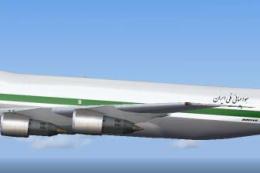
This freeware package presents the Iran Air Cargo Boeing 747-2J9 EP-ICC for M…
 FS2004 Civil Jet Aircraft
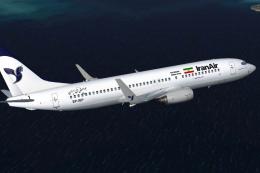
This repaint depicts the classic Iran Air Cargo color scheme on the Boeing 74…
 FS2004 Civil Jet Aircraft
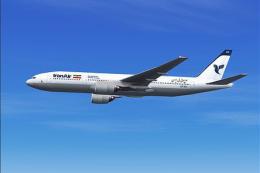
Boeing 737-800 (with winglets). A fictional repaint of the Kittyhawk Producti…
 FS2004 Civil Jet Aircraft
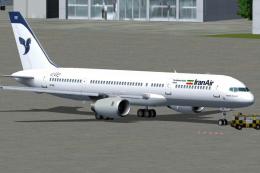
In three liveries: old colors, new colors and special for the 14th of May--co…
 FS2004 Civil Jet Aircraft
Two repaints, textures only, of the AI Aardvark B757-200 RR in both the old a…
 FS2004 Civil Jet Aircraft
Textures only; requires SB747SP.ZIP. Model by Mike Stone. Repaint by Graeme P…
 FS2004 Civil Jet Aircraft
Enrich your FS2004 hangar with this freeware McDonnell Douglas MD-11 renditio…
 FS2004 Civil Jet Aircraft
Model by SGA. Livery by Amir Alemohammed. Screenshot of Iran Air Airbus A300B…
Be the first to leave a comment on this download.
Be the first to share your thoughts on this download.