

 FSX Civil Aircraft
Platinum Airways Boeing 747 SP
Platinum Airways Boeing 747 SP. Platinum Airways is a very virtual KISS airli…
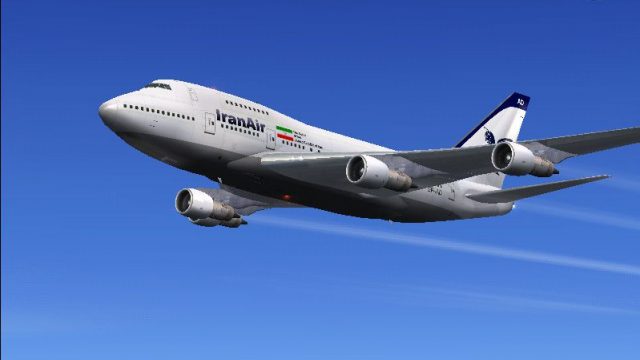
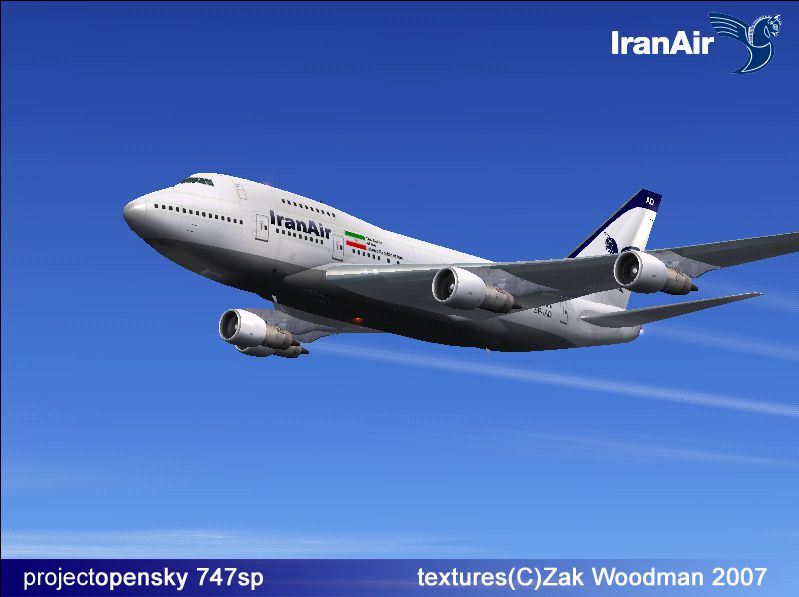
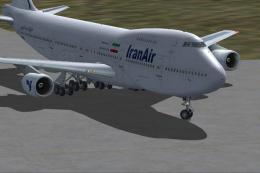
Iran Air’s classic Boeing 747SP gets a crisp repaint with 32-bit textures, capturing the airline’s distinctive markings across fuselage and tail for authentic era flying. Built for FSX and FS2004, it requires the Project Opensky 747SP base model and includes a matching virtual cockpit presentation for cohesive views inside and out.
 Rate
Rate
Free for all simmers · 11.19 MB · Scanned clean Oct 2026
Download speed: Free tier is capped at 0.5 Mbps (this file takes approximately 3 mins at the cap). PRO members download at full line speed.
FSX\SimObjects\Airplanes\. The folder must contain an aircraft.cfg file. Effects go into FSX\Effects\; gauges go into FSX\Gauges\.readme.txt or README file. It tells you exactly where files go, what dependencies are needed, and any quirks specific to this add-on.The archive OS747SP_IRANAIR.zip has 87 files and directories contained within it.
This list displays the first 500 files in the package. If the package has more, you will need to download it to view them.
| Filename/Directory | File Date | File Size |
|---|---|---|
| 747-200PW.air | 12.20.06 | 10.30 kB |
| 747sp_iran.jpg | 02.16.07 | 168.02 kB |
| 747SP-PW-JT9D-7R4G2.air | 12.24.06 | 8.88 kB |
| aircraft.cfg | 02.16.07 | 28.98 kB |
| boeing747-400_check.htm | 12.24.06 | 55.93 kB |
| boeing747-400_ref.htm | 12.24.06 | 11.80 kB |
| boeing747SP_check.htm | 12.24.06 | 71.41 kB |
| boeing747SP_check_files | 02.06.07 | 0 B |
| filelist.xml | 12.24.06 | 175 B |
| image001.gif | 12.24.06 | 11.13 kB |
| Thumbs.db | 02.06.07 | 3.50 kB |
| boeing747SP_ref.htm | 12.24.06 | 33.81 kB |
| boeing747SP_ref_files | 02.06.07 | 0 B |
| filelist.xml | 12.24.06 | 173 B |
| image001.gif | 12.24.06 | 11.13 kB |
| Thumbs.db | 02.06.07 | 3.50 kB |
| Effects | 02.06.07 | 0 B |
| Opensky_747_vclight.fx | 12.24.06 | 1.31 kB |
| Opensky_beacon.fx | 12.24.06 | 3.04 kB |
| Opensky_Boeing_vclight.fx | 12.24.06 | 1.31 kB |
| Opensky_conden.fx | 12.24.06 | 3.15 kB |
| Opensky_condens.fx | 12.24.06 | 2.71 kB |
| Opensky_logo_light.fx | 12.24.06 | 1.31 kB |
| Opensky_nacelle_refl.fx | 12.24.06 | 1.29 kB |
| Opensky_nav_yellow.fx | 12.24.06 | 3.07 kB |
| Opensky_sparks.fx | 12.24.06 | 7.05 kB |
| Opensky_vortex.fx | 12.24.06 | 1.23 kB |
| Opensky_wing_light.fx | 12.24.06 | 1.31 kB |
| Introduction.txt | 02.16.07 | 79 B |
| Manual | 02.06.07 | 0 B |
| 747100PERFORMANCE.PDF | 12.24.06 | 1.24 MB |
| B747_OPERATIONS_MANUAL_v2.pdf | 12.24.06 | 623.05 kB |
| model | 02.06.07 | 0 B |
| model.cfg | 12.20.06 | 31 B |
| OS747SP_JT9D.mdl | 12.28.06 | 4.77 MB |
| panel | 02.06.07 | 0 B |
| 747_Background_1024.bmp | 12.20.06 | 515.05 kB |
| 747_Background_640.bmp | 12.20.06 | 603.80 kB |
| 747_Upper_Background_1024.bmp | 12.20.06 | 433.18 kB |
| 747_Upper_Background_640.bmp | 12.20.06 | 57.66 kB |
| ECU_Background_1024.bmp | 12.20.06 | 371.27 kB |
| ECU_Background_640.bmp | 12.20.06 | 145.47 kB |
| OS747SP.mdl | 12.20.06 | 2.63 MB |
| panel.cfg | 12.20.06 | 6.26 kB |
| Thumbs.db | 02.06.07 | 19.00 kB |
| ReadMe.txt | 02.16.07 | 174 B |
| sound | 02.06.07 | 0 B |
| sound.cfg | 02.16.07 | 32 B |
| Texture.ia | 02.16.07 | 0 B |
| Os747_COCKPIT_1_T.BMP | 12.24.06 | 256.07 kB |
| Os747_COCKPIT_2_T.BMP | 12.24.06 | 64.07 kB |
| Os747_COCKPITWINDOW_T.BMP | 12.24.06 | 256.07 kB |
| Os747_GLASSCOVER_T.bmp | 12.20.06 | 1.43 kB |
| Os747CARGO_INTERIOR_T.bmp | 12.24.06 | 256.07 kB |
| Os747CONTAINER_FRONT.bmp | 12.24.06 | 1.00 MB |
| Os747CONTAINER_REAR.bmp | 12.24.06 | 1.00 MB |
| OS747frontwheel_T.bmp | 12.20.06 | 85.43 kB |
| OS747JT9D_fanblurred.bmp | 12.20.06 | 85.43 kB |
| OS747JT9D_fanSlow.bmp | 12.20.06 | 85.43 kB |
| OS747JT9D_T.bmp | 02.16.07 | 5.33 MB |
| OS747JT9DPYLON_T.bmp | 12.20.06 | 1.00 MB |
| Os747L1DOORCS_T.BMP | 12.10.06 | 1.00 MB |
| OS747maintire_T.bmp | 12.20.06 | 256.07 kB |
| OS747mainwheelF_T.bmp | 12.20.06 | 85.43 kB |
| OS747mainwheelR_T.bmp | 12.20.06 | 85.43 kB |
| OS747nosetire_T.bmp | 12.20.06 | 256.07 kB |
| OS747SP_Option.BMP | 12.20.06 | 5.43 kB |
| OS747SP_Parts_T.BMP | 12.24.06 | 1.00 MB |
| OS747SP_Parts2_T.BMP | 12.24.06 | 256.07 kB |
| Os747sp_wing_l_in_l.bmp | 12.21.06 | 4.00 MB |
| Os747sp_wing_l_in_T.bmp | 12.21.06 | 4.00 MB |
| os747sp_wing_l_out_l.bmp | 12.21.06 | 4.00 MB |
| Os747sp_wing_l_out_T.bmp | 12.21.06 | 4.00 MB |
| Os747sp_wing_r_in_l.bmp | 12.21.06 | 4.00 MB |
| Os747sp_wing_r_in_T.bmp | 12.21.06 | 4.00 MB |
| os747sp_wing_r_out_l.bmp | 12.21.06 | 4.00 MB |
| OS747SP_WING_r_OUT_T.BMP | 12.21.06 | 4.00 MB |
| Os747spbody_l_l.bmp | 12.21.06 | 4.00 MB |
| Os747spbody_l_t.bmp | 02.16.07 | 5.33 MB |
| Os747spbody_r_l.bmp | 12.21.06 | 4.00 MB |
| Os747spbody_r_t.bmp | 02.16.07 | 5.33 MB |
| OS747wingwheelF_T.bmp | 12.20.06 | 85.43 kB |
| OS747wingwheelR_T.bmp | 12.20.06 | 85.43 kB |
| Thumbs.db | 02.16.07 | 105.00 kB |
| Thumbs.db | 02.16.07 | 5.00 kB |
| flyawaysimulation.txt | 10.29.13 | 959 B |
| Go to Fly Away Simulation.url | 01.22.16 | 52 B |
Only PRO members can place votes.
More FSX & P3D add-ons hand-picked based on this download.
FSX Civil Aircraft
Platinum Airways Boeing 747 SP. Platinum Airways is a very virtual KISS airli…
 FSX Civil Aircraft
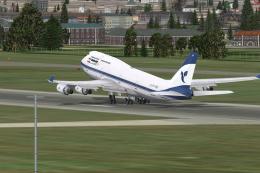
This package delivers a highly detailed texture set showcasing the iconic Ira…
 FSX Civil Aircraft
This livery is only for the payware PMDG B747-400X. Repaint by Mohsen. Screen…
 FSX Civil Aircraft
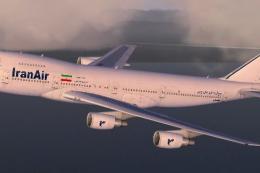
Experience a precise rendition of Iran Air’s Boeing 747-200 in Microsoft Flig…
 FSX Civil Aircraft
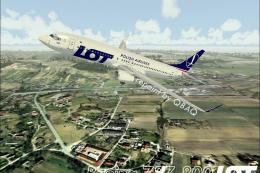
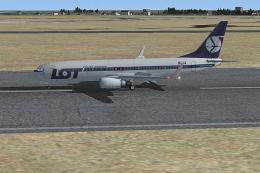
A repaint for the default B737-800. Screenshot of LOT Polish Airlines Boeing …
 FSX Civil Aircraft
Textures only for the default B737-800 Features new PLL LOT textures; modifie…
 FSX Civil Aircraft
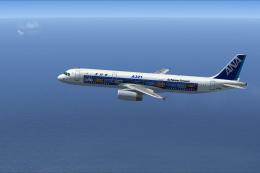
ANA SP Airbus A321. A repaint of the default A321. By Yosuke. Thank you indee…
 FSX Civil Aircraft
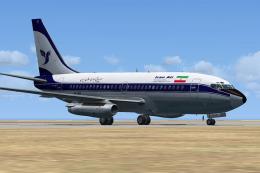
A repaint of the payware Captain Sim B737-200 model in Iran Air livery, regis…
Read what other simmers think, or add your own.


I fly the SP in the China Airlines livery and she handles very nicely. Initially in FSX, I had no sound and no panel, so I copied the sound from the default FSX 747-400 and a substitute 2D panel from FS9 into this folder. Now I'm happy.

I have no gauges or sound. I simply just copied the folder within the zip to the simobjects/airplane folder as requested in the readme. Help.
