

 FSX General Aviation Aircraft
Just Flight Cessna 150 Repaint
Repaint textures for the Just Flight freeware Cessna 152, depicting real worl…
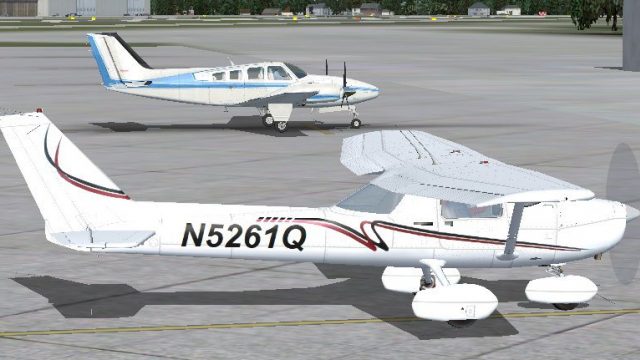
Cessna 150 repaint inspired by real-world N5261Q from Georgia brings a clean, authentic look to the Fravin freeware model in Microsoft Flight Simulator X. Crisp 1024px 32-bit textures without mipmaps keep markings sharp while maintaining smooth performance, and the livery integrates seamlessly with standard aircraft selection menus.
 Rate
Rate
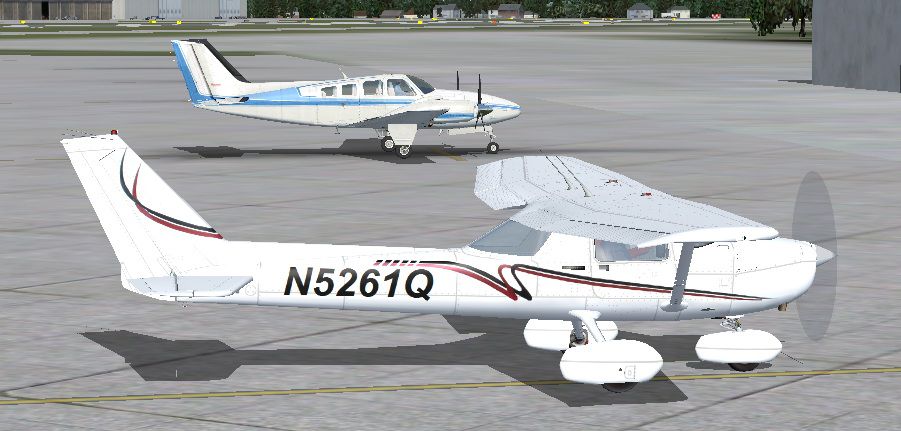

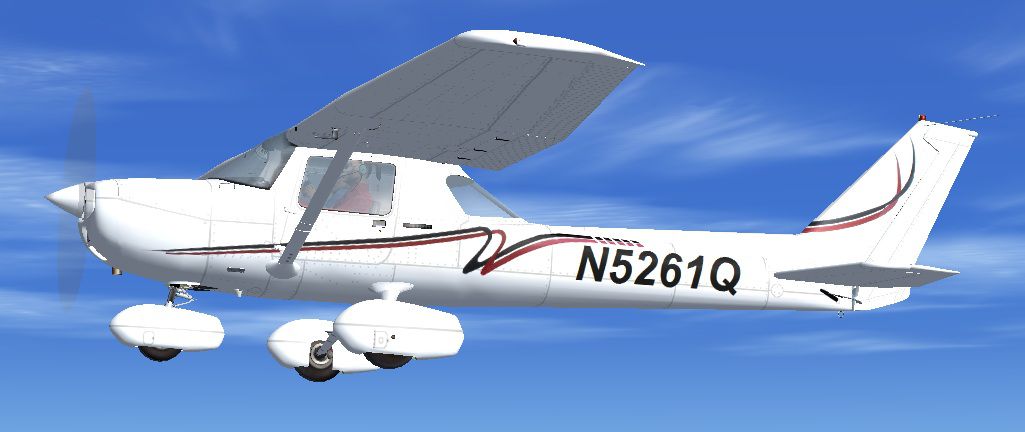
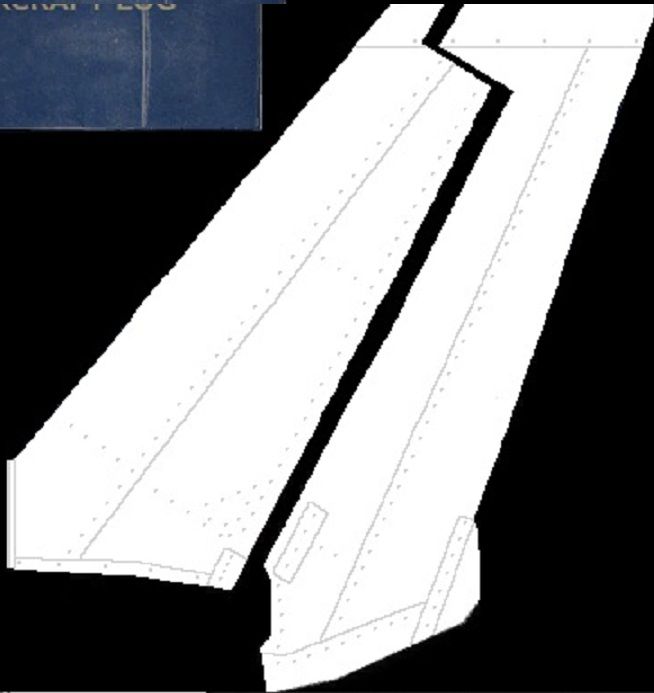
Repaint textures for the Fravin freeware Cessna 150 (originally for FS2004). Based mostly (and loosely) on N5261Q, a beautiful real world Cessna 150 based in Georgia, USA. Saved in 32 bit 1024 pixel textures with no mips for good definition and decent frame rates. Easy installation. Repaint by Tom Tiedman.
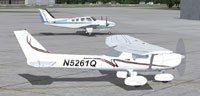
Screenshot of Cessna 150 on the ground.
Credits:
Installation:
[fltsim.X]

title=Cessna_150 N5261Q

sim=C150-S

model=

panel=

sound=

texture=N5261Q (32 bit 1024 pixels)

kb_checklists=

kb_reference=

atc_id=N5261Q

ui_manufacturer=Cessna Aviation

ui_type=C150L Aerobat

ui_variation=N5261Q (1024 pixels)

visual_damage=0

description=

atc_id_color=0x00000000

atc_heavy=0

atc_id_font=Verdana,-11,1,600,0
Free for all simmers · 7.91 MB · Scanned clean Oct 2026
Download speed: Free tier is capped at 0.5 Mbps (this file takes approximately 2 mins at the cap). PRO members download at full line speed.
texture.{airline}) inside FSX\SimObjects\Airplanes\{base-aircraft}\.aircraft.cfg in Notepad. Add a new [fltsim.X] section per the readme.readme.txt or README file. It tells you exactly where files go, what dependencies are needed, and any quirks specific to this add-on.The archive fsx_cessna_150_repaint_n5261q_fravin.zip has 49 files and directories contained within it.
This list displays the first 500 files in the package. If the package has more, you will need to download it to view them.
| Filename/Directory | File Date | File Size |
|---|---|---|
| file_id.diz | 11.09.11 | 384 B |
| READ ME and INSTALLATION.txt | 11.09.11 | 2.47 kB |
| Screenshot.jpg | 11.09.11 | 124.71 kB |
| Texture.N5261Q (32 bit 1024 pixels) | 11.09.11 | 0 B |
| body.bmp | 05.08.10 | 128.07 kB |
| body3.bmp | 05.08.10 | 256.07 kB |
| C150_smoothgauges.bmp | 05.08.10 | 512.07 kB |
| C150_smoothgauges_l.bmp | 05.08.10 | 1.00 MB |
| C150smoothgauge2.bmp | 05.08.10 | 512.07 kB |
| C150smoothgauge2_l.bmp | 05.08.10 | 1.00 MB |
| C150smoothreflect.bmp | 05.08.10 | 128.07 kB |
| C150smoothreflect2.bmp | 05.08.10 | 512.07 kB |
| exterieur_t.bmp | 11.09.11 | 4.00 MB |
| gaugereflection.bmp | 05.08.10 | 32.07 kB |
| glass_CV.bmp | 05.08.10 | 341.43 kB |
| glass_ext.bmp | 05.08.10 | 256.07 kB |
| gps_l.bmp | 05.08.10 | 16.07 kB |
| gps2_l.bmp | 05.08.10 | 1.00 MB |
| halo_helice.bmp | 05.08.10 | 85.43 kB |
| hourmeter.bmp | 05.08.10 | 64.07 kB |
| Hourmeter_l.bmp | 05.08.10 | 64.07 kB |
| info_3D.bmp | 05.08.10 | 586 B |
| inside_t.bmp | 11.03.11 | 4.00 MB |
| Inside3_t.bmp | 11.03.11 | 4.00 MB |
| Inside4_t.bmp | 05.19.10 | 5.33 MB |
| inside5_t.bmp | 11.09.11 | 4.00 MB |
| inside6.bmp | 11.03.11 | 1.00 MB |
| inside7.bmp | 11.03.11 | 1.00 MB |
| Left Tail.jpg | 09.22.11 | 57.74 kB |
| Left_panel.bmp | 11.03.11 | 4.00 MB |
| lowvolt_l.bmp | 05.08.10 | 1.07 kB |
| lycoming_t.bmp | 05.08.10 | 1.00 MB |
| millibar_l.bmp | 05.08.10 | 16.07 kB |
| mirror_t.bmp | 05.08.10 | 64.07 kB |
| needle_motor.bmp | 05.08.10 | 2.07 kB |
| objets.bmp | 11.03.11 | 4.00 MB |
| panelext_l.bmp | 05.08.10 | 1.00 MB |
| panelleft_l.bmp | 05.08.10 | 1.00 MB |
| panelright_l.bmp | 05.08.10 | 1.00 MB |
| plugs.bmp | 05.08.10 | 5.33 MB |
| radios_l.bmp | 05.08.10 | 256.07 kB |
| redlight.bmp | 05.08.10 | 330 B |
| Right_panel.bmp | 11.03.11 | 4.00 MB |
| thumbnail.jpg | 05.08.10 | 63.60 kB |
| vor_l.bmp | 05.08.10 | 64.07 kB |
| wings_t.bmp | 09.22.11 | 4.00 MB |
| thumbnail.jpg | 11.09.11 | 86.63 kB |
| flyawaysimulation.txt | 10.29.13 | 959 B |
| Go to Fly Away Simulation.url | 01.22.16 | 52 B |
Only PRO members can place votes.
More FSX & P3D add-ons hand-picked based on this download.
FSX General Aviation Aircraft
Repaint textures for the Just Flight freeware Cessna 152, depicting real worl…
 FSX General Aviation Aircraft
Repaint textures for the Rancho JEN freeware Cessna 150 (originally for FS200…
 FSX General Aviation Aircraft
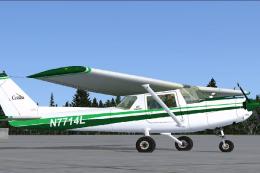
This repaint package adds a green-and-white N7714L skin to the freeware “Just…
 FSX General Aviation Aircraft
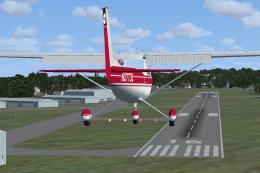
SP2 Cessna 150. repaint textures for the freeware RanchoJEN Cessna 150 v2 by …
 FSX General Aviation Aircraft
Dedicated to the memory of Bill K. Kershner, this Dark Green and Red Cessna 1…
 FSX General Aviation Aircraft
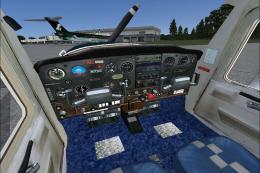
This repaint package provides a distinct blue-and-white exterior for a Cessna…
 FSX General Aviation Aircraft
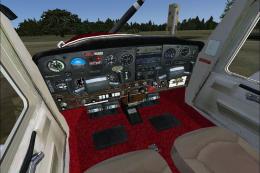
This add-on provides a fully detailed repaint of a real-world Cessna 150F (re…
 FSX General Aviation Aircraft
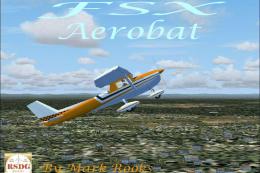
This specialized repaint of the Cessna 150 Aerobat merges bright orange and b…
Be the first to leave a comment on this download.
Be the first to share your thoughts on this download.