

 FSX General Aviation Aircraft
Dark Green/Red Cessna 150 Aerobat
Dedicated to the memory of Bill K. Kershner, this Dark Green and Red Cessna 1…
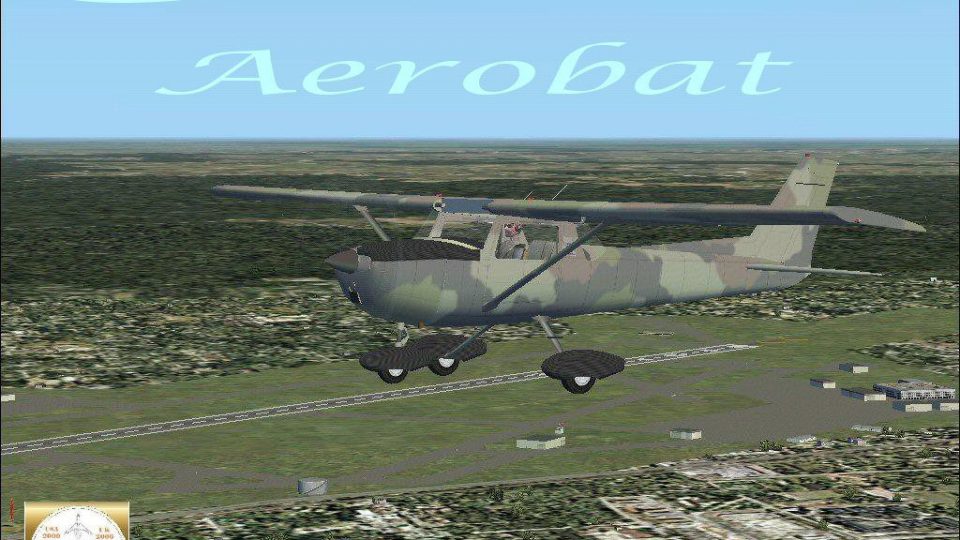
Woodland camo livery for the Cessna 150 Aerobat adds a striking, tribute-themed look while preserving the aircraft’s classic two-seat trainer character and aerobatic-capable airframe. Built on RanchoJEN’s freeware model with repaint work by Mark Rooks, it brings a detailed exterior and faithful virtual cockpit experience to Microsoft Flight Simulator X.
 Rate
Rate
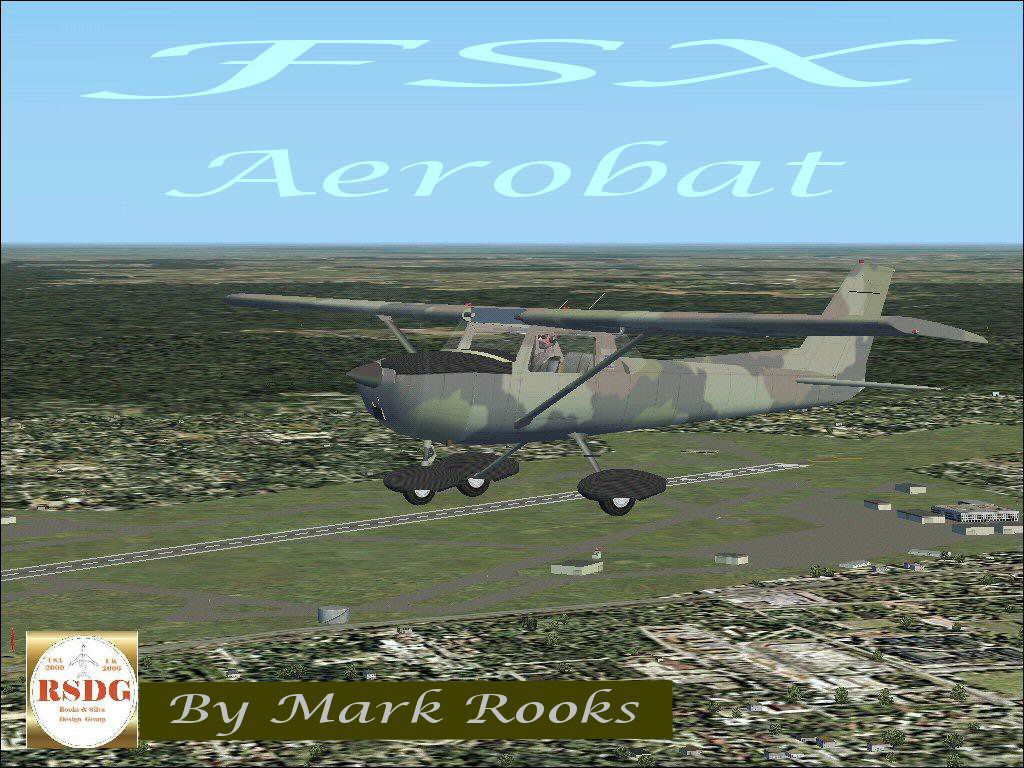
This special edition livery for the classic Cessna 150 Aerobat features a woodland camouflage design, created by Mark Rooks of RSDG Rooks Silva Design Group as a tribute to Bill K. Kershner. The base model originates from RanchoJEN’s freeware development, and the entire package is fully compatible with Microsoft Flight Simulator X. Designed as a lightweight, two-seat trainer, the real-world Cessna 150 is celebrated for its simplicity and manageable flight characteristics, making it highly popular for general aviation enthusiasts and student pilots alike. The Aerobat variant is engineered to endure additional stresses associated with mild aerobatics, while still retaining its iconic airframe.
Woodland Camo Cessna 150 Aerobat in flight.
This camouflage repaint incorporates a distinctive pattern designed to highlight the robust build of the Cessna 150 Aerobat. In memory of Bill K. Kershner, the aircraft also carries an important reminder to support Angel Flight in one’s local area. The Aerobat’s nimble handling complements the custom livery, offering virtual pilots a chance to experience both aesthetic appeal and responsive flight performance.
C:\Program Files\Microsoft Games\FSX\SimObjects\Airplanes\The freeware package comes fully equipped, requiring no extra payware to complete the installation. It preserves all cockpit details and exterior elements pertinent to the Cessna 150 Aerobat’s design. This mod is tailored for users looking to expand their light-aircraft collection in Microsoft Flight Simulator X without sacrificing realism or detail. The camouflage scheme offers a resourceful look suitable for both casual circuits and more challenging flight maneuvers.
Many simmers enjoy the historical significance of the Cessna 150 series, which dates back to the late 1950s. Its proven training performance and low operating costs have made it an enduring fixture in flight schools. The Aerobat’s enhanced airframe allows gentle loops and rolls, providing a slightly more adventurous angle while still maintaining the straightforward nature the aircraft is known for. With this camouflage repaint, the aircraft stands out on the flight line, delivering a unique aesthetic for your virtual hanger.
Mark “Fire Ball” Rooks expresses thanks to everyone who downloads, flies, and shares in the appreciation of his repaint. Enjoy taking this airborne tribute to Bill K. Kershner on your virtual adventures, and remember to support Angel Flight in your local community.
Free for all simmers · 3.45 MB · Scanned clean Oct 2026
Download speed: Free tier is capped at 0.5 Mbps. PRO members download at full line speed.
FSX\SimObjects\Airplanes\. The folder must contain an aircraft.cfg file. Effects go into FSX\Effects\; gauges go into FSX\Gauges\.readme.txt or README file. It tells you exactly where files go, what dependencies are needed, and any quirks specific to this add-on.The archive rsx1502.zip has 7 files and directories contained within it.
This list displays the first 500 files in the package. If the package has more, you will need to download it to view them.
| Filename/Directory | File Date | File Size |
|---|---|---|
| 150 Camo Screen Shot.jpg | 01.13.07 | 253.79 kB |
| 2Text.txt | 01.13.07 | 254 B |
| C-150 Camo Aerobat.zip | 01.13.07 | 3.04 MB |
| In Memory Of.zip | 01.13.07 | 208.86 kB |
| Read Me First.txt | 01.13.07 | 876 B |
| flyawaysimulation.txt | 10.29.13 | 959 B |
| Go to Fly Away Simulation.url | 01.22.16 | 52 B |
Only PRO members can place votes.
More FSX & P3D add-ons hand-picked based on this download.
FSX General Aviation Aircraft
Dedicated to the memory of Bill K. Kershner, this Dark Green and Red Cessna 1…
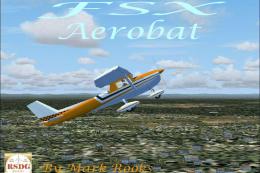 FSX General Aviation Aircraft
This specialized repaint of the Cessna 150 Aerobat merges bright orange and b…
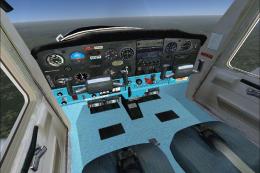 FSX General Aviation Aircraft
This add-on features a specially repainted Cessna 150 Aerobat with Hawaii Pol…
 FSX General Aviation Aircraft
Bring a fresh look to your virtual hangar with this Retro Aqua Green Cessna 1…
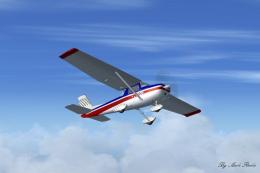 FSX General Aviation Aircraft
This exclusive package brings together an enhanced rendition of the well-know…
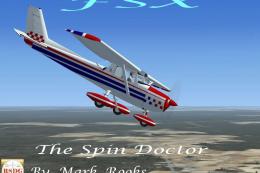 FSX General Aviation Aircraft
This fully freeware repaint package features the classic Cessna 150 Aerobat o…
 FSX General Aviation Aircraft
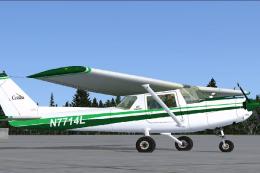
This repaint package adds a green-and-white N7714L skin to the freeware “Just…
 FSX General Aviation Aircraft
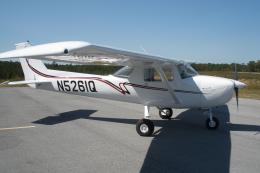
Repaint textures for the Just Flight freeware Cessna 152, depicting real worl…
Be the first to leave a comment on this download.
Be the first to share your thoughts on this download.