

 FS2004 Propeller Aircraft
DC-7/DC-7B/DC-7C Paint Kit
These layered PSD files can be used in Paint Shop Pro or Photoshop to allow e…
THK Douglas DC-3 brings a polished repaint of the classic twin to FS2004, based on the default aircraft with a four-tank model and an IFR-ready panel by Mark Beaumont and Dave Bitzer. Expect reflective DXT3 textures, transparent windows and cockpit, plus smooth animations for flaps, tailwheel, and rudder.
 Rate
Rate
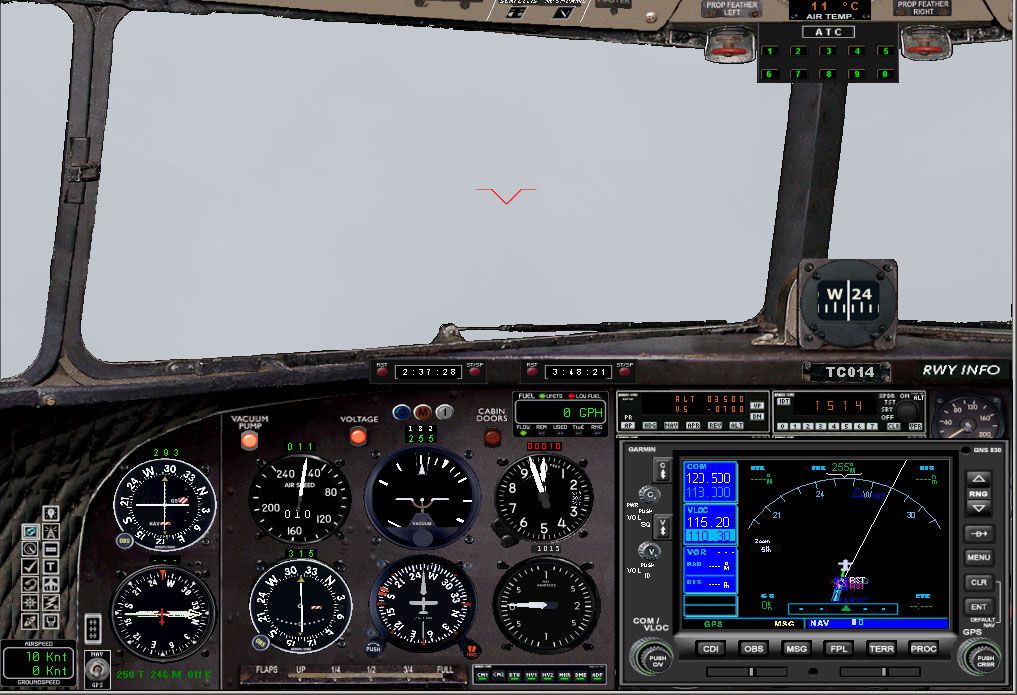
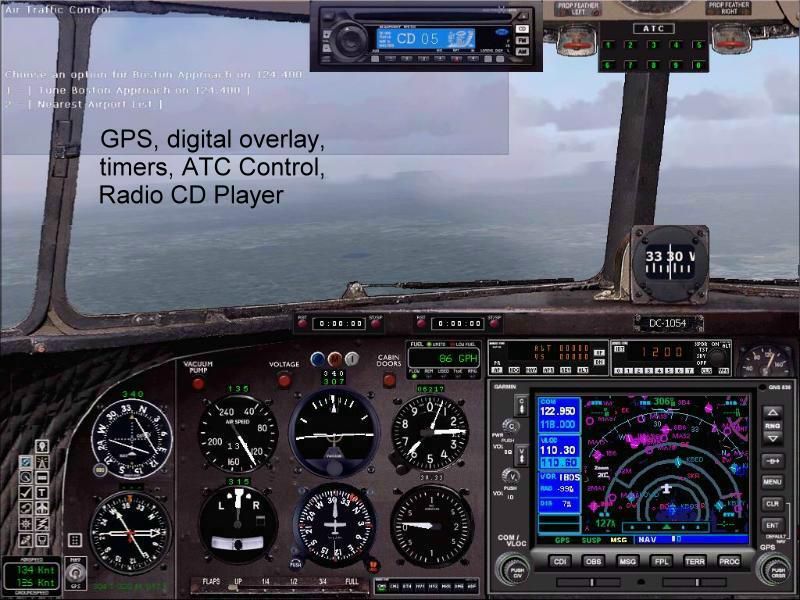
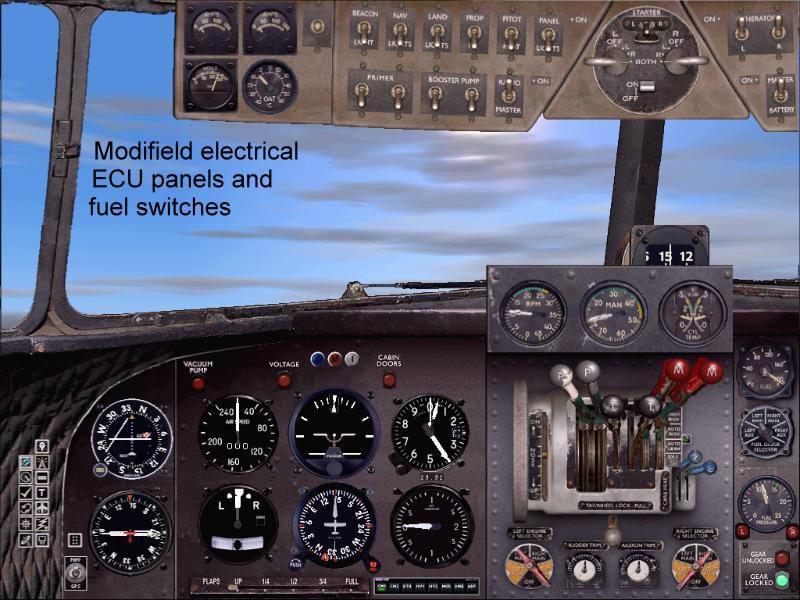
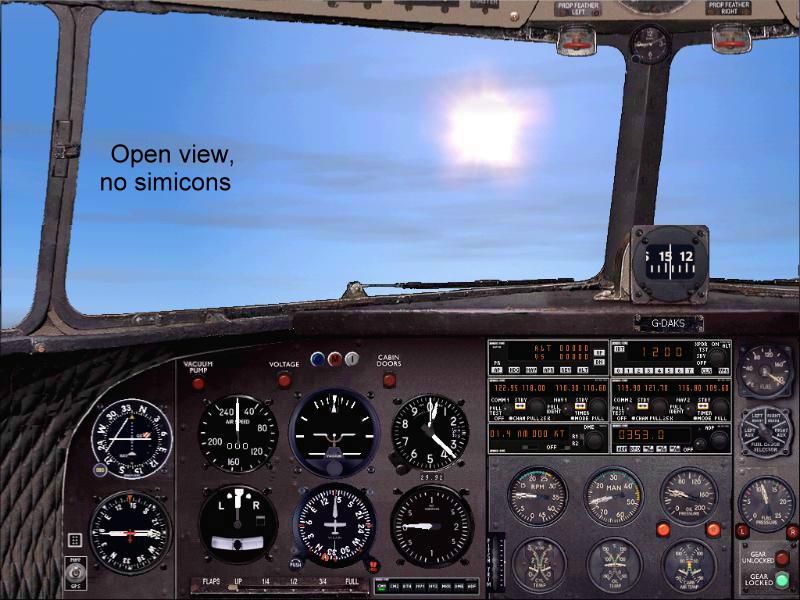
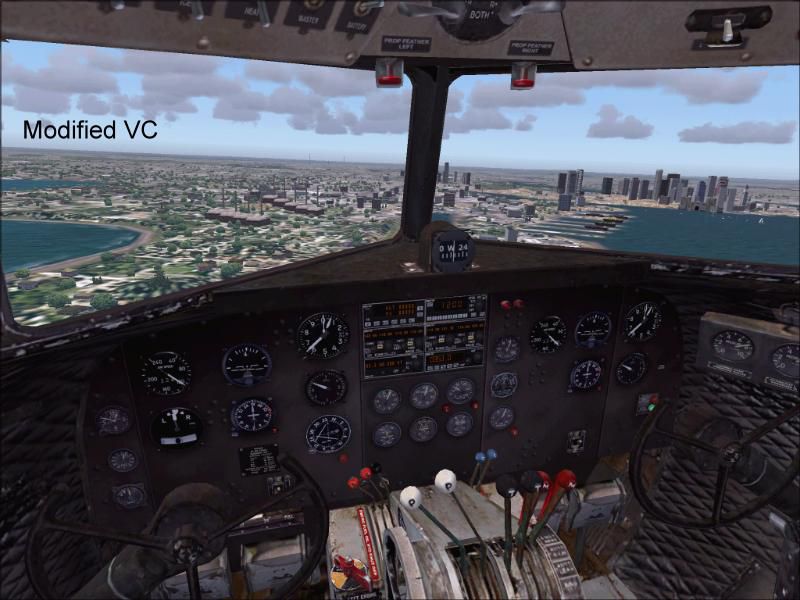
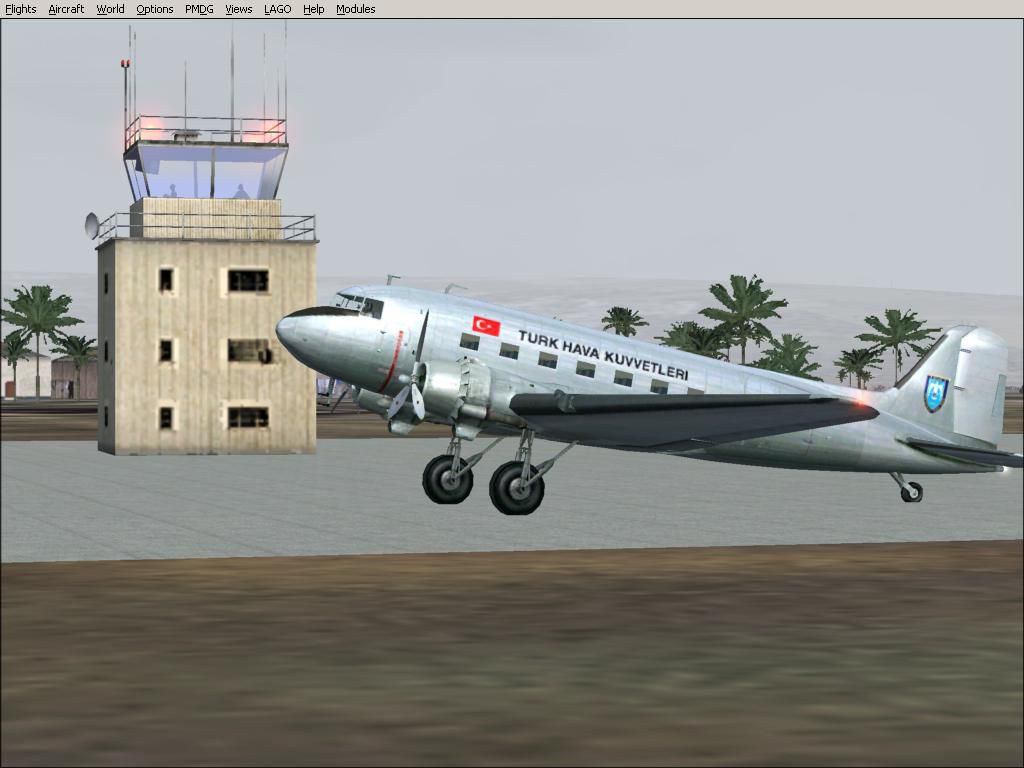
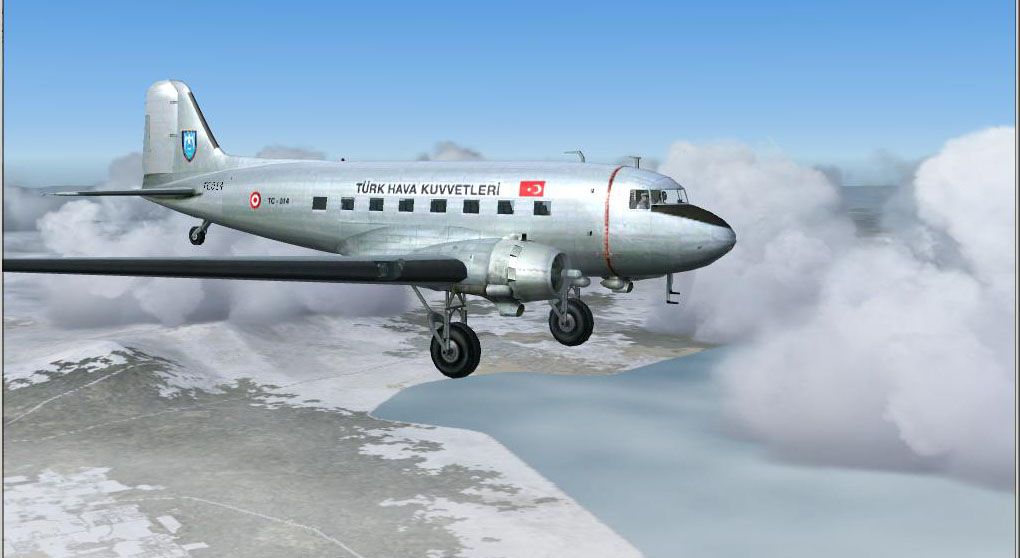
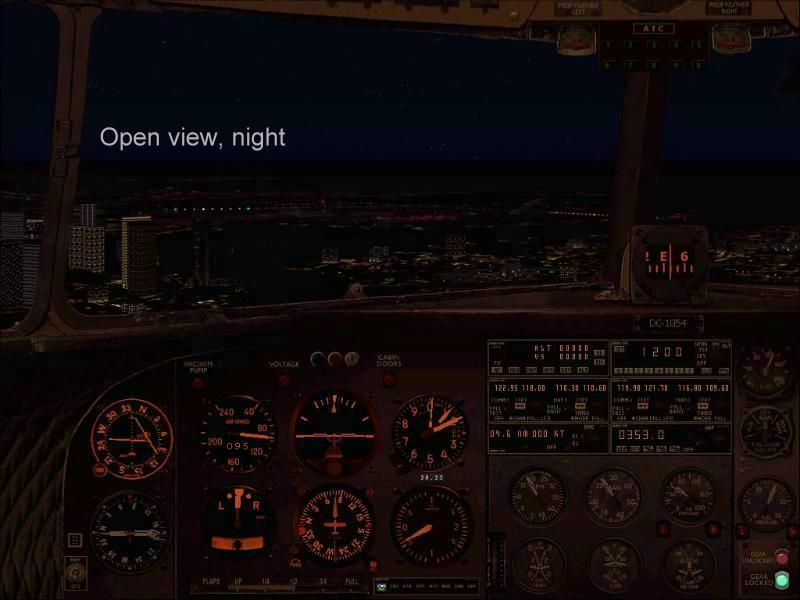
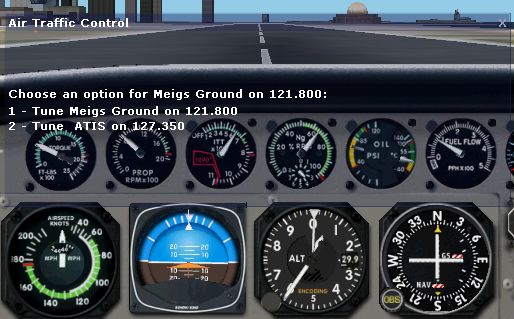
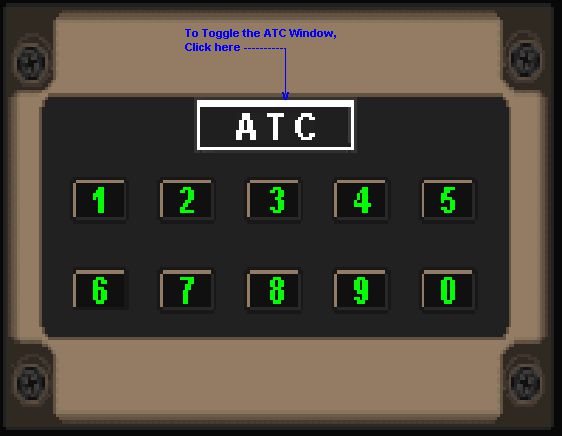
This THK livery aircraft is a modified version of default DC3 with four tank model and IFR panel by Mark Beaumont and Dave Bitzer. Aircraft has DXT3 format reflective colors, transparent windows and cookpit, moving flaps, rotating back gear and rudder. Repaint by Salim Unuver.
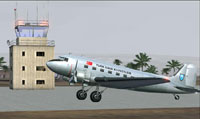
Screenshot of THK Douglas DC-3 on the ground.
Free for all simmers · 5.11 MB · Scanned clean Sep 2026
Download speed: Free tier is capped at 0.5 Mbps (this file takes approximately 1 min at the cap). PRO members download at full line speed.
FS9\Aircraft\, FS9\Addon Scenery\, FS9\Gauges\, or FS9\Effects\.readme.txt or README file. It tells you exactly where files go, what dependencies are needed, and any quirks specific to this add-on.The archive dc3thk.zip has 81 files and directories contained within it.
This list displays the first 500 files in the package. If the package has more, you will need to download it to view them.
| Filename/Directory | File Date | File Size |
|---|---|---|
| Dc3_Thk.gif | 01.31.04 | 13.14 kB |
| douglas_dc3_check.htm | 05.21.03 | 82.82 kB |
| douglas_dc3_ref.htm | 08.11.03 | 11.15 kB |
| DC3_THKp.JPG | 01.31.04 | 78.80 kB |
| Dc3Panel.jpg | 01.31.04 | 179.57 kB |
| DC-3_THK.JPG | 01.30.04 | 71.67 kB |
| Readme_dc3thk.txt | 01.31.04 | 3.86 kB |
| Douglas_DC3.mdl | 05.30.03 | 2.44 MB |
| model.cfg | 05.16.02 | 28 B |
| model | 01.28.04 | 0 B |
| atc-win.bmp | 01.16.04 | 76.81 kB |
| DC3_backgroundCAPT.bmp | 12.18.03 | 769.05 kB |
| DC3_ECU.bmp | 08.30.03 | 114.12 kB |
| docs | 01.28.04 | 0 B |
| ATC-Panel | 01.28.04 | 0 B |
| Bitmap | 01.28.04 | 0 B |
| atc-win orig.bmp | 05.23.02 | 76.81 kB |
| Cut&Paste | 01.28.04 | 0 B |
| Gauge Information.txt | 05.27.02 | 49 B |
| Windows Information.txt | 05.24.02 | 702 B |
| Windows Title.txt | 05.24.02 | 18 B |
| Readme.htm | 05.28.02 | 91.74 kB |
| Readme_files | 01.28.04 | 0 B |
| filelist.xml | 05.28.02 | 577 B |
| header.htm | 05.28.02 | 2.11 kB |
| image001.png | 05.28.02 | 4.52 kB |
| image002.jpg | 05.28.02 | 6.08 kB |
| image003.png | 05.28.02 | 613 B |
| image004.jpg | 05.28.02 | 780 B |
| image005.png | 05.28.02 | 12.87 kB |
| image006.jpg | 05.28.02 | 20.45 kB |
| image007.png | 05.28.02 | 598 B |
| image008.jpg | 05.28.02 | 1.92 kB |
| image009.png | 05.28.02 | 146.72 kB |
| image010.jpg | 05.28.02 | 36.49 kB |
| image011.png | 05.28.02 | 325 B |
| image012.jpg | 05.28.02 | 838 B |
| oledata.mso | 05.28.02 | 134.50 kB |
| cad_legal.txt | 01.27.03 | 819 B |
| FSSound.txt | 05.15.01 | 2.07 kB |
| fuelstatus_readme.txt | 10.28.02 | 6.51 kB |
| Garmin 530 | 01.28.04 | 0 B |
| 530 430 desc.txt | 10.17.03 | 3.62 kB |
| 530 Default Nav Page.doc | 11.09.03 | 97.50 kB |
| 530 Nav Bar Page.doc | 10.17.03 | 90.00 kB |
| GNS530 default nav page.jpg | 10.17.03 | 68.92 kB |
| GNS530 default nav terr.jpg | 11.05.03 | 66.99 kB |
| GNS530 map page.jpg | 10.17.03 | 58.94 kB |
| GNS530 nav bar.jpg | 10.17.03 | 69.51 kB |
| Intro and Directions.txt | 11.09.03 | 2.73 kB |
| Radio CD Player | 01.28.04 | 0 B |
| 2002panel.cfg | 11.15.03 | 4.67 kB |
| 2004panel.cfg | 11.15.03 | 4.92 kB |
| md5.exe | 11.17.03 | 248.00 kB |
| radiocd4.gif | 11.15.03 | 5.58 kB |
| readme1st.txt | 11.15.03 | 6.28 kB |
| userguide.gif | 11.15.03 | 26.69 kB |
| README_DC3_4TK_FULL.txt | 01.29.04 | 17.09 kB |
| Read_me Bruno Mulken.txt | 08.31.03 | 767 B |
| single4-1.jpg | 01.28.04 | 81.23 kB |
| single4-2.jpg | 01.28.04 | 89.85 kB |
| single4-3.jpg | 01.28.04 | 93.57 kB |
| single4-4.jpg | 01.28.04 | 50.86 kB |
| single4-5.jpg | 01.27.04 | 72.19 kB |
| elec.bmp | 01.24.04 | 407.87 kB |
| Panel.cfg | 01.31.04 | 10.83 kB |
| panel | 01.28.04 | 0 B |
| Sound.cfg | 01.31.04 | 34 B |
| sound | 01.28.04 | 0 B |
| Douglas_DC3_1_C.bmp | 04.29.03 | 682.74 kB |
| Douglas_DC3_1_D.bmp | 03.19.03 | 682.74 kB |
| Douglas_DC3_1_T.bmp | 01.31.04 | 1.33 MB |
| Douglas_DC3_2_C.bmp | 01.12.04 | 170.75 kB |
| Douglas_DC3_2_T.bmp | 04.28.03 | 341.40 kB |
| Douglas_DC3_3_C.bmp | 04.29.03 | 42.74 kB |
| Prop_DC3.bmp | 08.14.03 | 341.40 kB |
| texture | 01.28.04 | 0 B |
| Douglas_DC3.air | 06.12.03 | 6.57 kB |
| aircraft.cfg | 01.31.04 | 17.69 kB |
| flyawaysimulation.txt | 10.29.13 | 959 B |
| Go to Fly Away Simulation.url | 01.22.16 | 52 B |
Only PRO members can place votes.
More FS2004 add-ons hand-picked based on this download.
FS2004 Propeller Aircraft
These layered PSD files can be used in Paint Shop Pro or Photoshop to allow e…
 FS2004 Propeller Aircraft
DC-3 Airways Douglas DC-3 classic and 1940's liveries. Based on the default D…
 FS2004 Propeller Aircraft
"City of Boston", in bare metal scheme. Original model by Arik Hohmeyer and F…
 FS2004 Propeller Aircraft
DC-3 Airways Douglas DC-2 bare metal livery. A repaint for the virtual airlin…
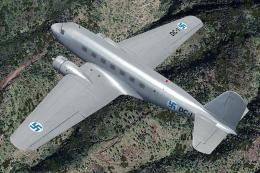 FS2004 Propeller Aircraft
This repaint showcases a distinctive Finnish Air Force Douglas DC-2 “DC-1,” a…
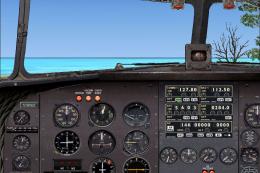 FS2004 Propeller Aircraft
DC-3 Airways Douglas DC-3 N18560, in bare metal livery. A rework of the defau…
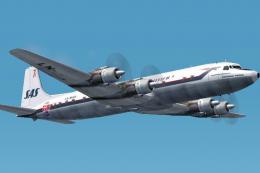 FS2004 Propeller Aircraft
The DC-7C's of SAS became famous for opening the polar route from Europe to J…
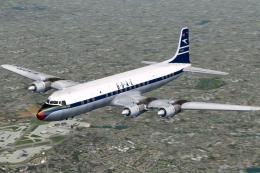 FS2004 Propeller Aircraft
BOAC was an early customer for the DC-7C, and had a fleet of ten. Repaints by…
Be the first to leave a comment on this download.
Be the first to share your thoughts on this download.