

 FS2004 Propeller Aircraft
Super Constellation Update
An update for the Lockheed Super Constellation by Mike Stone (SCONNIE.ZIP) wi…
Lockheed Super H Constellation update refines exterior textures with sharper airframe detailing, realistic engine cowl wear, and a tuned propeller disk that balances metallic reflections within model limits. It adds authentic nose anti-reflection paint, richer exhaust grime, and subtle polish across the package for FS2004, and requires SUPHREAL.ZIP.
 Rate
Rate
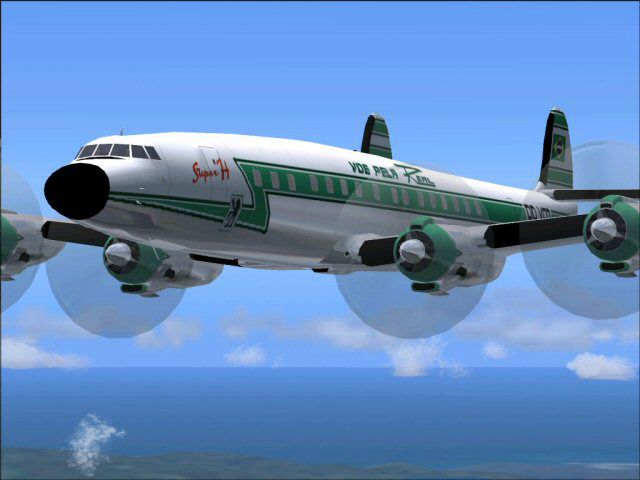
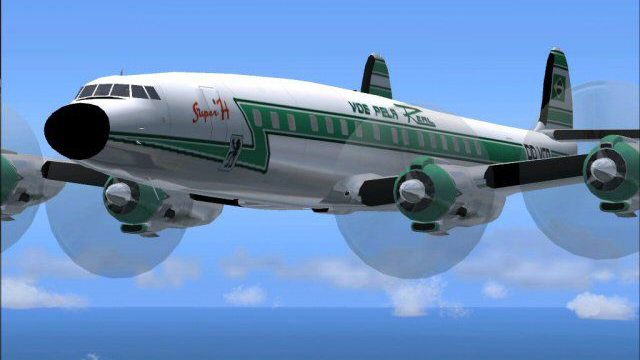
Improved textures with more realistic details in the body, engine cowl and prop disk, plus other minor adjustments. To be used with SUPHREAL.ZIP. By Luiz Alvarenga.
Screenshot of Lockheed Super H Constellation in flight.
For those of you who believe in continuous improvement and appreciate fine tuning, improved Super H Constellation textures for the SupHReal.zip are included.
Installation:
Free for all simmers · 93.97 KB · Scanned clean Oct 2026
Download speed: Free tier is capped at 0.5 Mbps. PRO members download at full line speed.
This add-on may require the following files to function properly. If this is a repaint, the dependency below is likely the base aircraft package.
FS9\Aircraft\, FS9\Addon Scenery\, FS9\Gauges\, or FS9\Effects\.readme.txt or README file. It tells you exactly where files go, what dependencies are needed, and any quirks specific to this add-on.The archive shrealup.zip has 11 files and directories contained within it.
This list displays the first 500 files in the package. If the package has more, you will need to download it to view them.
| Filename/Directory | File Date | File Size |
|---|---|---|
| FILE_ID.DIZ | 01.30.04 | 215 B |
| Read1st.txt | 01.31.04 | 951 B |
| shrealup.jpg | 01.31.04 | 38.04 kB |
| texture.real | 01.30.04 | 0 B |
| cowl_t.bmp | 01.21.04 | 256.07 kB |
| fuslg_t.bmp | 01.22.04 | 1.00 MB |
| propdisk_t.bmp | 01.19.04 | 64.07 kB |
| Thumbs.db | 01.31.04 | 6.00 kB |
| SHRealup | 01.31.04 | 0 B |
| flyawaysimulation.txt | 10.29.13 | 959 B |
| Go to Fly Away Simulation.url | 01.22.16 | 52 B |
Only PRO members can place votes.
More FS2004 add-ons hand-picked based on this download.
FS2004 Propeller Aircraft
An update for the Lockheed Super Constellation by Mike Stone (SCONNIE.ZIP) wi…
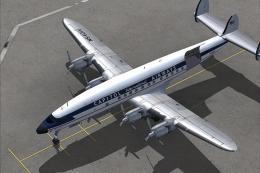 FS2004 Propeller Aircraft
The L1049H was a convertible passenger/cargo version of the Super Constellati…
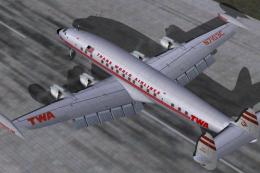 FS2004 Propeller Aircraft
Pre-Release Paint Kit (Flying). This paintkit contains Photoshop (.psd) maste…
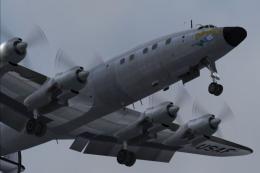 FS2004 Propeller Aircraft
Super Constellation Columbine III, President Eisenhower's personal aircraft 1…
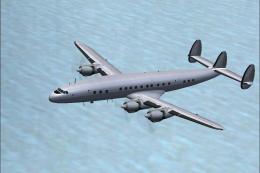 FS2004 Propeller Aircraft
This paintkit is a supplement for the FS2004 Lockheed Super Constellation ser…
 FS2004 Propeller Aircraft
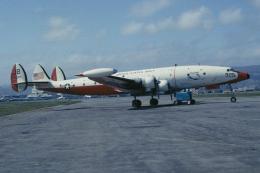
OASU Lockheed Super Constellation, NC-121K, of the U.S. Navy Oceanographic Ai…
 FS2004 Propeller Aircraft
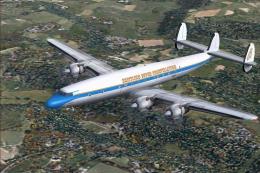
Reflexive and weathered textures and complete aircraft with accurate latest .…
 FS2004 Propeller Aircraft
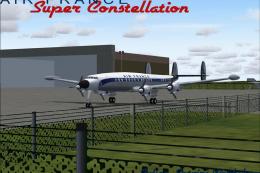
Model by Mike Stone. Textures by Julien Scavini. View from above of Air Franc…
Read what other simmers think, or add your own.

Good morning. Thank you for having these aircraft, because when I was little—10 years old—I would go to the airport to watch them. That was 70 years ago here in Brazil.
Now I have Flight 2004 and I also have 2024. I would like to have this in my 2024 simulator. Do you already have it for 2024, or not yet?