

 FSX Historic & Vintage Aircraft
Douglas O-46
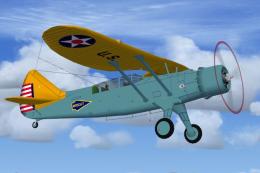
The Douglas O46 was the last of a long line of Douglas Obsevation aircraft de…
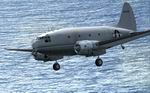
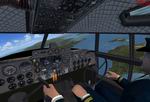
The Curtiss C-46 Commando arrives in Aerocondor colors with a detailed exterior model, an immersive virtual cockpit, and period-appropriate touches that suit classic propliner flying. Built for FSX and FS2004, the package delivers a complete vintage transport experience with smooth handling, thoughtful textures, and ready-to-fly configuration.
 Rate
Rate
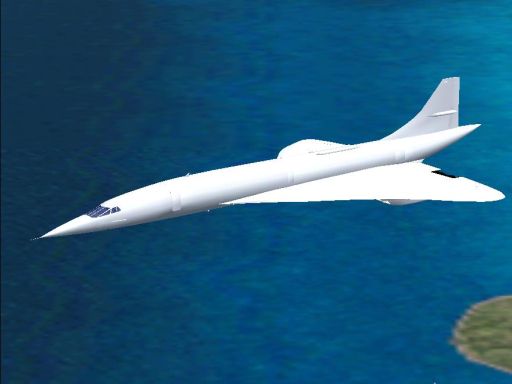
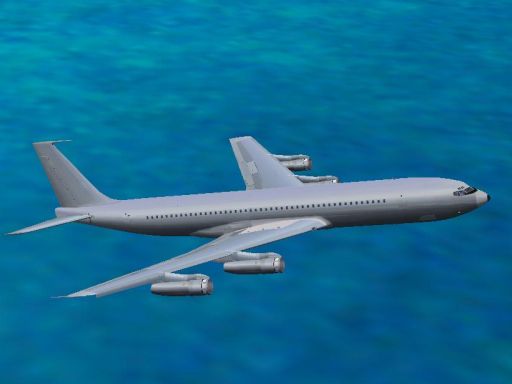
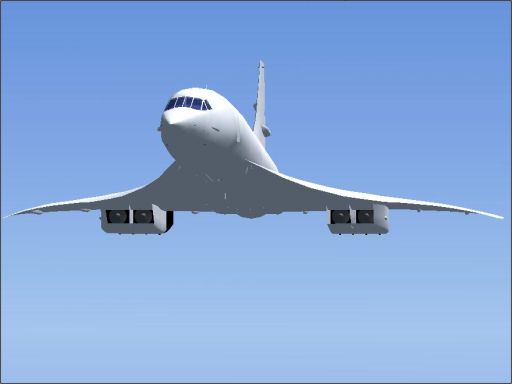
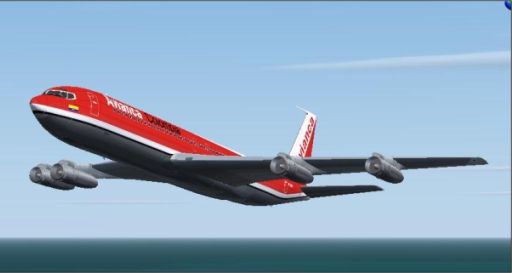
More than proud, I am so happy to present my first model: GA_Curtis C-46 COMANDO, in AEROCONDOR'S livery. this is part of a group of models that will include the Concorde and the B707-359C, wich will be identificated by GA (GUZMAN - ARTES) This project has become real thanks to God in first place, and to Tom Gibson, Greg Pepper (Calclassic), and friends from Free Flight Forum, who took a lot of their time to help me. I want to thank also all those people who have realised fs works for public use. Includes Virtual Cockpit and many more features. By Libardo Guzman, Greg Pepper, and Tom Gibson. See readme for installation tips!
Free for all simmers · 25.53 MB · Scanned clean Oct 2026
Download speed: Free tier is capped at 0.5 Mbps (this file takes approximately 7 mins at the cap). PRO members download at full line speed.
SimObjects\Airplanes\, Addon Scenery\, Effects\, or Gauges\.readme.txt or README file. It tells you exactly where files go, what dependencies are needed, and any quirks specific to this add-on.The archive c46ga.zip has 17 files and directories contained within it.
This list displays the first 500 files in the package. If the package has more, you will need to download it to view them.
| Filename/Directory | File Date | File Size |
|---|---|---|
| GA_B707-359C.jpg | 03.03.07 | 91.68 kB |
| GA_CONCORDE.jpg | 03.03.07 | 94.99 kB |
| panelc-46.bmp | 03.16.07 | 693.05 kB |
| Readme.txt | 03.16.07 | 353 B |
| Setup.exe | 03.20.07 | 20.49 MB |
| GA_B707-359C-2.jpg | 03.20.07 | 51.85 kB |
| GA_ CONCORDE 2.jpg | 03.20.07 | 51.37 kB |
| No VC Crew | 03.18.07 | 0 B |
| GA_C46_1.mdl | 03.18.07 | 3.01 MB |
| No VC Pilot | 03.18.07 | 0 B |
| GA_C46_1.mdl | 03.21.07 | 3.08 MB |
| Readme.txt | 03.18.07 | 774 B |
| VC Crew | 03.18.07 | 0 B |
| GA_C46_1.mdl | 03.21.07 | 3.11 MB |
| Readme First.txt | 03.22.07 | 2.54 kB |
| flyawaysimulation.txt | 10.29.13 | 959 B |
| Go to Fly Away Simulation.url | 01.22.16 | 52 B |
Only PRO members can place votes.
More FSX & P3D add-ons hand-picked based on this download.
FSX Historic & Vintage Aircraft
The Douglas O46 was the last of a long line of Douglas Obsevation aircraft de…
 FSX Historic & Vintage Aircraft
Fly "THE HUMP" with the "Commando". Textures set only in U.S.A.A.F. 'The Tink…
 FSX Historic & Vintage Aircraft
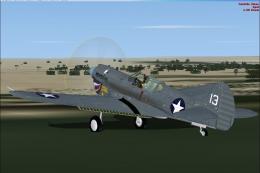
The P-40K was the heaviest of the P-40 family. It served mainly in the Pacifi…
 FSX Historic & Vintage Aircraft
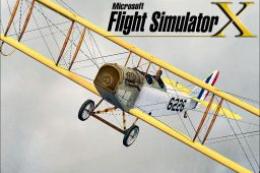
This classic biplane package brings the historically significant Curtiss JN-4…
 FSX Historic & Vintage Aircraft
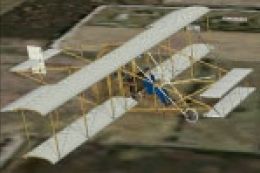
The author's great-uncle Frank Kruse's plane. Built approximately 1910 from p…
 FSX Historic & Vintage Aircraft
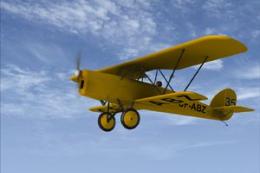
Flown in the 1931 Kings Cup Air Race (placed 13th) and used as a training air…
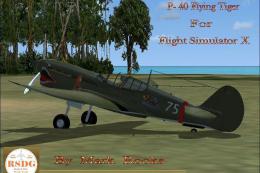 FSX Historic & Vintage Aircraft
The paint scheme is the AVC Flying Tigers 3rd Squadron Hell's Angels. Include…
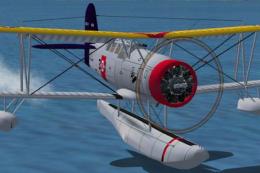 FSX Historic & Vintage Aircraft
The Seagull served as a catapult launched scout for battleships and cruisers …
Read what other simmers think, or add your own.


Mr. Guzman , you and your team did it again. You knocked it out of the park! Great plane! I have your Concorde. It is better than a payware version that I have. Everything that you guys do is first rate! Thanks!

Same here, plane looks great but no gauging at all. Can someone tell me were to pickup the gauge panel for this aircraft. Jim

