

 FS2004 Propeller Aircraft
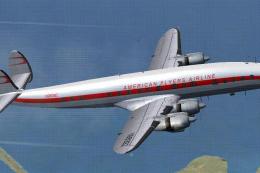
American Flyers Airline L-1049E
This represents N9639Z of the American Flyers Airline. This requires the Lock…
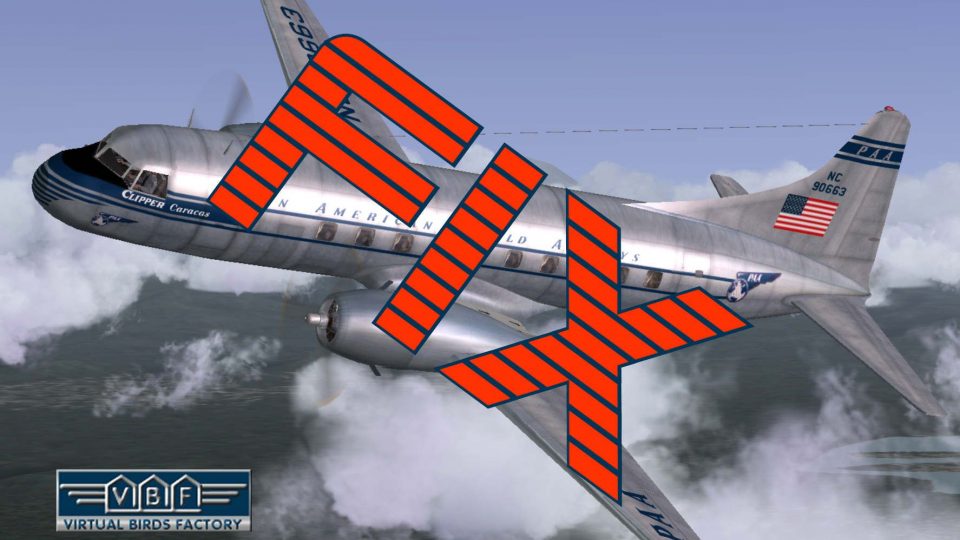
Fixes a subtle propeller-shaft texture distortion on the Pan Am Convair CV-240 VBF CB-16 bare-metal livery (NC90663), visible only when the starboard prop is stopped, restoring a cleaner static look in the virtual cockpit and external views. Designed for FS2004 and requires the CV240VBFCB16_PAA_NC90663_01 package.
 Rate
Rate
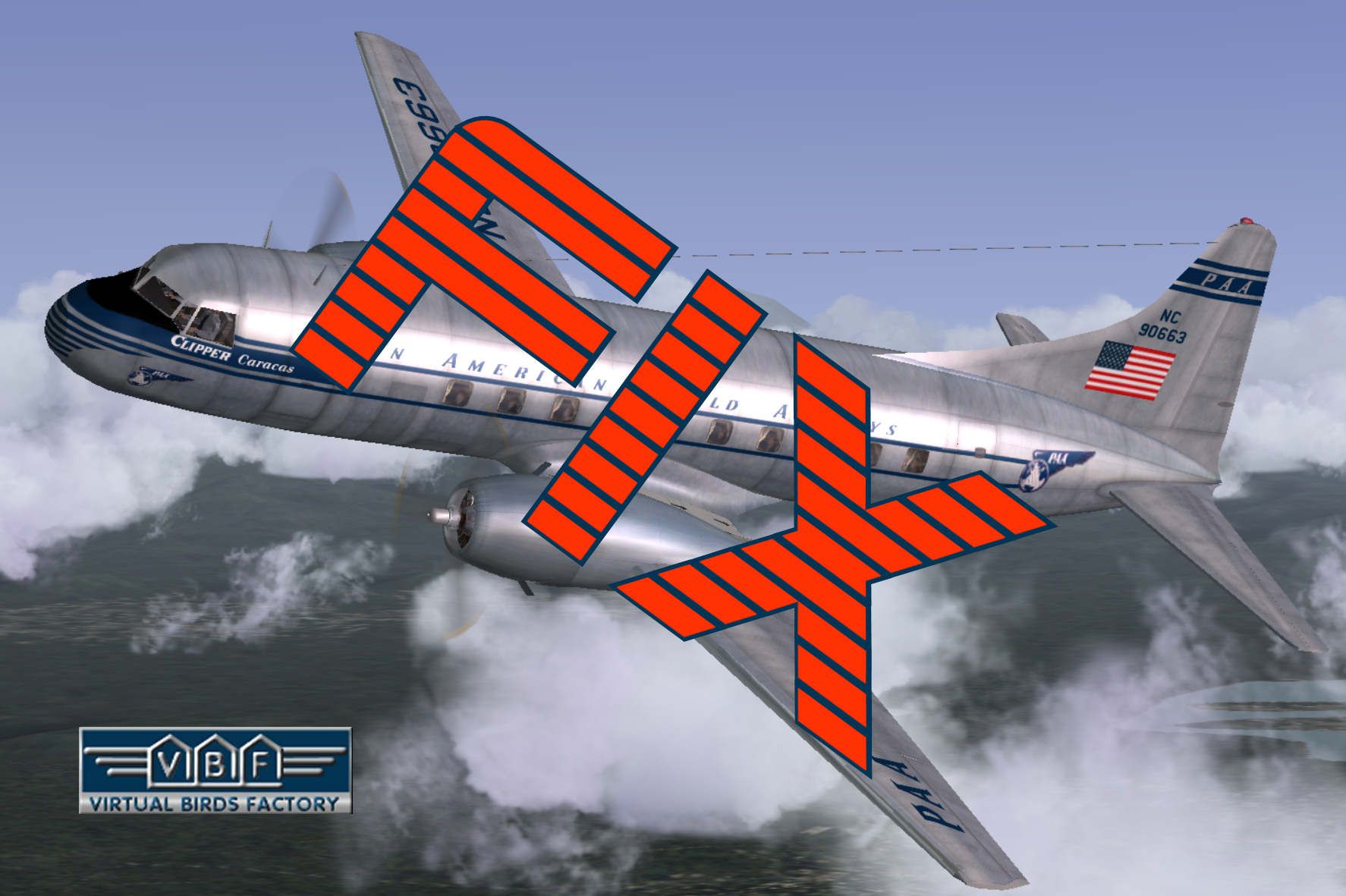
This package corrects the minor texture distortion of the propeller shaft shown on the PAA Convair CV-240 VBF CB-16 in bare metal livery delivered with the add-on package CV240VBFCB16_PAA_NC90663_01.ZIP. This problem only occurs when the propeller of the starboard side engine is not rotating. Just follow the install instructions included in this package. By Georg Hauzenberger (model) and Hans Hermann (textures), Virtual Birds Factory.
'Fixed' American Flyers Airline L-1049E in the air.
That's all. Now you can enjoy the PAA Convair CV-240 VBF CB-16 as the other liveries created by VBF.
Free for all simmers · 567.59 KB · Scanned clean Oct 2026
Download speed: Free tier is capped at 0.5 Mbps. PRO members download at full line speed.
This add-on may require the following files to function properly. If this is a repaint, the dependency below is likely the base aircraft package.
FS9\Aircraft\, FS9\Addon Scenery\, FS9\Gauges\, or FS9\Effects\.readme.txt or README file. It tells you exactly where files go, what dependencies are needed, and any quirks specific to this add-on.The archive cv240vbfcb16_paa_nc90663_01_fix.zip has 8 files and directories contained within it.
This list displays the first 500 files in the package. If the package has more, you will need to download it to view them.
| Filename/Directory | File Date | File Size |
|---|---|---|
| cv240VBFcb16_paa_NC90663_01_FIX | 10.20.10 | 0 B |
| cv240VBFcb16_paa_NC90663_01150_FIX.gif | 10.20.10 | 10.40 kB |
| cv240VBFcb16_paa_NC90663_01_FIX.jpg | 10.20.10 | 186.85 kB |
| cv240VBFcb16_paa_NC90663_01_FIX.txt | 10.20.10 | 1.14 kB |
| cv240VBFcb16_paa_NC90663_01_FIX_setup.exe | 10.20.10 | 462.04 kB |
| file_id.diz | 10.20.10 | 523 B |
| flyawaysimulation.txt | 10.29.13 | 959 B |
| Go to Fly Away Simulation.url | 01.22.16 | 52 B |
Only PRO members can place votes.
More FS2004 add-ons hand-picked based on this download.
FS2004 Propeller Aircraft
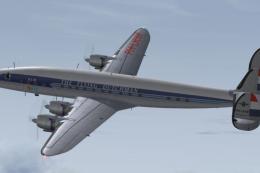
This represents N9639Z of the American Flyers Airline. This requires the Lock…
 FS2004 Propeller Aircraft
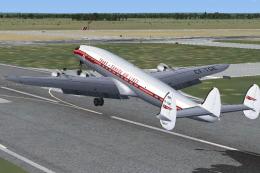
This packet contains the 40 year KLM livery of the Lockheed L-1049E Super Con…
 FS2004 Propeller Aircraft
This repaint showcases CF-TGE after it was upgraded to L-1049E standards and …
 FS2004 Propeller Aircraft
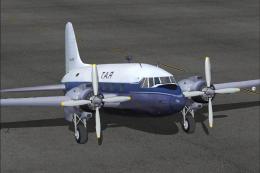
Textures only. These photorealistic textures for the Vickers Viking 1B repres…
 FS2004 Propeller Aircraft
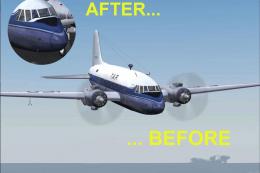
These photorealistic textures for the Vickers Viking 1B represent the TAR Air…
 FS2004 Propeller Aircraft
This freeware release introduces a detailed simulation of the American Airlin…
 FS2004 Propeller Aircraft
Proposed, but unbuilt, cargo version of the OV-10 Bronco FAC aircraft. The OV…
 FS2004 Propeller Aircraft
Pan American Boeing 377 Stratocruiser. This is a repaint (textures and model)…
Be the first to leave a comment on this download.
Be the first to share your thoughts on this download.