

 FS2004 Propeller Aircraft
Canadair C-4 Argonaut
The Argonaut was the final, Merlin-engined version of the Douglas DC-4 to be …
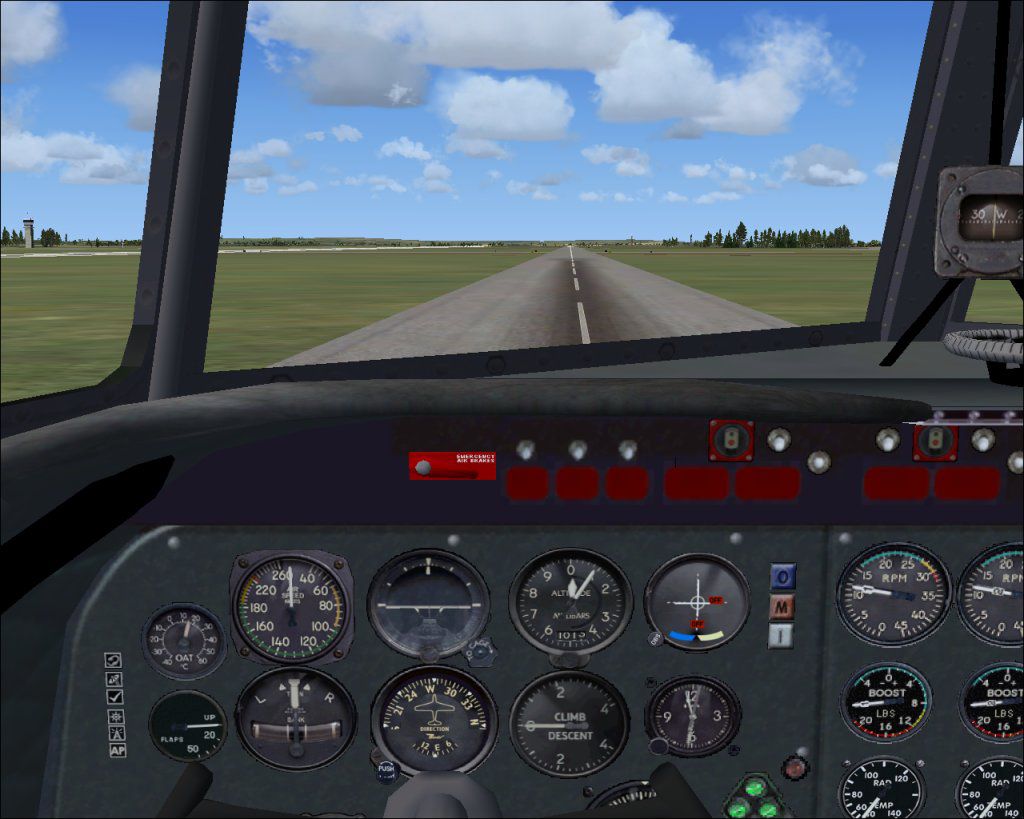
Canadair Argonaut and North Star V3.0 brings Merlin-powered DC-4 derivatives to FS2004 with coverage of most variants flown by BOAC, Canadian operators, and the RCAF. The package pairs an updated Jens B. Kristensen model with refined flight dynamics, a sharper virtual cockpit and panel, improved exterior details, a more capable autopilot, and additional liveries.
 Rate
Rate
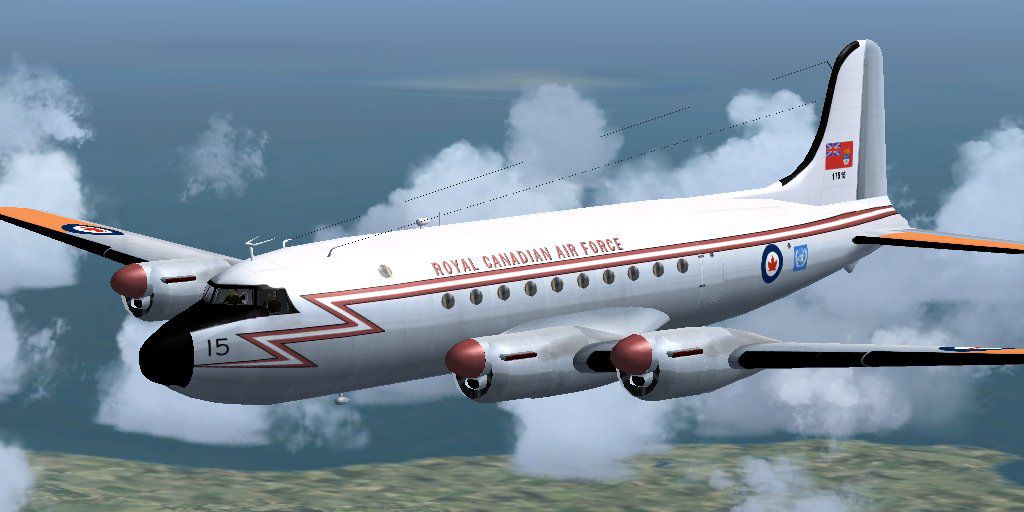
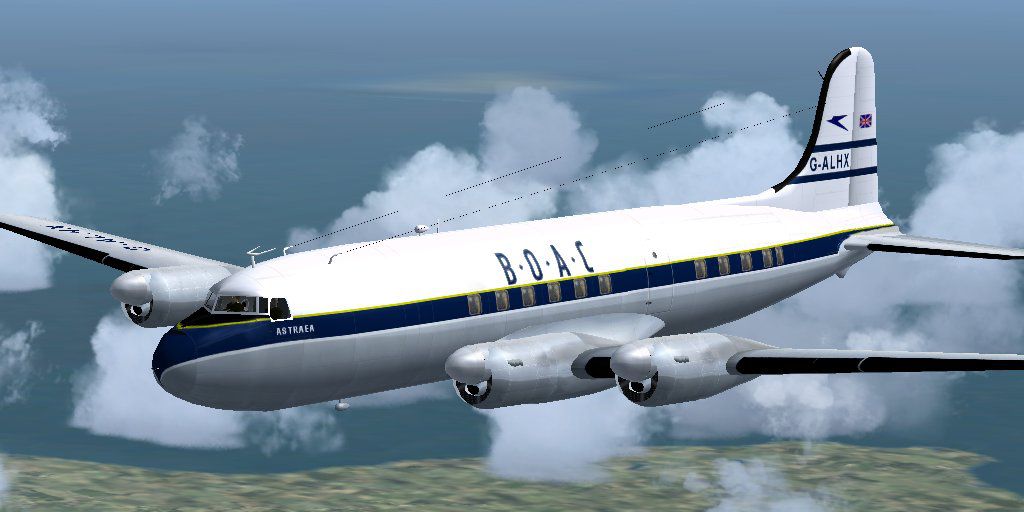
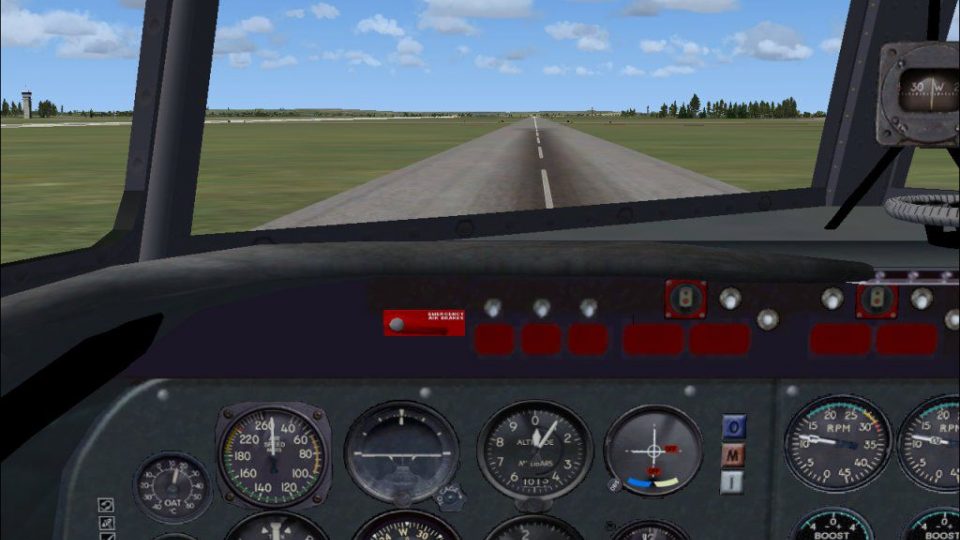
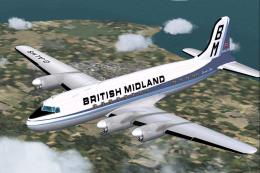
The Argonaut and the North Star were Merlin-engined version of the Douglas DC-4. A total of 71 were produced by Canadair. In Canada it was called the North Star and was used by airlines and the RCAF. 22 Argonauts were delivered to BOAC 1949-1950, and they later had long careers with other operators like British Midland and charter companies. This package contains most versions. Version 3 model by Jens B. Kristensen.
Screenshot of Canadair Argonaut in flight.
New in this version:
If you have earlier versions of my Argonaut / North Star models installed in FS2004, please uninstall them first. Go to Windows Control Panel, and select 'Add/Remove Programs'. Uninstall the following, if you have them:
You can then run the included setup program.
Free for all simmers · 26.2 MB · Scanned clean Oct 2026
Download speed: Free tier is capped at 0.5 Mbps (this file takes approximately 7 mins at the cap). PRO members download at full line speed.
FS9\Aircraft\, FS9\Addon Scenery\, FS9\Gauges\, or FS9\Effects\.readme.txt or README file. It tells you exactly where files go, what dependencies are needed, and any quirks specific to this add-on.The archive argo_v30.zip has 11 files and directories contained within it.
This list displays the first 500 files in the package. If the package has more, you will need to download it to view them.
| Filename/Directory | File Date | File Size |
|---|---|---|
| thumbnail.gif | 10.26.06 | 8.92 kB |
| FileID.diz | 12.16.10 | 548 B |
| FileID.txt | 12.16.10 | 548 B |
| Image1.jpg | 10.26.06 | 69.31 kB |
| Image2.jpg | 10.26.06 | 74.92 kB |
| Image3.jpg | 10.26.06 | 117.88 kB |
| Licence.rtf | 12.16.10 | 36.94 kB |
| Readme.txt | 12.16.10 | 3.85 kB |
| setup.exe | 12.17.10 | 26.49 MB |
| flyawaysimulation.txt | 10.29.13 | 959 B |
| Go to Fly Away Simulation.url | 01.22.16 | 52 B |
Only PRO members can place votes.
More FS2004 add-ons hand-picked based on this download.
FS2004 Propeller Aircraft
The Argonaut was the final, Merlin-engined version of the Douglas DC-4 to be …
 FS2004 Propeller Aircraft
BOAC Canadair Argonaut, registration G-ALHX. By Robin Supwoods. Screenshot of…
 FS2004 Propeller Aircraft
Paint Kit (base textures) in layered Photoshop format (*.psd) for use with AR…
 FS2004 Propeller Aircraft
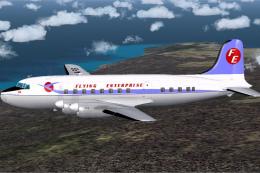
OY-AFB 'Ludvig Bjarkow' of Flying Enterprise, a Danish charter company that o…
 FS2004 Propeller Aircraft
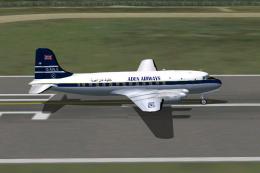
This repaint requires the C4 by Jens B. Kristensen (ARGO_V10.ZIP). Repaint by…
 FS2004 Propeller Aircraft
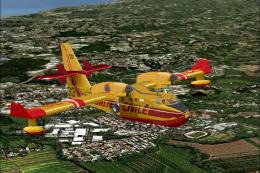
FS2004 Canadair CL-415 photorealistical textures pack. This package includes …
 FS2004 Propeller Aircraft
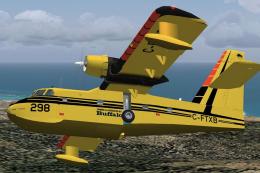
Texture only. Requires MT215FS9.ZIP. Repaint by Markus Hellwig. Buffalo Airwa…
 FS2004 Propeller Aircraft
This freeware rendition of the BAL Britten Norman BN-2B Islander brings a hig…
Be the first to leave a comment on this download.
Be the first to share your thoughts on this download.