

 FSX Military Aircraft
USAF T-37 Dragonfly
This is a remake of a previously uploaded Cessna T37 Dragonfly as a new full …
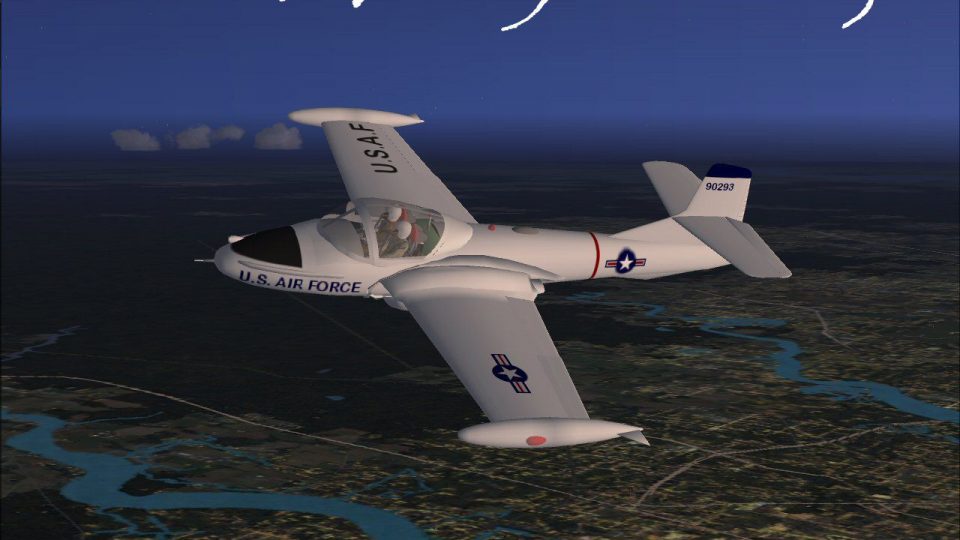
The USAF Cessna T-37 Dragonfly arrives in Microsoft Flight Simulator X with an updated freeware repaint that captures classic trainer markings, crisp textures, and a faithful, compact twin-jet profile. Refinements focus on believable handling and a period-correct virtual cockpit with functional gauges and instrumentation that reflects the real aircraft’s training layout.
 Rate
Rate
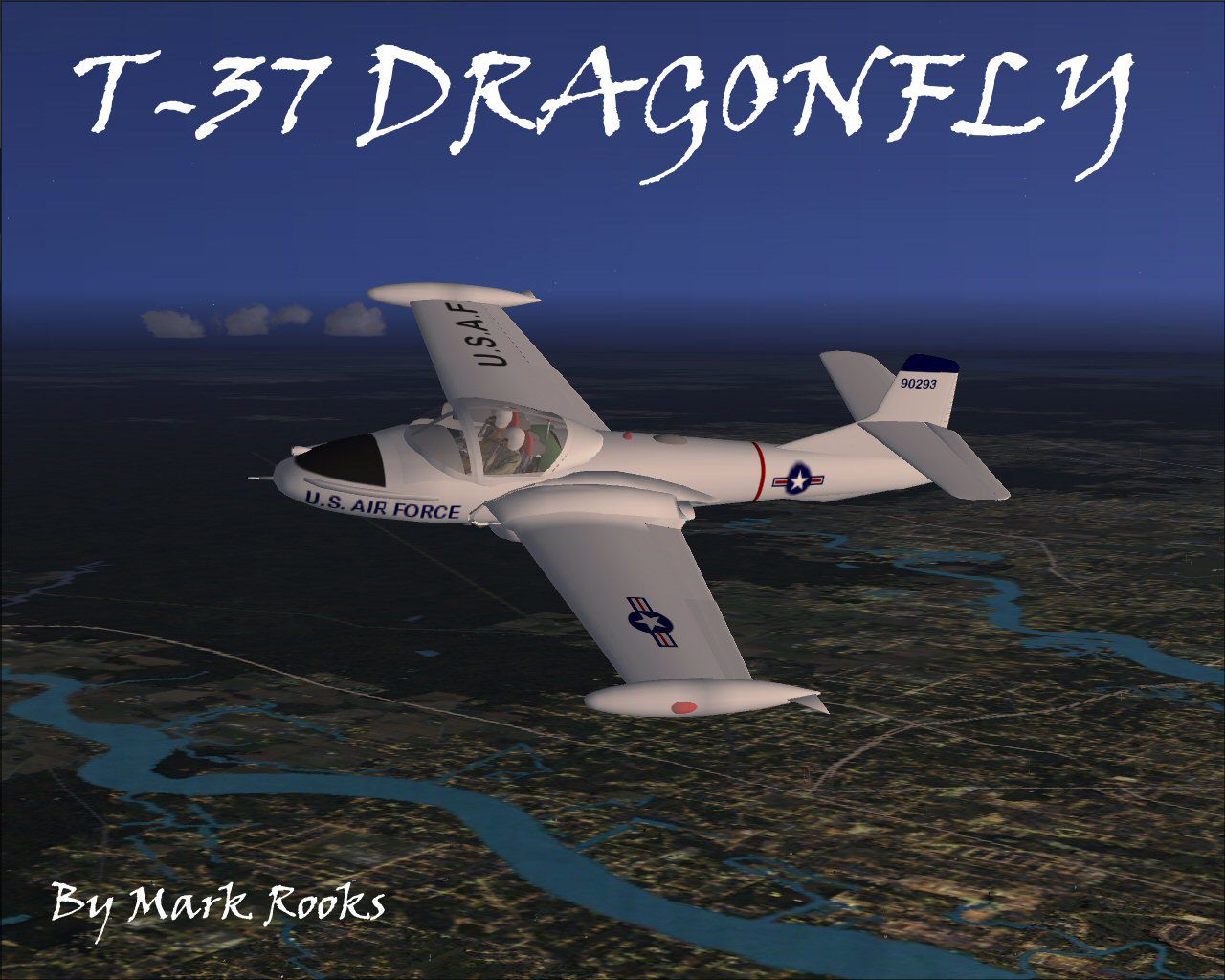
This updated freeware package features a carefully detailed repaint of the Cessna T-37 Dragonfly, originally modeled by Capt. I. D'Attomo and further refined by Mark Rooks of RSDG. The miniature twin-engine jet is depicted in a United States Air Force training scheme for Microsoft Flight Simulator X. Despite its compact form factor, the T-37 has gained broad recognition for its adaptability, making it one of the most enduring training and light attack aircraft ever produced.
The T-37 is frequently referred to by several nicknames, including “Tweet,” “Tweety Bird,” and “Super Tweet.” Throughout its service life, it saw use as a primary trainer for the U.S. Air Force, assisting countless pilots in developing fundamental jet flight skills. Additionally, during the Vietnam War, its attack-focused variant (the A-37) played a significant role in close air support missions. Numerous international air forces incorporated the T-37 and A-37 into their fleets, recognizing the aircraft’s straightforward maintenance requirements and exceptional maneuverability.
While maintaining fidelity to the real-world T-37, the repaint offers crisp markings and authentic USAF trainer elements. Within Microsoft Flight Simulator X, these details lend immersive realism. Updates also improve certain performance variables to ensure an experience that closely matches the jet’s historical operational characteristics. Expect a high level of texturing clarity, functional gauges, and accurate cockpit instrumentation that mirror the real aircraft’s panel layout.
The installation process typically involves extracting the included folders into the designated SimObjects folder within Flight Simulator X. Afterward, verify that the aircraft and paint scheme appear in your simulator’s aircraft selection screen under “Cessna T-37 Dragonfly.” It is advisable to consult any readme documentation included in the download for additional instructions or tips.
This repaint maintains the original model’s integrity created by Capt. I. D'Attomo, while Mark Rooks of RSDG meticulously developed the new textures and enhancements. The package includes a concise but comprehensive history of the T-37/A-37 series, along with operational notes on how it was utilized in different roles across various global air forces.
Free for all simmers · 10.07 MB · Scanned clean Oct 2026
Download speed: Free tier is capped at 0.5 Mbps (this file takes approximately 3 mins at the cap). PRO members download at full line speed.
FSX\SimObjects\Airplanes\. The folder must contain an aircraft.cfg file. Effects go into FSX\Effects\; gauges go into FSX\Gauges\.readme.txt or README file. It tells you exactly where files go, what dependencies are needed, and any quirks specific to this add-on.The archive shmily2.zip has 8 files and directories contained within it.
This list displays the first 500 files in the package. If the package has more, you will need to download it to view them.
| Filename/Directory | File Date | File Size |
|---|---|---|
| Cessna T-37.zip | 04.04.08 | 6.17 MB |
| Gauges.zip | 04.04.08 | 612.95 kB |
| pictures & History.zip | 04.04.08 | 3.11 MB |
| Read Me First.txt | 04.04.08 | 5.45 kB |
| Reg. Text.txt | 04.04.08 | 683 B |
| screenT37.jpg | 04.04.08 | 188.14 kB |
| flyawaysimulation.txt | 10.29.13 | 959 B |
| Go to Fly Away Simulation.url | 01.22.16 | 52 B |
Only PRO members can place votes.
More FSX & P3D add-ons hand-picked based on this download.
FSX Military Aircraft
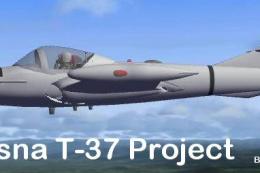
This is a remake of a previously uploaded Cessna T37 Dragonfly as a new full …
 FSX Military Aircraft
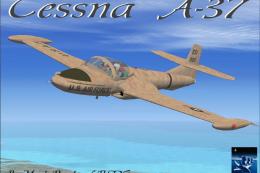
FSX Project T-37 / A-37. A repaint of Capt. I. D'Attomo's T-37 Dragonfly modi…
 FSX Military Aircraft
This repaint package applies a United States Air Force desert camouflage sche…
 FSX Military Aircraft
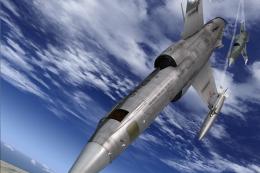
This repaint represents an F-104 S in "37-23", 18A Gruppo "Ocio che te copo" …
 FSX Military Aircraft
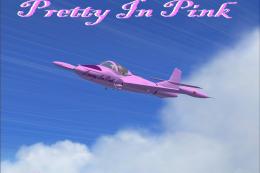
This repaint delivers a vibrant "Pretty in Pink" exterior for the Cessna T-37…
 FSX Military Aircraft
Textures for Casa C-212 Aviocar. Ala 37 based in Villanubla, Valladolid, nume…
 FSX Military Aircraft
For use with FSX_CASA_C-212_SPANISH_AF_37-18_CAMO.ZIP. Changes the old textur…
 FSX Military Aircraft
Textures for Casa C-212 Aviocar. Ala 37 based in Villanubla, Valladolid. Nume…
Read what other simmers think, or add your own.


I flew the T-3 for a number of years... a little over 2600 hrs in it "stalling and falling." i have downloaded the T-37 files and it all works except there is no cockpit panel or instruments. the files that have the panels all have 104 in the names of the files... help?