

 MSFS Scenery
Buckley Space Force Base (KBKF)
Bring Buckley Space Force Base (KBKF) into sharper focus in Microsoft Flight …
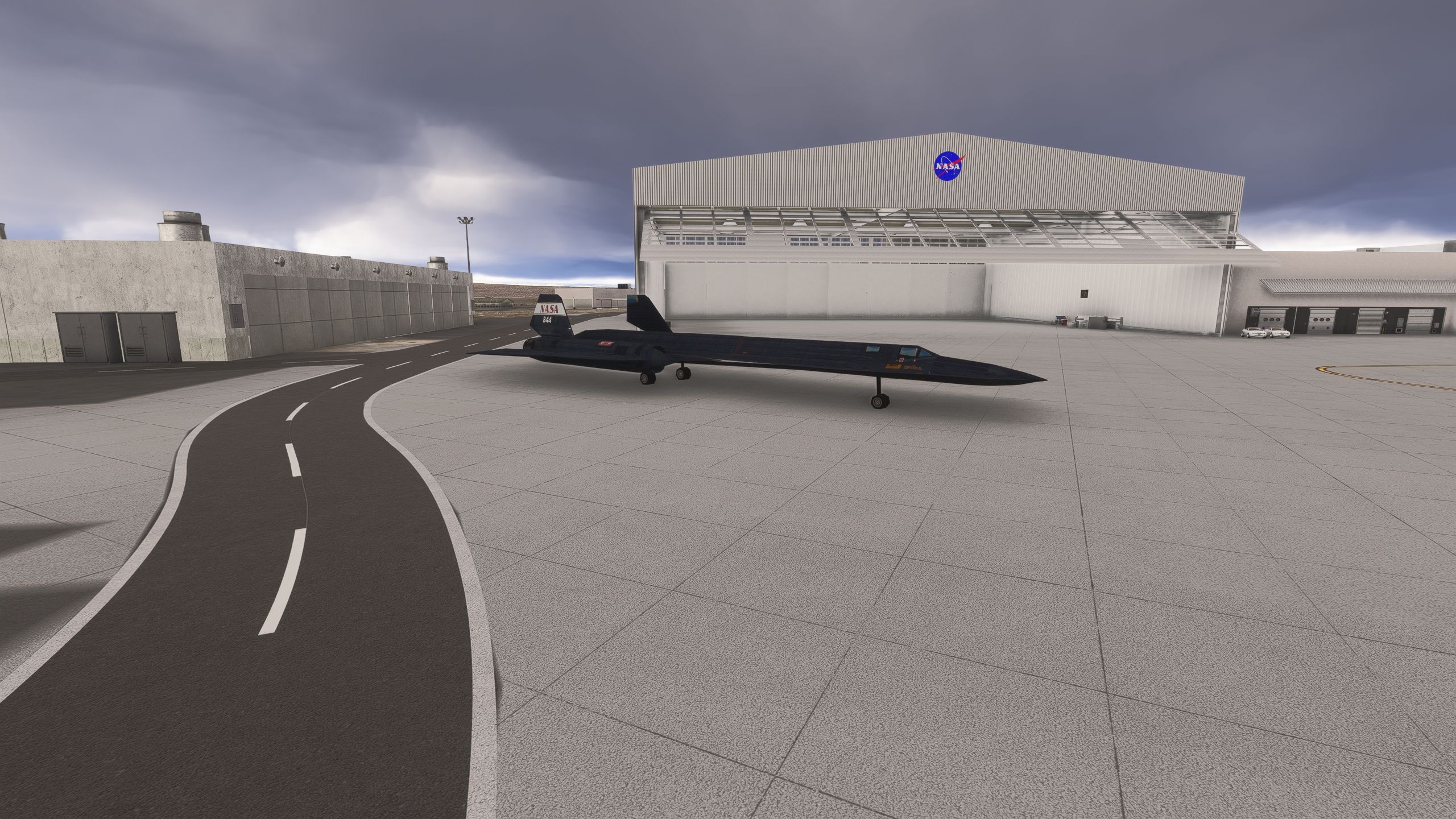
Edwards Air Force Base (KEDW) scenery recreates California’s Mojave Desert flight-test installation for Microsoft Flight Simulator and its 2024 edition with revised runways and custom-painted taxiway markings. Custom hangar modelling and textures cover the 1600 complex and U-2 facilities, while NASA hangar parking accommodates the SR-71 alongside corrected airfield elevation and functioning points of interest.
 Rate
Rate
 United States of America
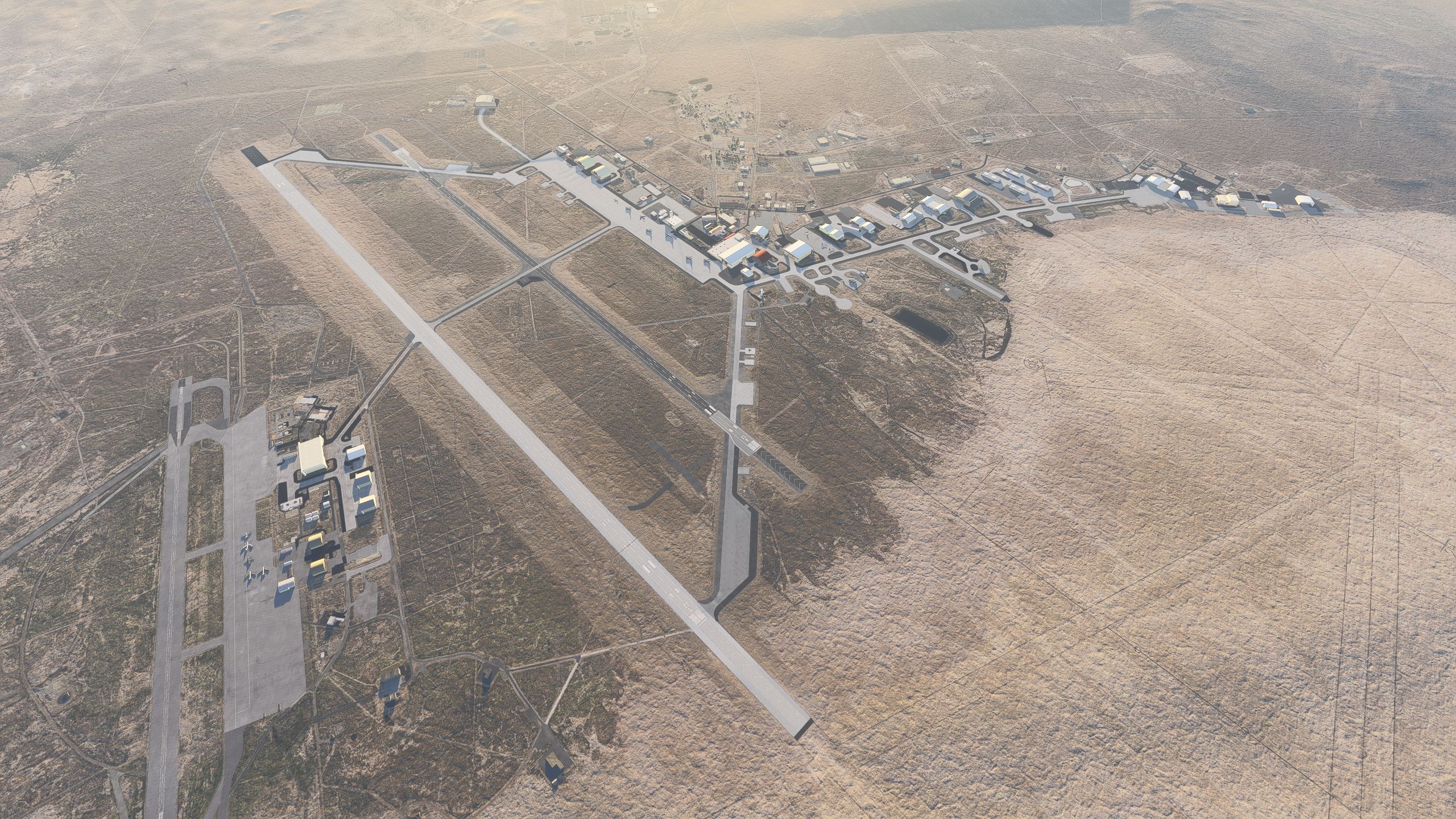
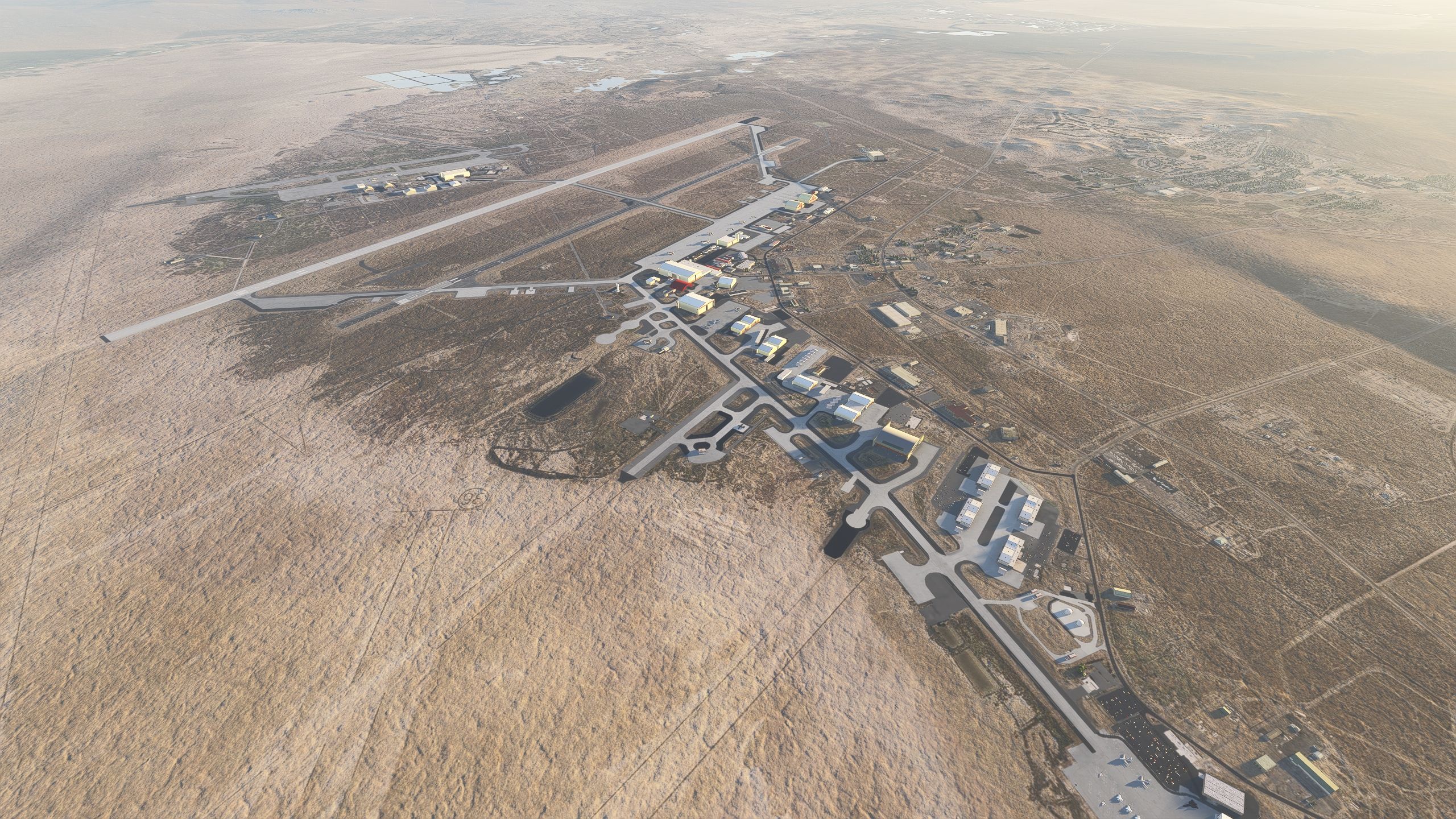
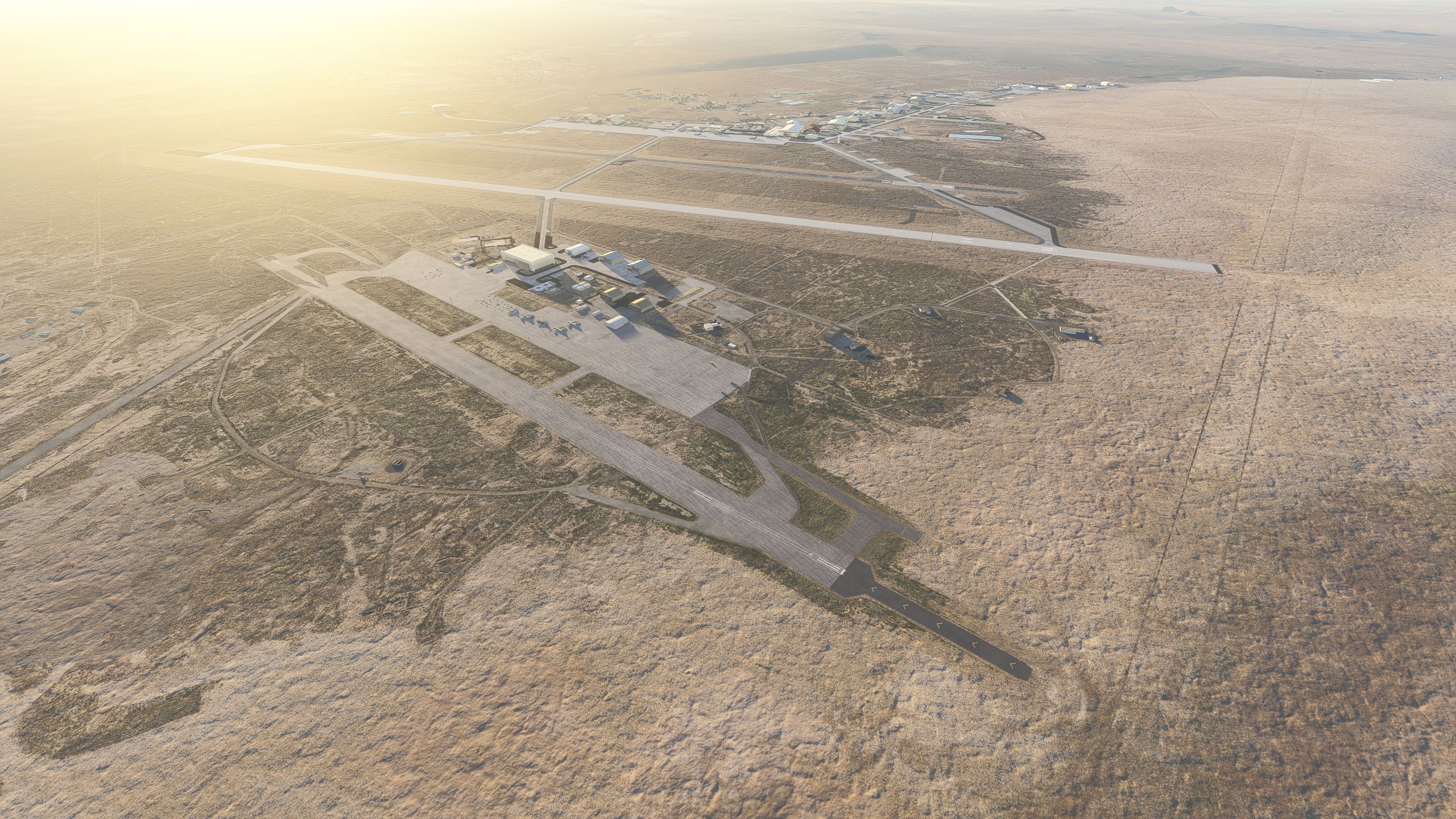
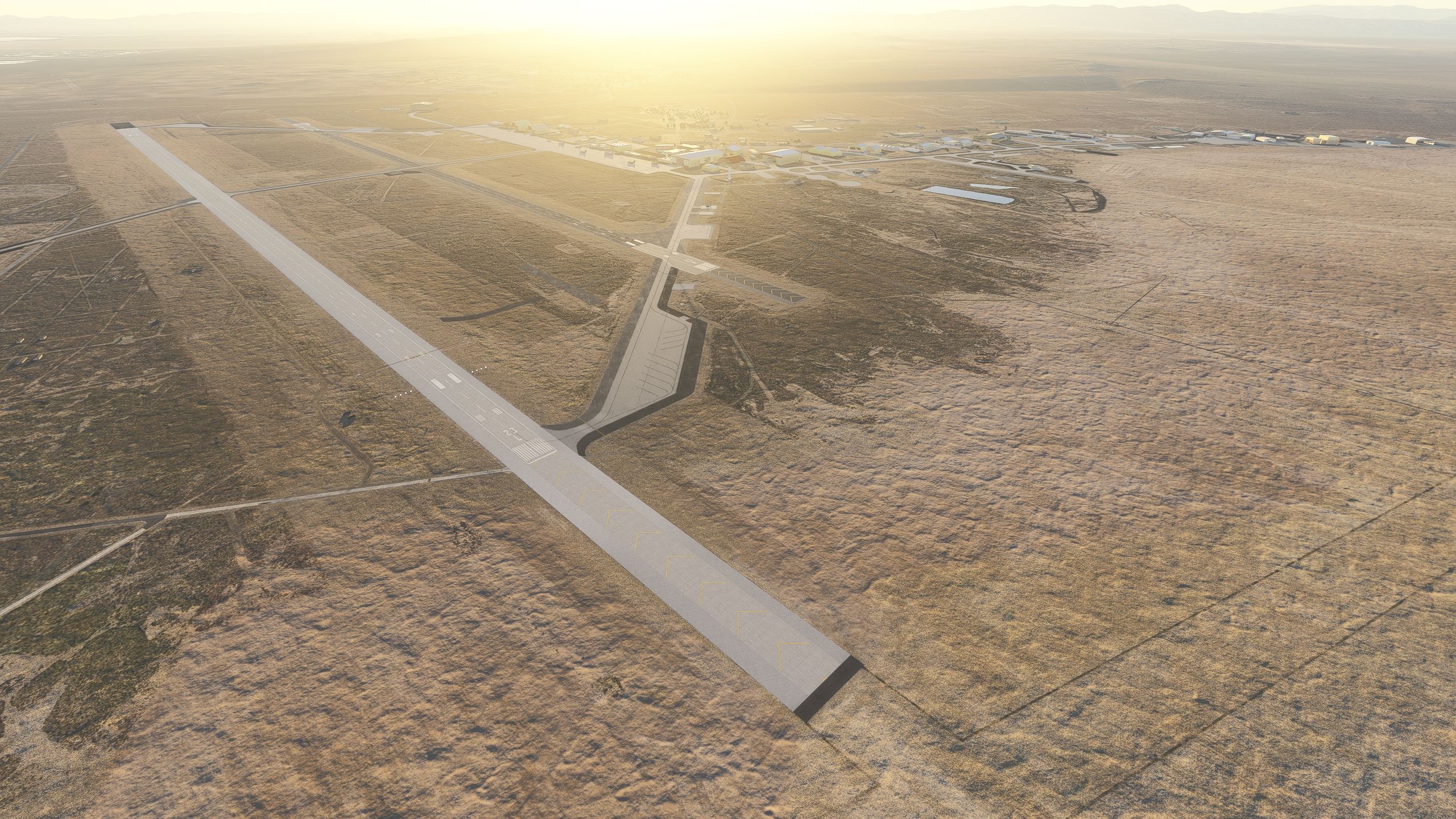
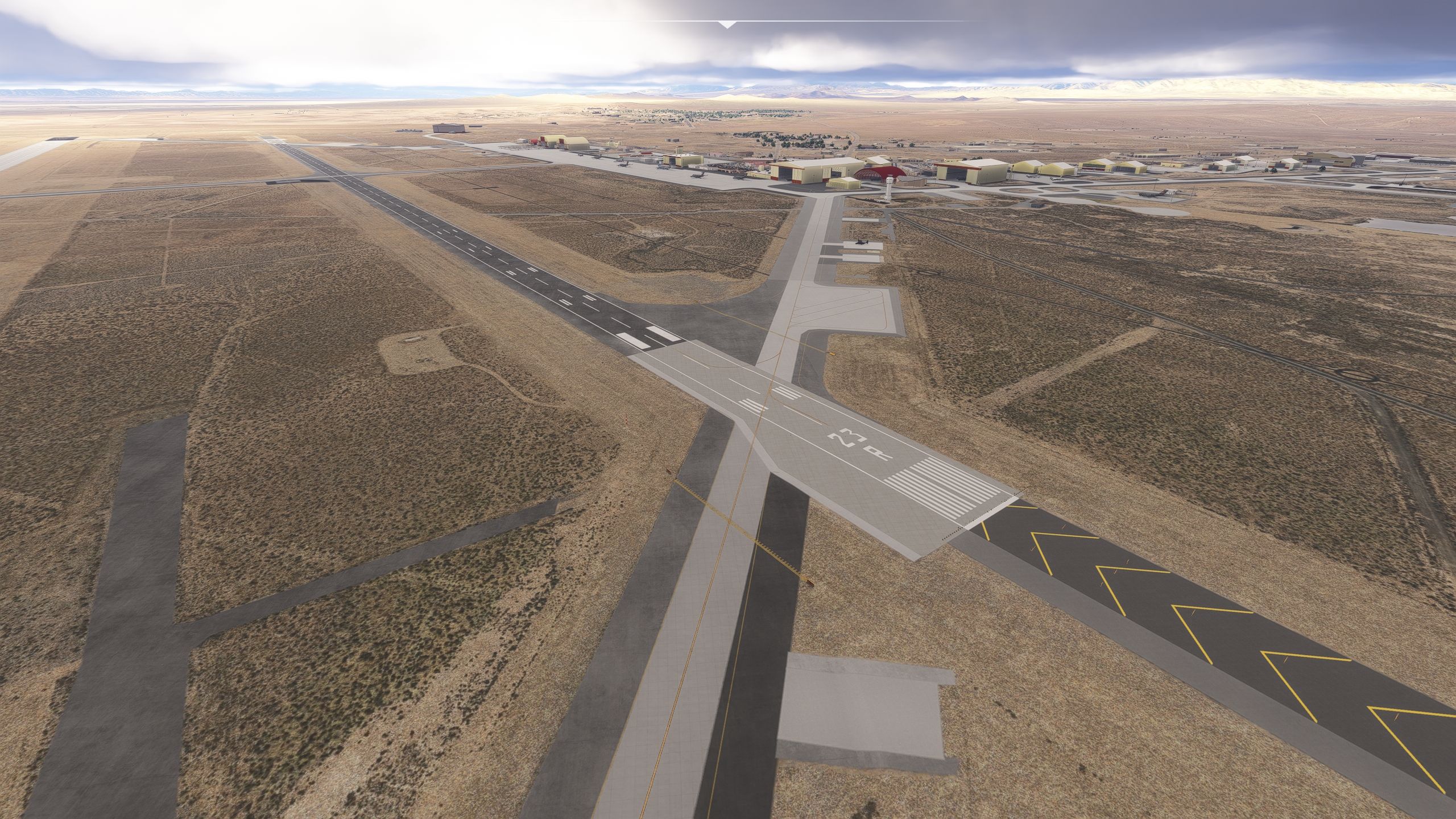
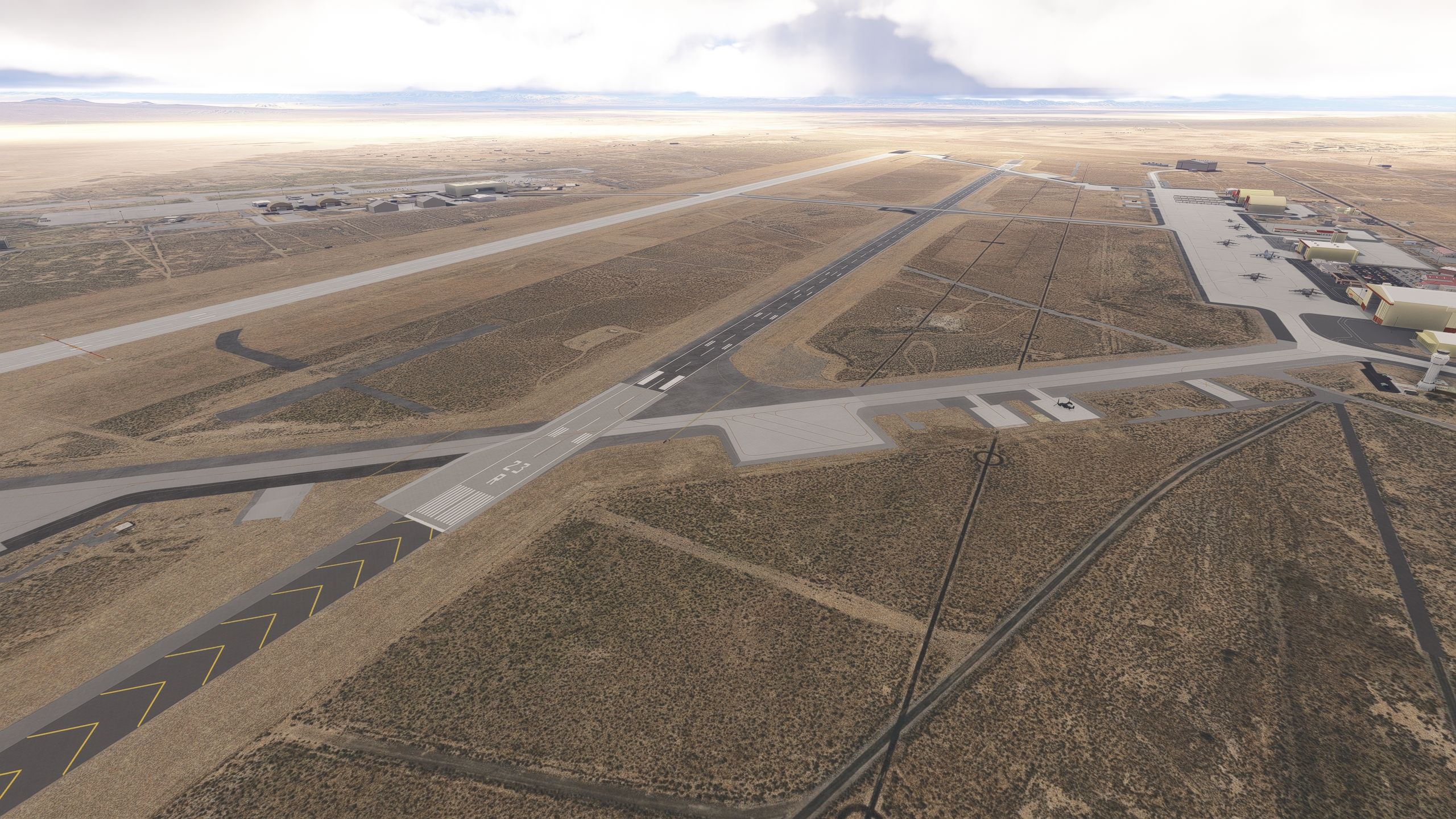
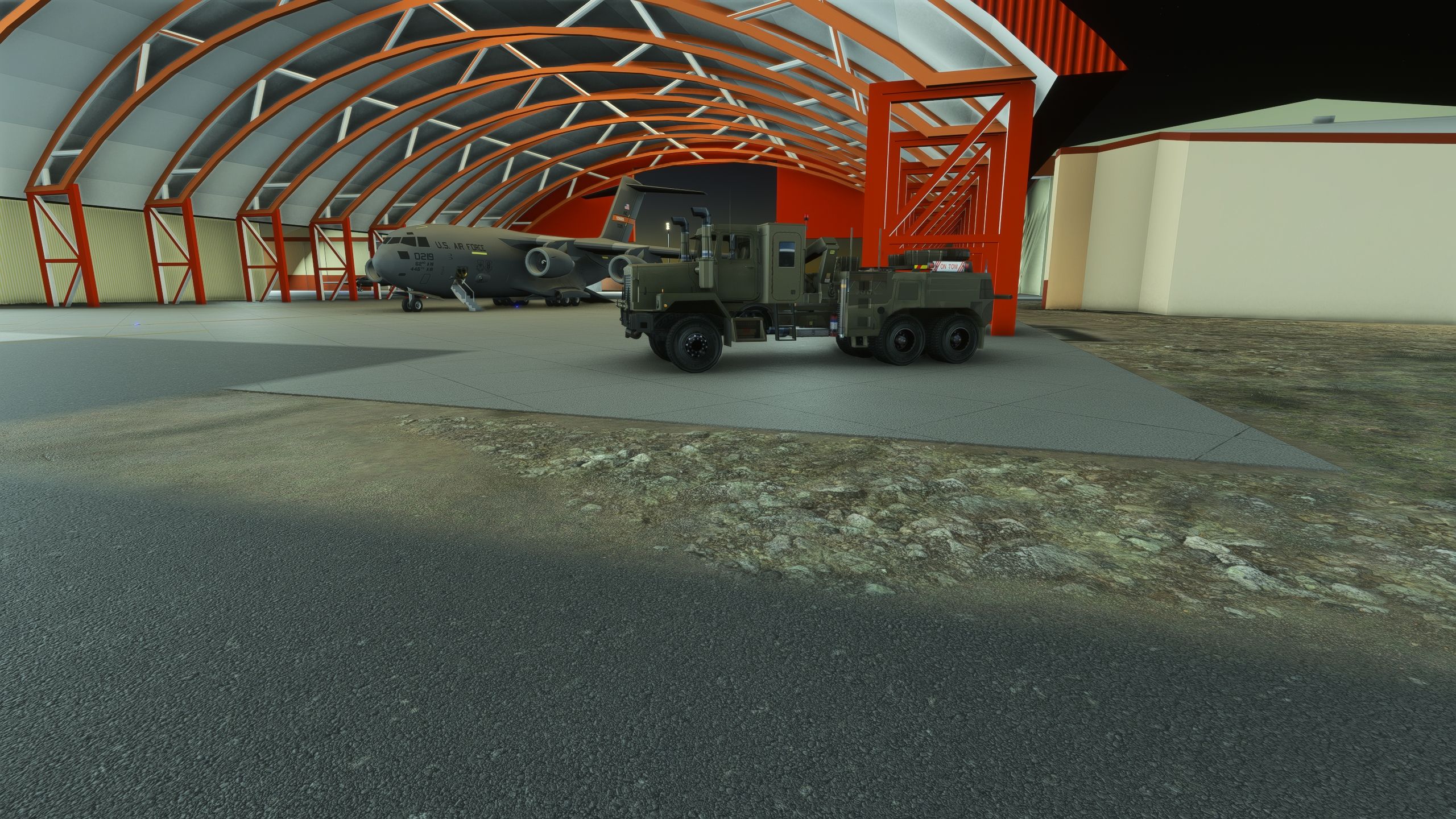
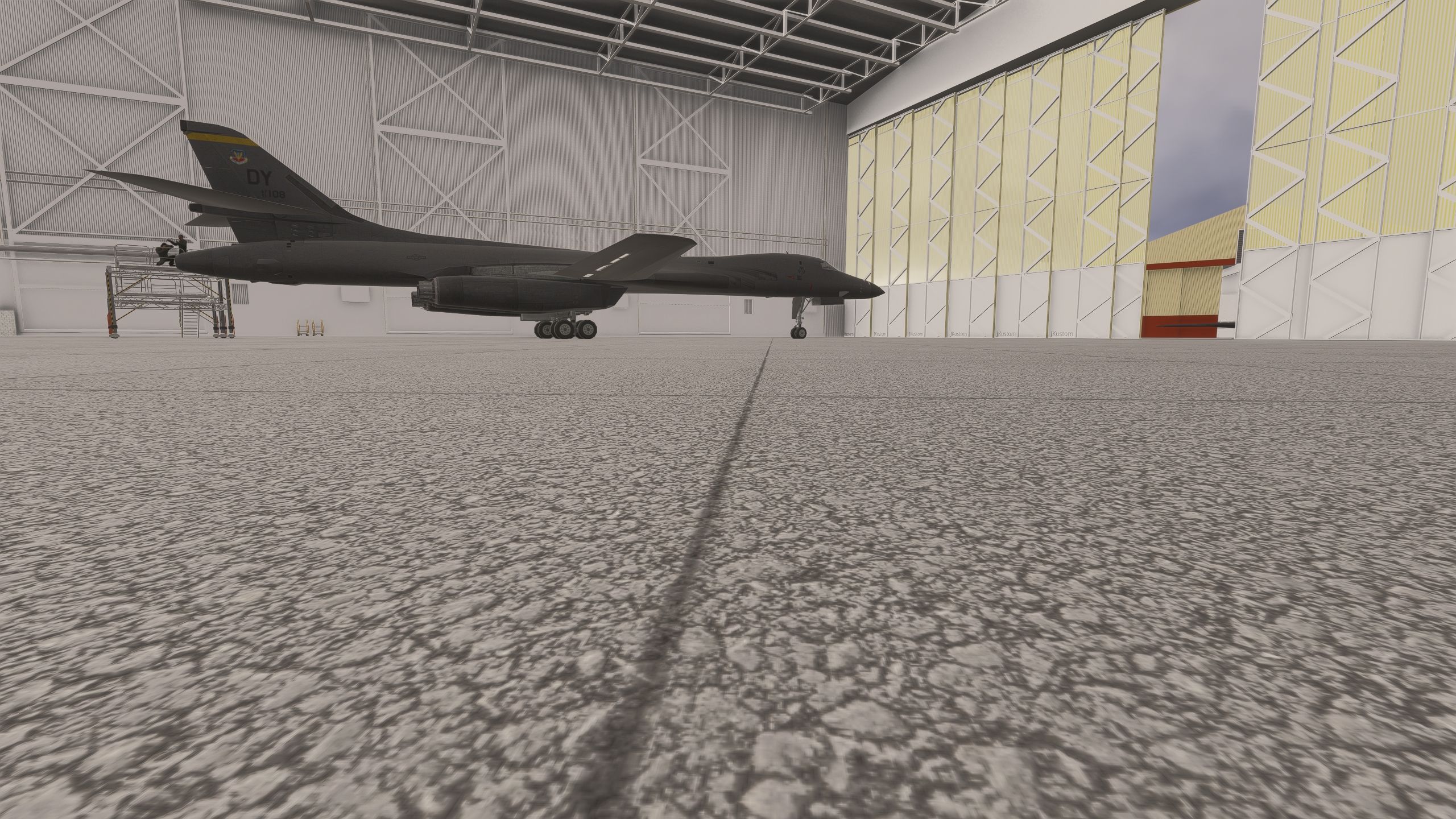
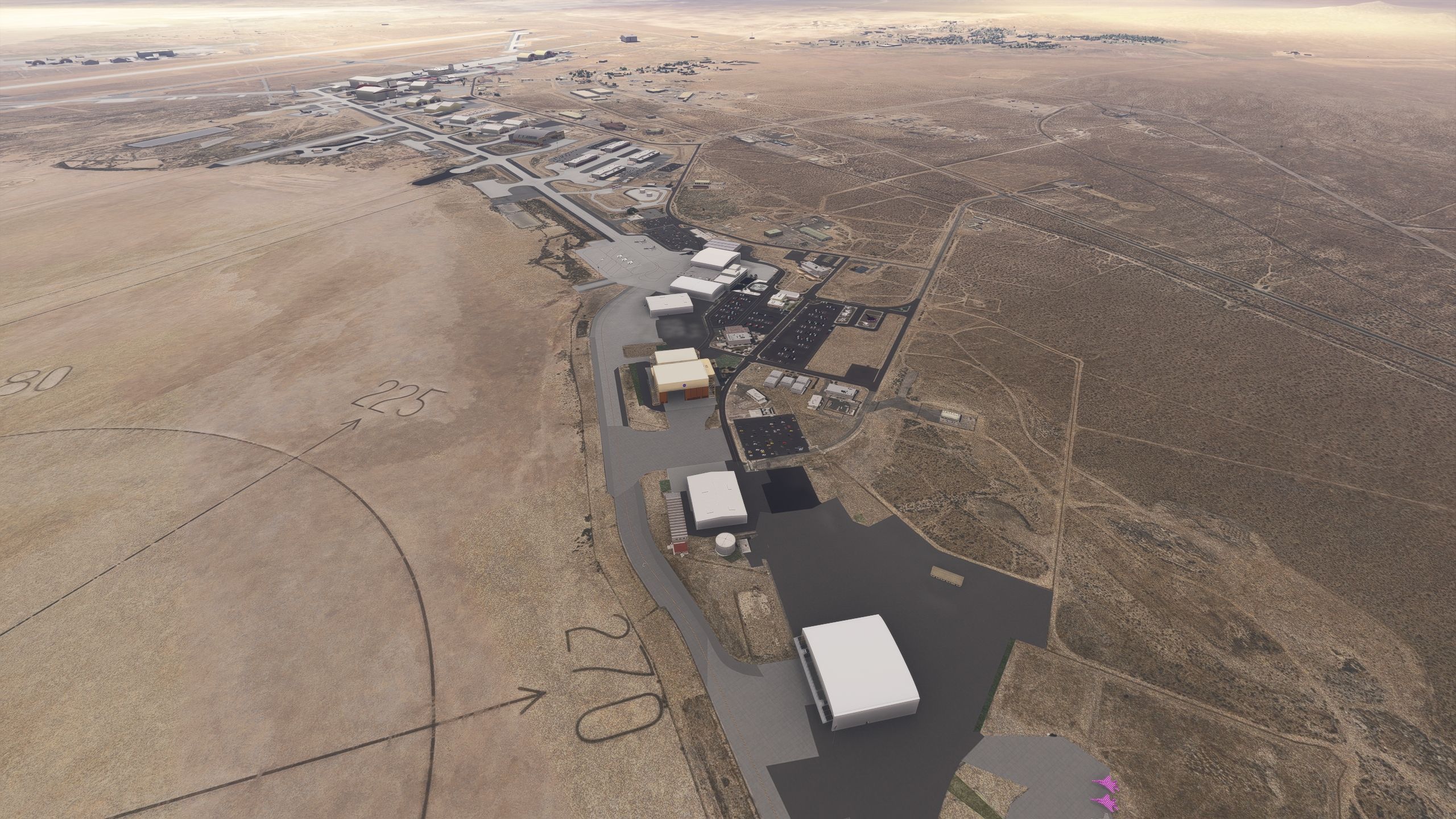
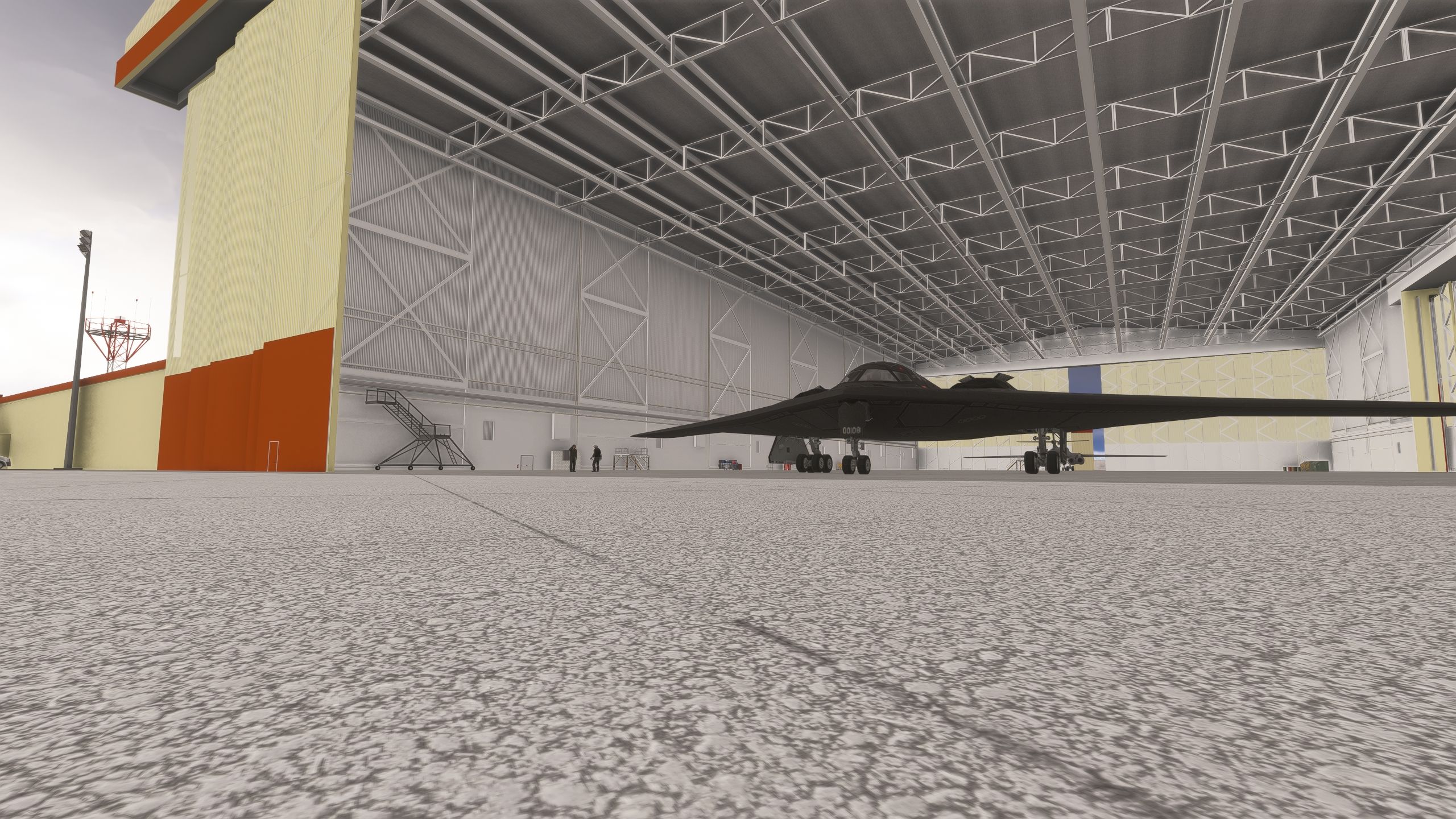
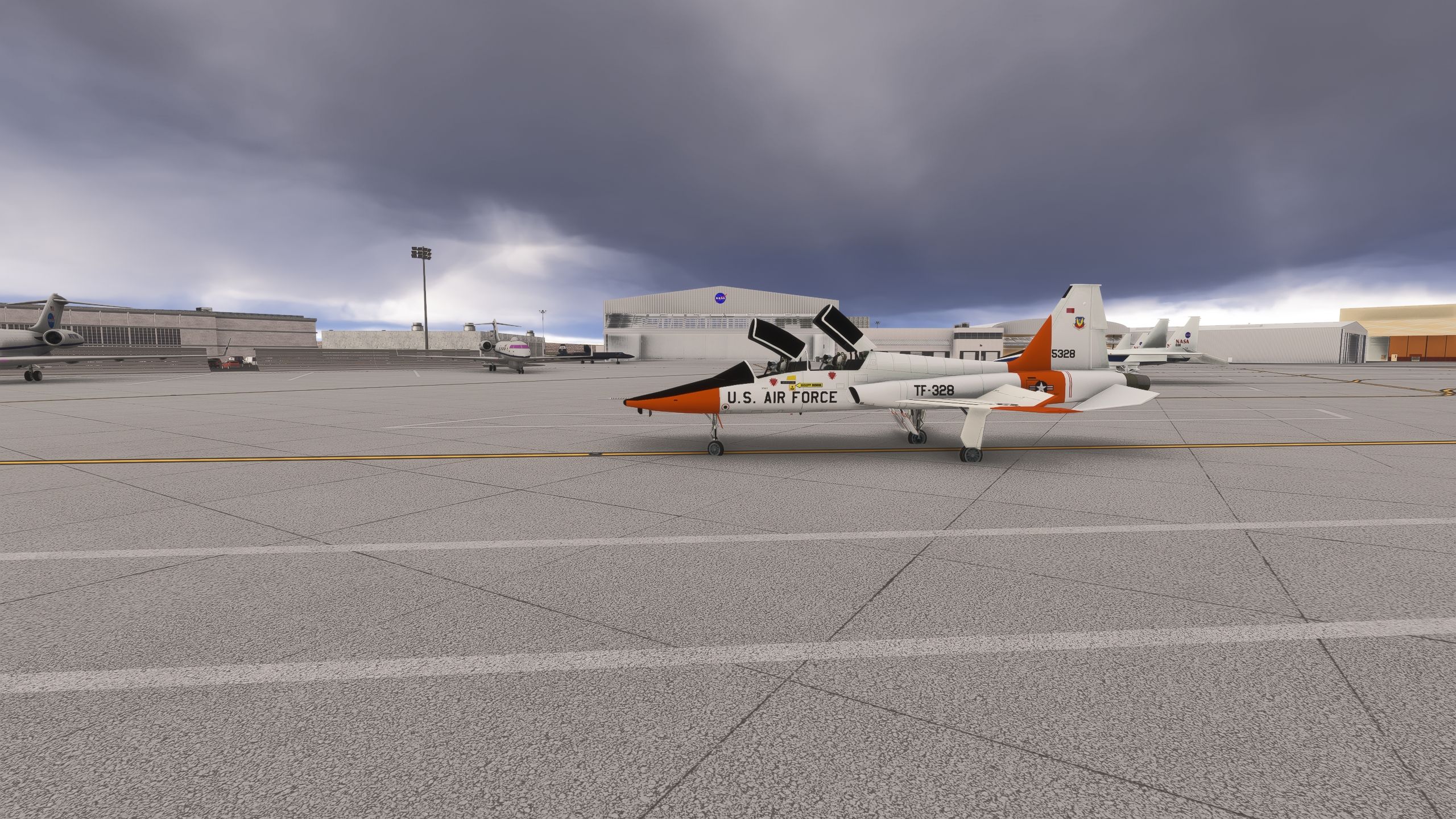
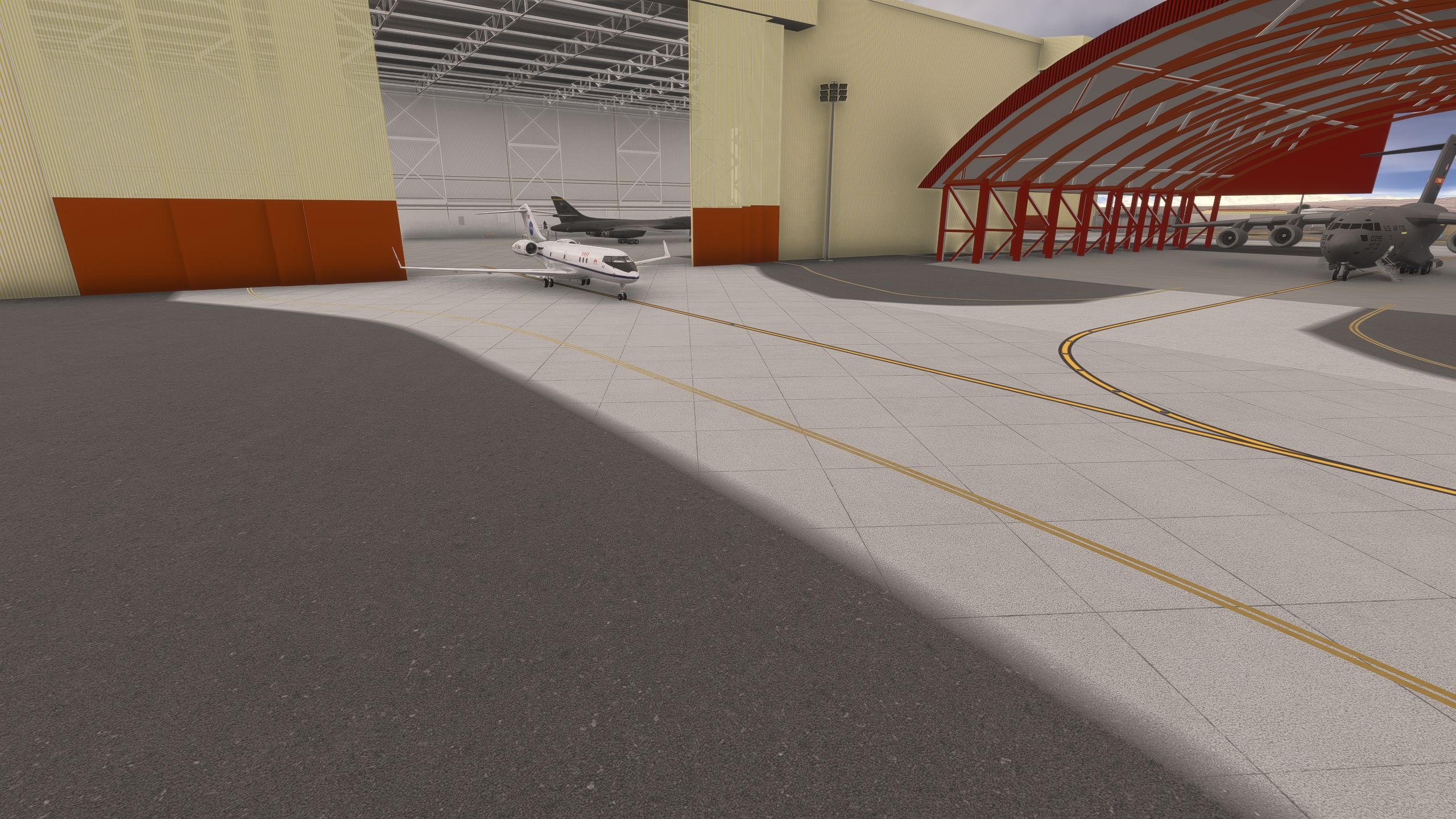
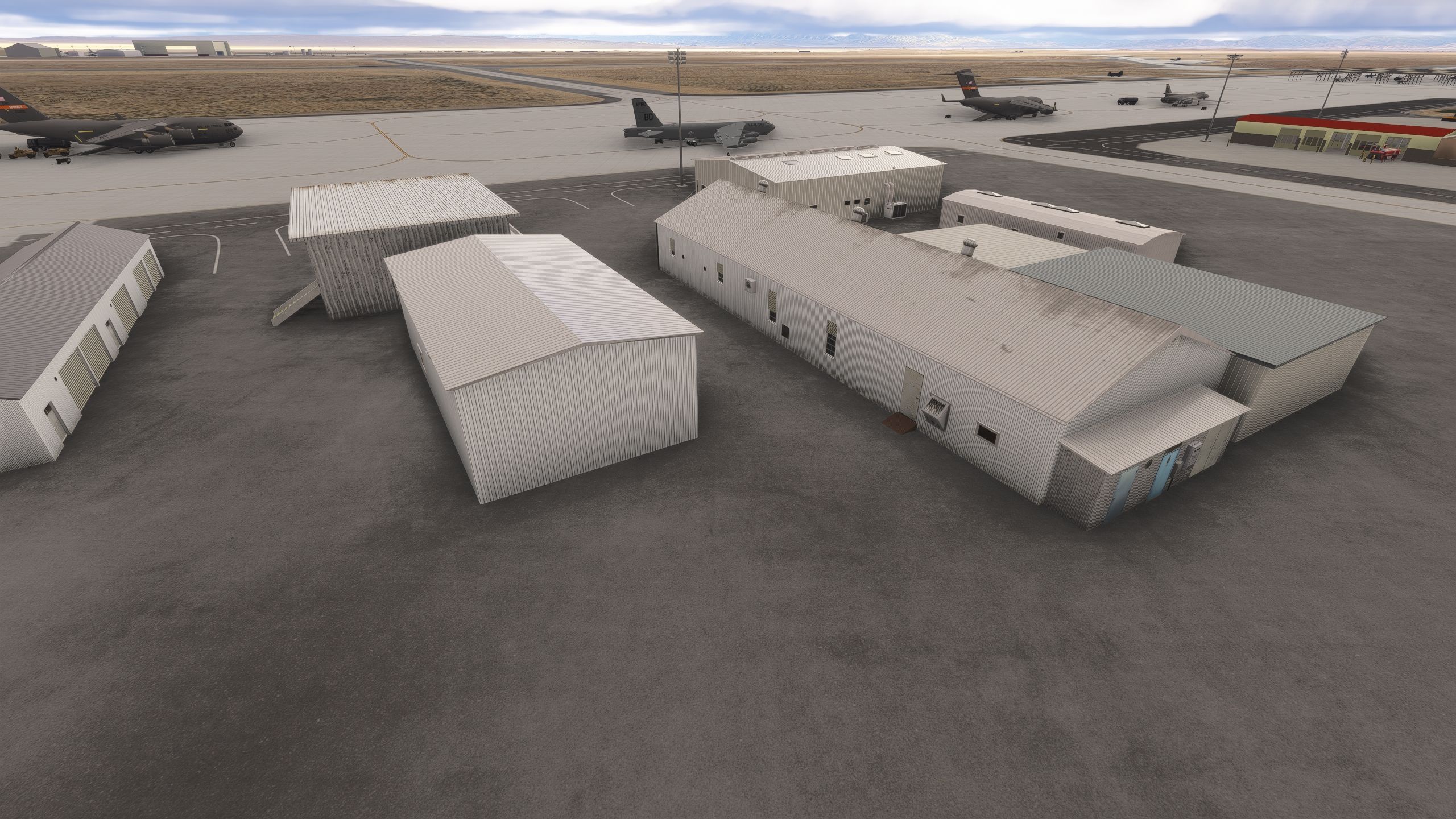
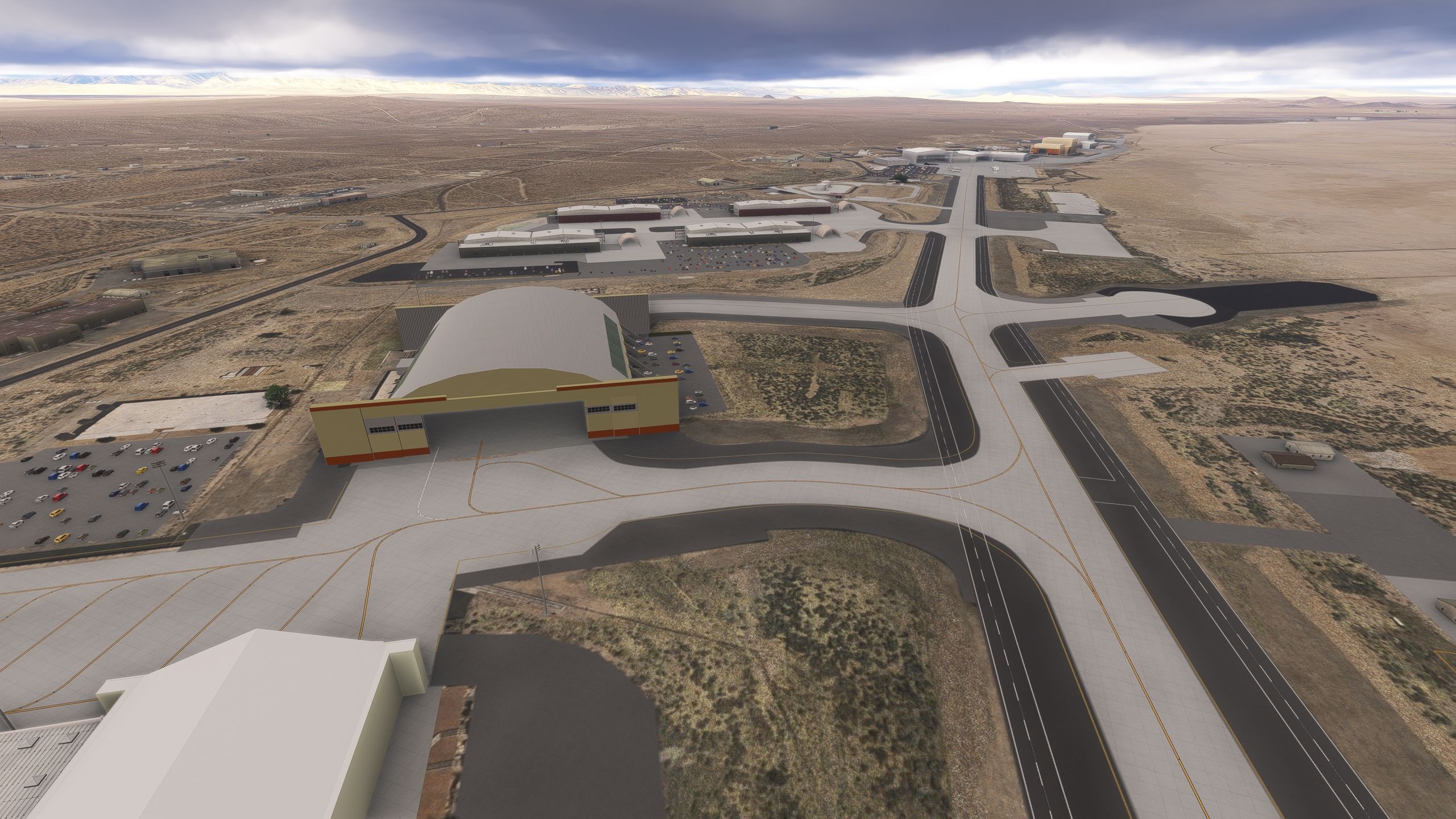
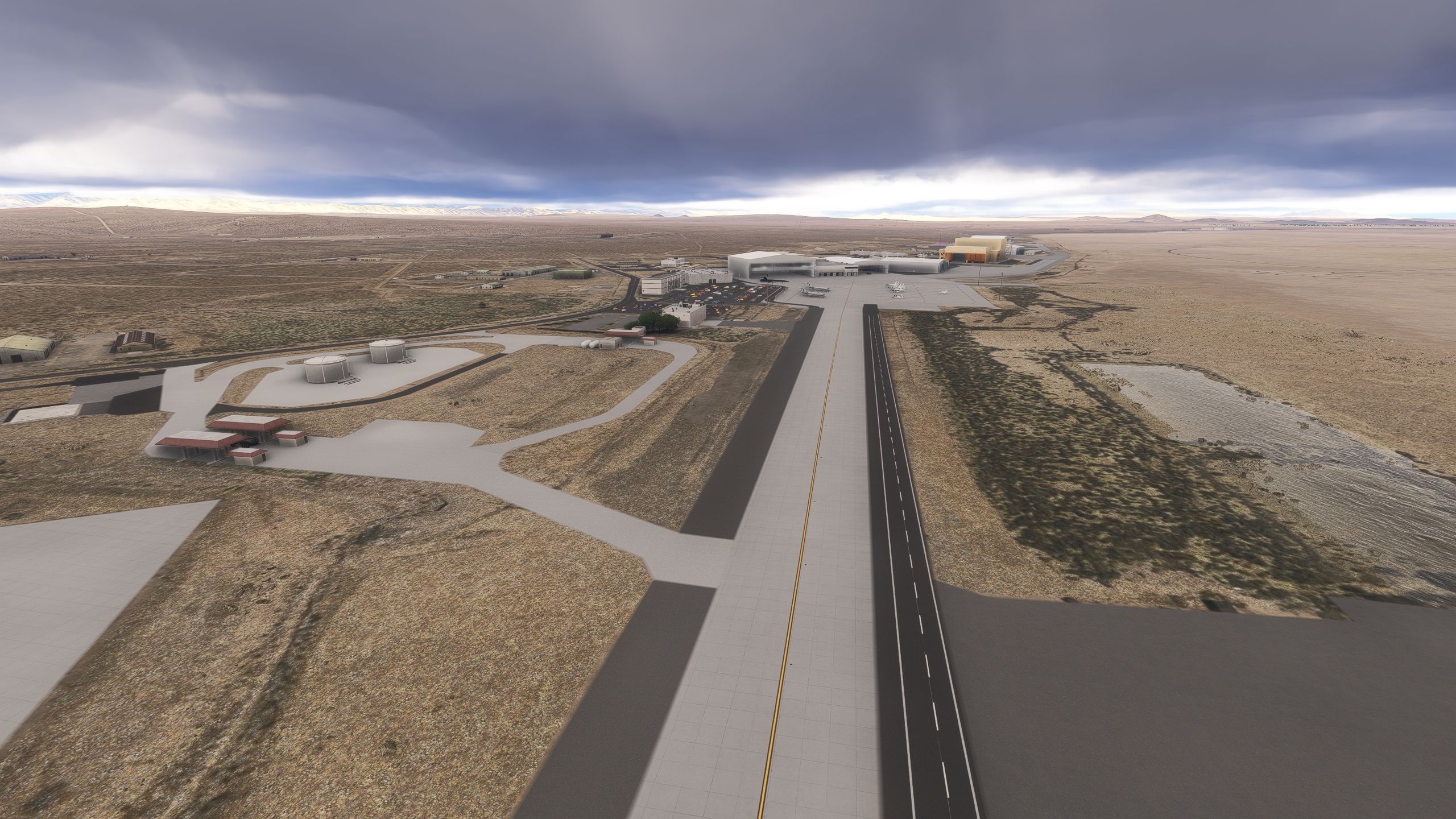
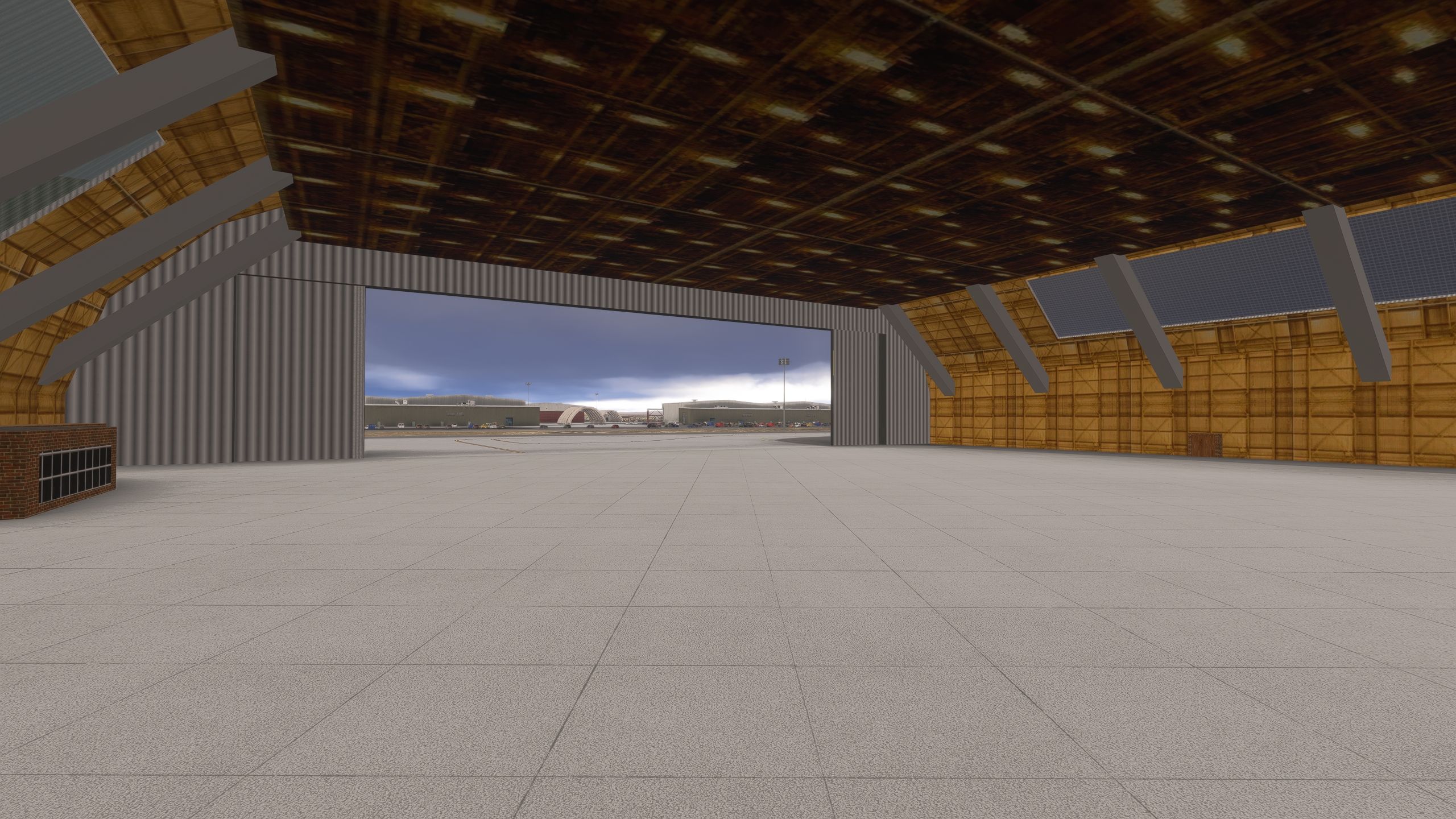
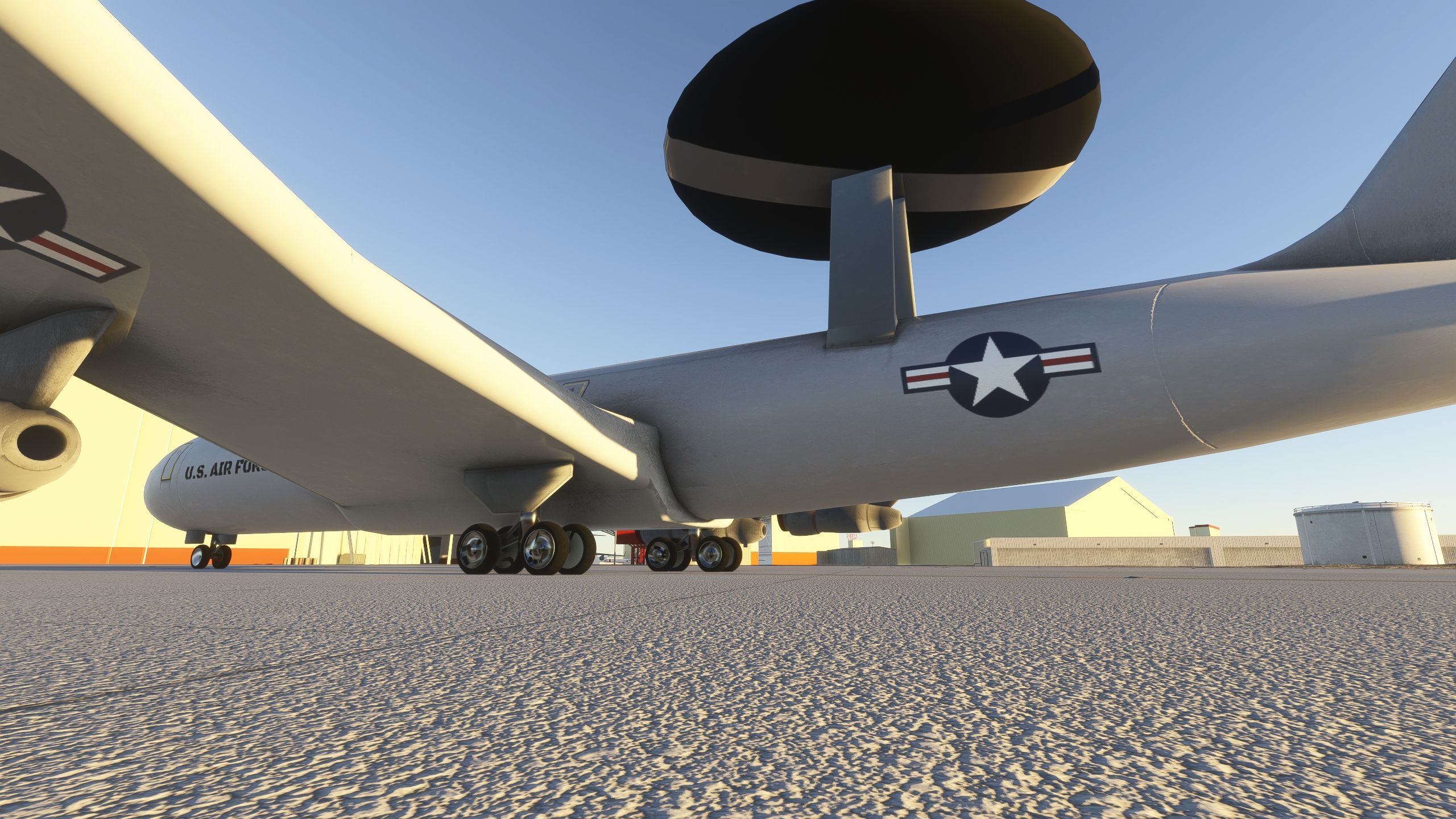
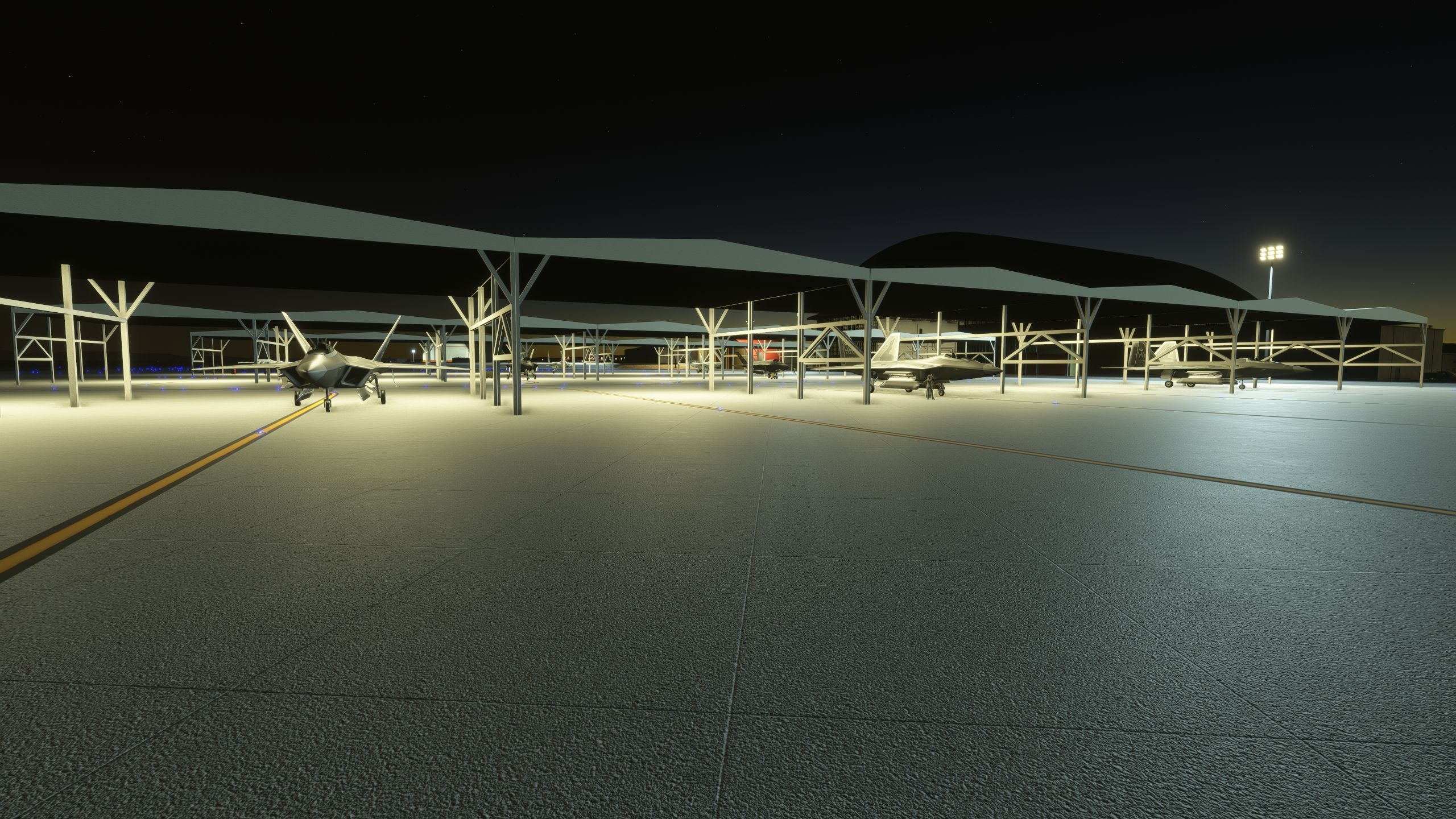
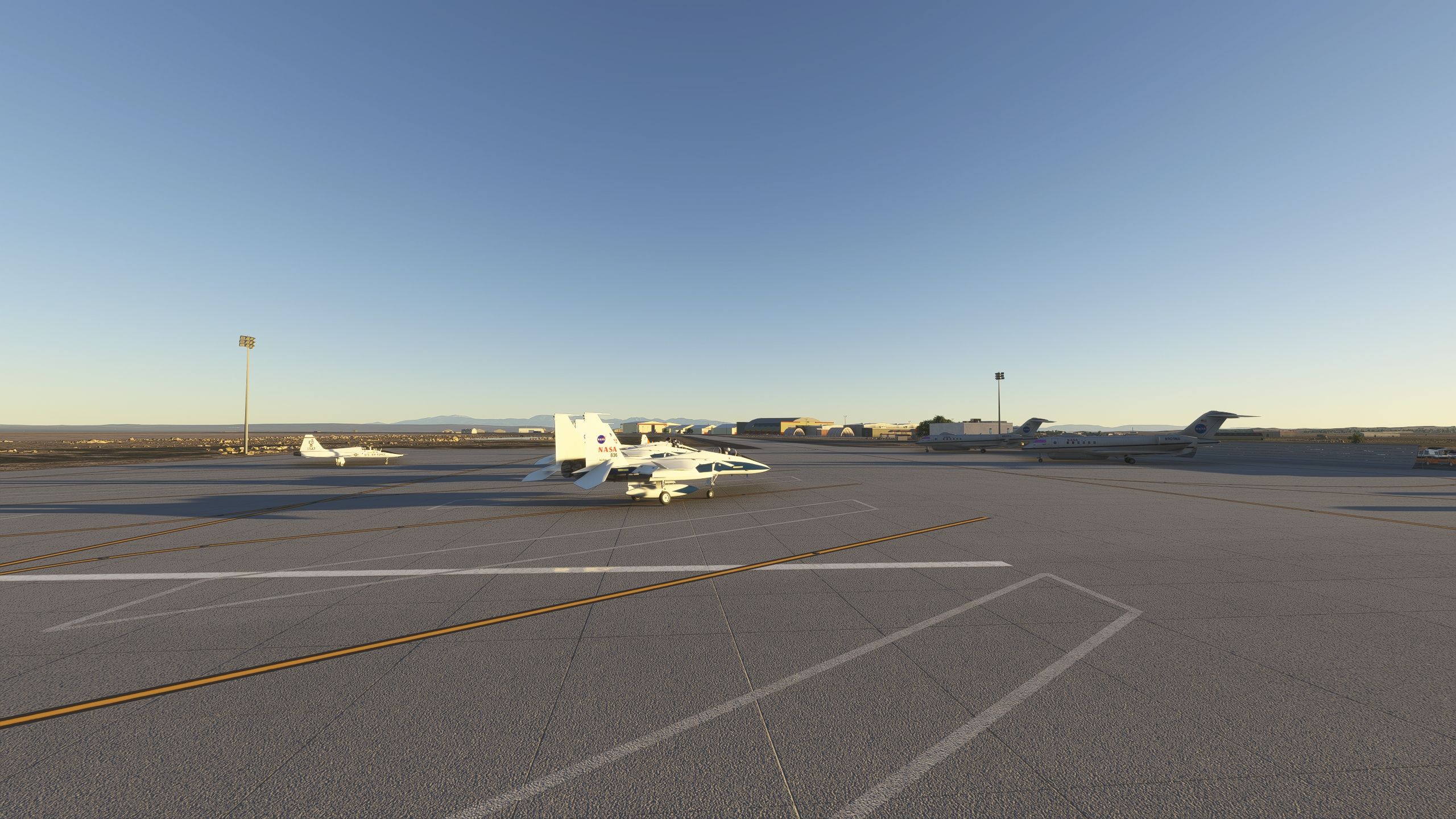
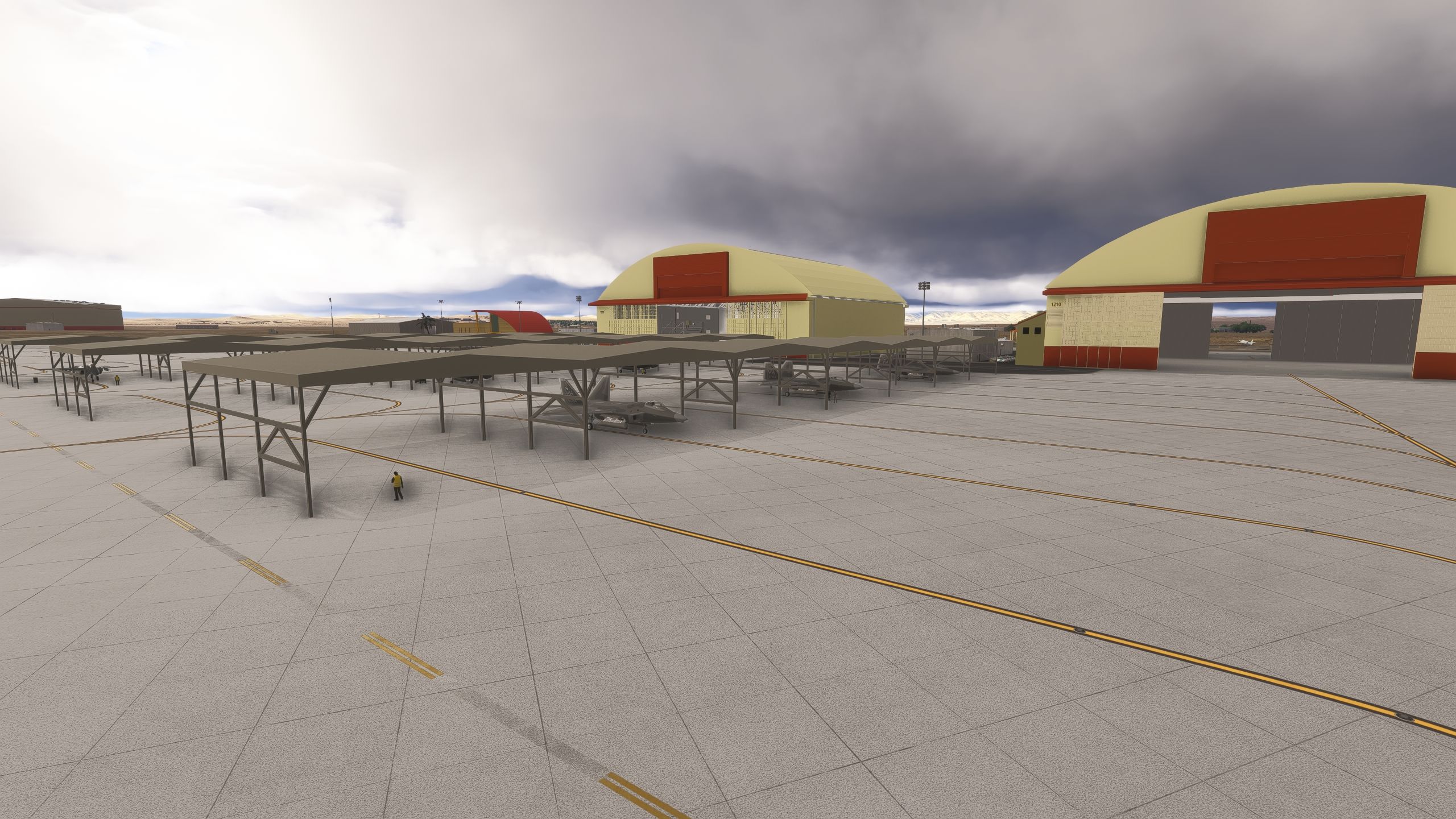
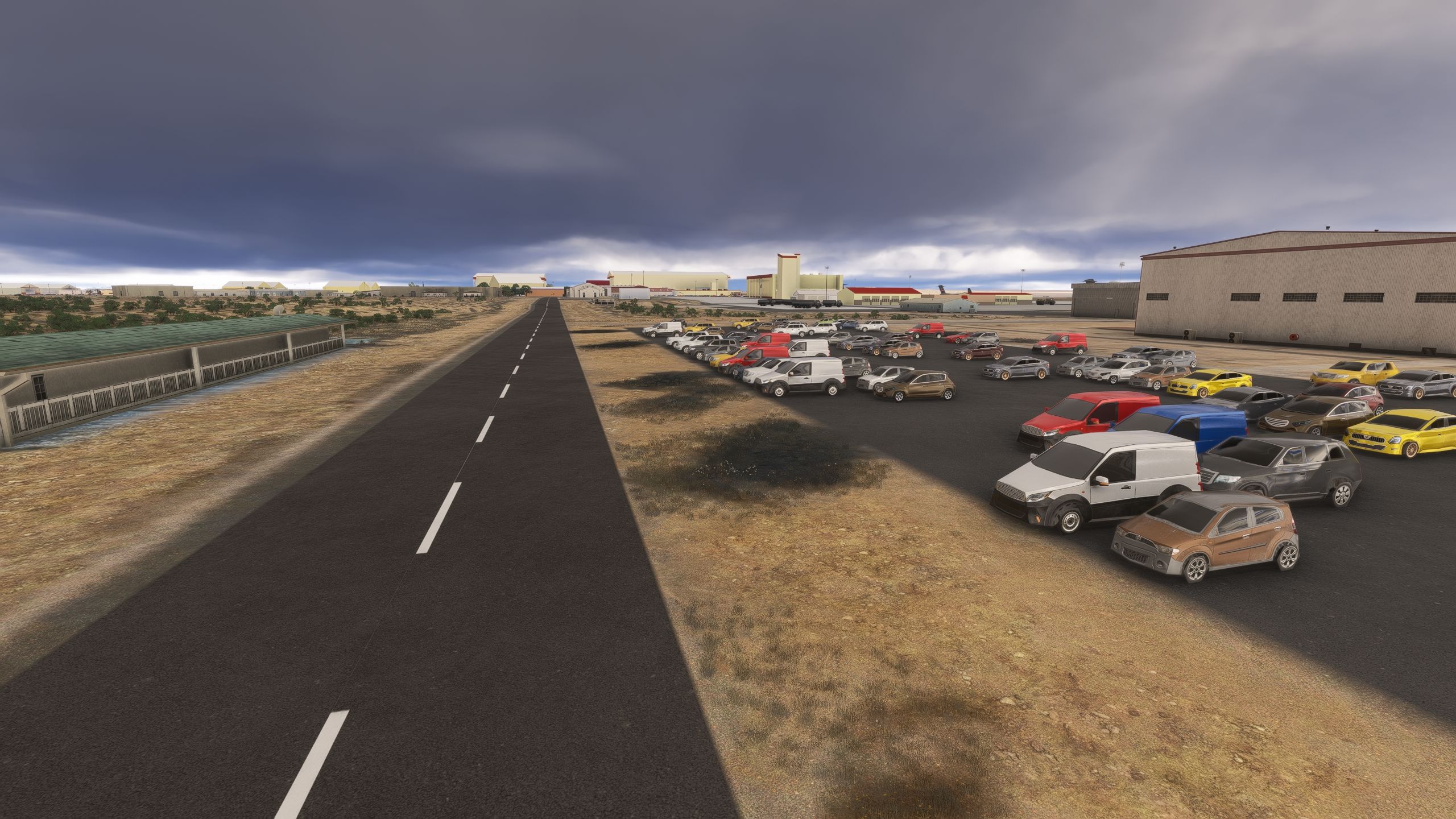
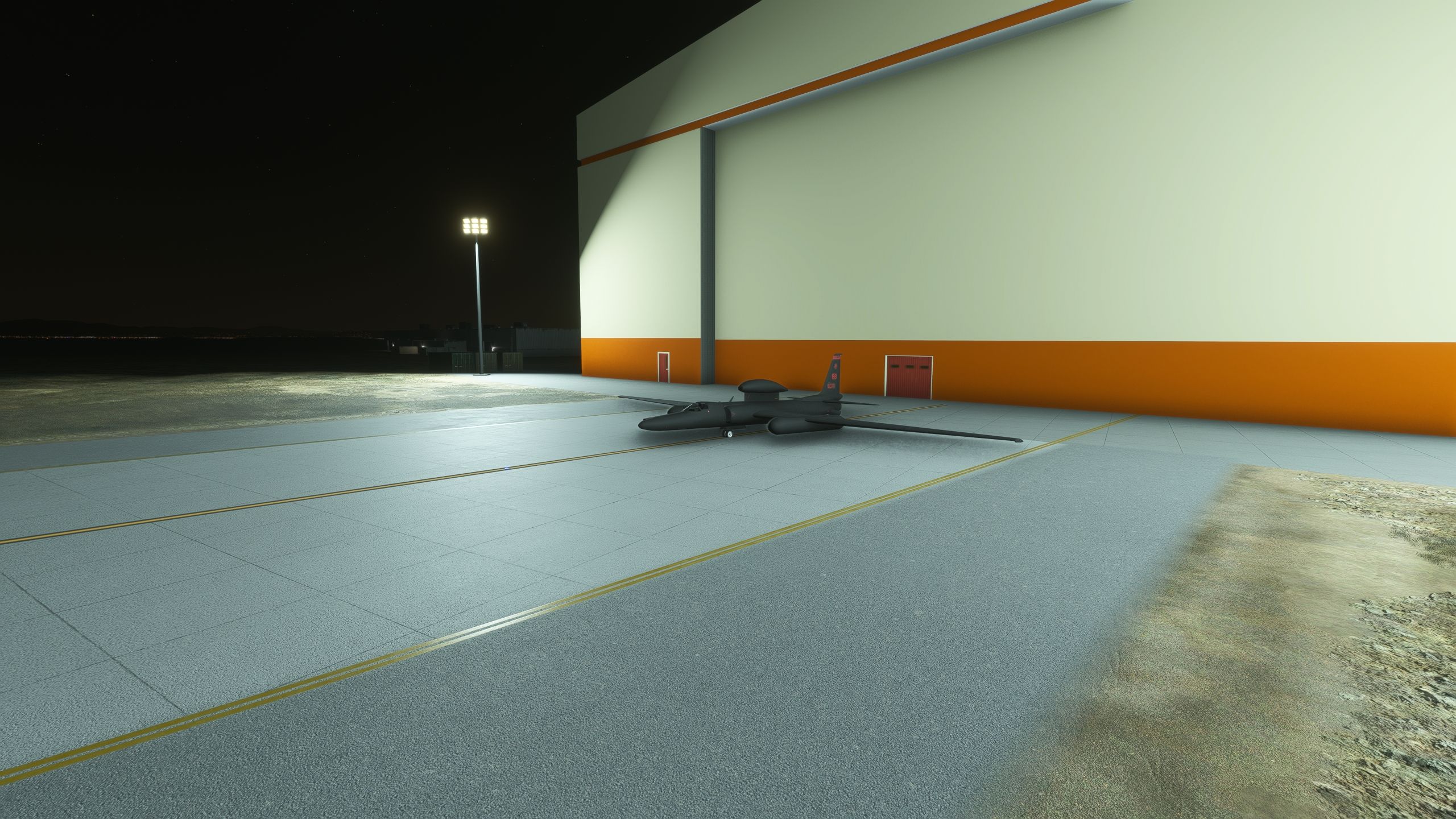
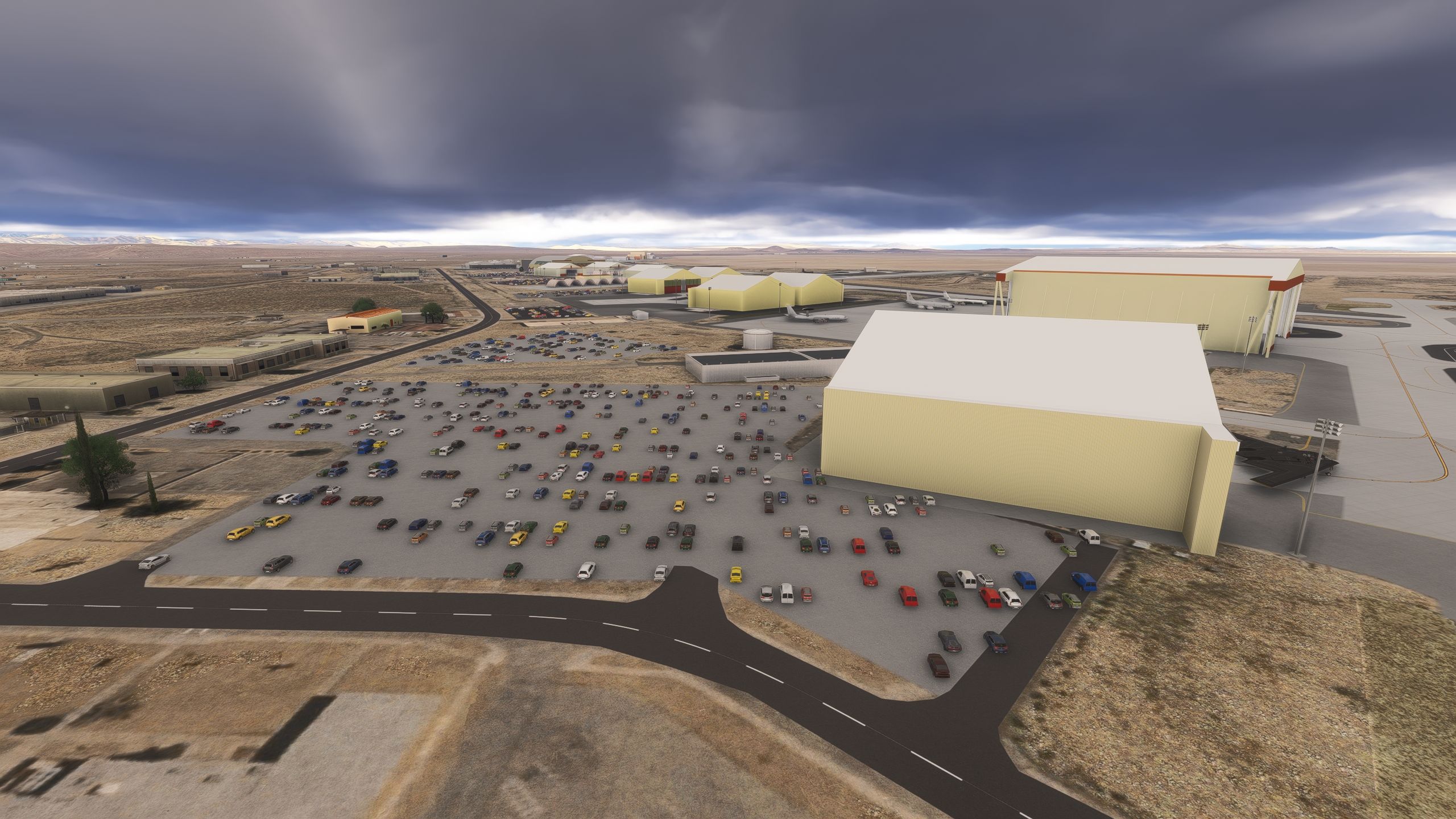
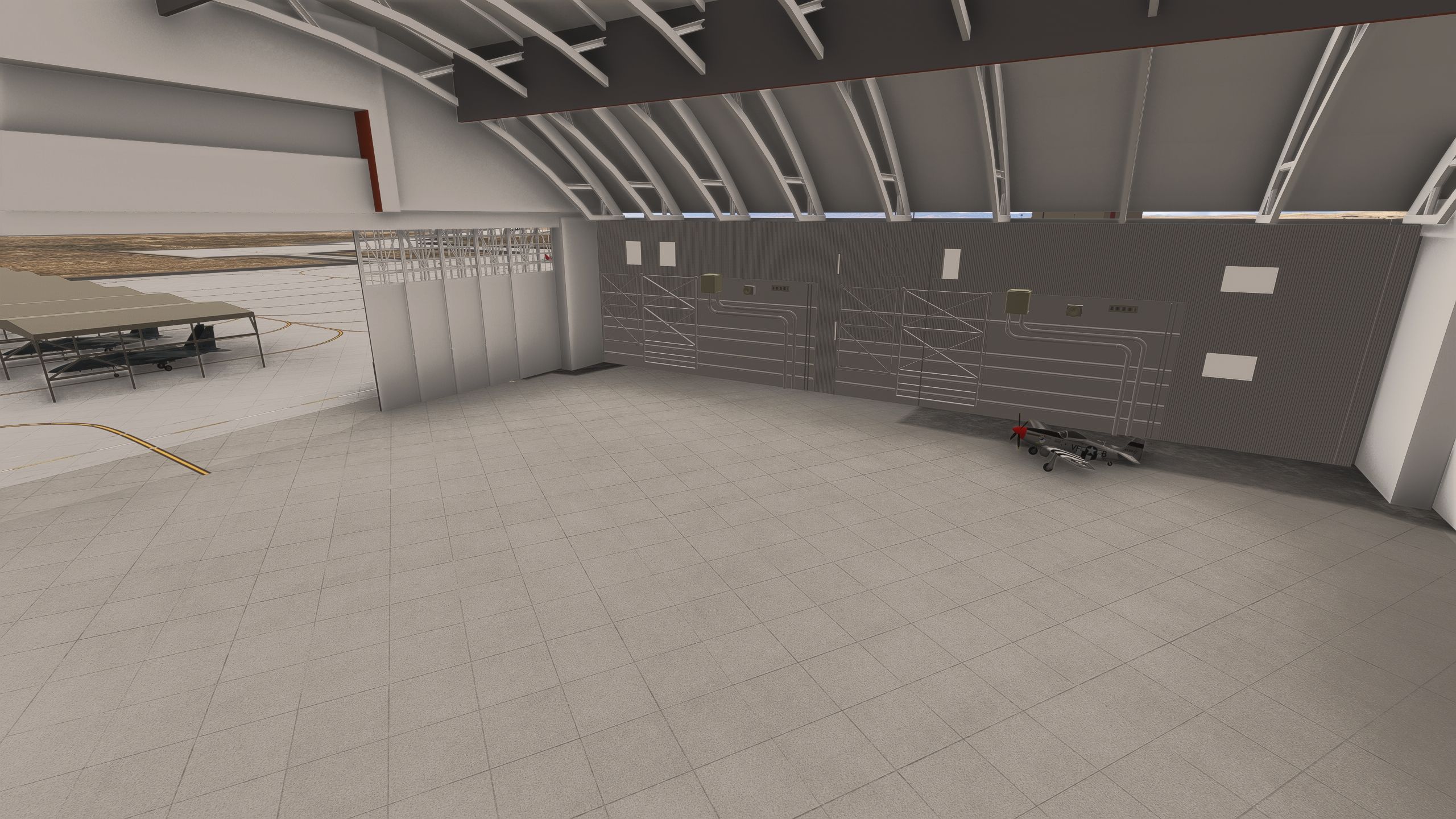
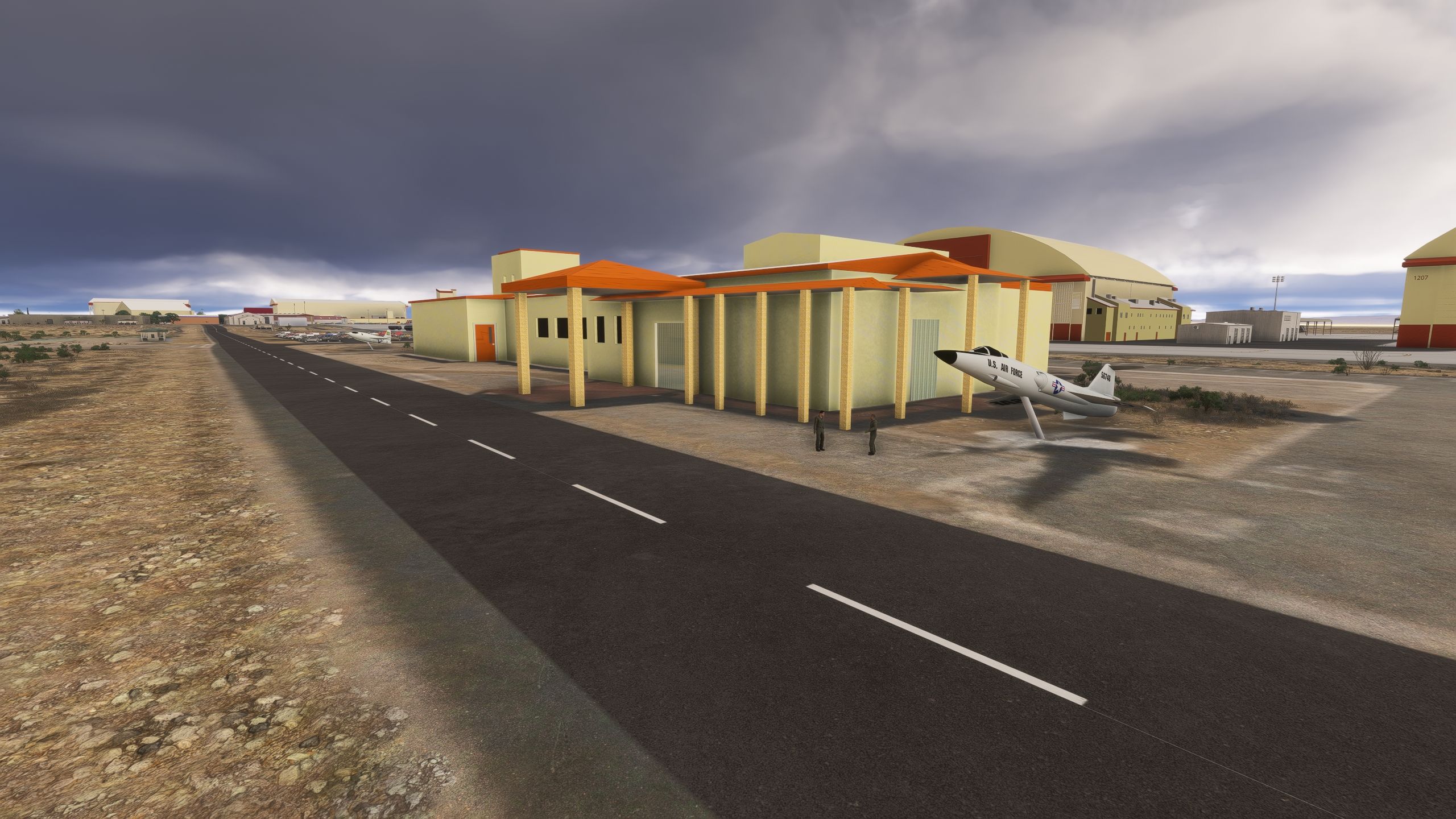
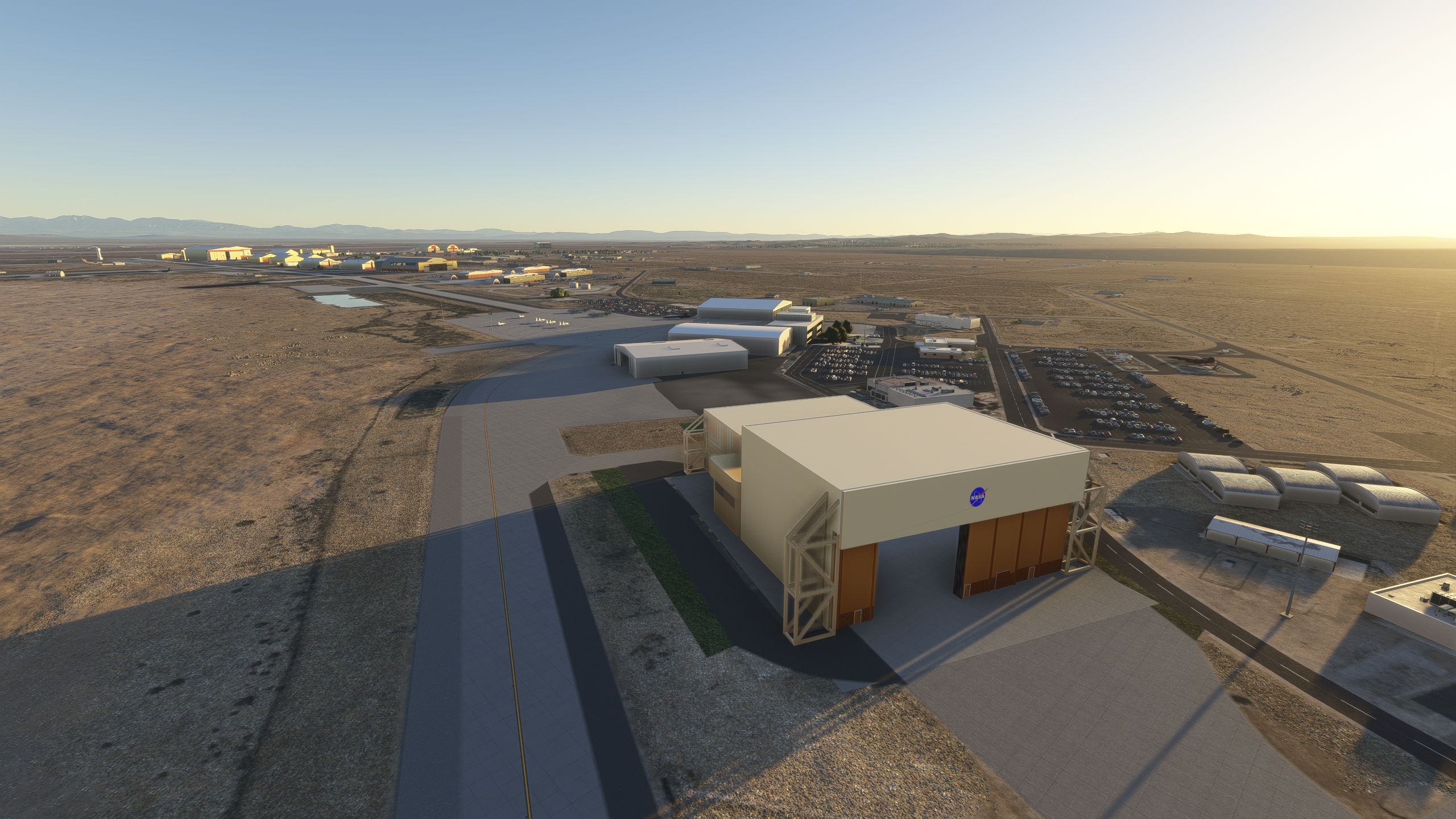
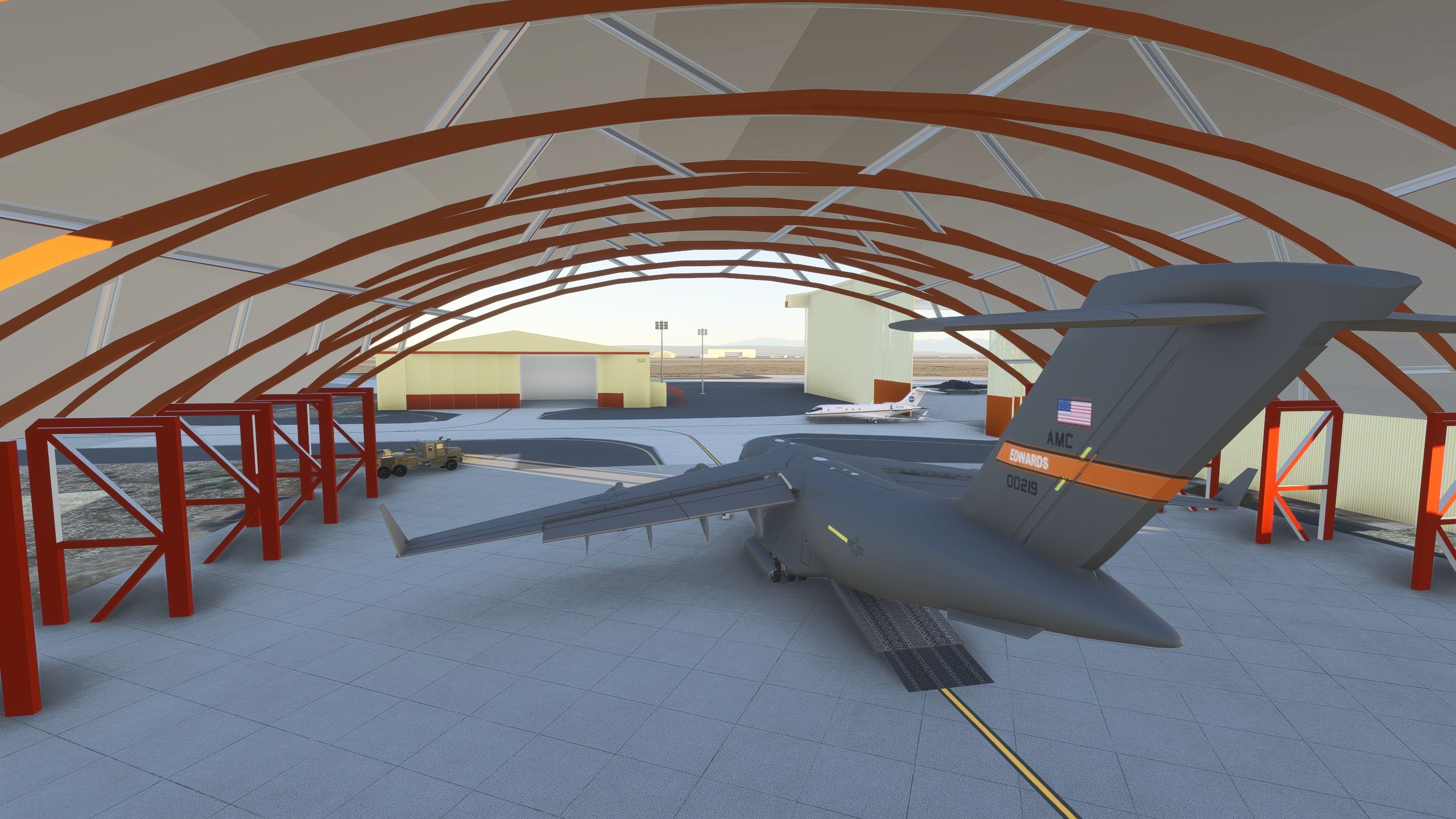
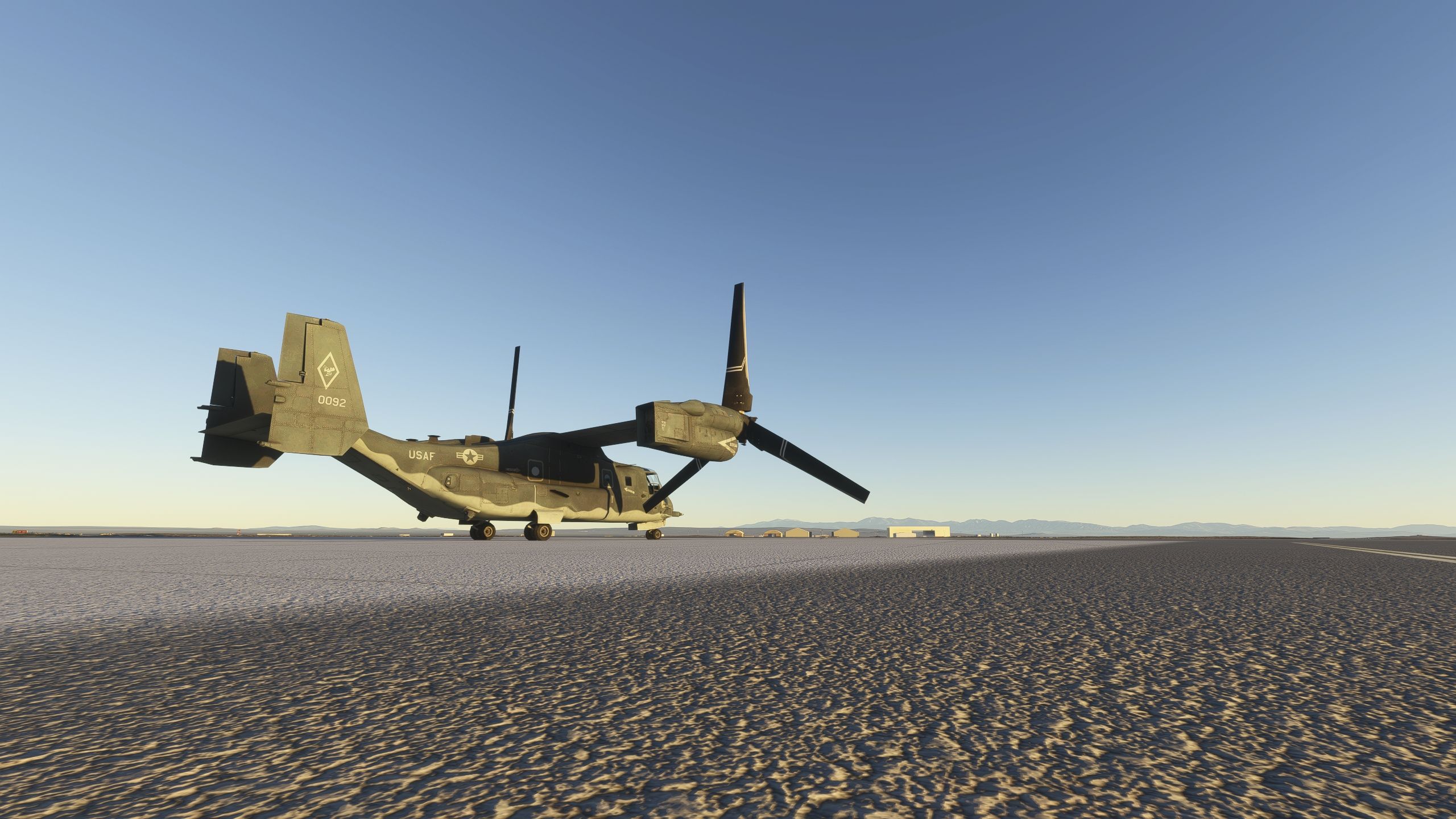
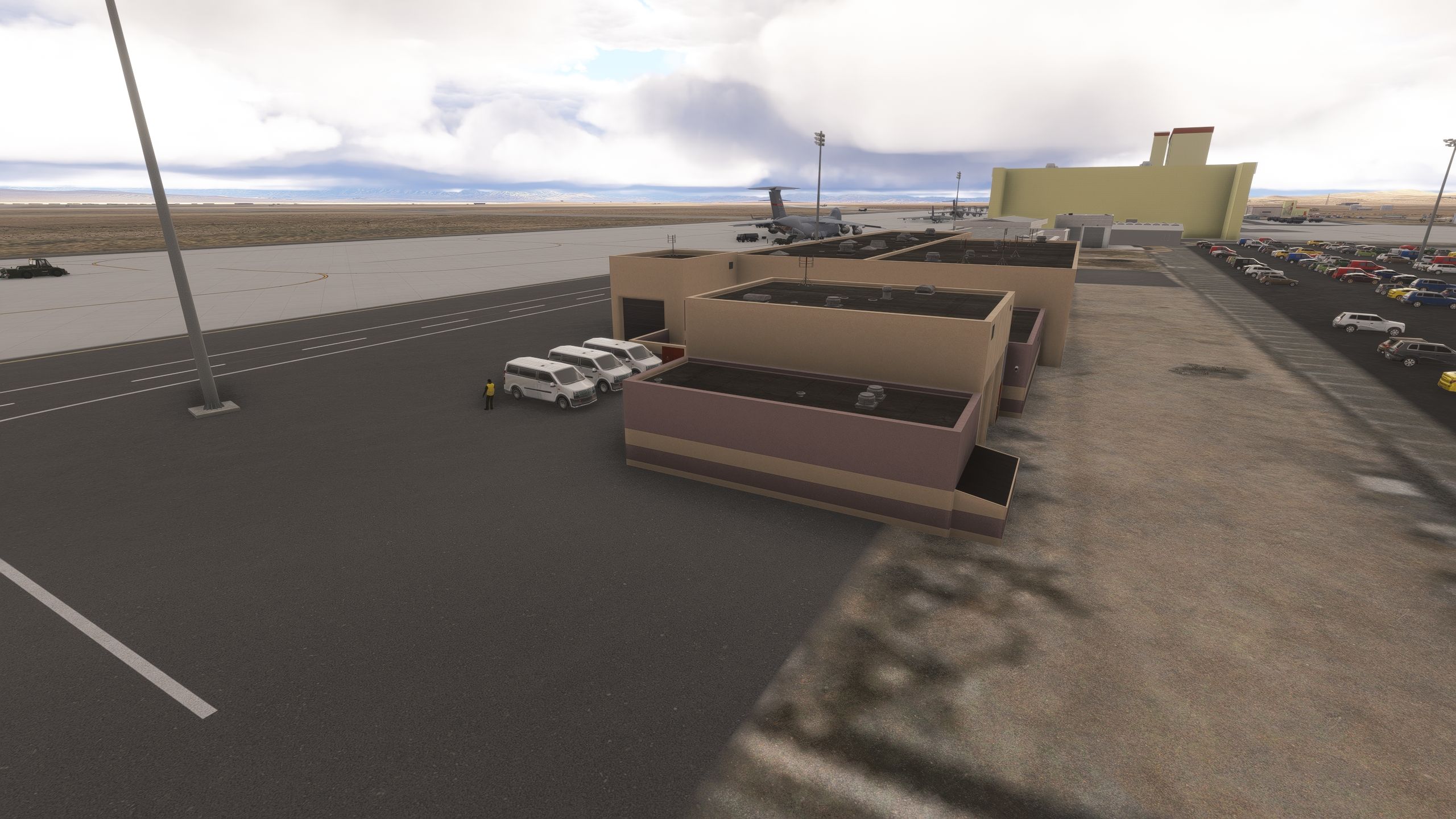
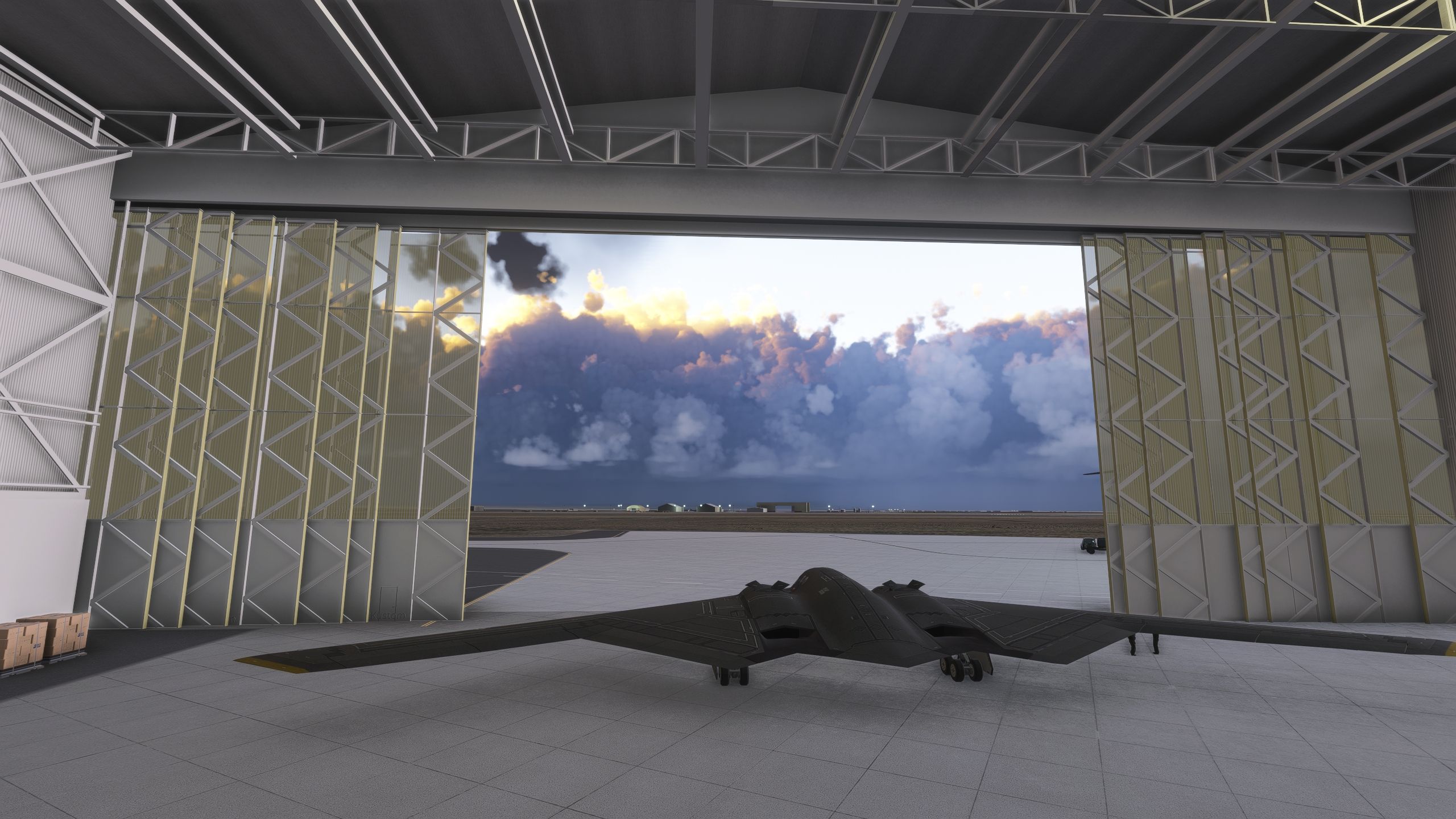
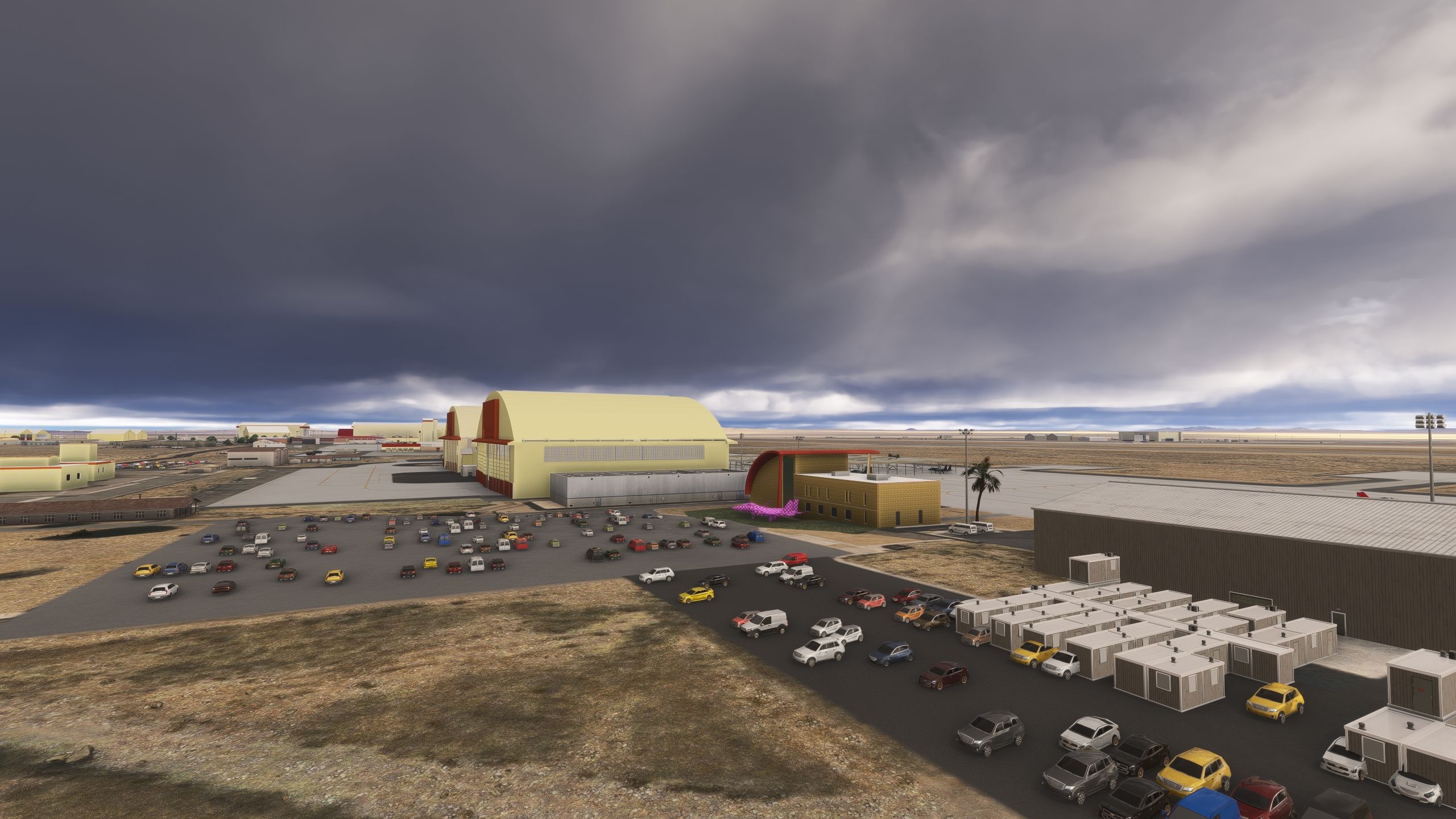
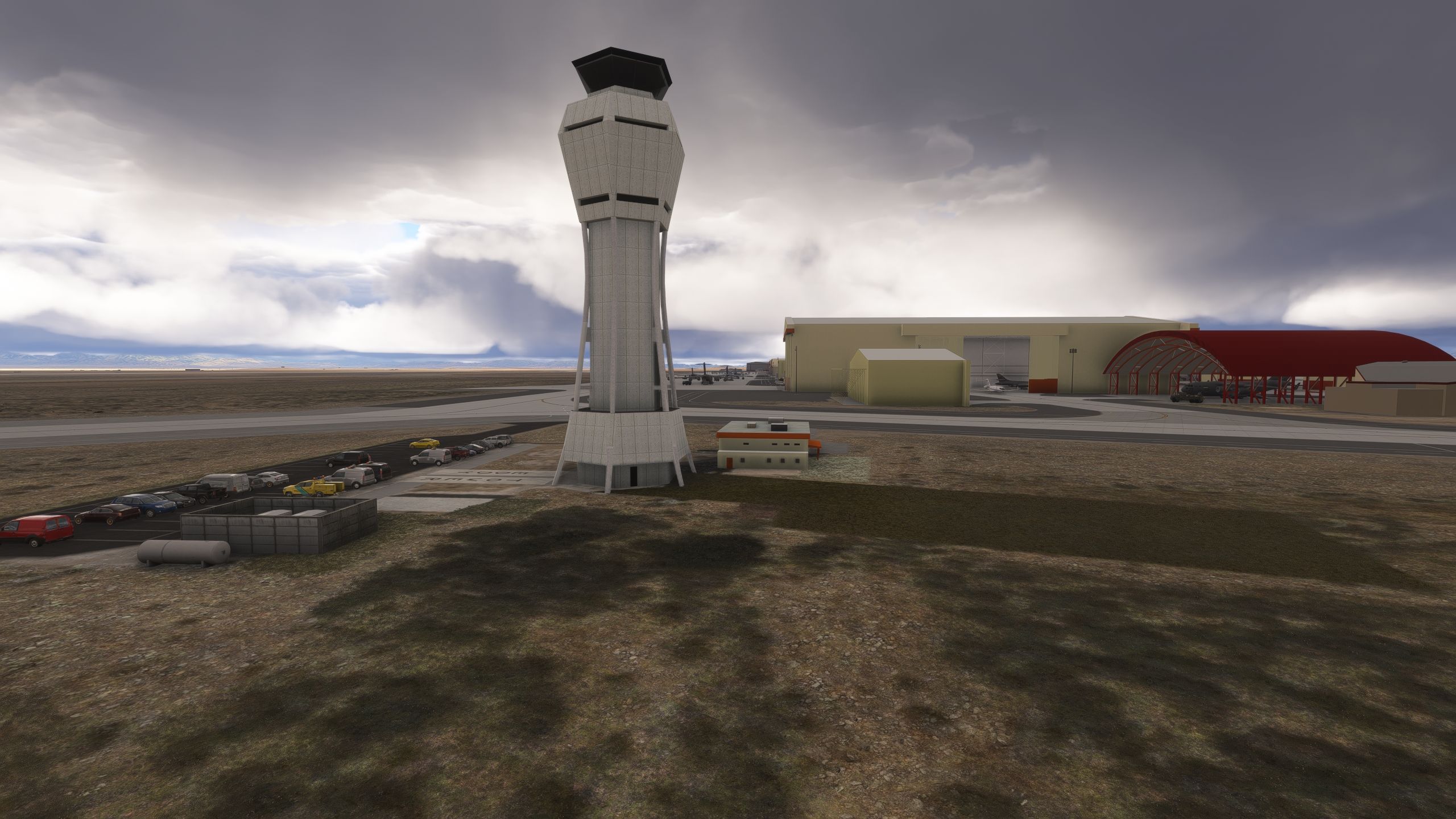
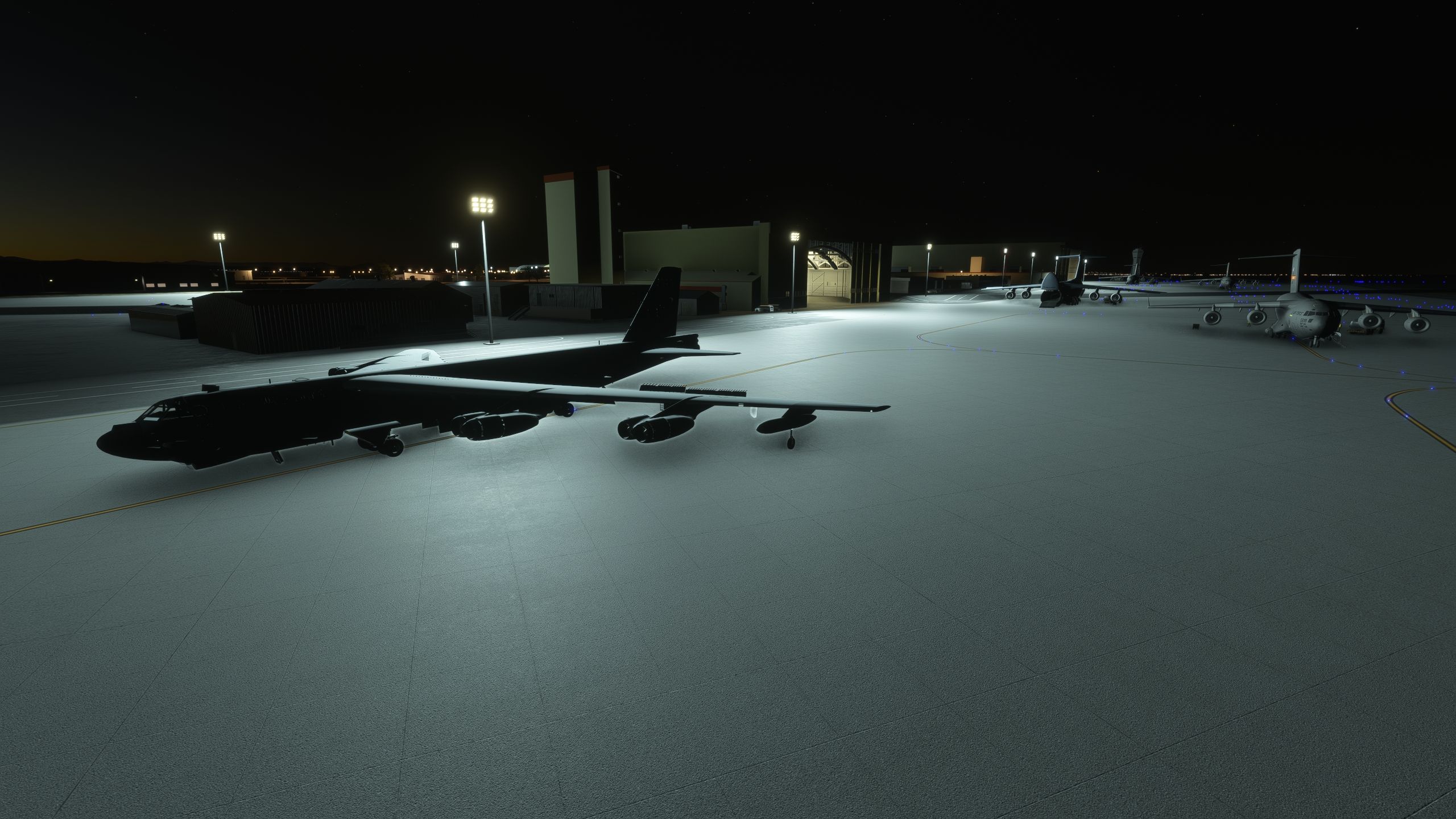
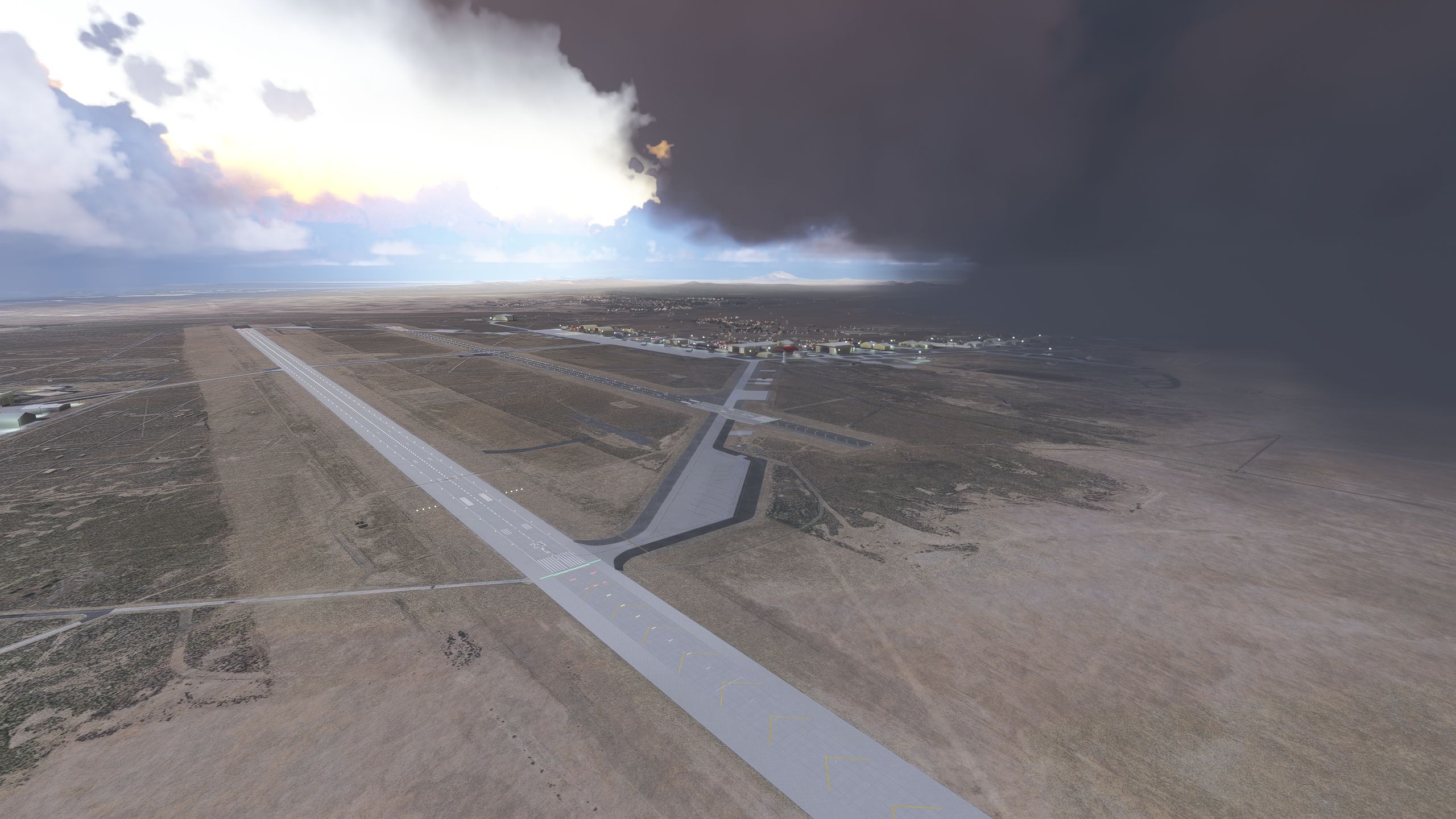
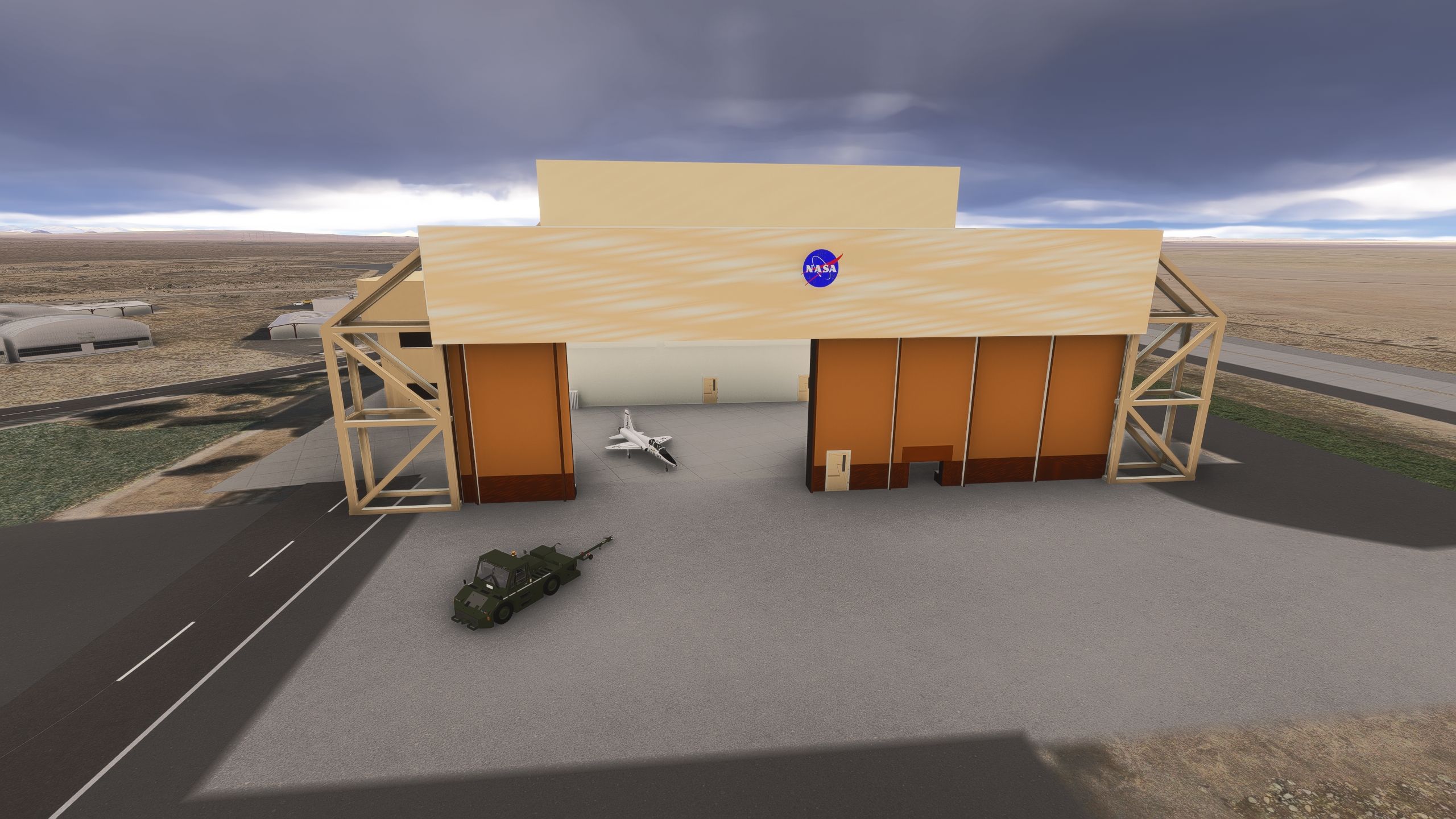
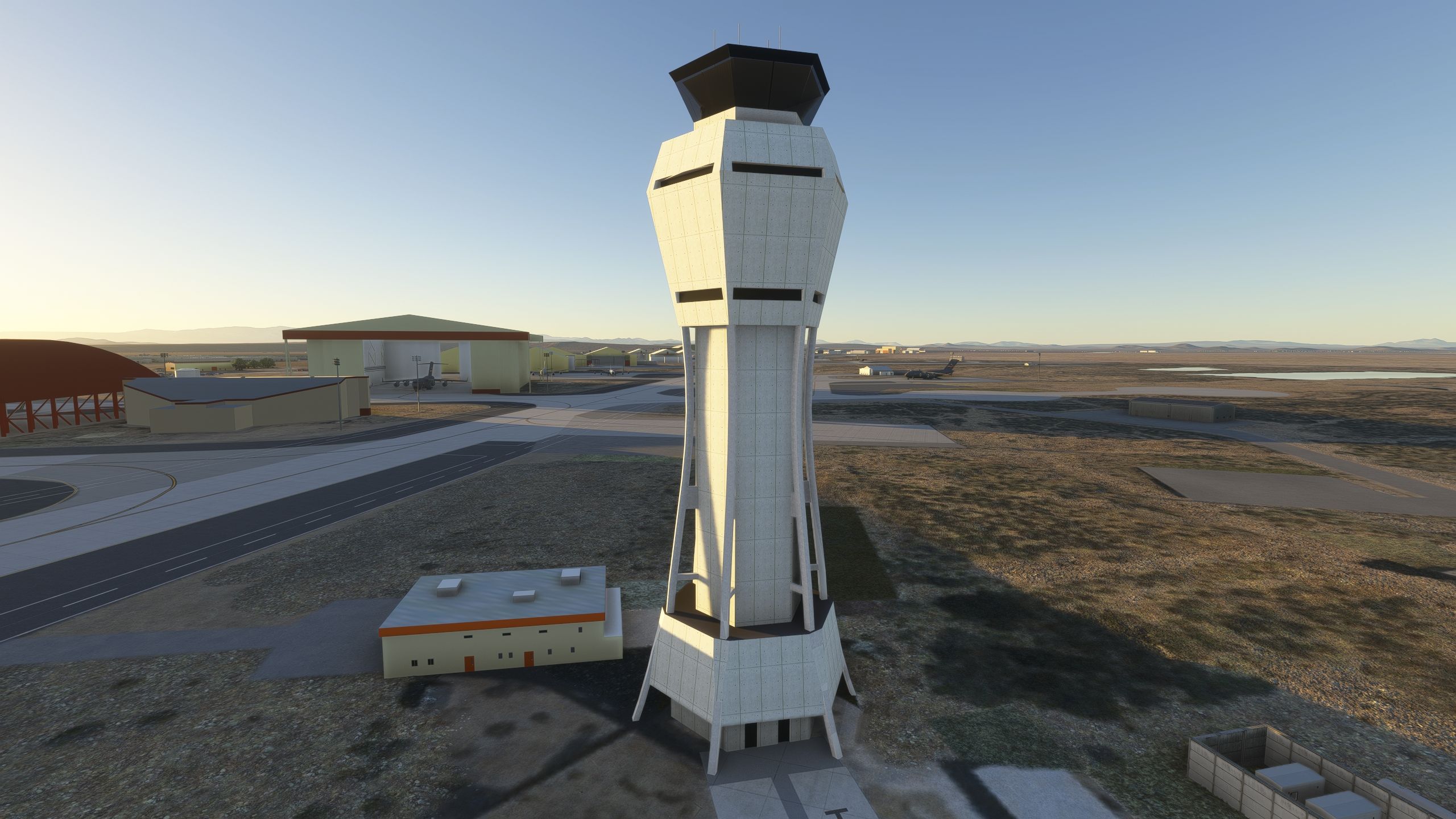
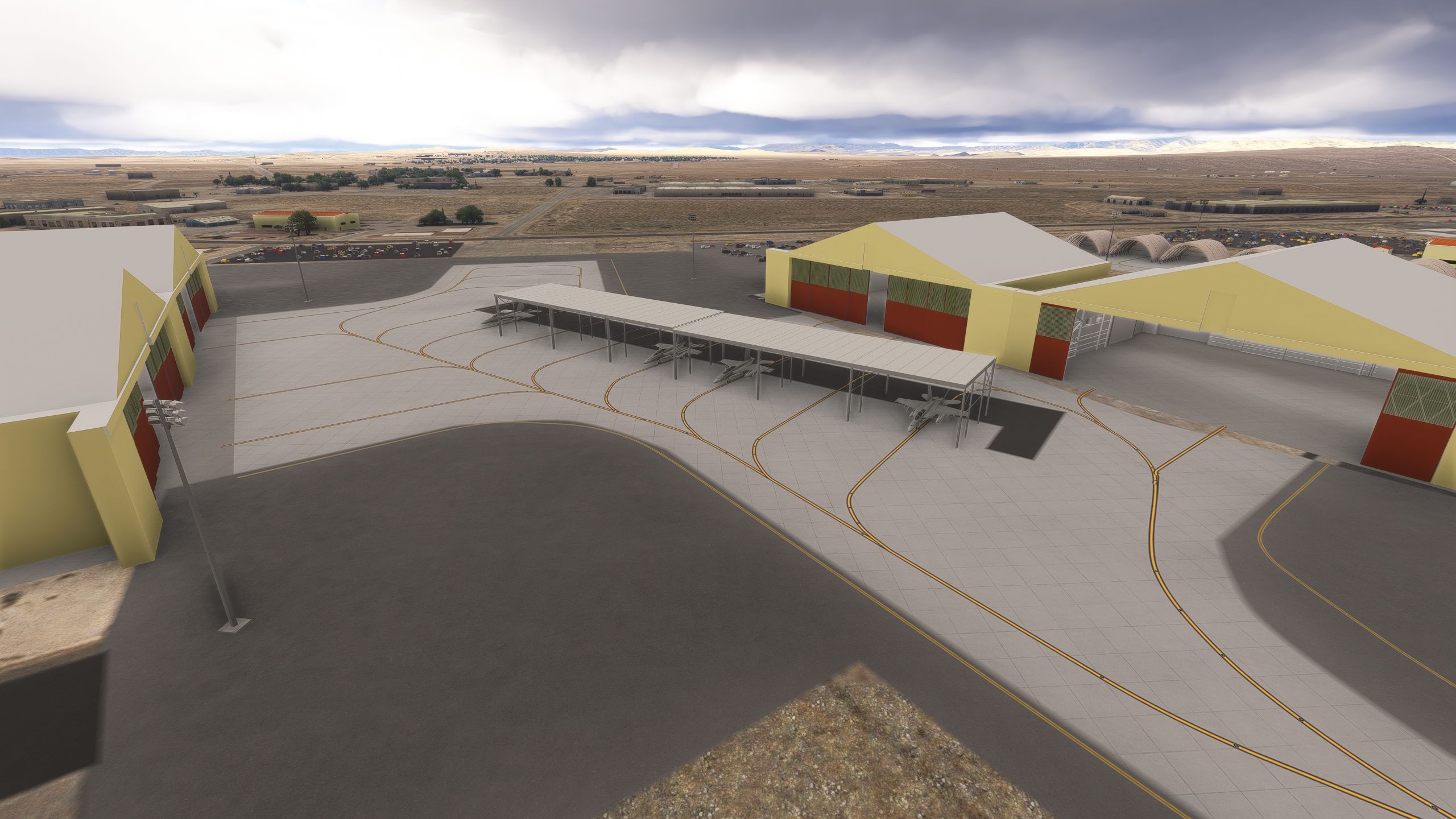
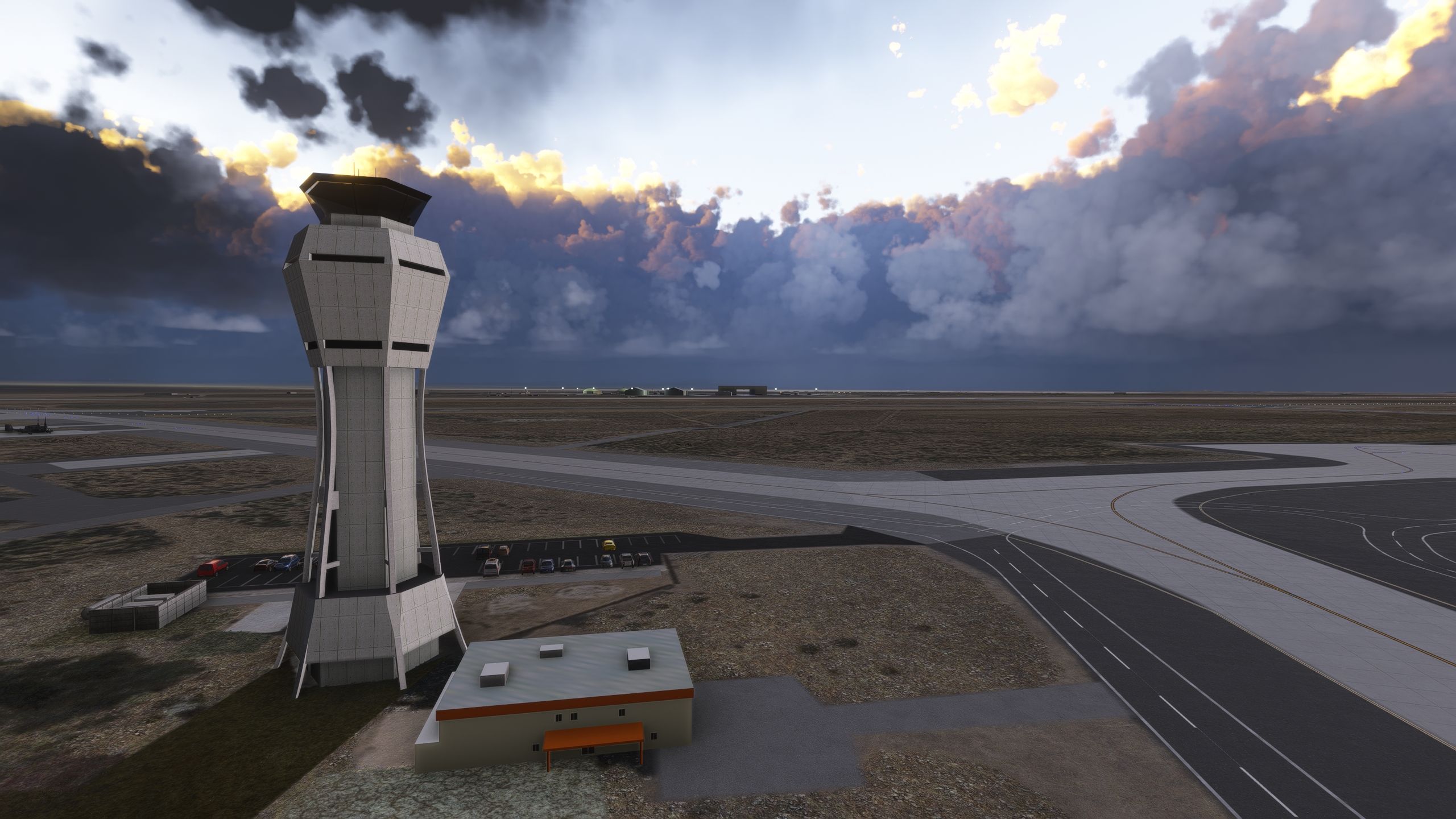
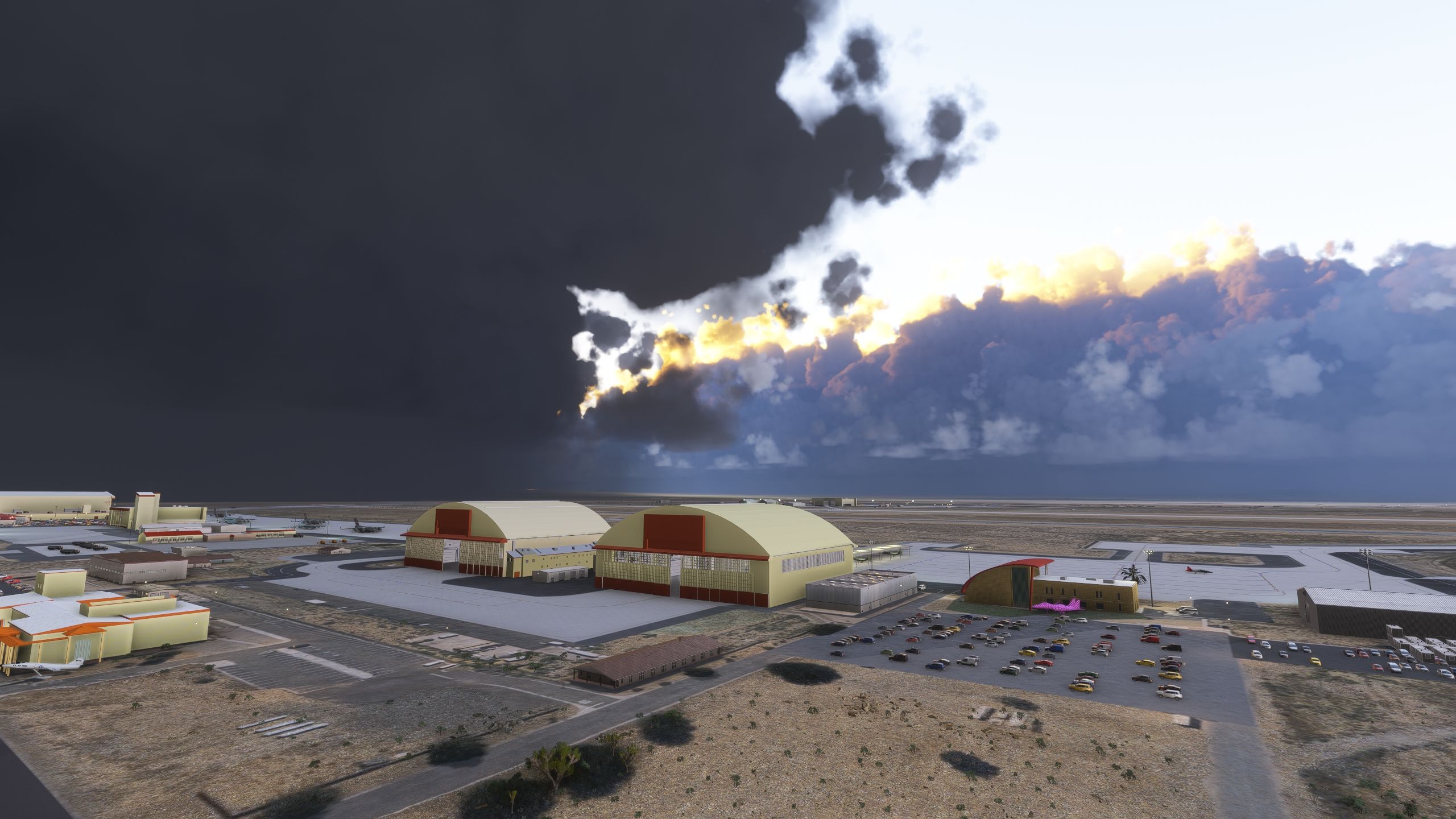
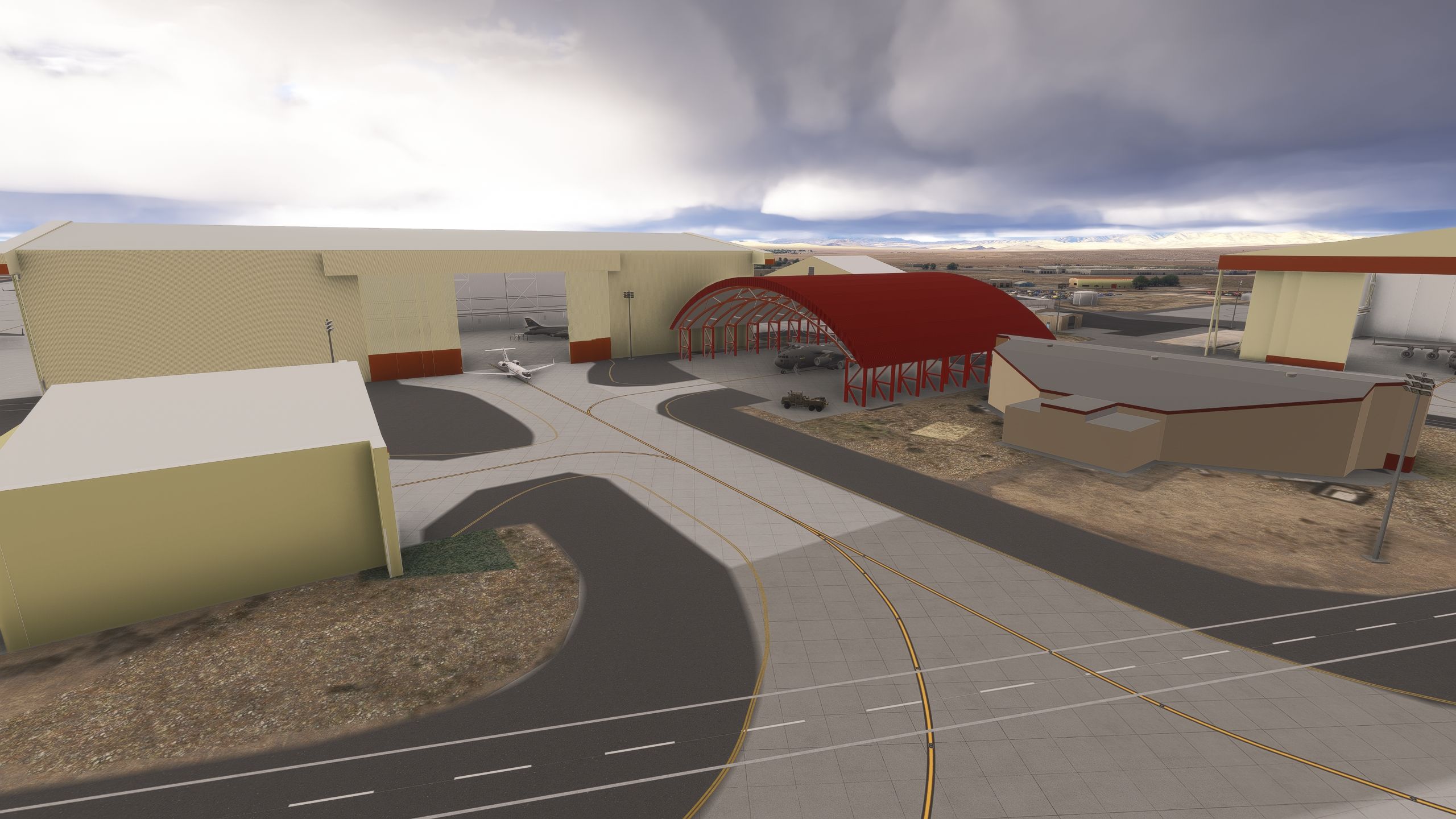
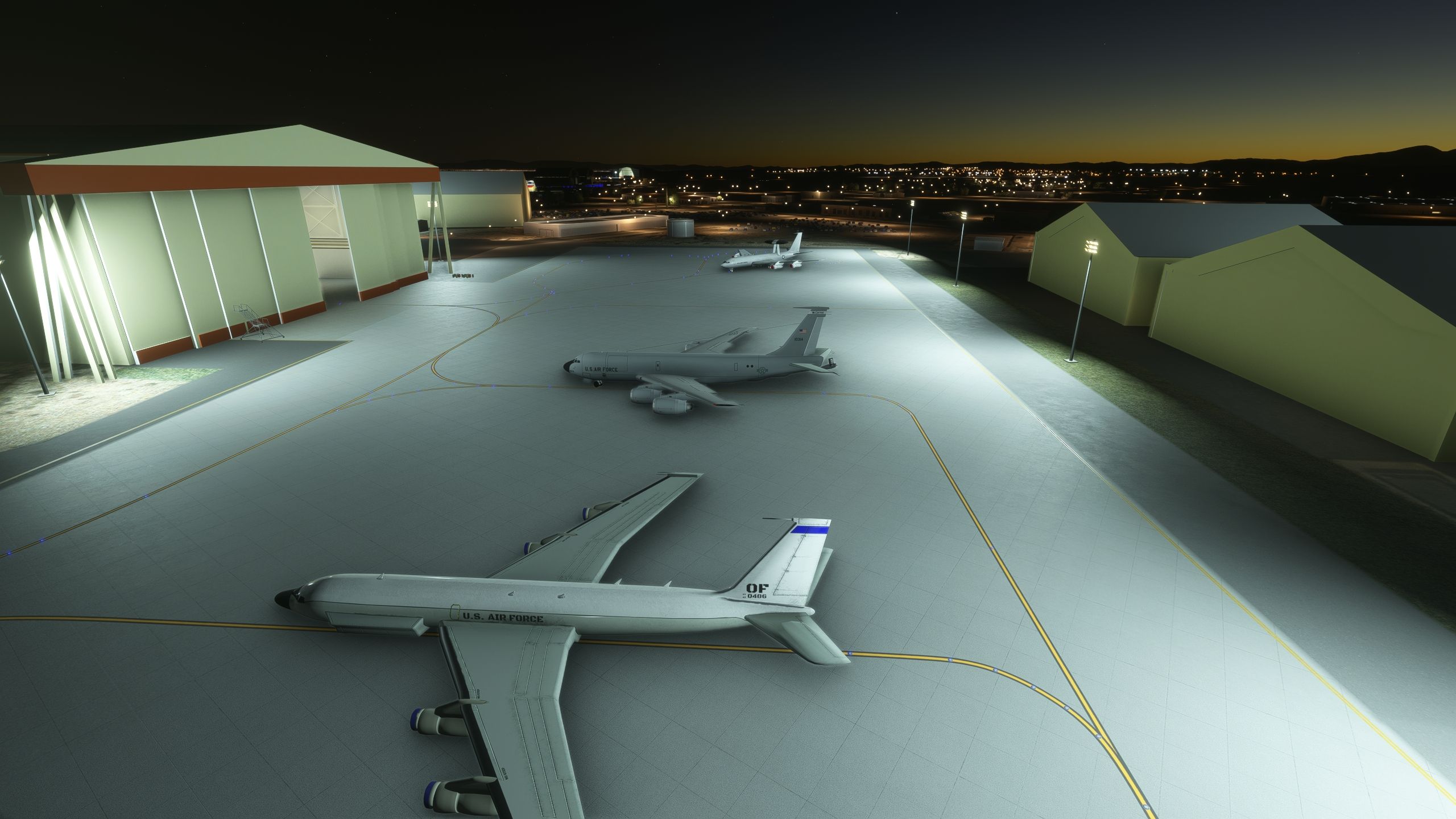
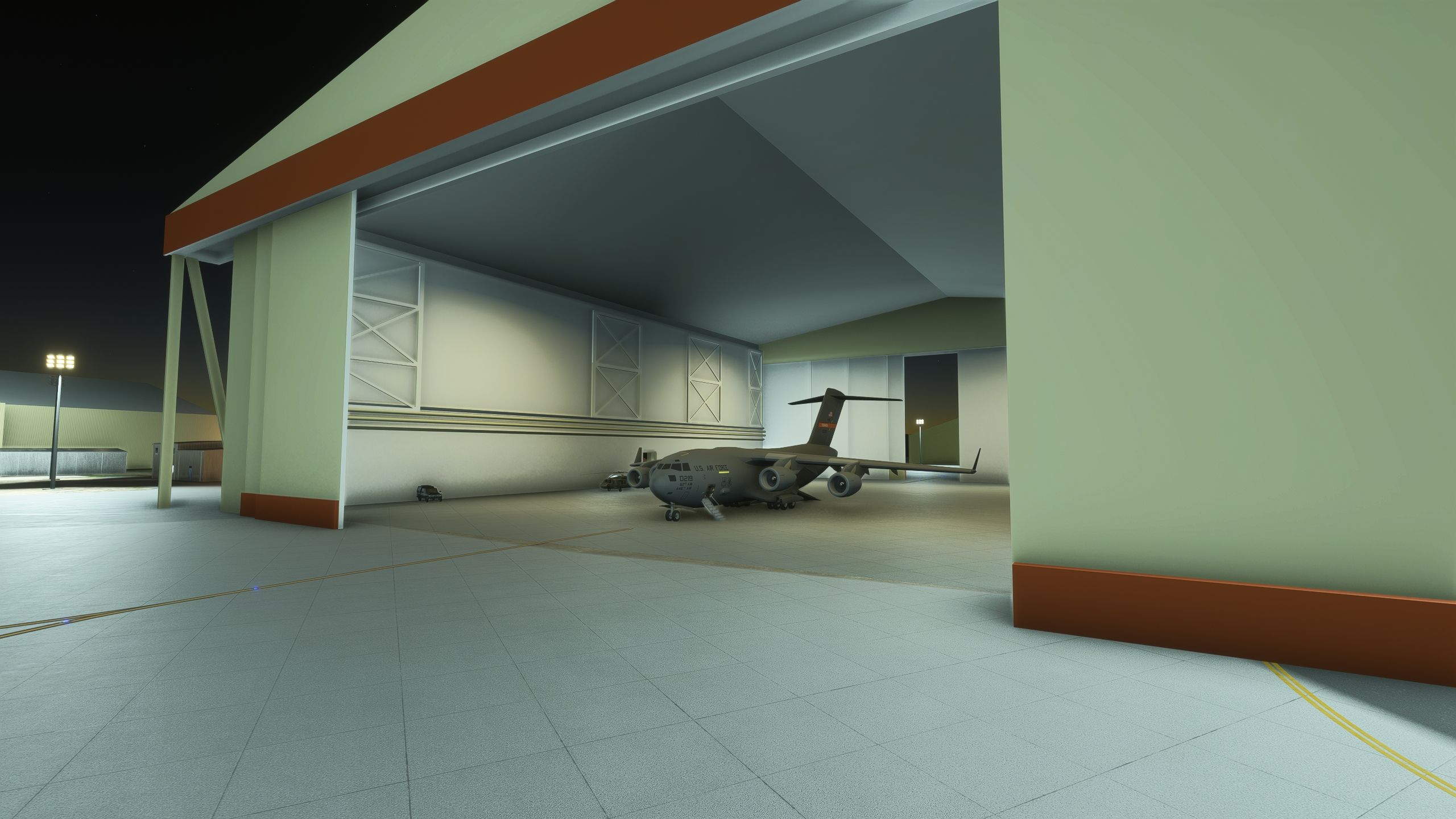
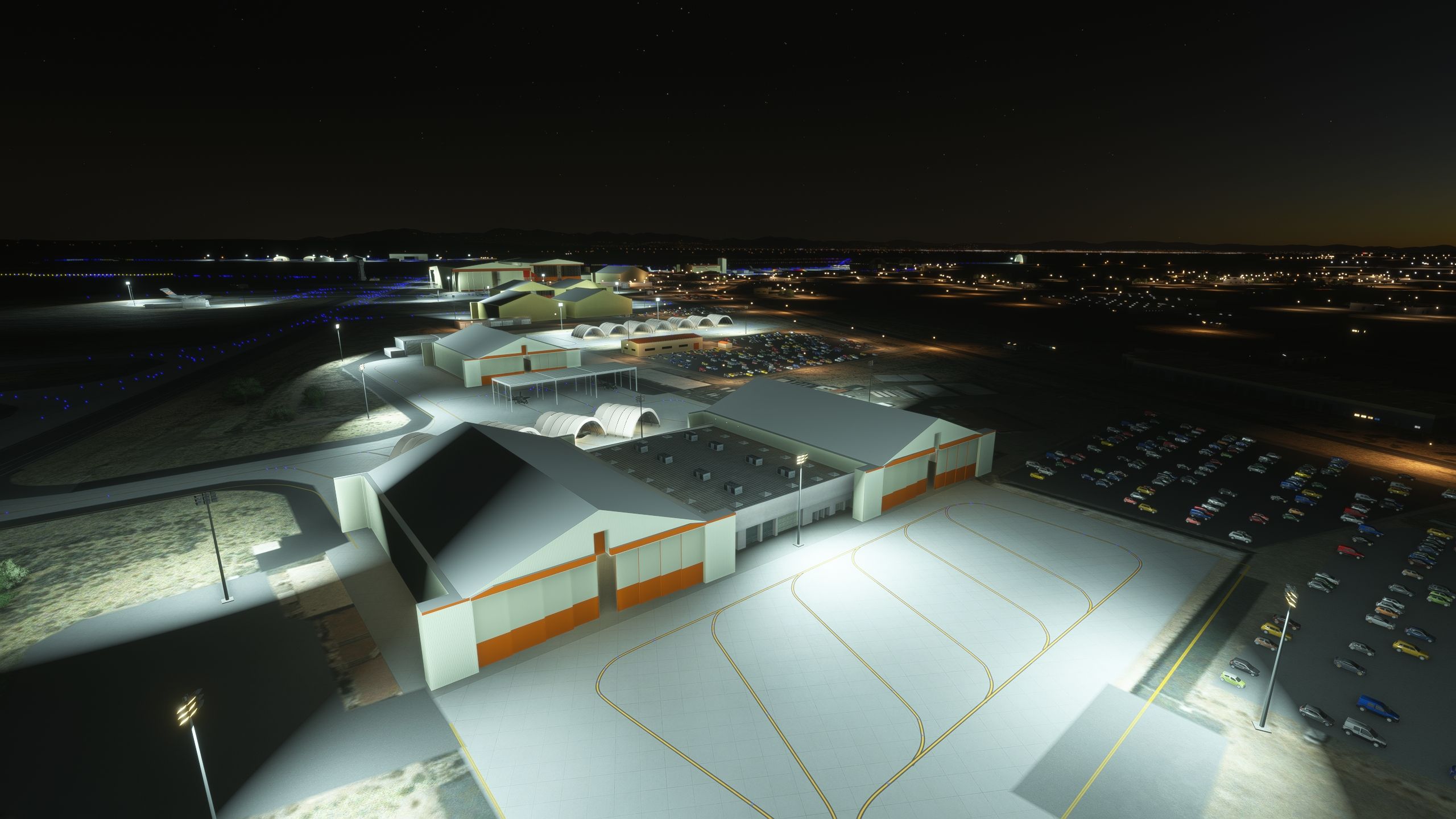
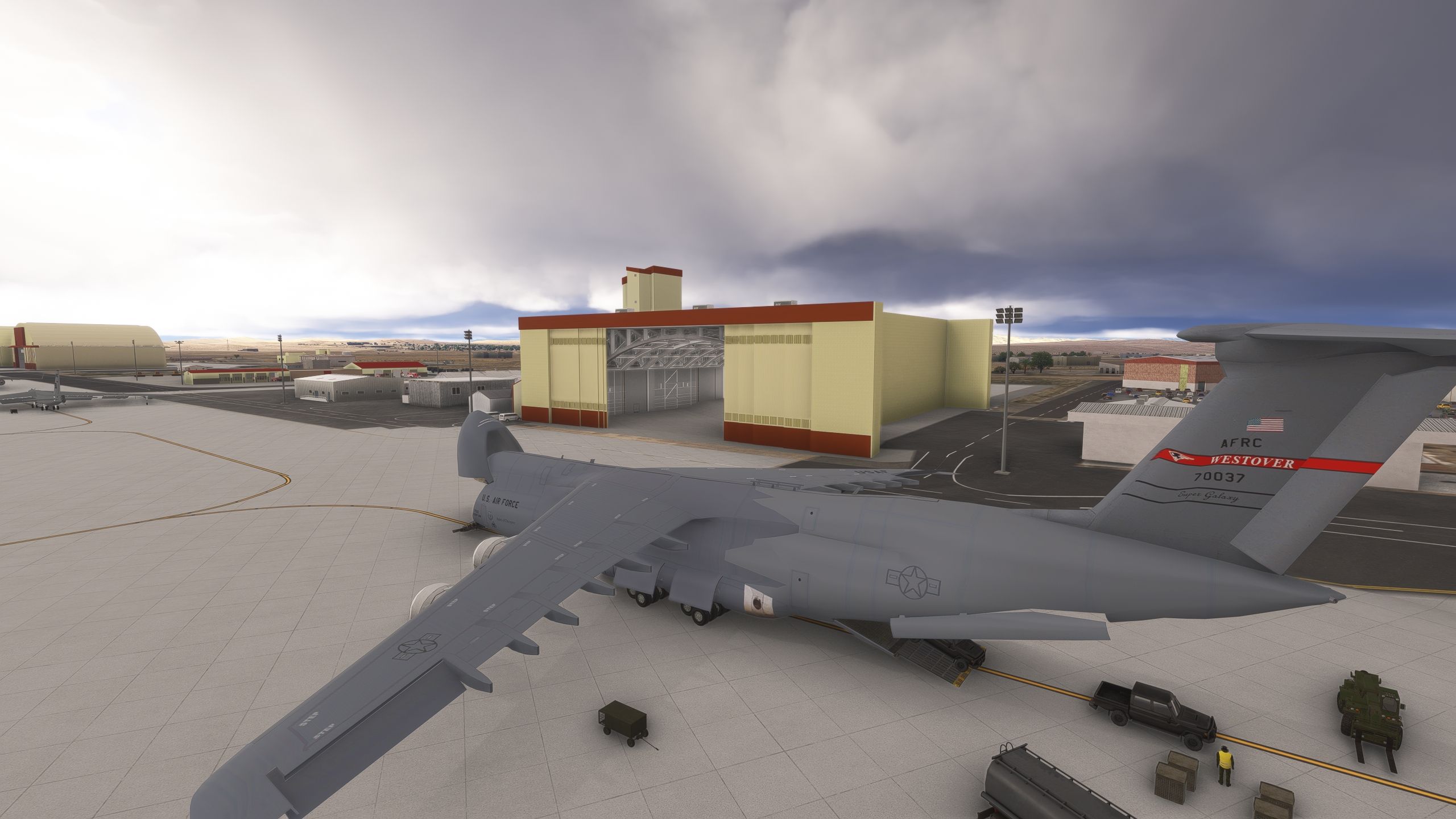
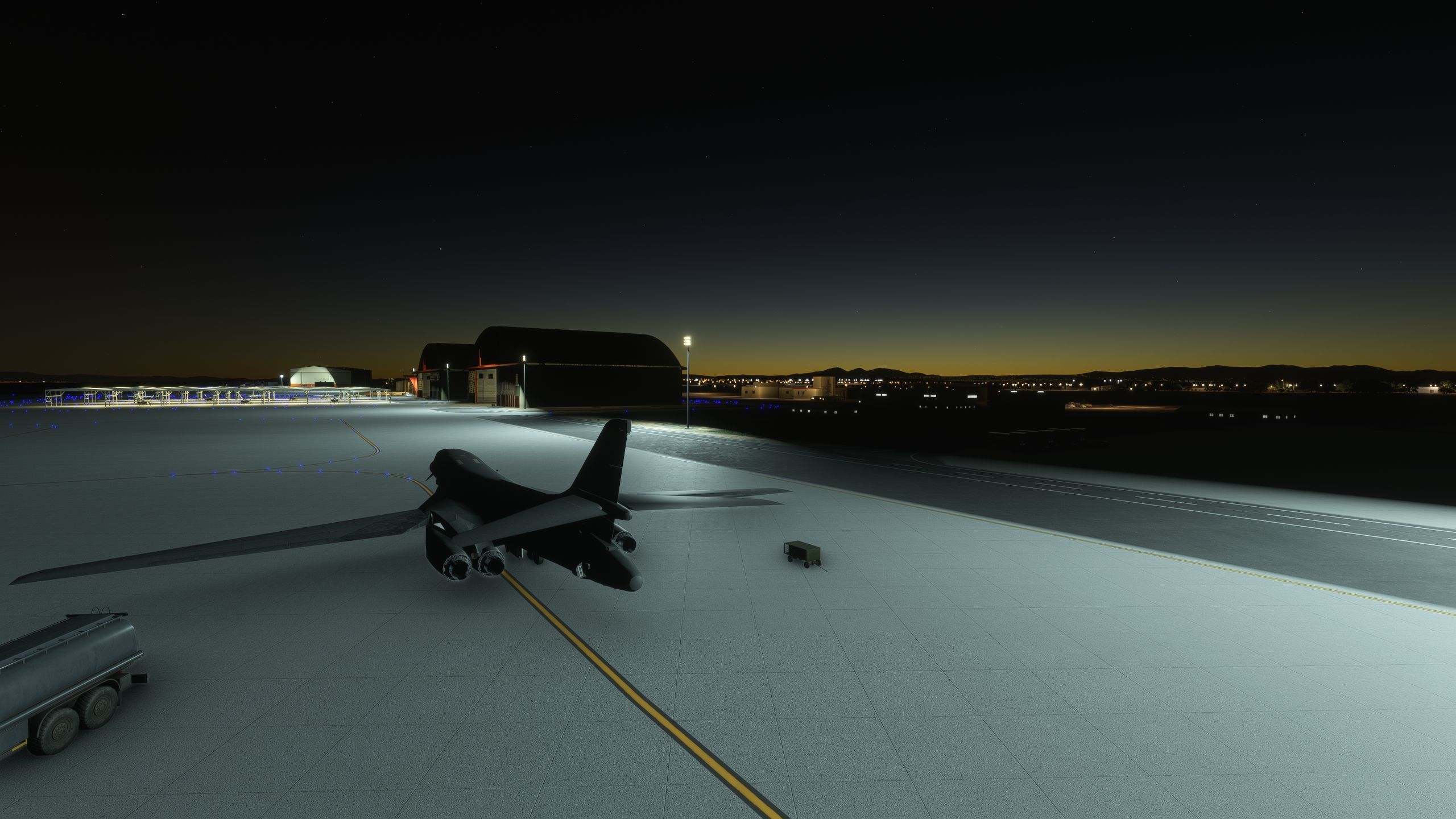
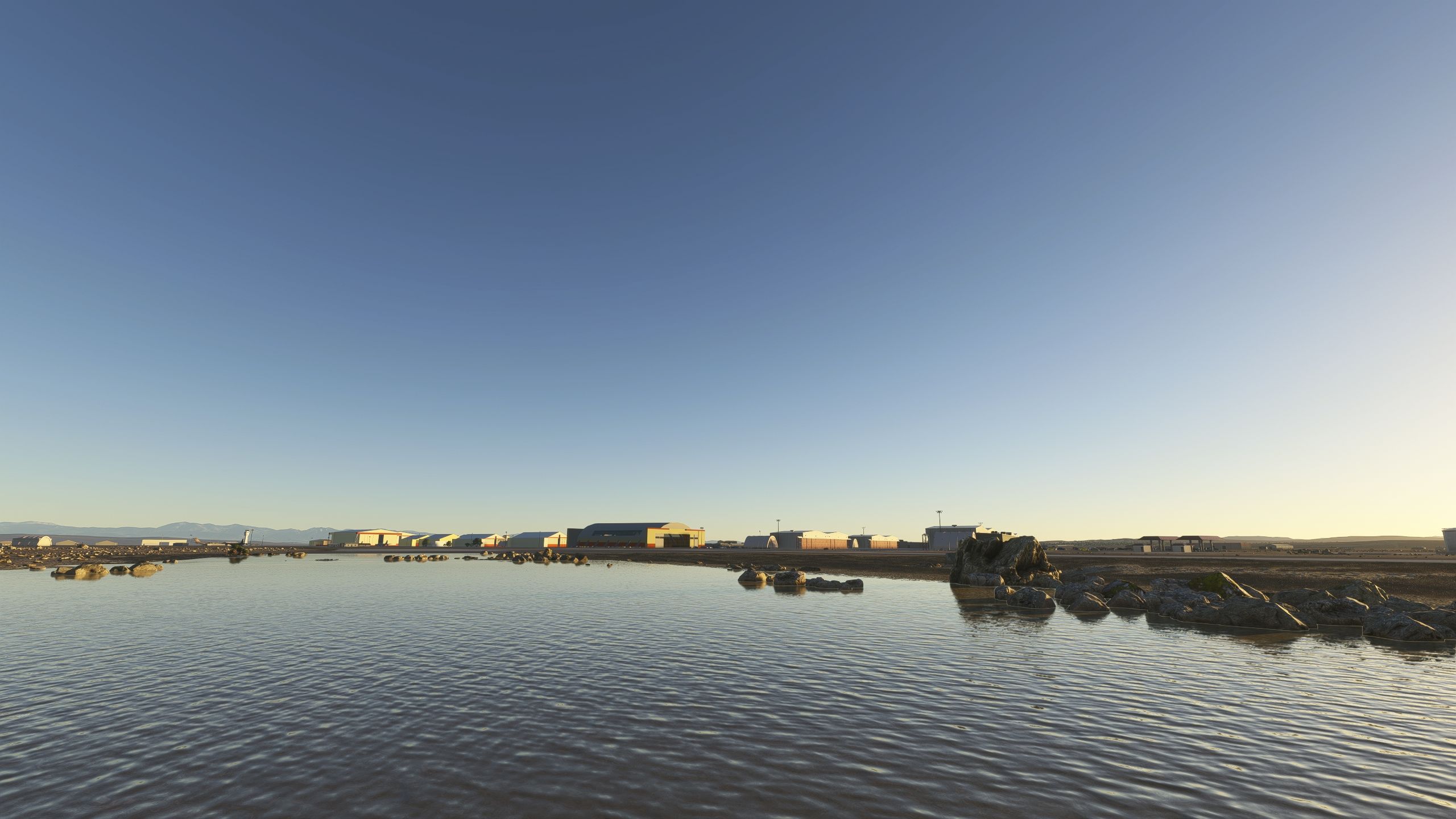
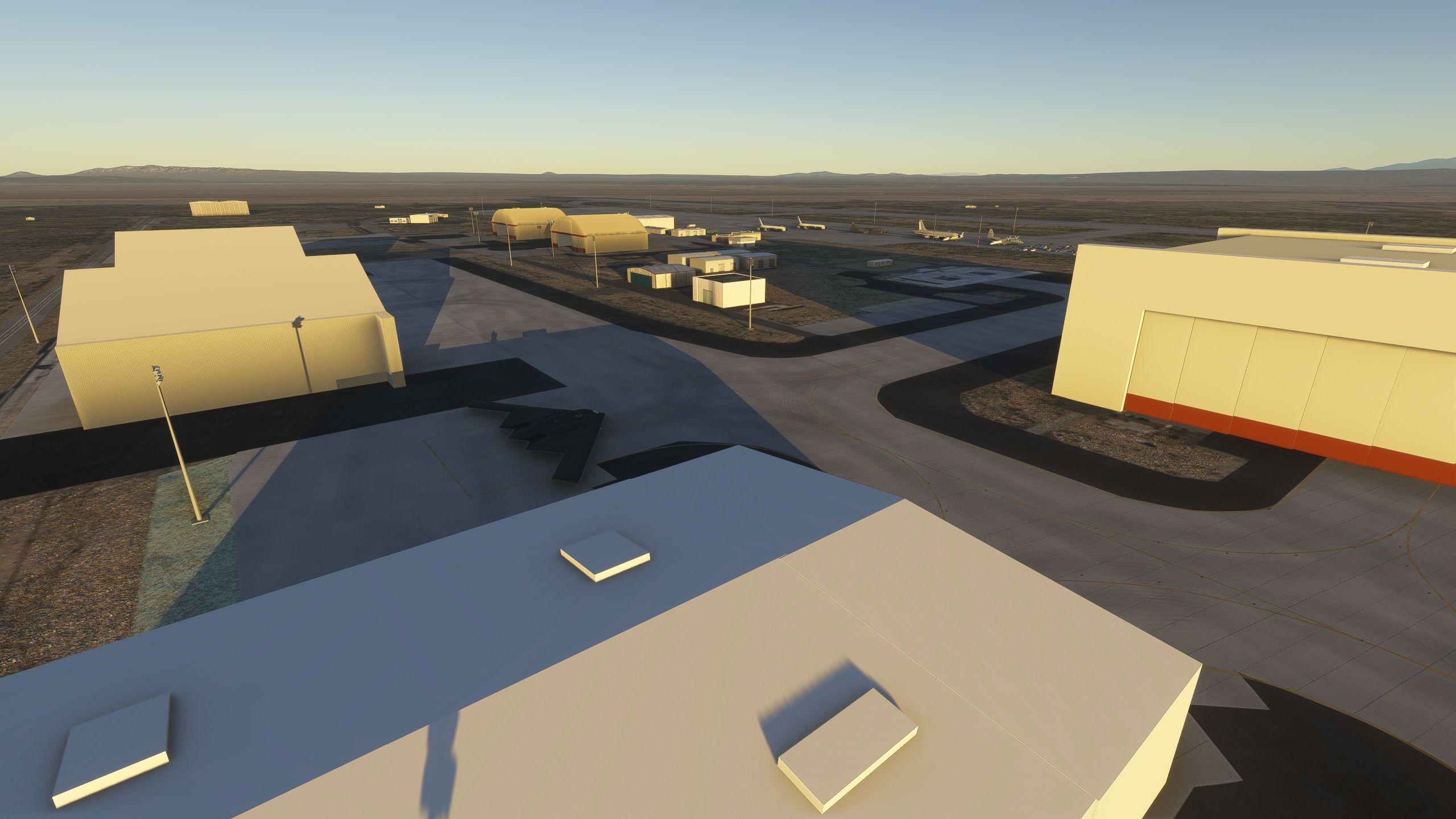
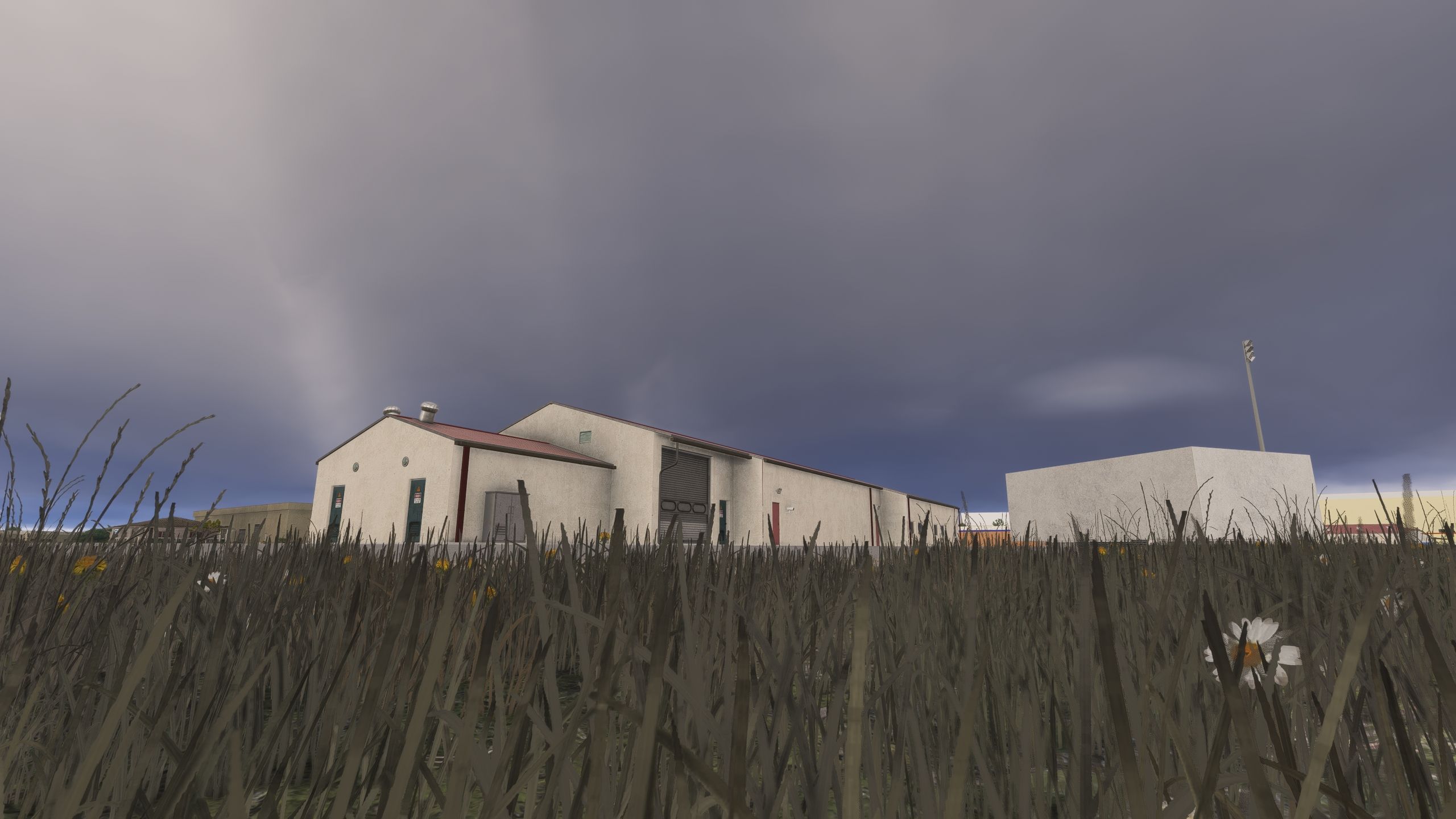
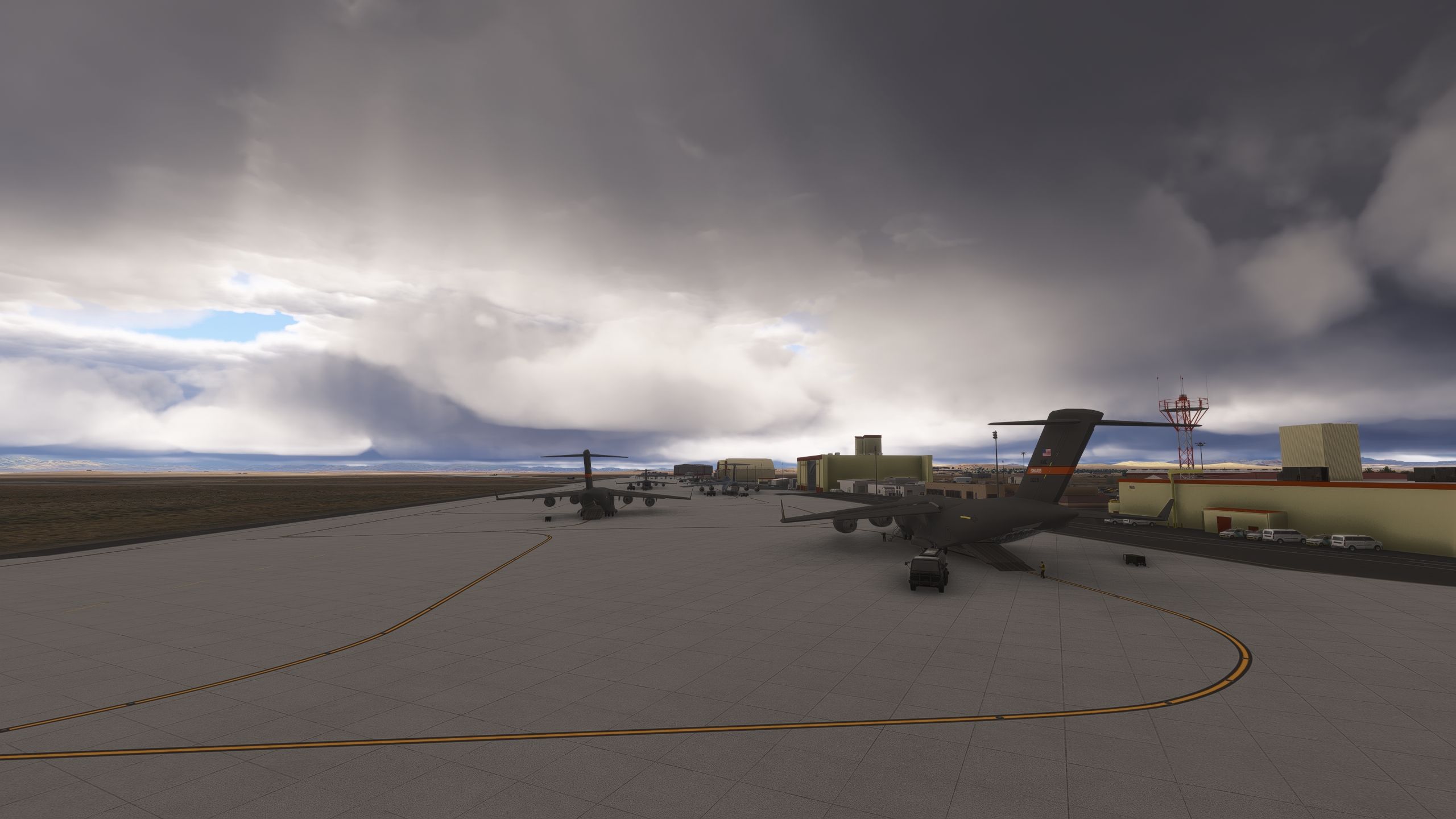
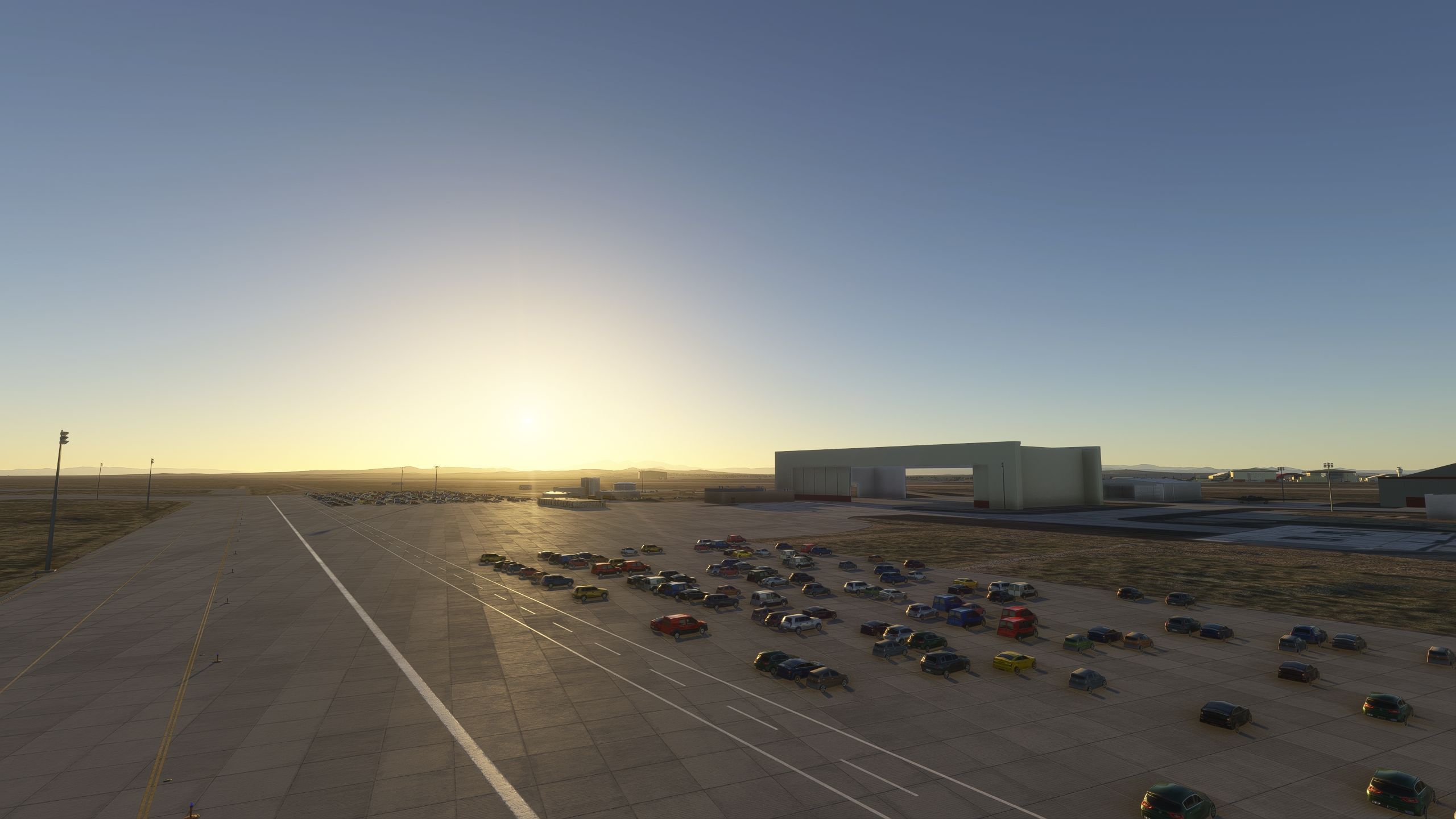
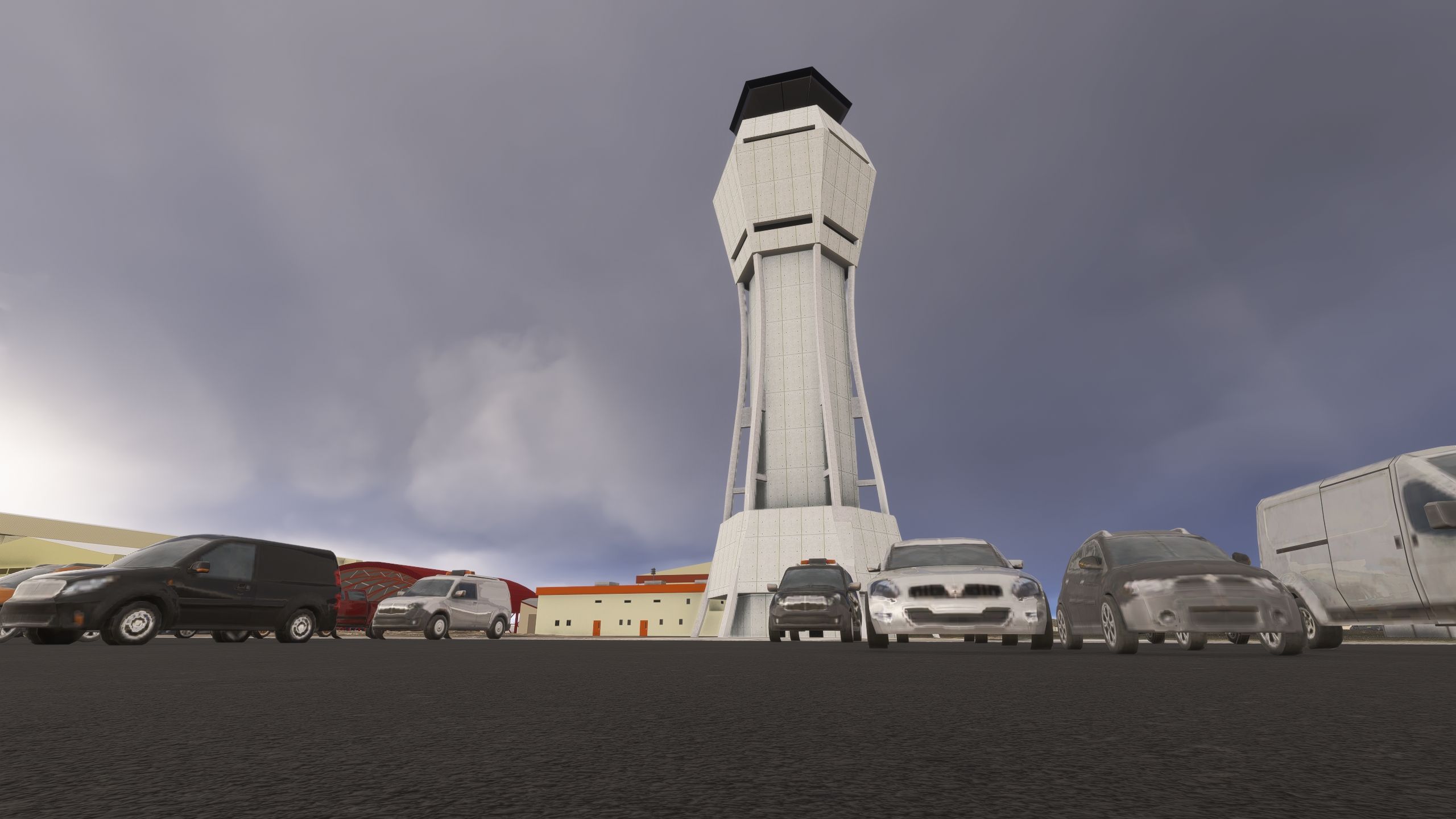
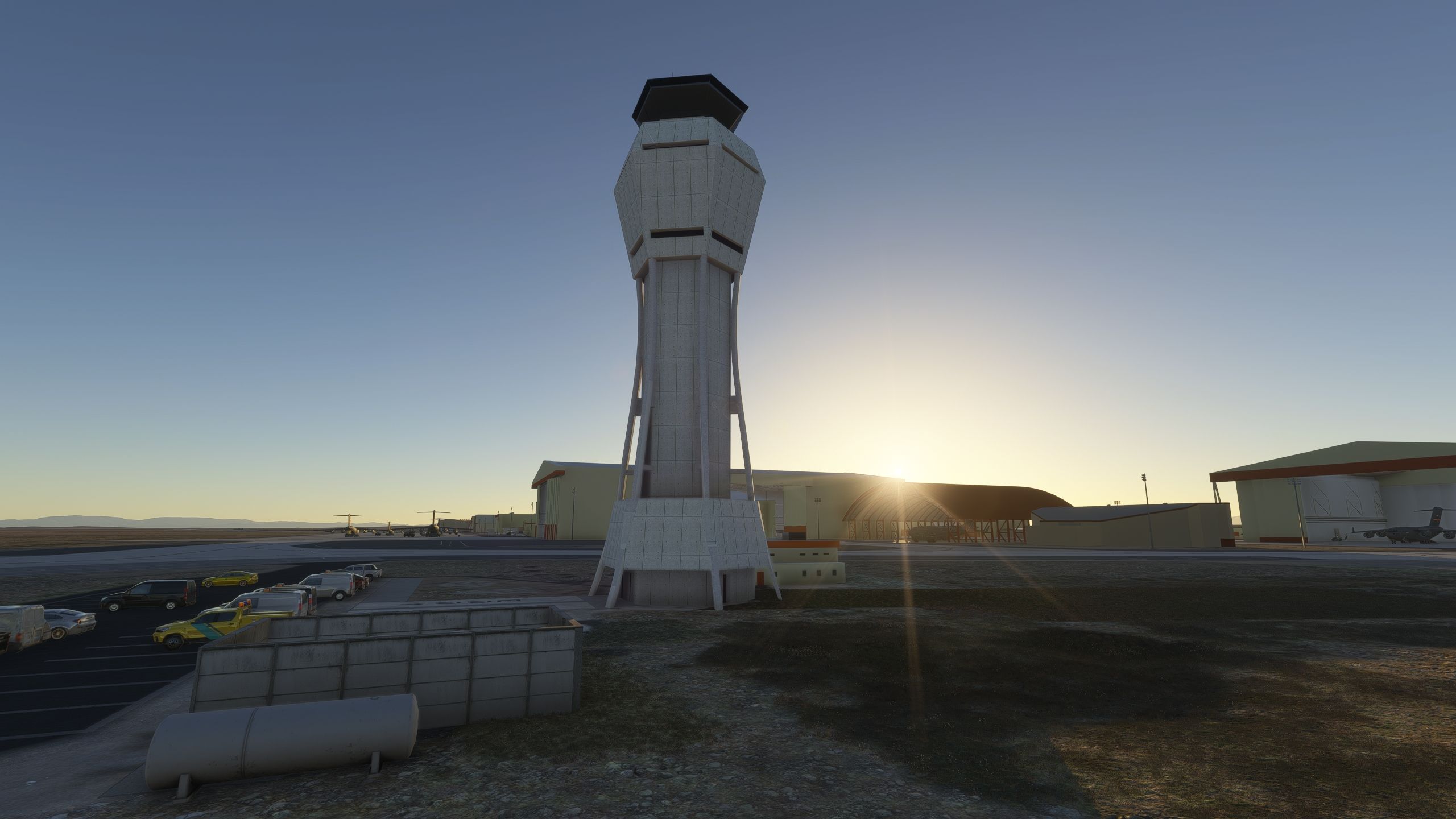
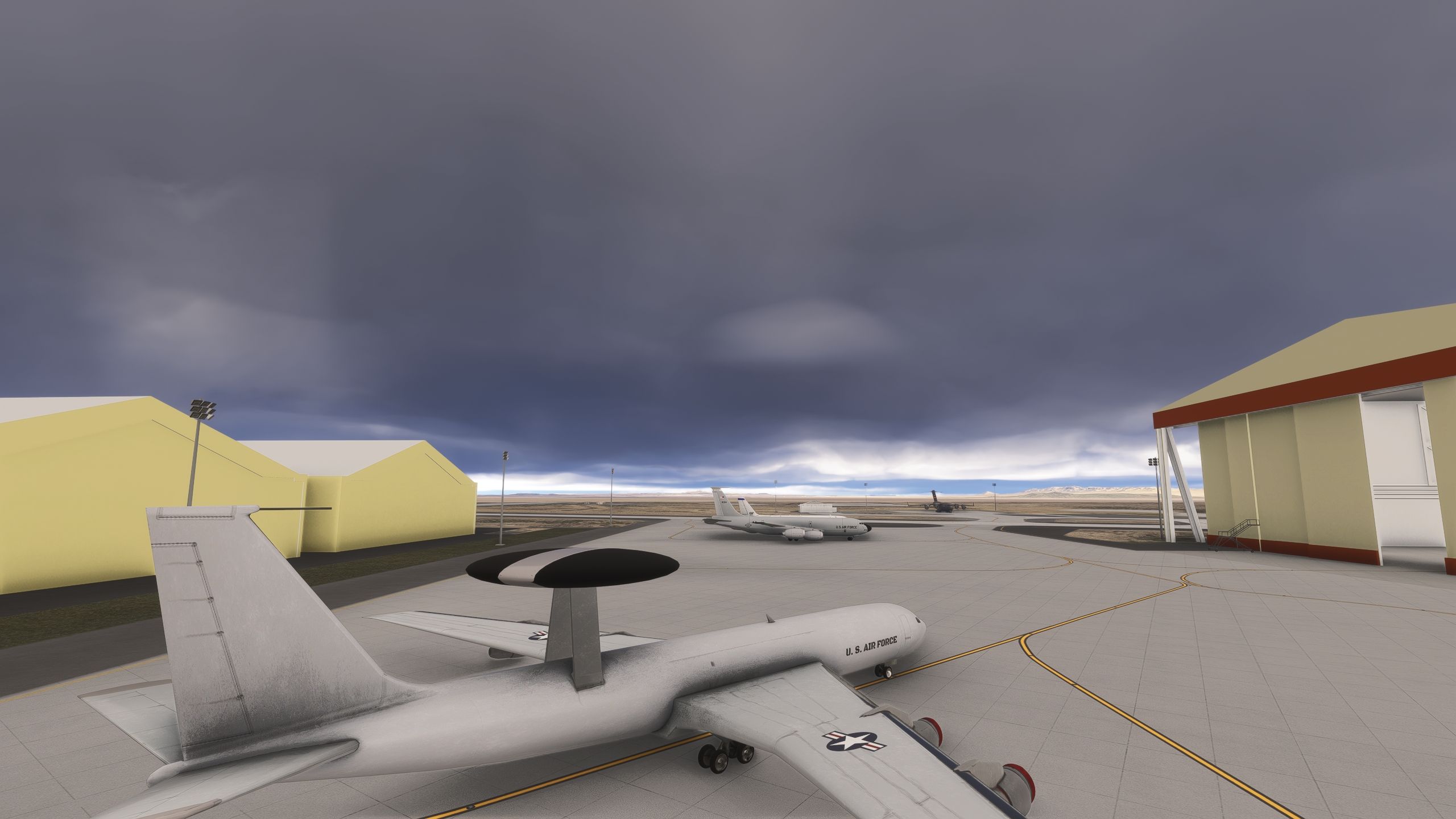
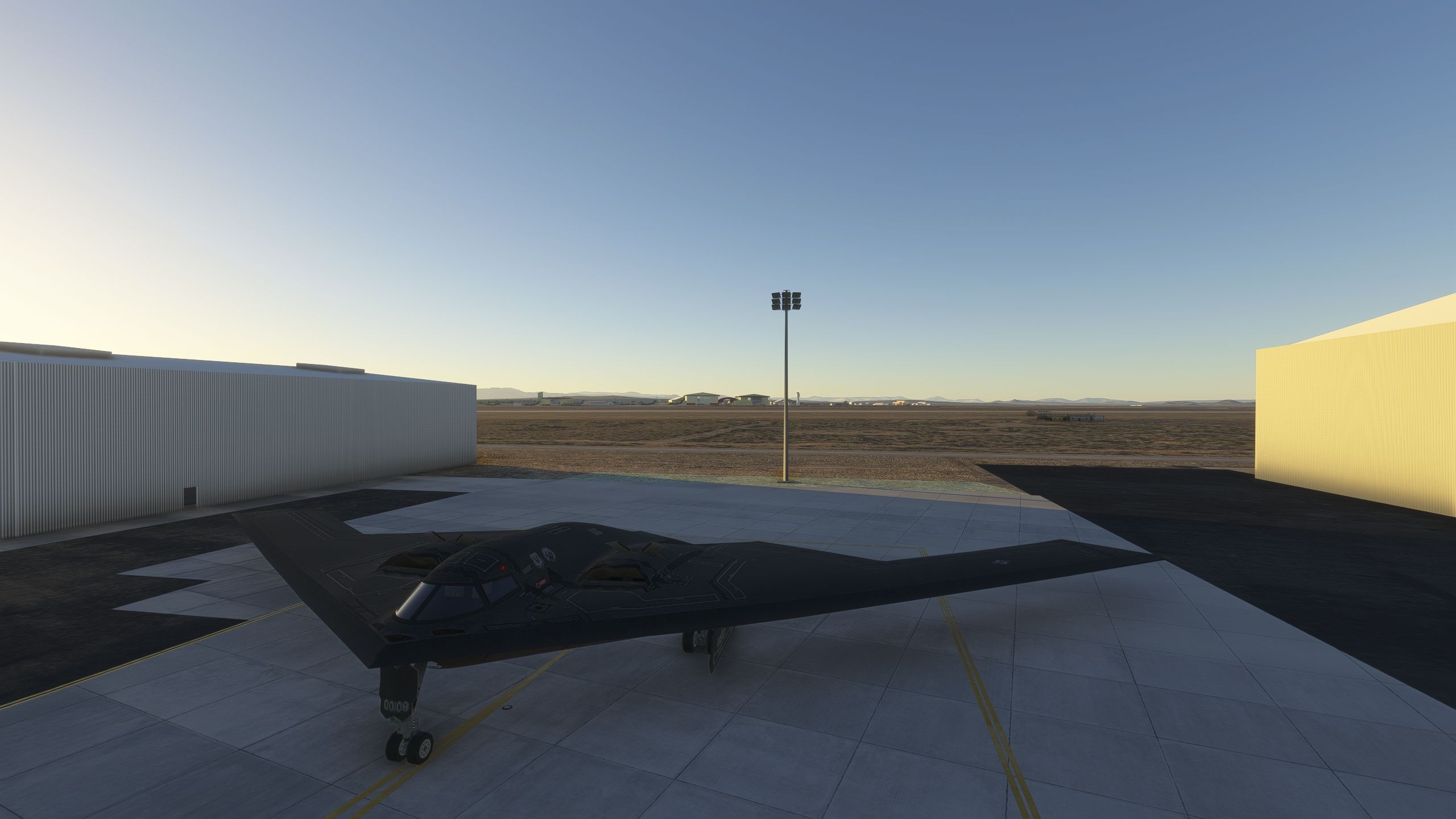
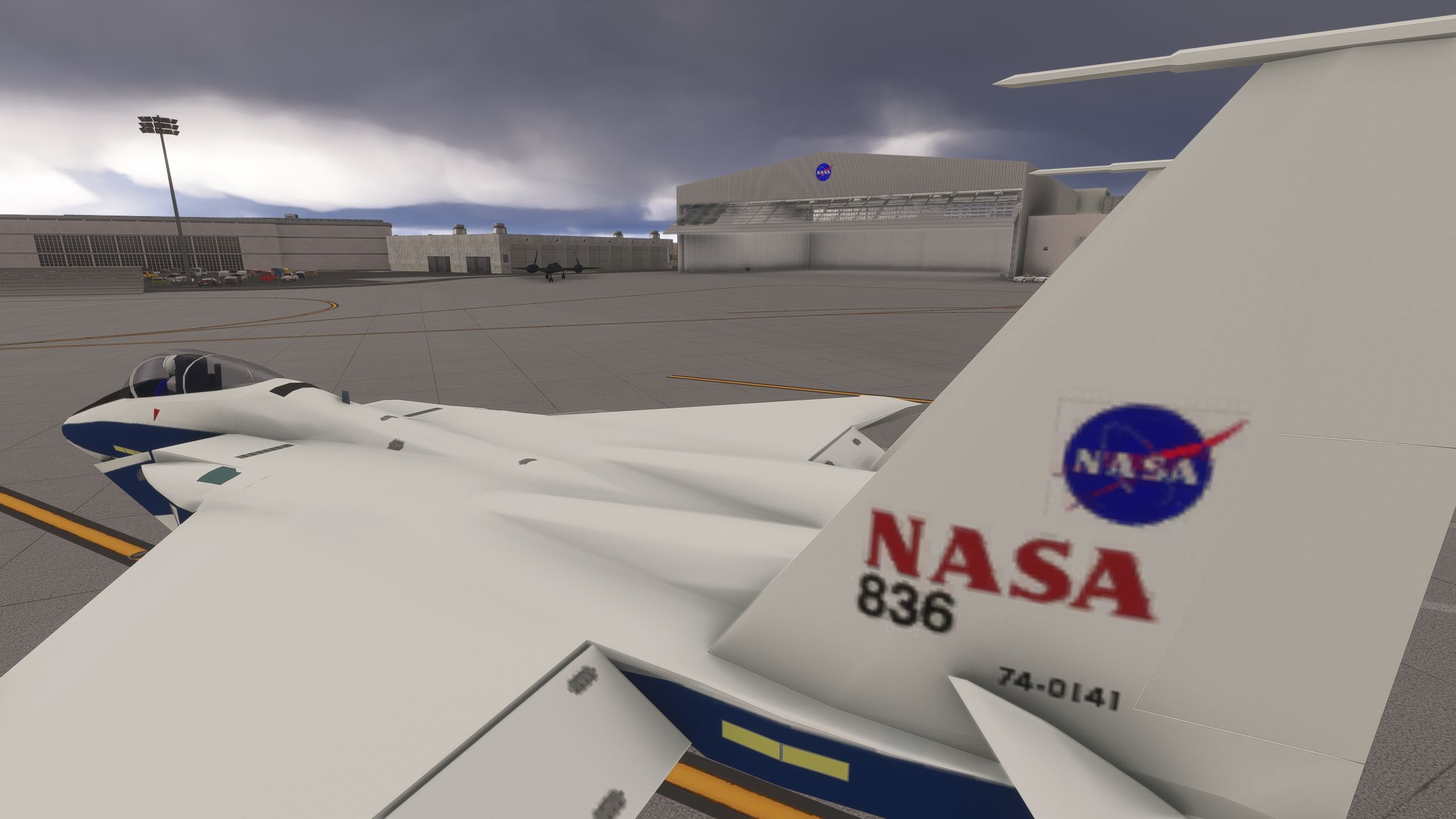
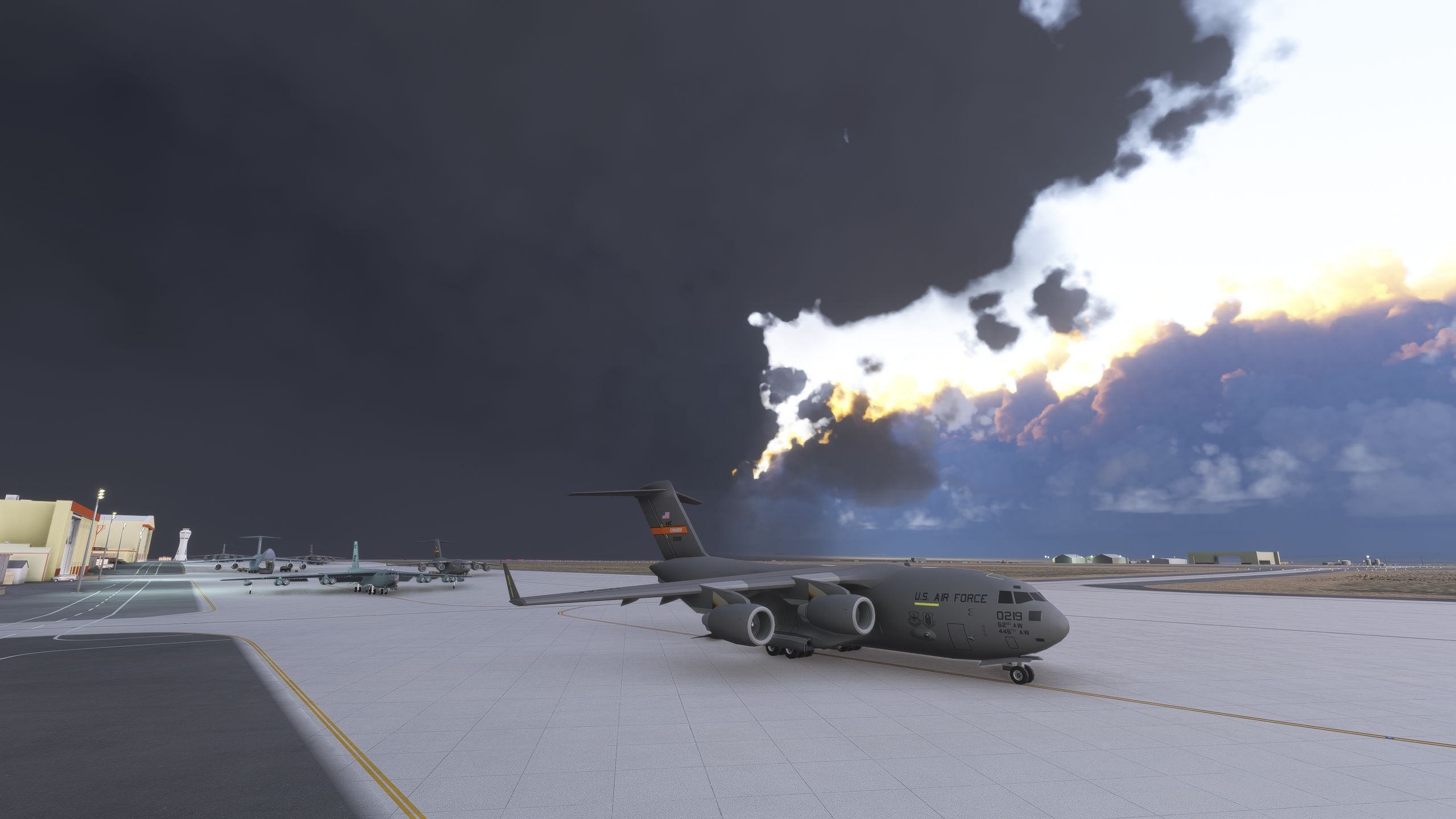
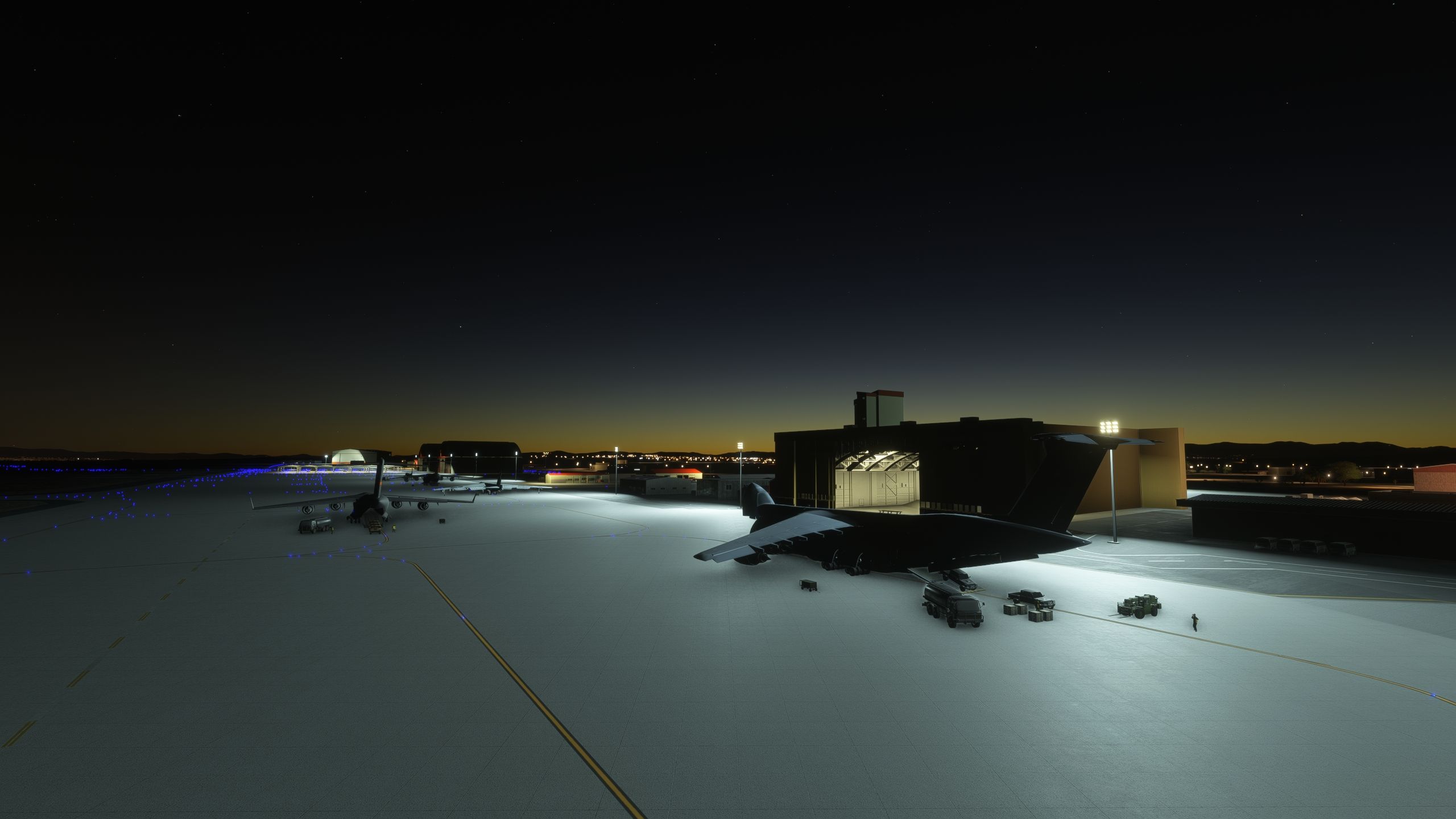
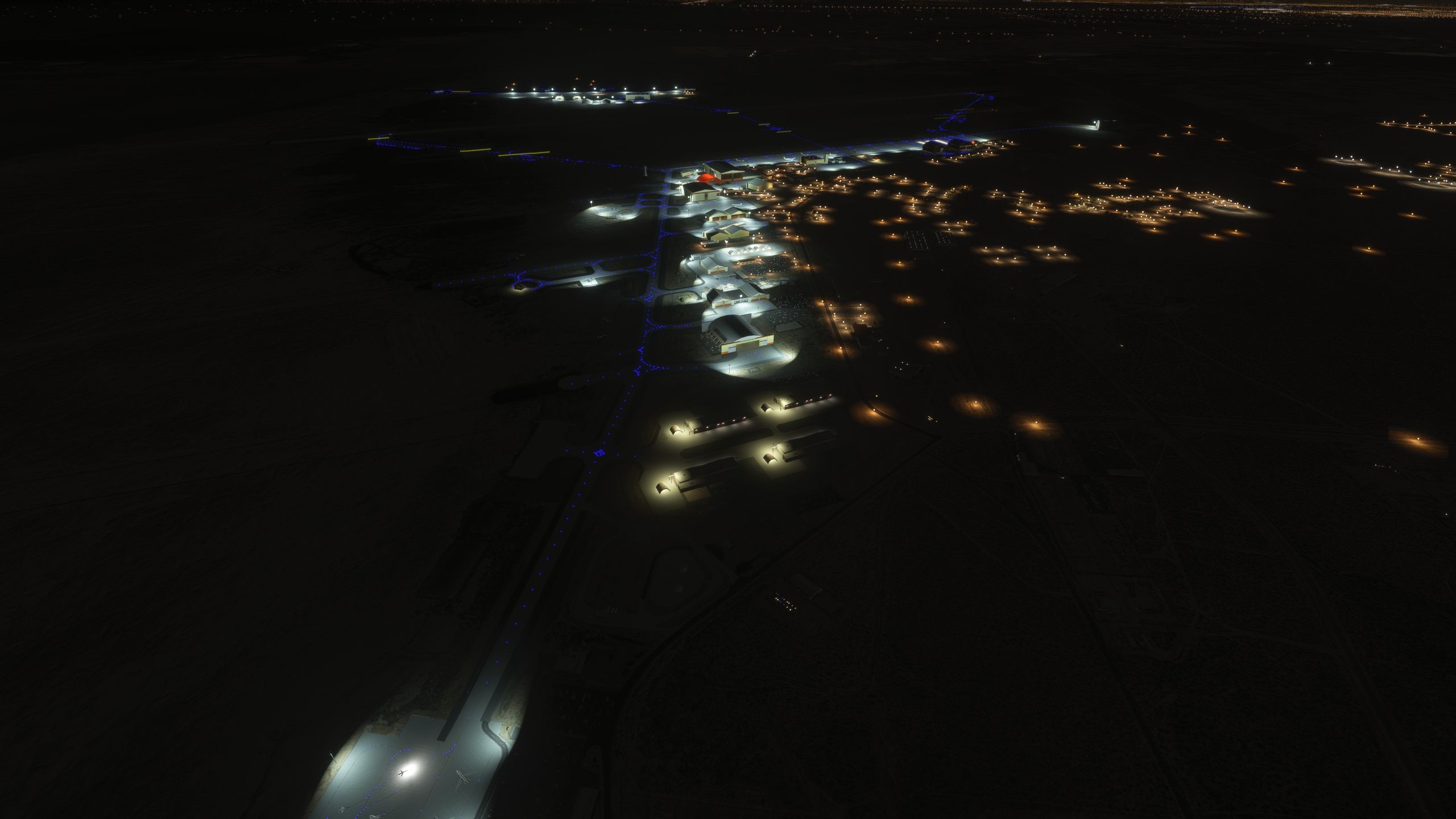
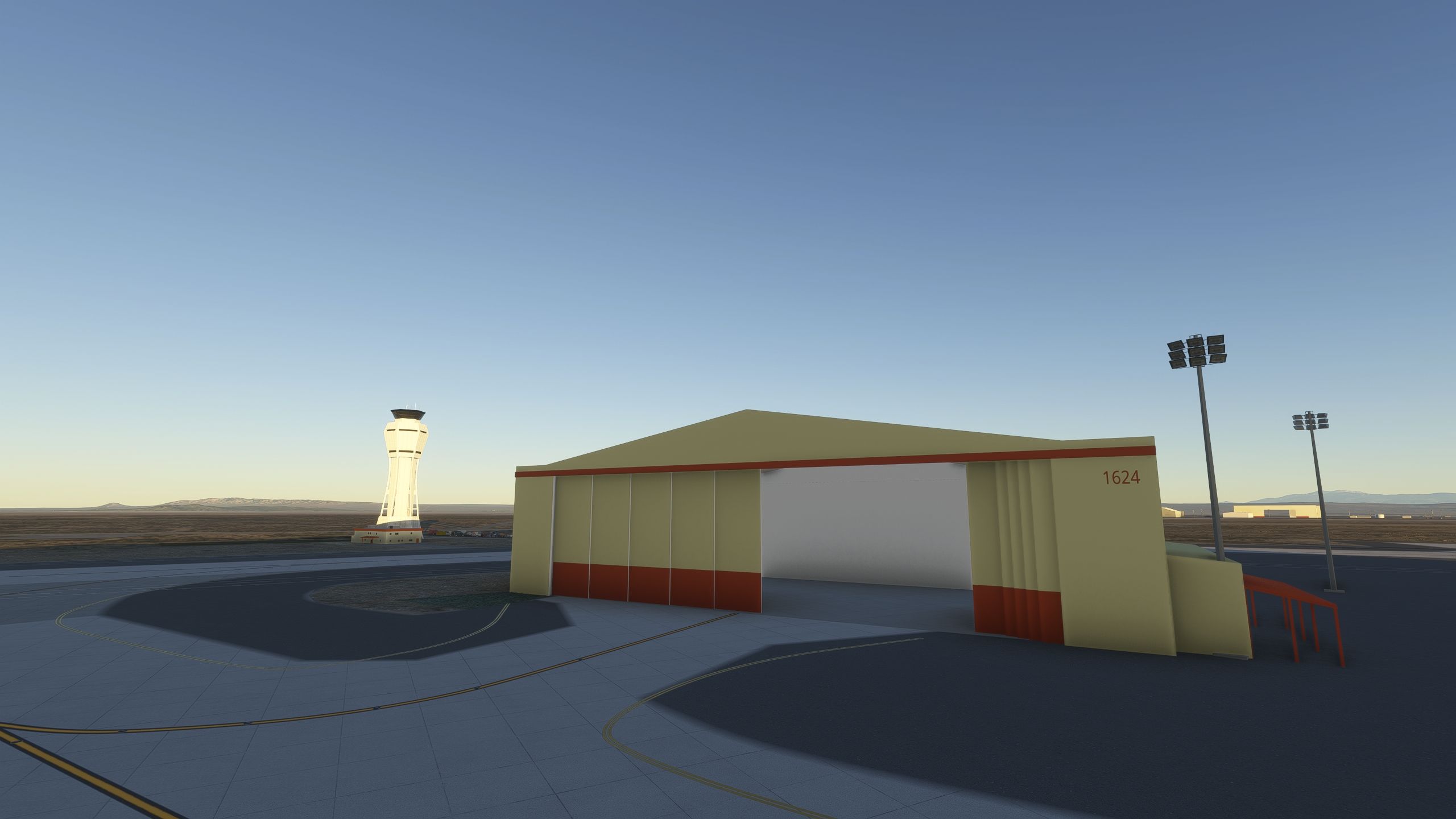

I installed Edwards Air Force Base (KEDW) in Microsoft Flight Simulator and flew a short circuit before exploring the taxiways. The revised runway layout looked coherent from the air, while the painted taxiway lines gave me useful visual guidance on the ground. JKustom’s hangar work gives the base much of its character, particularly around the 1600 complex and U-2 facilities.
I also appreciated the provision for SR-71 parking inside the NASA hangar, a fitting detail for Edwards. The package includes elevation corrections and restored points of interest, but the reported runway terrain wall in the 2024 edition remains an important caveat: the notes do not confirm a fix. Edwards Aux North is a planned expansion rather than part of the current scenery.
Edwards Air Force Base (KEDW) brings revised runways, custom-painted taxiway markings and hangar work by JKustom to Microsoft Flight Simulator. This freeware scenery recreates the California flight-test installation, with subsequent updates addressing buildings, textures and airfield elevation. Microsoft Flight Simulator 2024 users should note the reported runway terrain discontinuity.
The project pairs its lead developer, whose name does not appear in the supplied notes, with JKustom, who contributed extensive hangar modelling and texturing work. JKustom also drew on time spent at the real base when creating the scenery.
New runways and custom-painted taxiway lines throughout the airfield form the groundwork for exploring Edwards. Meanwhile, the building work covers the 1600 hangar complex, the U-2 hangar and other facilities around the installation. A later revision also adds a parking position inside the NASA hangar for the SR-71.
The developers plan further model and texture improvements and have announced Edwards Aux North as a future addition. The supplied release notes do not confirm that expansion as part of the current package.
Edwards occupies part of California’s Mojave Desert, primarily in Kern County, with portions extending into San Bernardino and Los Angeles counties. Pilots will find it under ICAO code KEDW; its IATA and FAA identifiers both use EDW. The installation took the name Edwards in 1950 to honour Captain Glen Edwards, a World War II USAAF veteran and test pilot, replacing its earlier Muroc Air Force Base designation.
The base houses the Air Force Test Center, the Air Force Test Pilot School and NASA’s Armstrong Flight Research Center. As an Air Force Materiel Command flight-test hub, it supports aerospace research, development and evaluation from early concepts through combat applications. Commercial aerospace companies also conduct test activities here.
That role gives this airfield a distinctive flying context: Edwards’ history includes Chuck Yeager’s supersonic Bell X-1 flight, North American X-15 testing, the earliest Space Shuttle landings and Rutan Voyager’s 1986 around-the-world flight.
Known issue in Microsoft Flight Simulator 2024: the developer acknowledges a runway scenery glitch where the terrain rises abruptly like a wall. Although version 1.65 corrects the airfield elevation, its notes do not explicitly confirm a fix for this terrain problem.
Free for all simmers · 1.1 GB · Scanned clean Oct 2026
Download speed: Free tier is capped at 2 Mbps (this file takes approximately 1h 19m at the cap). PRO members download at full line speed.
%LOCALAPPDATA%\Packages\Microsoft.FlightSimulator_8wekyb3d8bbwe\LocalCache\Packages\Community\. Steam version: %APPDATA%\Microsoft Flight Simulator\Packages\Community\. Tip: enable Developer Mode in MSFS to see your exact Community folder path.readme.txt or README file. It tells you exactly where files go, what dependencies are needed, and any quirks specific to this add-on.Use these coordinates to fly directly to this location once the mod is installed.
34.90540000,-117.88370000
Paste these coordinates into the Microsoft Flight Simulator search bar when planning a flight, or into the Developer Mode Teleport window, to fly directly to this location.
Only PRO members can place votes.
More MSFS add-ons hand-picked based on this download.
MSFS Scenery
Bring Buckley Space Force Base (KBKF) into sharper focus in Microsoft Flight …
 MSFS Scenery
This scenery package focuses on Naval Air Station Joint Reserve Base New Orle…
 FSX AFCAD Files
AFX File For KEDW, Edwards AFB, California (CA). Adds parking to the default …
 FSX Missions
Flights For The Space Shuttle Atlantis. Two approaches to shuttle landing fac…
 FSX Scenery
Scenery Edwards AFB Additions (KEDW), California (CA). Adds two refuel statio…
 FSX Scenery
Bagram Air Force Base v3. Bagram, Afghanistan (AF). Bagram AFB (OAIX) is for …
 FSX Scenery
Andrews Air Force Base (KADW), Camp Springs, Maryland (MD). An improved versi…
 FSX Scenery
Nellis Air Force Base (KLSV), Nevada (NV). Adds ramp parking and some scenery…
Be the first to leave a comment on this download.
Be the first to share your thoughts on this download.