

 FSX Civil Aircraft
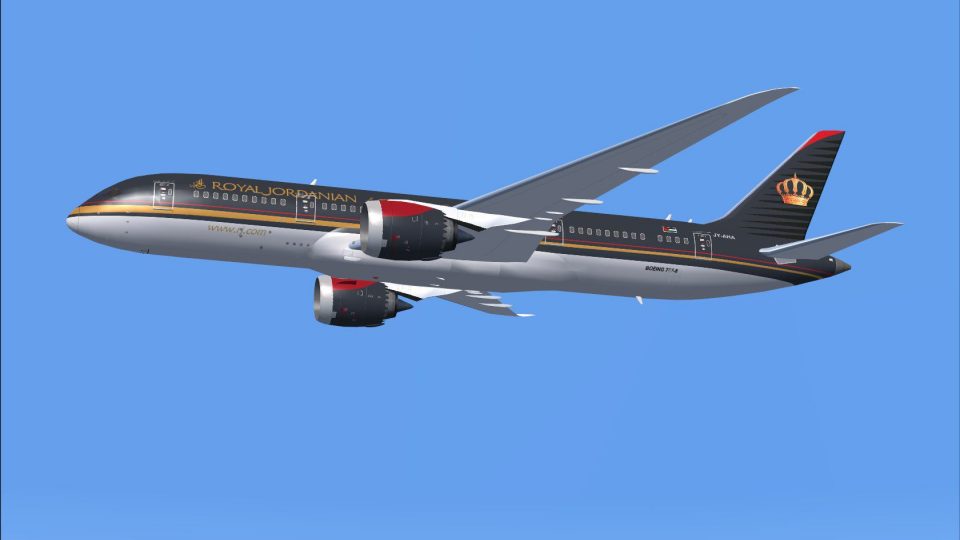
Royal Jordanian Boeing 787-8
This freeware package features the Boeing 787-8 in Royal Jordanian livery, co…
Royal Jordanian Boeing 787-8 AI repaint adds the carrier’s current Dreamliner livery to busier airport traffic with crisp fuselage titles, precise logos, and tailored engine textures for believable gate and enroute scenes in FSX. Optimized for the CamSim Boeing 787 AI base model and requires that separate package.
 Rate
Rate
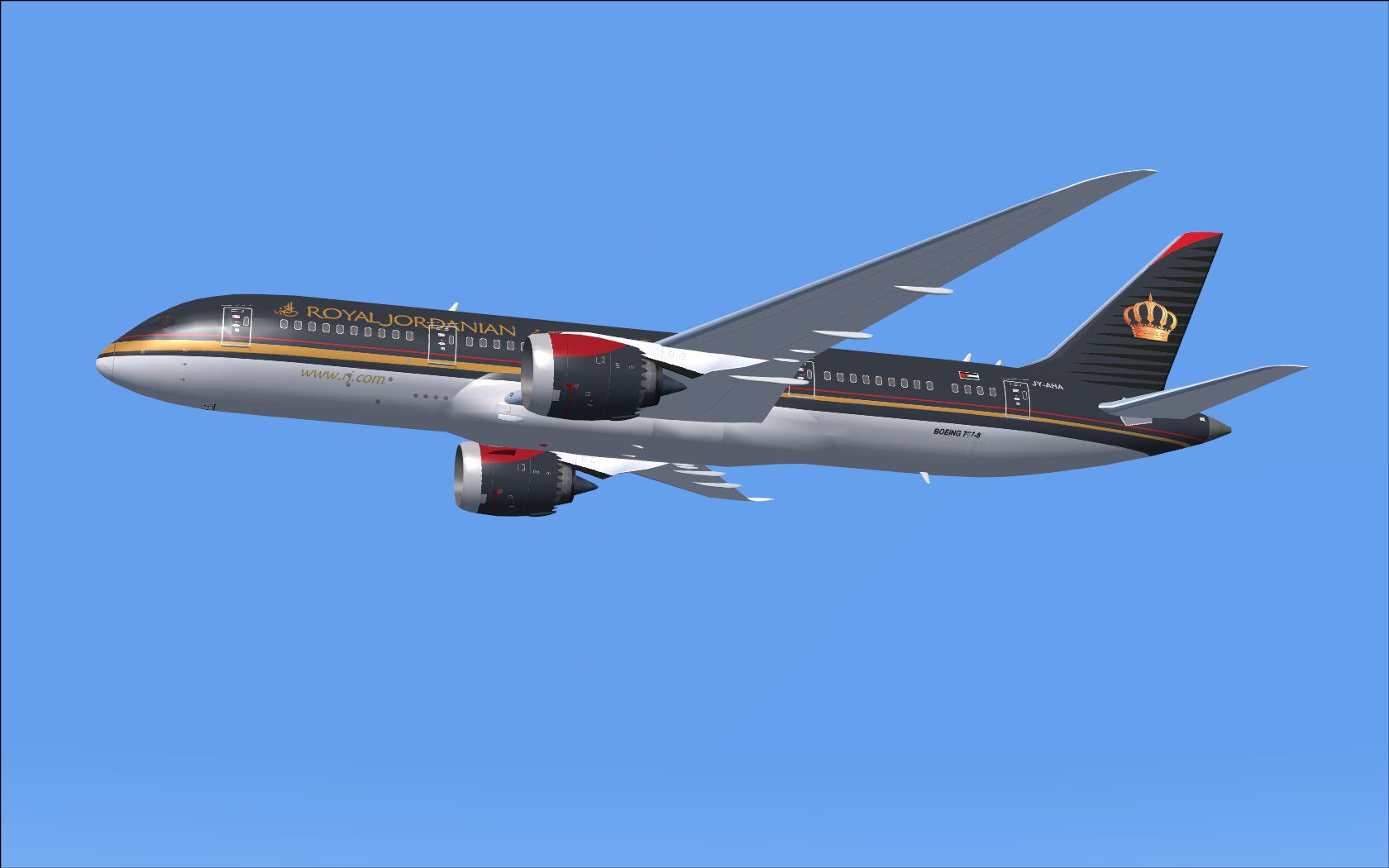
This freeware repaint brings the distinctive Royal Jordanian Boeing 787-8 livery to your AI traffic environment. The real-world airline, headquartered in Amman, Jordan, operates an extensive network across the Middle East, Europe, North America, and Asia. This particular adaptation is optimized for the CamSim Boeing 787 AI base model, which is available separately in the Fly Away Simulation library. Once the textures are incorporated, you will see more realistic traffic flow at major airports where Royal Jordanian’s Dreamliners typically operate.
Model Design and Paint Credits: Camil Valiquette.
This package features detailed fuselage markings, accurate logo placement, and customized engine textures that match Royal Jordanian’s current branding. The Boeing 787-8 (sometimes referred to as an advanced wide-body twinjet) is known for its advanced wing design and efficient engines. The included textures reflect these aerodynamic features, ensuring the model looks accurate from every angle.
Screenshot of Royal Jordanian Boeing 787-8 in flight.
[fltsim.x]
title=Boeing 787-8 v5 AI Royal Jordanian
sim=787-8
model=787-8 ai v5
panel=
sound=
texture=rj
kb_checklists=
kb_reference=
atc_id=xx
atc_airline=xxx
atc_flight_number=xxx
atc_heavy=1
ui_manufacturer="CamSim AI Aircaft"
ui_type="Boeing 787-8 V5 AI"
ui_variation="AI Royal Jordanian"
ui_typerole="Commercial Airliner"
ui_createdby="CamSim"
description="Boeing AI Boeing 787-8 Version 5."
If you run Windows 7 and encounter missing fuselage parts during dawn or dusk, uncheck Preview DirectX 10 under the display settings. This workaround ensures the repaint displays correctly in FSX when operating under certain lighting conditions.
This package only includes the external repaint and does not include the full model. To fully enjoy this Royal Jordanian Boeing 787-8 livery, download the CamSim AI Aircraft Base Model from the Fly Away Simulation library, then follow the steps above to install these textures properly.
Free for all simmers · 416.05 KB · Scanned clean Oct 2026
Download speed: Free tier is capped at 0.5 Mbps. PRO members download at full line speed.
texture.{airline}) inside FSX\SimObjects\Airplanes\{base-aircraft}\.aircraft.cfg in Notepad. Add a new [fltsim.X] section per the readme.readme.txt or README file. It tells you exactly where files go, what dependencies are needed, and any quirks specific to this add-on.The archive camsim788ai_rj_x.zip has 17 files and directories contained within it.
This list displays the first 500 files in the package. If the package has more, you will need to download it to view them.
| Filename/Directory | File Date | File Size |
|---|---|---|
| CamSim Boeing 787-8 V5 AI Texture Only Royal Jordanian | 11.10.14 | 0 B |
| 788v5rj_.jpg | 11.10.14 | 81.58 kB |
| file_id.diz | 11.10.14 | 241 B |
| Read Me_FSX.txt | 11.10.14 | 1.62 kB |
| texture.rj | 11.10.14 | 0 B |
| 787eng_t.bmp | 11.10.14 | 1.00 MB |
| 787int_t.bmp | 06.08.10 | 1.00 MB |
| 787tail_t.bmp | 11.10.14 | 1.00 MB |
| 788fuse_t.bmp | 11.10.14 | 1.00 MB |
| 789wings_t.bmp | 08.21.13 | 1.00 MB |
| gris_t.bmp | 12.09.09 | 16.07 kB |
| tail.bmp | 12.02.12 | 1.00 MB |
| thumbnail.jpg | 11.10.14 | 5.00 kB |
| w787x_t.bmp | 07.17.13 | 16.07 kB |
| w_t.bmp | 10.22.13 | 16.07 kB |
| flyawaysimulation.txt | 10.29.13 | 959 B |
| Go to Fly Away Simulation.url | 01.22.16 | 52 B |
Only PRO members can place votes.
More FSX & P3D add-ons hand-picked based on this download.
FSX Civil Aircraft
This freeware package features the Boeing 787-8 in Royal Jordanian livery, co…
 FSX Civil Aircraft
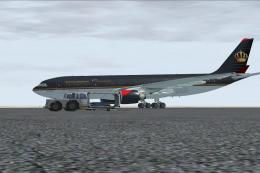
Royal Jordanian Airbus A330-200 PW, "City of Aqaba". Textures only. Model by …
 FSX Civil Aircraft
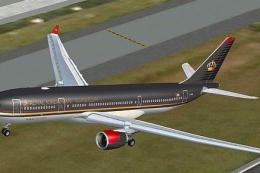
This repaint features Royal Jordanian’s emblematic Airbus A330-200 (Pratt & W…
 FSX Civil Aircraft
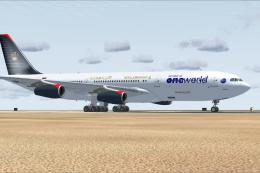
Royal Jordanian Airbus A340-200 in One World livery. Textures only; requires …
 FSX Civil Aircraft
Expand your virtual fleet with this meticulously detailed Royal Jordanian Air…
 FSX Civil Aircraft
This freeware repaint collection offers a customized Royal Jordanian Airbus A…
 FSX Civil Aircraft
Immerse yourself in a nuanced representation of Royal Jordanian’s wide-body o…
 FSX Civil Aircraft
A repaint of the payware Captain Sim L1011. Textures only. Painted by Corina …
Be the first to leave a comment on this download.
Be the first to share your thoughts on this download.