

 FSX Civil Aircraft
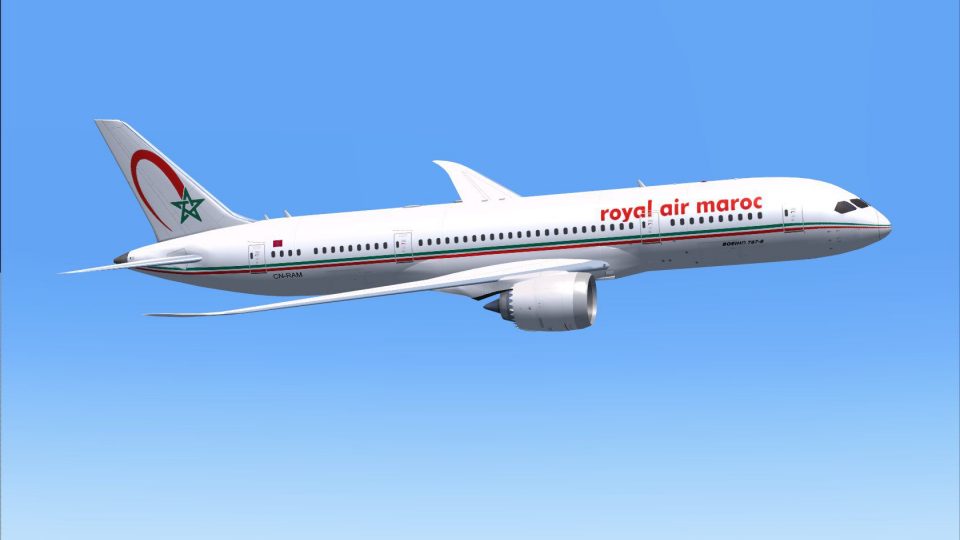
Royal Air Maroc Boeing 787-8
Discover a highly detailed Boeing 787-8 rendition adorned in Royal Air Maroc’…
Royal Air Maroc’s Boeing 787-8 AI livery brings authentic Moroccan long-haul traffic to busy hubs with crisp markings, correct colors, and a clean finish tailored for believable airline movements in FSX and Prepar3D v4/v5. It requires the freeware CamSim AI Boeing 787-8 base model for seamless integration into existing schedules.
 Rate
Rate
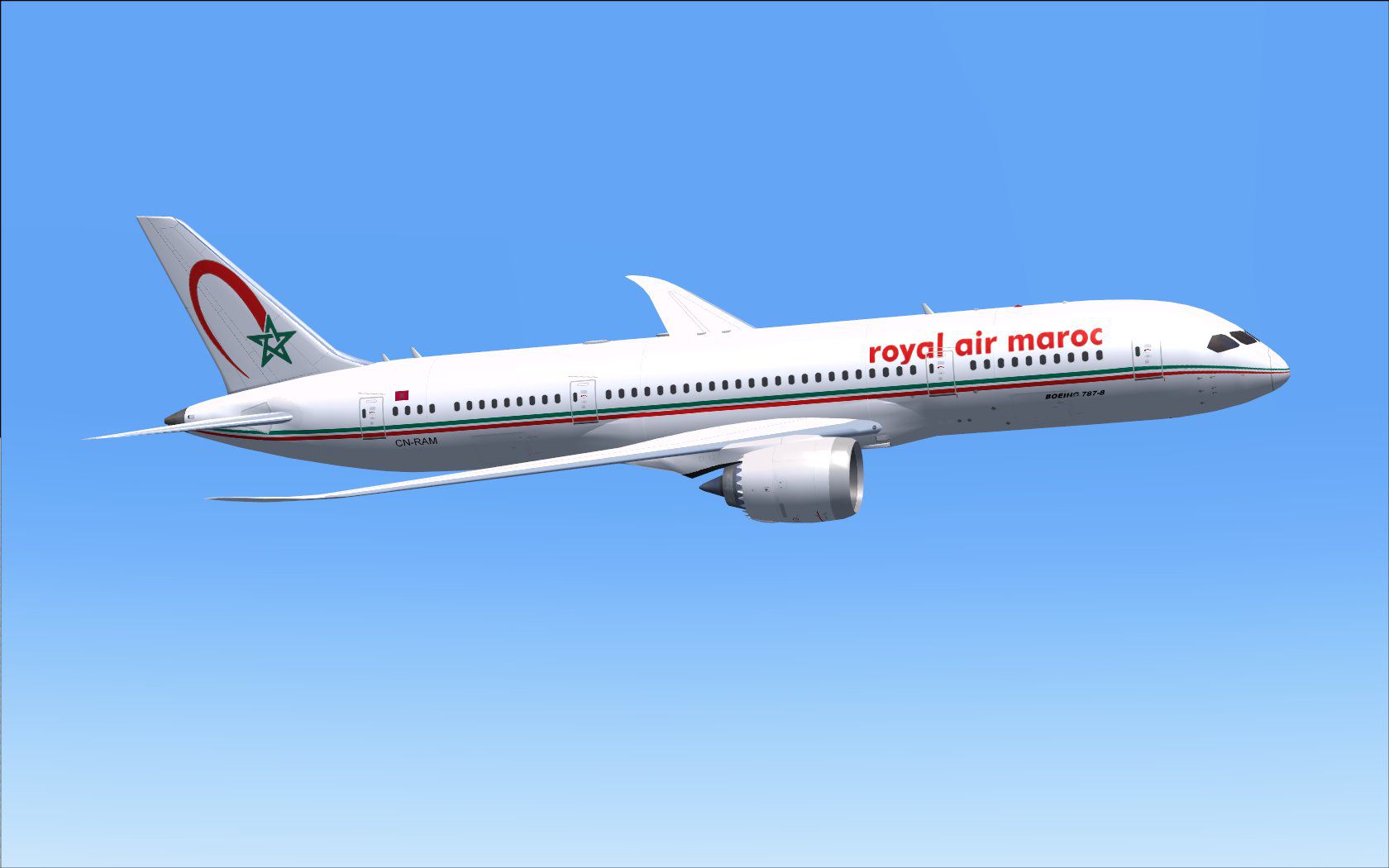
This high-fidelity repaint is intended for simmers looking to incorporate Royal Air Maroc’s distinct Boeing 787-8 livery into AI traffic. It offers accurate texturing for a realistic portrayal of RAM aircraft movements inside Microsoft Flight Simulator X or Prepar3D. Created and designed by Camil Valiquette, this add-on requires the freeware CamSim AI Boeing 787-8 base package, obtainable separately from the Fly Away Simulation repository.
The textures showcase Royal Air Maroc’s vibrant color scheme, often recognized at global airports. The airline, known as the flag carrier of Morocco, operates modern fleets with a particular emphasis on operational efficiency. In real-world service, Royal Air Maroc’s Boeing 787-8 can be spotted on intercontinental routes, leveraging the Dreamliner’s composite airframe for outstanding fuel savings. By incorporating these textures, you can enrich your AI environment with authentic Moroccan long-haul traffic.
Screenshot of Royal Air Maroc Boeing 787-8 in flight.
The Boeing 787-8 is a wide-body jet that leverages cutting-edge aerodynamics, advanced engines, and composite materials. This design, noted for reduced cabin noise and improved fuel burn, makes it a popular choice for operators worldwide. Royal Air Maroc’s usage of this aircraft extends their reach across continents, underscoring the Dreamliner’s versatility in long-haul travel. By introducing these AI textures, you can simulate RAM’s daily operations with detailed accuracy.
This repaint is intended for the CamSim AI model (file name CAMSIM788AI_X.ZIP). Because it only includes the texture files, you should download the base model from Fly Away Simulation’s library first. In doing so, make certain you have the correct AI package installed to ensure proper functionality. Once the model is set up, these Royal Air Maroc textures will seamlessly integrate, adding variety to airline traffic.
[fltsim.x]

title=Boeing 787-8 v5 AI RAM Royal Air Maroc

sim=787-8

model=787-8 ai v5

panel=

sound=

texture=ram

kb_checklists=

kb_reference=

atc_id=xx

atc_airline=xxx

atc_flight_number=xxx

atc_heavy=1

ui_manufacturer="CamSim AI Aircaft"

ui_type="Boeing 787-8 V5 AI"

ui_variation="AI RAM Royal Air Maroc"

ui_typerole="Commercial Airliner"

ui_createdby="CamSim"

description="Boeing AI Boeing 787-8 Version 5."
If you notice missing model sections during dawn or dusk, you should disable Preview DirectX 10 under the Options > Settings > Display > Global settings within FSX. Unchecking this option helps ensure that RAM’s Boeing 787-8 textures appear correctly in all lighting conditions, especially in Windows 7 environments.
Free for all simmers · 416.36 KB · Scanned clean Oct 2026
Download speed: Free tier is capped at 0.5 Mbps. PRO members download at full line speed.
texture.{airline}) inside FSX\SimObjects\Airplanes\{base-aircraft}\.aircraft.cfg in Notepad. Add a new [fltsim.X] section per the readme.readme.txt or README file. It tells you exactly where files go, what dependencies are needed, and any quirks specific to this add-on.The archive camsim788ai_ram_x.zip has 17 files and directories contained within it.
This list displays the first 500 files in the package. If the package has more, you will need to download it to view them.
| Filename/Directory | File Date | File Size |
|---|---|---|
| CamSim Boeing 787-8 V5 AI Texture Only RAM | 11.10.14 | 0 B |
| 788v5ram_.jpg | 11.10.14 | 87.06 kB |
| file_id.diz | 11.10.14 | 245 B |
| Read Me_FSX.txt | 11.10.14 | 1.63 kB |
| texture.ram | 11.10.14 | 0 B |
| 787eng_t.bmp | 04.01.11 | 1.00 MB |
| 787int_t.bmp | 04.01.11 | 1.00 MB |
| 787tail_t.bmp | 03.29.11 | 1.00 MB |
| 788fuse_t.bmp | 11.10.14 | 1.00 MB |
| 789wings_t.bmp | 08.21.13 | 1.00 MB |
| gris_t.bmp | 12.09.09 | 16.07 kB |
| tail.bmp | 12.02.12 | 1.00 MB |
| thumbnail.jpg | 11.10.14 | 5.21 kB |
| w787x_t.bmp | 07.17.13 | 16.07 kB |
| w_t.bmp | 10.22.13 | 16.07 kB |
| flyawaysimulation.txt | 10.29.13 | 959 B |
| Go to Fly Away Simulation.url | 01.22.16 | 52 B |
Only PRO members can place votes.
More FSX & P3D add-ons hand-picked based on this download.
FSX Civil Aircraft
Discover a highly detailed Boeing 787-8 rendition adorned in Royal Air Maroc’…
 FSX Civil Aircraft
This freeware repaint adds a distinctive Royal Air Maroc theme to the default…
 FSX Civil Aircraft
Complete package of the Project Open Sky B747-400 version 4 in Royal Air Maro…
 FSX Civil Aircraft
This free add-on package includes a high-fidelity rendition of the Air Arabia…
 FSX Civil Aircraft
This freeware repaint brings the distinctive Royal Jordanian Boeing 787-8 liv…
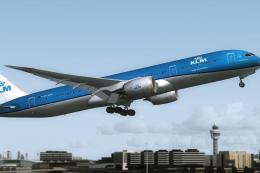 FSX Civil Aircraft
This is the official concept livery of the B787-9 of KLM that will be deliver…
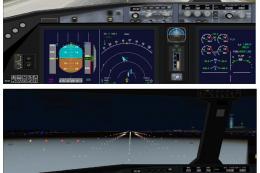 FSX Civil Aircraft
This freeware package features the Boeing 787-8 in Royal Jordanian livery, co…
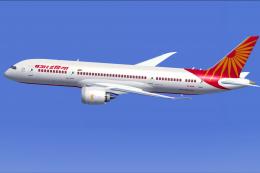 FSX Civil Aircraft
Experience a detailed Air India Boeing 787-8 repaint intended for use with th…
Be the first to leave a comment on this download.
Be the first to share your thoughts on this download.