

 FSX General Aviation Aircraft
Cosmic Wind N22C
A repaint for Rob Richardson's Le Vier Cosmic Wind for Microsoft Flight Simul…
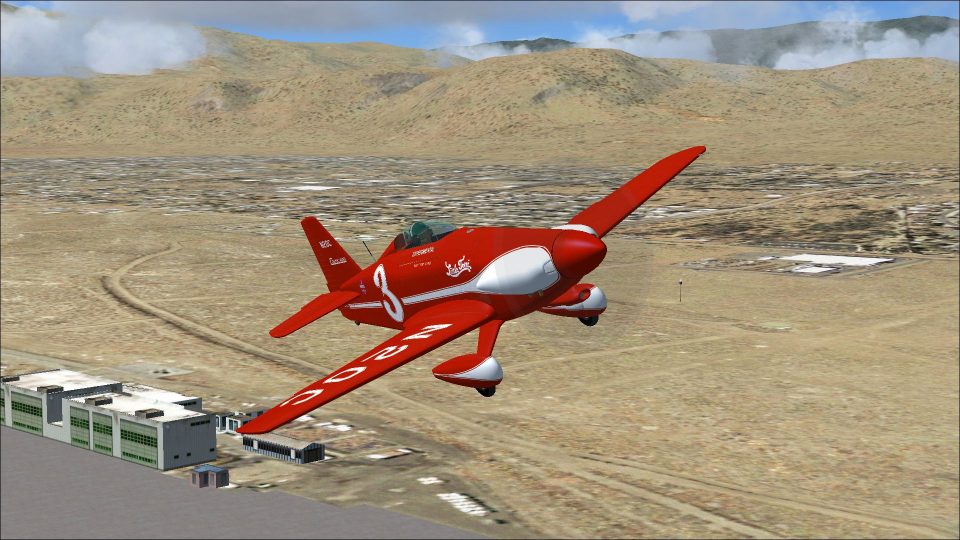
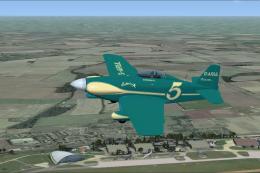
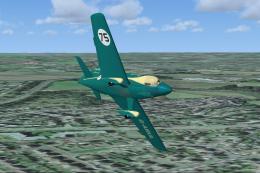
Cosmic Wind N20C recreates the “Little Toni” racer as a detailed repaint for Rob Richardson’s LeVier Cosmic Wind in Microsoft Flight Simulator X Acceleration, capturing the aircraft that Tony LeVier flew to 4th in the 1947 Goodyear Race. Requires Rob Richardson’s base aircraft, with accurate markings and period character.
 Rate
Rate
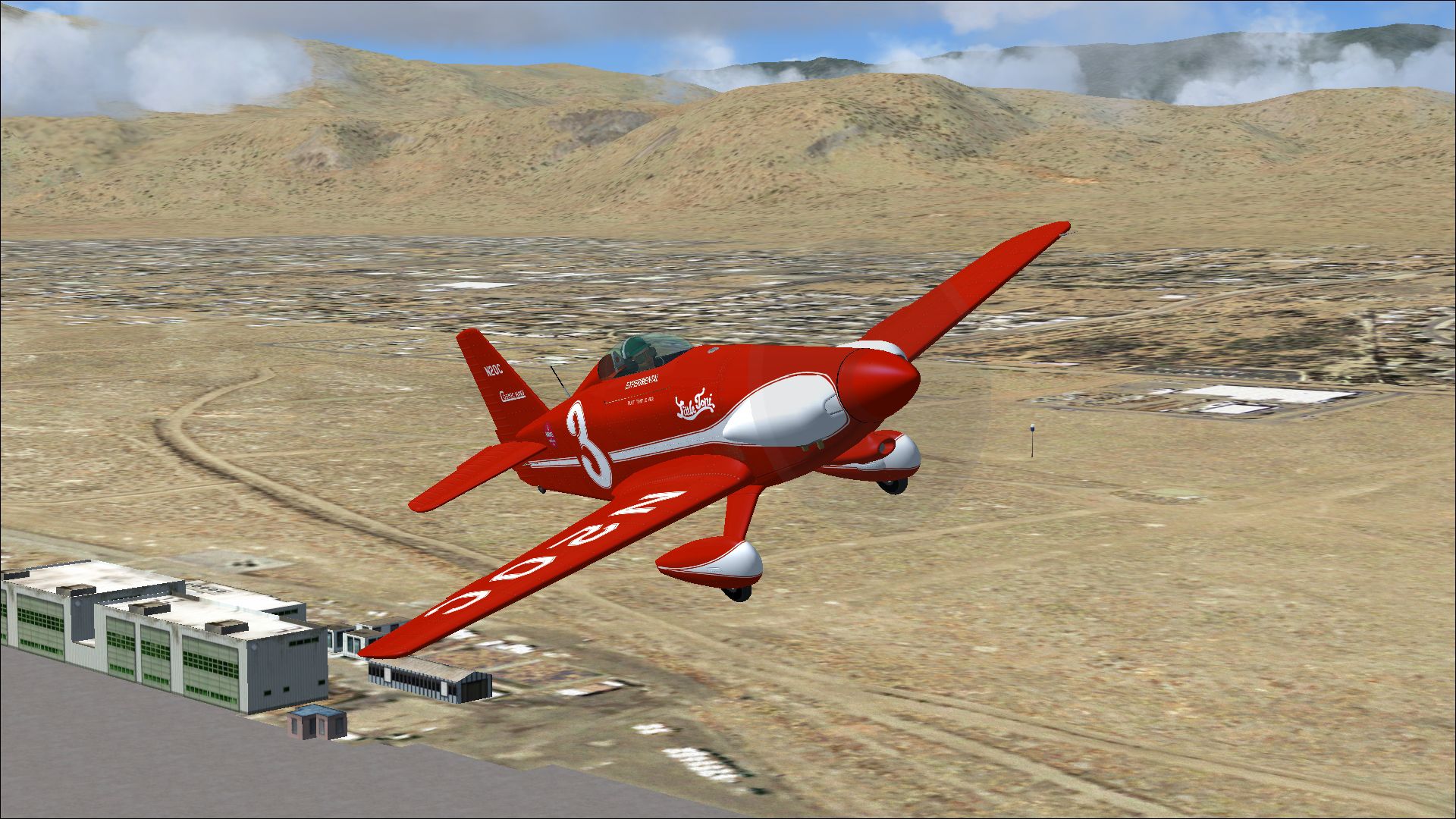
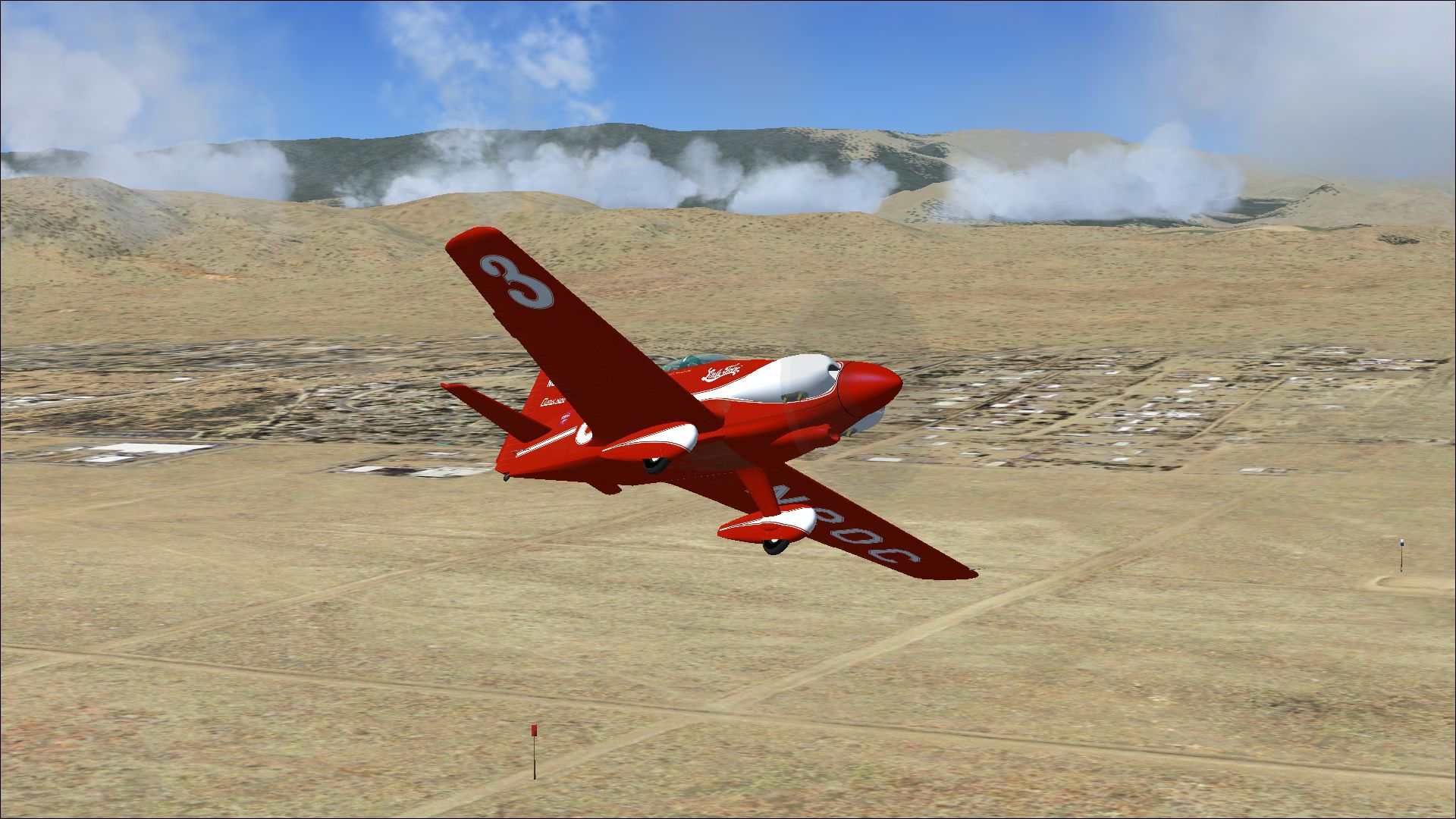

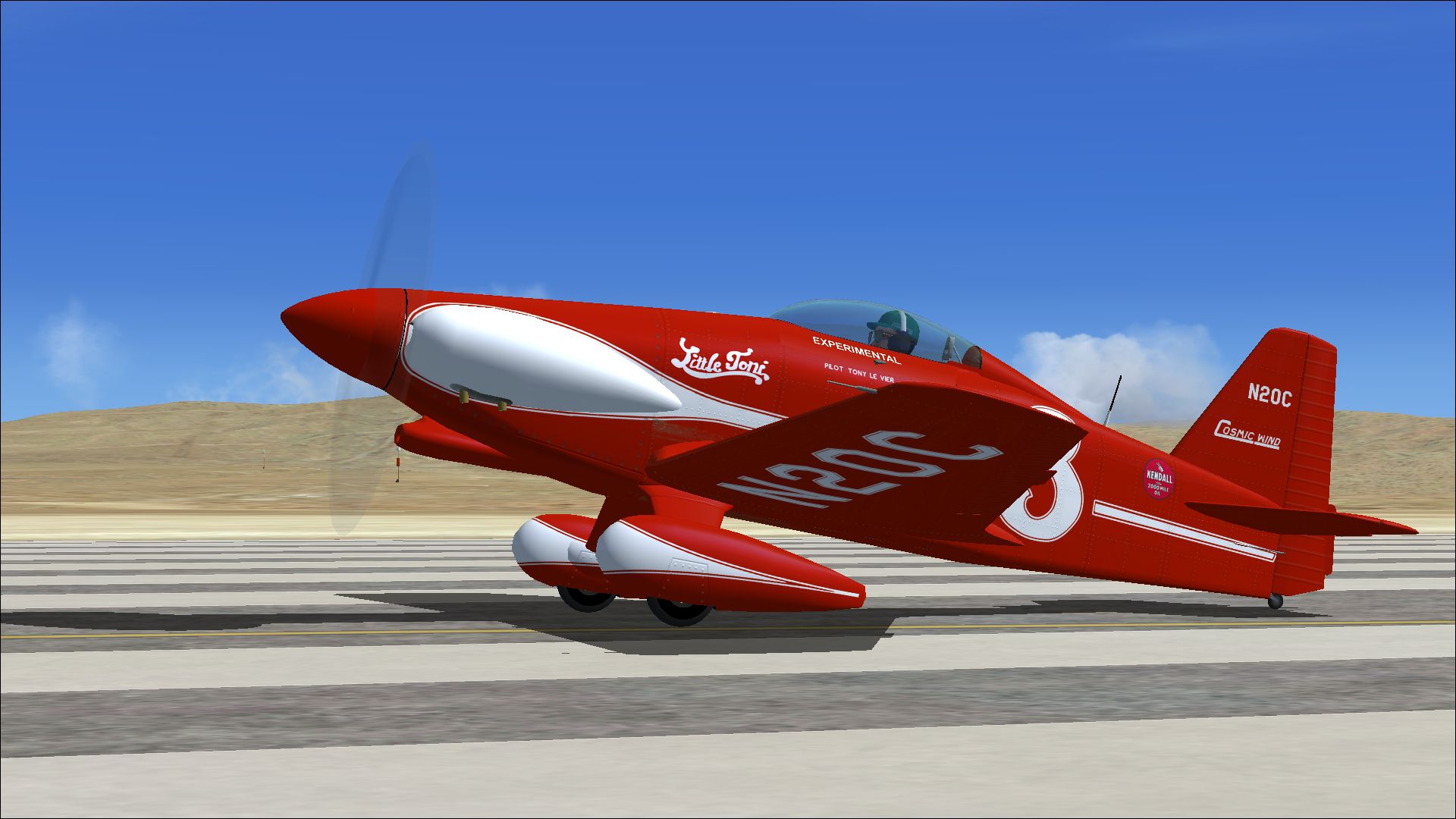
A repaint for Rob Richardson's Le Vier Cosmic Wind for Microsoft Flight Simulator X Acceleration. N20C was the first of three Cosmic Wind originally produced and was named 'Little Toni' and initially raced by Tony LeVier who achieved 4th place in the 1947 Goodyear Race. N20C was exported to England in 1971 as G-AYRJ. Returned to the US in 1977 and is apparently stored in Seattle. Repaint by Peter Watkins.
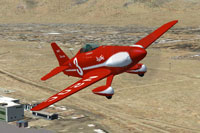
Screenshot of Cosmic Wind N20C in flight.
Installation:
[fltsim.xx]

title=cosmic wind N20C

sim=cosmic wind

model=

panel=

sound=

texture=N20C

kb_checklists=Cosmic_check

kb_reference=Cosmic_ref

atc_id_color=0xffff0000

atc_id=N20C

ui_manufacturer="LeVier"

ui_type="cosmic wind"

ui_variation=N20C

ui_typerole="Single Engine Prop"

ui_createdby="Robert Richardson"

description=N20C was the first of three Cosmic Wind originally produced and was named 'Little Toni' and initially raced by Tony LeVier who achieved 4th place in the 1947 Goodyear Race.
Free for all simmers · 7.92 MB · Scanned clean Oct 2026
Download speed: Free tier is capped at 0.5 Mbps (this file takes approximately 2 mins at the cap). PRO members download at full line speed.
texture.{airline}) inside FSX\SimObjects\Airplanes\{base-aircraft}\.aircraft.cfg in Notepad. Add a new [fltsim.X] section per the readme.readme.txt or README file. It tells you exactly where files go, what dependencies are needed, and any quirks specific to this add-on.The archive cosmic_wind_n20c.zip has 17 files and directories contained within it.
This list displays the first 500 files in the package. If the package has more, you will need to download it to view them.
| Filename/Directory | File Date | File Size |
|---|---|---|
| 17714116.jpg | 04.06.14 | 736.54 kB |
| 17788544.jpg | 04.06.14 | 1.51 MB |
| 17798403.jpg | 04.06.14 | 1.31 MB |
| 17813972.jpg | 04.06.14 | 1.15 MB |
| Installation readme.txt | 04.06.14 | 2.12 kB |
| texture.N20C | 04.06.14 | 0 B |
| Cosmic 1 bumpmap.dds | 04.06.14 | 16.00 MB |
| Cosmic 1.dds | 04.06.14 | 16.00 MB |
| Cosmic 2.dds | 04.06.14 | 16.00 MB |
| Cosmic fuselage bumpmap.dds | 04.06.14 | 16.00 MB |
| Cosmic fuselage.dds | 04.06.14 | 16.00 MB |
| cosmic_spinner.dds | 04.05.14 | 256.12 kB |
| texture.cfg | 01.16.14 | 137 B |
| thumbnail.jpg | 04.06.14 | 1.15 MB |
| Thumbs.db | 03.27.14 | 12.00 kB |
| flyawaysimulation.txt | 10.29.13 | 959 B |
| Go to Fly Away Simulation.url | 01.22.16 | 52 B |
Only PRO members can place votes.
More FSX & P3D add-ons hand-picked based on this download.
FSX General Aviation Aircraft
A repaint for Rob Richardson's Le Vier Cosmic Wind for Microsoft Flight Simul…
 FSX General Aviation Aircraft
A repaint for Rob Richardson's Le Vier Cosmic Wind for Microsoft Flight Simul…
 FSX General Aviation Aircraft
A repaint for Rob Richardson's Le Vier Cosmic Wind for Microsoft Flight Simul…
 FSX General Aviation Aircraft
A repaint for Rob Richardson's Le Vier Cosmic Wind for Microsoft Flight Simul…
 FSX General Aviation Aircraft
A repaint for Rob Richardson's Le Vier Cosmic Wind for Microsoft Flight Simul…
 X-Plane Scenery Libraries
This is an animated wind turbine, suitable for both land and sea. Made in Ske…
 FSX Scenery
Llandudno Wind Farm, North Wales, UK. Situated approximately 8 km off the coa…
 FSX Scenery
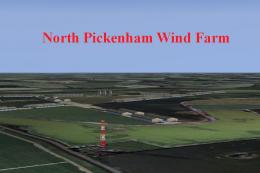
North Pickenham Wind Farm for Neil's Microlights. Situated near Swaffham in N…
Be the first to leave a comment on this download.
Be the first to share your thoughts on this download.