

 FSX General Aviation Aircraft
Cosmic Wind N20C
A repaint for Rob Richardson's Le Vier Cosmic Wind for Microsoft Flight Simul…
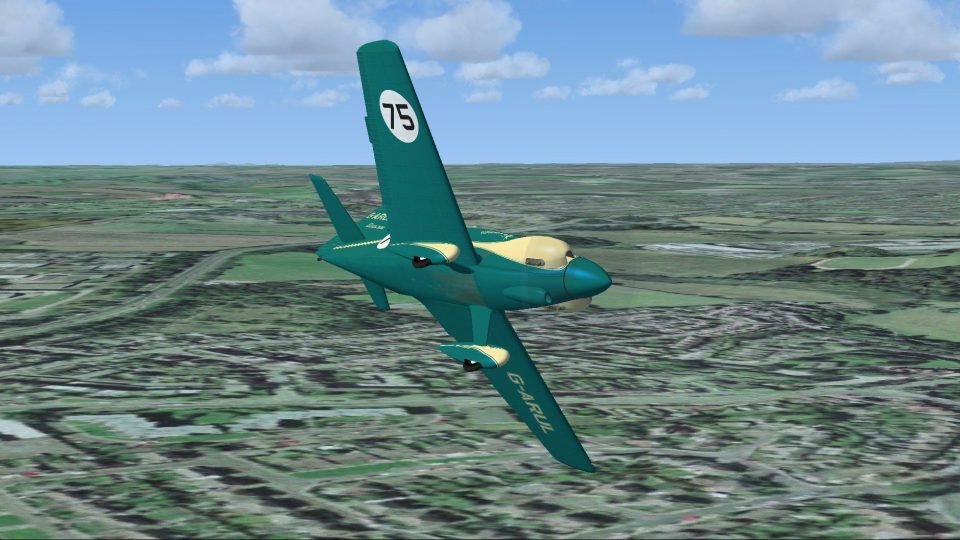
Cosmic Wind G-ARUL “Ballerina” brings the 1964 Kings Cup Air Race winner to life with race number 75 and authentic Tiger Club-era markings for Microsoft Flight Simulator X Acceleration. The repaint reflects ex-N22C, registered in 1961 and flown to victory by Dennis Hartas, and requires Rob Richardson’s Le Vier Cosmic Wind.
 Rate
Rate
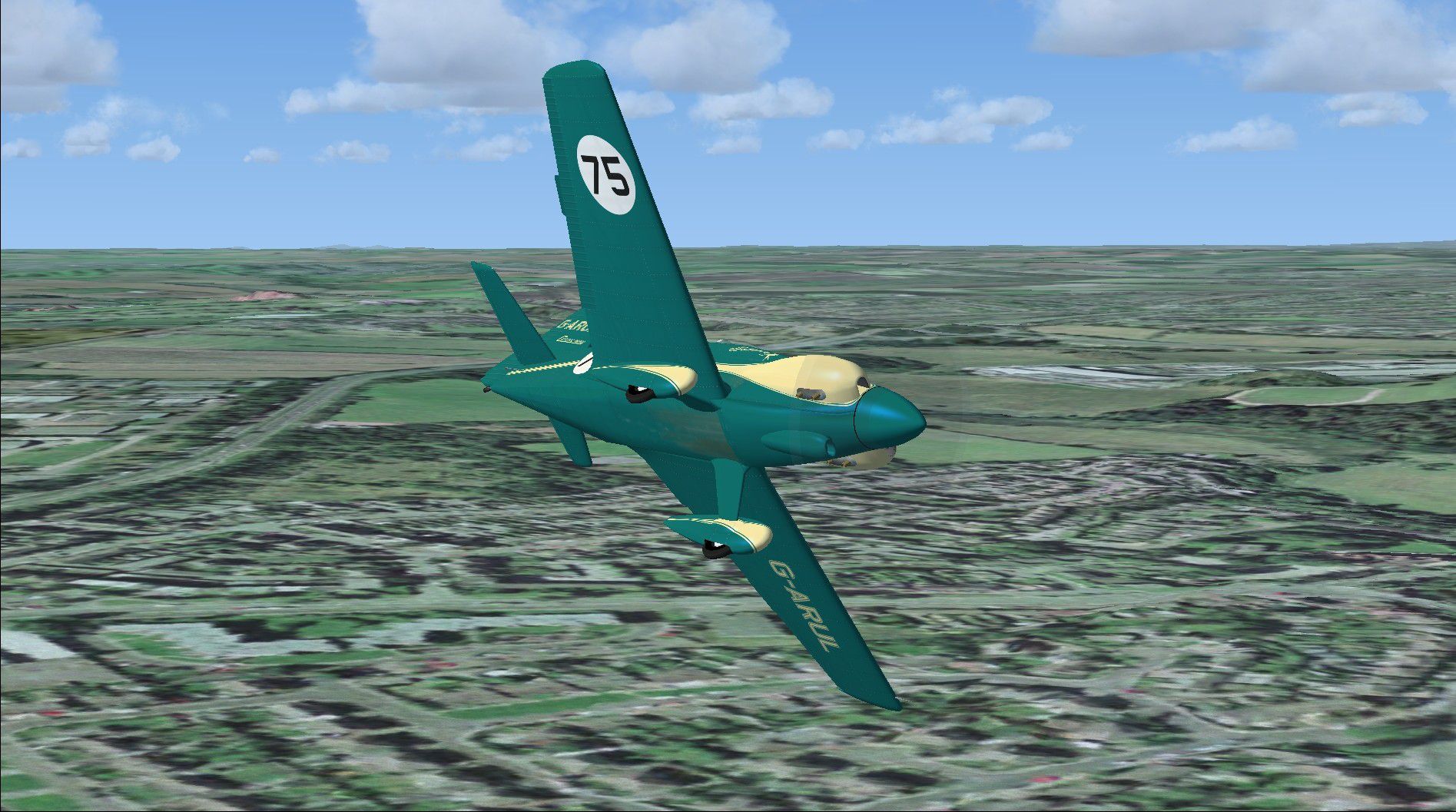
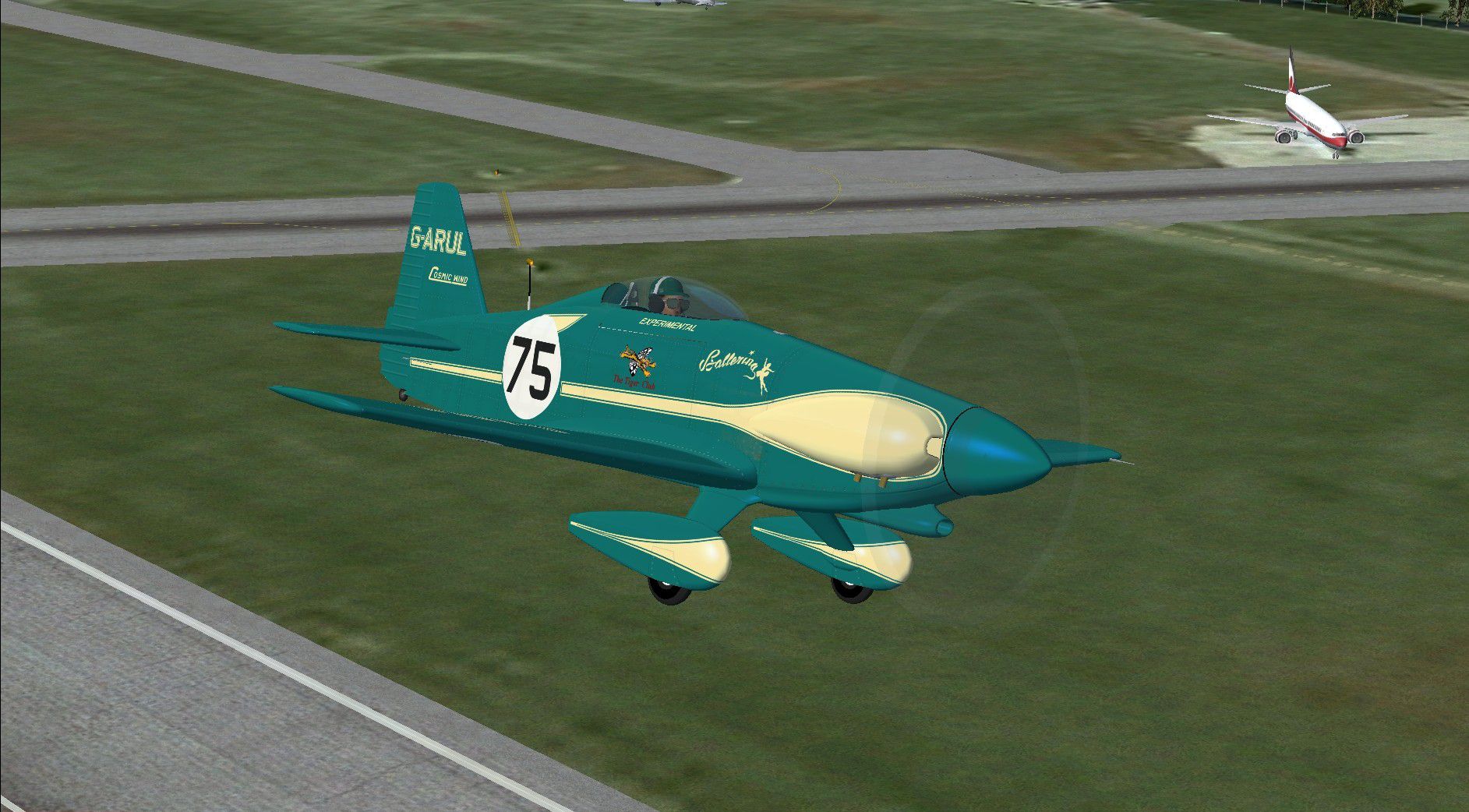
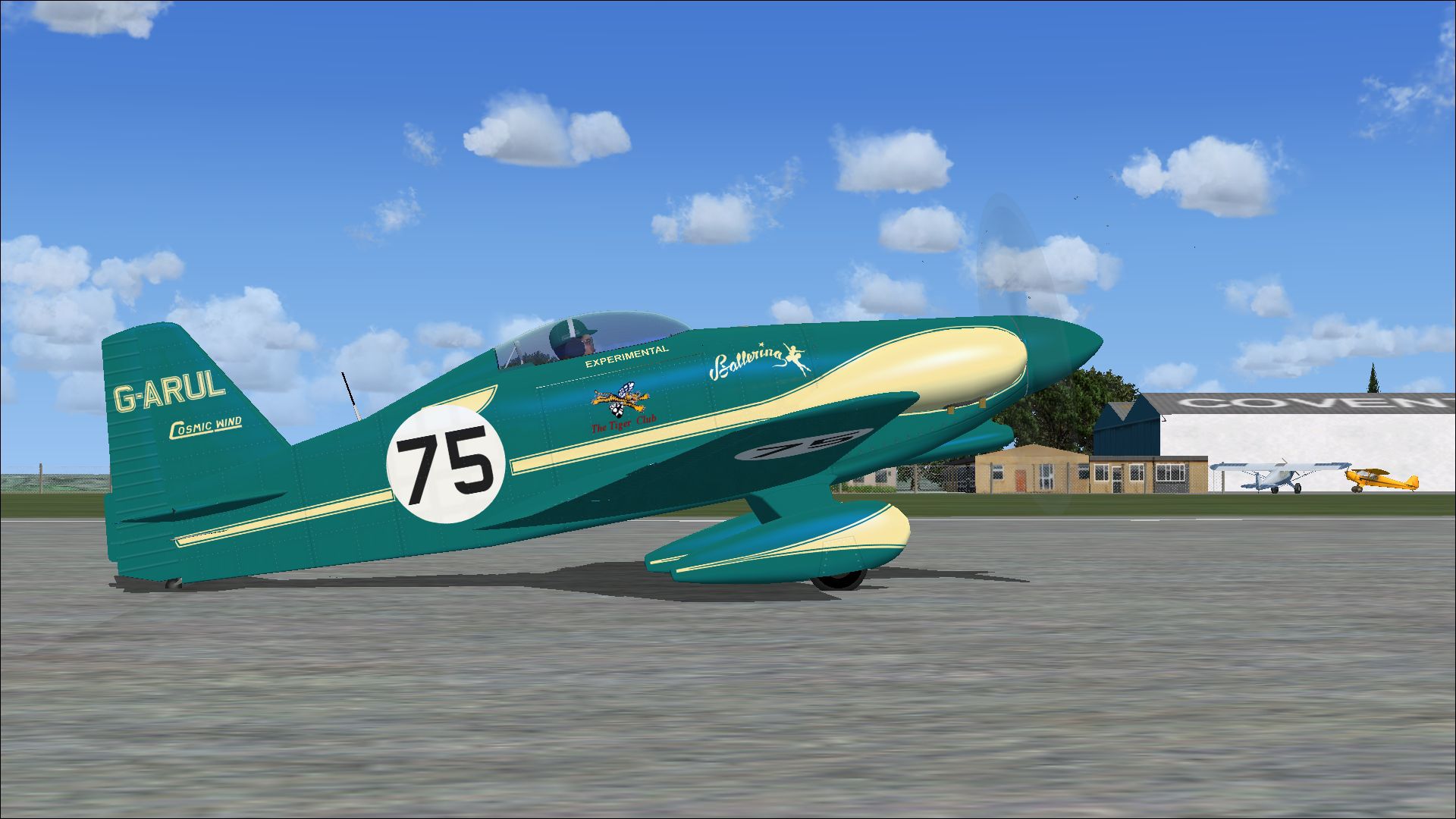
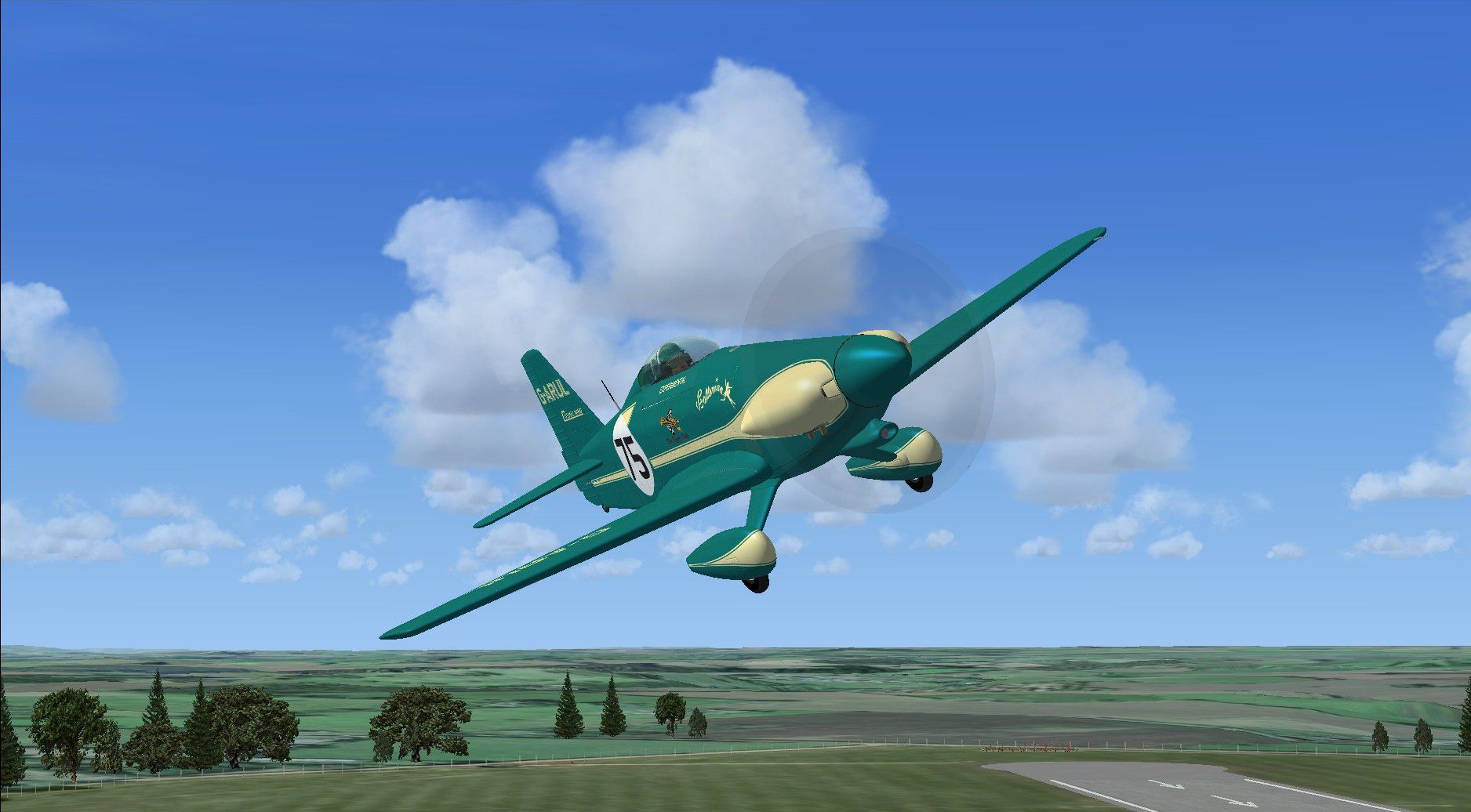
A repaint for Rob Richardson's Le Vier Cosmic Wind for Microsoft Flight Simulator X Acceleration. G-ARUL was ex-N22C, the last of three Cosmic Winds originally produced and was named 'Ballerina'. Registered in 1961 and used by The Tiger Club, G-ARUL is painted with race number 75 which she wore to win the Kings Cup Air Race in 1964 flown by Dennis Hartas. Repaint by Peter Watkins.
Screenshot of Cosmic Wind Kings Cup Winner in flight.
Installation:
[fltsim.xx]

title=cosmic wind Kings Cup

sim=cosmic wind

model=

panel=

sound=

texture=Kings Cup

kb_checklists=Cosmic_check

kb_reference=Cosmic_ref

atc_id_color=0xffff0000

atc_id=G-ARUL

ui_manufacturer="LeVier"

ui_type="cosmic wind"

ui_variation=Kings Cup

ui_typerole="Single Engine Prop"

ui_createdby="Robert Richardson"

description=G-ARUL was ex-N22C, the last of three Cosmic Winds originally produced and was named 'Ballerina'. Registered in 1961 and used by The Tiger Club, G-ARUL is painted with race number 75 which she wore to win the Kings Cup Air Race in 1964 flown by Dennis Hartas.
Free for all simmers · 4.23 MB · Scanned clean Oct 2026
Download speed: Free tier is capped at 0.5 Mbps (this file takes approximately 1 min at the cap). PRO members download at full line speed.
texture.{airline}) inside FSX\SimObjects\Airplanes\{base-aircraft}\.aircraft.cfg in Notepad. Add a new [fltsim.X] section per the readme.readme.txt or README file. It tells you exactly where files go, what dependencies are needed, and any quirks specific to this add-on.The archive cosmic_wind_kings_cup_winner.zip has 17 files and directories contained within it.
This list displays the first 500 files in the package. If the package has more, you will need to download it to view them.
| Filename/Directory | File Date | File Size |
|---|---|---|
| 20942791.jpg | 04.07.14 | 856.41 kB |
| 21211518.jpg | 04.07.14 | 225.61 kB |
| 21217586.jpg | 04.07.14 | 384.01 kB |
| 21250206.jpg | 04.07.14 | 418.16 kB |
| Installation readme.txt | 04.07.14 | 2.19 kB |
| texture.Kings Cup | 04.07.14 | 0 B |
| Cosmic 1 bumpmap.dds | 04.06.14 | 16.00 MB |
| Cosmic 1.dds | 04.07.14 | 16.00 MB |
| Cosmic 2.dds | 04.07.14 | 16.00 MB |
| Cosmic fuselage bumpmap.dds | 04.06.14 | 16.00 MB |
| Cosmic fuselage.dds | 04.07.14 | 16.00 MB |
| cosmic_spinner.dds | 03.28.14 | 256.12 kB |
| texture.cfg | 01.16.14 | 137 B |
| thumbnail.jpg | 04.07.14 | 384.01 kB |
| Thumbs.db | 03.27.14 | 12.00 kB |
| flyawaysimulation.txt | 10.29.13 | 959 B |
| Go to Fly Away Simulation.url | 01.22.16 | 52 B |
Only PRO members can place votes.
More FSX & P3D add-ons hand-picked based on this download.
FSX General Aviation Aircraft
A repaint for Rob Richardson's Le Vier Cosmic Wind for Microsoft Flight Simul…
 FSX General Aviation Aircraft
A repaint for Rob Richardson's Le Vier Cosmic Wind for Microsoft Flight Simul…
 FSX General Aviation Aircraft
A repaint for Rob Richardson's Le Vier Cosmic Wind for Microsoft Flight Simul…
 FSX General Aviation Aircraft
A repaint for Rob Richardson's Le Vier Cosmic Wind for Microsoft Flight Simul…
 FSX General Aviation Aircraft
A repaint for Rob Richardson's Le Vier Cosmic Wind for Microsoft Flight Simul…
 FSX Missions
Race To France-Uruguay Soccer World Cup 2010. This is a mission of an histori…
 FSX Civil Aircraft
This repaint provides a customized Emirates Airbus A330-200 "World Cup 2006" …
 FSX Civil Aircraft
Step into an immersive environment featuring the Qantas Airbus A321 adorned i…
Be the first to leave a comment on this download.
Be the first to share your thoughts on this download.